8 Best Multi-Provider LLM Cost Management Tools for 2026
13 min read
Tools

Table of Contents
Comparing the top multi-provider LLM cost management tools for 2026 are 1. Amnic, 2. LiteLLM, 3. Portkey, 4. Bifrost by Maxim AI, 5. Cloudflare AI Gateway, 6. OpenRouter, 7. Braintrust and 8. LangSmith.
These tools fall into three groups and knowing which group you need matters more than the brand. A FinOps platform (Amnic) allocates and reports spend for finance. AI gateways and proxies (LiteLLM, Portkey, Bifrost, Cloudflare AI Gateway, OpenRouter) sit in the request path to route traffic and cap budgets. Observability and evaluation tools (Braintrust, LangSmith) record cost next to traces and output quality. The sections below keep that order so each tool sits with its peers, not jumbled together.
A multi-provider LLM cost management tool tracks, attributes and controls what you spend across several model providers at once, so OpenAI, Anthropic, Gemini and Amazon Bedrock all roll up into one view instead of four separate invoices. Teams need this because each provider dashboard reports only its own total and none of them can tell you which team, feature, or customer drove the bill, the way cloud cost allocation methods already split a shared cloud invoice. That blind spot widens the moment an app starts calling more than one model.
Most tools in this category were built by engineers to sit in the request path, so they handle routing, virtual keys and per-key budgets well, not the cloud cost management a finance team recognizes. Amnic opens the list because it works at the finance layer, where multi-provider token spend is allocated, budgeted and reported the same way a finance team already handles cloud cost. A mature FinOps practice now expects that LLM spend to land beside the rest of the bill, not in a separate silo.
Multi-Provider LLM Cost Management Tools at a Glance
FinOps platform (allocate and report spend)
Amnic: Multi-provider token spend and multi-cloud cost in one view, attributed to teams and cost centers, with budgets and anomaly alerts inside a full FinOps platform.
AI gateways and proxies (route traffic and cap budgets)
LiteLLM: Open-source proxy that normalizes 100+ providers to an OpenAI-compatible API with spend tracking per key, user and team.
Portkey: AI gateway that unifies a very large model catalog with cost attribution, virtual keys and guardrails.
Bifrost by Maxim AI: Open-source enterprise gateway with a four-level budget hierarchy, semantic caching and provider failover.
Cloudflare AI Gateway: Multi-provider gateway with free analytics, caching and rate limiting across your AI traffic.
OpenRouter: Unified API and router that aggregates billing and usage across 300+ models behind one credit balance.
Observability and evaluation (cost next to traces and quality)
Braintrust: Observability and evaluation platform that records per-span cost across providers next to output quality.
LangSmith: Trace-level cost tracking for OpenAI, Anthropic and Gemini calls inside LangChain and LangGraph apps.
Multi-Provider LLM Cost Management Tools Comparison Table
Information reflects vendor sources as of June 2026. Confirm current pricing with the vendor.
Tool | Category | Provider coverage | Cross-provider cost features | Free option | Pricing model |
|---|---|---|---|---|---|
Amnic | FinOps platform | OpenAI, Anthropic, Gemini, Bedrock + AWS, Azure, GCP | Team, feature and cost-center allocation, budgets, anomaly alerts | One-month trial | % of monitored spend |
LiteLLM | Gateway / proxy | 100+ providers | Spend tracking and budgets per key, user, team | Open-source self-host | Free OSS + enterprise |
Portkey | Gateway / proxy | 250+ models | Cost attribution, virtual keys, budget alerts | Free 10k logs/mo | Tiered + open-source |
Bifrost by Maxim AI | Gateway / proxy | 23+ providers, 1,000+ models | Customer/team/key budget hierarchy, semantic caching | Open-source self-host | Free OSS + enterprise |
Cloudflare AI Gateway | Gateway / proxy | Multiple providers | Cost estimation, caching, rate limiting | Free core features | Free + Workers Paid $5/mo |
OpenRouter | Gateway / router | 300+ models | Aggregated billing, per-model usage analytics | Pay-as-you-go credits | Passthrough + fees |
Braintrust | Observability + eval | Major providers | Per-span cost tied to traces and evals | Free 1M spans/mo | Pro $249/mo + enterprise |
LangSmith | Observability + eval | OpenAI, Anthropic, Gemini | Cost per trace, metadata tags by project | Free 5k traces/mo | $39/seat/mo + enterprise |
What Is a Multi-Provider LLM Cost Management Tool?
A multi-provider LLM cost management tool is software that brings spend from several model providers into one place, then attributes each dollar to the team, feature, or customer that caused it. It answers a question no single provider console can: across every API we call, where is the money going?
Under the hood these tools sit in one of two places. Gateways and proxies intercept each request, so they can apply virtual keys, per-key budgets, caching and failover before a call ever reaches a provider.
Observability platforms read the traffic after the fact, recording token counts and estimated cost on each span so spend can be sliced by prompt, tool, or retrieval step. Both depend on accurate per-model pricing tables, because input, output and reasoning tokens carry very different rates and a lighter model such as the one behind Perplexity API pricing costs far less per token than a frontier model.
For a buyer, the dividing line is who owns the number. An engineering team usually wants request-time control and trace detail, while a finance team wants the spend allocated, budgeted and reported next to cloud cost for chargeback. Real cost allocation at the model and inference layer is what turns a meter into a control system and it is the gap most gateway dashboards leave open.
The eight tools below are grouped into three categories so you can compare like with like: a FinOps platform first, then AI gateways and proxies, then observability and evaluation tools.
How We Evaluated Multi-Provider LLM Cost Management Tools
Provider coverage: how many model providers the tool unifies and whether OpenAI, Anthropic, Gemini and Bedrock all report in one place.
Cost attribution: whether spend can be split by team, feature, customer, or cost center, not just shown as a single running total.
Budget controls: support for budgets, limits and alerts at the key, team, or project level, the foundation of real cost control before overruns happen.
Spend visibility depth: token, request and trace-level detail, plus how clearly the dashboard exposes per-model cost.
Pricing and free tier: the entry cost, what the free plan actually covers and how cost scales with usage.
Finance fit: whether the tool ties LLM spend to broader cloud cost and supports chargeback, showback and anomaly detection the way a FinOps team needs.
Top Multi-Provider LLM Cost Management Tools in 2026
FinOps Platform
A FinOps platform treats LLM spend as one line in the company's wider cloud bill instead of a developer tool sitting off to the side. It reads token usage from every provider, prices it and assigns each dollar to the team, feature, or customer that caused it. The output is a number finance can drop into a budget, a forecast, or a chargeback report.
This is the layer the other two categories never reach. A gateway can cap a key and an observability tool can trace a span, but neither folds AI spend into the same allocation model as the rest of cloud cost. If finance owns the AI bill and needs showback across teams, the kind of split that FinOps tools for cost allocation and unit economics bring to a cloud invoice, this is the category to start with.
1. Amnic
Best for: FinOps and finance teams that need multi-provider LLM spend allocated and reported beside the rest of cloud cost.
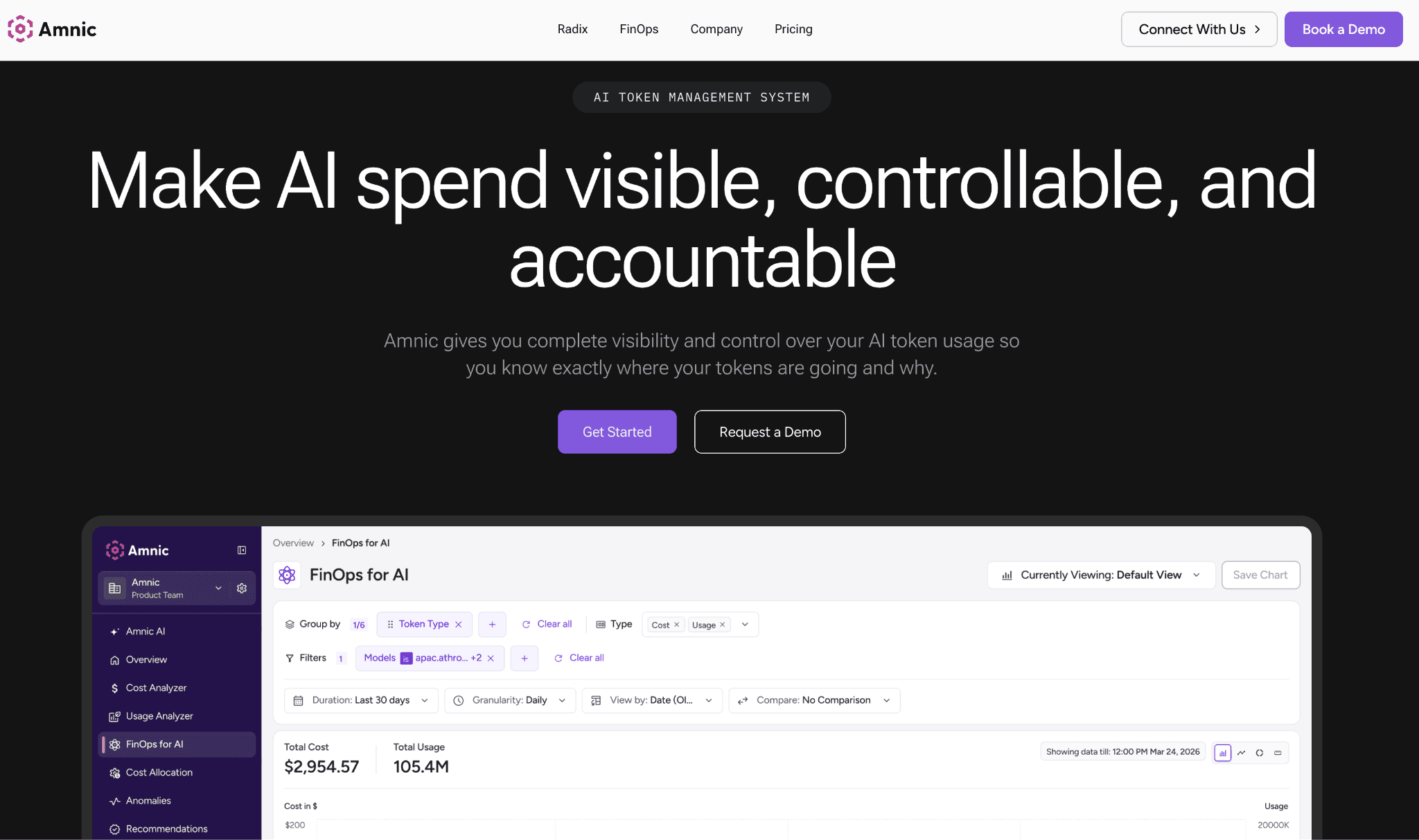
Amnic is a FinOps platform that reads token spend across OpenAI, Anthropic, Gemini and Bedrock and places it next to AWS, Azure and GCP cost in a single view. Where a gateway shows one team its own usage, Amnic attributes spend across every provider to the team, feature, customer, or cost center that caused it, then runs budgets and anomaly alerts on top. That is the difference between logging requests and managing a bill.
Connection is agentless and read-only, so Amnic reads billing and usage without write access to your infrastructure and it carries SOC 2 Type II, ISO 27001 and GDPR compliance. Finance teams get chargeback, showback, unit economics and forecasting in the same workspace they already use for cloud cost, which is why AI token management sits inside the platform rather than in a standalone tool.
Key features:
Multi-provider token spend tracking that unifies OpenAI, Anthropic, Gemini and Bedrock in one dashboard, so no provider hides in its own console.
Cost allocation by team, feature, customer and cost center, which is what makes chargeback and showback possible across a shared AI bill.
Budgets and threshold alerts per team or cost center, so a runaway agent triggers a warning instead of a month-end surprise.
Anomaly detection that flags abnormal spend spikes across both AI and cloud, useful when a prompt change quietly doubles token use.
Unit economics and forecasting that tie spend to business output, so finance can see cost per feature, not just cost per model.
Multi-cloud and Kubernetes cost in the same view, so inference cost on GPUs lands beside the LLM API bill.
Agentless, read-only access with SOC 2 Type II, ISO 27001 and GDPR, which clears most security reviews without infrastructure changes.
Pricing: Amnic charges a percentage of monitored spend, roughly 0.25% to 1%, so cost scales with the spend you put under management rather than a flat platform fee. A one-month trial is available on the startup tier with no credit card.
Enterprise plans support a negotiated spend cap and persona views for CTO, FinOps, SRE and CFO and the full pricing scales with the spend you monitor.
Pros:
The only tool here that unifies multi-provider LLM spend with multi-cloud cost in one finance-grade view.
Allocation, chargeback and budgets are built for finance owners, not retrofitted onto a developer log.
Agentless read-only setup with strong compliance posture clears security review fast.
Cons:
It is a FinOps platform, not an inline gateway, so it does not route requests or enforce a hard cap at call time.
Percentage-of-spend pricing means very large estates should model the cost before committing.
AI Gateways and Proxies
An AI gateway sits in the request path between your application and the model providers. Every call passes through it, so it can route traffic to the cheapest capable model, issue virtual keys, enforce per-key and per-team budgets and cache responses before a request ever reaches a provider. That request-time enforcement is the layer behind most AI cost governance tools and a passive dashboard cannot match it.
The trade-off is that gateways report usage, not finance. They show spend by key and by team, but they stop short of chargeback, forecasting, or tying the bill to the rest of cloud cost. They fit engineering teams that want to standardize many provider APIs behind one endpoint and stop overruns at the source. The five options below run from lightweight open-source proxies to enterprise gateways built for high throughput.
2. LiteLLM
Best for: Engineering teams that want one open-source proxy to standardize many provider APIs and track spend per key.
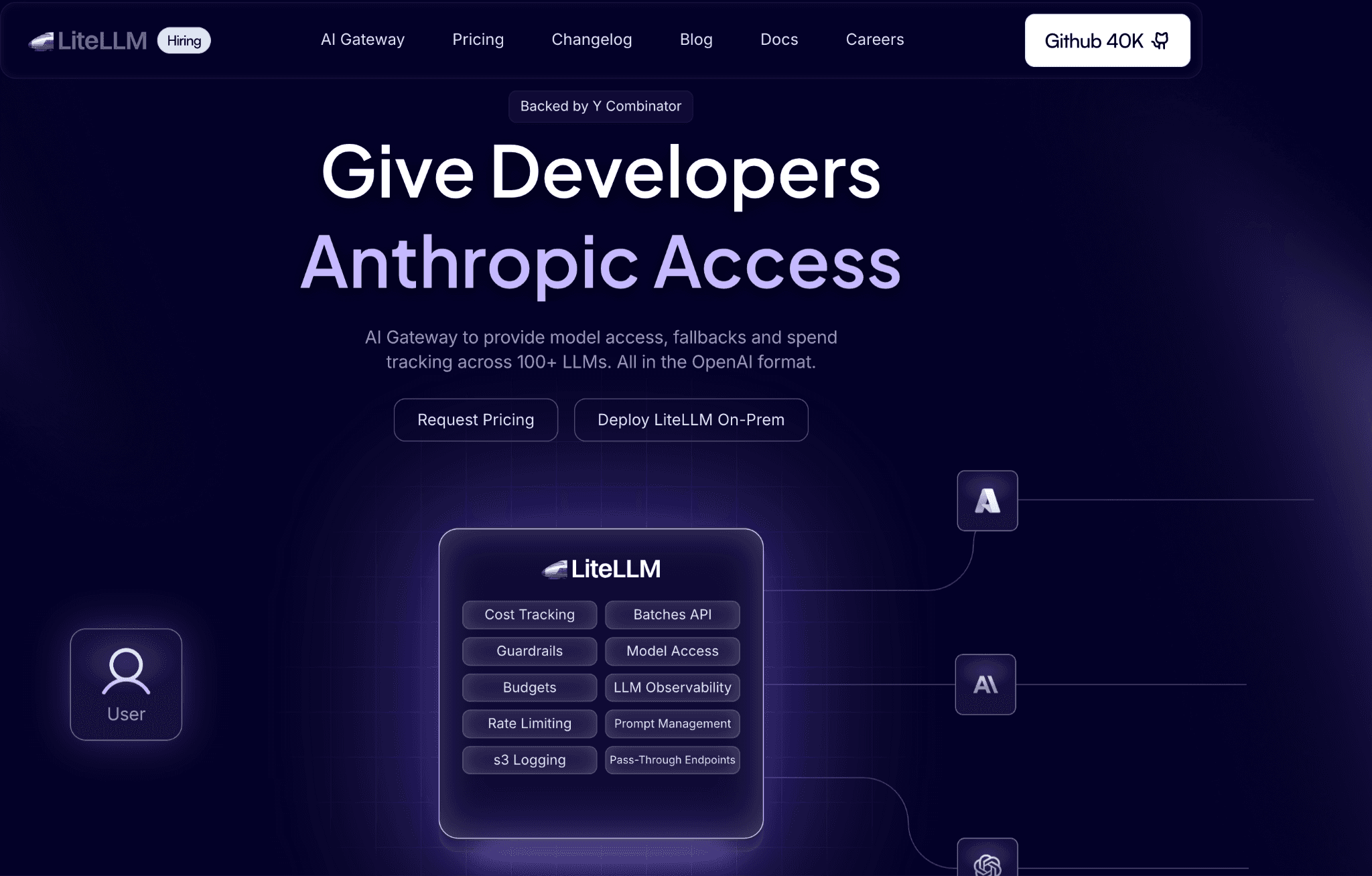
LiteLLM is a lightweight open-source proxy that normalizes more than 100 providers to a single OpenAI-compatible API, so application code calls one endpoint regardless of the model behind it. It tracks spend automatically for known models and records cost by key, user, team and custom tag, which gives engineers a clean per-consumer breakdown without bolting on a separate tool.
The proxy adds virtual key management, budgets and rate limits per key or user, load balancing and fallback routing. Because it is self-hosted, the spend data, budgets and logs live in your own database, which appeals to teams that want the control other AI cost tracking tools trade away for a hosted dashboard.
Key features:
OpenAI-compatible API across 100+ providers, so swapping models does not mean rewriting client code.
Automatic spend tracking per key, user, team and custom tag, which covers most internal attribution needs.
Budget limits and rate limits per key or user, enforced at the proxy before a call goes out.
Load balancing and fallback routing across deployments, so a provider outage does not stop traffic.
Virtual key management for issuing scoped credentials to different teams or apps.
Native logging integrations with tracing tools, useful when cost data needs to flow into observability.
Pricing: The open-source proxy is free to self-host with no usage fee, so the real cost is the database and infrastructure it runs on. A paid enterprise tier adds SSO, support and added governance.
Self-hosting means you own the operational overhead, including the PostgreSQL or Redis backend the proxy needs for keys, budgets and logs.
Pros:
Free, open-source and broad provider coverage make it a fast way to centralize multi-provider calls.
Per-key spend tracking and budgets are genuinely useful for internal chargeback.
Self-hosting keeps cost and usage data inside your own environment.
Cons:
It is engineering infrastructure, so finance teams get raw spend data, not chargeback reports or forecasts.
Running and scaling the proxy and its database is your responsibility, which adds operational load.
3. Portkey
Best for: Teams that want a managed AI gateway with cost attribution across a very large model catalog.
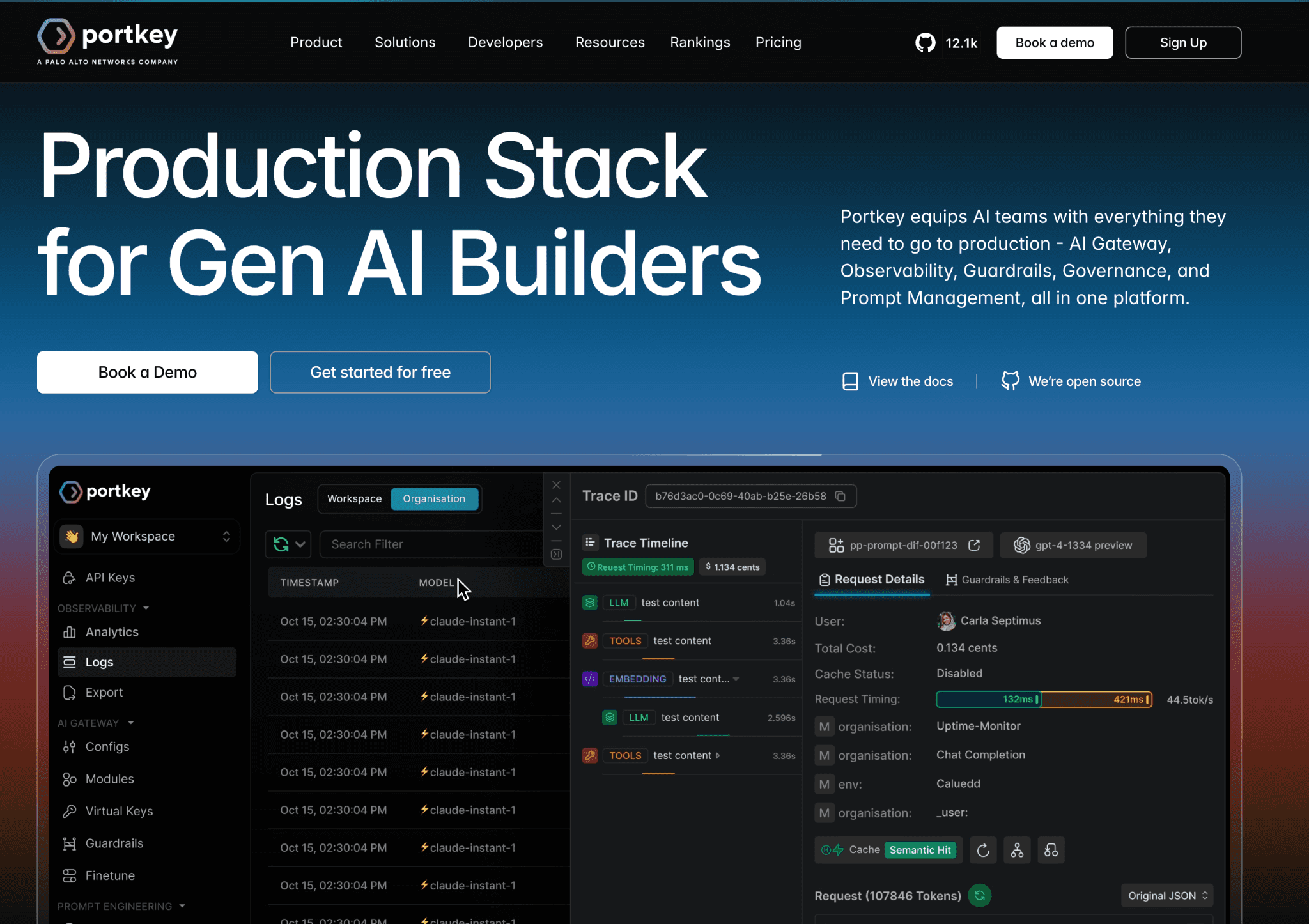
Portkey is an AI gateway that puts a single endpoint in front of 250-plus models and records every prompt, response, token and cost so spend can be attributed across the stack. It leans into detailed cost attribution and observability, with virtual keys, budget alerts and guardrails layered on top of the routing.
The gateway was open-sourced under Apache 2.0, so teams can self-host the routing layer, while the managed service adds dashboards, retention and governance. Routing simple calls to cheaper models is the same lever the dedicated Anthropic cost optimization tools pull, applied here across a wider catalog.
Key features:
Unified API across 250+ models, so multi-provider traffic runs through one integration.
Cost attribution down to the prompt, response and token, mapped to keys and metadata.
Virtual keys with budget and rate controls for separating teams and environments.
Guardrails and request governance that sit in the same layer as cost tracking.
Self-hostable open-source gateway plus a managed cloud option for teams that want both.
Automatic pricing updates and custom pricing support for accurate per-model cost.
Pricing: The managed free tier includes 10,000 logs per month and once you pass that limit logging stops while requests keep flowing, so visibility goes dark before service does. Paid production plans start around $49 per month, with custom enterprise pricing above that.
The open-source gateway is free to self-host under Apache 2.0, which suits teams that want routing without the managed log quota.
Pros:
Very large model catalog behind one endpoint, with cost attribution that reaches token level.
Open-source gateway plus managed service gives a clear upgrade path.
Guardrails and budgets live alongside cost tracking in one layer.
Cons:
The free log quota is small, so real traffic loses visibility quickly without a paid plan.
Attribution is request and metadata based, not finance-grade chargeback tied to cloud cost.
4. Bifrost by Maxim AI
Best for: Enterprises that need a high-throughput open-source gateway with strict budget hierarchy and caching.
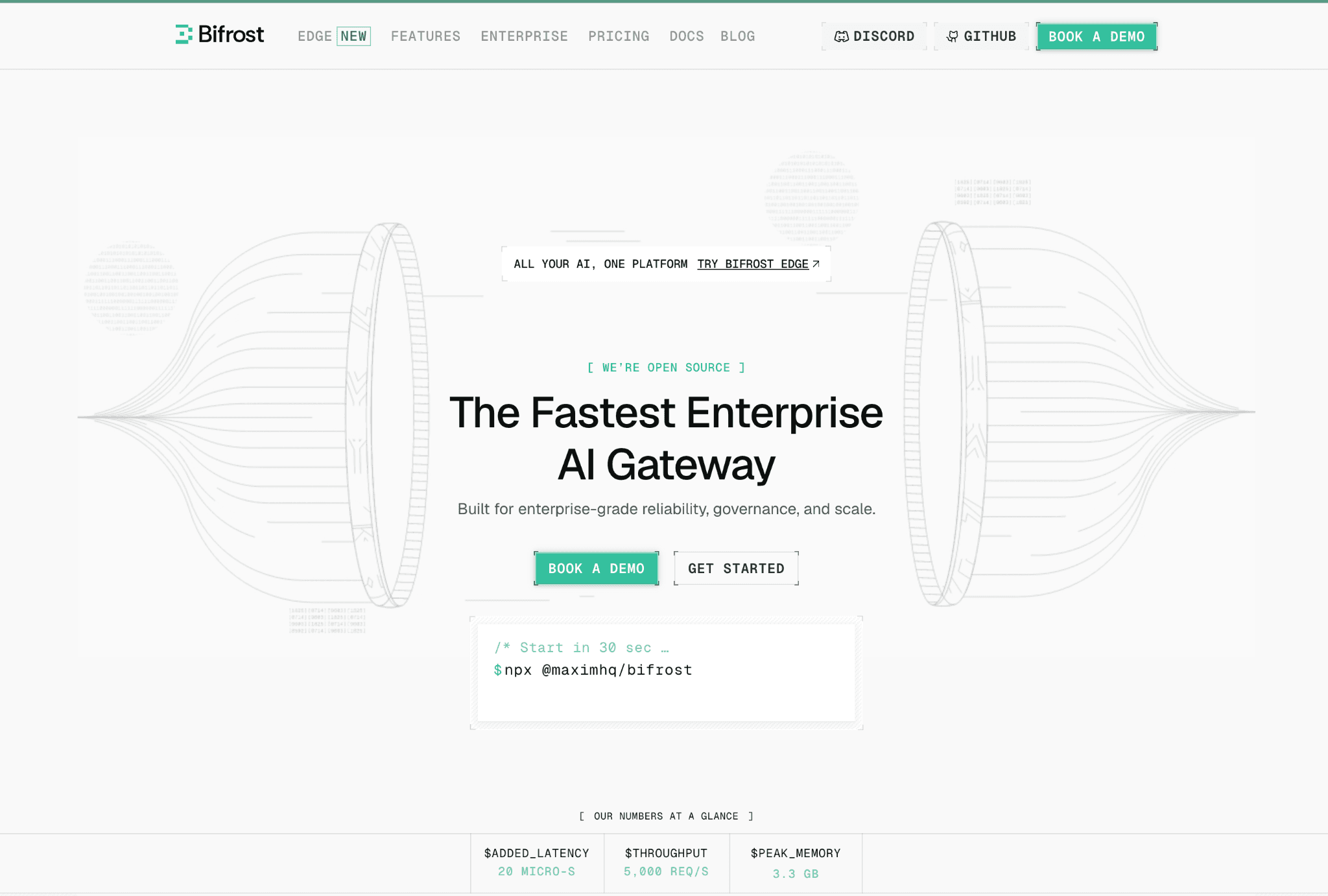
Bifrost is the open-source AI gateway from Maxim AI, written in Go and built to add minimal latency at high request rates while unifying 1,000-plus models across 23-plus providers behind an OpenAI-compatible API. Its cost story centers on a budget hierarchy that runs from customer to team to virtual key, so limits and rate caps apply at every level of an organization, much like how finance approaches budgeting across cost centers.
Semantic caching is the other lever: Bifrost detects semantically similar requests and serves cached responses, which cuts both latency and token spend on repeated or paraphrased queries. The core ships under Apache 2.0 with governance included and an enterprise tier adds audit logs, role-based access control and in-VPC deployment.
Key features:
OpenAI-compatible API across 23+ providers and 1,000+ models from one gateway.
Four-level budget hierarchy from customer to team to virtual key for granular limits.
Semantic caching backed by vector stores, which serves similar requests without a new API call.
Provider failover and adaptive load balancing for resilience under load.
Very low per-request overhead, aimed at high-throughput production traffic.
Open-source under Apache 2.0, with governance available in the free core rather than behind a paid tier.
Pricing: The core gateway is free and open-source under Apache 2.0, including budgets and governance, so the base cost is the infrastructure you run it on. An enterprise tier adds audit logs, RBAC and in-VPC deployment for compliance-heavy teams.
Because it is self-hosted, you take on the operational work of running and scaling the gateway, plus any vector store the semantic cache uses.
Pros:
Strong budget hierarchy and semantic caching make it a genuine cost-control layer, not just a router.
Open-source with governance included, so most features need no paid plan.
Built for high throughput with low added latency.
Cons:
Self-hosting and the caching backend add real operational complexity.
Cost controls live at the gateway, so finance still needs a separate layer for chargeback and reporting.
5. Cloudflare AI Gateway
Best for: Teams that want a lightweight, low-cost gateway with free analytics and caching across providers.
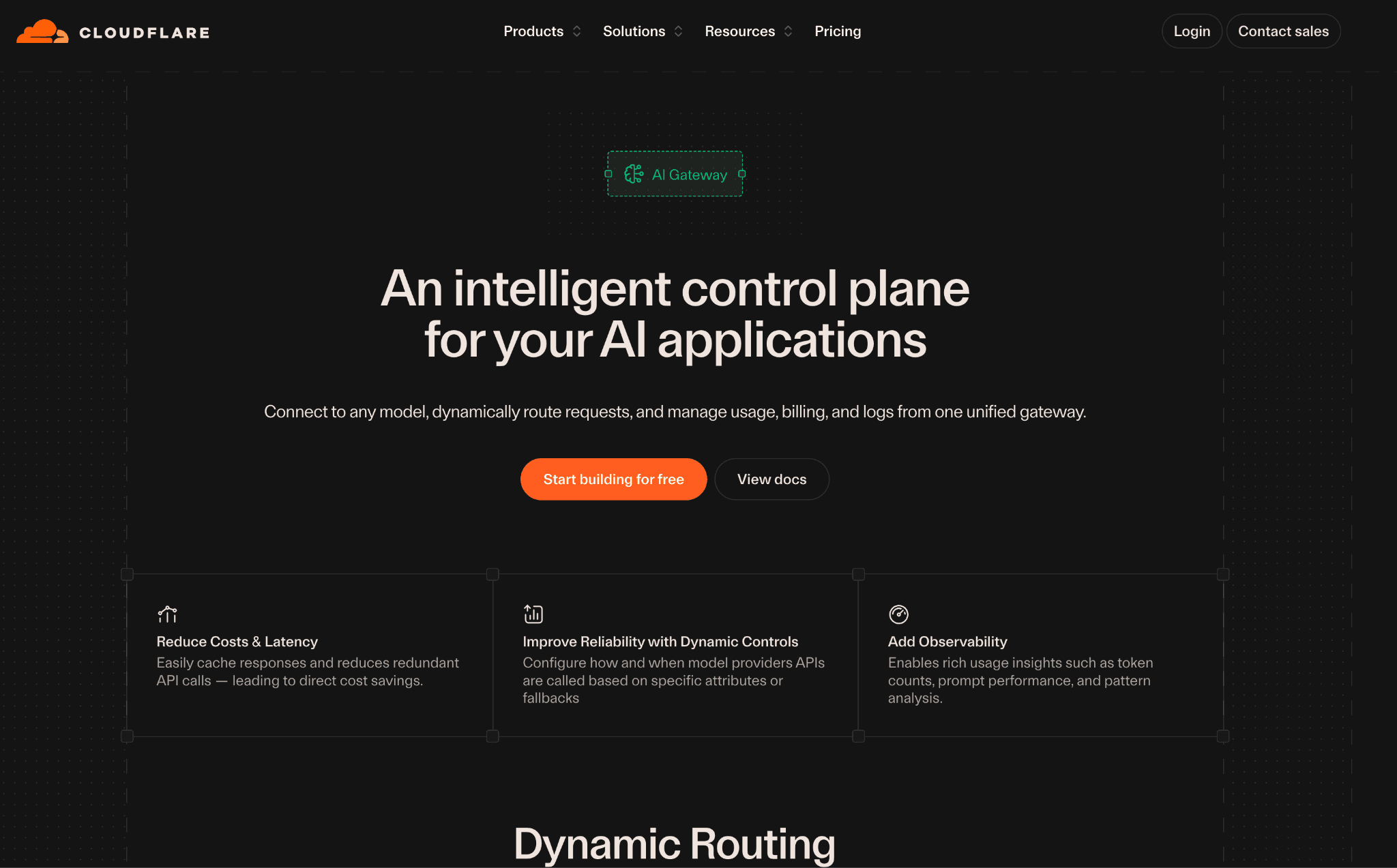
Cloudflare AI Gateway routes AI traffic between applications and multiple providers like OpenAI and Anthropic and its core features are free, including dashboard analytics, caching and rate limiting. The dashboard reports requests, tokens, caching, errors and estimated cost, so you can compare usage and spend across providers without paying for a separate observability tool.
Prompt and response caching reduces repeated calls to upstream models, which trims token fees on common queries. Rate limiting caps runaway traffic, though it stops short of the spike detection that dedicated cloud cost anomaly detection tools bring to a bill.
Key features:
Multi-provider routing across major foundation model providers from one gateway.
Free dashboard analytics covering requests, tokens, caching, errors and estimated cost.
Prompt and response caching that cuts token spend on repeated calls.
Rate limiting to cap traffic and protect against runaway usage.
Cost estimation across providers for comparing usage between models.
Optional unified billing that routes third-party model usage through Cloudflare.
Pricing: Core features are free on all Cloudflare plans, with no per-call gateway fee and the free tier includes 100,000 logs per month. The Workers Paid plan starts at $5 per month and raises the log allowance to 1 million, with log push available on paid plans.
Unified billing for third-party models adds a small transaction convenience fee, so the effective cost depends on how you route payment.
Pros:
Core analytics, caching and rate limiting are free, which is rare in this category.
Caching delivers real token savings on repeated queries with no extra tooling.
Minimal overhead for teams already using Cloudflare.
Cons:
Cost data is estimation and analytics, not team or feature chargeback.
Deeper log retention and push require a paid plan and attribution stays shallow.
6. OpenRouter
Best for: Teams that want to switch between many models behind one API and one consolidated bill.
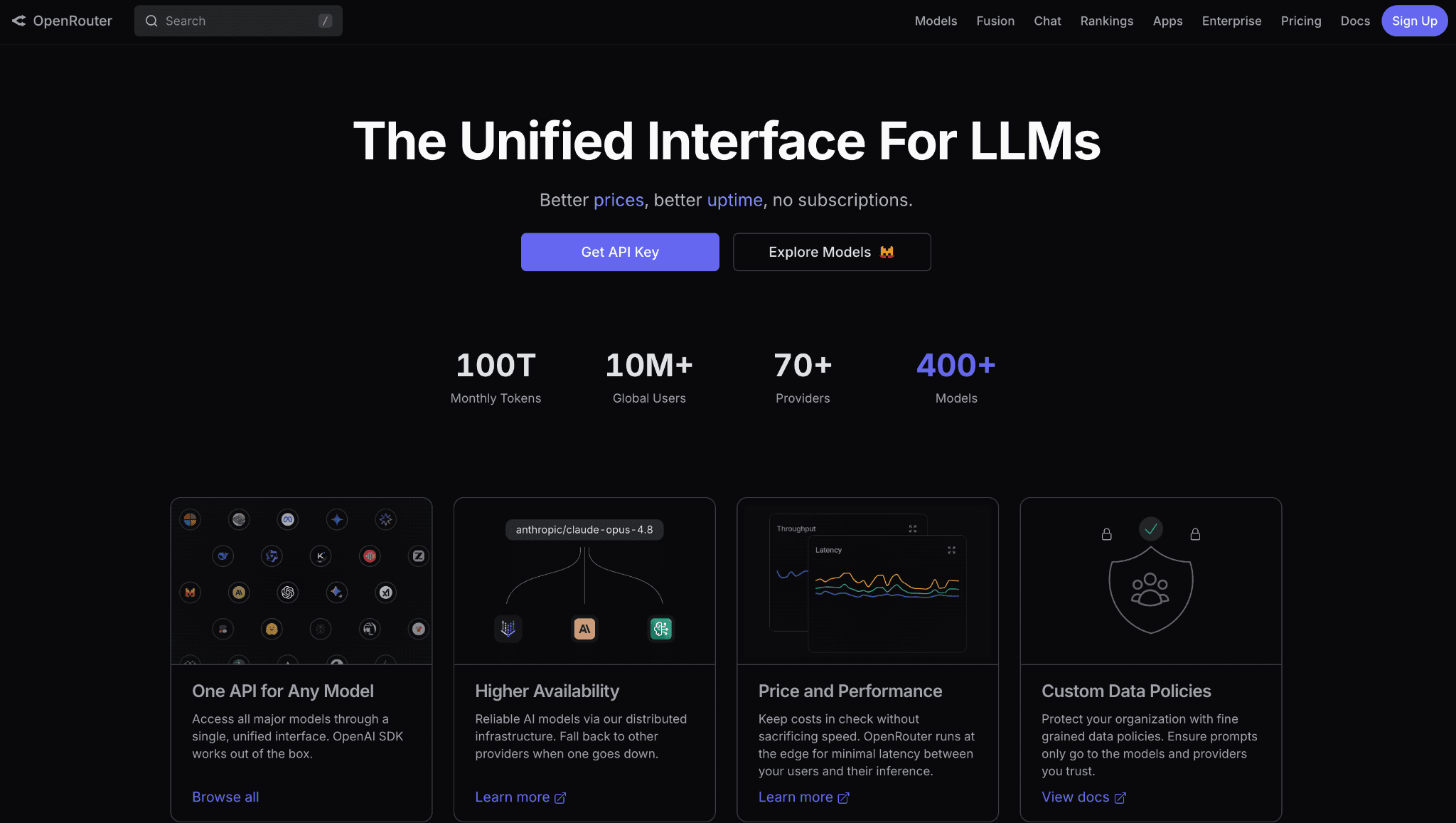
OpenRouter is a unified API and router that fronts 300-plus models from many providers, pooling them behind a single credit balance and one set of analytics. It passes through each provider's underlying pricing while pooling uptime, so you get the provider's rate with a unified API, automatic fallbacks and one place to watch usage.
Because billing aggregates into a single credit account, OpenRouter is a simple way to see total spend across providers and compare model costs side by side. Since it passes through provider rates, the per-token cost matches published rates like the OpenAI API pricing rather than a marked-up gateway figure.
Key features:
Single API across 300+ models, so you can change providers without new integrations.
Aggregated billing through one credit balance, which consolidates spend into a single account.
Per-model usage and cost analytics for comparing what each model actually costs.
Automatic fallbacks across providers when one is slow or unavailable.
Passthrough provider pricing, so base token rates match calling the provider directly.
Bring-your-own-key support for routing through your existing provider accounts.
Pricing: There are no monthly fees or minimums and you pay the passthrough token rates from credits. A 5.5% credit-card platform fee applies on top-ups, with a minimum that makes small top-ups effectively more expensive and bring-your-own-key usage carries a 5% fee after the first million requests per month.
Currency conversion on non-USD cards can add another 1% to 3%, so the effective overhead depends on how you fund the account.
Pros:
One API and one bill across hundreds of models makes provider switching painless.
Passthrough pricing keeps base token rates honest, with fallbacks built in.
No subscription, so it suits spiky or experimental workloads.
Cons:
It reports aggregated spend, not team or feature attribution, so it is not a chargeback tool.
Platform and BYOK fees add a markup that grows with volume and funding method.
Observability and Evaluation
Observability and evaluation tools read traffic after the call completes. Each LLM request, retrieval step and tool invocation becomes a span that carries token counts and an estimated cost, where the token economics of each model turn raw counts into dollars. That detail lets spend trace down to a single feature, prompt, or agent run. The strongest of them place that cost next to an output-quality score.
Because they record rather than intercept, they do not enforce budgets or block a call at the source. Their value is correlation, deciding whether an expensive model actually earns its price against the quality it returns. They fit teams that already debug runs in these tools and want cost to surface in the same trace view. The two options below lead with that pairing of cost and quality.
7. Braintrust
Best for: Teams that want to see multi-provider cost next to the quality of the output it produced.
Braintrust is a tracing and evaluation platform that records production traces alongside prompt evaluations, so cost sits next to quality rather than in a separate report. Every LLM call, retrieval step and tool invocation becomes its own span carrying token counts and estimated cost, which lets teams isolate exactly which feature, prompt, or agent run drove spend.
Its registry includes pricing for common providers and custom or fine-tuned models can log an estimated cost directly on the span so the recorded number follows your own pricing rules. The draw is correlation: you can tie a span's cost back to its evaluation score, which is the start of real unit economics for an AI feature.
Key features:
Per-span cost attribution across LLM calls, retrieval steps and tool invocations.
Built-in pricing registry for common providers, with custom cost logging per span.
Native evaluation, datasets and scorers so cost can be weighed against quality.
Production trace logging that captures real traffic, not just test runs.
Per-user, per-feature and per-agent-run cost breakdowns for fine attribution.
CI-style evaluation gates for catching cost or quality regressions before release.
Pricing: The free tier covers 1 million trace spans and 10,000 evaluation scores per month, which is enough to run observability and evals on real traffic before upgrading. The Pro plan is $249 per month flat with no per-seat fee, including a set data and score allowance with overage rates above it.
Enterprise pricing is custom and the value rests on whether evaluation-integrated observability matters to your workflow.
Pros:
Pairing cost with evaluation scores is genuinely useful for deciding which model earns its price.
Generous free span allowance lets teams trace real production traffic early.
Per-span attribution reaches feature, user and agent-run granularity.
Cons:
It is an engineering observability and eval tool, so finance does not get chargeback or budget enforcement.
The Pro jump to $249 per month is steep for teams that only need cost tracking.
8. LangSmith
Best for: Teams building on LangChain or LangGraph that want cost per trace without extra plumbing.
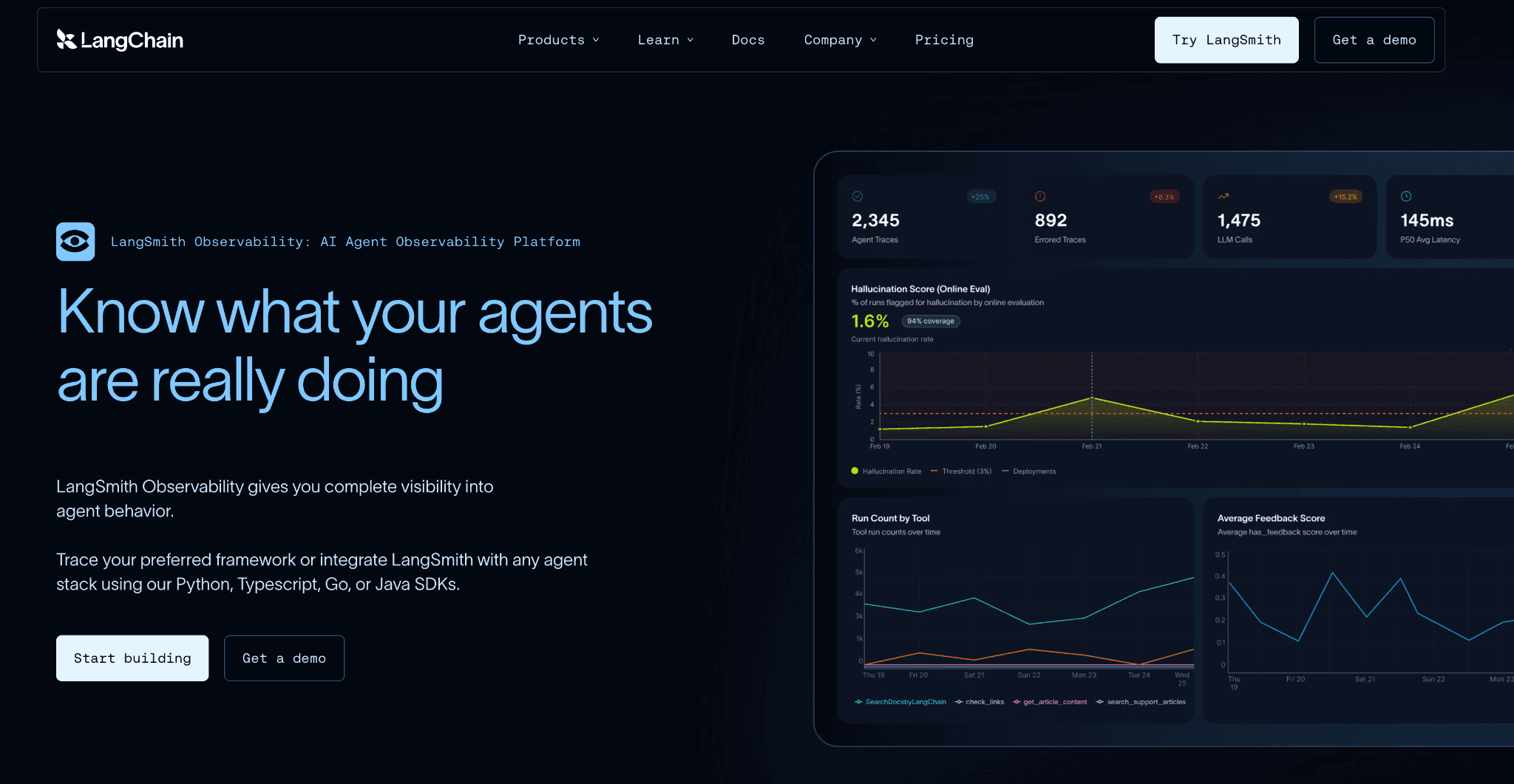
LangSmith is the observability platform from the LangChain team and it derives cost automatically for OpenAI, Anthropic and Gemini-compatible responses inside your traces. It maps model names to per-token prices drawn from rates like the published Anthropic API pricing, then shows token usage and cost per trace in near real time.
Custom metadata tags let you slice cost by project, user, or environment, which turns trace logs into a basic attribution view. For teams already invested in the LangChain ecosystem, the cost data comes with little additional setup.
Key features:
Automatic cost derivation for OpenAI, Anthropic and Gemini-compatible responses.
Cost and token usage per trace, visible in near real time.
Custom metadata tags for slicing spend by project, user, or environment.
Deep tracing of chains, tools and agent steps within LangChain and LangGraph.
A model pricing table that keeps per-token cost current for supported models.
Built-in pricing data for major providers, so cost needs no manual configuration.
Pricing: The free Developer tier includes 5,000 traces per month with 14-day retention, a single seat and one workspace. The Plus tier is $39 per seat per month with 10,000 base traces and overages are billed per thousand traces beyond that.
Enterprise pricing is custom and extended retention costs more per thousand traces, so high-volume tracing adds up.
Pros:
Cost per trace appears automatically for major providers with almost no setup.
Metadata tags give a workable per-project and per-user cost slice.
A natural fit for teams already standardized on LangChain or LangGraph.
Cons:
It is tightly oriented around the LangChain stack, which limits teams that are not.
Trace-based cost is engineering telemetry, not finance-grade allocation across cloud spend.
How to Choose the Right Multi-Provider LLM Cost Management Tool
You need finance-grade allocation and chargeback: choose Amnic, which attributes multi-provider spend to teams and cost centers beside cloud cost. Start with FinOps for AI to frame the practice.
You want one API across many providers: LiteLLM, Portkey, or OpenRouter standardize calls and consolidate spend. Compare base rates first with an LLM cost comparison.
You need strict budgets and caching at scale: Bifrost by Maxim AI offers a budget hierarchy and semantic caching in an open-source gateway.
You want cost tied to output quality: Braintrust records per-span cost next to evaluation scores.
You live in the LangChain ecosystem: LangSmith gives cost per trace with little setup.
You want a free, lightweight gateway: Cloudflare AI Gateway adds analytics and caching at almost no cost, alongside the wider category of AI cost visibility tools.
Most of your spend sits with one provider and you want to watch it: a focused set of OpenAI cost monitoring tools goes deeper on a single bill than any multi-provider view.
You want to cut a single-provider bill, not just see it: lever-specific options such as Gemini cost optimization tools target caching, routing and batch savings for one model family.
Your spend concentrates on a cost-efficient model like DeepSeek: model-specific guides such as DeepSeek cost optimization tools cover cache-hit pricing and off-peak discounts unique to that provider.
You need a finance audit trail on one provider: dedicated Anthropic cost visibility tools trace that spend in detail before you generalize across the stack.
Common Mistakes When Choosing a Multi-Provider LLM Cost Management Tool
Treating a gateway dashboard as a finance system. Gateways and proxies show usage and apply request-time limits, but they rarely produce chargeback, showback, or forecasts. If finance owns the bill, pair the gateway with a platform that handles chargeback vs showback properly.
Ignoring the free-tier ceiling. Several tools stop logging or cap traces at a low monthly limit, so real traffic goes dark before you notice. Read what the free plan actually covers, not just that one exists and model the paid step before you commit to a cloud cost allocation tool for the long term.
Forgetting that agents fan out. A single agentic task can spawn dozens of billable calls across providers, so spend climbs faster than request counts suggest. The way FinOps AI agents approach this is to watch the combined picture, not one provider at a time.
Forgetting reasoning and output tokens. Output and reasoning tokens often cost several times more than input tokens, so a tool that only counts requests understates spend. Confirm the pricing table reflects per-model token types and review the broader set of AI token management tools if token detail matters.
Leaving AI spend out of cloud FinOps. LLM API cost and GPU inference cost belong in the same view as the rest of cloud spend. A standalone LLM tool that never connects to your cloud bill recreates the silo you were trying to close, which is the gap a GenAI cost management platform is built to fill.
Why Decision Makers Choose Amnic for Multi-Provider LLM Cost Management
Amnic is the only tool here that treats multi-provider LLM spend as one line in the wider cloud bill rather than a separate developer log. Three things set it apart. It unifies token spend across OpenAI, Anthropic, Gemini and Bedrock with AWS, Azure and GCP cost. It allocates that spend to teams, features and cost centers for real chargeback. And it runs budgets, forecasts and anomaly detection on the combined picture, which the FinOps tools for AI cost management category increasingly expects.
The outcomes show up on the cloud side that Amnic already governs. Open Financial reported a 30% reduction in overall cloud cost, with co-founder and CTO Ajeesh Achuthan noting Amnic let the team analyze costs at a depth that would take several hours, if not days. MetaMap cut EC2 cost by 33% and Nanonets reported 40% lower compute and 50% lower S3 spend. Those are reported customer figures from Amnic case studies.
The same workspace applies forecasting and budgets to multi-provider AI spend, so a FinOps lead can plan the next quarter instead of reacting to it. Alerts fire the day a cost starts climbing rather than weeks later in the invoice, which keeps a runaway agent from turning into a month-end surprise that nobody can explain.
On top of all of it, the Amnic AI agents answer multi-provider spend questions in plain language, so a finance owner gets an allocation without filing a ticket or waiting on an engineer. Generative AI then gets governed like every other cost line rather than treated as a special case.
Amnic is agentless and read-only, carries SOC 2 Type II, ISO 27001 and GDPR and is recognized in the Everest Group FinOps PEAK Matrix. For teams comparing hosted-API spend across model backends, it pairs naturally with an OpenAI API vs Bedrock vs Vertex AI view of where each provider fits.
Frequently Asked Questions
What is a multi-provider LLM cost management tool?
It is software that tracks and controls spend across several model providers at once, so OpenAI, Anthropic, Gemini and Bedrock roll up into one view. It attributes cost to teams, features, or customers instead of leaving separate provider invoices nobody can split.
How is this different from a single-provider cost tool?
A single-provider tool only sees one vendor's usage and bill. A multi-provider tool unifies spend across every model API you call, which is what teams need once an app routes traffic to more than one provider and the totals stop adding up cleanly.
Do AI gateways manage cost or just route requests?
Gateways like LiteLLM, Portkey and Bifrost route requests and apply per-key budgets and caching at call time. They show usage well but rarely produce chargeback or forecasts, so finance teams usually pair a gateway with a FinOps platform for allocation.
Can these tools tie LLM spend to cloud cost?
Most cannot. Gateways and observability tools track API spend in isolation. Amnic is built to place multi-provider token spend beside AWS, Azure and GCP cost in one view, so AI and cloud spend share the same allocation and budgets.
Which multi-provider LLM cost tools are free?
LiteLLM and Bifrost are open-source and free to self-host. Cloudflare AI Gateway offers free core analytics and caching, while Portkey, Braintrust and LangSmith have limited free tiers that cap logs or traces per month.
What should finance teams prioritize when choosing one?
Finance should prioritize cost allocation, chargeback, budgets and a connection to the wider cloud bill. Tools that only log requests or count tokens give engineering visibility but leave finance without the reporting it needs to own AI spend.
Bring Multi-Provider LLM Spend Under One View
A gateway can route your traffic and cap a key, but it will not tell finance which team owns the bill. Amnic unifies multi-provider LLM spend with multi-cloud cost, attributes every dollar to a team or feature and runs budgets and anomaly alerts on the whole picture. Request a demo to see your own multi-provider spend allocated in one view.
Better visibility and management into AI Tokens?
Start with a 30 day trial
Connect leading LLMs
24 hour time to value
Stay ahead of AI Spend

Make AI spend visible, controllable, and accountable.
Gain insights into your AI token costs at a team, customer, business unit and individual user level to measure and manage AI utilization.
Recommended Articles

8 Best Llama Cost Management Tools in 2026
Read More
8 Best Amazon Bedrock Cost Optimization Tools for 2026
Read More

7 Best Amazon Bedrock Cost Monitoring Tools
Read More

8 Best Gemini Cost Visibility Tools for 2026
Read More

7 Best Multimodal Cost Optimization Tools for 2026
Read More

5 Best Anthropic Cost Allocation Tools for 2026
Read More