8 Best Gemini Cost Visibility Tools for 2026
10 min read
Tools

Table of Contents
Comparing the top Gemini cost visibility tools are 1. Amnic, 2. Google Cloud Billing, 3. Google AI Studio, 4. Vantage, 5. Finout, 6. CloudZero, 7. Datadog Cloud Cost Management and 8. Helicone.
A Gemini cost visibility tool shows where Gemini spend goes before the invoice does. It reads your Gemini API and Vertex AI billing, breaks it down by model, token type, project and label, then puts a dollar figure on usage that Google Cloud reports as raw SKUs.
Google prices Gemini in tokens spread across many services, which rarely maps to a budget line. That gap is why teams reach for a dedicated visibility layer that turns token counts into cost they can defend, tag to a team and watch in near real time rather than at month end.
Amnic ranks first because it reads Gemini API and Vertex AI cost with the rest of your cloud bill in one agentless, read-only view, then allocates that spend to the cost center that owns it. It adds nothing to the request path and never nudges you toward a different model, so the numbers stay neutral and finance and engineering read from the same page.
Which Gemini Visibility Are We Talking About?
Two different searches hide behind the phrase Gemini cost visibility. This page covers the FinOps meaning, which is seeing and allocating your Gemini API and Vertex AI spend at the token, model and project level. That is the money you pay Google for inference.
The other meaning is brand visibility, meaning how often Gemini cites your website inside its AI answers. Tools that measure that sit in the SEO category and are out of scope here. If you came to track your Gemini bill and split it across teams, you are in the right place. For the request-side levers that shrink that bill, see our companion guide to Gemini cost optimization.
Top 8 Gemini Cost Visibility Tools
Amnic: reads Gemini and cloud spend in one agentless FinOps view and allocates it to the team that owns it.
Google Cloud Billing: native source of truth for Vertex AI SKUs with a BigQuery export for row-level detail.
Google AI Studio: built-in Gemini API dashboard with daily cost graphs and hard per-project spend caps.
Vantage: multi-provider cost reporting that groups Gemini next to AWS and Azure spend.
Finout: enterprise unit economics that maps Gemini cost to feature and customer for chargeback.
CloudZero: cost-per-unit reporting that frames Gemini spend as a rate you track against revenue.
Datadog Cloud Cost Management: ties Gemini cloud cost to the telemetry of the services driving it.
Helicone: per-request LLM logging that attaches a dollar cost to every Gemini call.
What Are Gemini Cost Visibility Tools?
Gemini cost visibility tools translate raw Gemini and Vertex AI billing into spend you can read at a glance. They ingest usage from the Gemini API, the Vertex AI SKUs and the Cloud Billing export, then present cost by model and by input, output and cached tokens.
They also correlate that usage to the project or label that made the call. Google reports Gemini spend under generic service names, so a Flash-Lite call and a Gemini Pro call both need to resolve to money tagged to the team behind them. The tool does that correlation so a budget owner is not left reading SKUs.
Good visibility runs backward and forward in time. It shows yesterday against last week, flags a spike the same day it lands and answers the one question that follows a spend surprise. Which project, feature or customer drove the jump and by how much. That last part is cloud cost allocation, where native billing usually stops.
A Worked Example: Turning Gemini Tokens Into Team Cost
Picture a team running 5 million input tokens and 1 million output tokens a day on Gemini 2.5 Flash. At published rates of $0.30 per million input tokens and $2.50 per million output tokens (source), that is $1.50 plus $2.50, so $4 a day, or roughly $120 a month from a single service.
A raw invoice stops at that $120 total. A visibility tool splits it once calls are tagged, so the same month reads as Feature A at $66, Feature B at $36 and Feature C at $18. Now finance can see which feature moved and question the right team.
Cached tokens change the arithmetic again. Gemini bills cached input tokens at a lower rate than fresh input on the same published rate card, so a tool that splits input, output and cached usage shows the real driver instead of one blended number. The visibility, not the discount, is what makes the cost attribution defensible in a budget review.
Gemini Cost Visibility Tools Comparison Table
Information reflects vendor sources as of July 2026. Confirm current pricing with the vendor.
Tool | Gemini and Vertex coverage | Key features | Free option | Pricing | Best for |
|---|---|---|---|---|---|
Amnic | Gemini API plus Vertex AI, in one cloud view | Token and model cost, team allocation, anomaly alerts | Free trial | 0.25% to 1% of cloud spend | Gemini plus cloud spend in one FinOps view |
Google Cloud Billing | Native Vertex AI SKUs, BigQuery export | SKU and label reports, budgets, threshold alerts | Yes | Free with Google Cloud | Native Vertex AI cost with no extra vendor |
Google AI Studio | Gemini API only | Daily cost graph, spend caps, rate-limit view | Yes | Free dashboard | Developers watching one project |
Vantage | Gemini and Vertex via connector | Grouping, virtual tags, multi-provider reports | Limited free tier | Fixed-rate subscription | Grouping Gemini with other clouds |
Finout | Gemini as a MegaBill line | Feature and customer allocation, chargeback | No | Custom enterprise | Enterprise unit economics |
CloudZero | Vertex and Gemini by dimension | Cost per unit, anomaly alerts, dimensions | No | Custom enterprise | Reporting Gemini as a unit cost |
Datadog CCM | Google Cloud and Vertex cost | Tag views, cost monitors, telemetry link | Trial only | Per-host and usage based | Teams already in Datadog |
Helicone | Gemini per request | Request logging, token cost, user tags | Free tier | Usage based | Per-request API logging |
How We Evaluated These Tools
We scored every tool against a fixed rubric so the ranking reflects Gemini fit, not marketing polish. The six criteria were:
Gemini and Vertex AI coverage: native support for Gemini API usage and Vertex AI SKUs, not a generic cloud connector that lumps everything together.
Cost granularity: the input, output and cached token split, since cached reads and long context change the math.
Allocation depth: whether spend carries down to a team, project or cost-center dimension, or stops at account-level totals.
Alerting: same-day anomaly detection, because a monthly report catches an overrun after the money is gone.
Pricing transparency: public, documented pricing over quote-only opacity.
Stack fit: how much the tool adds to your request path or maintenance load to deliver the numbers.
We weighted allocation heavily, because visibility without attribution is just a prettier invoice. Every pricing claim below is drawn from public documentation, every con is real and tools that only cut the bill without making it visible were left out.
Top Gemini Cost Visibility Tools for 2026
1. Amnic
Best for: Teams that want Gemini spend and cloud spend read from one FinOps view.

Amnic is an agentless, read-only FinOps platform that puts Gemini API and Vertex AI cost in the same pane as the rest of your cloud bill. It reads usage without sitting in your request path, so there is no gateway to run and no latency added to a Gemini call.
The platform breaks Gemini spend down by model and by input, output and cached tokens, then rolls it into a cost-center view a finance owner can act on. Anomaly detection flags a spike the day it happens and the same workspace already carries your AWS, Azure and Google Cloud spend for one AI cost management platform.
Key features
Gemini API and Vertex AI cost shown as dollars, not raw SKUs, with model-level breakdown
Input, output and cached token split so long-context and caching effects are visible
Team and cost-center allocation today, with feature and customer attribution on the near-term roadmap
Same-day anomaly alerts on unusual Gemini or cloud spend
One workspace for AI and cloud cost across AWS, Azure and Google Cloud
Agentless, read-only ingestion with no request-path dependency
Neutral by design, so it never recommends switching models or providers
Pricing: Usage based at 0.25% to 1% of monitored cloud spend, billed as a percentage rather than a flat quote. A free trial is available before you commit.
Pros
AI and cloud cost live in one view instead of two disconnected dashboards
Read-only and agentless, so there is no latency or gateway to maintain
Neutral by design, it never nudges you to change models
Cons
Feature-level and customer-level Gemini attribution is on the roadmap, not fully live today
Built for finance-grade allocation, so pure request-log debugging needs a separate tool
See how Amnic tracks Gemini and cloud spend
2. Google Cloud Billing
Best for: teams that want native Vertex AI cost with no extra vendor.
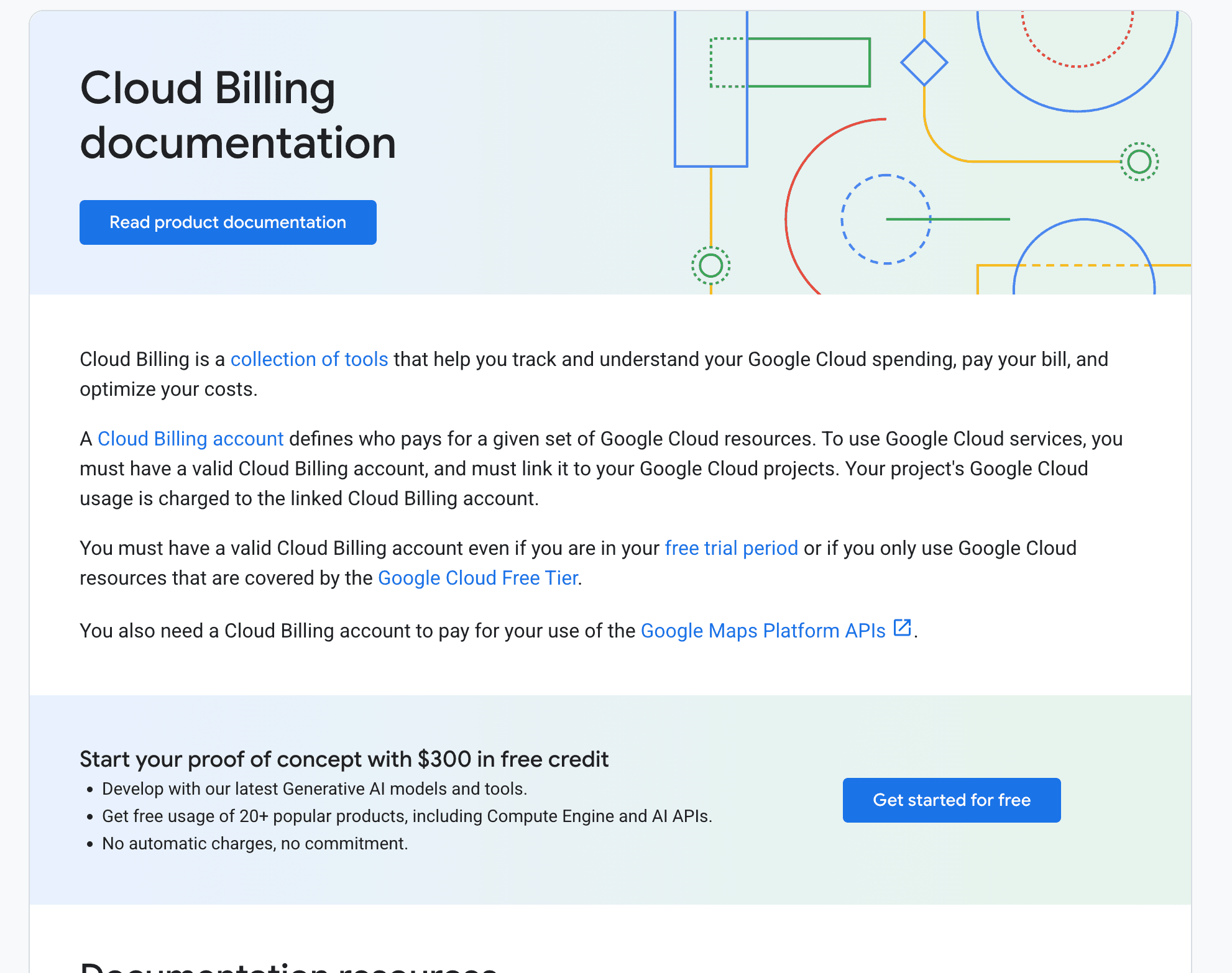
Google Cloud Billing is the source of truth for Vertex AI spend and for many teams it is the honest starting point. The Cloud Billing reports view shows Vertex AI SKUs grouped by project, service and label, so you can see the drivers behind a cost change without leaving the console.
Where it earns its place is the BigQuery billing export. Pushing detailed billing into BigQuery gives SKU-level rows you can slice by label and project, which is the only native path to Gemini spend granular enough for real reporting. Pair it with budgets and threshold alerts and see our breakdown of Vertex AI pricing for how those SKUs are structured.
Key features
Cloud Billing reports with Vertex AI SKU, project and label grouping
BigQuery billing export for row-level, queryable spend
Budgets with configurable threshold alerts at set percentages of target
Filtering by service to isolate Vertex AI charges
Cost breakdown by project and label for basic attribution
Native integration with the rest of Google Cloud spend
Pricing: Free with a Google Cloud account. BigQuery query costs apply when you run reports against the exported billing dataset.
Pros
Native, accurate and already included with Google Cloud
BigQuery export gives genuine SKU-level detail
No extra vendor or contract to add
Cons
Allocation across teams and features needs manual labels and SQL
No cross-cloud view, it only sees Google spend
3. Google AI Studio
Best for: Developers watching Gemini API spend on a single project.
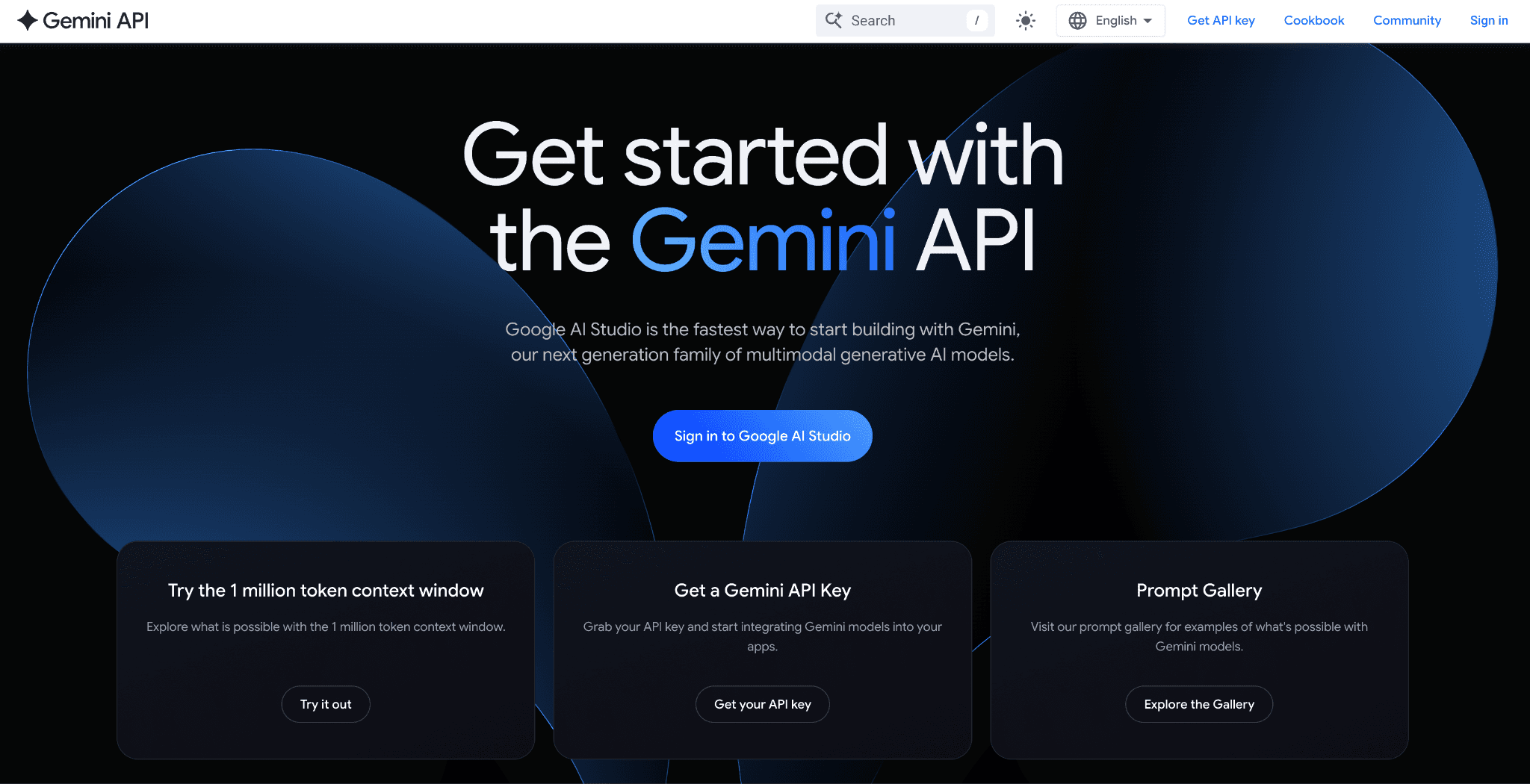
Google AI Studio is the built-in home for Gemini API usage and Google has steadily made it more useful for cost. The billing dashboard carries a daily cost breakdown graph that tracks spend per project across the month, with a filter by model so you can see which Gemini variant is doing the damage.
It also adds guardrails a solo developer actually needs. Project spend caps set a hard monthly dollar limit and a rate-limit dashboard shows progress against requests per minute, tokens per minute and requests per day. For the rates behind those graphs, our Gemini API pricing guide has the per-model numbers.
Key features
Daily cost breakdown graph with per-project, per-model filtering
Project spend caps for a hard monthly dollar limit
Rate-limit dashboard for RPM, TPM and RPD
Usage view with token and error metrics
Per-model cost visibility across Gemini variants
Zero-setup access for anyone already calling the API
Pricing: Free dashboard. You pay only for the Gemini API usage it reports, with no separate charge for the cost views.
Pros
Zero setup for anyone already calling the Gemini API
Spend caps give a real stop, not just a warning
Clear per-model view of where token cost lands
Cons
Scoped to Gemini API, it does not see Vertex AI or cloud spend
Built for developers, not for finance allocation or chargeback
4. Vantage
Best for: teams grouping Gemini cost alongside other clouds.
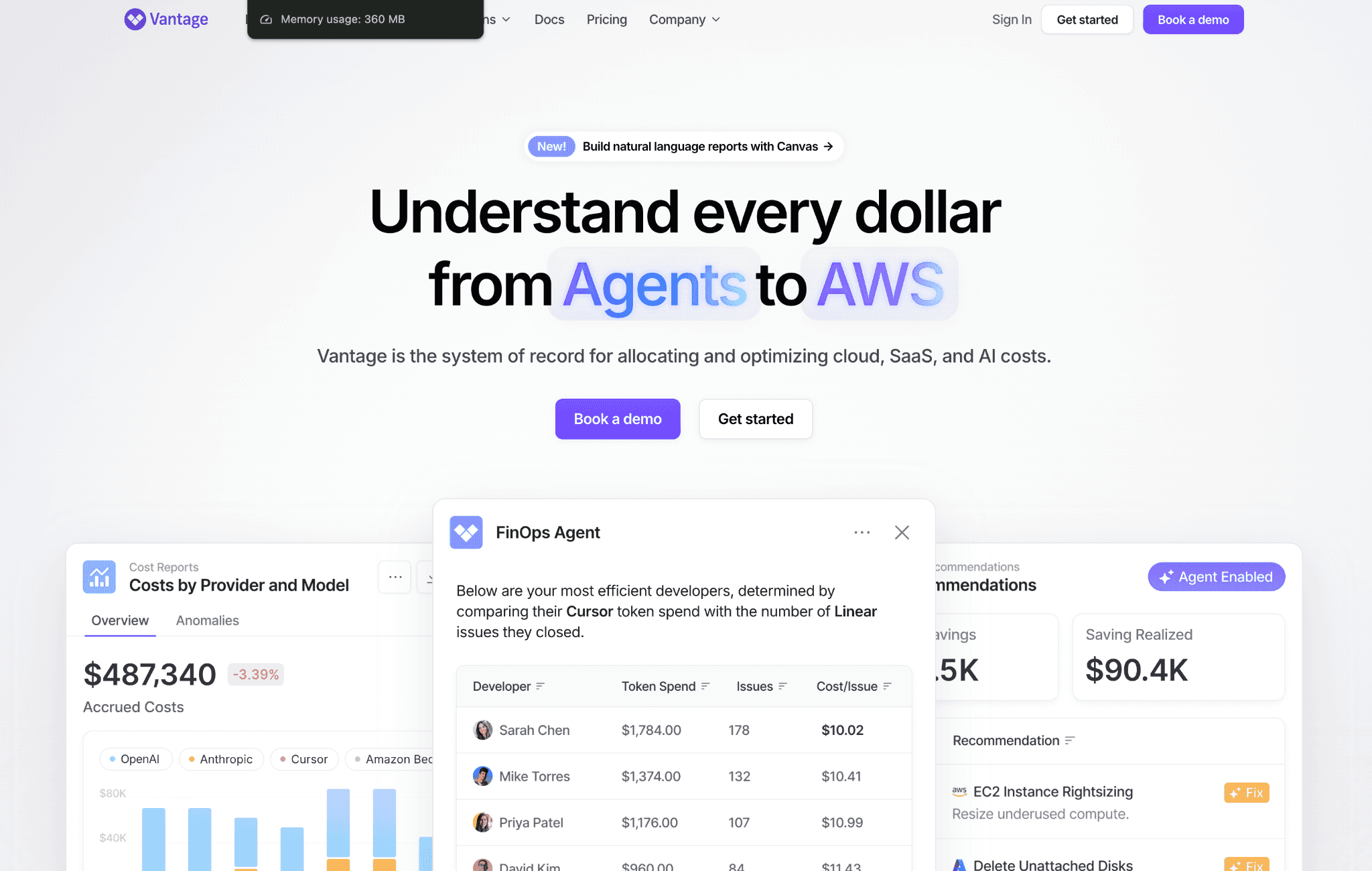
Vantage is a cost reporting platform that pulls spend from many providers into filtered reports and Gemini fits neatly into that model. You can isolate Vertex AI and Gemini API services, then group the cost by model, operation type, account and custom tags to see where token spend concentrates.
Its strength is consolidation. A team running Gemini next to AWS Bedrock and Azure OpenAI can put all three in one report without exporting spreadsheets. Virtual tags carve up untagged spend after the fact, which helps when Gemini usage was never labeled at source. For a wider set of options, see our roundup of AI cost visibility tools.
Key features
Filtered cost reports isolating Vertex AI and Gemini API
Grouping by model, operation type, account and tag
Virtual tags for retroactive allocation of untagged spend
Multi-provider consolidation in one report
Cost alerts on spend movement
Saved report views for recurring finance reviews
Pricing: Fixed-rate subscription rather than a percentage of spend. A limited free tier lets small teams start before upgrading.
Pros
Clean grouping and tagging across many providers
Retroactive virtual tags rescue untagged spend
Consolidates Gemini with AWS and Azure in one place
Cons
Depth of Gemini token detail trails a purpose-built LLM tool
Allocation quality depends on tag hygiene you have to maintain
5. Finout
Best for: enterprises tying Gemini cost to features and customers.
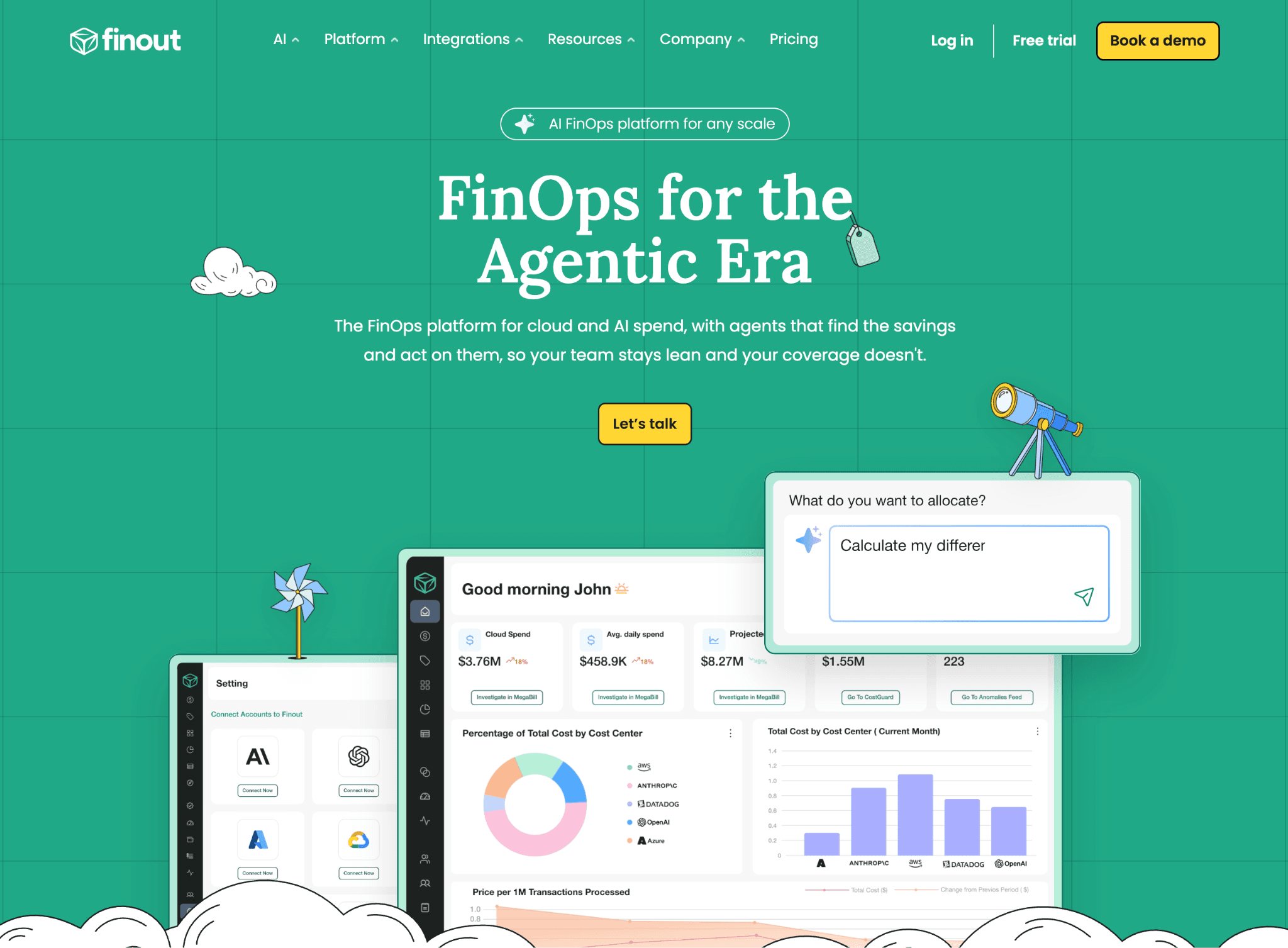
Finout is an enterprise FinOps platform built around unit economics and it treats Gemini as one line in a shared source of truth alongside cloud and Kubernetes. Its MegaBill model allocates Gemini spend down to cost per inference, cost per feature or cost per customer, which is the language a CFO wants.
That depth is the draw for larger orgs. Once Gemini spend maps to business dimensions, chargeback and showback become straightforward and finance can push accountability back to the team that owns the workload. If chargeback is the goal, our explainer on chargeback vs showback covers the tradeoffs first.
Key features
MegaBill allocation to feature, customer and inference
Gemini spend unified with cloud and Kubernetes cost
Chargeback and showback reporting for finance
Cost-per-unit dashboards tied to business metrics
Virtual tagging for shared and untagged spend
Budget and anomaly alerting across sources
Pricing: Custom enterprise pricing, quoted per deployment. There is no public self-serve tier, so expect a sales process.
Pros
Deep unit-economics allocation for Gemini spend
Strong fit for chargeback in large organizations
One source of truth across cloud, Kubernetes and AI
Cons
Enterprise pricing and setup are heavy for small teams
No free tier to test before buying
6. CloudZero
Best for: teams reporting Gemini spend as a unit cost.
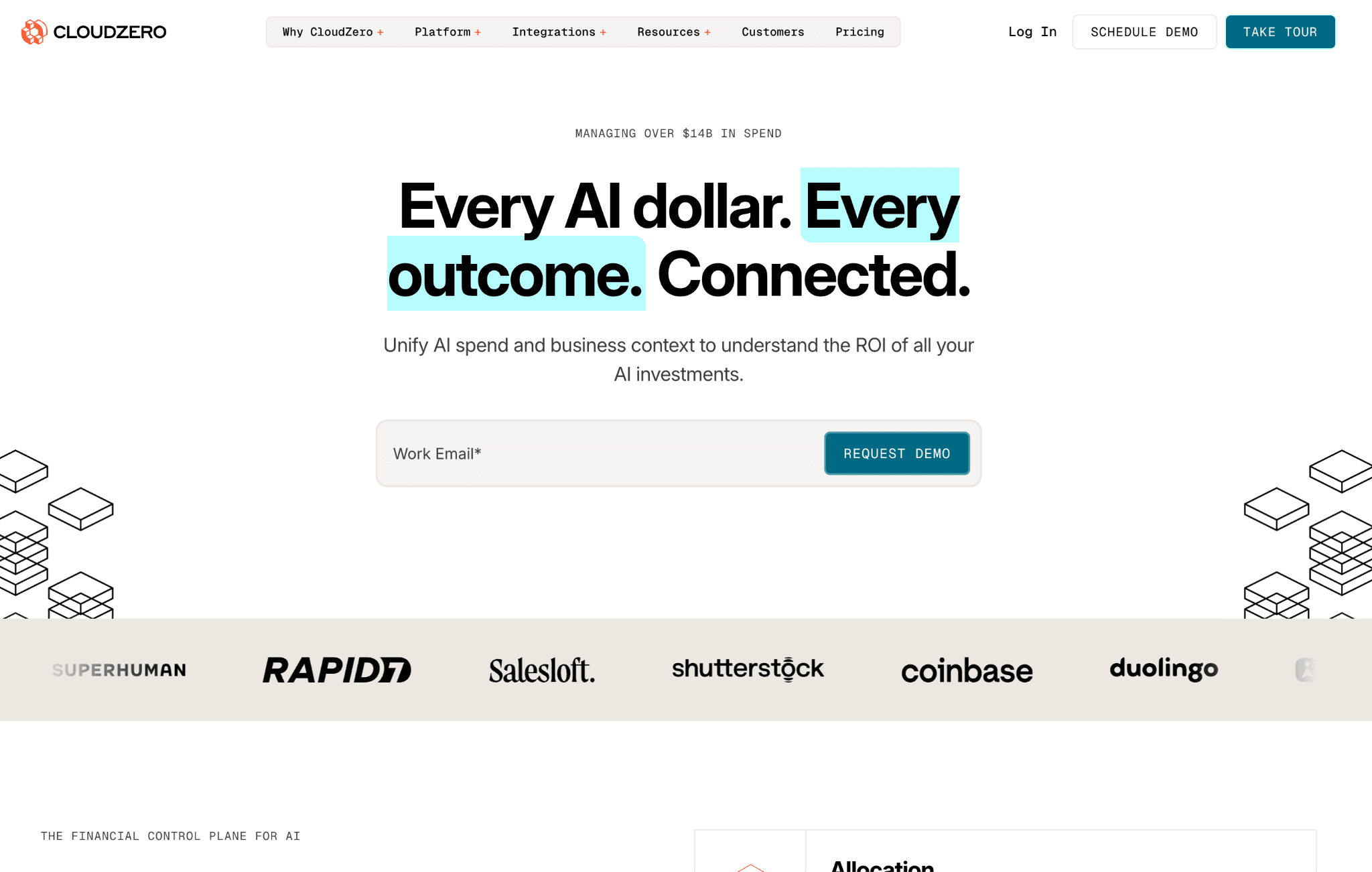
CloudZero organizes cloud and AI spend around cost per unit, so Gemini and Vertex AI charges map to the dimension that matters, whether that is per customer, per feature or per environment. It reads Google billing and surfaces Vertex AI cost with the same dimensional model it uses for the rest of your cloud.
The appeal is the framing. Instead of a flat monthly Gemini total, you get a rate you can track against revenue or usage, which makes a rising bill easier to reason about. Anomaly alerts flag unusual movement early. For the mechanics behind unit reporting, see our guide to LLM cost allocation tools.
Key features
Cost-per-unit reporting for Gemini and Vertex AI
Dimensional allocation by customer, feature and environment
Anomaly alerts on unusual spend movement
Google billing ingestion alongside other clouds
Cost views that map to revenue and usage
Engineering-friendly telemetry on cost drivers
Pricing: Custom enterprise pricing with no public rate card. Access starts through a sales conversation rather than self-serve signup.
Pros
Unit-cost framing connects Gemini spend to the business
Solid anomaly detection across cloud and AI
Dimensional model works the same for cloud and Gemini
Cons
Requires disciplined tagging to make unit costs trustworthy
No public pricing or free tier
7. Datadog Cloud Cost Management
Best for: teams already living inside Datadog.
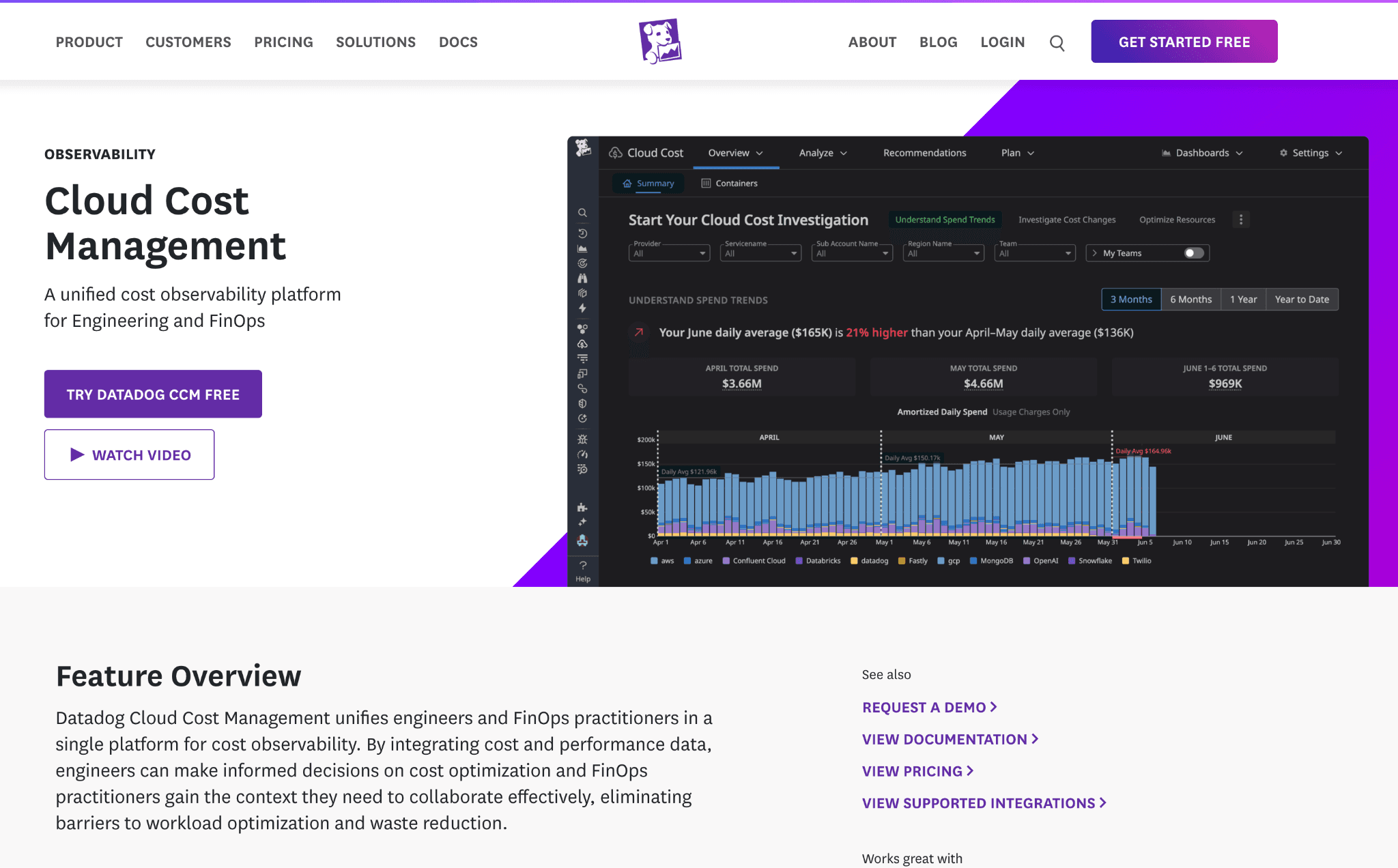
Datadog Cloud Cost Management folds Google Cloud spend, including Vertex AI, into the same platform that holds your metrics and traces. For a team already instrumented in Datadog, Gemini cloud cost sits next to the telemetry of the services generating it, tied together by tags.
The value is correlation. When a Gemini-backed service gets busy, you can see the usage and the cost in one place and set monitors that alert on cost the way you already alert on latency. It reports cloud-level Gemini spend well, leaning on the Google billing granularity underneath. Our primer on cloud cost observability explains how the two fit together.
Key features
Google Cloud and Vertex AI cost inside Datadog
Tag-based cost views aligned to services
Cost monitors and alerts alongside performance monitors
Correlation of spend with usage telemetry
Shared tagging model across cost and observability
Dashboards that mix cost and service metrics
Pricing: Per-host and usage-based, layered on your existing Datadog plan. A trial is available, but no permanent free tier for cost management.
Pros
Cost and telemetry in one platform for existing users
Familiar monitor and alert workflow applied to spend
Strong correlation between service load and cost
Cons
Value drops sharply if you are not already a Datadog shop
Token-level Gemini detail is thinner than LLM-native tools
8. Helicone
Best for: per-request Gemini logging at the API level.
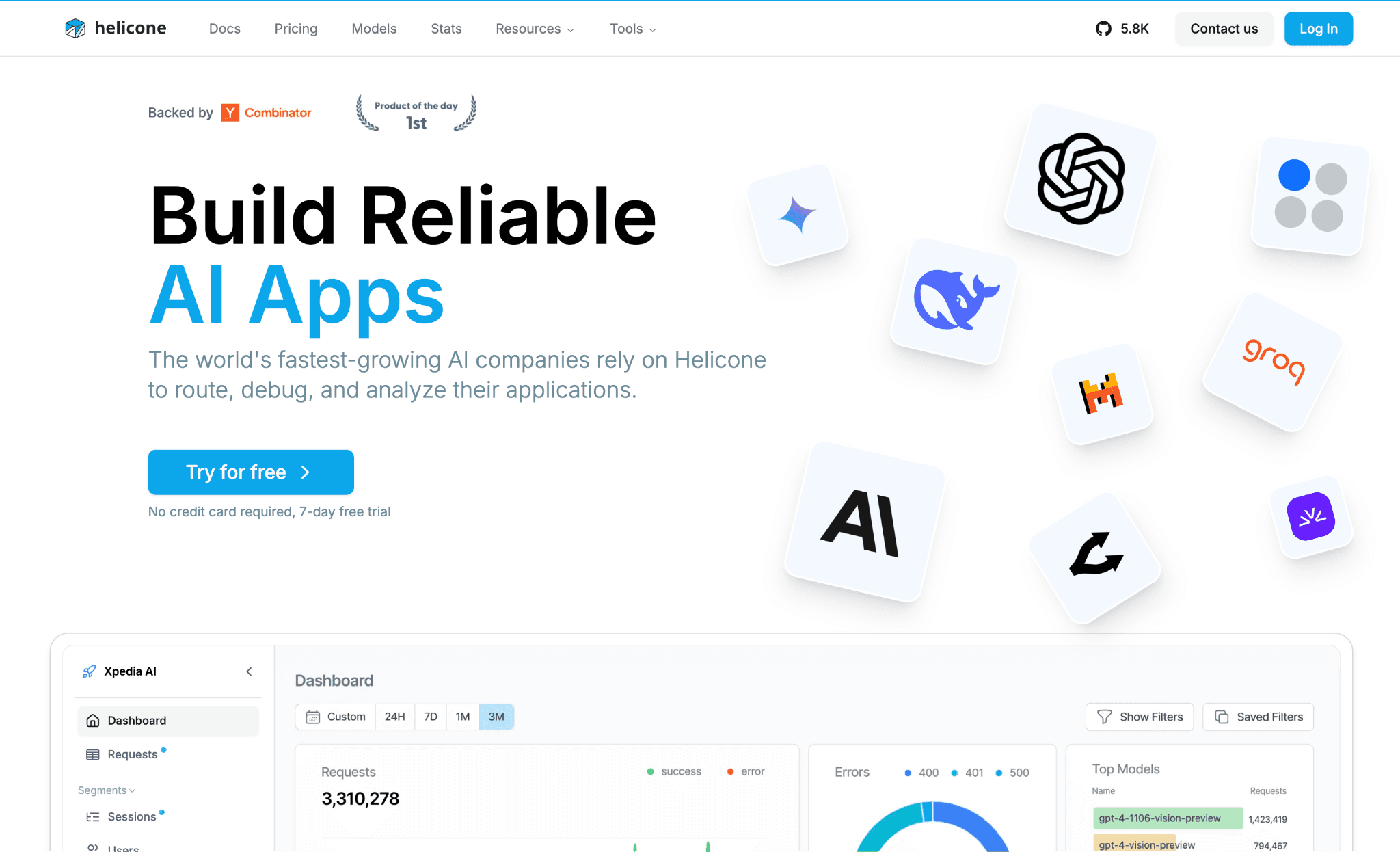
Helicone is an LLM observability layer that logs every Gemini request and attaches a cost to it. Routing calls through it gives per-request visibility into tokens and dollars, tagged by user or custom property, which is useful when you need to trace a specific expensive call.
Its niche is the request line item. Where FinOps tools aggregate spend, Helicone keeps the granular log, so a developer debugging a runaway prompt can find the exact requests driving cost. It sits closer to the application than to finance, which is both its strength and its limit. For the broader picture, compare it against our list of AI cost tracking tools.
Key features
Per-request Gemini logging with token and cost detail
User and custom-property tagging
Request-level dashboards for developers
Prompt and usage analytics
Latency and error metrics beside cost
Free tier for early-stage logging
Pricing: Usage based, with a free tier that starts logging immediately. Paid tiers unlock higher volume and longer retention.
Pros
Granular per-request cost for debugging expensive calls
Free tier makes it easy to start
Rich prompt and latency analytics beside cost
Cons
Requires routing requests through it, adding a dependency
Not built for finance-grade allocation or chargeback
How to Choose the Right Gemini Cost Visibility Tool
Start from the question you need answered, then match it to the tool built for it:
You run the Gemini API on one project: Google AI Studio and its spend caps are enough to watch daily cost and stop overruns.
Vertex AI is your main surface: Google Cloud Billing with a BigQuery export gives native SKU detail for free, at the cost of some SQL work.
You need spend split across teams or tied to a budget: move to a FinOps platform, where allocation, anomaly alerts and cross-cloud context are the hard parts native tooling skips.
You want Gemini cost read next to AWS and Azure: a multi-cloud view like Amnic or Vantage keeps every provider in one report.
You need per-customer or per-feature unit economics: Finout and CloudZero specialize in chargeback-grade allocation.
You are debugging expensive calls in code: Helicone keeps the per-request log a developer needs.
Weigh how the tool sits in your stack too. A read-only, agentless platform adds no latency and nothing to maintain, while a gateway-based logger adds a dependency in your request path. Match the tool to the person who will actually read the numbers, then to the depth of cost allocation and unit economics you need.
Common Mistakes When Choosing a Gemini Cost Visibility Tool
Treating the native invoice as visibility: Google Cloud shows a total, but a total does not tell you which feature or customer moved it. By the time the invoice lands the money is spent, so waiting for the monthly bill is the most expensive form of monitoring there is.
Ignoring tags at the source: Every allocation tool depends on labels applied when the Gemini call is made and retroactive tags only patch so much. Teams that skip tagging discipline end up with a dashboard that cannot answer the one question finance asks.
Buying an optimizer when you needed visibility: Cutting the bill with caching, routing and batch is a real discipline, but it comes after you can see and allocate the spend. Get the numbers trustworthy first, then reach for the levers in a dedicated FinOps for AI workflow.
Watching Gemini in isolation: Token spend rarely lives alone and reading it apart from your AWS and Azure bill hides the full AI line. A view that pairs Gemini with cloud and cross-provider cost, like Amazon Bedrock cost monitoring tools do for AWS, keeps every model in one budget.
Why Decision Makers Choose Amnic for Gemini Cost Visibility
Amnic wins when the buyer needs one honest view of Gemini spend and cloud spend together, without adding anything to the request path. It reads Gemini API and Vertex AI cost, breaks it down by model and token type and allocates it to the cost center that owns it.
Three differentiators carry the decision. It is agentless and read-only, so there is no gateway and no latency. It is neutral, so it never pushes a cheaper model and the numbers stay trustworthy. And it unifies AI with cloud, so the Gemini line sits beside the AWS and Azure line in one GenAI cost management platform.
That neutrality is why finance leaders standardize on it as their single AI token management view. The same anomaly engine that flags a cloud spike flags a Gemini one the same day and teams that pair it with clean input vs output token pricing reporting stop guessing at what drove the bill.
Amnic also anchors a wider practice. Whether the workload sits on Gemini, on AWS through Amazon Bedrock cost optimization tools, or across providers under a shared TokenOps discipline, the allocation model stays the same, so the AI cost story reads consistently from one team to the next.
Book a demo to see Gemini cost visibility in Amnic
Frequently Asked Questions
What is a Gemini cost visibility tool?
A Gemini cost visibility tool reads your Gemini API and Vertex AI billing and turns raw token usage into dollars, broken down by model, project and token type. It shows where spend goes in near real time instead of at invoice time, so teams can track and allocate cost.
How do I see Gemini API costs?
Google AI Studio shows a daily cost breakdown graph per project and per model and Google Cloud Billing shows Vertex AI SKUs. For team-level detail, export billing to BigQuery or use a FinOps tool that allocates Gemini spend across projects and cost centers.
Can I track Gemini spend for free?
Yes. Google AI Studio and Google Cloud Billing are free with your Google Cloud account and the BigQuery billing export is free aside from query costs. Third-party FinOps tools add allocation and alerts and some offer free tiers or trials.
Is Gemini cost visibility the same as brand visibility?
No. Cost visibility means tracking your Gemini API and Vertex AI spend. Brand visibility means measuring how often Gemini cites your website in its answers, which is an SEO metric. This guide covers the FinOps meaning, not the SEO one.
Does Google Cloud Billing show Gemini cost per team?
Not by default. It shows Vertex AI SKUs by project and label, so allocation depends on tags applied at usage time plus BigQuery queries. Team, feature and customer-level allocation usually needs a dedicated FinOps platform on top.
How do I set a spend limit on the Gemini API?
In Google AI Studio, users with editor, owner or admin roles can set a monthly dollar spend cap per project on the Spend page. Billing account tier caps also apply. These caps stop overruns rather than only warning about them.
Which Gemini cost visibility tool is best for finance teams?
Finance teams usually want Gemini spend allocated to cost centers and shown next to cloud spend in one view. Amnic fits that need with read-only, agentless allocation and same-day anomaly alerts, while Finout and CloudZero suit deeper enterprise unit economics.
Better visibility and management into AI Tokens?
Start with a 30 day trial
Connect leading LLMs
24 hour time to value
Stay ahead of AI Spend

Make AI spend visible, controllable, and accountable.
Gain insights into your AI token costs at a team, customer, business unit and individual user level to measure and manage AI utilization.
Recommended Articles

8 Best Llama Cost Management Tools in 2026
Read More

8 Best Amazon Bedrock Cost Optimization Tools for 2026
Read More

7 Best Amazon Bedrock Cost Monitoring Tools
Read More

7 Best Multimodal Cost Optimization Tools for 2026
Read More

5 Best Anthropic Cost Allocation Tools for 2026
Read More

8 Best AI Cost Optimization Tools for Startups in 2026
Read More






