5 Best Anthropic Cost Allocation Tools for 2026
9 min read
Tools

Table of Contents
Comparing the top Anthropic cost allocation tools for 2026 are 1. Amnic, 2. Finout, 3. CloudZero, 4. Vantage and 5. Datadog.
An Anthropic cost allocation tool takes the single monthly Claude bill and splits it across the teams, products and customers that caused it. It reads the metadata Anthropic returns with every call, then maps that spend to a cost owner so finance can run showback and chargeback.
The raw data comes from Anthropic's Usage and Cost Admin API, which breaks token consumption down by model, workspace, API key and service tier. The tools below turn those numbers into owned, budgeted, finance-ready cost.
Amnic connects to your Anthropic Admin API key and shows Claude token spend with a cost and token toggle, an input, output and cached split and user-level attribution. It sits inside a broader FinOps practice, flags cost anomalies before they reach the invoice and never recommends switching models or providers.
Top 5 Anthropic Cost Allocation Tools
Amnic: Splits Claude token spend by business tags and cost centers, surfaces input, output and cached tokens and ties cost to revenue so you see unit economics, not just totals.
Finout: Operationalizes the Anthropic Enterprise Analytics API to attribute spend to named users by email across chat, Claude Code, Cowork and Office agents.
CloudZero: Links Claude token spend to engineering events like GitHub commits and PagerDuty incidents and allocates cost without requiring full tag coverage.
Vantage: Ingests cost and usage through the Admin API key, tracks the impact of prompt caching and reconciles costs across API keys and workspaces.
Datadog: Surfaces granular Claude usage beside your application traces and alerts on recent cost spikes across workspaces.
What Is an Anthropic Cost Allocation Tool?
An Anthropic cost allocation tool is software that assigns Claude API spend to the team, project, feature, or customer responsible for it. Allocation answers a different question than optimization. Optimization asks how to lower the bill, while allocation asks who owns the bill once it arrives, which is why it lives inside broader AI token management.
The work runs on metadata. Every Claude call carries input tokens, output tokens, cached read tokens, the model tier and the workspace it ran under. A tool extracts those fields, converts tokens to dollars and rolls them up to a cost center. Cached reads cost about one-tenth of base input in Anthropic's pricing, so ignoring that split misstates who really spent.
Finance teams use allocation two ways: showback, where each team sees its Claude cost and chargeback, where that cost moves onto the team's budget. The native cost endpoint groups spend by workspace, but most organizations need finer cost attribution than a workspace gives them. The tools below compare on how deep that ownership goes.
Anthropic Cost Allocation Tools Comparison Table 2026
Information reflects vendor sources as of June 2026. Confirm current pricing with the vendor.
Tool | Allocation Depth | Key Allocation Features | Free Trial | Pricing | Best For |
|---|---|---|---|---|---|
Amnic | Workspace, user, business tag, cost center | Cost and token toggle, cached split, anomaly guardrails, unit economics | Yes | ~0.25 to 1% of monitored spend | Teams wanting token and cost allocation inside a FinOps practice |
Finout | Workspace, named user, virtual tag | Enterprise Analytics API, per-user USD spend, multi-cloud allocation | Demo | Custom enterprise | Enterprises needing per-user Claude attribution |
CloudZero | Workspace, feature, customer | Engineering-event mapping, allocation without full tags, cost per customer | Demo | Custom enterprise | Unit-cost-per-customer reporting |
Vantage | Workspace, API key, model | Admin API ingest, prompt-caching impact, anomaly alerts | Yes | Subscription tiers | Consolidating Claude beside cloud cost |
Datadog | Workspace, model | Usage tracing, cost-spike alerts, app-trace correlation | Yes | Usage-based | Engineering teams already in Datadog |
How We Evaluated Anthropic Cost Allocation Tools
Allocation granularity: How far past the workspace boundary the tool can assign spend, down to user, feature, or customer.
Anthropic API depth: Whether it reads the Admin Usage and Cost API, the Enterprise Analytics API, or both, since each exposes different dimensions.
Token-economics fidelity: Whether it separates input, output and cached tokens and attributes spend by model tier rather than lumping it together.
Showback and chargeback workflow: Budgets, cost-center mapping and finance-ready exports that move cost onto a team's books.
Multi-provider consolidation: Whether Claude spends land beside cloud, SaaS and other model providers in one allocation framework.
Time to value and pricing clarity: How quickly a team sees attributed cost and how transparent the tool's own pricing is.
Top 5 Anthropic Cost Allocation Tools
1. Amnic
Best for: FinOps and platform teams that want Claude token spend allocated by business context without anyone telling them to swap models.
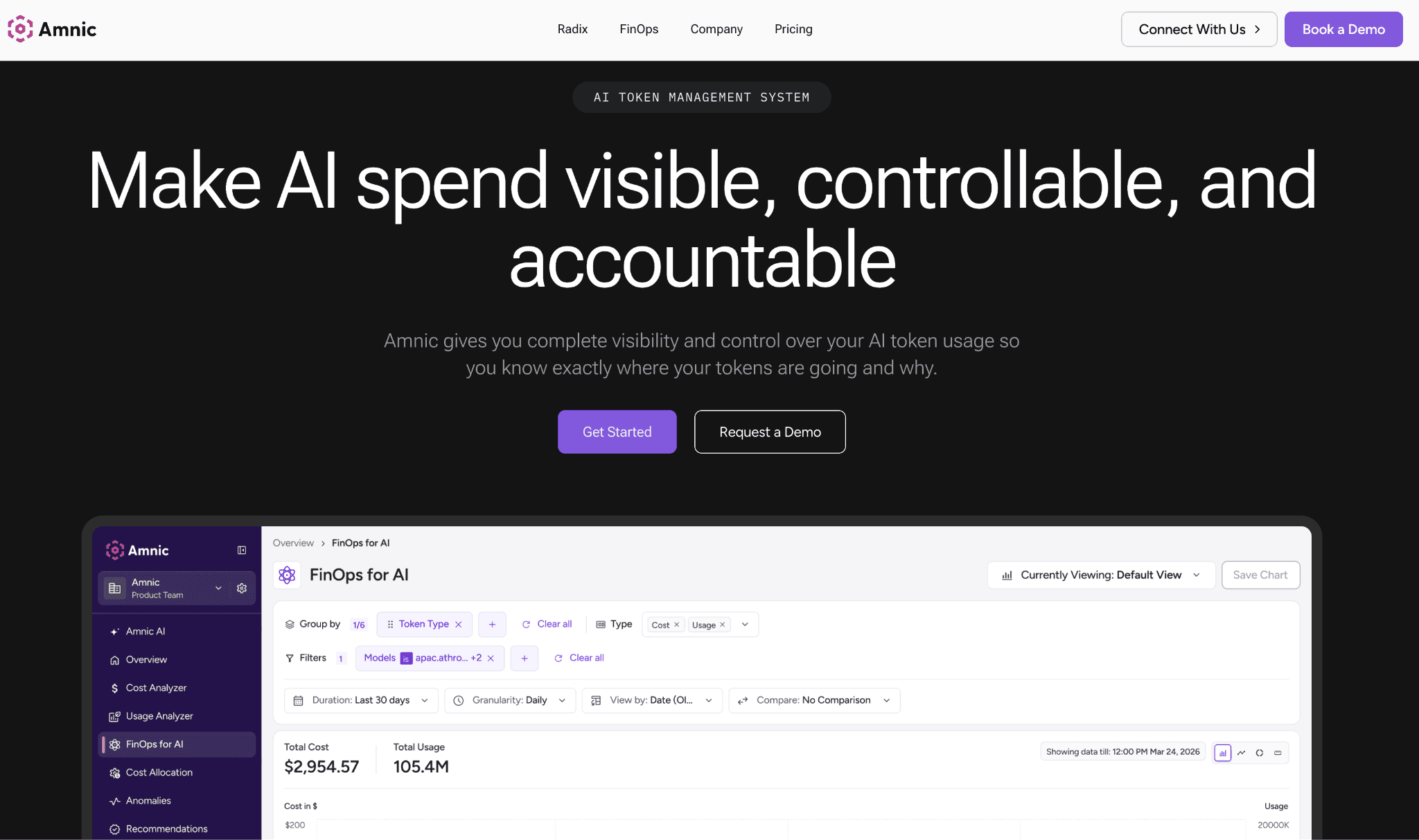
Amnic reads your Anthropic Admin API key and presents Claude spend with a toggle between cost and tokens, an input, output and cached breakdown and attribution down to the individual user. The token view matters because two teams can run the same dollar total while one leans on cached prefixes and the other burns fresh input and only the split tells them apart.
Where most tools stop at a workspace, Amnic layers business tags and cost centers on top, so spend maps to the product or team that owns it. It brings Claude into the same cost allocation practice that already governs cloud and Kubernetes cost.
The anomaly guardrails flag spikes before the invoice lands and cost-to-revenue tracking gives you unit economics rather than a raw total. Amnic is agentless and read-only, holds SOC 2, ISO and GDPR posture and never recommends switching models or providers. Ready to map Claude spend to your teams? Request a demo.
Key features:
Cost and token toggle so finance and engineers read the same Claude spend two ways
Input, output and cached token breakdown that exposes where prompt caching is paying off
Model-tier attribution across Opus, Sonnet and Haiku so mix shifts are visible
User-level attribution for Anthropic and OpenAI usage
Business tags and cost centers that push allocation past the workspace boundary
Anomaly guardrails that flag cost spikes early
Cost-to-revenue tracking for unit economics, not just totals
Agentless, read-only connection with SOC 2, ISO and GDPR posture
Pricing: Amnic charges roughly 0.25 to 1% of the spend it monitors, so the cost scales with what you track rather than a flat platform fee. There is a free trial and a guided onboarding.
Pros:
Token and cost views in one place, so neither finance nor engineering loses context
Allocation sits inside a full FinOps practice instead of a single LLM dashboard
Vendor-neutral by design, with no nudges to change models or providers
Cons:
Deeper allocation to specific features, teams, and customers is still maturing as business-tag mapping rolls out
User-level attribution currently covers Anthropic and OpenAI, so other providers track at a coarser level
2. Finout
Best for: Enterprises on Claude Enterprise that need spend tied to named users across every Claude surface.
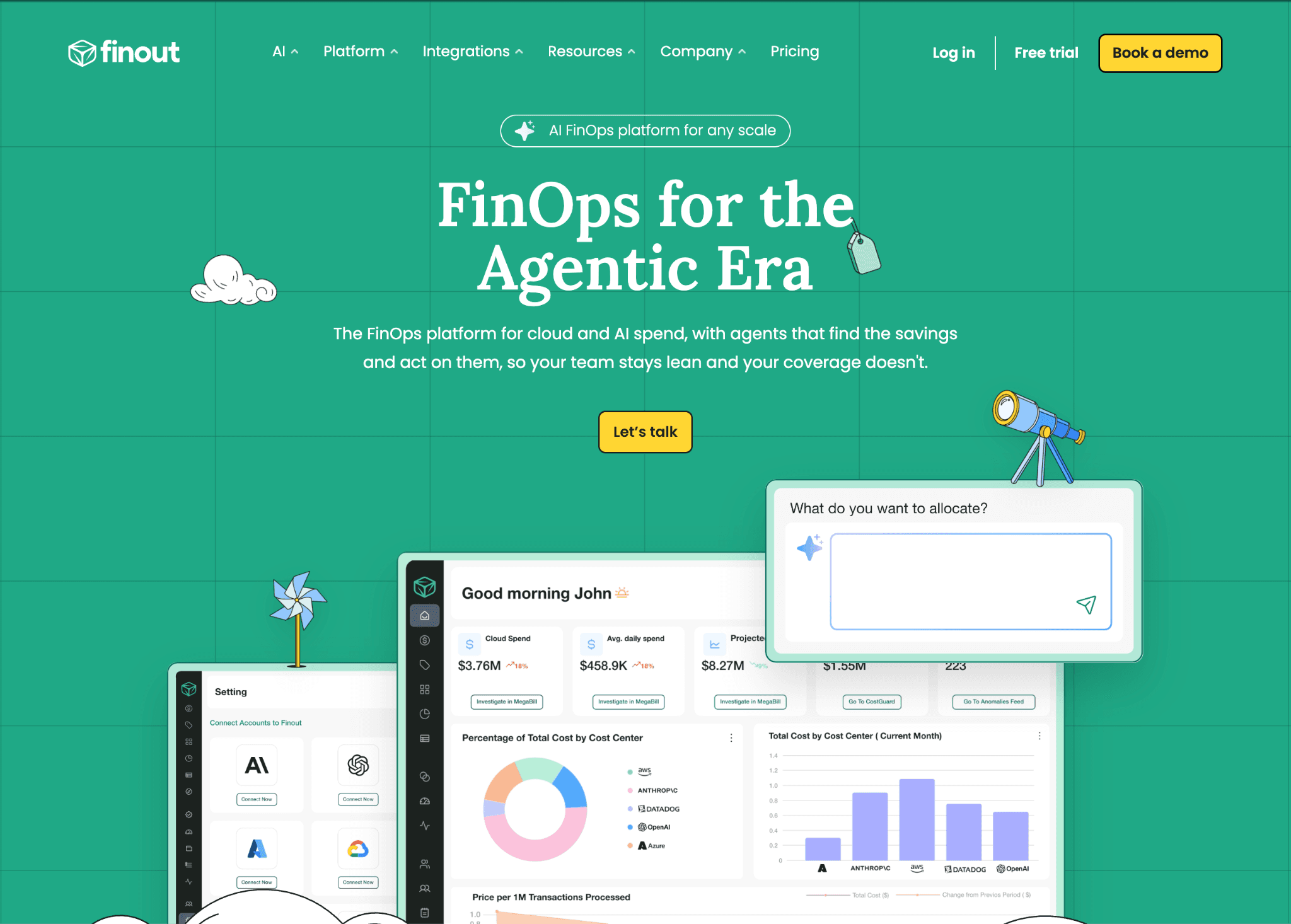
Finout operationalizes the Anthropic Enterprise Analytics API, which means it can name the user behind the spend. It pulls each person's email, token usage and dollar spend across chat, Claude Code, Cowork and Office agents, then splits usage between the 0 to 200K and 200K to 1M context windows per user.
For organizations where a few heavy Claude Code users drive most of the bill, that named view ends the guessing. Finout also folds Claude spend into the same framework as AWS, GCP and Azure and surfaces engagement signals like commits and pull requests that connect spend to output.
Key features:
Per-user attribution with email, token usage and USD spend
Multi-surface coverage across chat, Claude Code, Cowork and Office agents
Context-window breakdown between 0 to 200K and 200K to 1M per user
Virtual tags that allocate Claude cost beside cloud and SaaS
Engagement metrics like commits and pull requests alongside spend
Time-series dashboards with alerting on cost trends
Cost reconciliation against internal records for finance
Pricing: Finout uses custom enterprise pricing with no public rate card and onboarding is sales-led. Expect a scoping call before access.
Pros:
The deepest named-user attribution available for Claude today
One allocation framework spanning AI, cloud and SaaS spend
Engagement metrics give cost a productivity counterpart
Cons:
The per-user depth depends on the Enterprise Analytics API, so Claude Console organizations on the standard Admin API get less granularity
Enterprise pricing and sales-led onboarding raise the entry bar for smaller teams
3. CloudZero
Best for: Teams that report cost per customer or per feature and want it tied to engineering activity.
CloudZero is an Anthropic partner integration that connects token spend to events engineers already produce, such as GitHub commits and PagerDuty incidents. Its allocation engine assigns cost without requiring full tag coverage, which sidesteps the usual problem where untagged API keys leave a chunk of spend unattributed.
That makes it a fit for teams that never tagged everything but still owe finance a per-customer number. CloudZero expresses Claude spend as cost per customer, per feature, or per product, runs anomaly detection on the data and keeps one reporting surface across cloud and AI.
Key features:
Token spend mapped to engineering events like commits and incidents
Allocation logic that works without complete tag coverage
Cost per customer, per feature and per product views
Anomaly detection on Claude spend
Shared cost model across cloud and AI
Budgets and alerting for engineering owners
Reconciliation against the Anthropic cost data
Pricing: CloudZero uses custom enterprise pricing quoted after a scoping conversation. There is no public free tier, though demos are available.
Pros:
Strong unit-cost-per-customer reporting that few tools match
Allocation survives incomplete tagging, which reflects real environments
Engineering-event mapping connects spend to who changed what
Cons:
Setting up the allocation model can take data-engineering effort up front
Enterprise-only pricing puts it out of reach for small teams testing the waters
4. Vantage
Best for: Teams that already centralize cloud cost in Vantage and want Claude reconciled in the same place.
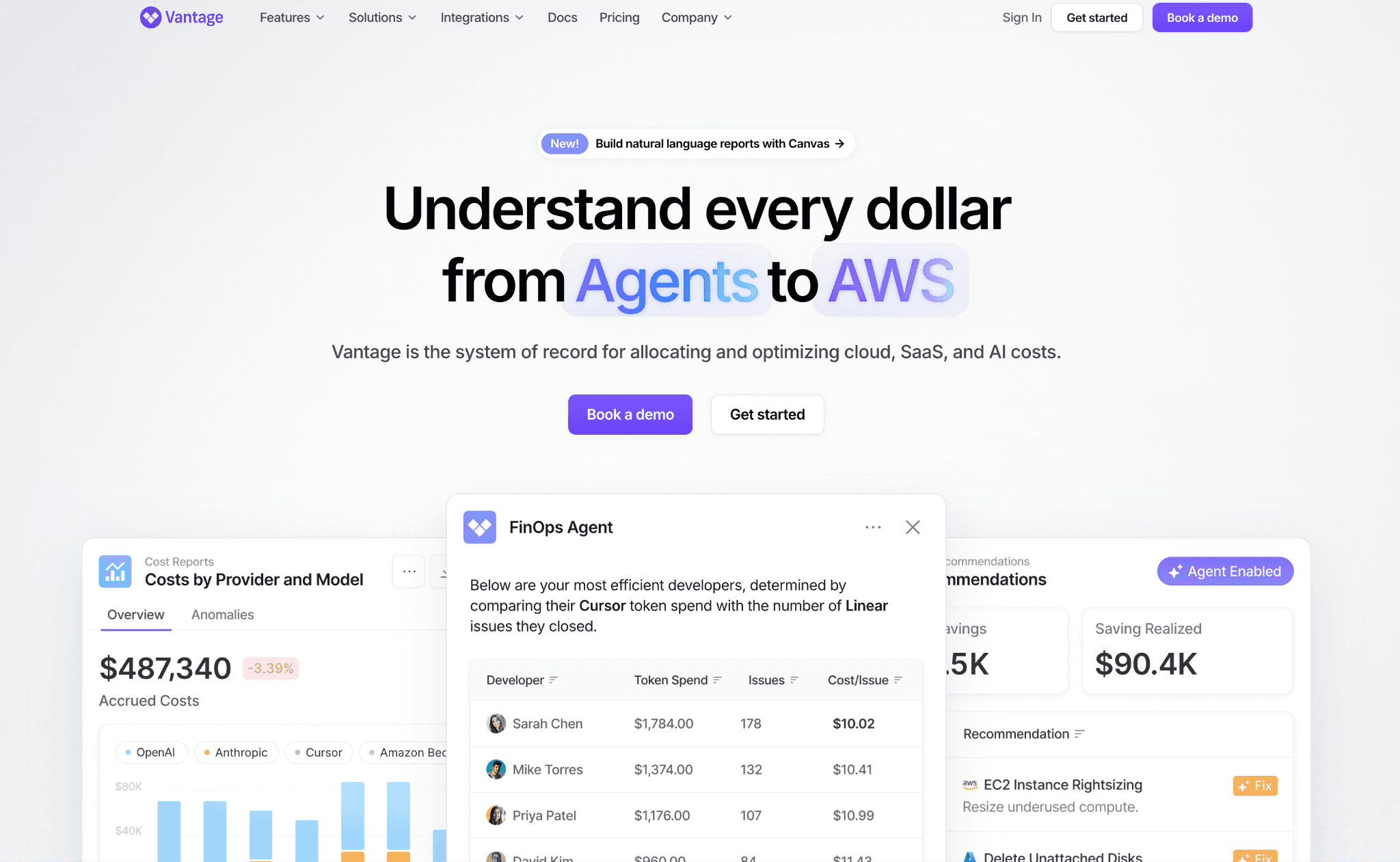
Vantage uses an Admin API key to ingest cost and usage through the Anthropic Usage and Cost API and never performs write actions, which keeps the connection read-only. It segments Claude spend by model, workspace, API key and service tier and tracks the impact of prompt caching so you see how much cached reads are saving.
For teams running several products off different API keys, it reconciles cost across those keys cleanly and alerts when spend drifts from its normal pattern. Claude lands in the same dashboard as AWS, Azure, OpenAI and other providers, the draw for teams that want one consolidated view.
Key features:
Read-only ingest through the Admin Usage and Cost API
Segmentation by model, workspace, API key and service tier
Prompt-caching impact tracking
Cost reconciliation across multiple API keys
Anomaly alerts on cost drift
Unified dashboard across cloud and AI providers
Budgets and reports for finance review
Pricing: Vantage offers a free starting tier and then subscription pricing rather than a percentage of spend. Confirm the current tier structure with the vendor.
Pros:
Clean Claude reconciliation beside existing cloud cost
Read-only ingest is easy to approve from a security standpoint
Prompt-caching visibility helps validate caching wins
Cons:
Allocation depth is bounded by Anthropic's workspace and API-key dimensions, so there is no per-named-user view
Teams wanting feature or customer unit cost will find the breakdown coarse
5. Datadog
Best for: Engineering teams that live in Datadog and want Claude cost beside their traces.
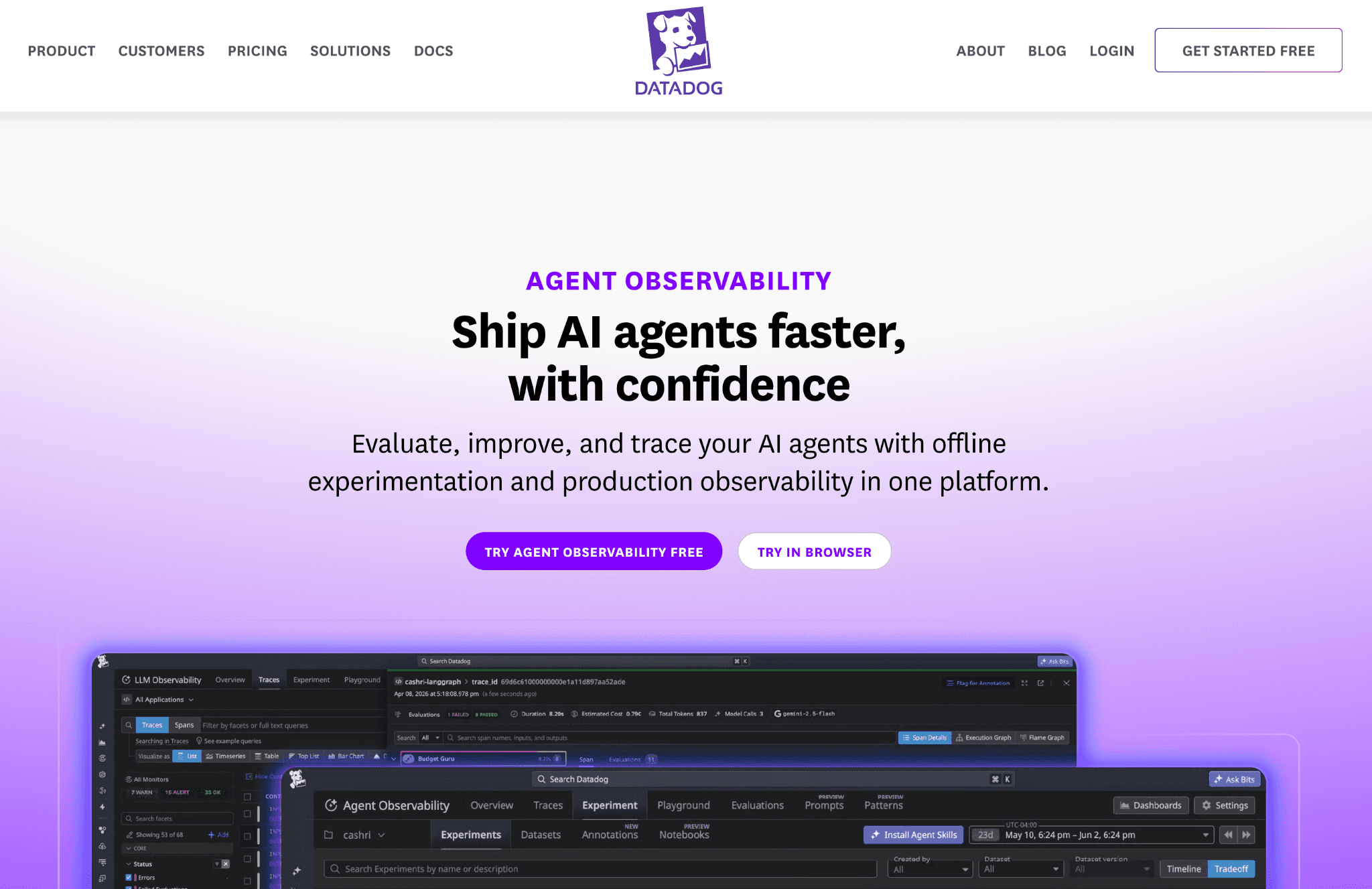
Datadog surfaces granular Claude usage and cost through its Anthropic integration and ties that spend to the application traces its LLM Observability already captures. That correlation lets an engineer see the cost of a feature path next to its latency and error rate and cost-spike alerts fire when usage jumps across workspaces.
The strength here is observability depth, not finance workflow. Datadog shows Claude usage in near real time and dashboards it well, but it is an engineering tool first. Showback, chargeback and unit economics run shallower than a dedicated FinOps platform.
Key features:
Anthropic usage and cost integration with granular breakdowns
Correlation of Claude spend with application traces and spans
Cost-spike alerts across workspaces
Near real-time monitoring dashboards
Model and workspace usage views
Tagging within the Datadog data model
Alerting beside existing infrastructure monitors
Pricing: Datadog uses usage-based pricing across its modules, so Claude monitoring adds to your existing bill. Costs scale with data volume, so confirm the impact at your usage level.
Pros:
Unmatched correlation between Claude cost and live application behavior
No new console for teams already standardized on Datadog
Fast, granular spike detection
Cons:
Allocation and chargeback are thin compared with dedicated FinOps platforms
Usage-based pricing can climb quickly at high data volumes
How to Choose the Right Anthropic Cost Allocation Tool
You need spend tied to named users across Claude Code and chat: Finout reads the Enterprise Analytics API and attributes cost to individual emails. The strategy behind that work is covered in how to allocate AI cost.
You report cost per customer or feature without full tagging: CloudZero maps spend to engineering events and allocates around tag gaps.
You already centralize cloud cost and want Claude reconciled there: Vantage ingests through the Admin API and segments by workspace and key. The difference between the two finance models is laid out in chargeback vs showback.
You want cost-spike alerts beside your traces: Datadog correlates Claude usage with application performance in one console.
You want token and cost allocation with unit economics and no model-switch pressure: Amnic covers it and the broader category sits in LLM cost allocation tools.
You only need a baseline and have engineers to build it: the native Admin Usage and Cost API groups spend by workspace and a build approach is outlined in how to track AI cost.
You are an early-stage startup watching every model dollar: lighter, self-serve options often fit better, weighed in AI cost optimization tools for startups.
Your Claude usage spans text and vision: image calls bill differently from text and per-modality spend is compared in multimodal cost optimization tools.
You also run self-hosted models on GPUs: keep hosted and self-hosted AI cost in one view by pairing allocation with GPU usage monitoring.
Common Mistakes When Choosing an Anthropic Cost Allocation Tool
Confusing optimization with allocation: Lowering the bill and assigning the bill are different jobs. A gateway that cuts spend does not tell you who owns the remainder. The split is explained in FinOps tools for AI cost management.
Allocating only by workspace: When several products share one workspace or API key, a workspace-level view buries them together. Push allocation to tags or users before finance asks who spent it.
Ignoring the cached token split: Cached reads cost a fraction of fresh input, so a tool that lumps tokens together overcharges teams that cache well. The mechanics live in token economics.
Using the wrong API key: The Admin API key differs from a standard Claude key and Claude Enterprise organizations use a separate Analytics key. Picking the wrong path limits the dimensions you can allocate by.
Letting unattributed spend fall to the default workspace: Usage with no workspace set reports a null workspace ID and silently pools into the default bucket, which hides real owners.
Buying an observability tool for a finance job: Tracing tools show usage well but run shallow on chargeback. Match the tool to whether the buyer is engineering or finance, a point Anthropic cost visibility tools draws out.
Why Decision Makers Choose Amnic for Claude Cost Allocation
Amnic gives finance and engineering a single view of Claude spend, the same single-pane approach behind FinOps for AI, with a cost and token toggle that lets each side read the number its own way. Allocation runs on business tags and cost centers rather than stopping at the workspace and cost-to-revenue tracking turns spend into the unit economics founders ask about.
That same practice also governs your cloud and Kubernetes cost, so nothing sits in a silo. Claude allocation lines up beside familiar cloud levers such as maximizing cloud ROI using spot instances, all in one place.
The connection is agentless and read-only with SOC 2, ISO and GDPR posture and the platform never nudges you toward a cheaper model. That neutrality matters when a CFO needs to trust the allocation reflects real usage. For a wider provider view, Anthropic vs OpenAI compares how the two cost surfaces differ.
Allocate Your Claude Spend With Confidence
Claude cost only becomes manageable once every dollar has an owner. The right Anthropic cost allocation tool turns one monthly token total into team budgets, per-customer unit cost and finance-ready chargeback, without pushing you to change how your teams use the models. See what Claude spend looks like mapped to your own teams and customers and check Amnic pricing to get started.
Frequently Asked Questions
What is an Anthropic cost allocation tool?
It is software that assigns Claude API spend to the team, project, feature, or customer that caused it, using the token and workspace metadata Anthropic returns. The result feeds showback and chargeback so each owner sees and carries its own cost.
How does Anthropic let you allocate Claude costs?
The Usage and Cost Admin API breaks token consumption down by model, workspace, API key and service tier and the cost endpoint groups spend by workspace for chargeback. Claude Enterprise organizations use a separate Analytics API for per-user data.
Can I allocate Claude spend to individual users?
Yes, but it depends on the path. The Enterprise Analytics API exposes per-user spend by email across Claude surfaces, which tools like Finout and Amnic surface. The standard Admin API allocates by workspace and API key rather than user.
Why does prompt caching matter for allocation?
Cached reads are priced at roughly one-tenth of base input tokens, so two teams with the same dollar total can have very different real usage. A tool that ignores the cached split misattributes who actually drove the spend.
Is cost allocation the same as cost optimization?
No. Optimization lowers the Claude bill through caching, routing, or model choice. Allocation assigns the bill once it exists. You can read how to manage AI cost for where the two practices meet.
Which tool is best for per-customer Claude cost?
CloudZero specializes in cost per customer by mapping spend to engineering events and allocating around tag gaps. Amnic also tracks cost to revenue for unit economics across providers, covered in multi-provider LLM cost management.
Better visibility and management into AI Tokens?
Start with a 30 day trial
Connect leading LLMs
24 hour time to value
Stay ahead of AI Spend

Make AI spend visible, controllable, and accountable.
Gain insights into your AI token costs at a team, customer, business unit and individual user level to measure and manage AI utilization.
Recommended Articles

8 Best Llama Cost Management Tools in 2026
Read More

8 Best Amazon Bedrock Cost Optimization Tools for 2026
Read More

7 Best Amazon Bedrock Cost Monitoring Tools
Read More

8 Best Gemini Cost Visibility Tools for 2026
Read More

7 Best Multimodal Cost Optimization Tools for 2026
Read More

8 Best AI Cost Optimization Tools for Startups in 2026
Read More






