










Benchmark maturity,close governance gaps,
and drive ROI in under 20 minutes







Frequently Asked Questions
1. How does Amnic detect cloud cost anomalies?
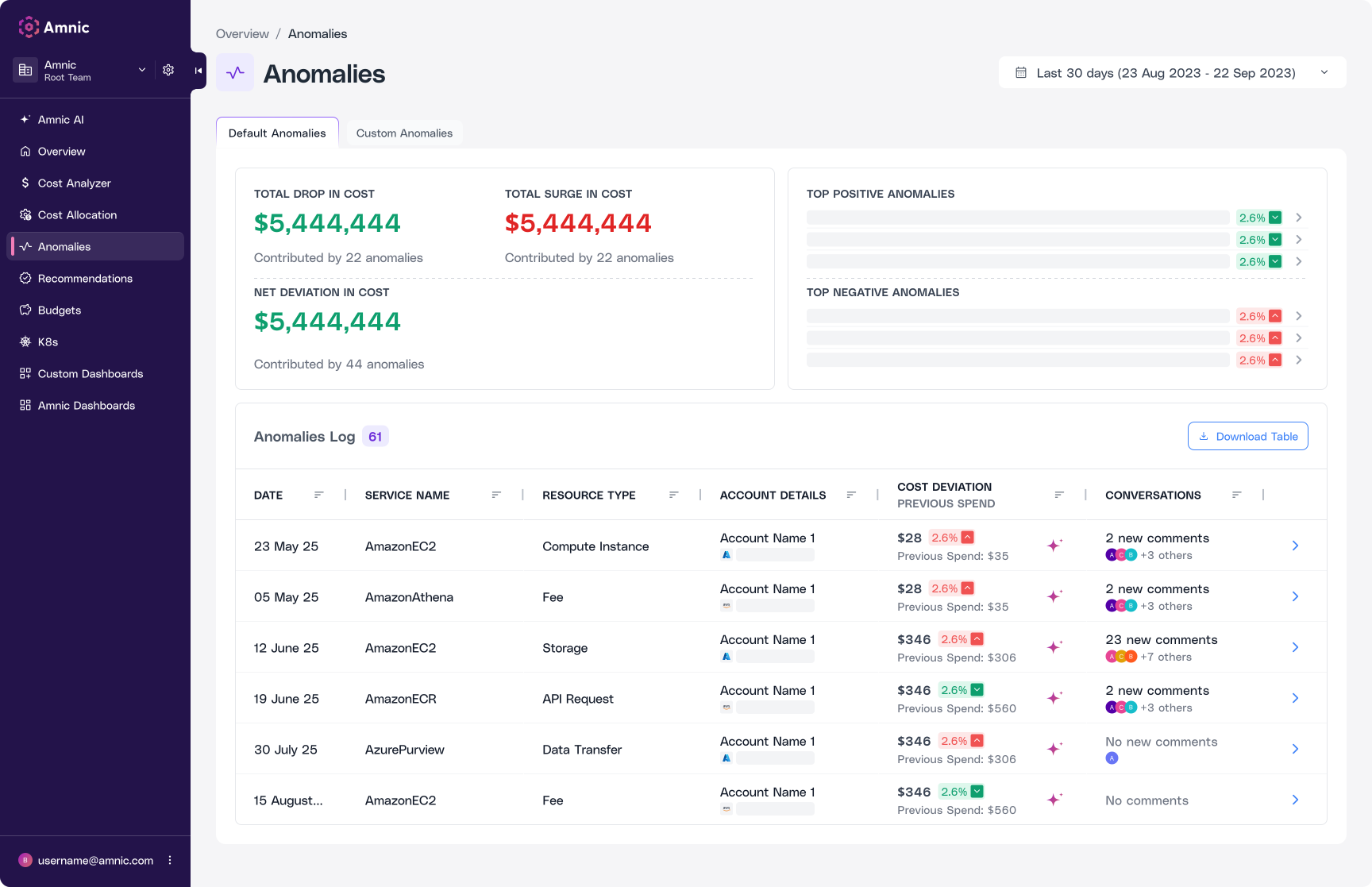
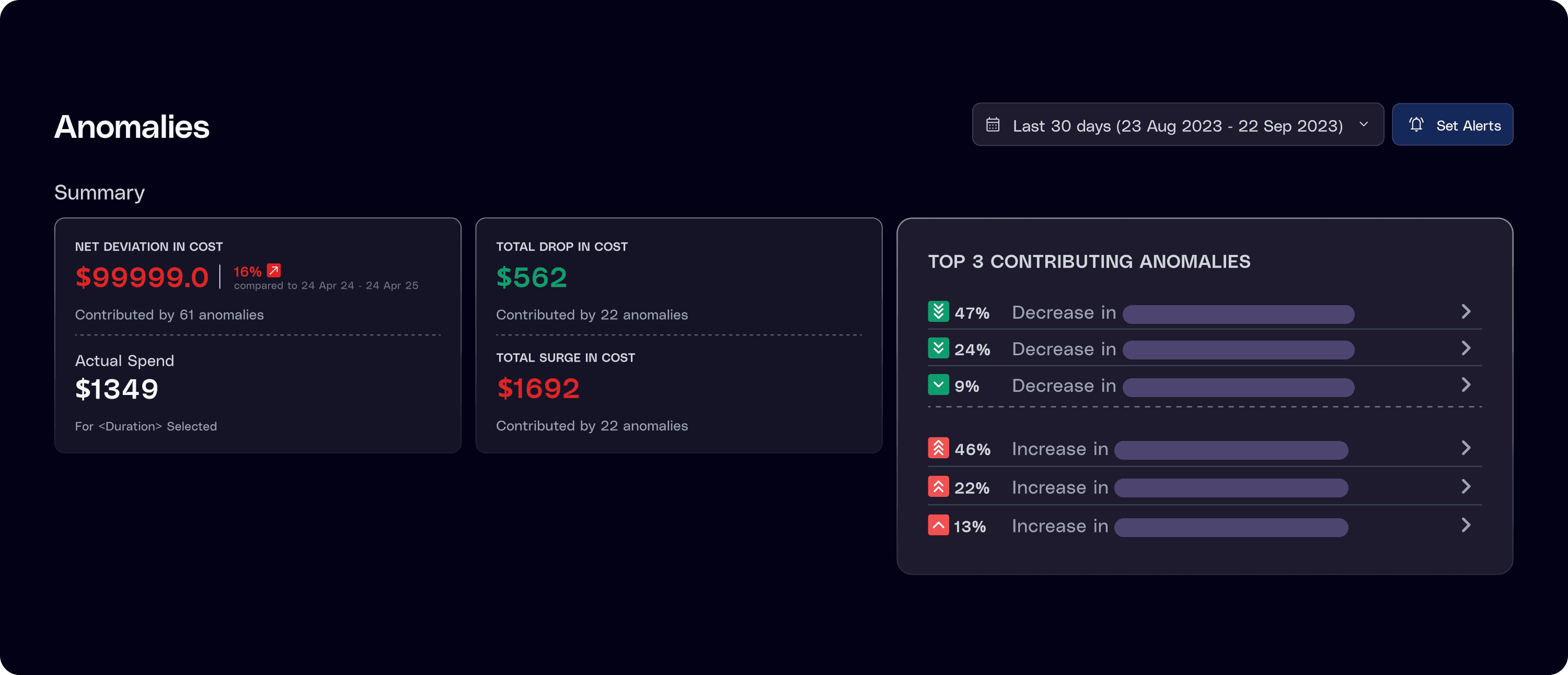
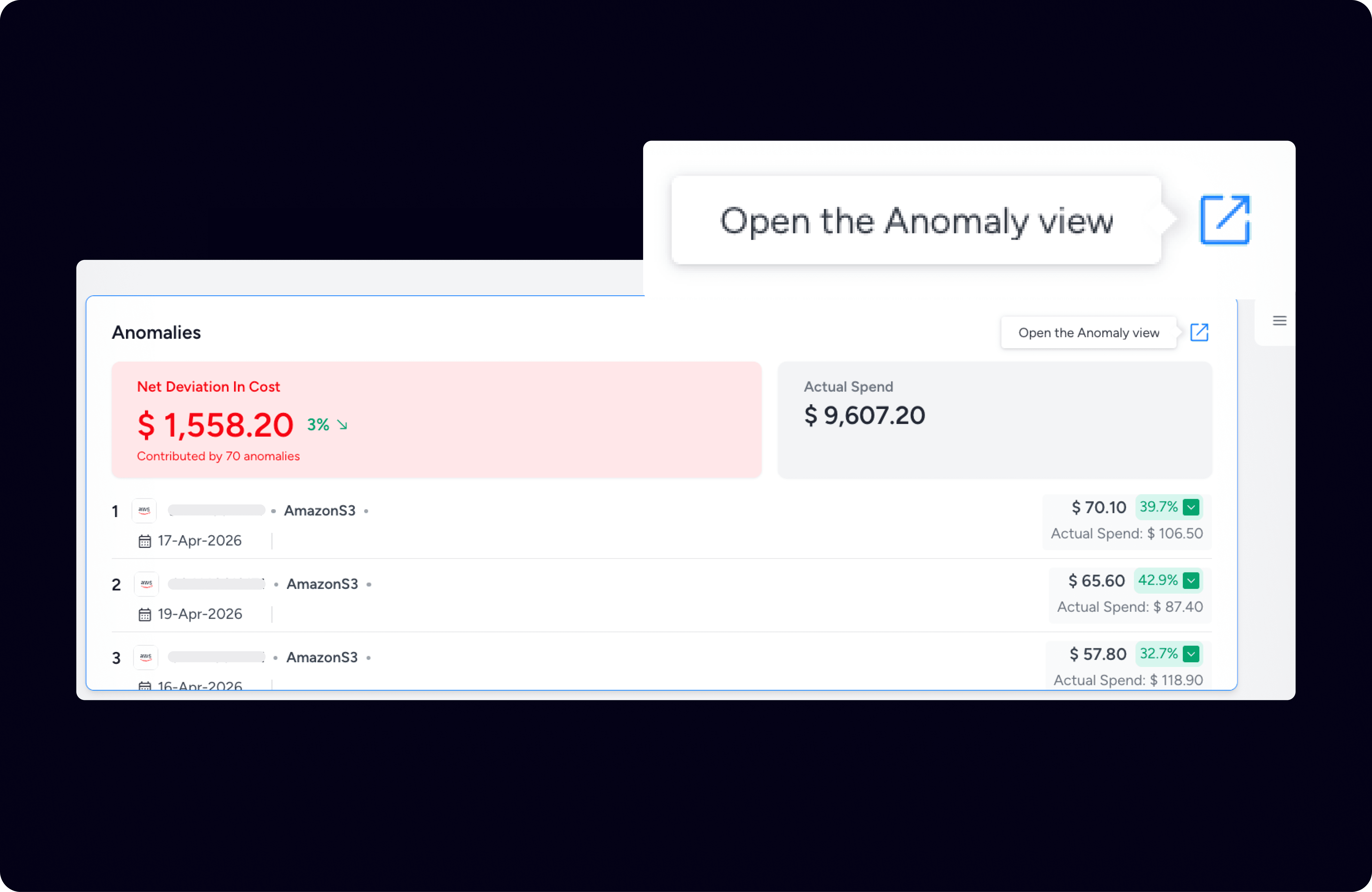
Amnic continuously scans your cloud spend across AWS, Azure, and GCP to flag unusual spikes, drops, and deviations the moment they happen. It uses default anomaly rules out of the box, plus lets you build custom rules based on your own metrics, thresholds, and filters. That means complete coverage across teams, products, environments, and even Kubernetes namespaces, with zero blind spots.
2. Can I customize anomaly detection rules for my business?
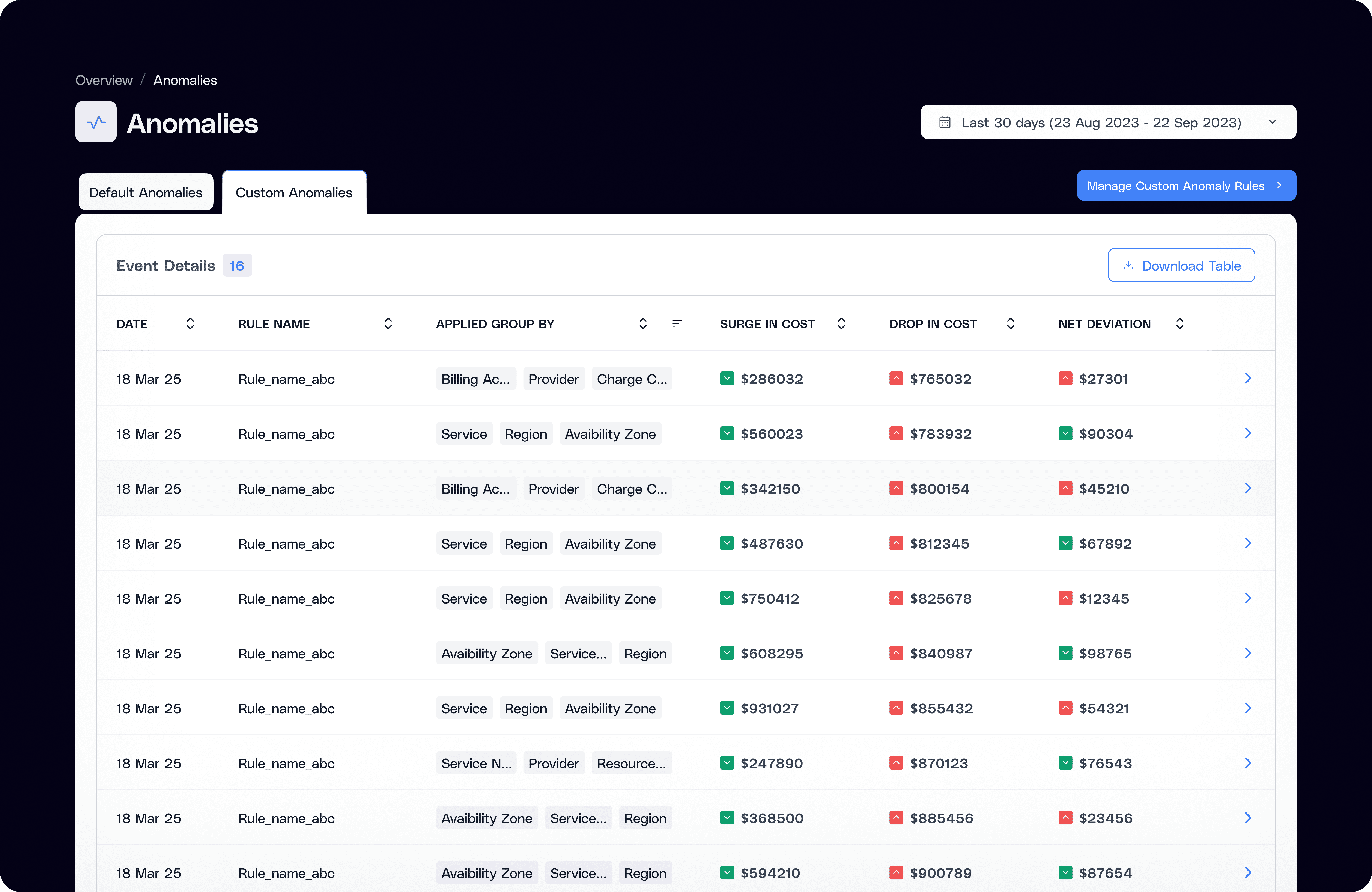
Yes. Beyond Amnic's built-in rules, you can define custom anomaly detection logic tailored to how your business actually runs. Pick the metrics that matter, apply filters, set your own thresholds, and monitor exactly the cost signals your team cares about. It's precision anomaly detection without a data science team.
3. How fast can I get to the root cause of a cost spike?
Much faster than manual investigation. Amnic ties anomalies to deployment level changes, surfaces likely root causes, and maps each issue to the resource and team responsible. Teams cut anomaly debugging time by up to 90%, turning what used to be hours of digging into a quick review and a clear next step.
4. How do I get alerted when anomalies are detected?
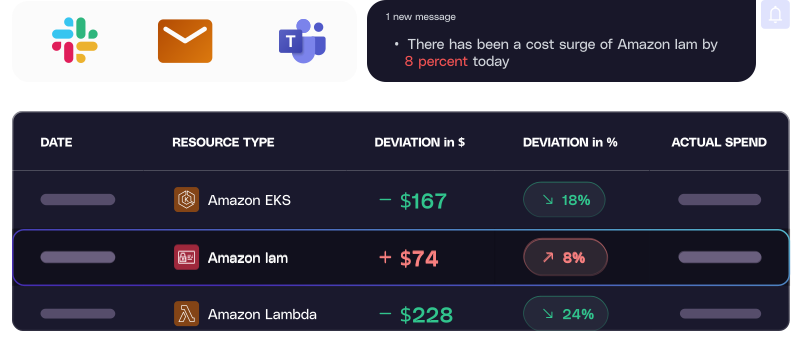
Alerts land exactly where your team already works. Get instant notifications via Slack, Microsoft Teams, or email, mapped to specific anomaly types and owners so the right person hears about it first.
5. Does Amnic help me act on anomalies, not just detect them?
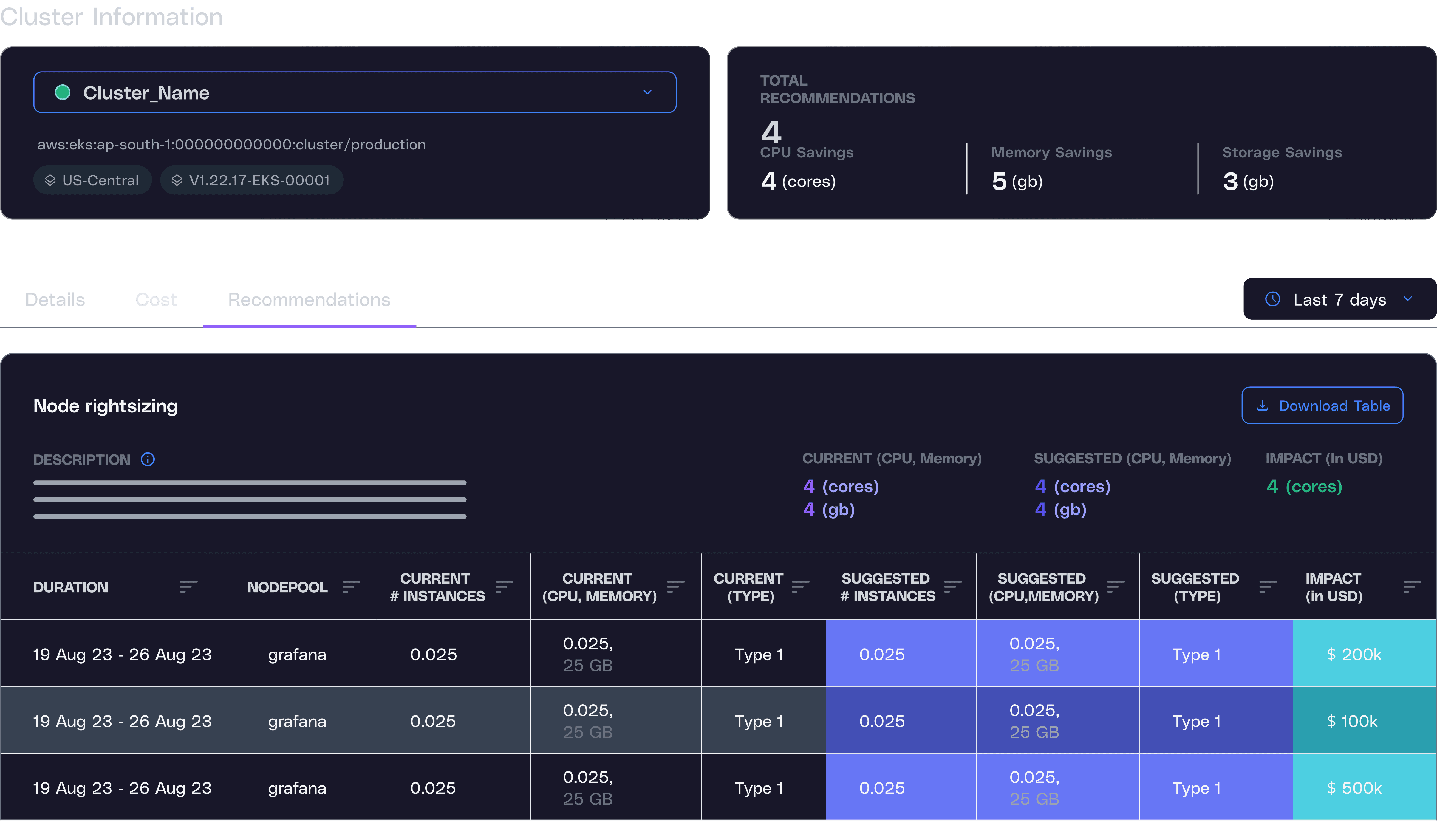
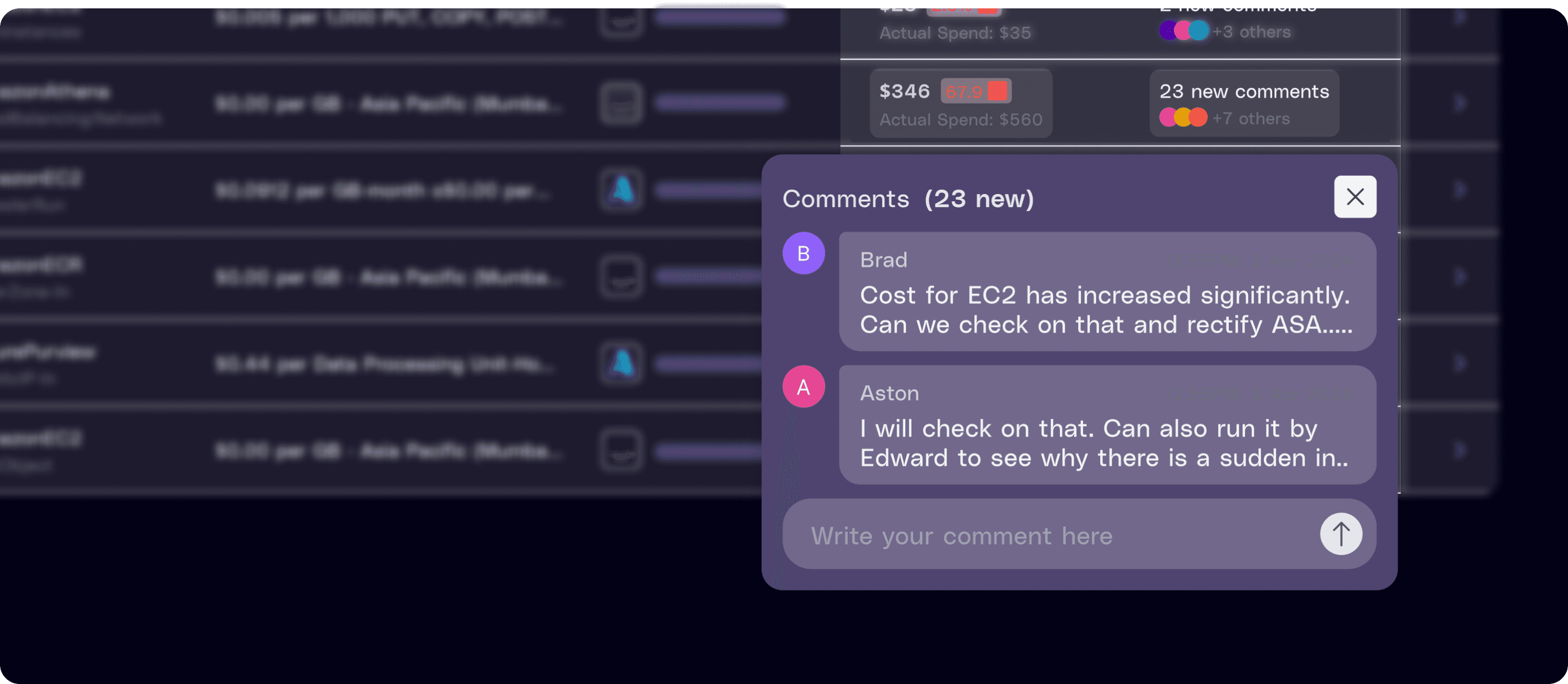
Yes. Every anomaly comes with actionable recommendations to reduce waste, and the Governance Agent assigns ownership, tracks resolution, and makes sure fixes actually get implemented. Save anomaly views as reports, embed them into dashboards, and let the Reporting Agent deliver them on your schedule. Detection, action, and accountability in one loop.






