8 Best Llama Cost Management Tools in 2026
11 min read
Tools

Table of Contents
Comparing the top Llama cost management tools are 1. Amnic, 2. Cast AI, 3. Kubecost / OpenCost, 4. Vantage, 5. LiteLLM, 6. Portkey, 7. Langfuse and 8. Coralogix.
Llama cost behaves differently from a closed API bill because the model is open weights. You either rent or buy GPUs and pay by the hour, or you call Llama through a hosted API and pay by the token. One practitioner summed up the confusion well: with an API "you pay by the token instead of a big upfront hardware cost."
A rented GPU costs the same whether it processes zero tokens or four billion, so the tool you need depends on which path you run. Good AI token management closes the gap between both. These tools sit across GPU infrastructure, API gateways and observability so a finance team can see, control and attribute every dollar Llama spends.
Amnic leads this list because it is the one platform that treats self-hosted GPU spend and API token spend as a single cost problem, where most tools solve only one path.
Amnic ingests the cloud and GPU compute behind self-hosted Llama, tracks token spend on managed services like Amazon Bedrock, and maps both to a team, feature or customer as one cost allocation view on read-only access. It reports and attributes cost without ever telling you to switch models, which keeps engineering decisions where they belong.
Top 8 Llama Cost Management Tools in 2026
Amnic: Unifies self-hosted GPU cost and managed Llama token spend in one read-only view and attributes both to a team, feature or customer.
Cast AI: Automates GPU autoscaling, spot usage and bin-packing in Kubernetes so idle Llama nodes stop draining the budget.
Kubecost / OpenCost: Allocates GPU and node cost down to the namespace and pod running your self-hosted Llama models.
Vantage: Gives cloud infrastructure cost visibility and pulls managed Llama deployments into the wider cloud bill.
LiteLLM: Open-source proxy that standardizes Llama API traffic and sets budgets per key, user and team.
Portkey: AI gateway with per-request cost attribution, semantic caching and guardrails against runaway token spend.
Langfuse: Self-hostable observability that attaches Llama token cost to individual traces, sessions and users.
Coralogix: Full-stack observability that tracks token-level cost, flags query spikes and sets budgets per AI agent.
What are Llama cost management tools?
Llama cost management tools are software that track, control and allocate the money you spend running Meta's Llama models, whether you self-host them on GPUs or call them through a paid API. The category exists because Llama has two cost shapes at once, and a tool built for one rarely covers the other.
On the self-hosted path your cost is a GPU-hour. You rent an A100 or H100, or buy the hardware outright, and you pay for that capacity whether the card runs at 5% load or 95%. Here the tools that matter are GPU schedulers, Kubernetes cost allocators and infrastructure monitors that raise utilization and split the compute bill across workloads.
On the API path your cost is a token. Hosted providers price Llama per million tokens, so a gateway or observability tool that meters tokens per key and per user is what keeps that bill honest.
Most FinOps buyers run both at the same time. A recommendation feature might call a hosted Llama endpoint while a batch pipeline runs a quantized model on owned GPUs, and finance still has to answer what each product costs. That is why the strongest tools move past reducing cost to attributing it. The eight below are 1. Amnic, 2. Cast AI, 3. Kubecost / OpenCost, 4. Vantage, 5. LiteLLM, 6. Portkey, 7. Langfuse and 8. Coralogix.
Comparison Table: Best Llama Cost Management Tools in 2026
Information reflects vendor sources as of July 2026. Confirm current pricing with the vendor.
Tool | Llama Coverage | Key Cost Features | Free Option | Pricing | Best For |
|---|---|---|---|---|---|
1. Amnic | Self-hosted GPU compute plus managed Llama on Amazon Bedrock, in one view | Cost allocation by team, feature and customer, anomaly alerts, AI unit economics, read-only access | Yes, 1 month | % of monitored AI and cloud spend, custom | FinOps and platform teams who need self-host and API Llama cost attributed together |
2. Cast AI | Self-hosted Llama on Kubernetes | GPU autoscaling, spot orchestration, bin-packing, node right-sizing | Yes, free cost report | Priced on managed compute, custom enterprise | Kubernetes teams cutting idle GPU cost on self-hosted Llama |
3. Kubecost / OpenCost | Self-hosted Llama on Kubernetes | Namespace, pod and GPU cost allocation, showback, budget alerts | Yes, OpenCost is free | Kubecost free tier, Enterprise custom | Engineers who need granular GPU cost by workload |
4. Vantage | Cloud infrastructure and managed Llama deployments | Cloud cost visibility, Kubernetes cost, resource reports, budgets | Yes, no time limit | Fixed-rate tiered subscription | Teams folding Llama infra cost into the wider cloud bill |
5. LiteLLM | Llama via any OpenAI-compatible API host | Budgets per key, user and team, spend logging, rate limits | Yes, open source | Free self-host, paid enterprise | Developers standardizing and capping Llama API traffic |
6. Portkey | Llama via hosted APIs | Per-request cost attribution, semantic caching, guardrails, tagging | Yes, 10k requests/mo | Free, ~$49/mo, custom enterprise | Teams cutting duplicate Llama calls at the gateway |
7. Langfuse | Llama via API and self-hosted endpoints | Token cost per trace, session and user, dashboards, evals | Yes, 50k units/mo | Free, from ~$29/mo, enterprise custom | Engineers tracing Llama cost to a request or user |
8. Coralogix | Llama via API and self-hosted endpoints | Token-level cost tracking, spike detection, per-agent budgets | Yes, trial | Usage-based on data volume, custom | Teams already on full-stack observability |
How We Evaluated Llama Cost Management Tools
Dual-path coverage: does the tool handle self-hosted GPU cost, API token cost, or both, and does it make the two comparable.
Cost allocation depth: can it split Llama spend by team, feature, customer or model, so finance can answer cost per feature without a spreadsheet.
Real-time visibility and anomaly alerts: does it surface a spend spike while you can still act on it, not after the invoice lands.
Deployment and security model: read-only versus write-access, self-hosted versus SaaS, and how fast a security review clears it.
Integration reach: does it connect to the clouds, Kubernetes clusters and API hosts where your Llama workloads actually run.
Pricing transparency: is the cost model clear, and does it scale sensibly with your Llama footprint.
The 8 Best Llama Cost Management Tools in 2026
1. Amnic
Best for: FinOps leads, platform engineers and CFOs who run Llama on both owned GPUs and hosted APIs and need one attributed view of the total cost.

Amnic is a FinOps platform that unifies AI token spend, GPU compute and multi-cloud cost in one read-only view. For Llama, that matters because the cost lives in two places at once. Amnic ingests the cloud and GPU compute behind self-hosted Llama through your billing data, tracks token spend on managed Llama services like Amazon Bedrock natively, and puts both on the same page so finance stops guessing which line item belongs to which workload.
The differentiator is attribution, not tuning. Four AI agents let a CFO, SRE or FinOps analyst query the Llama bill in plain English and get anomaly alerts before a runaway job compounds. Amnic reports usage and cost and allocates it to a team or product, and it deliberately never recommends switching models or providers, because that call needs product context a cost tool does not have. This is where it separates from the GPU-optimization crowd and pure token trackers, by owning the cost attribution territory that maps spend to a P&L.
Key features:
Unified view of self-hosted GPU compute and managed Llama token spend, so both cost shapes sit on one screen.
Cost allocation that maps Llama spend to a team, feature, customer or environment for showback and chargeback.
Native token tracking for managed AI services on Amazon Bedrock, with OpenAI and Anthropic coverage.
AI anomaly detection that flags a Llama spend spike and routes it to the right owner before the invoice.
AI unit economics that ties Llama and GPU spend to cost per inference, per customer or per feature.
Four AI agents (X-Ray, Insights, Governance, Reporting) that answer plain-English questions about AI spend.
Read-only deployment that security teams approve in days, with SOC 2, ISO 27001 and GDPR compliance.
Pricing: Amnic pricing is typically a percentage of monitored AI and cloud spend, in the 0.25% to 1% range, with a one-month free trial on the startup tier and no credit card required.
Read-only access holds throughout the trial, so DevOps keeps ownership of every change while finance gets the numbers.
Pros:
The only tool here that attributes self-hosted GPU cost and API Llama token cost in the same view.
Read-only architecture clears security review fast, which matters for regulated fintech, healthcare and BFSI workloads.
Plain-English AI agents let non-engineers investigate a Llama spend spike without SQL or a data export.
Cons:
Percentage-of-spend pricing grows with your AI and cloud bill, so very large Llama footprints should negotiate a spend cap at contract time.
Amnic reports and allocates cost but does not auto-tune GPUs or reroute traffic, so pair it with a scheduler for hands-on optimization.
Explore Amnic AI to see how the agents answer Llama spend questions in plain English.
2. Cast AI
Best for: Kubernetes teams self-hosting Llama who want idle GPU cost cut automatically rather than reported.
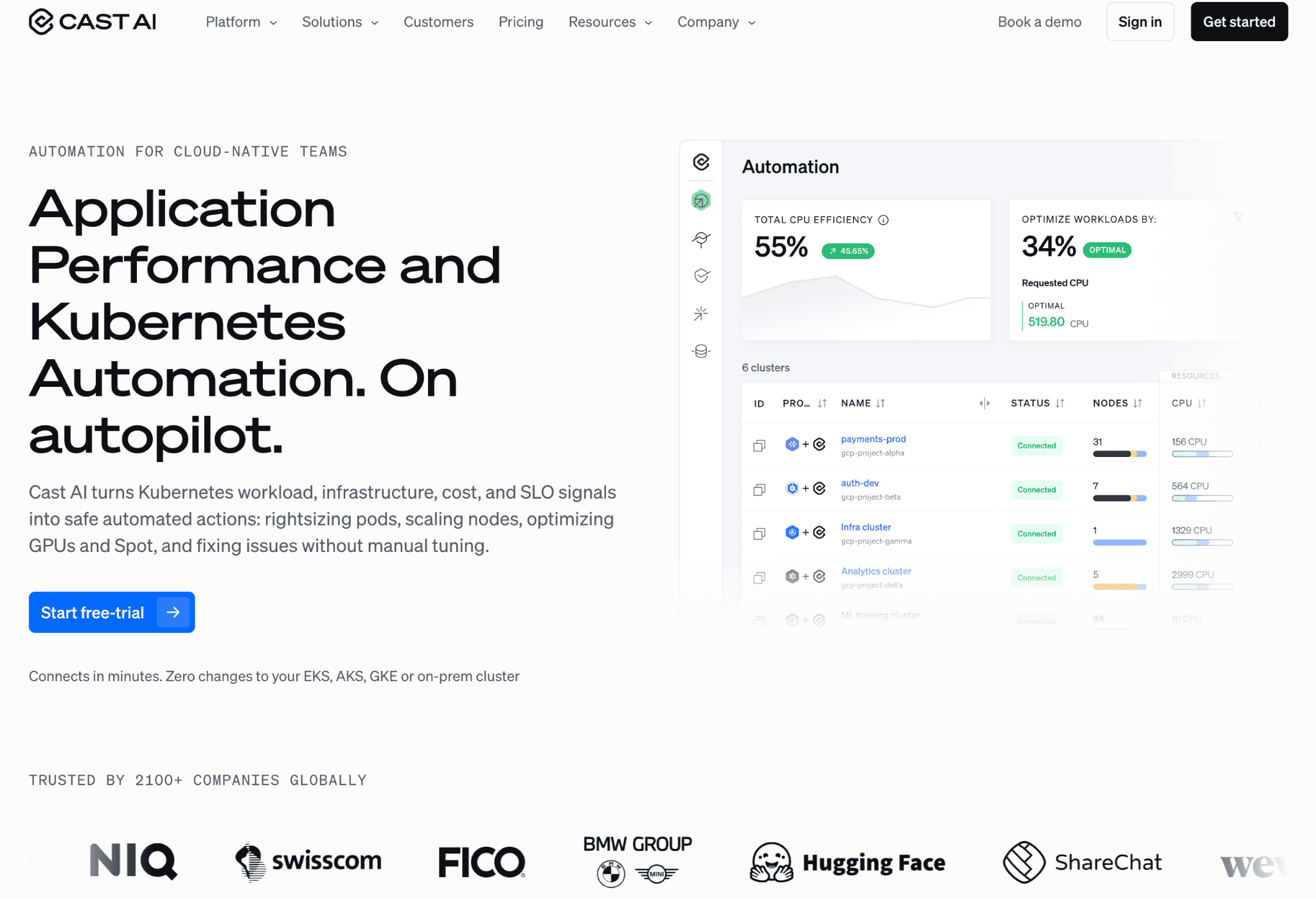
Cast AI is a Kubernetes automation platform that attacks the biggest self-hosted Llama waste: GPUs you pay for while they sit idle. Because a Llama inference endpoint holds GPU memory even between requests, utilization on a self-managed cluster is often low, and Cast AI raises it by bin-packing pods onto fewer nodes and scaling capacity to real demand.
It orchestrates spot instances for fine-tuning and non-critical batch jobs, right-sizes nodes to the model's actual memory footprint, and can move workloads across clouds to chase cheaper GPU capacity. The tradeoff is scope. Cast AI acts on the infrastructure layer, so it lowers the GPU-hour but does not meter the per-token cost of Llama called through an external API.
Key features:
GPU autoscaling that matches node capacity to live Llama inference and training demand.
Spot instance orchestration with fallback, aimed at fine-tuning and batch jobs that tolerate interruption.
Bin-packing that consolidates Llama pods onto fewer GPU nodes to lift utilization.
Node right-sizing that picks instance types to fit a quantized or full-precision model's memory.
GPU sharing through time-slicing and MIG on supported hardware.
Multi-cloud support across AWS, GCP and Azure for capacity arbitrage.
A free cluster cost report that surfaces savings before you commit.
Pricing: Cast AI offers free cost monitoring and a GPU savings report, with paid automation priced on the compute it manages and custom enterprise agreements.
Confirm the automation tier with Cast AI, since the cost model depends on how much cluster capacity you hand over.
Pros:
Directly cuts the idle-GPU waste that drives most self-hosted Llama overspend.
Automation acts without an engineer babysitting the cluster, which frees platform time.
Strong spot handling makes fine-tuning and batch inference meaningfully cheaper.
Cons:
Kubernetes-only, so Llama running on bare VMs or a hosted API falls outside its reach.
Automation needs write access to the cluster, which lengthens the security review some teams can afford.
3. Kubecost / OpenCost
Best for: Engineers who need to know exactly which namespace, pod or GPU their self-hosted Llama cost belongs to.
Kubecost, and its open-source core OpenCost, answer the allocation question on Kubernetes: what did each workload actually cost. For self-hosted Llama that means splitting GPU and node spend down to the namespace, pod and label, so a fine-tuning job and a serving deployment stop hiding inside one cluster bill. OpenCost was incubated in the CNCF and gives real-time cost monitoring for free.
The tool reads GPU cost from your cloud rates and shows it per workload, with budget alerts and showback reports finance can use. It pairs naturally with GPU utilization monitoring, since knowing utilization and knowing cost are two halves of the same answer. What it does not do is track tokens, so API-based Llama sits outside its model.
Key features:
GPU and node cost allocation down to namespace, pod, deployment and label.
OpenCost open-source core with real-time cost monitoring at no license cost.
Showback and chargeback reports that split shared cluster cost across teams.
Budget alerts and spend anomaly notifications for Kubernetes workloads.
Efficiency and idle-cost metrics that flag over-provisioned GPU nodes.
Integrations with Prometheus and Grafana for the metrics backend.
Cloud billing integration for accurate on-demand and spot GPU rates.
Pricing: OpenCost is free and open source, while Kubecost offers a free single-cluster tier and Enterprise pricing that is custom, now under Harness.
The free tier covers a single cluster, so multi-cluster Llama fleets move to a paid plan for federated reporting.
Pros:
Granular per-workload GPU cost that no infrastructure autoscaler gives you.
The open-source path is genuinely free and CNCF-backed, which lowers adoption risk.
Clean showback reports make shared GPU clusters fair to bill.
Cons:
Requires a Prometheus and Kubernetes stack, so there is real setup and upkeep.
Covers only self-hosted Kubernetes cost, with no view of API-based Llama tokens.
4. Vantage
Best for: Teams that want managed Llama deployments folded into one cloud infrastructure cost view.
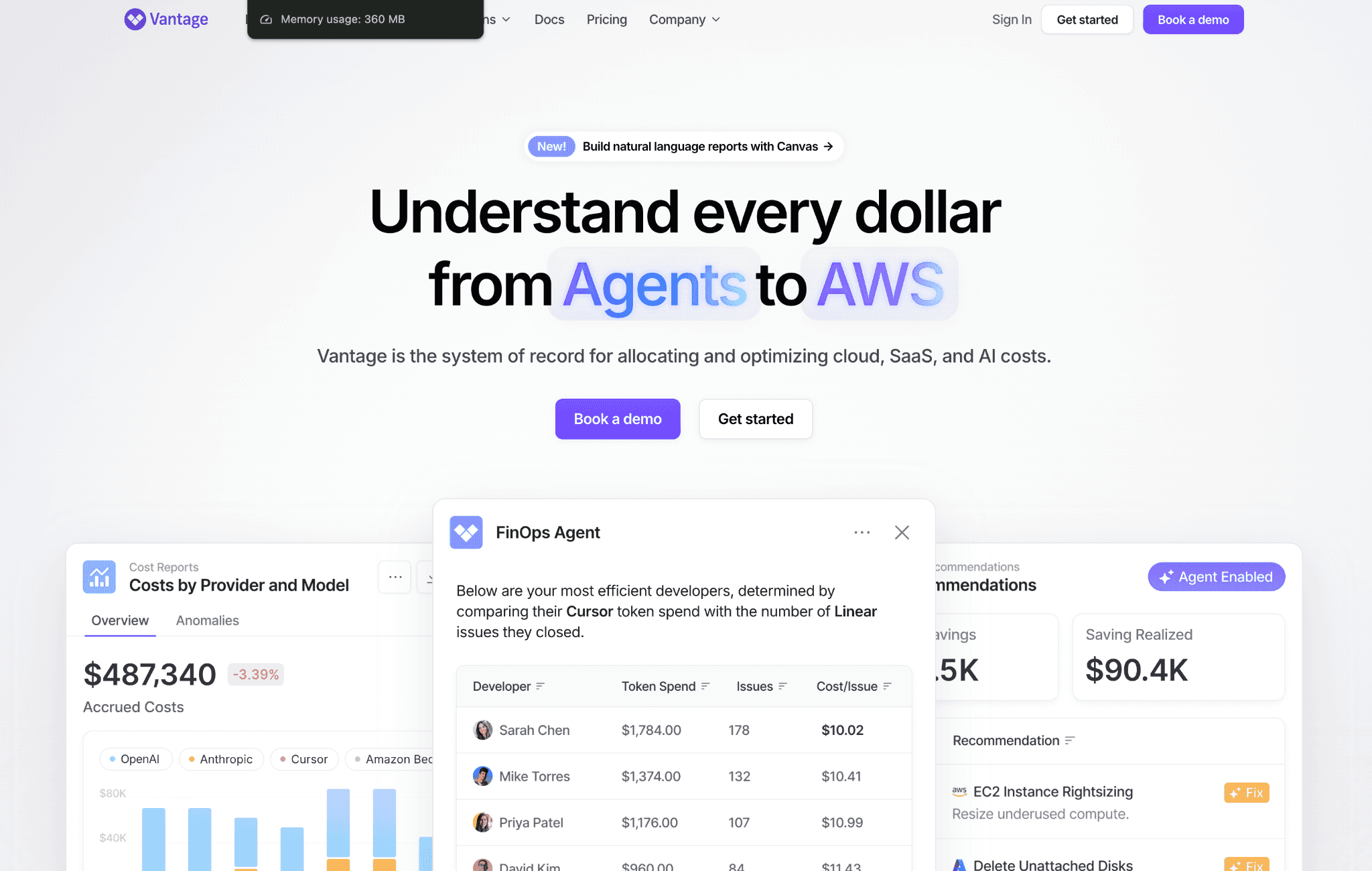
Vantage is a cloud cost visibility platform that tracks infrastructure spend across AWS, GCP, Azure and Kubernetes, and pulls managed Llama deployments such as Amazon Bedrock into that same picture. For a team whose Llama cost is mostly cloud infrastructure, it puts the GPU instances, storage and managed service lines in one place with reports finance recognizes.
It builds cost reports by service, account and tag, forecasts spend, and surfaces savings from commitments and idle resources. Vantage leans toward visibility and reporting rather than active optimization, and its per-token attribution for API Llama traffic is lighter than a dedicated gateway, so heavy API users often add one of those alongside it.
Key features:
Cost reports across AWS, GCP, Azure and Kubernetes in one console.
Managed AI service coverage that includes Amazon Bedrock Llama lines.
Resource-level cost breakdown by service, account and tag.
Cost forecasting and budget tracking with alerts.
Savings recommendations from commitments, reservations and idle resources.
A cost report builder and shareable dashboards for finance and engineering.
A free tier with no time limit for smaller footprints.
Pricing: Vantage runs a fixed-rate tiered subscription with a free tier that has no time limit, and paid plans that add longer data history and team access controls.
Paid tiers scale by feature and access rather than by a cut of your spend, which keeps the cost predictable.
Pros:
Free tier with no time limit makes it easy to start.
Broad multi-cloud coverage suits teams whose Llama cost is mostly infrastructure.
Predictable subscription pricing that does not rise with your bill.
Cons:
Visibility-first, so it reports Llama cost more than it acts on it.
Token-level attribution for API-based Llama is thinner than a purpose-built gateway.
5. LiteLLM
Best for: Developers who call Llama through hosted APIs and want a single proxy to cap and track spend.
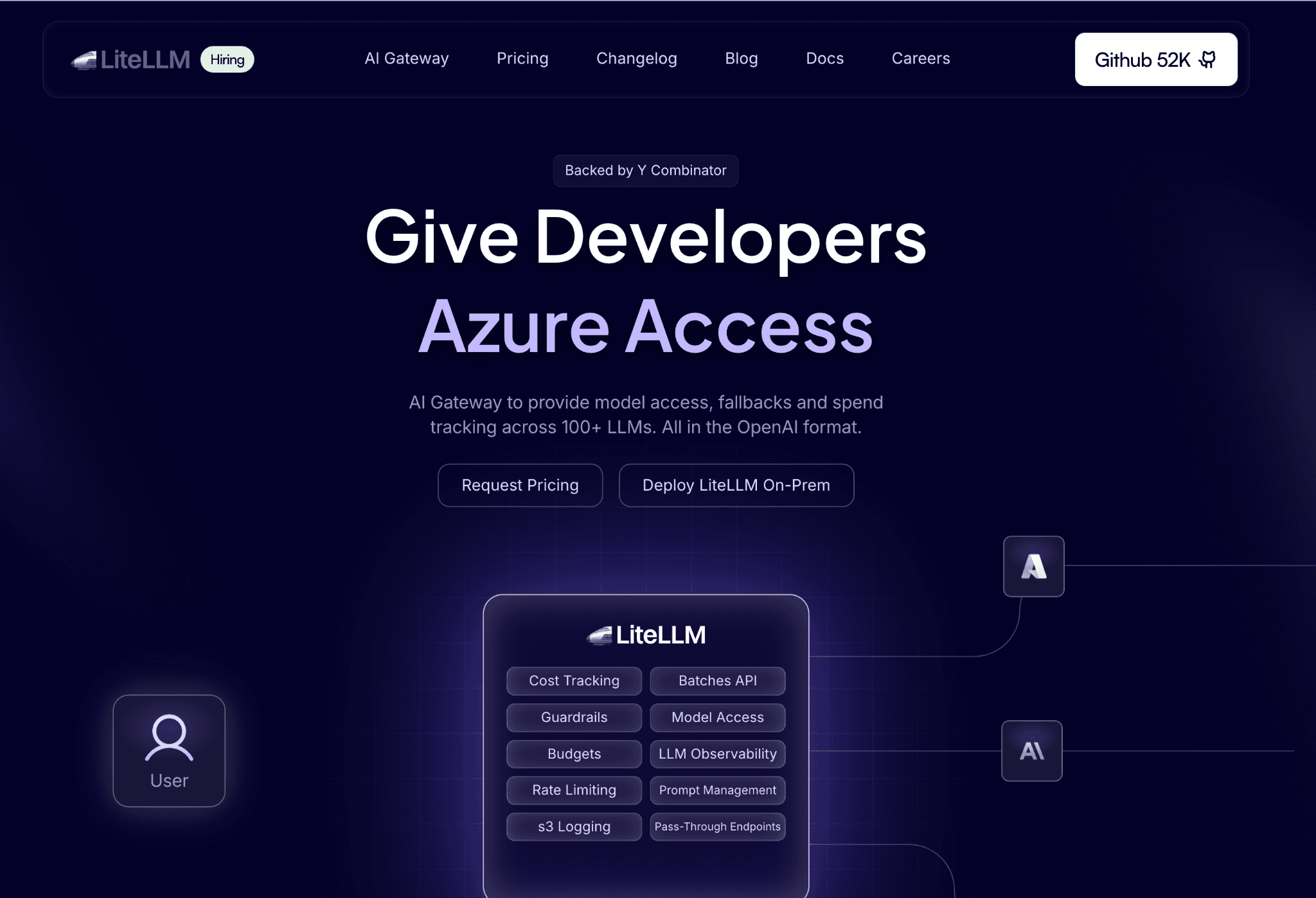
LiteLLM is an open-source proxy that standardizes traffic to Llama across any OpenAI-compatible host, from Together and Fireworks to Groq and Bedrock. It gives you one endpoint and one place to set budgets, so a team spinning up Llama calls cannot quietly blow past a limit. Because it speaks a common format, switching Llama hosts does not mean rewriting application code.
The budget and logging layer is the cost story. LiteLLM tracks spend per virtual key, user and project and enforces rate and budget limits at the proxy. It has native tokenizer support for Llama models, so token counts and cost estimates stay accurate, which keeps a shared key from turning into a black box nobody can split.
Key features:
One OpenAI-compatible endpoint for Llama across 100-plus providers.
Virtual keys with per-key, per-user and per-team budget limits.
Spend logging and cost tracking by key, project and model.
Native tokenizer support for Llama 2 and Llama 3 for accurate token counts.
Rate limiting and budget enforcement at the proxy layer.
Fallbacks and load balancing across Llama hosts.
Open-source core you can self-host in your own environment.
Pricing: LiteLLM is free and open source to self-host with no usage fee, and a paid enterprise tier adds SSO, support and governance features.
Self-hosting means you carry the proxy's own infrastructure, which is small but not zero.
Pros:
Free, open source and quick to drop in front of existing Llama calls.
Per-key budgets stop a single team or script from running the bill up.
Host-agnostic, so you can move Llama providers without code changes.
Cons:
Budget hierarchy is flat, with no customer-level or multi-tier controls.
You run and maintain the proxy yourself, including its uptime and scaling.
6. Portkey
Best for: Teams that want to cut duplicate Llama API calls and attribute token spend at the gateway.
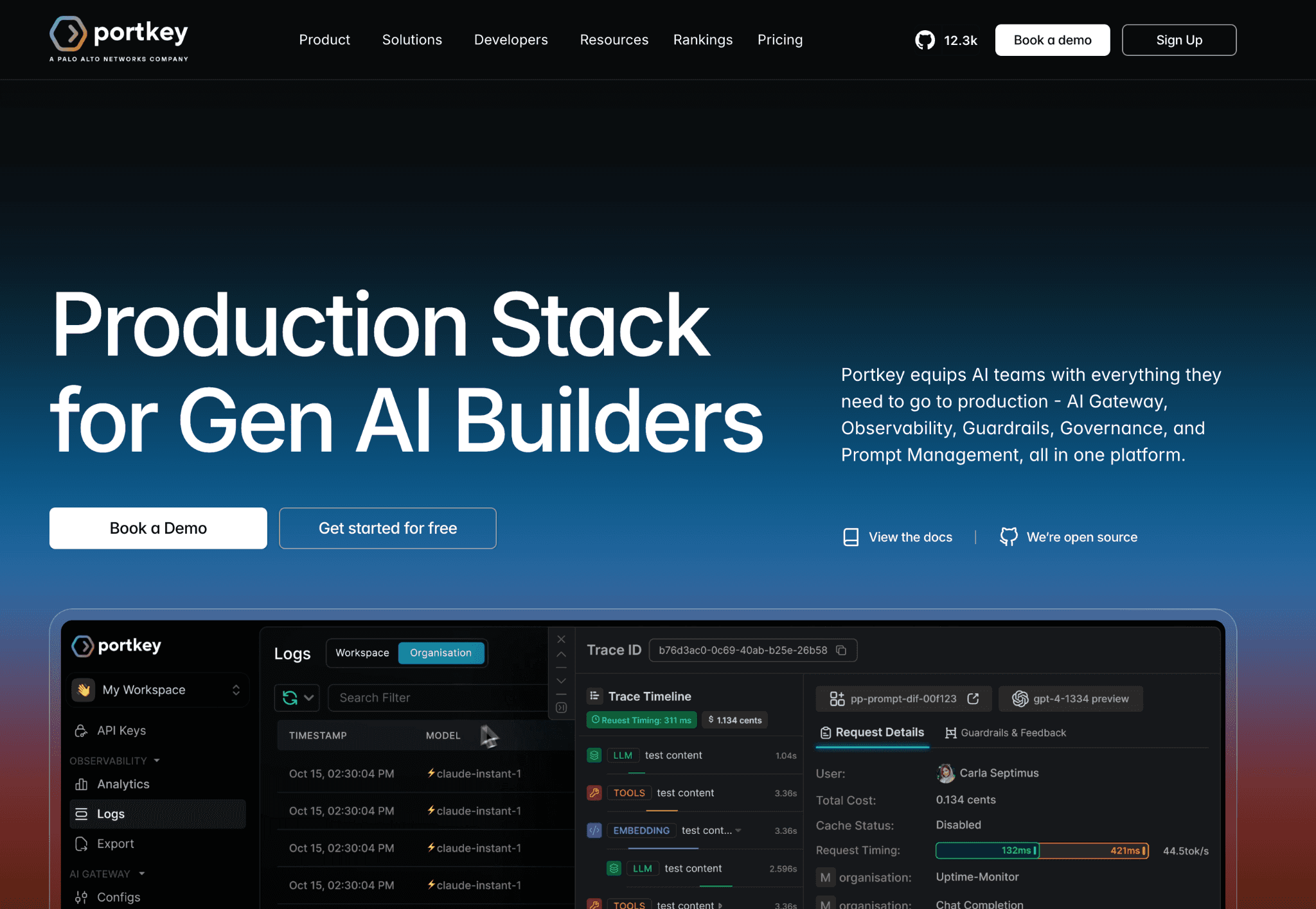
Portkey is an AI gateway that sits in front of Llama API traffic and adds cost control the raw endpoint lacks. Its semantic caching serves a stored response when a new prompt is close enough to an old one, which removes repeated, expensive token generation for common queries. For a chatbot or support workflow hitting Llama with similar prompts all day, that alone trims the bill.
Beyond caching, Portkey attributes spend per request using metadata tags, so cost attaches to a team, project or customer at the edge. Guardrails cap token usage and block runaway loops before they compound. It routes across many Llama hosts, which keeps traffic flexible while its logging layer records what each call cost.
Key features:
Semantic caching that reuses responses for near-duplicate Llama prompts.
Per-request cost attribution through metadata tags for team, project and customer.
Guardrails that cap token usage and stop runaway loops.
Unified gateway across many Llama hosts and 1,600-plus models.
Virtual keys with budget and rate controls.
Request logging, tracing and analytics for spend and latency.
An open-source gateway core you can self-host under Apache 2.0.
Pricing: Portkey open-sourced its gateway under Apache 2.0 and is free to self-host, with a managed free tier of 10,000 requests a month, a production plan around $49 a month and custom enterprise pricing.
The managed tiers scale with request volume, so budget for growth as Llama traffic climbs.
Pros:
Semantic caching directly removes repeat token cost, not just reports it.
Edge-level tagging attributes Llama spend without changing application code.
Open-source and self-host options suit privacy-sensitive deployments.
Cons:
A gateway adds one more hop in the request path to operate and monitor.
Deep finance-grade allocation across self-hosted GPU cost is outside its scope.
7. Langfuse
Best for: Engineers who want Llama token cost attached to individual traces, sessions and users.
Langfuse is an open-source observability tool that answers a precise question: what did this exact Llama request cost. Every call is captured as a trace with token counts, model, latency and cost attached, so a spike traces back to the session, user or feature that caused it. It is the community's common answer when teams want cost visibility they can self-host.
The cost tracking works across API-based and self-hosted Llama, and it plugs into a proxy like LiteLLM to pull spend automatically. Langfuse is strongest as a diagnostic and evaluation layer, so it tells you where Llama cost concentrates rather than enforcing a budget or reshaping infrastructure. Teams pair it with a control layer when they need to act on what it shows.
Key features:
Per-trace token and cost tracking for every Llama request.
Cost attribution to sessions, users and features.
Support for API-based and self-hosted Llama endpoints.
Native integration with LiteLLM and common SDKs for automatic cost capture.
Dashboards that break down spend by model, user and time.
Prompt management and evaluation tooling alongside cost.
Open-source and self-hostable under an MIT license.
Pricing: Langfuse is open source with a free cloud tier of 50,000 units a month, paid plans from around $29 a month, and enterprise plans that start higher for larger teams.
Self-hosting runs on your own infrastructure, which keeps data in house at the cost of running the stack.
Pros:
Fine-grained cost per trace makes it easy to find the expensive Llama path.
Open source and self-hostable, which suits data-sensitive teams.
Integrates cleanly with gateways to capture cost without extra instrumentation.
Cons:
Observability only, so it surfaces cost but does not cap or optimize it.
Self-hosting adds operational overhead for the tracing backend.
8. Coralogix
Best for: Teams already on a full-stack observability platform that want Llama cost tracked alongside logs and metrics.
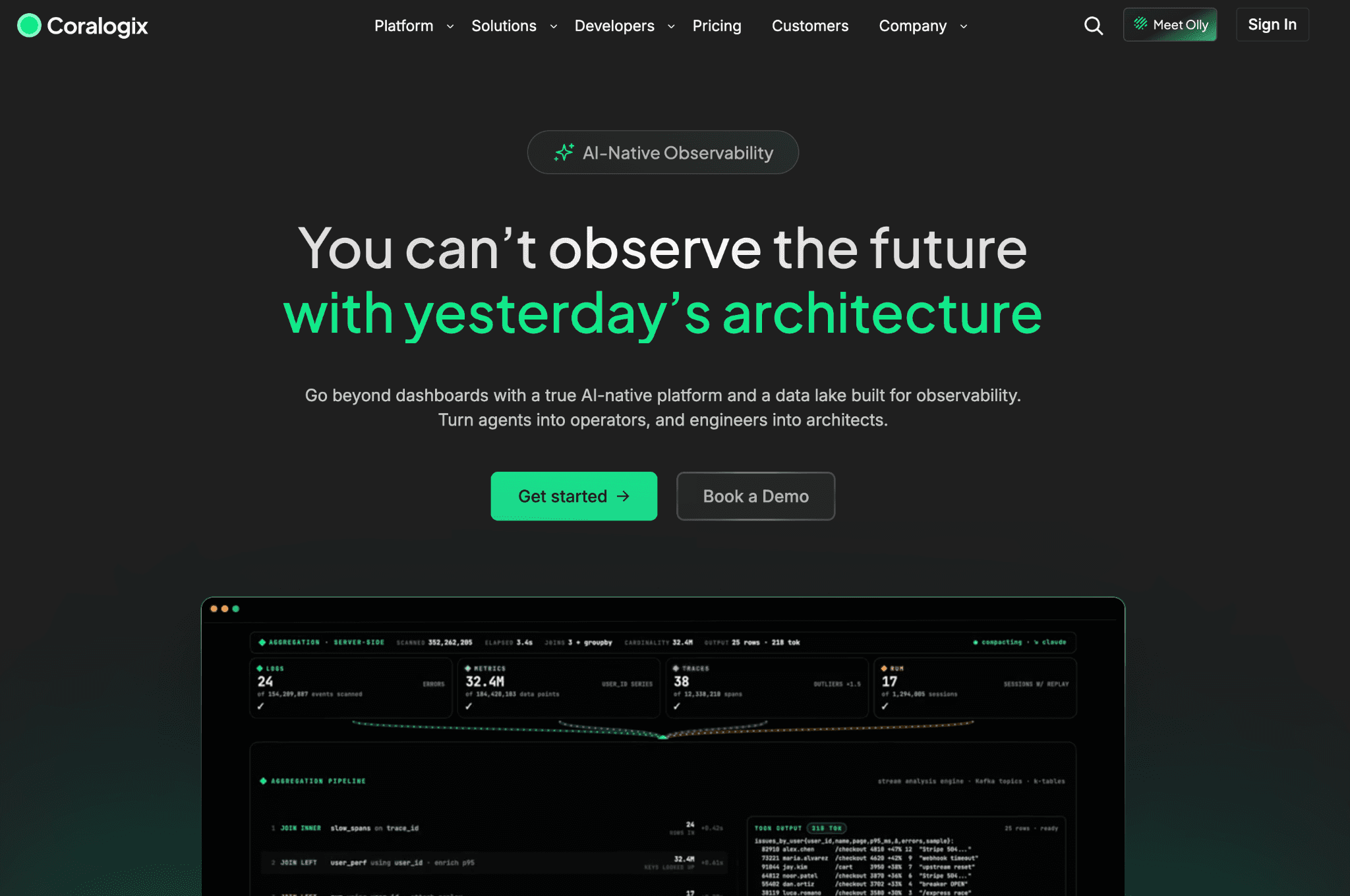
Coralogix is a full-stack observability platform that has extended into AI monitoring, tracking token-level cost for Llama alongside the logs, metrics and traces it already handles. For an organization standardized on one observability vendor, that keeps AI spend in the same pane as the rest of the stack rather than in a separate tool.
Its AI monitoring flags suspicious query spikes, attaches cost to requests, and lets teams set customizable budgets per AI agent or workflow. The strength is consolidation. The tradeoff is that Coralogix is a broad platform priced on data volume, so cost attribution to a specific team or customer is lighter than a dedicated FinOps tool, and the pricing takes planning.
Key features:
Token-level cost tracking for Llama within full-stack observability.
Spike and anomaly detection on AI query volume and cost.
Customizable budgets set per AI agent or workflow.
Correlation of AI cost with logs, metrics and traces in one platform.
Dashboards and alerting shared with the wider observability setup.
Support for API-based and self-hosted Llama telemetry.
Data pipeline controls that manage observability data volume.
Pricing: Coralogix prices on observability data volume rather than a flat seat fee, with a trial available and custom quotes for larger deployments.
Because pricing follows data ingested, model the volume your Llama telemetry adds before committing.
Pros:
Keeps Llama cost in the same platform as the rest of your observability data.
Per-agent budgets and spike detection suit teams running many AI workflows.
Strong correlation between cost, performance and logs in one view.
Cons:
Cost attribution to a team or customer is lighter than a dedicated FinOps tool.
Data-volume pricing adds complexity and can climb with heavy telemetry.
How to Choose the Right Llama Cost Management Tool
You self-host Llama on Kubernetes and idle GPUs hurt: start with Cast AI to automate utilization, and add Kubecost or OpenCost for per-workload cost, the heart of Kubernetes cost management.
You call Llama through hosted APIs: use LiteLLM to cap spend per virtual key and stop a single script from running up the bill, then add Portkey to cache near-duplicate prompts and tag each call to a team before you scale traffic.
You need to trace one request's cost: Langfuse or Coralogix attaches token cost to the session, user or feature that caused it, which is the core of LLM observability.
You run both paths and finance needs one answer: Amnic attributes self-hosted GPU cost and API Llama token cost together in one read-only view, so a CFO and an SRE argue from the same numbers instead of two disconnected dashboards.
You are still deciding self-host versus API: work through the tradeoffs and the break-even math in this guide on how to optimize LLM cost.
Common Mistakes When Choosing a Llama Cost Tool
Quoting cost from a single request: Teams benchmark Llama by timing one synchronous call and assume that per-token cost. Hosted APIs serve many requests in parallel, so their real per-token cost is far lower than your one-at-a-time local test suggests. Measure under batched load, not a single prompt.
Ignoring idle GPU time: Idle GPU is billed GPU. A card at low utilization spreads its hourly cost over a few tokens, so the effective cost per token can jump several times over the busy-state number. Any honest self-host estimate has to include the hours the GPU runs near empty, which is why disciplined GPU usage monitoring starts with utilization.
Treating raw GPU rent as total cost: The GPU-hour is not the whole bill. Maintenance, DevOps time, redundancy and insurance push real self-hosting costs well above the rental sticker, and skipping them makes self-hosting look cheaper than it is. Add operational overhead before comparing to an API.
Buying one tool for two cost shapes; A Kubernetes cost allocator will not meter API tokens, and an LLM gateway will not see your GPU cluster. Match the tool to the path you actually run, and use an allocation layer to unify both instead of forcing one tool to cover everything.
Why Decision Makers Choose Amnic for Llama Cost Management
Amnic wins the Llama use case because it closes the gap every other tool leaves open. Self-hosted GPU cost and hosted API token cost land in one read-only view, then get attributed to a team, feature or customer so finance can answer what each Llama workload truly costs. Practitioners describe the problem as one invoice, one usage graph, and no idea who spent what, and dedicated LLM cost allocation tools are the fix that maps every dollar to an owner.
Three differentiators stand out. First, unified coverage across both cost paths, which no single-purpose scheduler or gateway matches. Second, read-only deployment that clears security review in days rather than months, a real advantage for regulated fintech, healthcare and BFSI teams. Third, a stance against blind optimization: Amnic shows usage and cost and never tells you to switch models, keeping engineering judgment intact. Teams that need broader spend context first explore these AI cost visibility tools before they commit.
Amnic customers act on 20% to 50% documented savings once they can finally see and attribute AI and cloud spend that used to scatter across teams, tools and environments with no shared view. The gains come from removing waste finance could not previously locate, not from a tool overriding an engineering call, and closing that blind spot is exactly what sets disciplined FinOps tools for AI cost management apart from a plain dashboard.
Get One View of Your Llama Cost
Llama spend hides in two places at once, the GPU-hour and the token, and most tools only watch one. Amnic brings both into a single read-only view and attributes every dollar to a team, feature or customer, so finance and engineering finally share the same numbers. Book a demo to see your Llama cost attributed end to end.
Frequently Asked Questions
What are Llama cost management tools?
They are tools that track, control and allocate the cost of running Meta's Llama models, whether self-hosted on GPUs and billed per hour or accessed through a paid API and billed per token. The category spans GPU schedulers, cost allocators, API gateways and observability tools.
Is it cheaper to self-host Llama or use an API?
It depends on volume and utilization. Hosted APIs cost nothing when idle and win at low or bursty traffic, while self-hosting can be cheaper at high, steady volume once you include DevOps time, redundancy and idle GPU hours. Measure your real token volume first.
How do I track Llama API cost per team?
Put a proxy or gateway in front of Llama traffic. LiteLLM sets budgets per key and user, and Portkey tags spend per team, project or customer. A FinOps platform like Amnic then attributes that token spend alongside infrastructure cost for showback.
What drives self-hosted Llama cost up?
Idle GPU time is the biggest driver, since you pay for the card whether it runs at 5% or 95% load. Low utilization, oversized nodes, full-precision weights and skipped spot instances all inflate the GPU-hour cost of running Llama.
Can one tool cover both self-hosted and API Llama cost?
Most tools cover one path. Kubernetes cost allocators handle GPU spend and gateways handle API tokens. A FinOps allocation platform like Amnic is built to unify both cost shapes in a single view and attribute them to a team or feature.
Does quantization reduce Llama cost?
Yes. Quantizing weights to INT8 or INT4 shrinks the memory a Llama model needs, so it fits on smaller or fewer GPUs and lowers the hourly compute cost. The tradeoff is a small quality drop that varies by task, so validate output before deploying.
Better visibility and management into AI Tokens?
Start with a 30 day trial
Connect leading LLMs
24 hour time to value
Stay ahead of AI Spend

Make AI spend visible, controllable, and accountable.
Gain insights into your AI token costs at a team, customer, business unit and individual user level to measure and manage AI utilization.
Recommended Articles
8 Best Amazon Bedrock Cost Optimization Tools for 2026
Read More

7 Best Amazon Bedrock Cost Monitoring Tools
Read More

8 Best Gemini Cost Visibility Tools for 2026
Read More

7 Best Multimodal Cost Optimization Tools for 2026
Read More

5 Best Anthropic Cost Allocation Tools for 2026
Read More

8 Best AI Cost Optimization Tools for Startups in 2026
Read More