7 Best DeepSeek Cost Optimization Tools
12 min read
Tools

Table of Contents
Comparing the top DeepSeek cost optimization tools are 1. Amnic, 2. Portkey, 3. Helicone, 4. LiteLLM, 5. OpenRouter, 6. Cloudflare AI Gateway, and 7. Langfuse.
Each one attacks a different part of the DeepSeek bill: budgeting, prompt caching, model routing, off-peak batching, and team-level spend allocation.
DeepSeek already prices well below most frontier APIs, with deepseek-chat input running $0.07 per 1M cached tokens against $0.27 for a cache miss and $1.10 per 1M output tokens. The problem is that a cheap per-token rate hides waste from any team without real cost control. Cache misses, peak-hour calls, over-routing simple prompts to the reasoner, and zero visibility into which team spent what turn a small unit price into a bill nobody can explain.
Amnic ranks first here because it covers the layer DeepSeek and the gateways leave open: allocation, showback, and anomaly detection across DeepSeek spend and the rest of your cloud in one FinOps view. The other six tools cut the per-call cost. Amnic answers who spent it, on what, and whether the trend is normal, which is the question finance asks once the API line item starts moving.
Top 7 DeepSeek Cost Optimization Tools
Amnic: A FinOps platform that allocates DeepSeek token spend by team, product, and feature, then flags anomalies before the monthly invoice does.
Portkey: An AI gateway with semantic caching, conditional routing, and per-key budget limits that sit in front of every DeepSeek call.
Helicone: An observability proxy you enable with a one-line base URL change to log, cost, and cache DeepSeek requests.
LiteLLM: An open-source proxy that gives DeepSeek an OpenAI-compatible endpoint with per-key, per-team, and per-user budgets you self-host.
OpenRouter: A unified API that routes DeepSeek calls to the cheapest available provider with automatic failover.
Cloudflare AI Gateway: A free edge gateway that caches, rate-limits, and logs DeepSeek traffic for real-time cost analytics.
Langfuse: An open-source tracing tool that attaches per-model and per-user cost to every DeepSeek trace for debugging and evals.
What Are DeepSeek Cost Optimization Tools?
DeepSeek cost optimization tools are software that reduces what you pay for the DeepSeek API by controlling caching, model selection, request scheduling, and spend visibility.
They work on the levers DeepSeek pricing exposes. Context caching is enabled by default and reads repeated prompt prefixes from disk, so a cache hit on deepseek-chat costs $0.07 per 1M tokens versus $0.27 for a fresh read, a saving close to 74% on input. Output tokens carry the highest rate, and the reasoner model bills the chain-of-thought tokens it generates, so model routing and response caps matter as much as caching.
For a finance or platform lead, the harder problem is not the per-token rate. It is that the DeepSeek dashboard reports one account-level number with no cost allocation by team, product, or environment.
A gateway can cut the cost of a call, but it cannot tell the CFO why the AI line item doubled. That split, cheaper calls versus accountable spend, is why this list pairs gateways and observability proxies with a FinOps platform. The seven tools below are 1. Amnic, 2. Portkey, 3. Helicone, 4. LiteLLM, 5. OpenRouter, 6. Cloudflare AI Gateway, and 7. Langfuse.
DeepSeek Cost Optimization Tools Comparison Table
Information reflects vendor sources as of June 2026. Confirm current pricing with the vendor.
Tool | DeepSeek Coverage | Key Cost Levers | Free Tier | Pricing | Best For |
|---|---|---|---|---|---|
Amnic | DeepSeek spend alongside AWS, Azure, GCP, and other AI APIs | Allocation, showback, anomaly detection, budgets, forecasting | Yes, trial and free tier | ~0.25 to 1% of monitored spend | Finance and FinOps teams allocating AI spend |
Portkey | DeepSeek via OpenAI-compatible gateway | Semantic and simple caching, conditional routing, budget caps, guardrails | Yes, free developer tier | Free, then usage and seat based | Teams needing routing plus governance |
Helicone | DeepSeek via proxy base URL | Request logging, cost tracking, caching, rate limits | Yes, free tier with log cap | Free, then usage based | Engineers wanting fast cost observability |
LiteLLM | DeepSeek among 100+ models | Per-key budgets, spend tracking, fallback routing | Yes, open source | Free self-host, paid enterprise | Platform teams self-hosting a proxy |
OpenRouter | DeepSeek through one endpoint | Provider price routing, automatic failover | Pay as you go | ~5% credit purchase fee | Teams wanting one key for many models |
Cloudflare AI Gateway | DeepSeek via edge gateway | Caching, rate limiting, real-time analytics | Yes, generous free tier | Free, paid for higher limits | Cost analytics at zero added cost |
Langfuse | DeepSeek via SDK or proxy | Per-model and per-user cost tracing, evals | Yes, open source | Free self-host, paid cloud | Debugging spend at the trace level |
How We Evaluated DeepSeek Cost Optimization Tools
DeepSeek compatibility: Does it support DeepSeek directly through the OpenAI-compatible API, a proxy, or a native integration without custom glue code.
Cost levers covered: How many of caching, routing, off-peak batching, budget caps, and allocation the tool actually controls.
Visibility depth: Whether spend breaks down by team, product, feature, model, and user, or stays a single account-level figure.
Governance and control: Budget limits, alerts, anomaly detection, and the ability to stop overspend before the invoice lands.
Deployment fit: Open source versus managed, self-host versus cloud, and what that means for data residency.
Total cost to run: The tool's own fee, including any percentage taken on top of your DeepSeek spend.
Top DeepSeek Cost Optimization Tools
1. Amnic
Best for: Finance and FinOps leads who need to allocate, govern, and forecast DeepSeek spend next to the rest of their cloud bill.
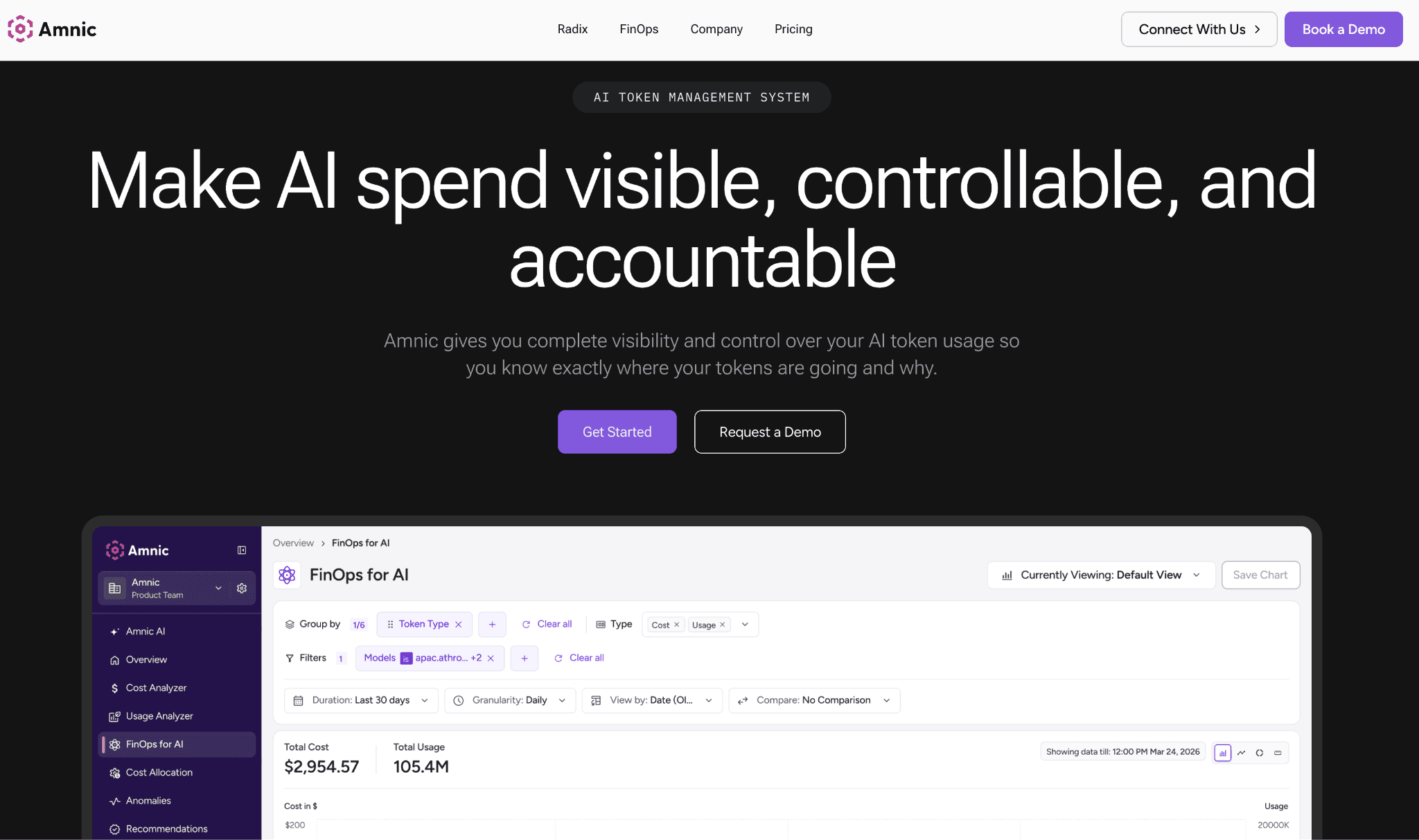
Amnic is a FinOps platform that treats DeepSeek as one more cost source inside a single view that also covers AWS, Azure, GCP, and other AI APIs. Where a gateway lowers the price of a call, Amnic delivers the cost attribution finance keeps asking for: which team, product, and feature drove the spend, and whether the current trend is normal. It ingests usage read-only and agentless, so platform teams turn it on without handing over write access.
The platform splits shared DeepSeek usage across business units, then layers showback and budgets on top so each team owns its number. Its anomaly detection watches token spend and surfaces a spike the same day rather than four weeks later on the invoice. For teams formalizing AI spend control, Amnic replaces the spreadsheet that tracks DeepSeek usage by hand with a system of record that updates itself.
Key features:
Allocation of DeepSeek token spend by team, product, feature, and environment, so a single API key stops being a black box.
Showback and chargeback views that hand each team its own DeepSeek number without manual tagging work.
Anomaly detection on AI and cloud spend that flags a token spike the day it happens, not on the invoice.
Budgets and alerts that warn when a team trends toward its DeepSeek limit before it blows past it.
Forecasting that projects AI spend forward so finance plans for the reasoner usage curve, not last month's flat line.
Unified view of DeepSeek alongside AWS, Azure, and GCP, so AI and cloud cost live in one report.
Agentless, read-only ingestion that platform teams approve without granting write access to production.
Pricing: Amnic charges roughly 0.25% to 1% of the spend it monitors, not a flat per-seat fee, so the cost scales with the bill it helps control. A free tier and trial let teams allocate real DeepSeek spend before committing.
Pros:
Closes the allocation gap that DeepSeek's account-level dashboard and every gateway leave open.
One view for AI APIs and cloud, so finance stops stitching DeepSeek into a separate sheet.
Anomaly detection and budgets catch overspend early instead of after the fact.
Cons:
It governs and allocates spend rather than rewriting requests, so pair it with a gateway for in-call caching and routing.
The percentage-of-spend model suits teams with real AI and cloud spend more than a hobby project on a tiny bill.
2. Portkey
Best for: Teams that want caching and routing plus production governance on every DeepSeek call.
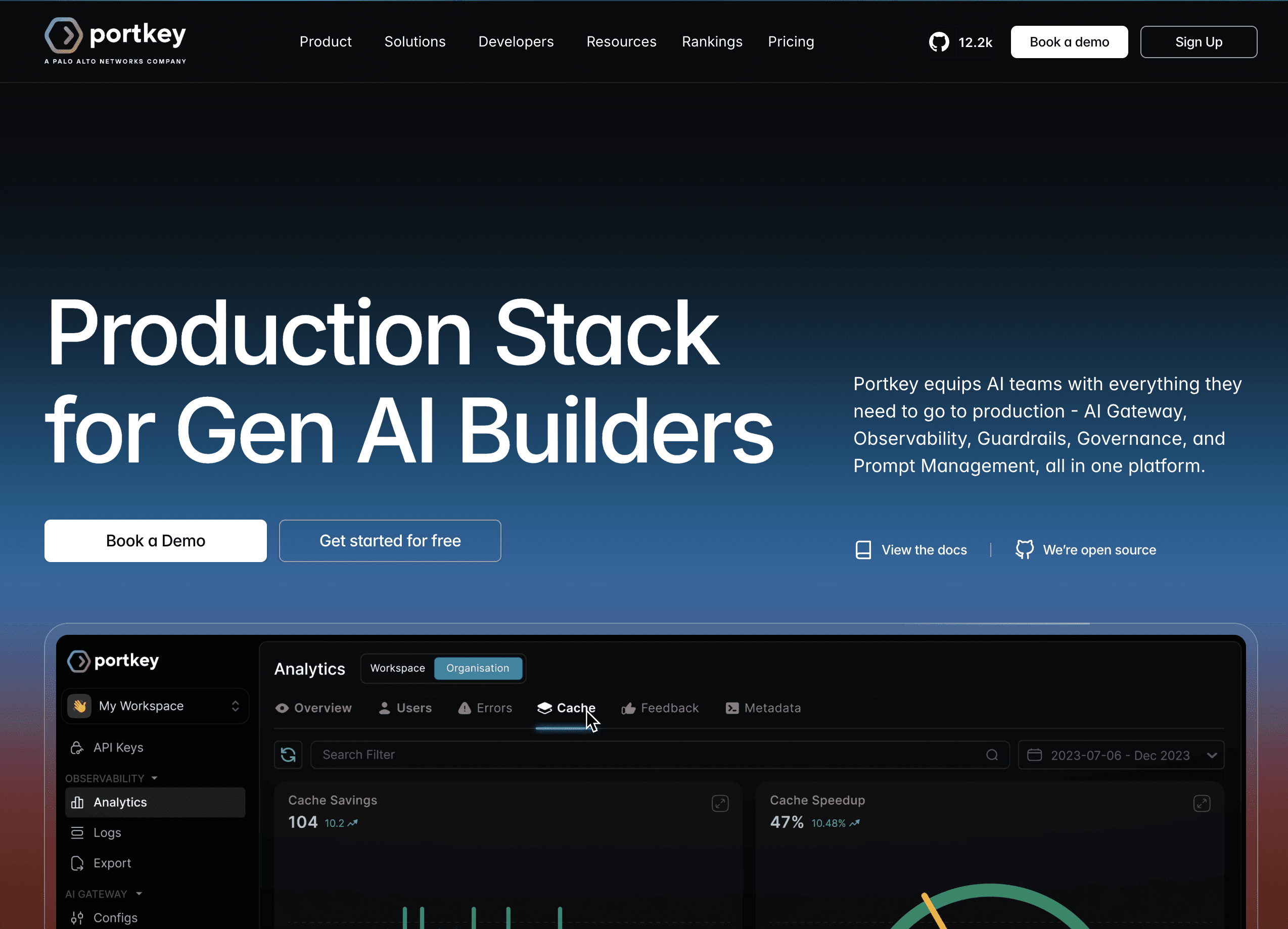
Portkey is an AI gateway that sits in front of DeepSeek through its OpenAI-compatible endpoint and adds the controls a raw API key lacks. It caches responses, routes requests by rule, and enforces budgets, which means a simple classification prompt can land on cheaper inference while a hard reasoning task escalates only when it has to. The gateway records every call, so cost shows up per key and per model.
Its differentiator is production safety. Portkey ships guardrails, PII redaction, and audit trails in the gateway layer (pkgpulse.com), so teams in regulated settings get governance and cost control from the same hop. That matters when DeepSeek calls carry customer data and someone has to prove what was sent.
Key features:
Semantic and simple caching that returns a stored answer instead of paying DeepSeek for a near-identical prompt.
Conditional routing rules that send cheap queries to a smaller model and reserve the reasoner for genuinely hard tasks.
Per-key and per-team budget limits that cap DeepSeek spend before a runaway loop drains the account.
Real-time observability with cost, latency, and error rate broken out by model and key.
Guardrails, PII redaction, and jailbreak checks built into the gateway hop, not bolted on later.
Automatic retries and fallbacks so a DeepSeek timeout fails over instead of dropping the request.
Prompt and config management that versions the prompts driving your token spend.
Pricing: Portkey offers a free developer tier, then moves to usage and seat-based plans for higher volume and team features. Confirm current tiers with the vendor.
Pros:
Combines caching, routing, and budgets in one gateway, so several cost levers move from a single integration.
Governance features fit regulated teams that cannot send raw prompts to an unmonitored endpoint.
Cons:
The managed gateway adds a network hop and a vendor in the data path, which some data-residency rules reject.
Getting full value means configuring routing and cache rules, which is more setup than a logging proxy.
3. Helicone
Best for: Engineers who want DeepSeek cost visibility live in an afternoon with almost no code change.
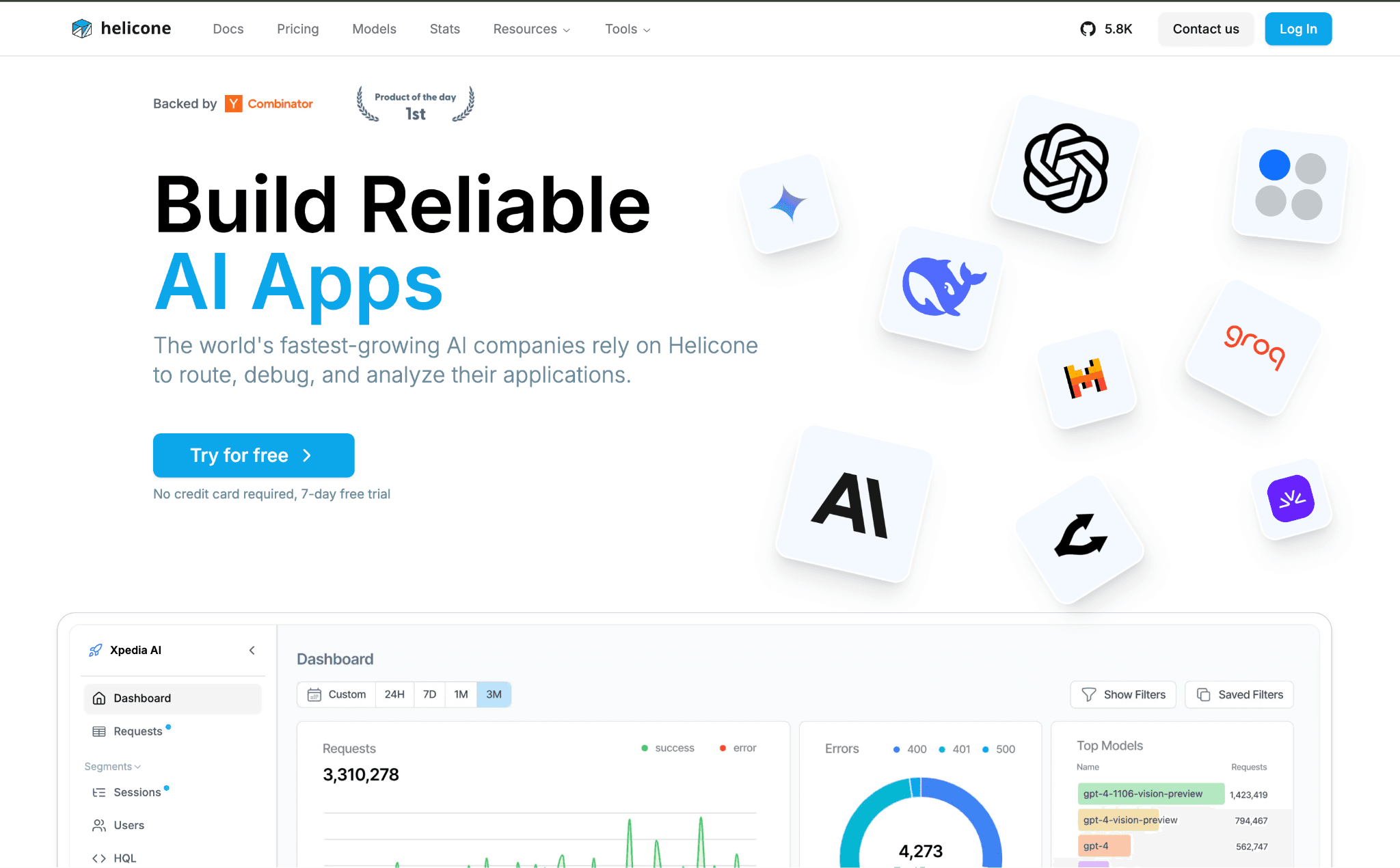
Helicone is an observability platform that doubles as a lightweight proxy. You change the DeepSeek base URL to Helicone's endpoint, add an auth header, and every request is logged with its cost, tokens, and latency (klymentiev.com). For a team that has no idea where its DeepSeek spend goes, that is the fastest path from blind to instrumented.
Beyond logging, it caches responses and rate-limits traffic, and custom properties let you tag requests by user, feature, or environment for rough attribution. It is more a complement than a full gateway, so many teams run it alongside their existing DeepSeek setup rather than replacing it.
Key features:
One-line base URL swap that logs every DeepSeek call without an SDK rewrite.
Per-request cost and token tracking that turns the account-level bill into line items.
Response caching that skips DeepSeek entirely for repeated prompts.
Rate limiting per key or user to stop a single client from running up the bill.
Custom properties that tag spend by feature, user, or environment for attribution.
User-level metrics that show which customers cost the most DeepSeek tokens.
Self-host option that keeps logs inside your own infrastructure.
Pricing: Helicone has a free tier with a monthly log cap, then usage-based paid plans once volume grows past it. Heavy traffic goes dark on the free tier until you upgrade, so size the cap against your call volume.
Pros:
The fastest setup on this list, so cost visibility arrives the same day you start.
Caching and logging in one tool covers the two most common first wins on a DeepSeek bill.
Cons:
Its tagging gives rough attribution, not the team and product allocation a finance team signs off on.
The free tier stops logging after its monthly cap, so high-volume traffic needs a paid plan to stay visible.
4. LiteLLM
Best for: Platform teams that want an open-source proxy they self-host and control end to end.
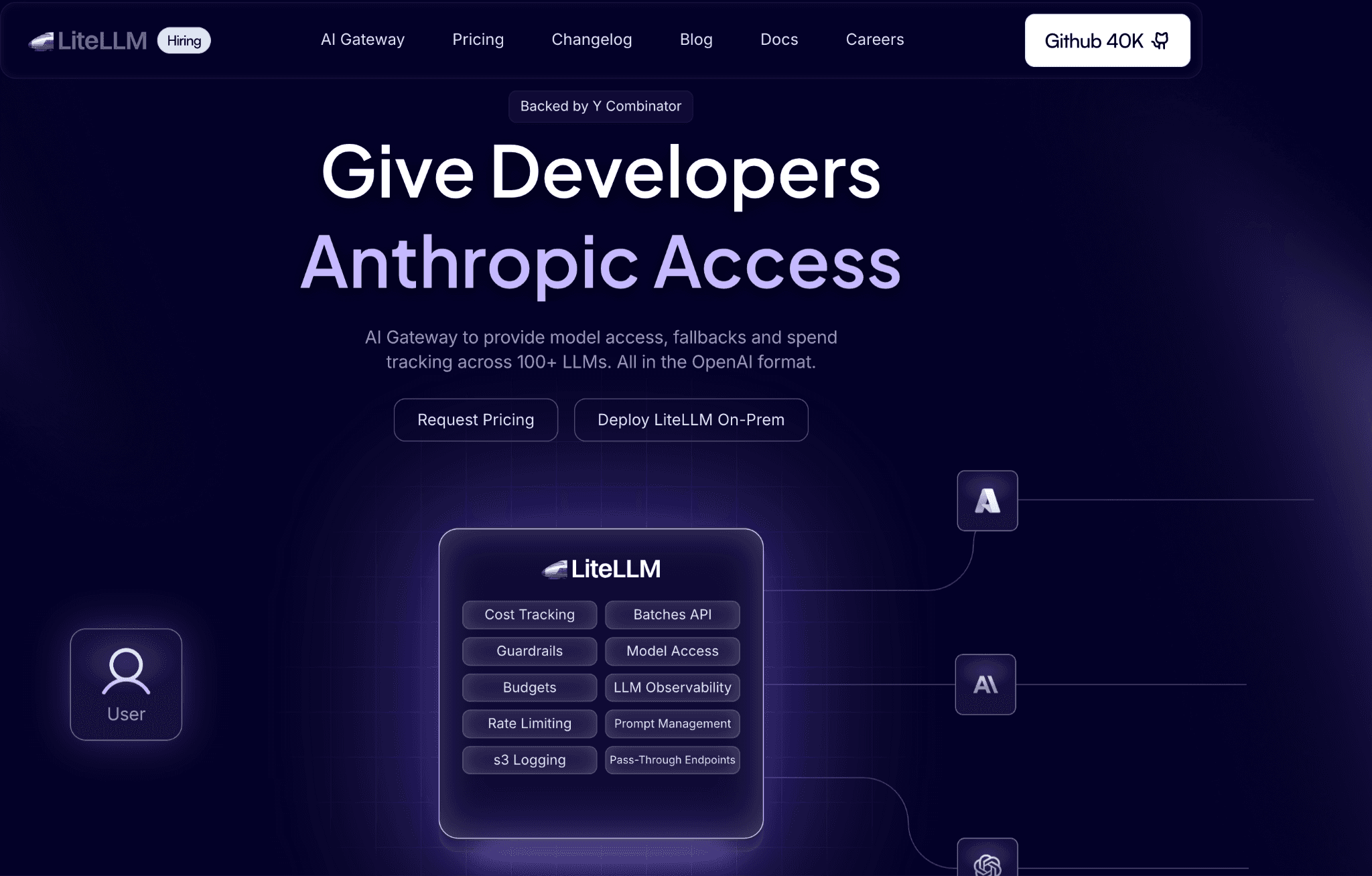
LiteLLM is an open-source Python proxy that exposes DeepSeek and 100-plus other models behind one OpenAI-compatible API (techsy.io). You self-host it, point your apps at it, and route anywhere without rewriting client code each time a model or provider changes. For cost, its budget controls are the draw.
LiteLLM enforces spend limits per team, per user, and per API key, and tracks spend against each, so a single shared DeepSeek key stops being an unbounded liability. It also handles fallback routing, so a DeepSeek outage reroutes instead of failing. Because you run it yourself, nothing leaves your infrastructure except the actual DeepSeek call.
Key features:
One OpenAI-compatible endpoint for DeepSeek and 100-plus models, so client code stays stable across providers.
Budget controls per team, user, and key that cap DeepSeek spend at the proxy.
Spend tracking that attributes cost to each key and team for internal showback.
Fallback and load-balancing routing that survives a DeepSeek timeout without dropping traffic.
Virtual keys that hand each team a scoped credential instead of the master DeepSeek key.
Self-hosted deployment that keeps prompt data inside your own network.
An active open-source project with frequent releases and broad provider coverage.
Pricing: LiteLLM is free and open source to self-host, with paid enterprise tiers for SSO, support, and advanced controls. Running cost is mostly the server it sits on, often a cheap VPS.
Pros:
Per-key budgets give hard DeepSeek spend caps without a managed vendor in the path.
Self-hosting keeps data in your infrastructure, which suits finance and healthcare workloads.
Cons:
You own the deploy, scaling, and upkeep, which is real work a managed gateway absorbs for you.
Dashboards and reporting are thinner than purpose-built observability or FinOps tools.
5. OpenRouter
Best for: Teams that want one API key for DeepSeek and every other model with price-based routing.
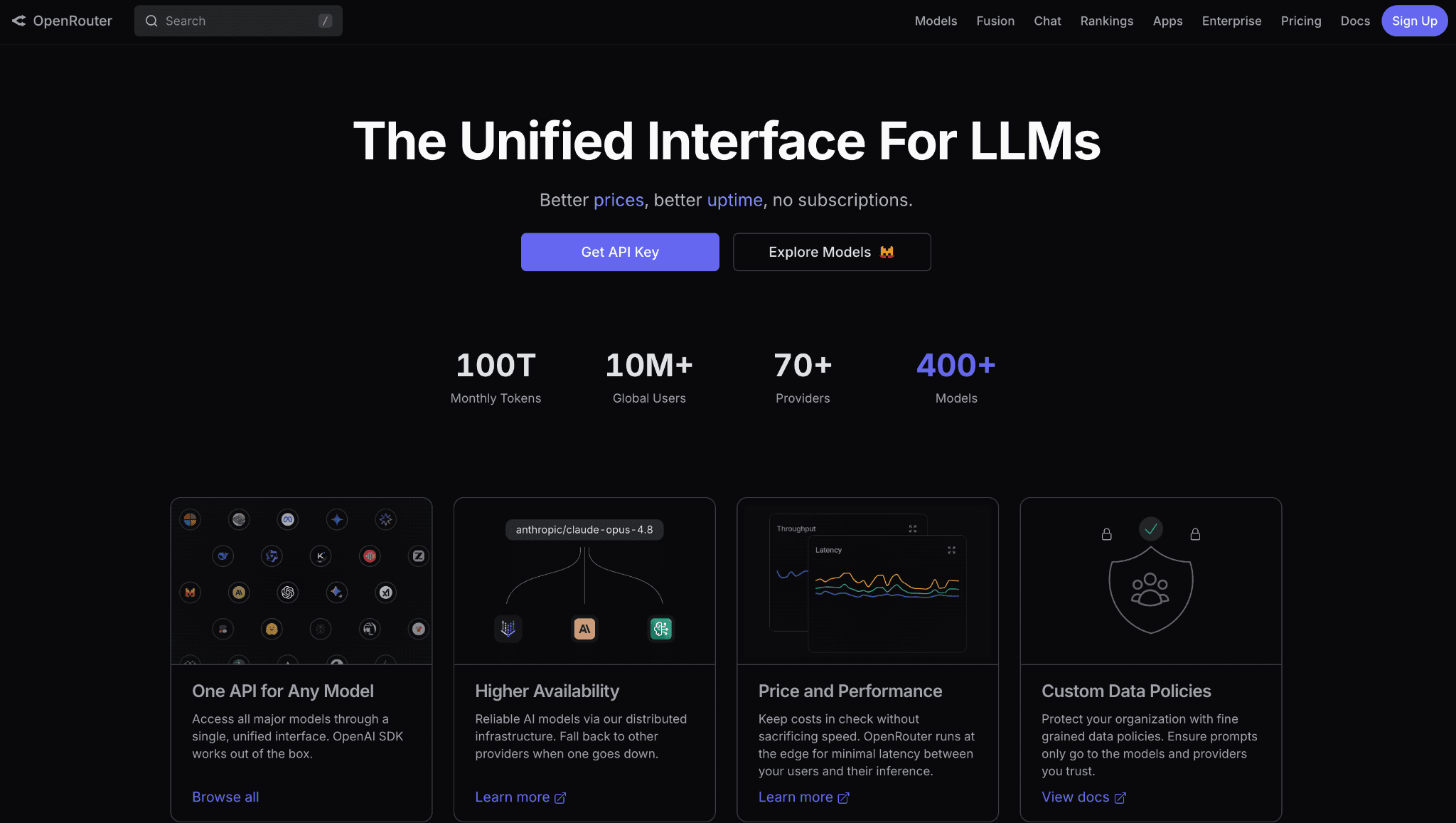
OpenRouter is the simplest answer to "I need one endpoint for every model." Add credits and call DeepSeek alongside hundreds of other models through a single OpenAI-compatible API. For cost, its edge is provider routing. DeepSeek models are served by multiple providers, and OpenRouter can route each call to the cheapest healthy one and fail over automatically.
That convenience carries a fee. OpenRouter charges roughly 5.5% on non-crypto credit purchases, so $1,000 of spend costs about $55 in fees on top (toolhalla.ai). For teams that value a single integration and automatic failover over squeezing the last cent, the fee buys real simplicity.
Key features:
One OpenAI-compatible endpoint for DeepSeek and hundreds of other models behind a single key.
Provider price routing that sends each DeepSeek call to the cheapest available host.
Automatic failover when a provider is down, so traffic keeps flowing.
A model marketplace that shows live pricing and lets you switch models with a string change.
Usage analytics that track spend per model across the whole account.
No infrastructure to run, since the gateway is fully managed.
Pay-as-you-go credits with no seat minimums to start.
Pricing: OpenRouter is pay as you go with a roughly 5.5% fee on non-crypto credit purchases. There is no separate subscription to access the routing.
Pros:
The simplest way to use DeepSeek and many other models from one integration.
Provider routing and failover improve both price and reliability with no extra config.
Cons:
The percentage fee adds cost on top of every DeepSeek call, which works against a low-margin workload.
It optimizes the routing of a call, not the allocation or governance of the resulting spend.
6. Cloudflare AI Gateway
Best for: Teams that want caching, rate limiting, and cost analytics in front of DeepSeek at no added cost.
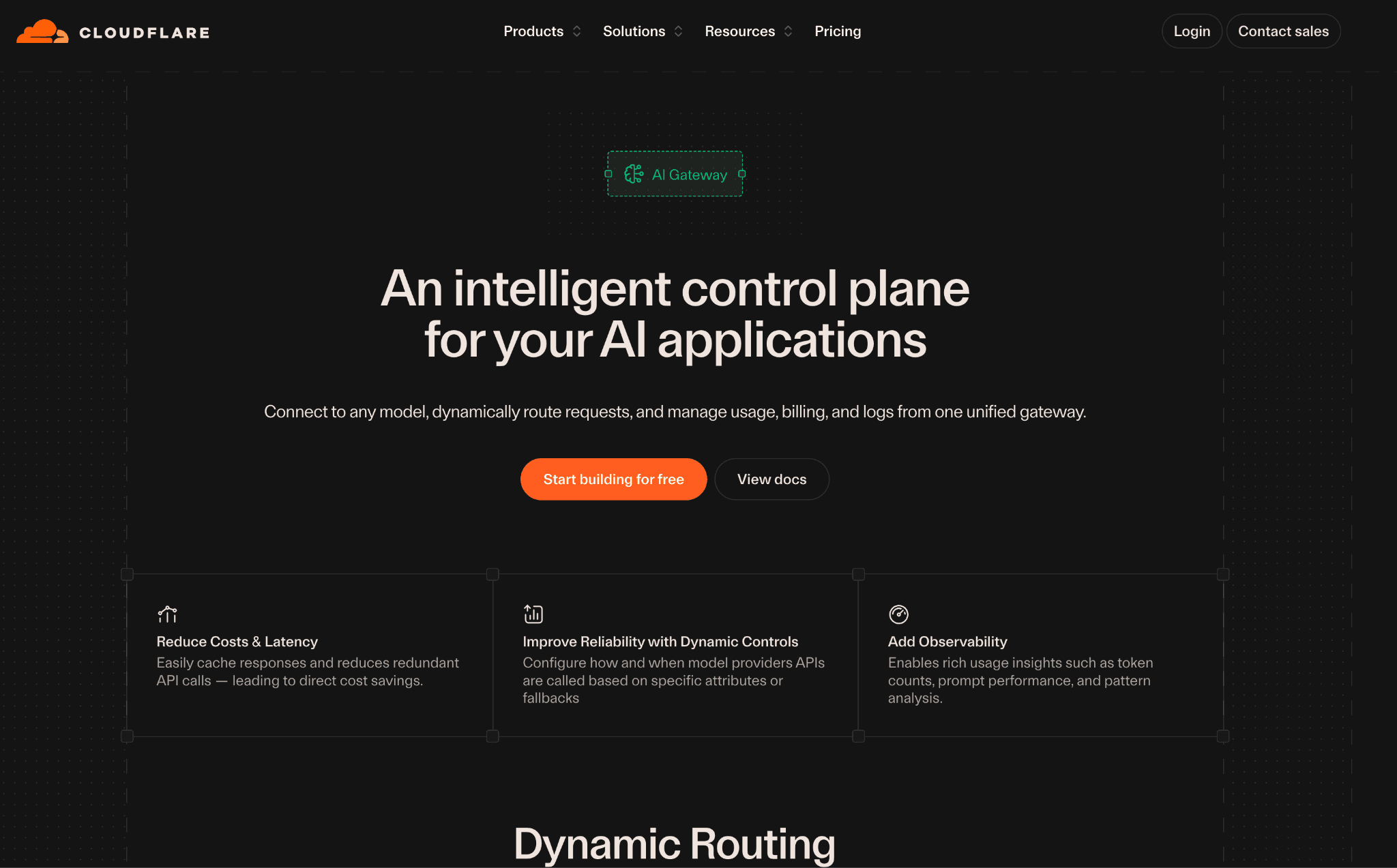
Cloudflare AI Gateway puts an edge proxy in front of your DeepSeek calls and adds caching, rate limiting, and real-time analytics without charging for the gateway itself. You route DeepSeek requests through it, and Cloudflare logs every call with token and cost data while caching repeat responses at the edge. For a team already on Cloudflare, it is close to free spend visibility.
Because it is a managed edge service, there is nothing to run and the caching sits close to your users. The trade-off is depth. It gives you analytics and basic controls rather than the routing logic of a full gateway or the allocation model of a FinOps platform.
Key features:
Response caching at the edge that skips DeepSeek for repeated prompts.
Rate limiting that caps request volume per gateway to contain runaway spend.
Real-time analytics on requests, tokens, errors, and cost.
Request logging you can inspect or export for deeper analysis.
A managed edge deployment with no servers to maintain.
Provider-agnostic routing that fronts DeepSeek and other APIs from one place.
A generous free tier that covers most early-stage usage.
Pricing: The gateway is free for core features, with paid tiers for higher limits and longer log retention. Confirm current limits with Cloudflare.
Pros:
Real cost visibility and caching at essentially no added cost for existing Cloudflare users.
Managed edge deployment means zero ops to keep it running.
Cons:
Controls are lighter than a full gateway, with no semantic caching or conditional model routing.
Analytics stop at the gateway view and do not roll up into team or product allocation.
7. Langfuse
Best for: Engineers debugging DeepSeek spend at the trace and prompt level.
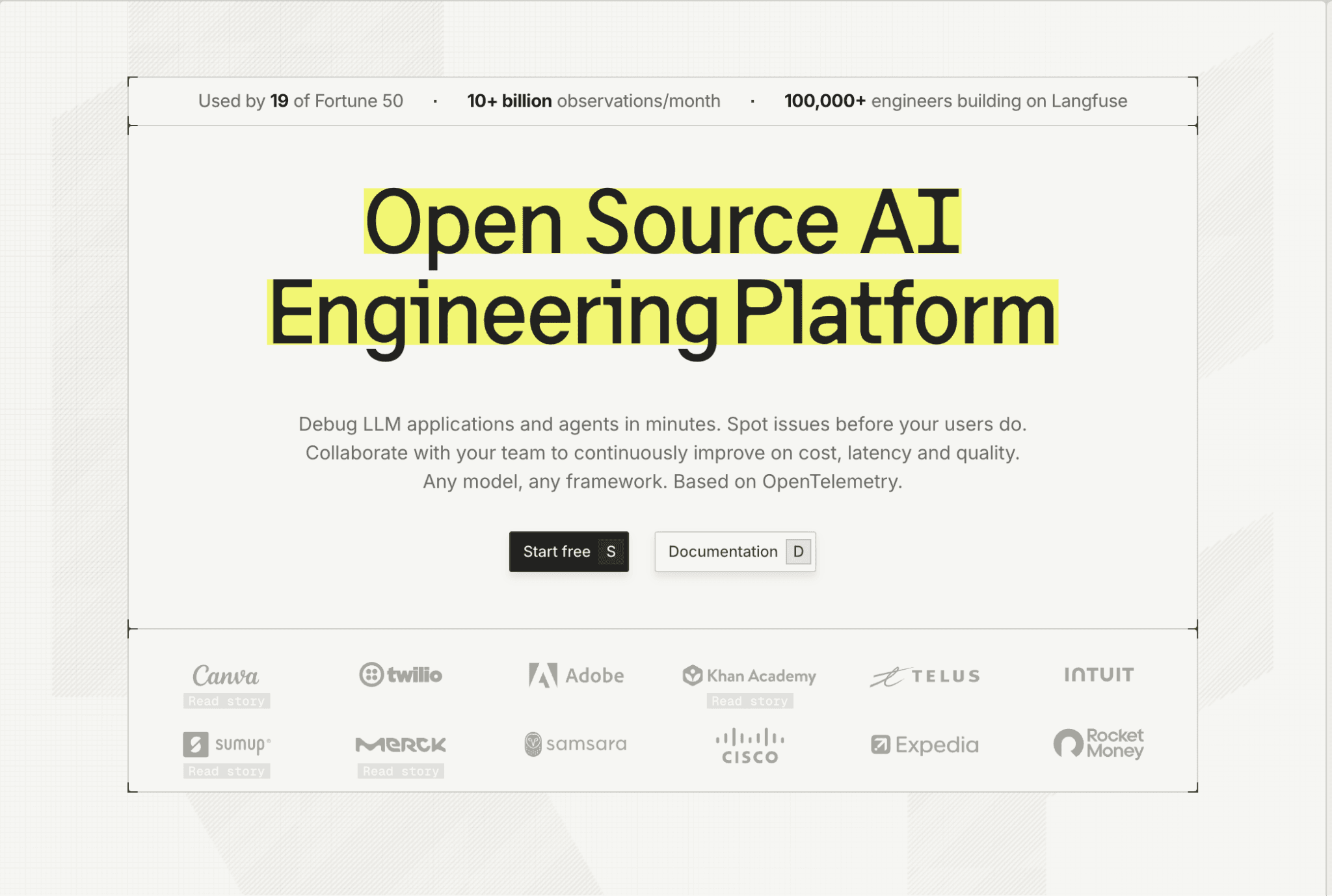
Langfuse is an open-source LLM observability tool that attaches cost to the trace. Instrument your DeepSeek app with its SDK, and each call records tokens, latency, and cost per model and per user, which makes it easy to see which prompt or agent step is burning the budget. For teams iterating on prompts and chains, that trace-level view turns a vague bill into a specific culprit.
It also handles evals and prompt management, so the same tool that shows the cost helps you test the cheaper version of a prompt. Like the other open-source options here, you can self-host it to keep trace data inside your own environment.
Key features:
Trace-level cost tracking that ties DeepSeek token spend to each step of a chain or agent.
Per-model and per-user cost breakdowns for rough attribution and chargeback.
Prompt management that versions and tests the prompts driving your spend.
Evals that compare a cheaper prompt or model against the current one before you ship it.
Session and user grouping that shows which workflows cost the most.
Open-source self-host option for full control of trace data.
SDKs and integrations that drop into common Python and JavaScript stacks.
Pricing: Langfuse is free and open source to self-host, with paid cloud tiers for managed hosting and team features. Confirm current cloud pricing with the vendor.
Pros:
Trace-level detail pinpoints the exact prompt or step driving DeepSeek cost.
Evals and prompt management help you ship the cheaper version with evidence, not a guess.
Cons:
It is built for engineers debugging traces, not finance teams allocating a monthly bill.
Getting cost data in requires instrumenting your code, which is more work than a base URL swap.
How to Choose the Right DeepSeek Cost Optimization Tool
You need to allocate DeepSeek spend across teams: start with Amnic, whose AI token management and showback put allocation at the core, not an afterthought.
You want to cut the cost of each call: use Portkey or Cloudflare AI Gateway for caching and routing in front of DeepSeek.
You need cost visibility in an afternoon: Helicone's base URL swap is the fastest path to per-call cost.
You want to self-host and control data: LiteLLM or Langfuse keep DeepSeek prompt and trace data in your own infrastructure.
You call many models, not just DeepSeek: OpenRouter gives one key with price-based routing across providers.
You are formalizing AI spend governance: pair a gateway with Amnic and the practices in FinOps for AI for both cheaper calls and accountable spend.
Common Mistakes When Choosing a DeepSeek Cost Optimization Tool
Treating a cheap per-token rate as a solved bill: DeepSeek's low price tempts teams to skip cost controls entirely. A cache miss still costs about four times a cache hit on input, the $0.27 versus $0.07 gap cited above, and that compounds across millions of calls. Cheap tokens with no discipline still produce an expensive month, which is why AI cost tracking tools earn their place even on a low-rate provider.
Routing everything to the reasoner: The reasoner model bills the chain-of-thought tokens it generates and charges more per output token than the chat model. Sending simple classification or extraction prompts to it wastes money on reasoning the task never needed. Route hard problems to the reasoner and keep the rest on the cheaper model.
Buying a gateway and calling it FinOps: A gateway lowers the cost of a call but reports one blended number. It will not tell finance which product or team drove the spend, so allocation and anomaly detection still go unanswered. Read cloud cost allocation methods before assuming a proxy covers reporting.
Ignoring output length: Output tokens cost more than input across DeepSeek models, yet teams rarely cap them. Setting max_tokens, asking for concise answers, and using structured formats like JSON trims the most expensive part of the bill. Skipping this leaves easy savings on the table.
Leaving spend untagged until the invoice: Without per-team or per-feature tags, a DeepSeek spike is invisible until the monthly total lands. By then the overspend already happened. Tools like cloud cost anomaly detection tools catch the spike the day it starts instead of weeks later.
Why Decision Makers Choose Amnic for DeepSeek Cost Management
Amnic wins the part of the DeepSeek bill the gateways cannot touch. It splits a single shared key into spend by team, product, and feature, then adds budgets, forecasting, and anomaly detection so overspend surfaces before the invoice lands rather than after. Its Amnic AI agents push further, turning raw usage into the cost questions finance should be asking before anyone has to dig for them.
That depth shows up in production, not just the pitch. A team running Amnic across live multi-cloud and AI budgets puts real DeepSeek and cloud spend through the same allocation and anomaly checks finance has to trust, the workflow the Uni cloud cost observability case study documents in detail before any chargeback gets signed off.
For finance and platform leads, the next step is to put real DeepSeek spend through allocation and see the team-by-team breakdown the native dashboard never gives. Teams formalizing this alongside their broader strategy use FinOps for startups in the AI era as the playbook and Amnic as the system of record.
Frequently Asked Questions
What is the cheapest way to reduce DeepSeek API costs?
Pin a stable system prompt so it hits DeepSeek's disk cache, where input runs $0.07 versus $0.27 per 1M tokens, and cap output length. Both are free to implement before adding any tool.
Does DeepSeek charge less during off-peak hours?
DeepSeek has offered off-peak discounts during the 16:30 to 00:30 UTC window for some models. The exact discount and which models qualify change with releases, so confirm the current schedule on DeepSeek's pricing page before scheduling batch jobs.
Do these tools work with DeepSeek out of the box?
Most do. DeepSeek exposes an OpenAI-compatible API, so gateways and proxies like Portkey, Helicone, LiteLLM, OpenRouter, and Cloudflare AI Gateway connect by changing the base URL and key, with no custom integration.
Can a gateway replace a FinOps tool for DeepSeek?
No. A gateway lowers the cost of each call but reports one account-level number. Allocating spend by team and product, detecting anomalies, and forecasting need a FinOps platform like Amnic on top of the gateway.
Why is my DeepSeek bill high if the price is so low?
Low per-token rates hide waste. Cache misses, peak-hour calls, over-routing to the reasoner, long outputs, and no spend visibility add up fast. Optimization tools attack each lever so the cheap rate actually produces a cheap bill.
How much can DeepSeek cost optimization tools save?
Savings depend on workload. Caching can cut input cost close to 74% on repeated prefixes, and routing simple prompts off the reasoner reduces output cost further. Combined with allocation and budgets, teams commonly remove a large share of avoidable spend.
Ready to See Your DeepSeek Spend by Team?
Cheaper calls are only half the job. To know which team, product, and feature drives your DeepSeek bill, and to catch a spike before the invoice, put your spend through Amnic. Request a demo and see the allocation the native dashboard never shows.
Better visibility and management into AI Tokens?
Start with a 30 day trial
Connect leading LLMs
24 hour time to value
Stay ahead of AI Spend

Make AI spend visible, controllable, and accountable.
Gain insights into your AI token costs at a team, customer, business unit and individual user level to measure and manage AI utilization.
Recommended Articles

8 Best Llama Cost Management Tools in 2026
Read More

8 Best Amazon Bedrock Cost Optimization Tools for 2026
Read More

7 Best Amazon Bedrock Cost Monitoring Tools
Read More

8 Best Gemini Cost Visibility Tools for 2026
Read More

7 Best Multimodal Cost Optimization Tools for 2026
Read More

5 Best Anthropic Cost Allocation Tools for 2026
Read More






