6 Best AI Cost Tracking Tools for 2026
9 min read
Tools

Table of Contents
Comparing the top AI cost tracking tools for 2026 are 1. Amnic, 2. Helicone, 3. LiteLLM, 4. Langfuse, 5. CloudZero and 6. Vantage.
AI cost tracking tools capture what every model call costs as it happens, then record it by provider, model, key and token type so the number is ready before the invoice arrives. They matter because token pricing changes per request and each provider reports usage in its own shape, so without a capture layer the spend that grows fastest is the spend nobody is measuring.
Tracking is the first job, not the whole job. Capture the spend accurately and attribution, budgets and reporting all build on clean data. Amnic leads this list because its FinOps platform reads token spend across OpenAI, Anthropic, Gemini and Bedrock next to AWS, Azure and GCP cost, so AI tracking lands in the same ledger as the rest of your bill instead of a console finance reconciles by hand.
Top AI Cost Tracking Tools at a Glance
Amnic: Captures AI and cloud spend in one agentless read-only platform, with budgets and anomaly alerts on top.
Helicone: One-line proxy that logs per-request LLM cost, tokens and latency within an afternoon.
LiteLLM: Open-source gateway that maps token pricing across 100+ providers and tracks spend per key, user and team.
Langfuse: Open-source observability that records cost inside the trace, down to each step of an agent run.
CloudZero: Pulls token spend from provider billing APIs and ties it to cloud cost for unit-level tracking.
Vantage: Reports spend across cloud and a growing set of AI providers, with a free tier to start.
AI Cost Tracking Tools Comparison Table
Information reflects vendor sources as of June 2026. Confirm current pricing with the vendor.
Tool | What it captures | Capture method | Multi-provider coverage | Free option | Pricing model |
|---|---|---|---|---|---|
Amnic | AI provider and multi-cloud spend, per team and key | Billing and usage APIs, agentless | OpenAI, Anthropic, Gemini, Bedrock plus AWS, Azure, GCP | One-month trial | % of monitored spend |
Helicone | Per-request cost, tokens, latency | Proxy or async logging | Any OpenAI-compatible provider | Free up to 10k requests/mo | Per logged request |
LiteLLM | Spend per key, user, team, model | Gateway and proxy | 100+ providers | Open source | Free OSS, paid enterprise |
Langfuse | Cost per trace and per step | SDK instrumentation | Any provider via SDK | Free hobby tier | Usage-based, self-host free |
CloudZero | Token spend tied to unit cost | Provider billing APIs | OpenAI, Anthropic plus cloud | Demo only | Enterprise contract |
Vantage | Cost reports across cloud and AI | Billing integrations | Select AI providers plus cloud | Free tier | Fixed-rate subscription |
What Are AI Cost Tracking Tools?
AI cost tracking tools are software that records the cost of model usage at the moment it happens, so spend becomes a measured number instead of a month-end surprise. Because providers price each token in AI on its own rate, these tools read usage from model providers and cloud accounts, apply current token rates and store the result against the call that caused it.
Each provider exposes usage differently. OpenAI returns a usage object, Bedrock writes a cost line, a GPU instance hides inside an AWS bill. A tracking tool collects those signals, normalizes them and keeps a running ledger of input, output and cached tokens by model and key, the same foundation the wider FinOps tools for AI cost management build on. That ledger is what every later step depends on.
For a FinOps lead or AI platform engineer, accurate capture comes before any decision. They need spend recorded against the right key and provider in near real time, so a runaway agent shows up while it is still running instead of three weeks later in the bill. The six tools below cover that capture need, starting with the platform built for it.
How We Evaluated These Tools
We scored each tool on six things that decide whether a captured number is trustworthy, starting from the same rate awareness behind our LLM cost comparison.
Capture granularity: can it record spend per request, key, model and token type, not just a daily total.
Real-time latency: how quickly a new call shows up in the ledger, seconds versus the next billing cycle.
Provider coverage: how well it reads OpenAI, Anthropic, Gemini and Bedrock and cloud accounts alongside them.
Capture method: proxy, gateway, SDK or billing API and what that costs you in latency and engineering time.
Data sovereignty: whether spend data stays in your environment and whether access is read-only.
Handoff to allocation: how cleanly the captured data feeds budgets, chargeback and reporting downstream.
The six tools split into two camps, request-time LLM observability that logs each call as it runs and billing-side capture that reads spend from the invoice. The reviews below cover both, starting with the platform that unifies them.
Best AI Cost Tracking Tools Reviewed
1. Amnic
Best for: FinOps and finance teams that want AI spend captured in the same ledger as cloud cost, with no agents in the request path.
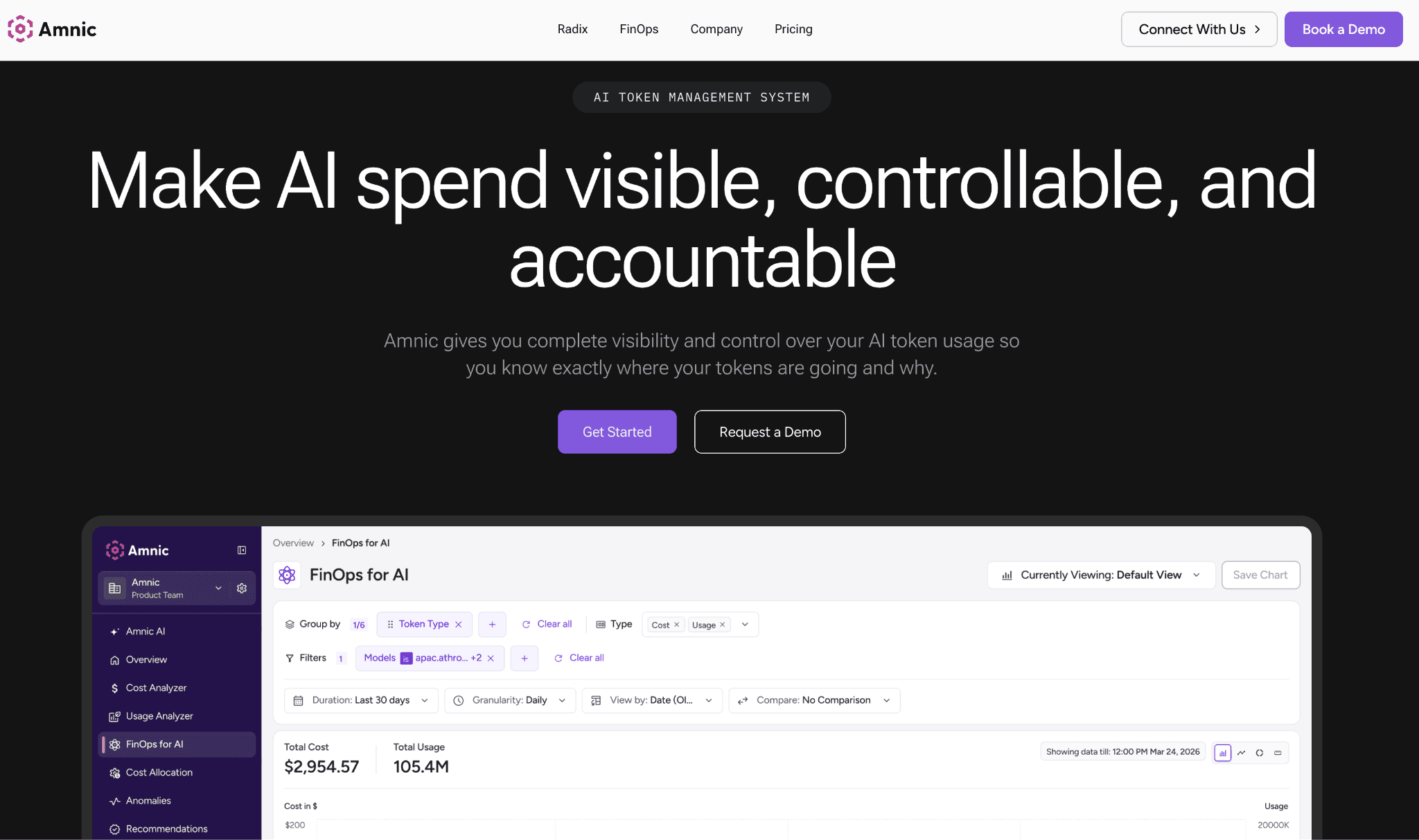
Amnic records input and output token spend across OpenAI, Claude, Anthropic, Gemini and Amazon Bedrock, then keeps it against the team, key and cost center that drove it. The same platform reads AWS, Azure and GCP cost, so AI tracking is never a separate console finance reconciles by hand later.
The platform is agentless and read-only, so it captures provider and billing data without write access to your stack and without a proxy in the request path. Spend sits against every team and model and anomaly detection flags a spike as it starts rather than three weeks later in the bill.
Key features:
Token spend captured across OpenAI, Anthropic, Gemini and Bedrock in one ledger.
AI spend recorded next to AWS, Azure and GCP cost, so nothing sits in a separate tool.
Agentless read-only ingestion, with no proxy added to the live request path.
Near real-time capture, so a runaway workload is visible while it is still spending.
Spend stored against team, key and cost center for clean downstream chargeback.
Budgets and thresholds per team and model, with alerts before the invoice lands.
Anomaly detection that surfaces an unexpected spike the moment it begins.
SOC 2, ISO 27001 and GDPR aligned, so finance trusts the captured data.
Pricing: Amnic charges a percentage of the spend it monitors, roughly 0.25% to 1%, so what you pay tracks the bill rather than a per-seat or per-request fee and cost control stays tied to the spend itself. A one-month trial is available to see your own data captured before you commit.
Pros:
Captures AI and cloud spend in one place, so finance reads one ledger not two.
Agentless read-only setup with no latency added to production traffic.
Spend-based pricing keeps cost tied to value as your AI bill grows.
2. Helicone
Best for: engineering teams that want per-request LLM cost and token capture live in an afternoon.
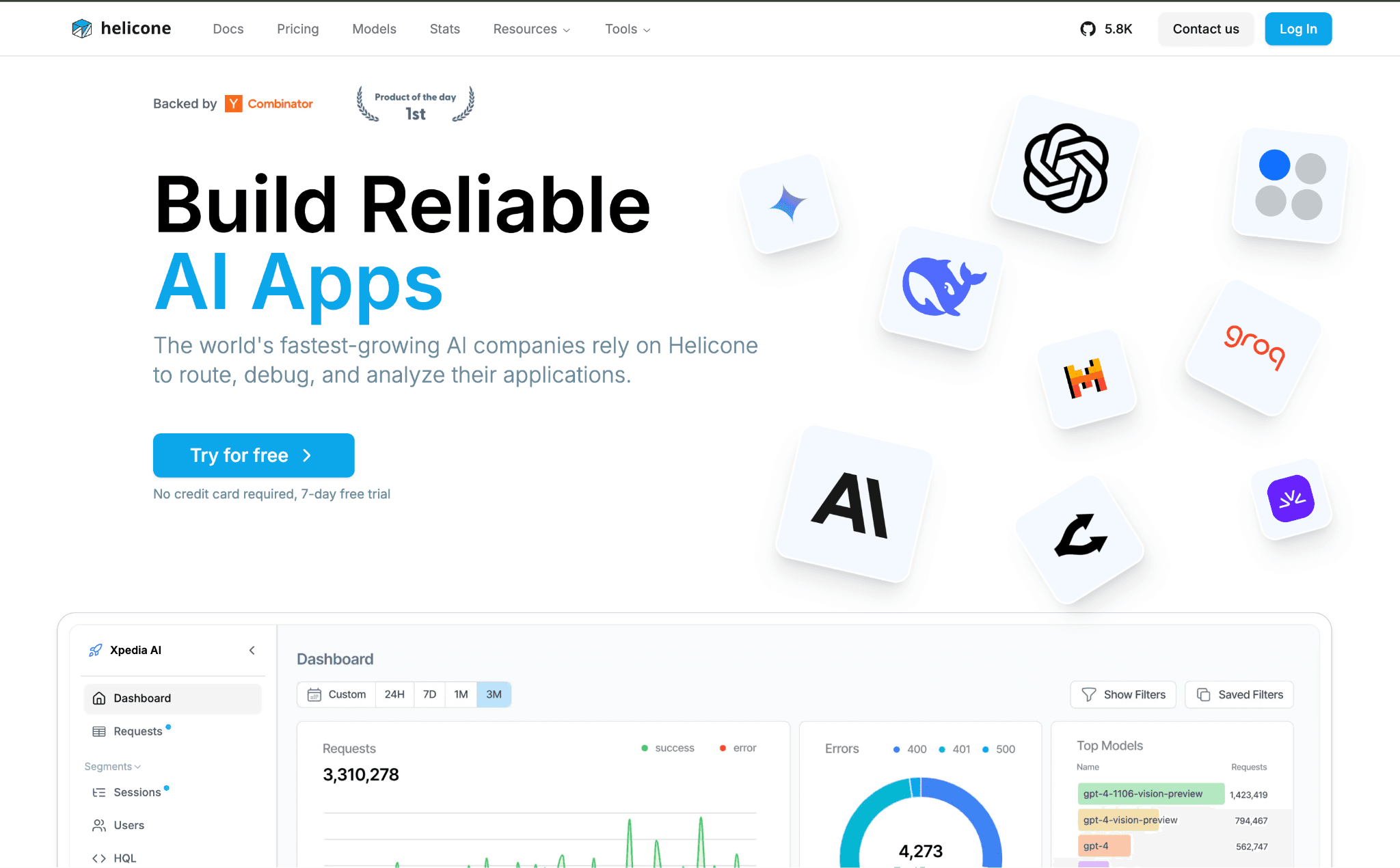
Helicone is an open-source observability layer that sits as a one-line proxy in front of your model calls and logs cost, tokens and latency for every request. Setup is a header change, which is why teams reach for it when they need capture fast and do not want a full instrumentation project.
It records per-request detail well and supports any OpenAI-compatible endpoint, with custom properties to tag requests by user or feature. The cost figure is an estimate from token counts and published rates, so it captures usage cleanly but is an engineering log rather than a finance-grade ledger reconciled to the invoice.
Key features:
One-line proxy setup, so capture starts without rewriting application code.
Per-request logging of cost, input and output tokens and latency.
Custom property tags to slice requests by user, feature or session.
Caching and rate-limit features layered on top of the proxy.
Open-source core with a managed cloud option for teams that prefer hosting.
Works with any OpenAI-compatible provider endpoint.
Request-level dashboards for spotting expensive calls quickly.
Pricing: Helicone offers a free tier up to 10,000 requests a month, after which paid plans price per logged request and per seat. Self-hosting the open-source version is free beyond the infrastructure you run it on.
Pros:
Fastest path to per-request cost capture for most engineering teams.
Open-source and self-hostable, so request data can stay in your environment.
Rich request-level detail for debugging expensive prompts.
Cons:
The proxy sits in the live request path, which adds a hop and a dependency that finance-grade billing pipelines avoid.
3. LiteLLM
Best for: platform teams routing many providers through one gateway that should also track spend.
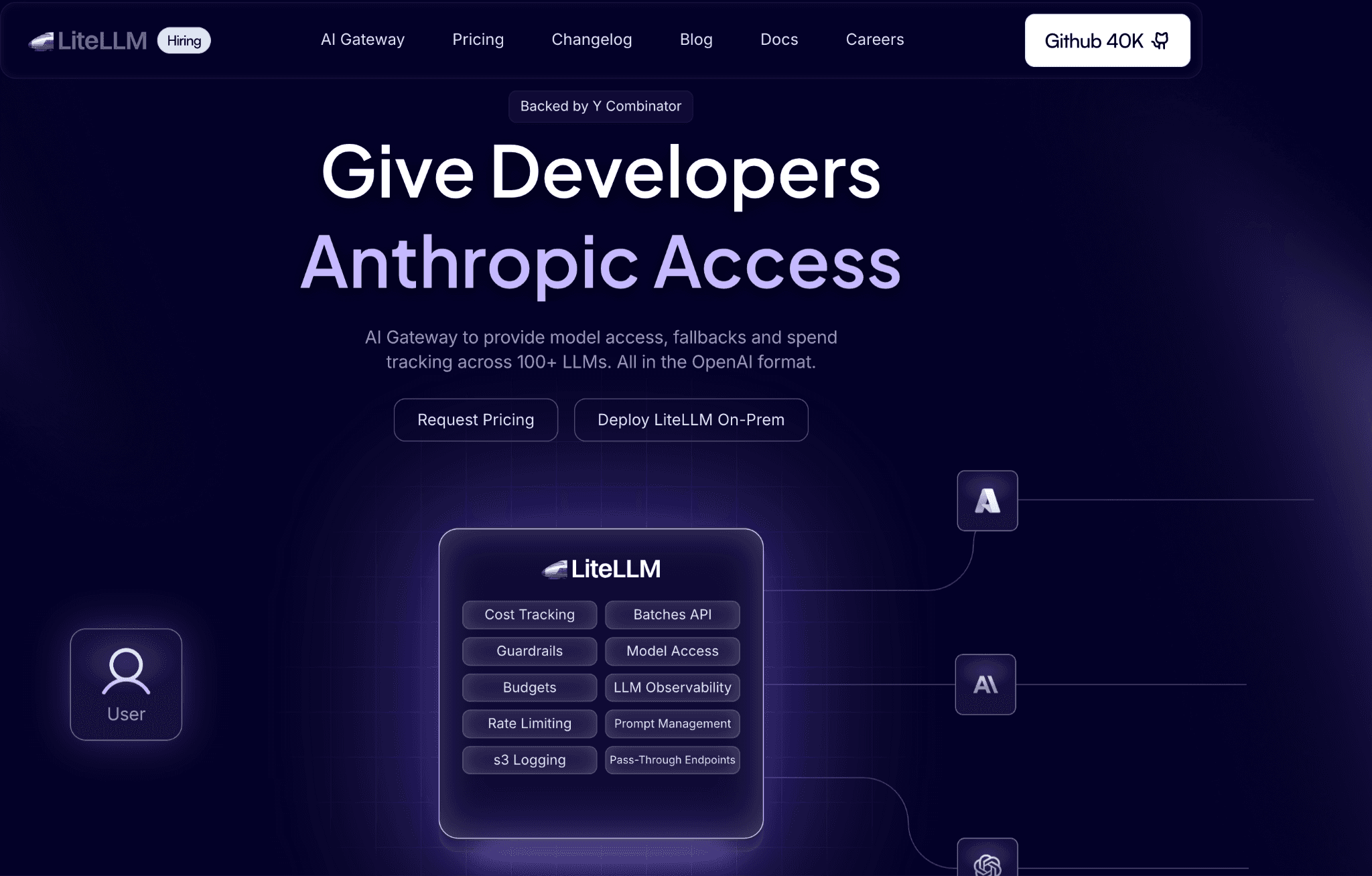
LiteLLM is an open-source gateway that gives one API across more than 100 providers and maps each model to its token pricing automatically. Because every call already flows through it, spend tracking comes almost for free, recorded per virtual key, user and team.
It captures spend at the routing layer and enforces budgets per key, which makes it strong for internal platform setups. The trade-off is that you run and maintain the gateway yourself and the output is an engineering-owned ledger that still needs a finance layer for chargeback and reporting across the wider cloud bill.
Key features:
Unified API across 100+ model providers behind a single endpoint.
Automatic token-price mapping per model, so cost is captured per call.
Spend tracked per virtual key, user and team out of the box.
Budget and rate limits enforced at the gateway level.
Open-source core, self-hosted in your own infrastructure.
Logging hooks that export spend data to downstream tools.
Fallback and routing logic alongside the cost capture.
Pricing: The open-source gateway is free to run on your own infrastructure. LiteLLM Enterprise adds support, SSO and admin features on a paid contract priced by the vendor.
Pros:
Spend capture is a near-free byproduct of routing through the gateway.
Broadest provider coverage of any tool on this list.
Budget enforcement at the proxy stops a key before it overspends.
Cons:
You own the gateway as production infrastructure, so reliability and upkeep are your responsibility.
4. Langfuse
Best for: teams building agents that need cost captured step by step inside the trace.
Langfuse is an open-source observability platform that records cost directly in the tracing layer, so a multi-step agent run shows the spend of each call within the trace. For teams already tracing LLM calls for debugging, cost capture rides along with the same instrumentation.
It gives granular per-step detail that request-level proxies miss, which matters for agent and RAG workflows where one user action triggers many calls. The cost is that capture depends on SDK instrumentation across your code and like other engineering tools the ledger needs a finance layer before it drives chargeback.
Key features:
Cost recorded inside each trace, down to individual steps and spans.
Strong fit for multi-step agent and RAG cost capture.
SDK and OpenTelemetry-style instrumentation across providers.
Token and cost detail tied to prompts, sessions and users.
Open-source with self-host and managed cloud options.
Evaluation and prompt tooling alongside the cost tracking.
Dashboards that group spend by trace, model and user.
Pricing: Langfuse offers a free hobby tier and a free self-hosted open-source version, with paid Pro and Team plans priced by usage and seats. Self-hosting keeps trace data in your environment.
Pros:
Best step-level cost capture for agent and RAG workloads.
Open-source and self-hostable for full data control.
Cost tracking reuses tracing you may already run.
Cons:
Requires SDK instrumentation in your codebase, so capture is only as complete as your coverage.
5. CloudZero
Best for: enterprises that want AI token spend captured and tied to unit cost alongside cloud.
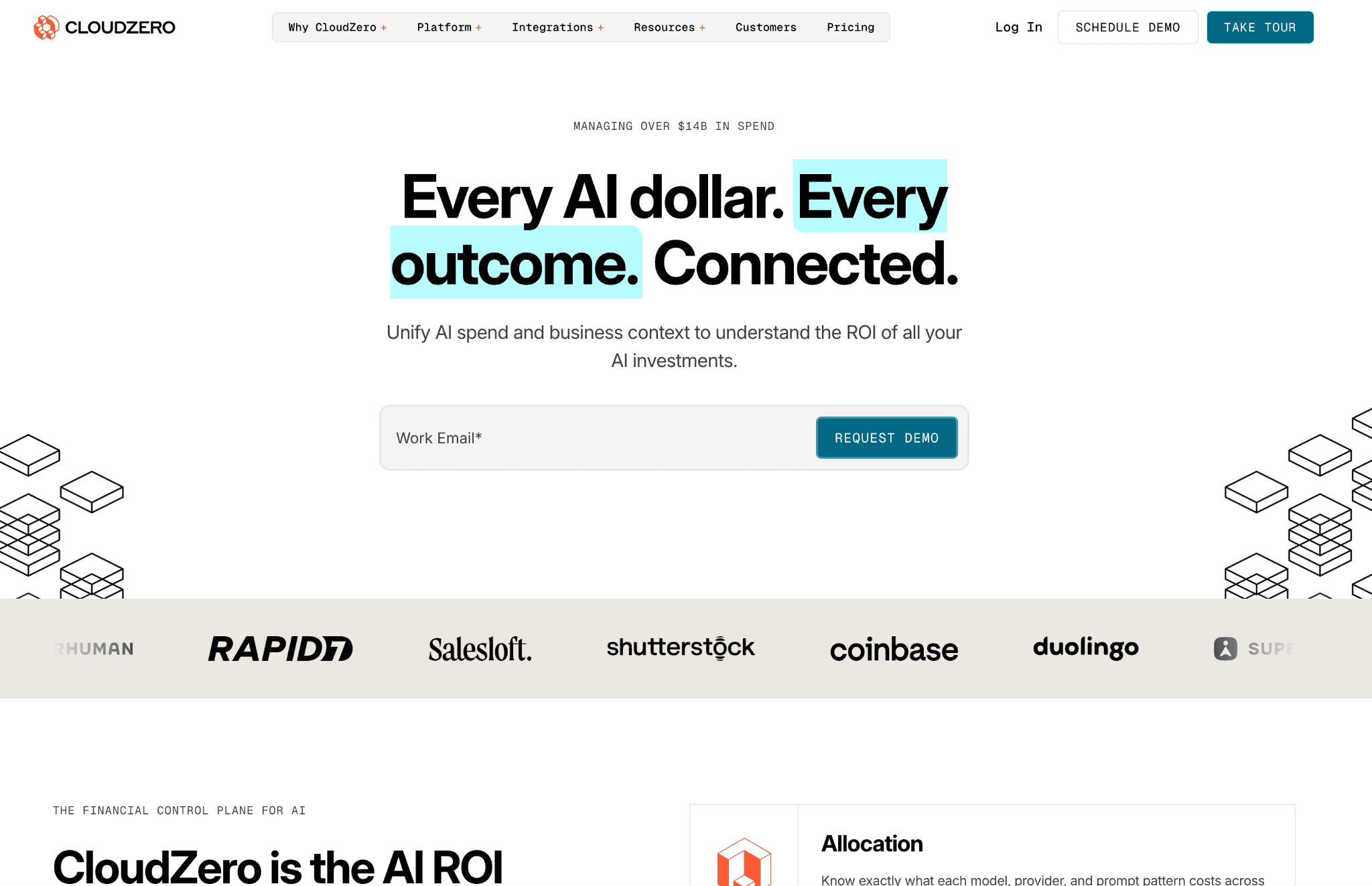
CloudZero pulls token spend from provider billing APIs, including Anthropic usage and cost data and OpenAI, then connects it to the same engine that tracks cloud cost per product, feature and customer. Capture is billing-API based, so it reads the spend without sitting in the request path.
It is strong where AI cost has to roll into a wider unit economics picture across a large cloud estate. The trade-off is that it is sales-led and enterprise-priced and its center of gravity is cloud cost, so AI-specific capture is one input rather than the whole product.
Key features:
Token spend captured from Anthropic and OpenAI billing APIs.
AI cost tied to cost per product, feature and customer.
Billing-API capture with nothing added to the request path.
Cloud and AI spend recorded in one cost engine.
Caching and model-usage detail pulled from provider APIs.
Allocation rules that map captured spend to business units.
Enterprise-grade scale across large multi-cloud estates.
Pricing: CloudZero is sold on an annual enterprise contract with pricing set through sales rather than published tiers. Access is via demo, with no public free tier.
Pros:
Captures AI spend without a proxy, straight from provider billing.
Ties token cost to unit economics across the full cloud bill.
Built for enterprise scale and granularity.
Cons:
Sales-led enterprise pricing and a cloud-first focus make it heavy for teams that only need AI capture.
6. Vantage
Best for: teams that want cloud and AI spend reported together with a free entry point.
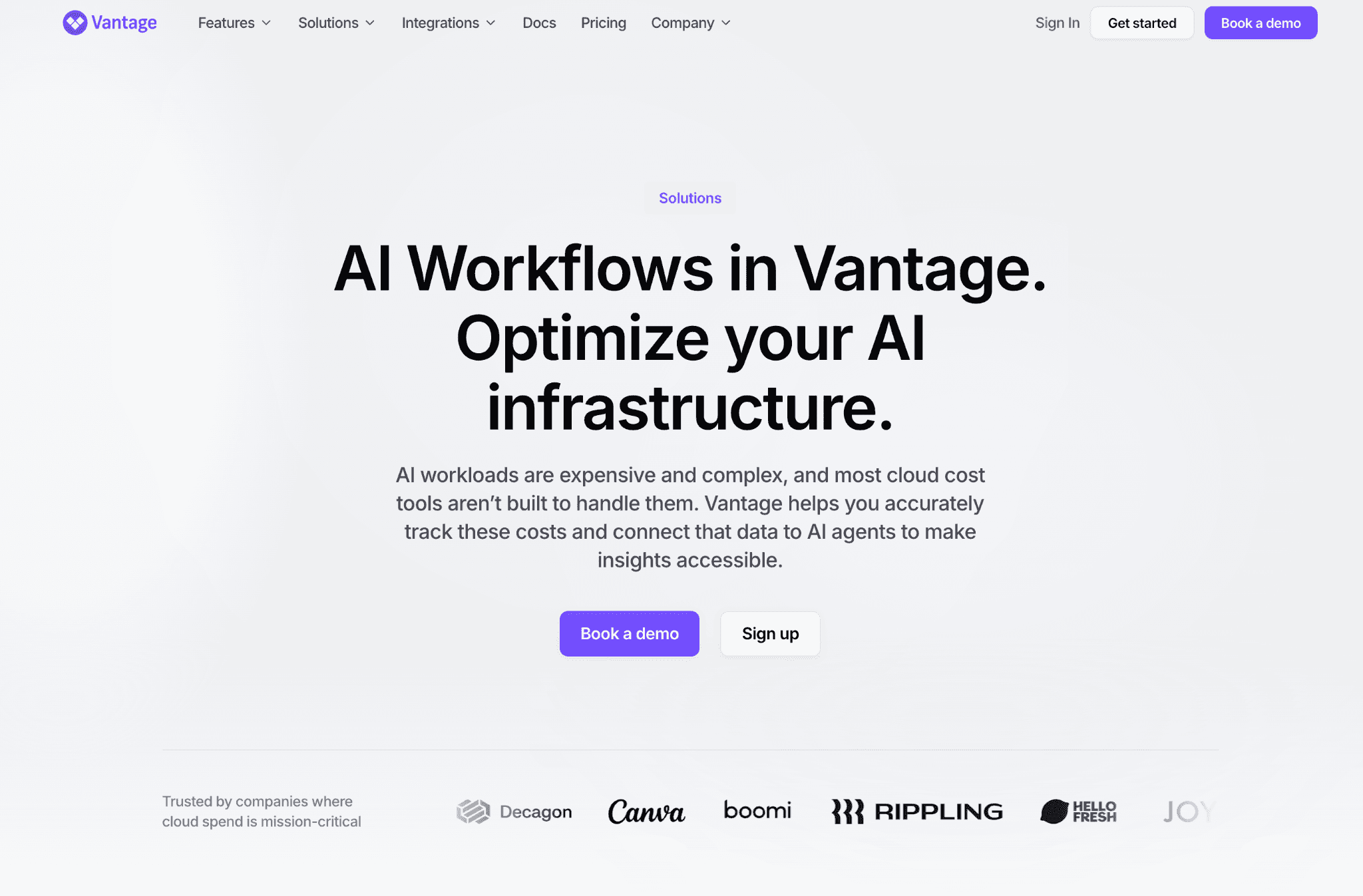
Vantage reports cost across cloud accounts and a growing set of AI providers, pulling spend through billing integrations into shared cost reports and dashboards. It captures at the billing level and presents it in cost categories teams can filter and share.
It is approachable, with a free tier and a fast start, which makes it a common first tool. The trade-off for AI tracking is that provider coverage is still expanding and capture is report-oriented at the billing grain, so it is less suited to per-call or near real-time token tracking than the proxy and SDK tools above.
Key features:
Cost reports across cloud accounts and select AI providers.
Billing-integration capture with no code changes required.
Cost categories to group and filter spend for sharing.
Dashboards and saved reports for recurring reviews.
Free tier to start tracking quickly.
Active and expanding AI provider integrations.
Alerts on cost movements across tracked accounts.
Pricing: Vantage runs on a fixed-rate subscription with a free tier to begin and paid plans priced by the vendor rather than as a share of spend. Confirm current tiers with the vendor.
Pros:
Easy free start for combined cloud and AI cost reports.
No instrumentation needed, capture rides on billing integrations.
Clean reporting for recurring cost reviews.
Cons:
AI provider coverage is still growing and capture is billing-grain, so near real-time per-call token tracking is limited.
How to Choose the Right AI Cost Tracking Tool
You need AI and cloud spend in one tracked ledger: Amnic captures both agentless and read-only, then hands clean data to budgets and chargeback vs showback.
You want per-request capture live today: Helicone drops in as a one-line proxy.
You already route providers through a gateway: LiteLLM tracks spend as a byproduct of routing.
You trace agent and RAG runs: Langfuse records cost step by step inside the trace.
You need unit cost across a large estate: CloudZero pulls billing-API spend into unit economics.
You want a free reporting start: Vantage reports cloud and AI cost together.
Common Mistakes When Choosing an AI Cost Tracking Tool
Treating an engineering log as a finance ledger: Proxy and SDK tools estimate cost from token counts, which is fine for debugging but should reconcile to the invoice before finance reports it. If you also need to cap and govern usage rather than only record it, the AI token management tools built for that enforce limits right at the gateway.
Tracking AI in a silo: AI spend that lives apart from cloud cost forces a manual merge every month. Capture both in one ledger and the monthly close stays a single process instead of a reconciliation.
Ignoring the request path: A proxy that captures spend also becomes a production dependency, so weigh latency and reliability, not only the data.
Stopping at capture: Tracking is step one. Without attribution the number tells you the total but not who caused it, which is the job of cost allocation.
Why Decision Makers Choose Amnic for AI Cost Tracking
Amnic captures AI and cloud spend in one agentless read-only platform, so the data that finance reports is the same data engineering sees, with no proxy in production and no second console to reconcile. That single ledger is why FinOps teams pick it as the capture layer beneath budgeting, chargeback and reporting for their whole AI and cloud bill.
Three differentiators stand out. First, AI token spend is recorded next to AWS, Azure and GCP cost, so tracking is unified from the start. Second, capture is read-only and agentless, which keeps it out of the request path and clears security review faster. Third, captured spend flows straight into budgets, chargeback and reporting on the same platform with no second tool.
The outcome shows up in practice. Customers such as Uni use Amnic for cloud cost observability that makes spend measurable across their whole estate, AI and cloud in the same view finance already trusts.
Frequently Asked Questions
What are AI cost tracking tools?
AI cost tracking tools record the cost of each model call as it happens, reading usage from providers and cloud accounts, applying current token rates and storing the result by provider, model and key so spend is measured before the invoice.
How is AI cost tracking different from AI cost visibility?
Tracking captures spend at the request or billing level. Visibility attributes that captured data to teams, features and customers. Once you can see the spend and need to know who is driving it, the AI cost visibility tools that turn a tracked total into accountability are the next step.
Can one tool track spend across OpenAI, Anthropic and cloud?
Yes. Amnic captures token spend across OpenAI, Anthropic, Gemini and Bedrock next to AWS, Azure and GCP cost in one ledger, so multi-provider tracking lives in a single place rather than several dashboards.
Do AI cost tracking tools slow down my application?
Proxy-based tools sit in the request path and add a hop, so they can affect latency. Billing-API and agentless tools like Amnic read data outside the request path, so capture adds no latency to production traffic.
Are free AI cost tracking tools accurate enough?
Free and open-source tools capture token counts well and estimate cost from published rates, which suits debugging. For finance reporting, confirm the captured figure reconciles to the provider invoice, since estimates and billed amounts can differ.
Where does tracking fit in AI cost management?
See OpenAI API pricing for the rates a tracker applies, then capture spend accurately so attribution, budgets and reporting all build on it. Tracking is the first step, not the last.
Start Tracking AI Spend Where Your Cloud Cost Already Lives
AI cost tracking only pays off when the captured spend lands somewhere finance already trusts. Amnic records AI and cloud spend in one agentless read-only ledger, then turns it into budgets, chargeback and alerts without a second tool. Book a demo to see your own AI spend captured alongside your cloud bill.
Better visibility and management into AI Tokens?
Start with a 30 day trial
Connect leading LLMs
24 hour time to value
Stay ahead of AI Spend

Make AI spend visible, controllable, and accountable.
Gain insights into your AI token costs at a team, customer, business unit and individual user level to measure and manage AI utilization.
Recommended Articles

8 Best Llama Cost Management Tools in 2026
Read More

8 Best Amazon Bedrock Cost Optimization Tools for 2026
Read More

7 Best Amazon Bedrock Cost Monitoring Tools
Read More

8 Best Gemini Cost Visibility Tools for 2026
Read More

7 Best Multimodal Cost Optimization Tools for 2026
Read More

5 Best Anthropic Cost Allocation Tools for 2026
Read More






