6 Best AI Cost Visibility Tools for 2026
10 min read
Tools

Table of Contents
Comparing the top AI cost visibility tools for 2026 are 1. Amnic, 2. CloudZero, 3. Vantage, 4. Finout, 5. Apptio Cloudability and 6. Helicone.
AI cost visibility tools show where your AI spend goes and let finance assign it to the team, feature or customer that caused it. They matter because a provider dashboard prints one total and a cloud bill hides AI infrastructure inside generic line items, so the spend that grows fastest is the spend nobody can break down.
Visibility is a different job from cutting the bill or metering tokens at a gateway. A FinOps layer makes spend legible first, then allocation and budgets follow. Amnic leads this list because it reads OpenAI, Anthropic, Gemini and Bedrock spend next to AWS, Azure and GCP cost in one view, so AI and cloud reconcile together instead of in separate consoles.
Top AI Cost Visibility Tools at a Glance
Amnic: AI and cloud spend in one view, attributed to teams and cost centers, with budgets and anomaly alerts inside a full FinOps platform.
CloudZero: Cost-per-unit visibility that maps cloud and AI spend to products, features and customers.
Vantage: Cost reports and dashboards across cloud and a growing set of AI providers, with a free tier.
Finout: Cost observability that unifies cloud, SaaS and AI spend into one shared bill with virtual tagging.
Apptio Cloudability: Enterprise cost transparency and allocation across multi-cloud estates.
Helicone: One-line proxy that surfaces per-request LLM cost, tokens and latency in an afternoon.
AI Cost Visibility Tools Comparison Table
Information reflects vendor sources as of June 2026. Confirm current pricing with the vendor.
Tool | What it makes visible | AI and cloud in one view | Allocation and showback | Free option | Pricing model |
|---|---|---|---|---|---|
Amnic | AI provider and multi-cloud spend, per team and feature | Yes, AI plus AWS, Azure, GCP | Team, feature, cost-center chargeback | One-month trial | % of monitored spend |
CloudZero | Cost per product, feature and customer | Cloud plus AI cost ingest | Unit cost and per-customer | Demo only | Enterprise contract |
Vantage | Cost reports across cloud and AI providers | Cloud plus select AI providers | Cost categories and reports | Free tier | Fixed-rate subscription |
Finout | Unified cloud, SaaS and AI bill | Cloud plus AI and SaaS ingest | Virtual tags and MegaBill | Demo only | Custom enterprise |
Apptio Cloudability | Multi-cloud cost and usage | Cloud first, AI via custom ingest | Business-mapping allocation | No, trial via sales | IBM enterprise agreement |
Helicone | Per-request LLM cost and latency | LLM only | Custom property tags | Free 10k req/mo | Per logged request |
What Are AI Cost Visibility Tools?
AI cost visibility tools are software that turns scattered AI spend into a clear, assignable view so cost stops being a monthly surprise. They collect spend from model providers and cloud accounts, normalize it and break it down by the dimension a finance team actually needs, which is who spent what and why.
Each provider reports usage in its own shape, an OpenAI usage object here, a Bedrock cost line there, a GPU instance buried in an AWS bill. A visibility tool gathers those signals, applies current rates and rolls them into dashboards, allocation and alerts. That is the difference between reading a meter and understanding the bill.
For a FinOps lead or AI platform engineer, the goal is accountability before action. They need to see AI spend mapped to teams and features and tied to cost allocation so a feature that burns spend shows up against the revenue it earns. The six tools below cover that need, starting with the platform built for it.
How We Evaluated These Tools
Breakdown granularity: can it split AI spend by team, feature, customer or product, not only by provider?
AI plus cloud in one view: does it show model-provider spend next to AWS, Azure and GCP cost?
Allocation and showback: can it map spend to a cost center so finance reports it without a translation step?
Real-time monitoring: how fast it surfaces a spend spike or a runaway agent before the invoice.
Provider coverage: how well it reads OpenAI, Anthropic, Gemini and Bedrock alongside cloud accounts.
Deployment and access: managed or agentless and whether it reads data without write access to your stack.
Best AI Cost Visibility Tools Reviewed
1. Amnic
Best for: FinOps and finance teams that need AI spend to be as visible and assignable as every other governed cost line, with one view across AI and cloud.
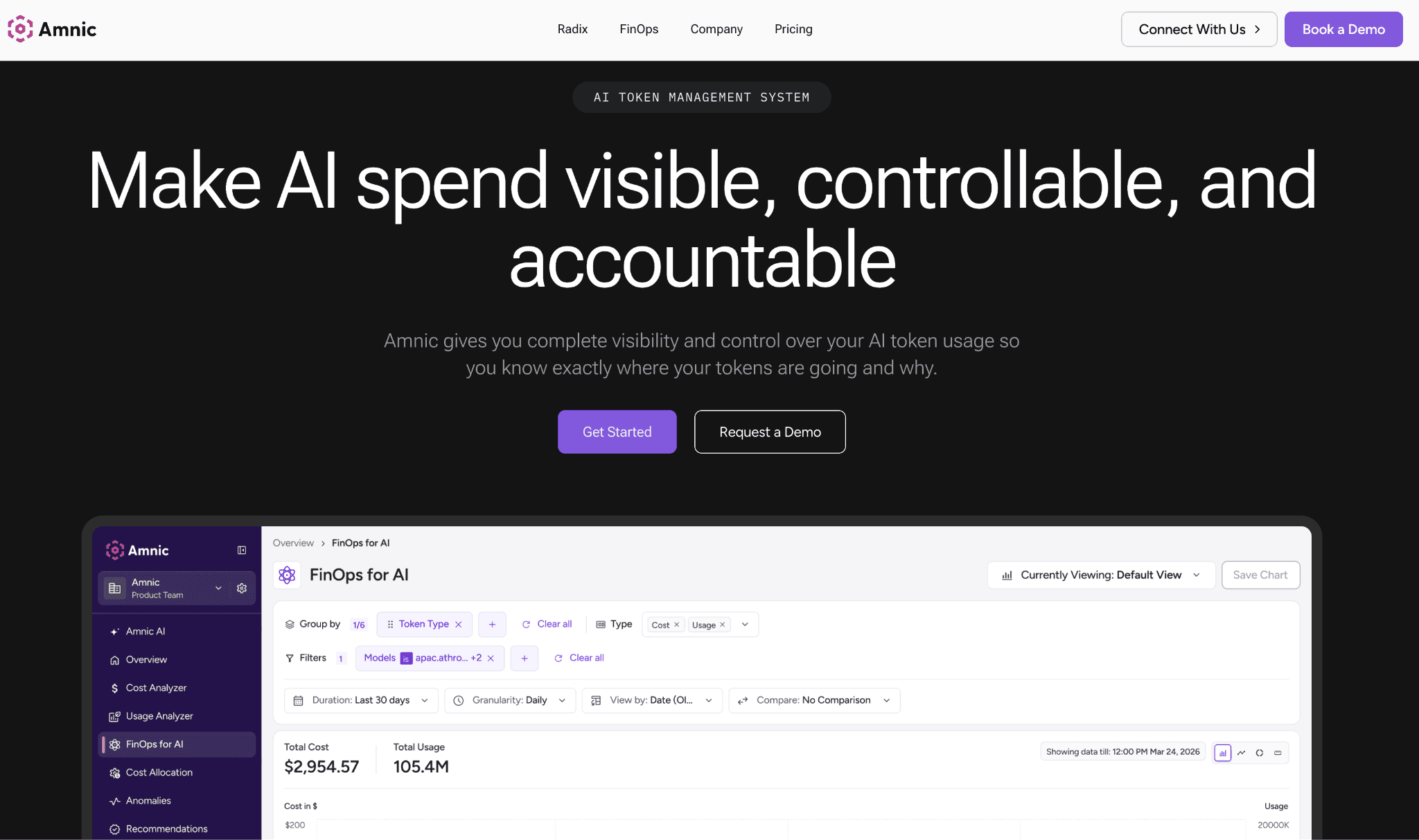
Amnic reads input and output token spend across OpenAI, Anthropic, Gemini and Amazon Bedrock, then attributes it to teams, users and cost centers for real chargeback. The same platform reads AWS, Azure and GCP cost, so AI spend is never a separate dashboard finance has to be reconciled by hand.
The platform is agentless and read-only, so it reads provider and billing data without write access to your stack. Budgets sit across teams and models and alert before the invoice and anomaly detection flags a spike the moment it starts rather than three weeks later in the bill.
Key features:
AI providers spend and multi-cloud cost in one view, so AI is not a blind spot beside the rest of the bill
Spend attributed to teams, features, users and cost centers, which is what makes real chargeback possible
Budgets per team and per model that alert and trip before the invoice lands
Real-time anomaly alerts on AI and cloud spend spikes
Per-feature cost and margin visibility, so you see which AI feature pays for itself
Stakeholder views and natural-language agents, so a CFO reads a number without waiting on engineering
Agentless, read-only integration with SOC 2, ISO 27001 and GDPR posture
Pricing: Amnic charges a percentage of monitored spend, roughly 0.25% to 1%, with a one-month startup trial and no credit card. Enterprise tiers add cost experts and a negotiated spend cap.
Pros:
It answers the question finance asks, who spent this and on what, instead of charting a total nobody can break down
AI and cloud spend sit in one place, so month-end stops being a reconciliation between two tools
Read-only access means engineering never hands over write keys just to get visibility
Cons:
It makes spend visible and assignable rather than routing or caching calls, so request-time cuts need a gateway alongside it
Per-feature margin and prompt-efficiency views are newer than the core attribution layer
Percentage pricing is worth a sizing conversation once the monitored bill gets very large
Amnic suits the team that has to explain the AI line to finance. Start a free Amnic trial to see your AI and cloud spend attributed in days.
2. CloudZero
Best for: product and engineering teams that want AI and cloud cost expressed as a unit, like cost per customer or per feature, rather than a raw total.
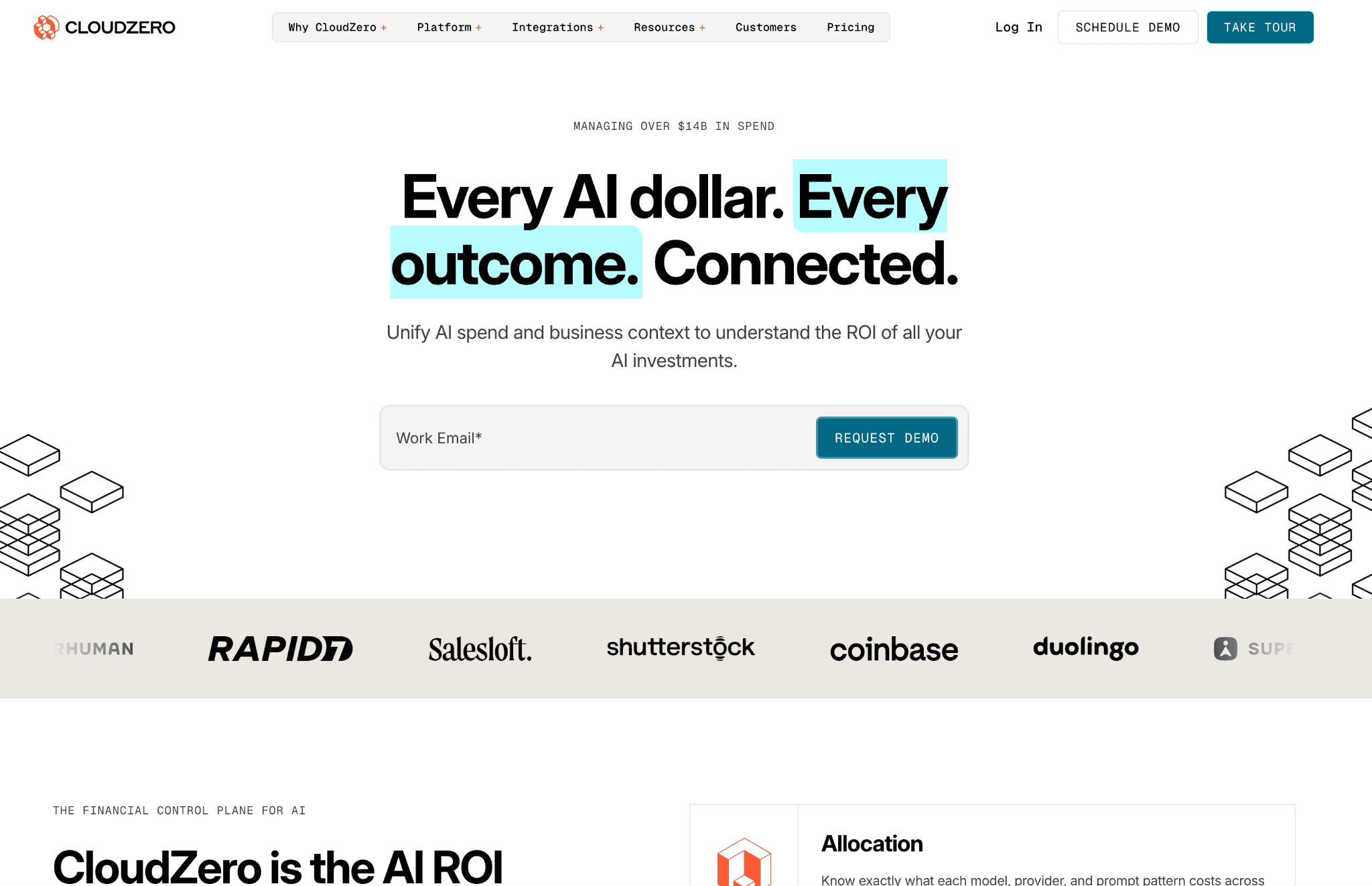
CloudZero centers on cost-per-unit visibility. It ingests cloud spend and AI provider cost, then maps both to the dimensions a business cares about, so you can read cost per product, per feature or per customer instead of per service. That framing suits teams chasing margin, not just a lower bill.
Its strength is the allocation model, which assigns shared and untagged spend through code-based rules rather than waiting on perfect tags. The trade-off is access. There is no free tier or self-serve and AI cost enters through ingest rather than a deep native integration with each model provider.
Key features:
Cost-per-unit views such as cost per customer, feature and product
Allocation of shared and untagged spend through code-based rules
Multi-cloud coverage across AWS, Azure and GCP
AI and SaaS cost ingest into the same model
Anomaly alerts on cost movements
Engineering-facing views tied to deploys and features
Budget and forecast tracking
Pricing: CloudZero sells enterprise contracts only, with no public rate card and no self-serve tier. Pricing is tied to the cloud spend under management and access starts with a sales demo.
Pros:
Unit cost framing is genuinely strong for margin and per-customer economics
Allocation works even when tagging is incomplete, which is most real estates
Maps cost to the product and feature language a business already uses
Cons:
No free tier or self-serve, so evaluation runs through sales
AI cost arrives through ingest rather than a deep per-provider integration
Enterprise-only pricing puts it out of reach for smaller teams
3. Vantage
Best for: teams that want broad cost reports across cloud and a growing list of AI providers, with a free tier to start.
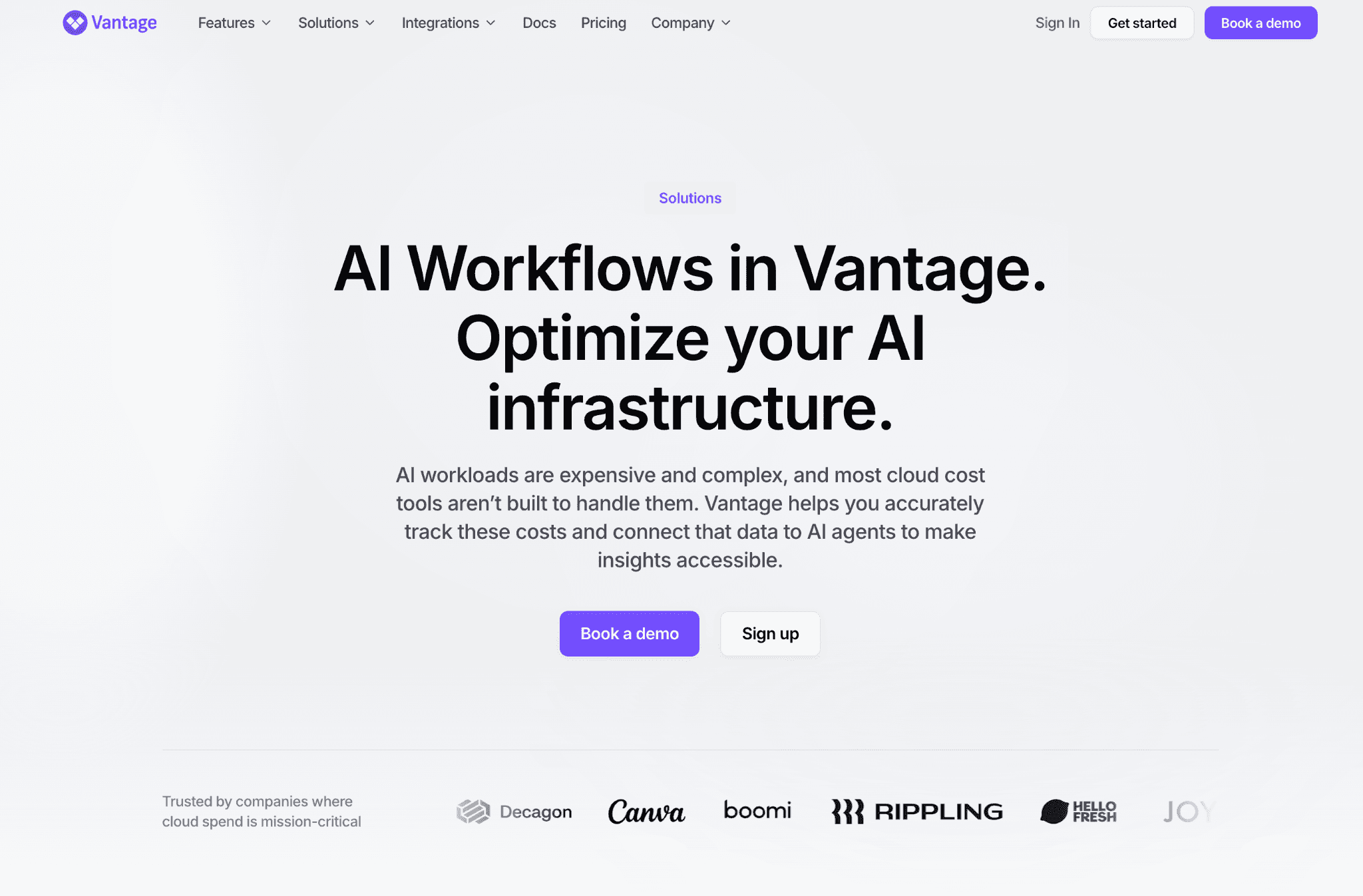
Vantage builds cost reports and dashboards across cloud accounts and an expanding set of providers, including AI services, so spend lands in one reporting surface. Cost categories let you group spend into custom buckets that mirror how your teams are organized, which is the visibility most reports miss.
It is self-serve up to a point and reads many providers, which makes it easy to adopt. The AI side is newer than its cloud coverage, so per-model depth varies by provider and the richest allocation features sit on higher tiers.
Key features:
Cost reports and dashboards across cloud and AI providers
Cost categories for grouping spend into custom buckets
Resource-level cost views and filtering
Active cost monitoring and alerts
Provider coverage that spans many services beyond the big three clouds
Network and savings visibility
Team access controls on paid tiers
Pricing: Vantage runs on a fixed-rate subscription with a free tier that has no time limit. Paid tiers unlock longer data history, team access controls and priority support and stay self-serve up to a mid tier.
Pros:
The free tier is a genuine way to start with no commitment
Provider coverage is wide, so most of your stack reports in one place
Cost categories make spend readable without perfect tagging
Cons:
AI provider depth trails its mature cloud coverage
The most useful allocation and history features sit behind higher tiers
Reporting is the focus, so deep per-feature margin lives elsewhere
4. Finout
Best for: teams that want cloud, SaaS and AI spend unified into one shared bill without re-tagging their infrastructure.
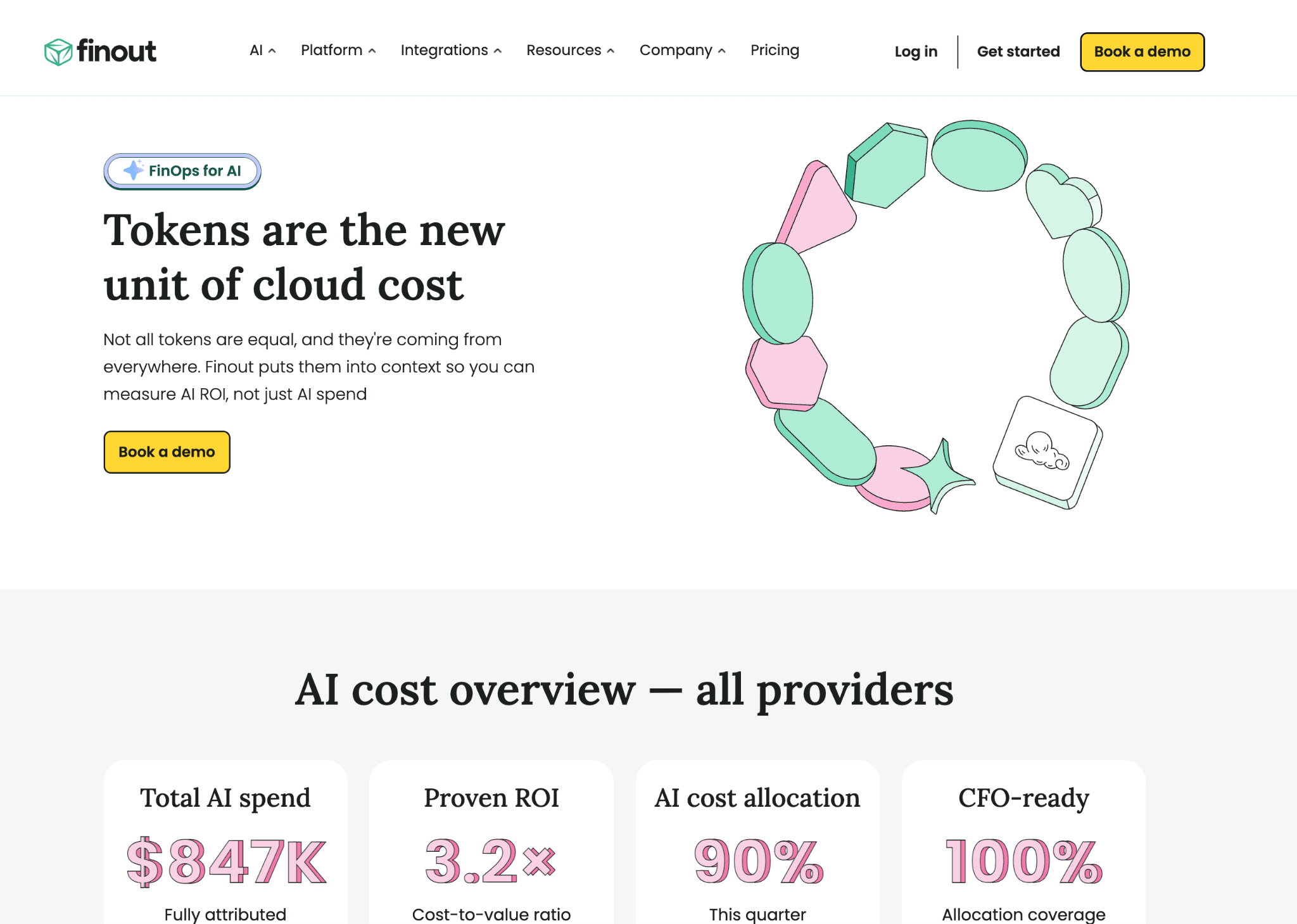
Finout pulls cloud, SaaS and AI provider spend into a single bill it calls the MegaBill, then layers virtual tags on top so you can allocate cost without changing anything in the underlying accounts. That virtual-tagging model is the point, since it sidesteps the tagging cleanup that stalls most allocation projects.
It reads AI provider cost alongside cloud, which gives finance one place to see the whole picture. The depth shows at enterprise scale and like the platforms above it focuses on visibility and allocation rather than cutting the bill at request time.
Key features:
MegaBill that unifies cloud, SaaS and AI spend
Virtual tags for allocation without changing source accounts
Cost per business unit, team and product
Anomaly detection and alerting
Kubernetes and shared-cost splitting
Budgets and forecasting
Provider coverage across cloud and AI services
Pricing: Finout uses custom enterprise pricing tied to the spend under management, with no public rate card. Access starts with a demo and a scoping conversation.
Pros:
Virtual tagging allocates spend without an infrastructure re-tagging project
One bill covers cloud, SaaS and AI, which is rare in a single tool
Strong shared-cost and Kubernetes splitting for complex estates
Cons:
No public pricing or self-serve, so evaluation runs through sales
Built for enterprise scale, which is heavier than a small team needs
AI cost depth depends on what each provider exposes to ingest
5. Apptio Cloudability
Best for: large enterprises that need governed, audit-ready cost transparency and allocation across a multi-cloud estate.
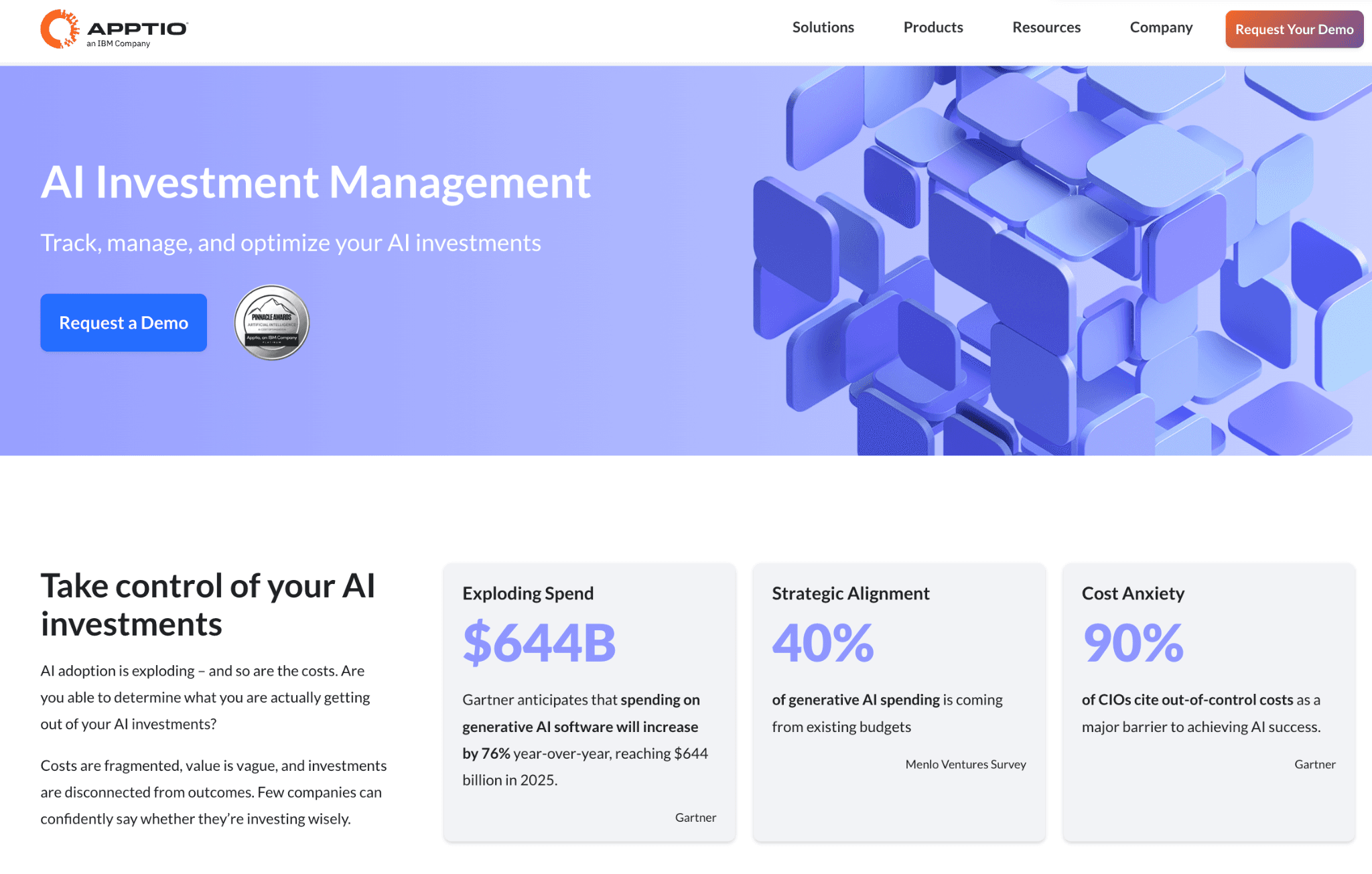
Cloudability, now part of IBM, is a long-standing enterprise cost platform built for multi-cloud transparency and allocation. Its business-mapping engine assigns cloud spend to cost centers and business units with the rigor a large finance org needs, which is its core strength.
AI provider spend enters through generic custom cost ingest rather than deep native integrations, so per-model breakdown is more manual than on the AI-native tools here. Deployment is a project and it typically pairs with professional services to configure mappings.
Key features:
Business-mapping allocation to cost centers and units
Multi-cloud cost and usage across AWS, Azure and GCP
Custom cost ingest for non-cloud and AI spend
Rightsizing and savings recommendations
Budgets, forecasts and chargeback reports
Governance and policy controls
Deep historical reporting for audit
Pricing: Cloudability is sold under an IBM enterprise agreement priced on cloud spend volume and account count, with no self-serve or free trial. Deployment typically runs through IBM professional services over six to twelve weeks.
Pros:
Enterprise-grade allocation and governance built for large finance orgs
Mature multi-cloud coverage with deep historical reporting
Audit-ready chargeback that satisfies strict internal controls
Cons:
AI cost arrives through generic ingest with manual per-model parsing
No self-serve or free trial and deployment is a multi-week project
Heavier and pricier than mid-market teams can justify
6. Helicone
Best for: engineering teams that want per-request LLM cost visibility in an afternoon, without instrumenting their codebase.
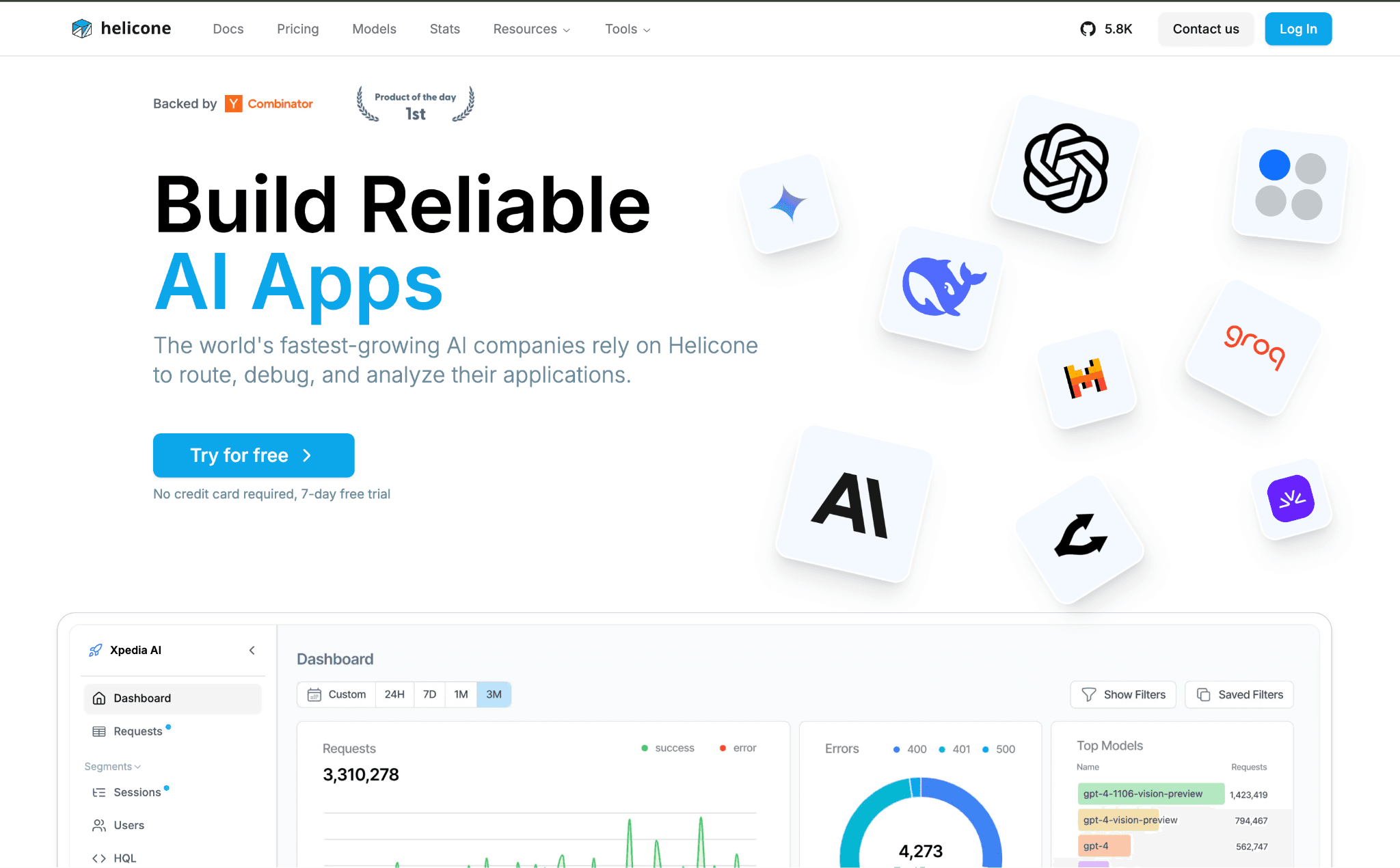
Helicone is a proxy that sits in front of your model calls. You change the base URL and it starts logging tokens, cost and latency for every request, which makes it the fastest way to leave a provider dashboard behind and see where LLM money goes.
Custom properties let you tag requests by user or feature for lightweight allocation. It stays focused on LLM traffic, so it gives request-level visibility but not the cloud-plus-AI picture finance needs, which is why it pairs well with FinOps tools for AI cost management.
Key features:
One-line proxy integration with no code instrumentation
Per-request logging of tokens, cost and latency
Custom properties for per-user and per-feature tagging
Cost and latency analytics in one view
Session and trace grouping for multi-step agents
Alerting when cost or latency drifts
Open-source core with a self-host option
Pricing: A free tier covers 10,000 requests per month with two seats. Paid plans scale by logged request, with custom enterprise pricing for higher volume.
Pros:
Live in production in an afternoon, with no code changes to ship
The fastest way here to see where LLM spend is going
Free tier is generous enough to validate before any spend
Cons:
Visibility stops at LLM traffic, with no cloud-side cost in the view
Allocation is only as good as the tags developers remember to set
The proxy hop adds one more point of failure in the request path
How to Choose the Right AI Cost Visibility Tool
You need AI and cloud spend in one assignable view: Amnic attributes both to teams and cost centers and alerts before the invoice.
You want cost as a unit, like per customer: CloudZero maps spend to products and features.
You want broad reports with a free start: Vantage covers cloud and many AI providers self-serve.
You want one bill without re-tagging: Finout unifies cloud, SaaS and AI with virtual tags.
You run a large governed estate: Apptio Cloudability brings enterprise allocation and audit rigor.
You want fast LLM request visibility: Helicone logs per-call cost in an afternoon.
Common Mistakes When Choosing an AI Cost Visibility Tool
Mistaking a provider dashboard for visibility: A dashboard total tells you what you spent, not who spent it. If a tool cannot split spend by team or feature, you are reading a meter, not seeing the bill. Reliable capture comes first, so start with the AI cost tracking tools that record spend, then add this visibility layer on top.
Watching AI spend in isolation: AI cost that lives in its own dashboard never reconciles against the cloud bill it sits beside. Tie it to the same practice that governs cost attribution across the business.
Confusing visibility with control: Seeing spend is the first step, not the last. Pair visibility with budgets and alerts so a runaway agent does not run all weekend before anyone notices.
Stranding cost data in engineering: When AI spend never reaches finance in a readable form, no one owns it. Choose a tool whose output a CFO can read without an engineer translating it.
Why Teams Choose Amnic for AI Cost Visibility
Amnic makes AI spend visible the way finance already sees cloud cost. It reads OpenAI, Anthropic, Gemini and Bedrock spend next to AWS, Azure and GCP cost, attributes it to teams and cost centers and ties it to unit economics so a feature that burns spend shows up against the revenue it earns. That is the gap most AI tools leave open, since they report to engineers, not finance.
The value shows up the first week. Teams that ran several models behind one provider total start seeing AI spend split by team, feature and customer, with the same view placing it next to cloud cost. A runaway agent or a feature quietly stuffing full context into every call surfaces as an attributed line, not a month-end surprise. The same platform now brings AI providers into that picture through FinOps for AI, so teams see one number instead of stitching a proxy to a separate finance tool.
Teams that want both AI and cloud spend in one assignable view get attribution, budgets and natural-language reporting through the Amnic AI agents. To see your own AI spend attributed against real usage, request a demo.
Frequently Asked Questions
What are AI cost visibility tools?
They are tools that collect AI spend from model providers and cloud accounts, normalize it and break it down by team, feature or customer so cost is visible and assignable. The strongest ones also place AI spend next to cloud cost so finance sees one picture instead of two disconnected dashboards.
How is AI cost visibility different from token management?
Token management meters input, output and reasoning tokens at a gateway and controls them with budgets and caps. Cost visibility works one level up, in dollars and allocation, showing who spent what across providers and cloud. Visibility answers the finance question, while token management governs the engineering one.
Why is a provider dashboard not enough for AI cost visibility?
A provider dashboard shows one total and cannot tell you which team, feature or customer drove it. Once you run several models or mix AI with cloud infrastructure, it cannot attribute spend or alert on the right spikes, so teams add a tool that tags, allocates and monitors spend.
Can a tool show AI and cloud cost in one view?
Yes. Platforms like Amnic read model-provider spend alongside AWS, Azure and GCP cost, so AI and cloud reconcile in one place. That avoids two separate dashboards that never line up at month end and lets finance report total spend in one number.
Do AI cost visibility tools work without write access?
The better ones do. Amnic is agentless and read-only, so it reads provider and billing data without write access to your stack. That lets engineering keep control of the environment while finance still gets the spend breakdown it needs.
Are there free AI cost visibility tools?
Yes. Vantage offers a free tier with no time limit and Helicone has a free tier covering 50,000 requests a month. Enterprise platforms such as CloudZero, Finout and Apptio Cloudability run on custom contracts and finance-grade visibility usually starts on a paid or usage-based plan.
See Your AI Spend in One View
A provider dashboard tells you what you spent, not who spent it or why and it never shows the cloud cost sitting right beside it. Amnic brings AI provider spend together with your cloud bill, attributes every dollar to a team and cost center and flags spikes before the invoice. Start the one-month trial to see it against your own usage.
Better visibility and management into AI Tokens?
Start with a 30 day trial
Connect leading LLMs
24 hour time to value
Stay ahead of AI Spend

Make AI spend visible, controllable, and accountable.
Gain insights into your AI token costs at a team, customer, business unit and individual user level to measure and manage AI utilization.
Recommended Articles

8 Best Llama Cost Management Tools in 2026
Read More

8 Best Amazon Bedrock Cost Optimization Tools for 2026
Read More

7 Best Amazon Bedrock Cost Monitoring Tools
Read More

8 Best Gemini Cost Visibility Tools for 2026
Read More

7 Best Multimodal Cost Optimization Tools for 2026
Read More

5 Best Anthropic Cost Allocation Tools for 2026
Read More






