7 Best Anthropic Cost Optimization Tools for 2026
12 min read
Tools
Table of Contents
Comparing the top Anthropic cost optimization tools for 2026 are 1. Amnic, 2. Portkey, 3. Helicone, 4. LiteLLM, 5. OpenRouter, 6. Cloudflare AI Gateway and 7. Langfuse.
Anthropic cost optimization tools cut your Claude API bill by pulling three levers: caching repeated context, routing simple calls to a cheaper model and batching non-urgent work. The need is real because Anthropic charges per token, output tokens cost roughly five times more than input tokens and a single monthly total cannot tell you which feature or team is burning the spend.
These tools split into two jobs. Gateways and routers reduce the bill at request time. A FinOps layer attributes the bill, budgets it and reports it the way finance already handles cloud cost. Amnic ranks first for that second job, then connects to Anthropic alongside OpenAI, Gemini and Bedrock plus AWS, Azure and GCP so AI and cloud reconcile in one place.
Here is a detailed comparison of the best Anthropic cost optimization software for 2026, starting with Amnic. Book a 30-minute Amnic demo to see Claude cost optimization in action, then where your wider cloud spend leaks, before the call ends.
Top Anthropic Cost Optimization Tools at a Glance
Amnic: Claude spends attribution, model budgets and anomaly alerts inside a full FinOps platform that also covers your cloud bill.
Portkey: AI gateway with semantic caching, model routing, budgets and guardrails across a very large model catalog including Claude.
Helicone: Drop-in proxy that logs Claude cost and latency and serves repeated requests from cache with one line of setup.
LiteLLM: Open-source proxy that routes and load-balances across 100+ providers, Anthropic included, with per-key budget caps.
OpenRouter: Routing layer that sends each Claude call to the cheapest qualifying host with a hard price ceiling.
Cloudflare AI Gateway: Edge gateway that caches, rate-limits and logs Anthropic traffic with cost analytics and almost no setup.
Langfuse: Open-source tracing platform with token cost tracking, prompt versioning and evaluations for Claude calls.
Anthropic Cost Optimization Tools Comparison Table
Information reflects vendor sources as of June 2026. Confirm current pricing with the vendor.
Tool | Best for | Anthropic coverage and cost levers | Free option | Pricing model |
|---|---|---|---|---|
Amnic | FinOps and finance teams owning AI plus cloud spend | Claude, OpenAI, Gemini, Bedrock; attribution, model budgets, anomaly alerts | One-month trial | % of monitored spend |
Portkey | Multi-model teams wanting a production gateway | Semantic caching, routing, budgets, guardrails, virtual keys | 10k logs/mo | Tiered, from $49/mo |
Helicone | Fast request-level cost visibility plus caching | Logging, response caching, rate limits, cost analytics | 10k requests/mo | Tiered, from $79/mo |
LiteLLM | Engineers standardizing many providers behind one API | Routing, load balancing, per-key budgets, Redis caching | Open-source self-host | Free OSS + enterprise |
OpenRouter | Routing every Claude call to the cheapest host | Lowest-cost routing, price ceilings, quality-cost dial | Pay as you go | Passthrough + credit fee |
Cloudflare AI Gateway | Edge caching and logging with near-zero setup | Caching, rate limiting, cost analytics, retries at the edge | Generous free tier | Free + usage on extras |
Langfuse | Deep tracing and prompt-level cost data | Trace-level cost, prompt versioning, evals | 50k units/mo | Tiered + self-host |
What Are Anthropic Cost Optimization Tools?
Anthropic cost optimization tools are software that reduce what you pay Anthropic for Claude API calls and make the remaining spend visible, owned and predictable. They turn a single monthly token total into a bill you can cut at the source and assign to the team or feature that caused it.
Every Claude response returns a usage object with input, output and cache token counts. Optimization tools act on that flow in three places. They cache repeated prefixes so the model is not billed full price twice for the same system prompt, where cache reads run at 0.1x the base input rate, a 90% discount.
They route simple calls to a cheaper model, since Haiku is roughly an order of magnitude cheaper per token than Opus. They move non-urgent jobs to the Message Batches API for a 50% discount.
For a FinOps lead or AI platform engineer, the harder half is accountability. They need to answer who spent what on Claude and why, then tie it to cost allocation so a feature that burns tokens shows up against the revenue it earns. The seven tools below cover both halves, starting with the finance layer.
The Claude Savings Stack: What Each Lever Is Worth
Before you buy a tool, it helps to know which lever moves the bill the most, because the tools below are just ways to pull these levers at scale. Anthropic documents each of these in its own guidance and stacking them is how teams take a large share off the bill in a quarter without users noticing.
Model right-sizing is the biggest single win: Most calls do not need Opus. Routing the simple ones to Haiku or Sonnet can turn a four-figure monthly workload into a two-figure one, since the lighter tiers run far less per token. This is the first thing to fix and most teams over-provision here.
Prompt caching is close to free money: Anthropic discounts cache reads to a tenth of the base input rate, so a long shared system prompt billed at full price on the first call costs almost nothing on the next. The catch is structure: the stable context has to sit at the start of the request behind a cache breakpoint, or none of it qualifies. A 5-minute window is the default, with a 1-hour option for slower-moving traffic.
The Message Batches API is the lazy 50% off: Anything that does not need an instant answer, nightly classification, bulk tagging, report generation, can run asynchronously for half price, with most batches finishing inside an hour. Teams skip it because it needs a queue, not because it is hard.
Output limits control the expensive half: Output tokens cost several times more than input on every Claude model, so an uncapped or rambling response quietly burns money. Setting a sensible max output and trimming verbose system prompts claws back real spend.
A tool earns its place by automating one or more of these. A finance layer earns its place by proving the savings held, which is the part the gateways skip.
How We Evaluated These Tools
Cost-reduction levers: does it actually cut the bill through caching, routing, or batching, not just chart it.
Anthropic coverage: how well it handles Claude models, cache tokens and the usage object.
Attribution granularity: can it split Claude cost by team, feature, user, or customer, not only by model.
Budget and governance: can it cap spend per team or model before the invoice lands.
Deployment fit: managed, open-source, or self-hosted for data control.
Finance connection: whether Claude spend joins the wider cost practice and unit economics, or stays stuck in engineering.
Best Anthropic Cost Optimization Tools Reviewed
1. Amnic
Best for: FinOps and finance teams that need Claude spend to behave like every other governed cost line, with attribution and budgets the CFO can read.
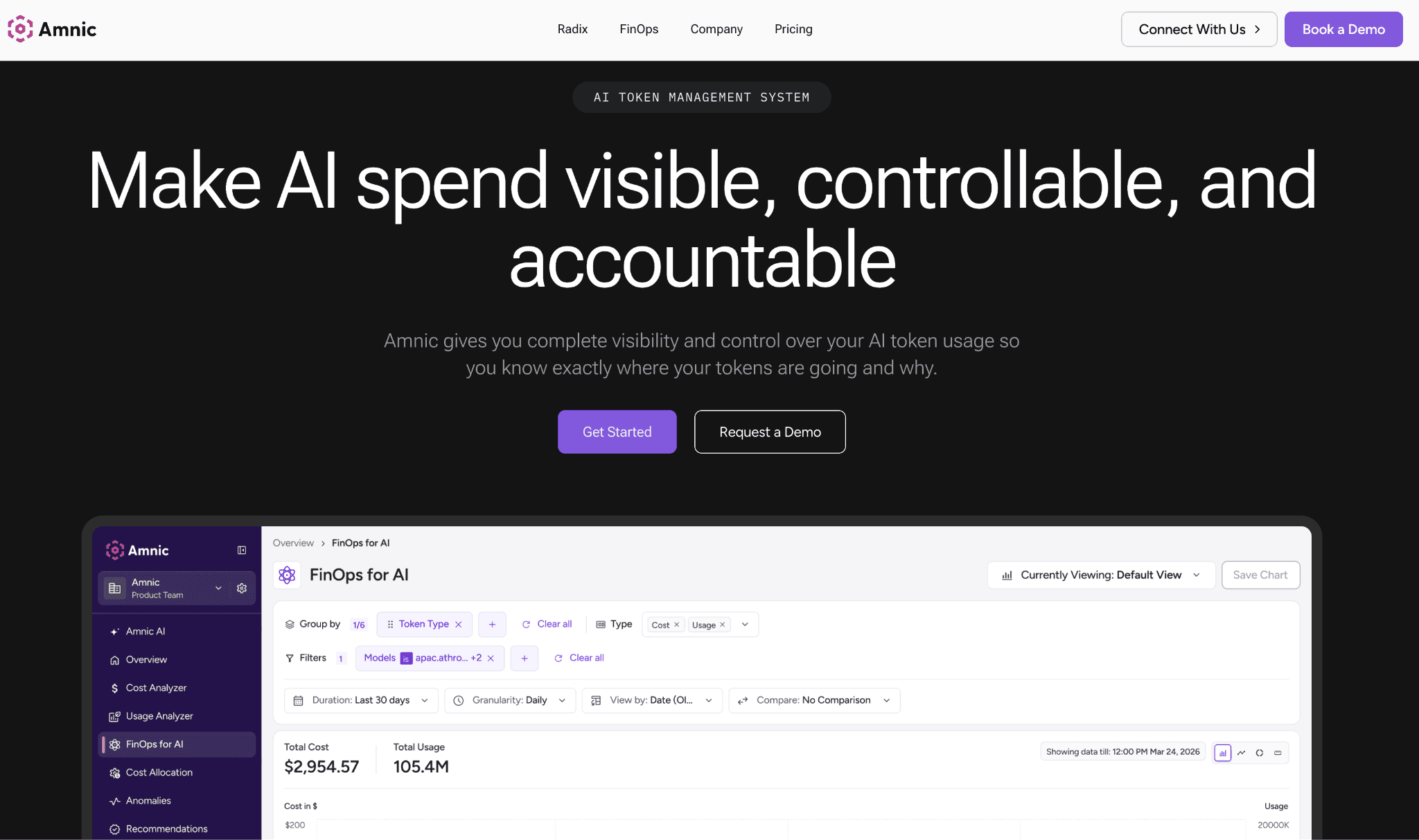
Amnic tracks input, output and cache token consumption across Anthropic, OpenAI, Gemini and Amazon Bedrock, then attributes it to teams, users and cost centers for real chargeback. Budgets sit across teams and models and trip before the invoice, not after.
The platform is agentless and read-only, so it reads provider and billing data without write access to your stack. Because Claude spend lives in the same place as AWS, Azure and GCP cost, finance reconciles AI and cloud together instead of in two disconnected tools. That is the gap most gateways leave open, since they reduce the bill but never tie it back to the business.
Key features:
Tracks input, output and cache tokens per call across Anthropic, OpenAI, Gemini and Bedrock, so every provider rolls into one number instead of four dashboards
Maps that spend back to the team, feature, or customer that caused it, which is what makes real chargeback possible rather than a guess
Lets you set budgets per team and per model that alert and trip before the invoice lands, not three weeks after
Flags cost spikes the moment they start with anomaly detection, so a runaway agent loop on Opus does not quietly run all weekend
Shows cost and margin per feature, so you can see which AI feature actually pays for itself and which is a money pit
Puts Claude spend right next to AWS, Azure and GCP cost in a view finance already reads
Reads data agentless and read-only, with SOC 2, ISO and GDPR posture, so security signs off without a long review
Pricing: Amnic charges a percentage of the spend it monitors, roughly 0.25% to 1%, so the cost scales with the bill it helps you cut instead of a flat per-seat fee. A one-month free trial is available.
Pros:
It answers the question finance actually asks, who spent this and on what, instead of charting a total nobody can break down
AI and cloud cost sit in one place, so month-end stops being a reconciliation between two tools
Read-only access means engineering never has to hand over write keys just to get visibility
Cons:
It governs and attributes spend rather than routing or caching calls, so you still want a gateway alongside it for request-time cuts
Percentage pricing is worth a sizing conversation once your bill gets very large
Amnic suits the team that has to explain the Claude line to finance. Start a free Amnic trial to attribute your AI spend in days.
2. Portkey
Best for: engineering teams running many models in production that want caching, routing and budgets in one gateway.
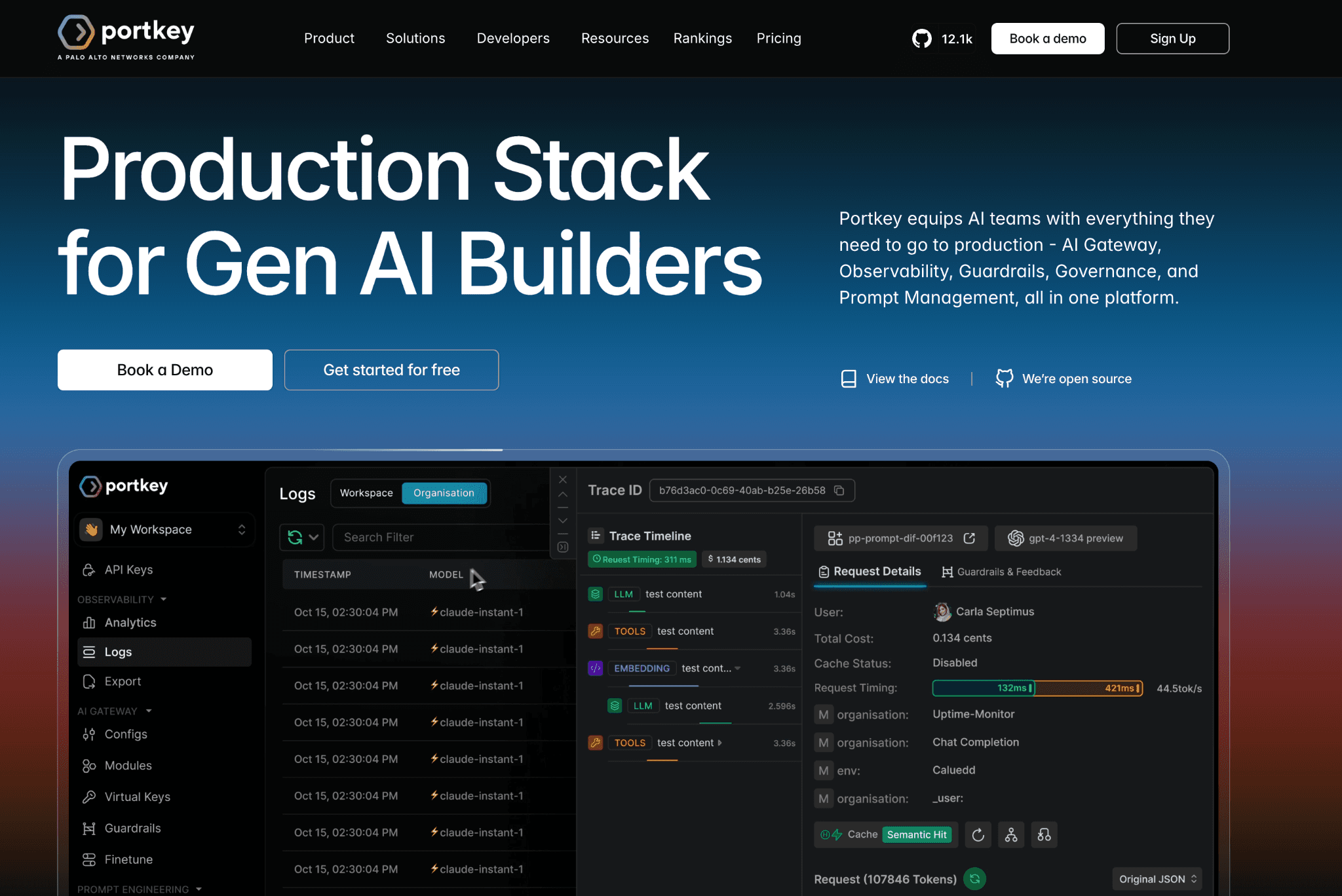
Portkey sits in front of your model calls as a gateway and applies semantic caching, which returns a stored answer when a new prompt is close enough to a previous one rather than only on an exact match. That fuzzy match helps repetitive Claude workloads like support, where users ask the same thing in different words.
On top of caching it adds routing, fallbacks, virtual keys and real-time budget alerts, plus production controls like guardrails and PII redaction. It covers a very large model catalog, so Anthropic calls share one control plane with the rest of your providers. This is closer to the request-time job than the finance job, so many teams pair it with a FinOps for AI layer for attribution.
Key features:
Semantic caching that matches prompts by meaning, so a slightly reworded question still hits the cache instead of paying full price again
Model routing with automatic fallbacks, so a provider outage reroutes from Claude to a backup instead of erroring out
Budget limits per key and per team with alerts, which stops one runaway service from eating the whole quota
Production guardrails including PII redaction and jailbreak detection, handled at the gateway rather than in app code
Virtual keys, so you can hand a team its own scoped Anthropic access without sharing the real provider key
A large model catalog behind one endpoint, so Claude and everything else share one control plane
Real-time spend tracking you can watch as traffic flows
Pricing: The free Developer tier includes 10,000 logs per month with short retention. Paid plans start around $49 per month for the Production tier and Enterprise is priced on request.
Pros:
The production-safety features go well beyond cost, which is rare in a gateway
Semantic caching is genuinely good at squeezing repeated-prompt spend
One gateway covers a long list of providers, so you are not locked to Anthropic
Cons:
The free tier stops logging after 10,000 records a month, so most of your traffic goes dark until you pay
It controls cost at request time but does not attribute it, so finance still needs a separate view
3. Helicone
Best for: Teams that want Claude cost and latency visibility fast, with caching as a bonus.
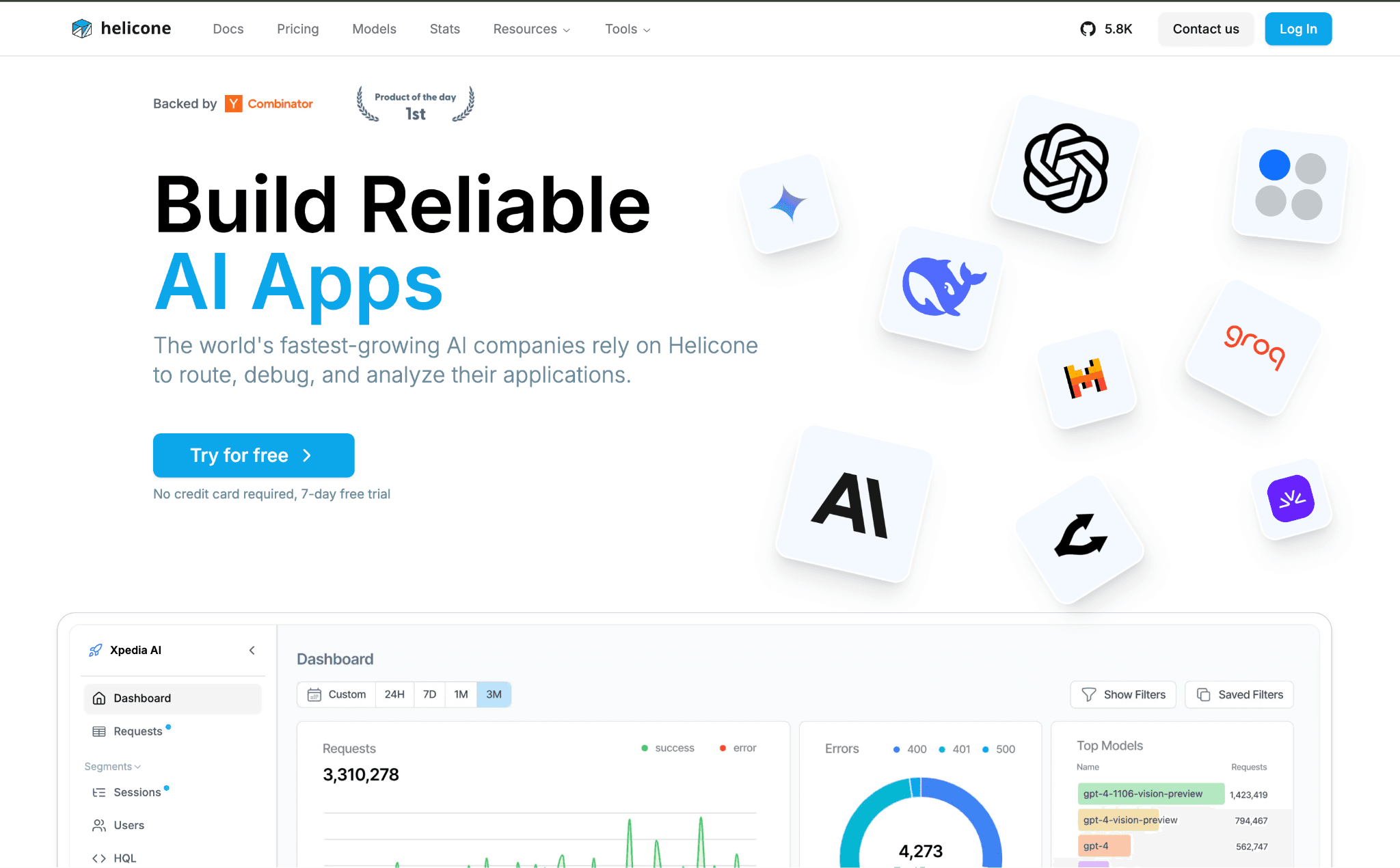
Helicone is a proxy you add with roughly one line of setup, after which every Claude request is logged with input, output, token counts, latency and cost. The analytics view makes it easy to spot a spend spike or a slow endpoint, which is the first step in any LLM cost comparison exercise.
Its gateway layer also caches repeated requests, which the vendor cites as cutting roughly 20 to 30% of API cost on repetitive traffic. Helicone leans toward observability rather than aggressive routing, so teams chasing the deepest cuts pair it with a router and a dedicated AI cost visibility tools layer for allocation. For a quick read on where Claude money goes, it is one of the lowest-effort options here.
Key features:
A one-line proxy change to start, so you get data the same afternoon you install it
Full request and response logging, which is what you want the first time a bill jumps and you have no idea why
Response caching that serves repeat calls from store instead of re-billing them
Cost, token and latency analytics in one view, so a spike and a slowdown are easy to spot
Rate limiting and custom property tags, so you can slice Claude spend by whatever label matters to you
Session and trace views built for agents and multi-step chains, not just single calls
Alerting when cost or latency drifts, before it shows up on the invoice
Pricing: The free Hobby plan covers 10,000 requests per month with short retention. The Pro plan is around $79 per month and a Team plan adds compliance features.
Pros:
It is the fastest way here to see where Claude money is going
Caching takes a real bite out of repeated-request spend
The free tier is generous enough to run a small app on
Cons:
It leans observability, so for aggressive routing or deep cuts you will add a second tool
Per-request logging costs climb once you are at high volume
4. LiteLLM
Best for: engineers who want one Anthropic-compatible API across many providers with budget caps built in.
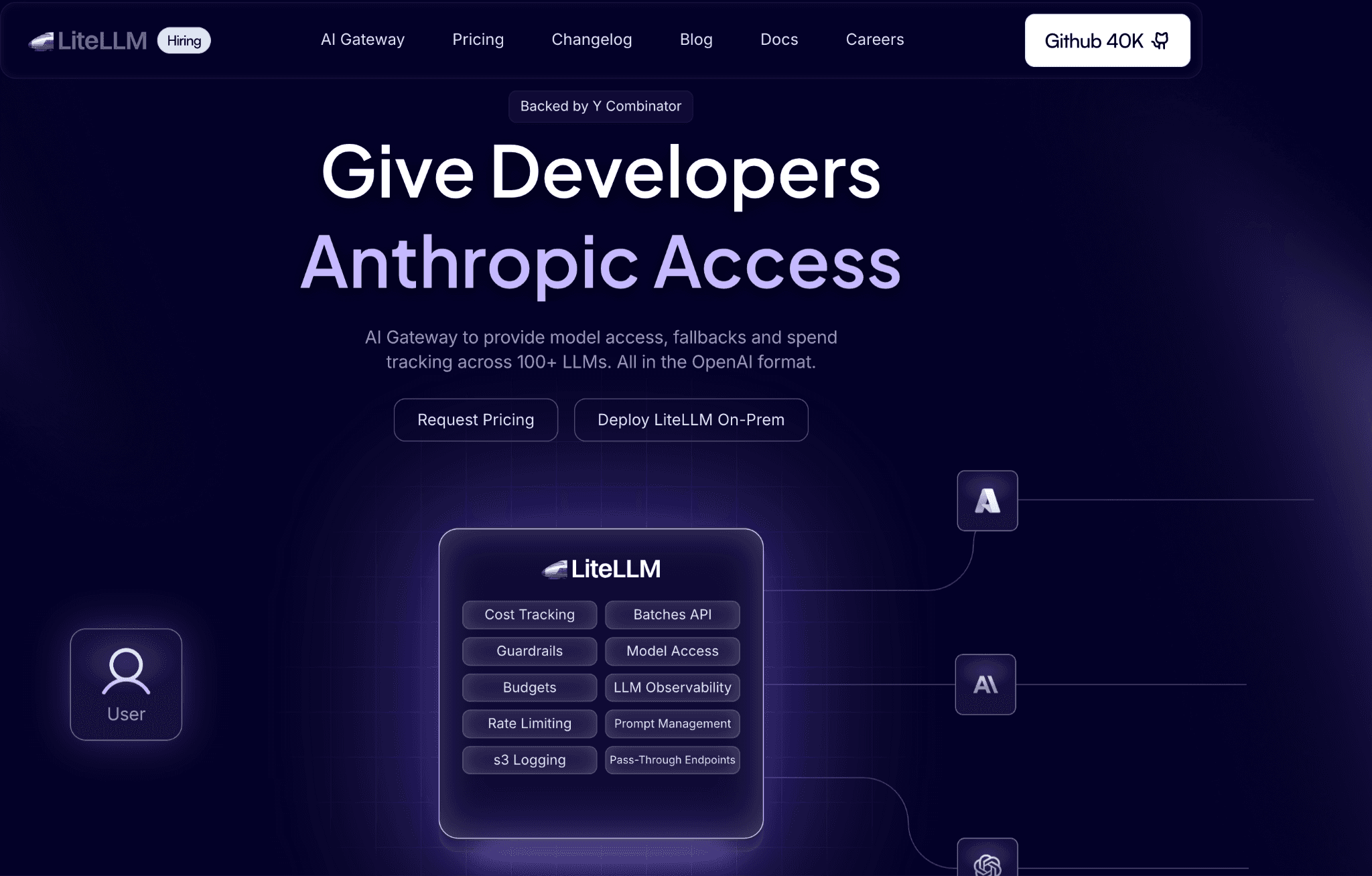
LiteLLM is an open-source proxy that wraps 100+ providers behind a single OpenAI-style endpoint, Anthropic included, so you can switch or load-balance models without rewriting code. Its main cost lever is routing, sending traffic across models and providers, with budget and rate limits set per team, user, or API key.
It supports Redis-based caching for exact matches, with semantic caching available as a secondary feature. Because it is free to self-host as a Docker container, the trade-off is operational: you run and maintain it. Teams already standardizing their stack often place LiteLLM at the gateway and feed its spend data into FinOps tools for AI cost management for reporting.
Key features:
One endpoint in front of 100+ providers, so swapping Claude for another model is a config change, not a code rewrite
Routing and load balancing across models, so you can shift traffic to whatever is cheapest or fastest that day
Budgets and rate limits set per key, per user and per team, enforced at the proxy
Access keys you can issue and revoke without touching the underlying Anthropic account
Redis-backed caching for exact-match prompts, with semantic caching available if you wire it up
Built-in spend tracking and logs, so the gateway doubles as a usage record
Runs as a Docker container you host yourself, which keeps data inside your perimeter
Pricing: The open-source proxy is free to self-host. An enterprise edition with support and extra controls is priced on request.
Pros:
Nothing else here covers as many providers behind a single API
The core is free and open-source, so there is no license to clear before testing
Budget controls are granular right down to the individual key
Cons:
You own the uptime, upgrades and scaling, which is real work if no one wants to run it
Caching is exact-match first; semantic matching is more of a bolt-on than a core feature
5. OpenRouter
Best for: Teams that want every Claude call routed to the cheapest qualifying host with a hard price cap.
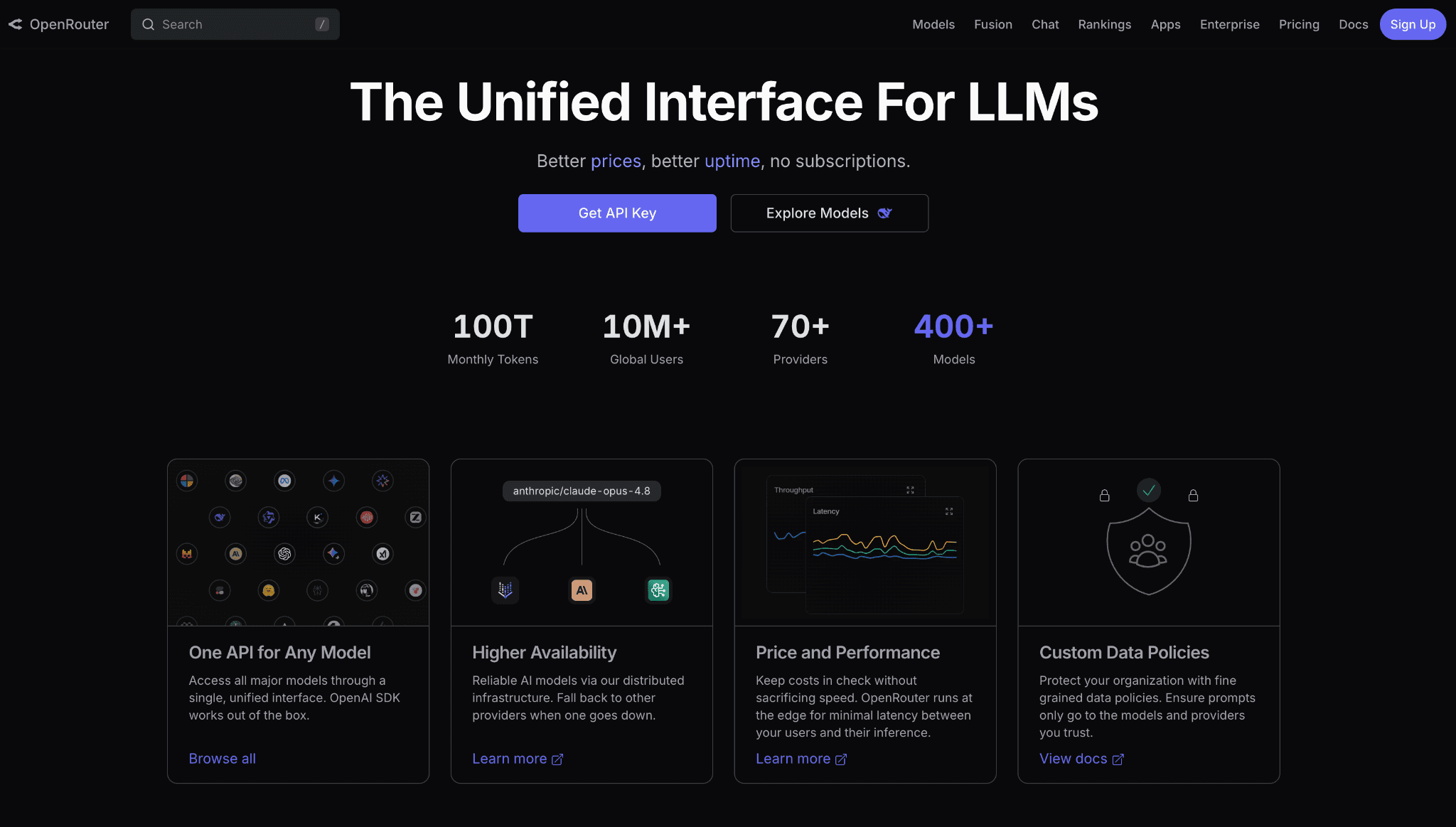
OpenRouter is a routing layer across hundreds of models that, by default, weights cheaper providers more heavily and lets you append a floor setting to always pick the lowest-cost host for a given Claude model. A max-price control acts as a hard budget cap, failing a request instead of overspending, which is a clean guardrail for cost-sensitive pipelines.
Its Auto Router exposes a cost-quality dial so you can bias toward cheaper or stronger models per call. OpenRouter passes through provider pricing without markup and earns revenue through credit and usage fees instead. It is a request-time cost tool, not an attribution platform, so Claude spend reporting still belongs elsewhere, for example a page on Anthropic API pricing for rate context.
Key features:
Routing that defaults to cheaper hosts and lets you pin a Claude model to its lowest-cost provider with a floor setting
A hard max-price ceiling per request, so a call fails rather than quietly overspending your budget
An Auto Router with a cost-quality dial, so you decide per call whether to favor the cheap model or the strong one
Hundreds of models reachable through one API, including a set of free options for testing
Bring-your-own-key support, so you can route through your own Anthropic contract
Passthrough pricing, meaning you pay the listed rate with no markup on tokens
One billing relationship instead of separate accounts at every provider
Pricing: Model rates pass through with no markup. OpenRouter takes about 5.5% when you buy credits and a 5% fee applies to bring-your-own-key usage past the first million requests a month.
Pros:
You pay the real provider rate on tokens, with the platform's cut sitting in the fees instead
The price ceiling and cheapest-host routing are a clean guardrail for cost-sensitive jobs
The model selection is about as wide as it gets
Cons:
The credit and BYOK fees are small per call but add up once you are at serious volume
It cuts the bill but keeps no record of who spent what, so attribution lives somewhere else
6. Cloudflare AI Gateway
Best for: teams that want caching, rate limiting and cost logging for Claude at the edge with almost no setup.
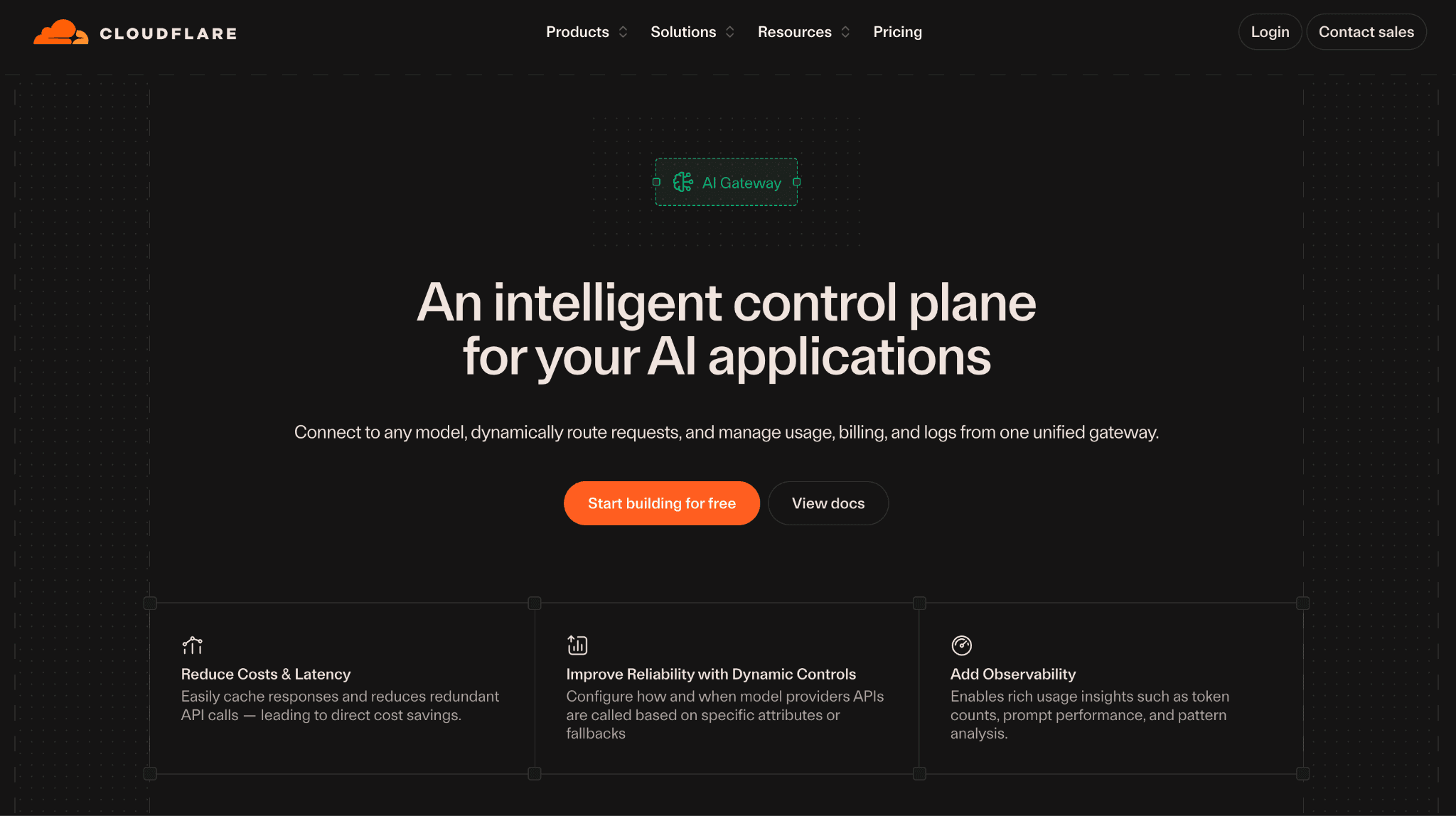
Cloudflare AI Gateway sits between your app and Anthropic as a thin proxy you point your base URL at, then it caches responses, retries failures, rate-limits traffic and logs cost and token counts for every Claude call. Because it runs on Cloudflare's edge, latency overhead is minimal and there is nothing to host. For repetitive prompts, the response cache serves stored answers instead of re-billing Anthropic, which is the main cost lever here.
It leans toward caching and observability rather than smart model routing, so it pairs well with a router or a FinOps layer when you need deeper cuts or attribution. For teams already on Cloudflare, it is the lowest-friction way to put a cost-aware gateway in front of Claude. The analytics give you a fast read on spend before you reach for prompt caching at the API level.
Key features:
A drop-in proxy you enable by changing the base URL, so Claude traffic flows through it without an SDK swap
Response caching at the edge, so repeated prompts return a stored answer instead of paying Anthropic again
Rate limiting per gateway, which caps runaway usage before it becomes a runaway bill
Cost, token and request analytics for every Claude call in one dashboard
Automatic retries and fallbacks, so transient Anthropic errors do not fail the user request
Real-time logs you can inspect per request for debugging and spend tracking
A generous free tier that covers the gateway itself, with paid usage only on advanced features
Pricing: The core gateway, including caching, analytics and rate limiting, is free. Advanced features such as persistent logs beyond the included volume move to usage-based pricing and it sits inside the broader Cloudflare plan structure.
Pros:
About the fastest gateway here to stand up, since there is nothing to host
Edge caching cuts repeated-prompt spend with near-zero latency cost
The free tier covers real production traffic before you pay anything
Cons:
It caches and logs but does not route intelligently between Claude models, so the biggest lever still needs another tool
Attribution is request-level, not team or feature level, so finance still needs a separate view
7. Langfuse
Best for: teams that want trace-level Claude cost data alongside prompt management and evaluations.
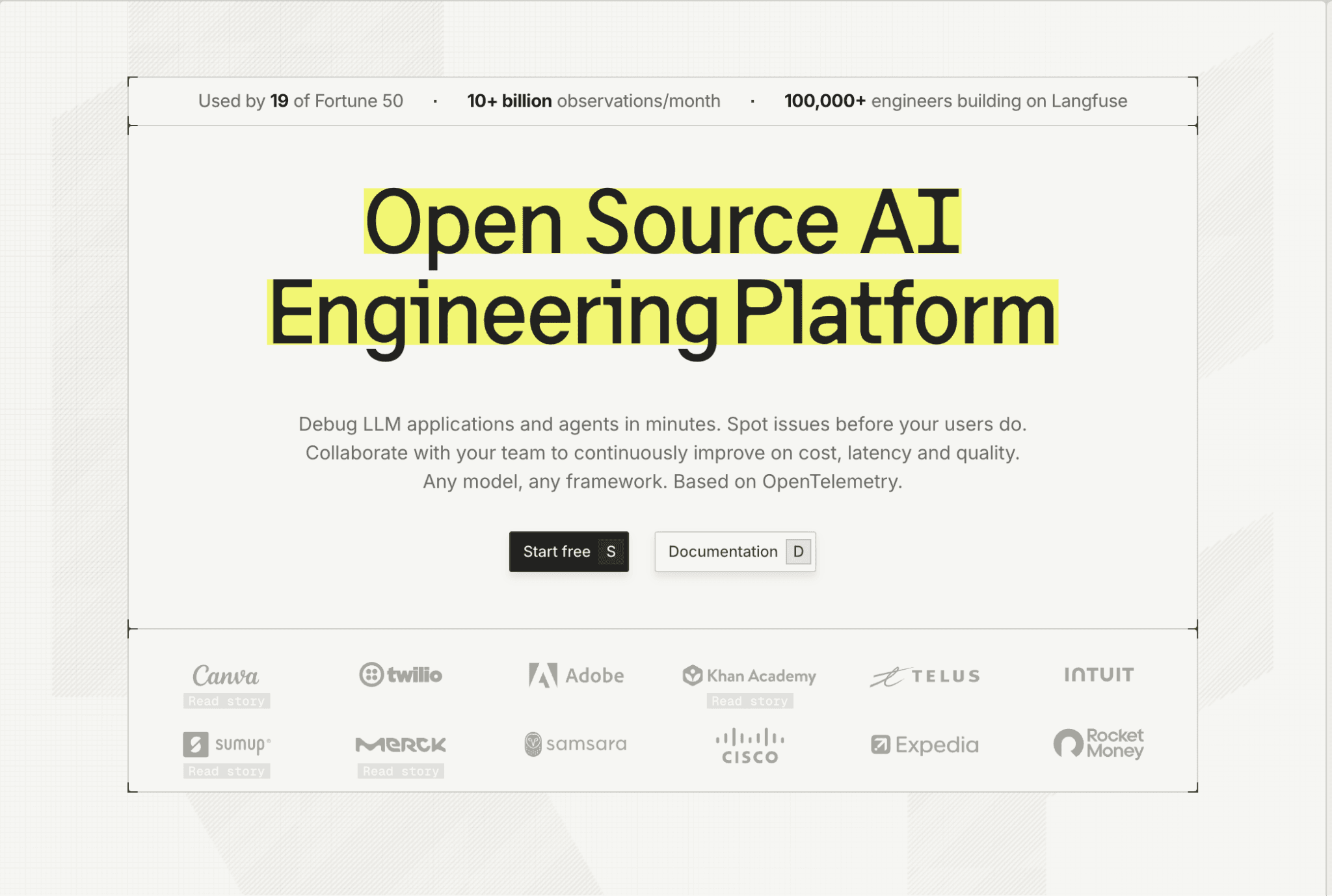
Langfuse is an open-source tracing platform that records each Claude call as a span with token cost, then ties that to prompt versions and evaluation scores. That trace-level view helps you find the prompt or chain that quietly drives spend, which is a different angle from gateway caching or routing.
It pairs cost data with prompt versioning and evals, so you can test a cheaper prompt and see both the cost and the quality change before shipping. Cloud and self-hosted options exist, though self-hosting carries real infrastructure overhead. Langfuse measures and improves spend rather than cutting it at the gateway, so it complements a router and sits close to broader LLM observability practice.
Key features:
Records every Claude call as a span with its token cost, so you can trace spend down to the exact prompt or chain step
Prompt versioning, so you can see which version of a prompt got more expensive and when
Evaluations sitting next to cost, so a cheaper prompt is judged on quality before it ships
An open-source core you can read and extend
Cloud or self-hosted, depending on whether data residency matters to you
Support for the major model providers, Anthropic included
Dataset and experiment tooling for testing changes on real traffic
Pricing: The free Hobby plan covers 50,000 units per month. The Core cloud plan starts around $29 per month. Self-hosting is free, but it needs Postgres, ClickHouse, Redis and object storage to run, so the infrastructure is not free.
Pros:
It is the best tool here for pinning down the exact prompt behind a cost
Open-source with a free tier you can actually build on
Cost and quality get tested side by side, so you do not trade one for the other blind
Cons:
It shows you the spend; it does not cache or route to cut it
Self-hosting is a heavy lift once you add up the four services it depends on
How to Choose the Right Anthropic Cost Optimization Tool
You need to explain the Claude bill to finance: choose Amnic for attribution, budgets and one view across AI and cloud.
You run many models in production: choose Portkey for caching, routing and guardrails in one gateway.
You want quick cost visibility with light caching: choose Helicone for one-line logging.
You are standardizing providers in code: choose LiteLLM for one API and per-key budgets.
You want the cheapest host on every call: choose OpenRouter for floor routing and price ceilings.
You want a zero-setup edge gateway: choose Cloudflare AI Gateway for caching and logging.
You want to find the prompt behind the spend: choose Langfuse for trace-level cost.
Common Mistakes When Choosing Anthropic Cost Optimization Tools
Treating visibility as optimization: A dashboard that shows the bill does not lower it. Pair an observability tool with a router or caching layer and connect both to an AI token management tools workflow so the savings are owned.
Ignoring the Message Batches API: Moving non-urgent jobs to asynchronous processing earns a flat 50% discount that no third-party tool can beat. Use it before adding more software.
Caching the wrong way: Anthropic only discounts cached tokens when the stable context sits at the start of the request behind a cache breakpoint and the same is true when you compare it against the way OpenAI cost optimization tools handle caching. Put the moving parts last.
Buying a gateway and forgetting finance: Routing cuts the invoice but leaves no record of who spent what. Add a cloud budgeting and reporting layer so the savings hold over time.
Why Decision Makers Choose Amnic for Anthropic Cost Optimization
Amnic earns the top spot because it owns the part the routers leave behind: turning Claude spend into an attributed, budgeted, reported cost line that finance trusts.
One view for AI and cloud: Anthropic, OpenAI, Gemini and Bedrock spend sits next to AWS, Azure and GCP, so AI cost is reconciled with the rest of the bill, not in a separate tool.
Attribution and budgets that hold: Spend maps to teams, features and cost centers, with budgets that trip before the invoice and alerts on cost spikes.
Read-only and agentless: Amnic reads provider and billing data without write access, so engineering keeps control while finance gets the numbers.
Because the same view covers other providers, a team weighing Anthropic vs OpenAI for a workload sees both bills side by side rather than in two consoles. Customers report documented savings of 30% to 50%, including named teams such as LambdaTest, Nanonets and Jiffy.ai.
The platform carries SOC 2, ISO and GDPR posture and reads cost data without touching your runtime, which matters once Claude usage scales past the point where a token in AI is the only unit anyone is tracking.
Book a 30-minute Amnic demo to see your Claude and cloud spend attributed in one view.
Frequently Asked Questions
What are Anthropic cost optimization tools?
They are software that lowers your Claude API bill through caching, model routing and batching, then makes the remaining spend visible and assignable to the team or feature that caused it.
What is the fastest way to cut a Claude bill?
Route simple calls to Haiku or Sonnet instead of Opus and cache repeated prompts. Cache reads run at a tenth of the base input rate and a lighter model can be far cheaper per token than the flagship.
Does prompt caching with Anthropic cost extra?
Yes, but only on the write. A cache write costs 1.25x the base input rate for the 5-minute window, then every cache read costs 0.1x, so repeated reuse pays back the write quickly.
How much can model routing save?
It depends on traffic mix, but sending most simple queries to Haiku or Sonnet instead of Opus commonly cuts the input-token bill by a large share without a visible quality drop on those calls.
Do I need a separate tool for Claude cost attribution?
Often yes. Gateways and routers reduce the bill but rarely attribute it. A FinOps platform like Amnic assigns Claude spend to teams and features and ties it to revenue.
Is the Anthropic Message Batches API worth using?
For non-urgent work, yes. It processes requests asynchronously, with most batches finishing inside an hour, at a 50% discount, which is usually the single largest lever before adding third-party tools.
See Your Claude Spend in One View
Caching, routing and batching cut the Anthropic bill at request time. Owning that spend, budgeting it and reporting it to finance is the other half and it is where most teams stall. Amnic brings Claude cost together with your cloud bill, attributes it to teams and features and flags spikes before the invoice. Book a demo to start.
Better visibility and management into AI Tokens?
Start with a 30 day trial
Connect leading LLMs
24 hour time to value
Stay ahead of AI Spend

Make AI spend visible, controllable, and accountable.
Gain insights into your AI token costs at a team, customer, business unit and individual user level to measure and manage AI utilization.
Recommended Articles

8 Best Llama Cost Management Tools in 2026
Read More

8 Best Amazon Bedrock Cost Optimization Tools for 2026
Read More

7 Best Amazon Bedrock Cost Monitoring Tools
Read More

8 Best Gemini Cost Visibility Tools for 2026
Read More

7 Best Multimodal Cost Optimization Tools for 2026
Read More

5 Best Anthropic Cost Allocation Tools for 2026
Read More






