8 Best GenAI Cost Management Platforms for 2026
14 min read
Tools

Table of Contents
Comparing the top GenAI cost management platforms for 2026 are 1. Amnic, 2. CloudZero, 3. Vantage, 4. Finout, 5. nOps, 6. Datadog, 7. Apptio Cloudability and 8. Helicone.
GenAI cost management platforms track, allocate and optimize what generative AI actually costs, from LLM token usage to GPU computation and tie each dollar back to the team or feature that caused it. They matter because a provider dashboard prints one total and a cloud bill hides inference inside generic compute, so the spend growing fastest is the spend nobody can break down. Bringing that spend into one governed view is what a mature FinOps practice now expects.
Amnic opens the list because it reads token spend across providers and multi-cloud cost in one place, then attributes both to teams and cost centers. The seven that follow each take a different angle, from unit economics to LLM proxies and the comparison below shows where each one fits. Amnic handles generative AI the same way it handles every other line, which is why a dedicated AI token management layer sits beside the rest of the bill rather than in a silo.
Top GenAI Cost Management Platforms at a Glance
GenAI cost management platforms are FinOps tools built to track, allocate and optimize LLM usage as one act of cost control, covering token consumption and GPU compute cost. They help engineering and finance teams prevent budget overruns by assigning shared AI expenses to a specific user, team, or project, instead of leaving one provider invoice that nobody can split. That assignment is what keeps a spend line that grows by the hour from turning into a month-end surprise.
Rather than relying on traditional cloud tags, these platforms give token-level visibility, model-level usage and workload attribution across APIs from providers like OpenAI, Anthropic and AWS. That is what separates a meter from a control system and it is the reason real cost allocation now reaches the model and inference layer too.
Amnic: Token spend and multi-cloud cost in one view, attributed to teams and cost centers, with budgets and anomaly alerts inside a full FinOps platform.
CloudZero: Cost-per-unit visibility that maps cloud and AI spend to products, features and customers.
Vantage: Cost reports and dashboards across cloud and a growing set of AI providers, with a free tier.
Finout: Cost observability that unifies cloud, SaaS and AI spend into one shared bill with virtual tagging.
nOps: Compute and GPU optimization with model-level cost analysis and automated commitment management.
Datadog: LLM Observability and Cloud Cost Management modules that track token usage and cost beside application traces.
Apptio Cloudability: Enterprise cost transparency and allocation across large multi-cloud estates.
Helicone: A one-line proxy that surfaces per-request LLM cost, tokens and latency in an afternoon.
GenAI Cost Management Platforms Comparison Table
Information reflects vendor sources as of June 2026. Confirm current pricing with the vendor.
Platform | LLM and AI coverage | Token-level visibility | Allocation and attribution | GPU and infra cost | Free option | Pricing model |
|---|---|---|---|---|---|---|
Amnic | OpenAI, Anthropic, Gemini, Bedrock plus AWS, Azure, GCP | Input and output tokens by model and key | Team, feature, user, cost-center chargeback | Yes, GPU and cloud compute | One-month trial | % of monitored spend |
CloudZero | AI cost ingest plus multi-cloud | Through ingested cost data | Unit cost and per-customer | Yes, via cloud spend | Demo only | Enterprise contract |
Vantage | Cloud plus select AI providers | Partial, by provider | Cost categories and reports | Yes, cloud compute | Free tier | Fixed-rate subscription |
Finout | Cloud, SaaS and AI ingest | Through ingested usage | Virtual tags and MegaBill | Yes, cloud compute | Demo only | Custom enterprise |
nOps | OpenAI, Bedrock and others plus AWS | Model-level cost analysis | By account and workload | Yes, deep GPU focus | Free visibility tier | % of realized savings |
Datadog | OpenAI and LLM traces | Token usage per call | By service and tag | Yes, host-based | Limited free tier | Per-host and per-module SKUs |
Apptio Cloudability | Cloud first, AI via ingest | Limited | Business-mapping allocation | Yes, cloud compute | Trial via sales | IBM enterprise agreement |
Helicone | LLM providers via proxy | Per-request tokens and cost | Custom property tags | No | Free 50k req per month | Per logged request |
What Are GenAI Cost Management Platforms?
GenAI cost management platforms are specialized tools that monitor, attribute and optimize generative AI expense across an organization, including token consumption, GPU usage and API cost. They turn a scattered set of provider bills and cloud line items into one view a finance team can actually read.
The work is harder than traditional cloud cost management because the unit that drives the bill is the token, not the server. Each provider reports usage in its own shape, an OpenAI usage object here, a Bedrock cost line there, a GPU instance buried in a cloud bill and the platform normalizes all of it, applies current rates and rolls it into allocation and alerts. Reaching the team or feature behind each call is the heart of cost attribution, applied to a resource that does not arrive pre-tagged.
For a FinOps lead or AI platform engineer, the goal is accountability before action and the platform has to turn raw usage into a number a team can be held to. The eight platforms below cover that need, starting with the one built for it. The unit that drives the whole bill is the token, so a quick refresher on what is a token in AI is worth the detour before you read another invoice.
How We Evaluated These Platforms
Token-level visibility: does it track input and output tokens, cached tokens and API calls, not just broad server uptime.
Allocation and attribution: can it trace a shared API key used across many departments back to the real origin.
AI plus cloud in one view: does it show model-provider spend next to AWS, Azure and GCP cost.
GPU and infrastructure coverage: does it capture the compute behind self-hosted and fine-tuned models.
Control and optimization: does it offer budgets, anomaly alerts and levers like model routing to cut the bill.
Deployment and access: is it agentless and read-only, or does it need write access to your stack.
Key Capabilities to Look For
Before you compare brands, fix the capabilities that separate a real platform from a dashboard. Most tools in this space can draw you a chart, but only some can assign the spend to a team and stop it before the invoice lands. The three capabilities below decide whether a platform actually changes the bill or just reports it after the money is already gone. Treat them as the bar that every option on this list has to clear.
Token-level visibility: The platform should track granular cost, input and output tokens and API calls, rather than broad server uptime. Token pricing changes per request and differs by token type, so a flat total hides the spend that is actually growing. This is the same capture job that dedicated AI cost visibility tools perform and a platform should match it before anything else.
Model routing and gateways: A strong platform routes simple queries to cheaper, smaller models and reserves expensive models only for complex tasks. Paired with caching and batching, routing is one of the largest levers on the bill and comparing providers on live price and quality turns it into real savings without dropping quality. For teams running their own inference, the same effect comes from GPU cost optimization on the fleet behind those models.
Workload attribution: The platform must trace the cost of a single shared API key used across many departments back to the team, feature, or customer that caused it. Without that, finance cannot do showback or chargeback and engineering cannot tell a profitable feature from one that quietly burns margin. Attribution is also what feeds AI-native FinOps, where cost data informs the roadmap instead of arriving after the decisions are already made.
Best GenAI Cost Management Platforms Reviewed
1. Amnic
Best for: FinOps and finance teams that need generative AI spend to be as visible and assignable as every other governed cost line, with one view across AI and cloud.
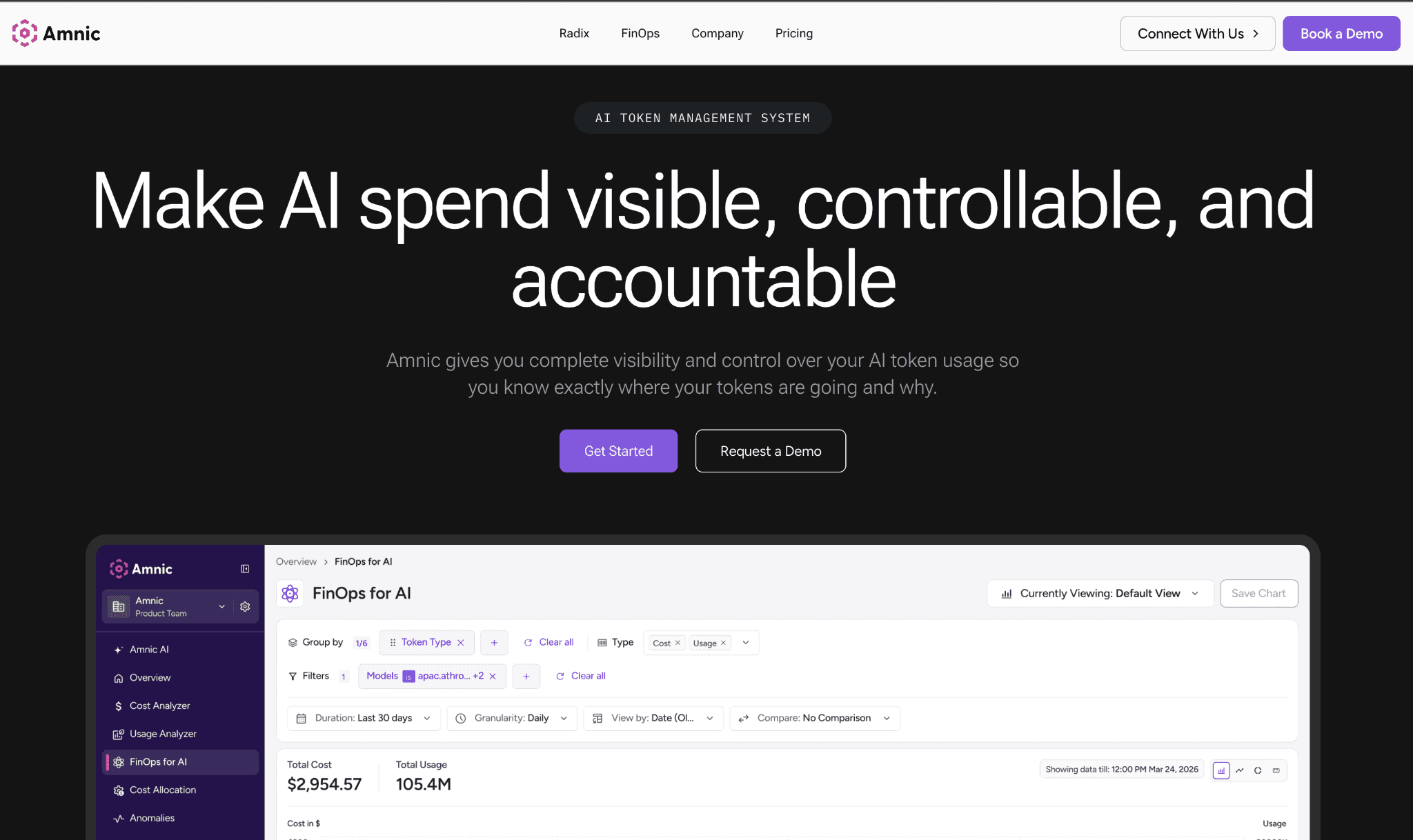
Amnic reads input and output token spend across OpenAI, Anthropic, Gemini and Amazon Bedrock, then attributes it to teams, users and cost centers for real chargeback. The same platform reads AWS, Azure and GCP cost, so generative AI spend is never a separate dashboard finance has to reconcile by hand.
The platform is agentless and read-only, so it reads provider and billing data without write access to your stack. Budgets sit across teams and models and alert before the invoice and anomaly detection flags a spike the moment it starts rather than three weeks later in the bill.
Key features:
Token spend across providers and multi-cloud cost in one view, so AI is not a blind spot beside the rest of the bill
Spend attributed to teams, features, users and cost centers, which is what makes real chargeback possible
Budgets per team and per model that alert and trip before the invoice lands
Real-time anomaly alerts on AI and cloud spend spikes
Per-feature cost and margin visibility, so you see which AI feature pays for itself
Stakeholder views and natural-language agents, so a CFO reads a number without waiting on engineering
GPU and cloud compute captured alongside token spend, so self-hosted models are counted too
Agentless, read-only integration with SOC 2, ISO 27001 and GDPR posture
Pricing: Amnic charges a percentage of monitored spend, roughly 0.25% to 1%, with a one-month startup trial and no credit card. Enterprise tiers add cost experts and a negotiated spend cap.
Pros:
It answers the question finance asks, who spent this and on what, instead of charting a total nobody can break down
AI and cloud spend sit in one place, so month-end stops being a reconciliation between two tools
Read-only access means engineering never hands over write keys just to get visibility
Cons:
It makes spend visible and assignable rather than routing or caching calls, so request-time cuts need a gateway alongside it
Per-feature margin and prompt-efficiency views are newer than the core attribution layer
Percentage pricing is worth a sizing conversation once the monitored bill gets very large
Amnic suits the team that has to explain the AI line to finance and wants the same governance over generative AI that it already runs on cloud. It reads token and cloud spend together, attributes both to the teams that created them and alerts before the bill arrives rather than after. Start a free Amnic trial to see your AI and cloud spend attributed in days.
2. CloudZero
Best for: product and engineering teams that want AI and cloud cost expressed as a unit, like cost per customer or per feature, rather than a raw total.
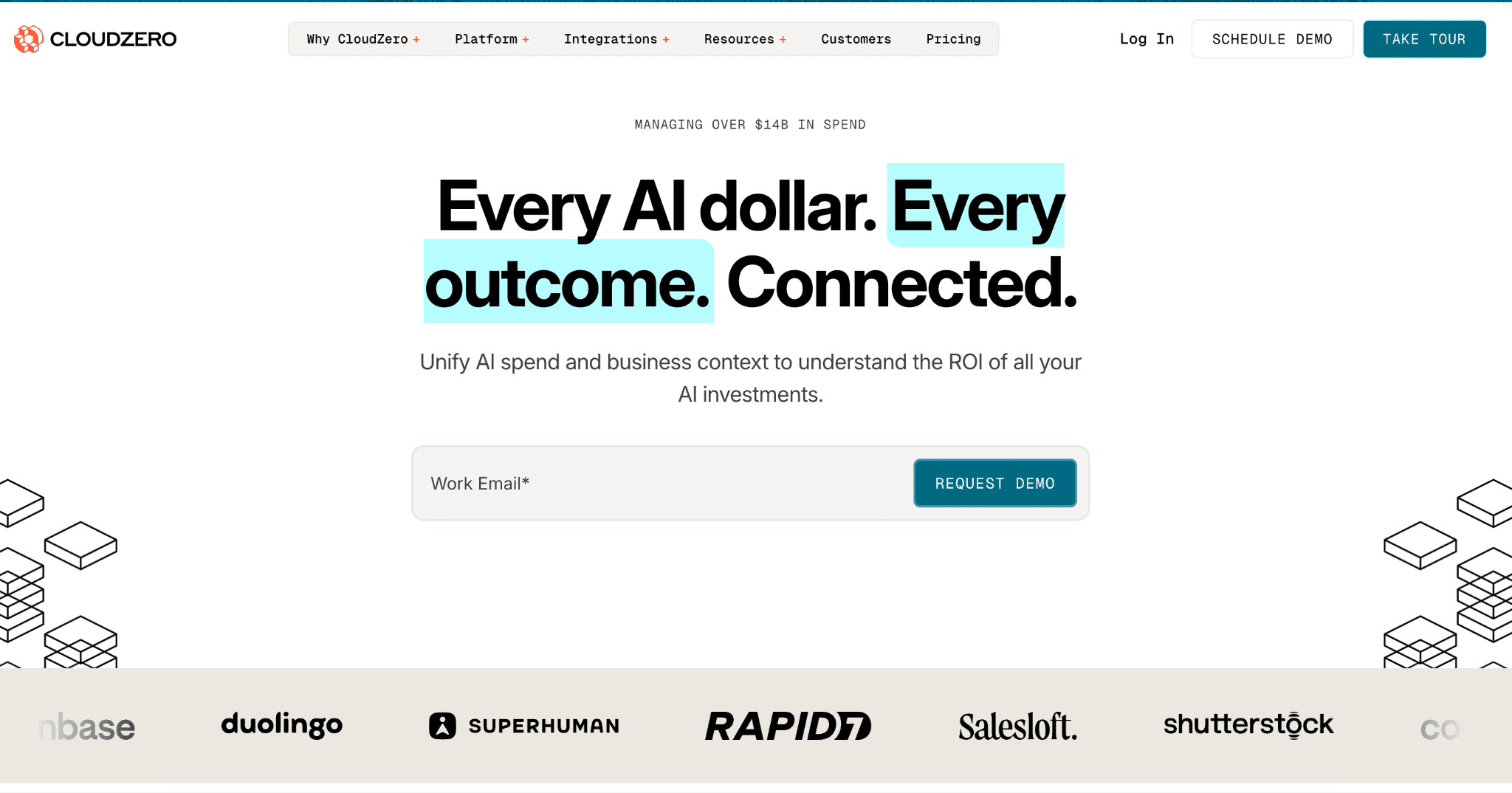
CloudZero centers on cost-per-unit visibility. It ingests cloud spend and AI provider cost the way the OpenAI API pricing meter reports usage, then maps both to the dimensions a business cares about. You read cost per product, per feature, or per customer instead of per service, which suits teams chasing margin rather than a lower headline number on the invoice.
Its strength is the allocation model, which assigns shared and untagged spend through code-based rules rather than waiting on perfect tags. The trade-off is access, since there is no free tier and no self-serve path to test it first. AI cost also enters through ingest rather than a deep native integration with each model provider, so per-token depth trails a purpose-built capture layer.
Key features:
Cost-per-unit views such as cost per customer, feature and product
Allocation of shared and untagged spend through code-based rules
Multi-cloud coverage across AWS, Azure and GCP
AI and SaaS cost ingest into the same model
Anomaly alerts on cost movements
Engineering-facing views tied to deploys and features
Budget and forecast tracking
Per-customer margin reporting for product teams
Pricing: CloudZero sells enterprise contracts only, with no public rate card and no self-serve tier. Pricing is tied to the cloud spend under management and access starts with a sales demo.
Pros:
Unit cost framing is genuinely strong for margin and per-customer economics, which most cost tools never reach
Allocation works even when tagging is incomplete, which describes most real cloud estates
Cons:
No free tier or self-serve, so every evaluation runs through a sales motion and enterprise-only pricing
AI cost arrives through ingest rather than a deep per-provider integration, so token-level depth is limited
3. Vantage
Best for: teams that want broad cost reports across cloud and a growing list of AI providers, with a free tier to start.
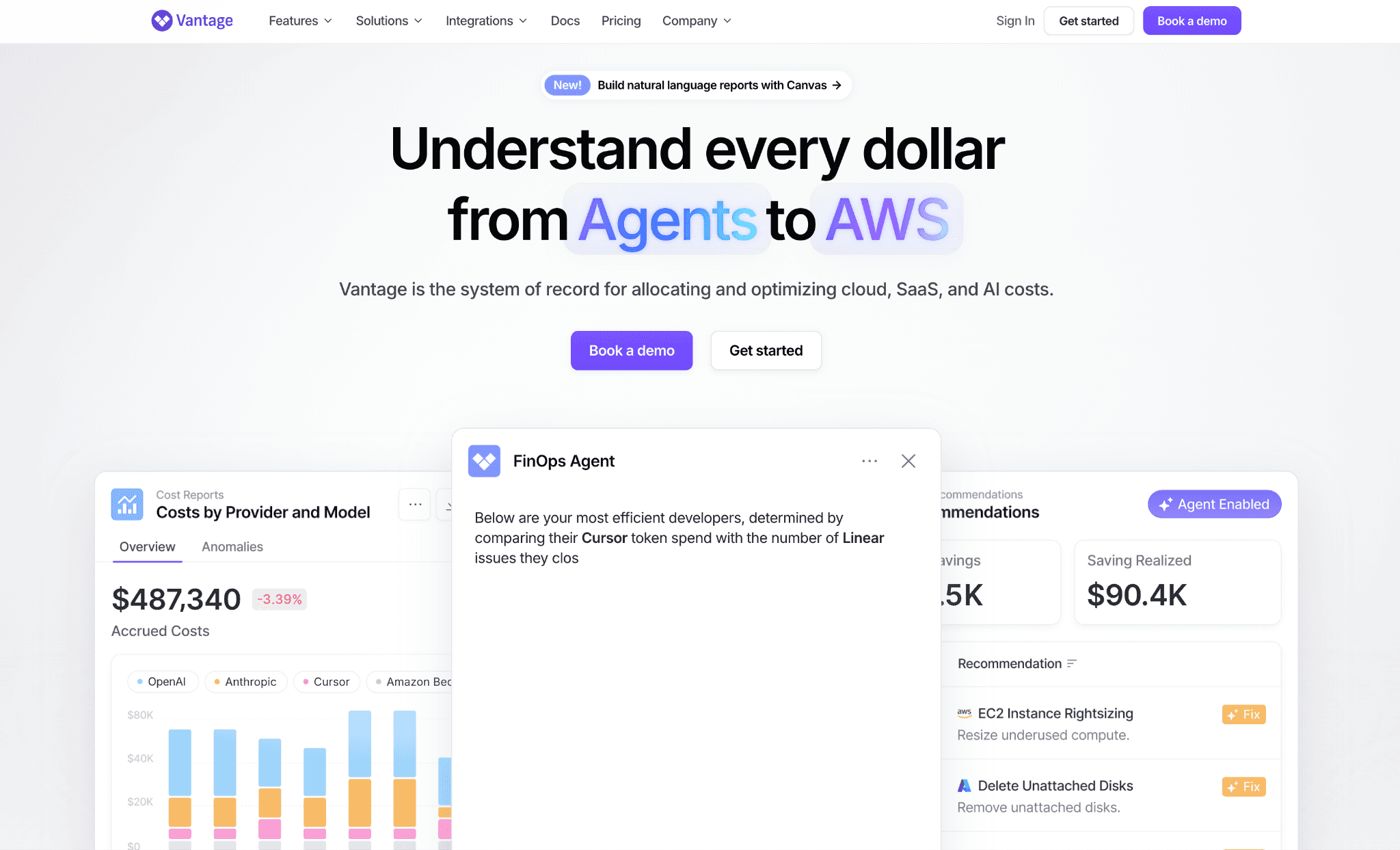
Vantage builds cost reports and dashboards across cloud accounts and an expanding set of providers, including AI services, so spend lands in one reporting surface. Cost categories let you group spend into custom buckets that mirror how your teams are organized. That grouping is the visibility most raw provider reports miss and it works even when your tagging is incomplete.
It is self-serve up to a point and reads many providers, which makes it easy to adopt without a sales call. The AI side is newer than its mature cloud coverage, so per-model depth varies by provider and a true LLM cost comparison across them still takes manual work. The richest allocation and history features also sit on higher paid tiers.
Key features:
Cost reports and dashboards across cloud and AI providers
Cost categories for grouping spend into custom buckets
Resource-level cost views and filtering
Active cost monitoring and alerts
Provider coverage that spans many services beyond the big three clouds
Network and savings visibility
Team access controls on paid tiers
A free tier with no time limit for getting started
Pricing: Vantage runs on a fixed-rate subscription with a free tier that has no time limit. Paid tiers add longer data history, team access controls and priority support and stay self-serve up to a mid tier.
Pros:
The free tier is a genuine no-commitment way to start, which is rare in this category
Provider coverage is wide, so most of your stack reports in one place without perfect tagging
Cons:
AI provider depth trails its mature cloud coverage, so per-model cost is uneven
The most useful allocation and history features sit behind higher tiers and deep per-feature margin lives elsewhere
4. Finout
Best for: teams that want cloud, SaaS and AI spend unified into one shared bill without re-tagging their infrastructure.
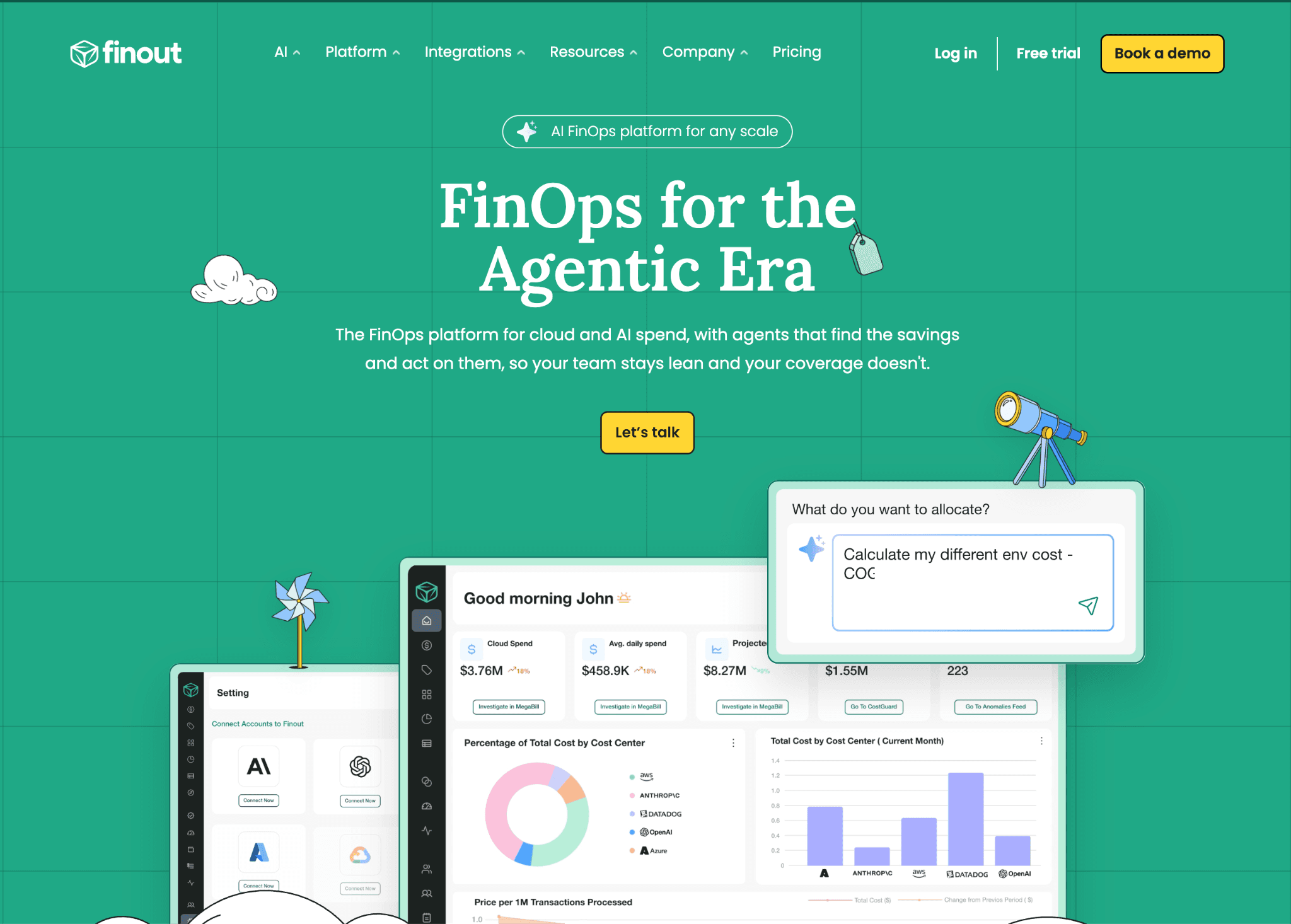
Finout unifies cloud, SaaS and AI spend into a single shared bill it calls the MegaBill. Its virtual tagging applies allocation logic on top of raw billing data, so you assign cost without changing tags in the underlying accounts. That removes the slowest part of most allocation projects, which is re-tagging infrastructure nobody wants to touch.
It is strong for large estates and it breaks cloud spend down to the container level with Kubernetes cost management views beside the AI line. AI cost enters through ingest, so per-provider token depth is lighter than a native LLM integration. The platform is enterprise-oriented, with no free self-serve tier to test before you commit.
Key features:
MegaBill that unifies cloud, SaaS and AI spend
Virtual tags that allocate cost without touching source tags
Multi-cloud coverage across the major providers
Shared-cost splitting across teams and units
Anomaly detection and budget alerts
Kubernetes and container cost breakdowns
Forecasting and commitment tracking
Role-based dashboards for finance and engineering
Pricing: Finout uses custom enterprise pricing tied to the spend under management, with no public rate card. Evaluation runs through a sales demo rather than a self-serve trial.
Pros:
Virtual tagging avoids a painful re-tagging project, which is the usual blocker on allocation
One shared bill across cloud, SaaS and AI is genuinely unified, not stitched together by hand
Cons:
AI token depth is lighter than a native per-provider LLM integration
No free or self-serve tier and virtual tags take real thought to set up correctly
5. nOps
Best for: AWS-heavy teams that want to optimize compute and GPU spend and automate commitments alongside model-level AI cost.
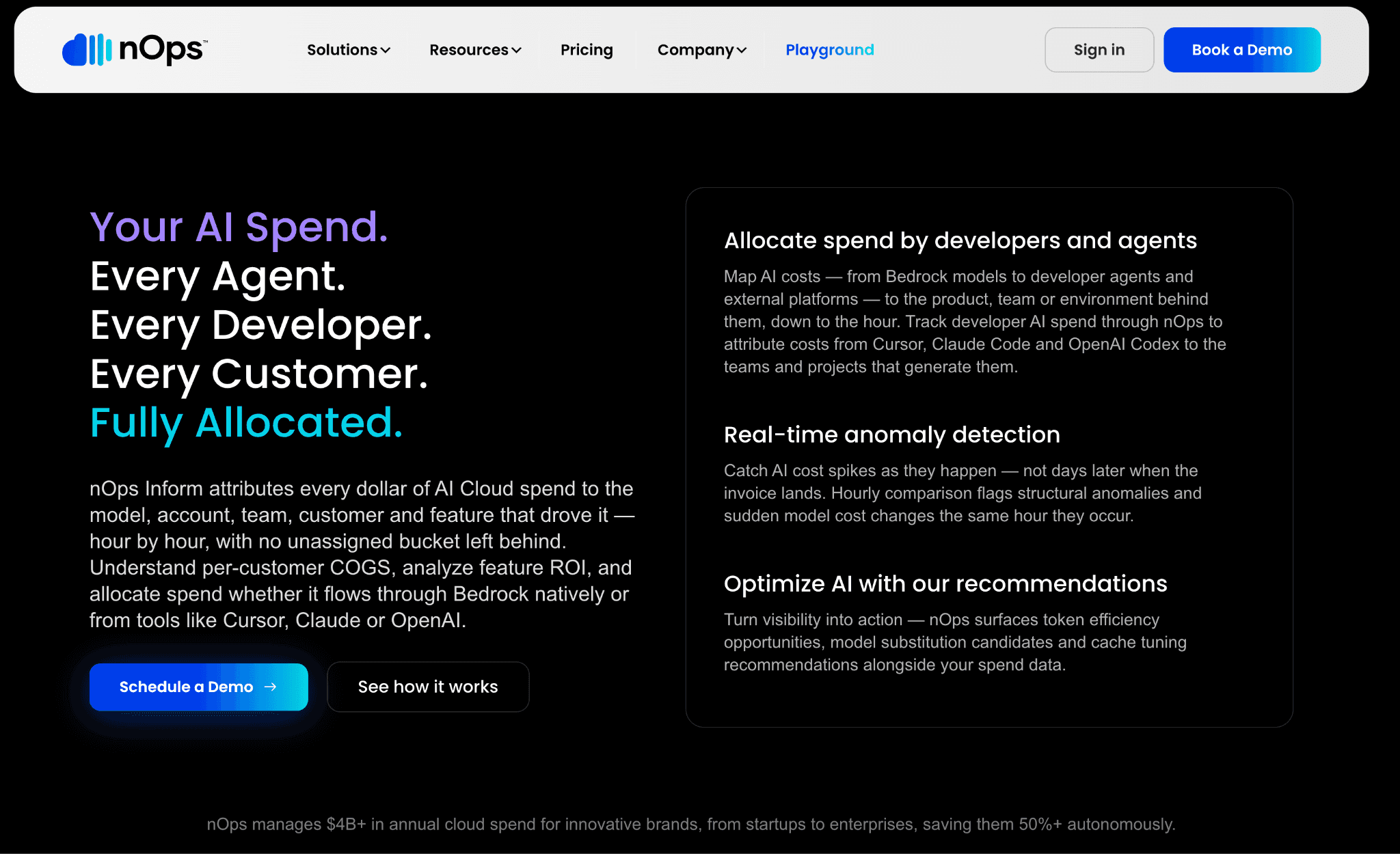
nOps focuses on compute optimization, with model-level cost analysis, real-time GPU utilization tracking and automated commitment management in one platform. It pulls spend and usage from cloud, SaaS and GenAI providers into a single view, then recommends cheaper model and instance choices. That makes it a fit for teams running heavy inference and GPU for AI training workloads.
Its strength is the optimization engine on AWS compute and GPUs, where it can move real money rather than just report it. The trade-off is breadth, since its deepest automation centers on AWS and it reads other clouds more shallowly. The commercial model is built around the savings it generates, so the cost tracks your realized savings rather than a flat subscription.
Key features:
Model-level cost analysis across providers
Real-time GPU utilization tracking
Automated commitment and reservation management
Cheaper model and instance recommendations
One-click integrations for cloud, SaaS and GenAI spend
FinOps guardrails on compute
Auto-scaling and scheduling for compute workloads
Spend and usage in a single pane
Pricing: nOps offers a free cost visibility tier and charges a percentage of the savings it generates on commitment and compute optimization. Pricing scales with realized savings rather than a flat subscription.
Pros:
Strong, automated optimization on AWS compute and GPU spend, not just dashboards
Model-level analysis ties AI cost directly to a cheaper-model recommendation you can act on
Cons:
Deepest automation is AWS-centric, so multi-cloud depth varies
Savings-based pricing needs modeling to predict and finance-grade allocation is lighter than dedicated FinOps tools
6. Datadog
Best for: teams already on Datadog that want LLM token cost and traces beside their existing application observability.
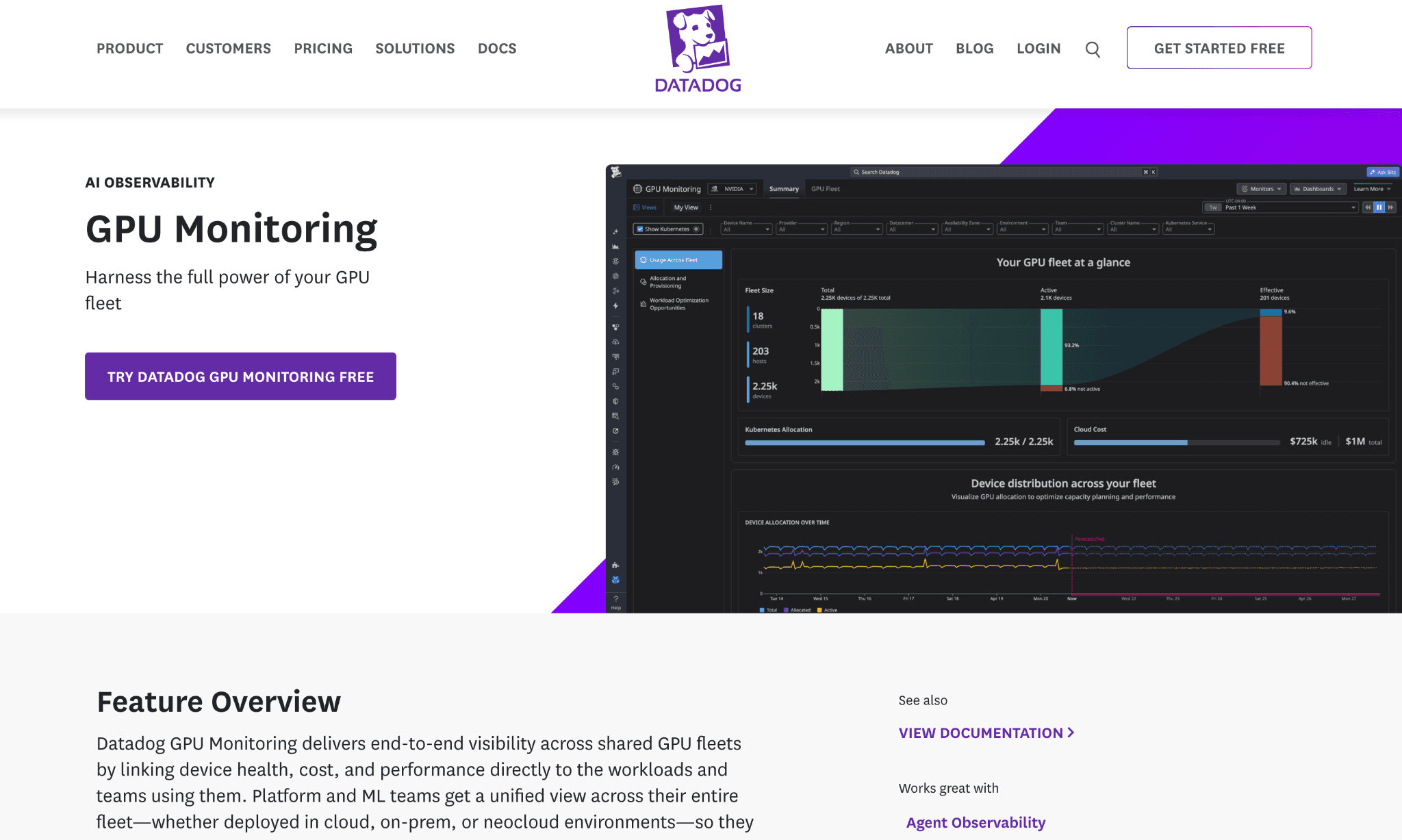
Datadog extends its observability platform with LLM Observability and Cloud Cost Management, so teams track token usage and cost for model workloads alongside application traces. That puts cost data next to the latency and quality signals engineers already watch. It is convenient for debugging an expensive call, since the spend sits beside the trace that caused it.
The strength is the single pane for teams already committed to Datadog. The same OpenAI spend that dedicated OpenAI cost optimization tools target shows up here beside traces, though cost management is a set of paid modules on a usage-based platform. The bill grows with hosts and features and finance-grade allocation is lighter than a dedicated FinOps tool.
Key features:
LLM Observability with token usage per call
Cloud Cost Management module across providers
Traces that tie cost to specific prompts and calls
Anomaly detection across metrics
Dashboards that combine cost with performance
Tag-based cost grouping by service
Alerting on cost and usage spikes
Wide integration coverage across the stack
Pricing: Datadog prices per host and per module, so Cloud Cost Management and LLM Observability are separate paid additions on a usage-based platform. Costs rise with hosts, ingested data and the features you enable.
Pros:
Cost sits beside traces, which genuinely speeds up debugging expensive calls
One platform for teams already invested in Datadog, with strong alerting out of the box
Cons:
Per-host and per-module pricing can climb quickly as you enable features
Finance-grade allocation is lighter than a dedicated FinOps platform and value depends on already running Datadog
7. Apptio Cloudability
Best for: large enterprises that need governed multi-cloud cost transparency and allocation, with AI cost folded into the same model.
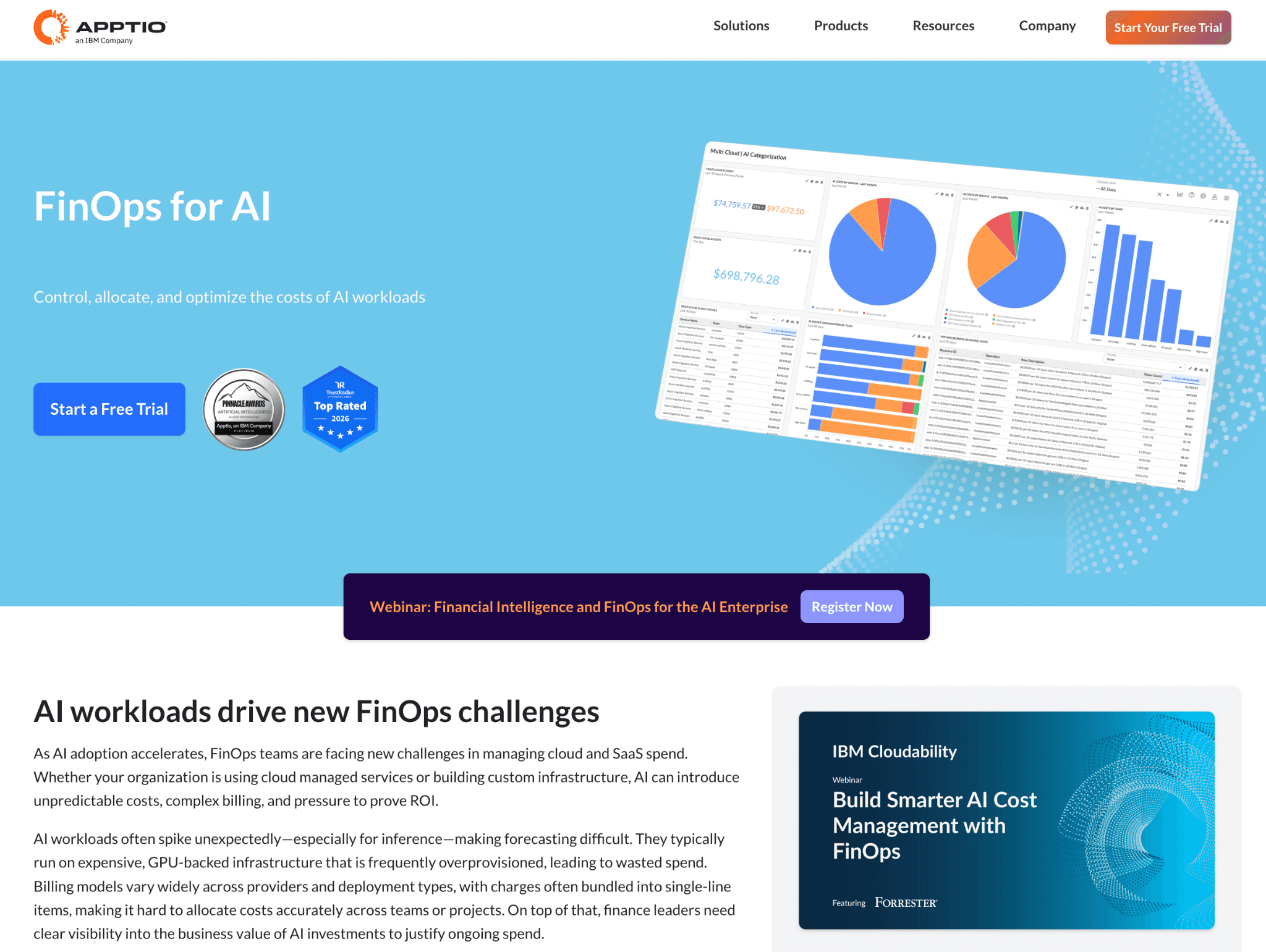
Apptio Cloudability is an enterprise FinOps platform for multi-cloud cost transparency, allocation and governance. It maps spend to business units through a structured allocation model and supports forecasting and variance reporting across the estate. That suits organizations that need audit-ready numbers across large, complex environments.
Its depth in enterprise cloud allocation and governance is the real draw for regulated teams. The trade-off for generative AI is that token cost arrives through custom ingest rather than a native per-provider integration. It is also sold and priced as part of an IBM enterprise agreement, so it is heavier to adopt than a self-serve tool.
Key features:
Multi-cloud cost transparency across AWS, Azure and GCP
Business-mapping allocation to units and cost centers
Budgeting, forecasting and variance reporting
Governance and policy controls for large orgs
Reserved and committed-use optimization
AI cost via custom ingest into the same model
Rightsizing recommendations
Audit-ready reporting for finance
Pricing: Apptio Cloudability is priced through an IBM enterprise agreement with no public rate card. Access and evaluation run through sales rather than a self-serve trial.
Pros:
Mature enterprise allocation and governance that scales to very large estates
Audit-ready reporting suits regulated organizations that need defensible numbers
Cons:
AI token cost is not a native integration, so generative AI depth is limited
Enterprise sales motion and pricing only and heavier to deploy than self-serve tools
8. Helicone
Best for: engineering teams that want fast per-request LLM cost and latency visibility through a one-line proxy.
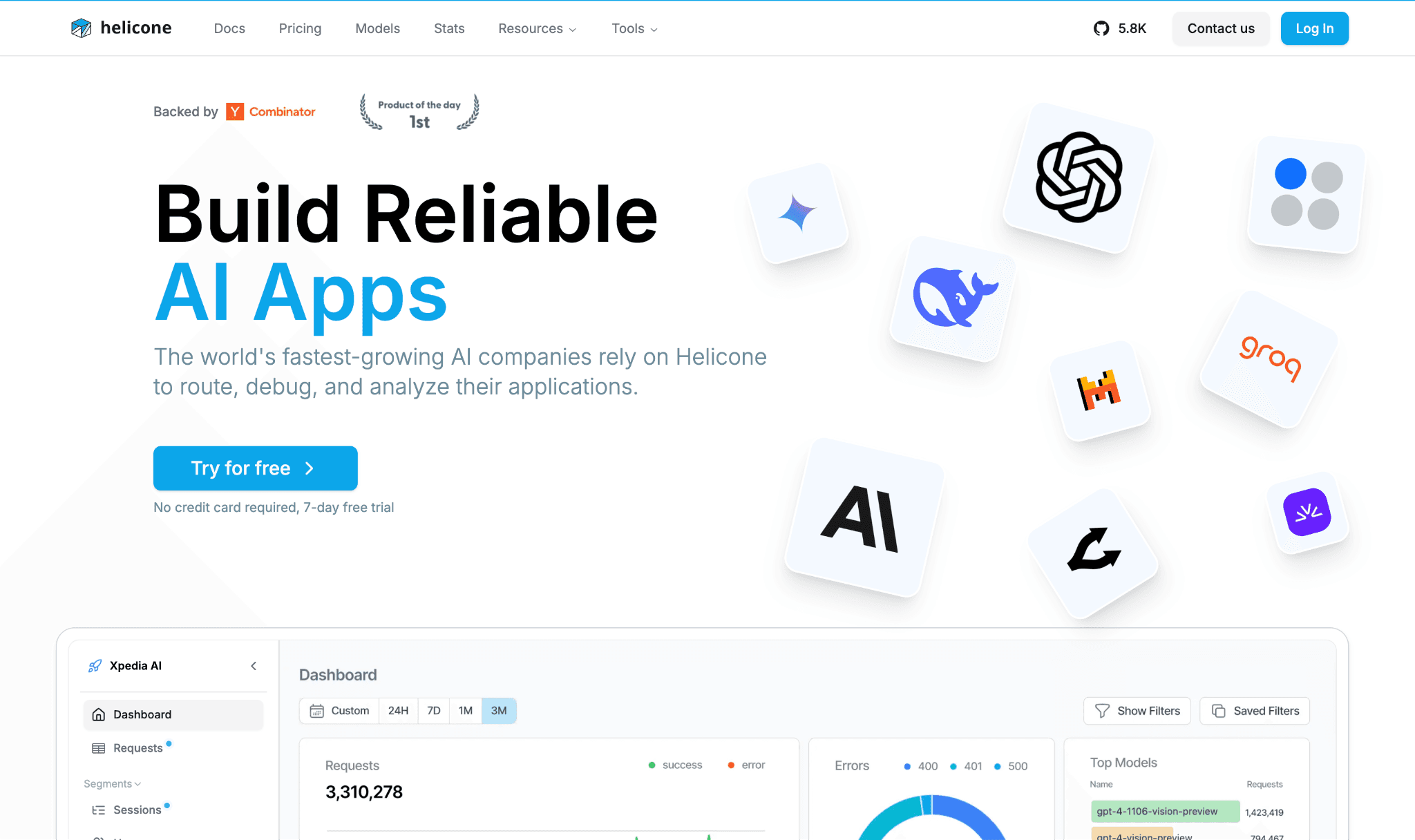
Helicone is an LLM-native proxy that surfaces per-request cost, token counts and latency with a one-line integration. You route calls through it and see cost per request against the live Anthropic API pricing and other providers almost immediately. It is the fastest way to get token-level visibility on a single application.
Its strength is speed to value for developers who want numbers today, not after a procurement cycle. The trade-off is scope, since it focuses on the LLM proxy layer alone. It does not unify AI with cloud spend or serve org-wide allocation, so it complements a FinOps platform rather than replacing one.
Key features:
One-line proxy integration for fast setup
Per-request cost, token and latency visibility
Custom property tags for grouping requests
Caching to cut repeated calls
Prompt and request logging
Rate limiting and alerts
Provider coverage across major LLM APIs
A free tier for low request volumes
Pricing: Helicone prices per logged request, with a free tier covering 10,000 requests per month. Paid tiers raise the logging cap and add retention and features.
Pros:
Fastest path to per-request LLM cost visibility, with minimal developer setup
Generous free tier for small projects and easy adoption
Cons:
Scoped to the LLM proxy layer, not cloud spend or org-wide allocation
The free tier caps logging, so a high-traffic app goes dark until a paid plan
How to Choose the Right GenAI Cost Management Platform
Match the platform to the problem you are actually solving and let your dominant cost driver decide rather than the longest feature list. How well the choice lands also depends on how mature your FinOps for AI practice already is, since a young practice needs visibility first and a mature one needs control and optimization.
You need AI and cloud spend attributed to teams in one view: start with Amnic, which is built for FinOps allocation across both.
You want cost expressed per customer or per feature: CloudZero and its unit-cost model fit best.
You want a free start and broad provider reports: Vantage gives you both.
You run a large estate and cannot re-tag it: Finout and its virtual tagging save the project.
Your biggest cost is GPU and AWS compute: nOps targets that directly, the same way smart AI GPU pricing choices move the bill.
You already live in Datadog: its LLM Observability module keeps cost beside traces in the platform you already run.
You need enterprise governance and audit-ready reports: Apptio Cloudability is the safe enterprise choice.
You want per-request LLM cost fast: Helicone gets you there in an afternoon.
Start Here: Three Questions That Narrow the Field
Before you shortlist, answer three questions about your own setup. Each one points to a different kind of platform and the wrong answer sends you into trials that were never going to fit your stack. Getting them clear first saves a month of demos that lead nowhere and a procurement cycle you cannot get back. Write down your answers, then read the picks below against them rather than against the longest feature list.
Are you primarily using third-party APIs or self-hosted models?
If most spend runs through OpenAI, Anthropic and similar APIs, prioritize token-level capture and attribution, since the bill is driven by request volume and model choice. If you self-host, weight GPU and inference coverage instead, because that is where the compute cost sits. Either way the capture layer has to match what dedicated AI cost tracking tools already deliver.
What is your primary cloud provider?
AWS, Azure, or GCP changes the fit, because some platforms automate deepest on one cloud and read the others more shallowly. Teams centered on Google's stack, for instance, get more from Gemini cost optimization tools than from an AWS-first optimizer. A platform that reads your model providers and your cloud in one view keeps generative AI from becoming a silo beside the rest of cost optimization for AI workloads the team already runs.
Are you tracking user-level token cost or optimizing GPU spend?
Tracking and chargeback point to allocation-first platforms that attribute a shared key down to a team or customer. Optimizing GPU spend points to compute-first platforms where the largest savings sit on the inference fleet. The broader set of FinOps tools for AI cost management splits along exactly this line, so name your priority before you compare.
Common Mistakes When Choosing a GenAI Cost Management Platform
Buying observability and calling it cost management: Tracing latency and quality is not the same as allocating spend, which is the line that purpose-built OpenAI cost monitoring tools and full platforms both have to cross. An observability tool tells you a call was slow or wrong, not which team should pay for it. Confirm the platform does real attribution and control, not just charts that look like cost management.
Ignoring agentic workloads: A single task built on agentic AI can fan out into dozens of billable calls and a loop that fails to stop can drain a budget overnight. Cost per request stops being a fixed number and becomes a distribution you cannot predict from a price list. Anomaly detection and per-agent caps stop being nice-to-haves once agents reach production.
Counting tokens but not GPUs: Teams that read only the API bill miss the compute behind self-hosted and fine-tuned models, the spend that dedicated GPU cost optimization tools are built to catch. For many teams that GPU fleet is the larger and faster-growing cost, not the token line. A platform should capture both, so model-provider cost and cloud compute sit in one view.
Forgetting the standards layer: As agents reach more tools through the model context protocol for FinOps, the surface area of spend widens with every new connection. Each new tool call is another billable path that can grow quietly without anyone watching it. Pick a platform that meters those new call paths rather than going blind to them.
Why Decision Makers Choose Amnic for GenAI Cost Management
Amnic brings three things together that most platforms split apart. It stays agentless and read-only so engineering never hands over write keys, it prices as a percentage of monitored spend rather than a custom enterprise quote and it attributes token spend and cloud cost the way a multi-cloud cost management platform governs the rest of the bill.
The platform pairs attribution with budgets and alerts, so a runaway cost shows up the day it starts rather than three weeks later in the invoice. That is why teams like LambdaTest, Nanonets and Open Financial use Amnic to make AI and cloud spend accountable to the people who create it, which is the practical face of AI in FinOps.
Generative AI then gets governed like every other cost line rather than treated as a special case, so the AI line reads the same way the cloud line does at month-end. It connects to the wider toolkit a finance team already runs, including the established workflows that the best AI token management tools put in place.
Frequently Asked Questions
What is a GenAI cost management platform?
It is a FinOps tool that tracks, allocates and optimizes generative AI cost, including LLM tokens, GPU compute and API usage. It assigns shared AI spend to a specific user, team, or project so finance can do showback and chargeback.
How is it different from an LLM observability tool?
Observability tools focus on latency, quality and traces to help engineers debug behavior, which is the job of LLM observability. A cost management platform focuses on allocation, budgets and optimization. Many teams run both side by side.
Which is the best GenAI cost management platform?
It depends on the job. Amnic fits teams that need AI and cloud spend attributed in one view, CloudZero suits unit economics, nOps targets GPU and compute optimization and Helicone is fastest for per-request LLM visibility.
Can these platforms track self-hosted and open-source models?
Some do. A capable platform captures GPU and inference cost for self-hosted models alongside commercial API spend. Proxy and observability tools focus on the API layer, so confirm GPU coverage if you run your own inference.
Do GenAI cost platforms work without write access?
The strongest options are agentless and read-only, reading provider and billing data without write access to your stack. That lets engineering grant visibility without handing over keys, which shortens security review.
Are there free GenAI cost management platforms?
Yes, in part. Vantage has a free tier with no time limit, nOps offers a free visibility tier and Helicone is free up to 10,000 requests a month. Amnic offers a one-month trial with no credit card.
See Your GenAI Spend in One View
Generative AI is not getting cheaper or simpler, so the teams that bring it under control are the ones that treat its cost as a system to manage. Amnic shows token spend and cloud cost in one view, attributed to the teams that create it, with budgets and alerts that catch a spike the day it starts. See Amnic pricing and start a one-month trial to see your AI and cloud spend attributed in days.
Better visibility and management into AI Tokens?
Start with a 30 day trial
Connect leading LLMs
24 hour time to value
Stay ahead of AI Spend

Make AI spend visible, controllable, and accountable.
Gain insights into your AI token costs at a team, customer, business unit and individual user level to measure and manage AI utilization.
Recommended Articles

8 Best Llama Cost Management Tools in 2026
Read More

8 Best Amazon Bedrock Cost Optimization Tools for 2026
Read More

7 Best Amazon Bedrock Cost Monitoring Tools
Read More

8 Best Gemini Cost Visibility Tools for 2026
Read More

7 Best Multimodal Cost Optimization Tools for 2026
Read More

5 Best Anthropic Cost Allocation Tools for 2026
Read More






