7 Best Multimodal Cost Optimization Tools for 2026
12 min read
Tools

Table of Contents
Comparing the top multimodal cost optimization tools are 1. Amnic, 2. Portkey, 3. Helicone, 4. LiteLLM, 5. OpenRouter, 6. Cloudflare AI Gateway and 7. Langfuse.
A multimodal cost optimization tool tracks and reduces what you spend running AI that processes more than one data type, meaning text, images, audio and video, usually across several model providers at once. The bills behave differently per modality, which is why one blended number hides the problem.
Text is priced per token, a single image can consume thousands of tokens and audio is metered per minute or per audio token, often several times the rate of text input. Video stacks frames on top of that. The asymmetry is why teams need a tool that sees cost by modality.
Amnic leads this list because its FinOps approach ties multimodal AI spend back to the team, feature and customer driving it, alongside the cloud and GPU bill in the same view. Most tools here watch the API layer alone, while Amnic reads the whole stack. A finance owner can answer what a vision-heavy feature actually costs end to end.
Top 7 Multimodal Cost Optimization Tools
Amnic: A read-only FinOps platform that attributes text, vision and audio spend to teams, features and customers and reports it alongside cloud and GPU cost.
Portkey: An AI gateway that routes multimodal requests across providers, caches responses and logs cost per request and per model.
Helicone: An observability layer that logs every call, including image and audio payloads and breaks cost down by request metadata.
LiteLLM: An open-source proxy that gives one OpenAI-style API across multimodal providers with per-key budgets and spend caps.
OpenRouter: A routing marketplace that exposes hundreds of text and multimodal models behind one endpoint with automatic fallbacks.
Cloudflare AI Gateway: A gateway that adds caching, rate limiting and request logging in front of multimodal endpoints at no extra platform fee.
Langfuse: An open-source tracing tool that captures multimodal traces and attaches token and cost data to each step.
What Is a Multimodal Cost Optimization Tool?
A multimodal cost optimization tool is software that measures and lowers the cost of AI workloads that handle text, images, audio and video, then gives you levers to control that cost across the models and providers you use.
Underneath, these tools sit at one of three points. Gateways and proxies sit inline with the request, routing to a cheaper model, caching responses, or batching calls. Observability tools sit beside the request and record what each modality cost.
FinOps platforms sit above both and turn raw provider charges into cost allocation, showback and forecasts the business can act on. The strongest setups combine an inline layer with a FinOps layer so you both cut waste and prove who owns the remaining spend.
For a buyer, the choice depends on where your cost is leaking. If image processing dominates, you want vision token counts exposed and the option to drop high-detail calls when accuracy allows. If you call several providers, you want one bill view instead of four dashboards.
If finance keeps asking which product line drives the AI invoice, you need allocation and AI token management, not just logs. The seven tools below are ranked with that split in mind, starting with Amnic.
Multimodal Cost Optimization Tools Comparison Table
Information reflects vendor sources as of June 2026. Confirm current pricing with the vendor.
Tool | Modality Coverage | Key Cost Features | Free Tier | Pricing | Best For |
|---|---|---|---|---|---|
Amnic | Text, vision, audio plus cloud and GPU | Per-modality allocation, showback, anomaly alerts, forecasting | Yes, free trial | ~0.25 to 1% of monitored spend | Finance-grade attribution across AI and cloud |
Portkey | Text, vision, audio | Provider routing, semantic cache, cost logging | Yes | Paid plans from low monthly tier, plus enterprise | Routing and caching at the gateway |
Helicone | Text, vision, audio | Per-request cost, sessions, custom properties | Yes | Free tier, then usage and seat-based | Lightweight cost observability |
LiteLLM | Text, vision, audio | Unified API, per-key budgets, spend caps | Yes, open source | Free self-host, paid enterprise tier | Self-hosted multi-provider control |
OpenRouter | Text, vision | Model marketplace, fallbacks, unified credits | Pay as you go | Usage plus a payment and credit fee | Quick access to many models |
Cloudflare AI Gateway | Text, vision, audio | Caching, rate limiting, request analytics | Yes | No extra platform fee, usage for logs | Edge caching in front of endpoints |
Langfuse | Text, vision, audio | Multimodal traces, token and cost capture | Yes | Free self-host and cloud tier, paid Pro | Trace-level cost debugging |
How We Evaluated These Tools
Modality coverage: whether the tool reports cost for text, vision, audio and video, not just text tokens.
Cost levers: whether it can actually change spend through routing, caching, batching, or budgets, versus only reporting it.
Allocation depth: whether spend can be split by team, feature, customer, model and environment for showback or chargeback.
Multi-provider reach: whether it covers the major model providers and surfaces them in one view.
Setup effort: how much engineering work it takes to instrument and maintain.
Pricing model: how the tool charges and whether the cost scales sensibly with the spend it manages.
Top Multimodal Cost Optimization Tools for 2026
1. Amnic
Best for: Finance and platform teams that need multimodal AI spend allocated and reported next to cloud and GPU cost.
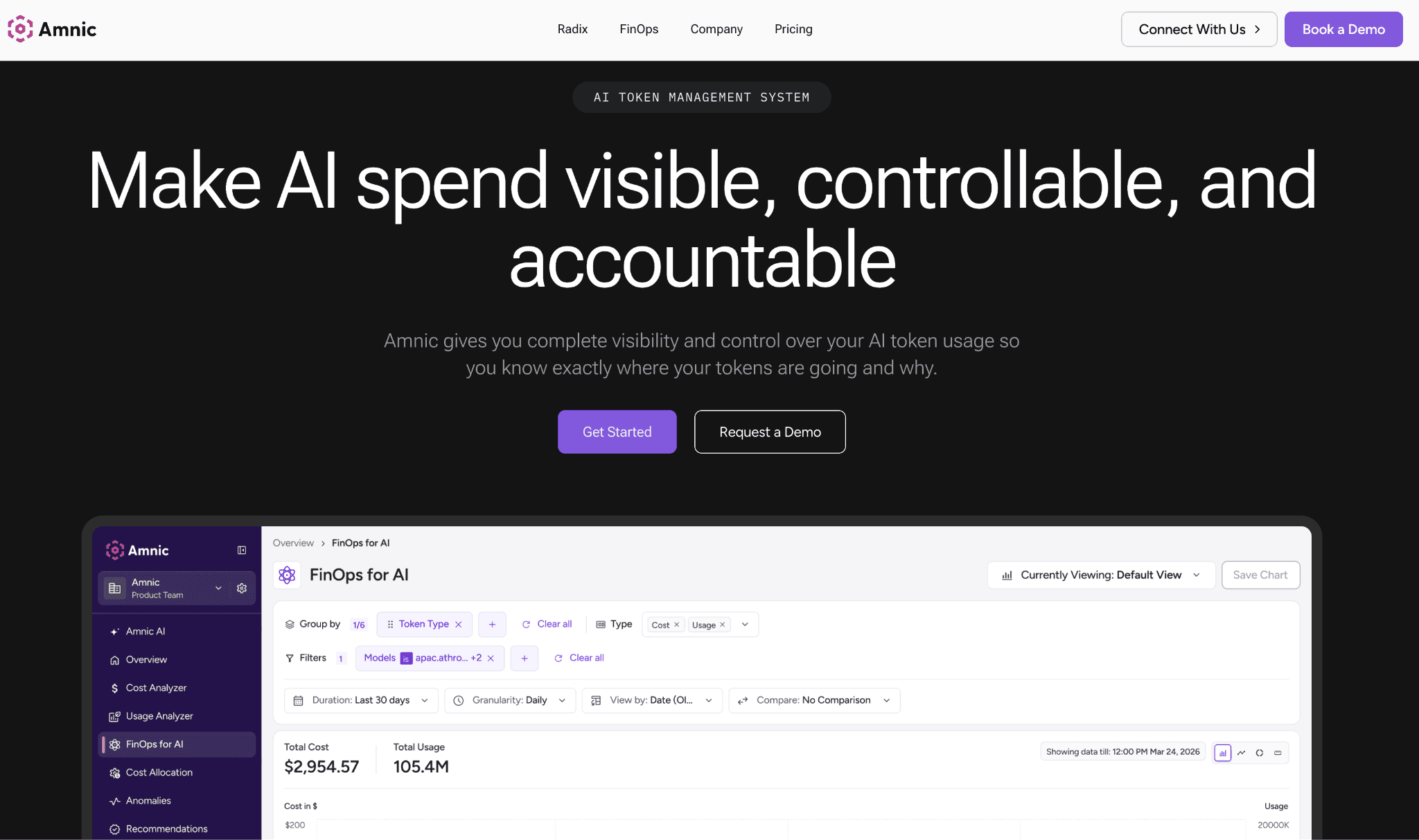
Amnic is a read-only FinOps platform that connects to your providers and cloud accounts and turns raw charges into spend you can assign to an owner. For multimodal work, it splits input, output and cached tokens by model and provider, so a vision-heavy endpoint does not hide inside one AI line item.
Its AI token management module reads usage from the major LLM providers and presents it with a cost or token toggle, which is how teams spot the modality that is actually moving the bill.
The platform's real edge is attribution. Amnic maps spend to teams and cost centers, which feed cost attribution so finance can run showback without a spreadsheet. Guardrails flag anomalies before they compound, with AI spend shown beside the supporting cloud and GPU bill.
Amnic never recommends switching models or providers, which keeps it a neutral system of record rather than a router with an agenda. That neutrality is why finance teams trust its numbers when they report multimodal spend upward. See Amnic pricing, which scales with monitored spend.
Key features:
Per-modality cost breakdown across input, output and cached tokens, so vision and audio spend stop hiding inside one number.
Multi-provider usage view that reads from the major LLM vendors in one place rather than four native dashboards.
Allocation to team, feature, customer and cost center for showback and chargeback that finance can actually publish.
Anomaly guardrails that flag a spend spike early, before a runaway vision job becomes a five-figure surprise.
AI spend reported alongside cloud and GPU cost, so you see the full cost of a feature, not just the endpoint charge.
Read-only, agentless connection, so it reads usage without touching your prompts or routing logic.
Pricing: Amnic charges roughly 0.25 to 1% of the spend it monitors, which keeps the cost proportional to the value under management. A free trial is available so teams can validate the multimodal view before committing.
Pros:
Ties multimodal AI cost to a business owner, not just to a model endpoint.
One view for AI, cloud and GPU spend, which suits finance more than engineering-only tools.
Neutral by design, since it never pushes a model or provider switch.
Cons:
It is a visibility and allocation layer, so it does not route or cache requests inline the way a gateway does.
Live per-user attribution is deepest for the providers that expose that data, so coverage varies by vendor.
2. Portkey
Best for: Engineering teams that want to route and cache multimodal requests at the gateway.
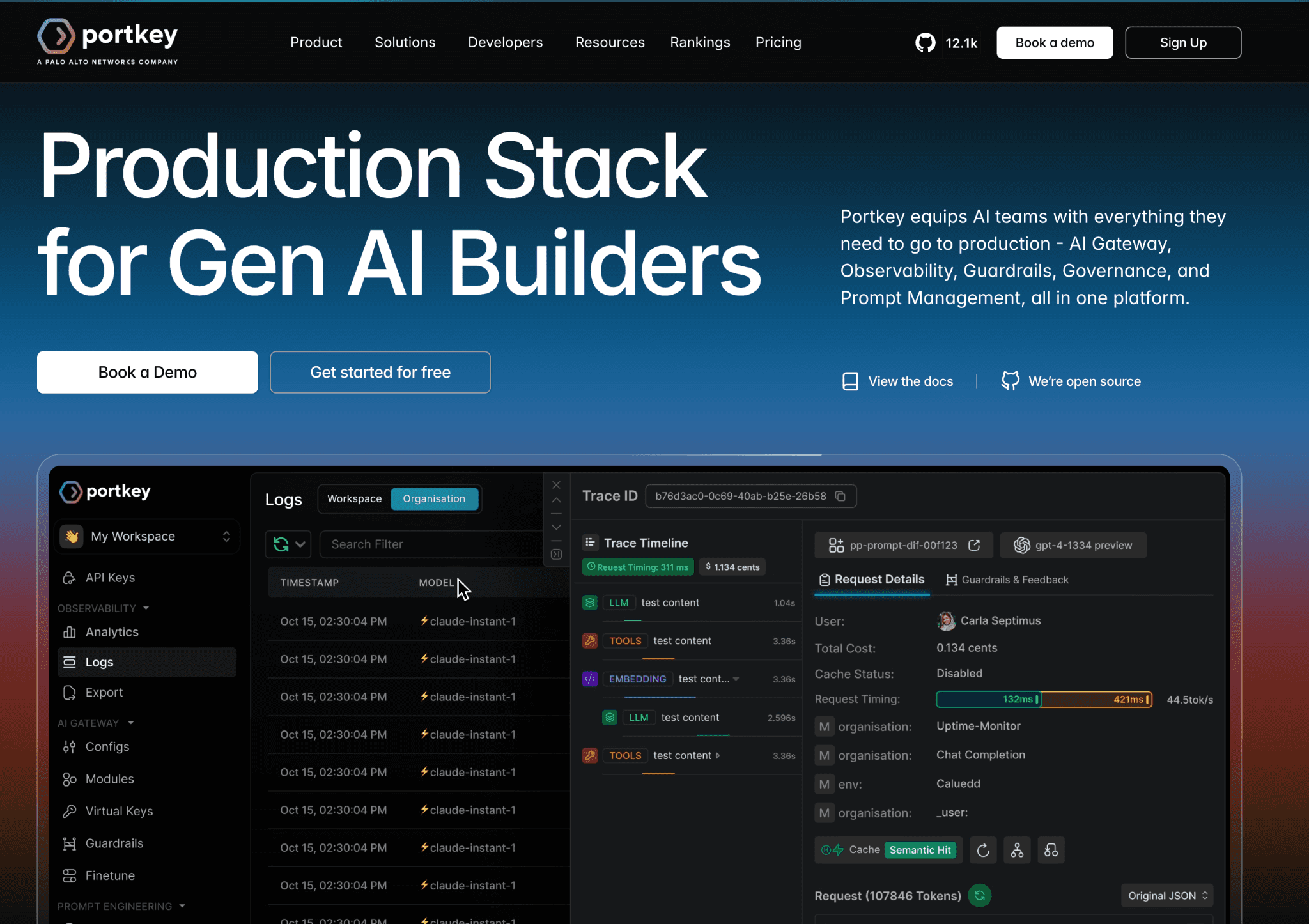
Portkey is an AI gateway that sits inline and sends each multimodal request to the cheapest model that meets the quality bar. It supports text, vision and audio across major providers, caches repeated responses and records cost per request, model and virtual key. That inline position lets it cut spend rather than only report it.
The trade-off is that an inline gateway becomes part of your critical path, so latency and uptime now depend on it. Allocation is built around keys and metadata rather than the business hierarchy against which a finance team reports against.
Pair it with a dedicated allocation layer when you need clean showback. For deeper context on this pattern, see how to optimize LLM cost.
Key features:
Provider routing that sends a request to a cheaper multimodal model when the simple model is good enough.
Semantic and simple caching that avoids paying twice for the same image or prompt.
Cost and latency logging per request, model and virtual key for clear unit visibility.
Fallback chains that reroute when a provider fails, protecting both uptime and budget.
Virtual keys with budget limits, so a single integration cannot blow the monthly cap.
Guardrails and config controls that enforce which models a team may call.
Pricing: Portkey offers a free tier for lower volumes and paid plans that start at a low monthly rate, with enterprise pricing for higher throughput and governance needs.
Pros:
Real inline savings through routing and caching, not just reporting.
Broad provider coverage behind one consistent API.
Cons:
Sitting in the request path adds a dependency that can affect latency and reliability.
Allocation is key and metadata based, so business-level showback needs another layer.
3. Helicone
Best for: Teams that want lightweight cost observability across modalities without rebuilding their stack.
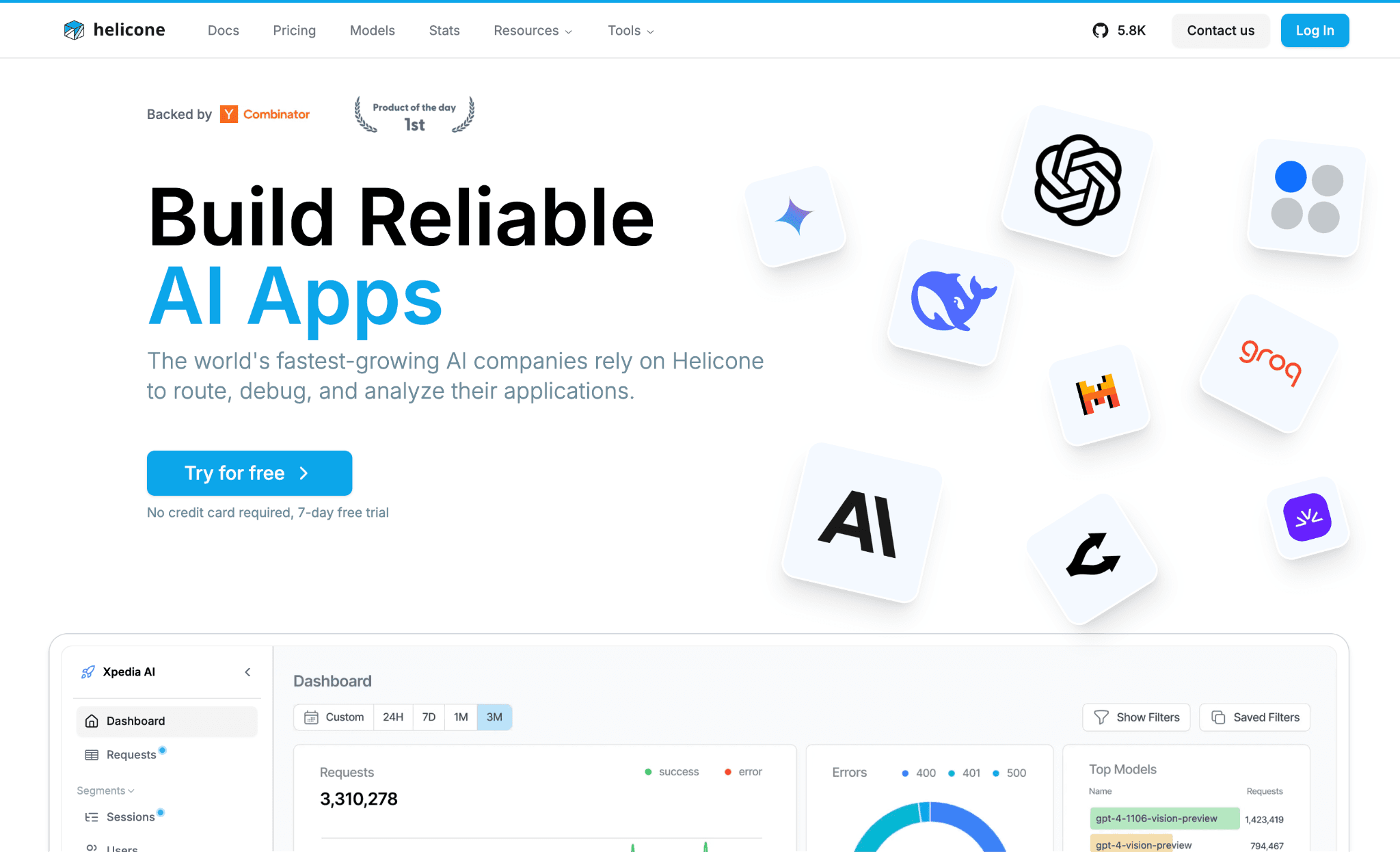
Helicone is an observability layer that logs every API call through a one-line proxy change and attaches cost to each request. It captures multimodal payloads, including image and audio calls and lets you slice spend by user, session and custom properties.
That makes it easy to find the expensive request path, such as a feature that quietly sends full-resolution images on every load. It pairs naturally with a definition of what is inference cost when you are setting baselines.
Helicone is strong at seeing cost but light on changing it, since its routing and caching features are narrower than a full gateway's. It also leans toward engineering workflows, so finance still needs an allocation layer for chargeback. Read it as a fast way to get per-request truth.
Key features:
One-line proxy setup that starts logging multimodal calls without a large integration.
Per-request cost attached to each call, including image and audio requests.
Custom properties, sessions and user tags that group spend by the dimensions you care about.
Caching and rate limiting to trim repeated or runaway calls.
Prompt and response logging that doubles as a debugging trail for multimodal apps.
Alerts on cost and error thresholds so a spike does not go unnoticed.
Pricing: Helicone provides a free tier with a monthly request allowance, then moves to usage and seat based plans as volume grows.
Pros:
Very fast to adopt for per-request cost visibility.
Clear slicing by user and session, which helps unit economics.
Cons:
The free tier caps logged requests, so high-traffic apps go dark until you upgrade.
It reports cost well but offers fewer inline levers to reduce it than a gateway.
4. LiteLLM
Best for: Teams that want a self-hosted, open-source proxy with per-key budgets across providers.
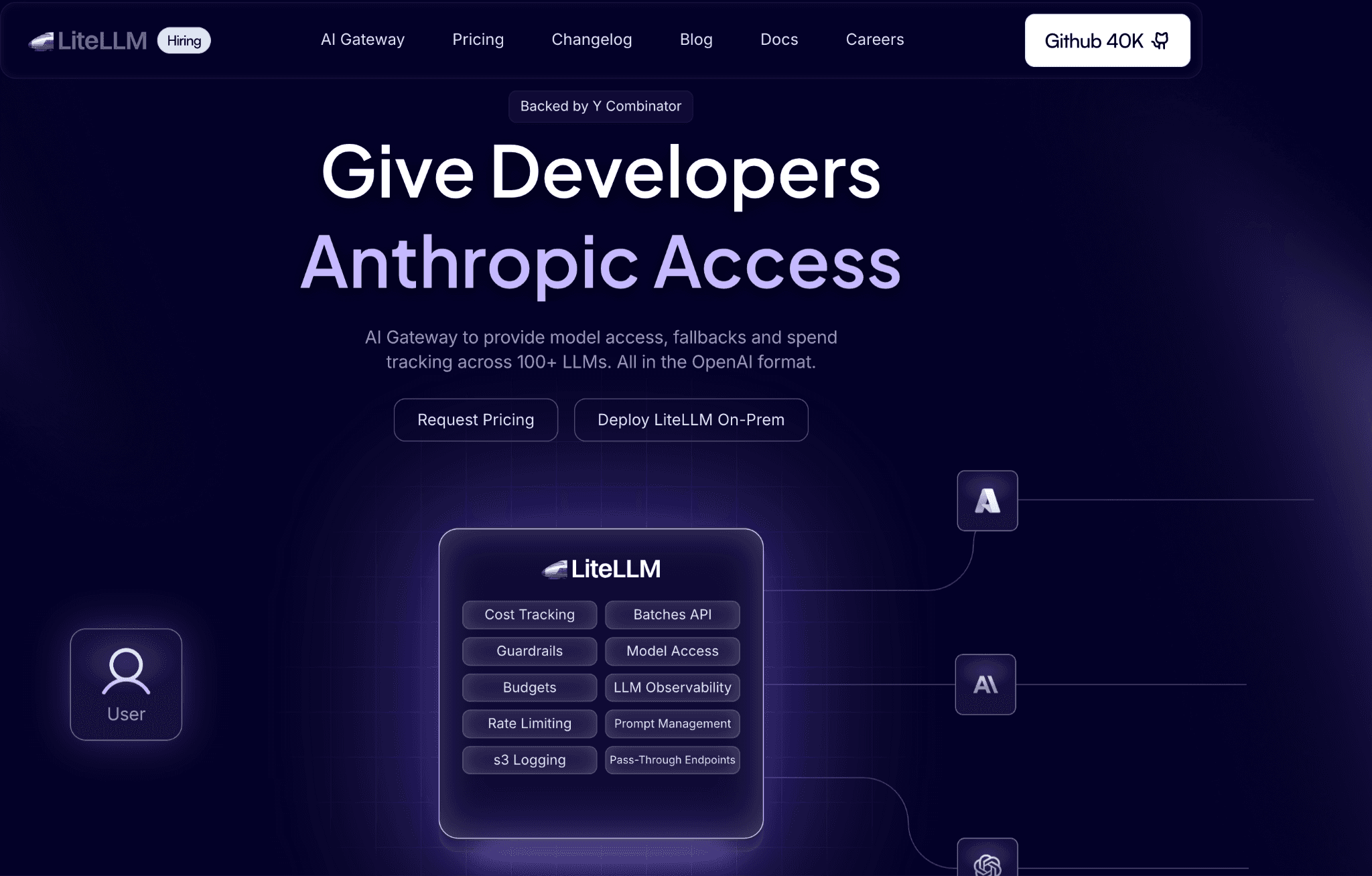
LiteLLM gives you one OpenAI-style API in front of many multimodal providers, so your code calls a single interface whether the model behind it handles text, vision, or audio. As a proxy it adds per-key budgets, spend caps and usage tracking, which lets a platform team hand out keys with hard limits.
Because it is open source and self-hosted, you control where it runs and what it logs, which matters for regulated workloads. It supports a clean view of LLM cost comparison across the models you route to.
The cost of that control is operational. You run and maintain the proxy, scale it and keep the model map current as providers ship new endpoints. Its reporting is functional rather than finance-grade, so customer or feature allocation usually means exporting to a dedicated tool.
Key features:
Unified OpenAI-style API across the major multimodal providers, so integration code stays the same.
Per-key and per-team budgets with hard spend caps that stop overruns at the source.
Usage and cost tracking exposed through its admin and logging interfaces.
Routing, retries and fallbacks across providers for resilience and cost control.
Self-hosted deployment, so prompts and payloads stay inside your environment.
A large and active open-source project with frequent provider updates.
Pricing: LiteLLM is free and open source to self-host, with a paid enterprise tier that adds support, security and governance features.
Pros:
Full control and data residency from self-hosting.
Strong budget and key controls for multi-team setups.
Cons:
You own the uptime, scaling and upkeep of the proxy.
Reporting is basic, so business allocation needs an export to another tool.
5. OpenRouter
Best for: Teams that want fast access to many text and multimodal models behind one endpoint.
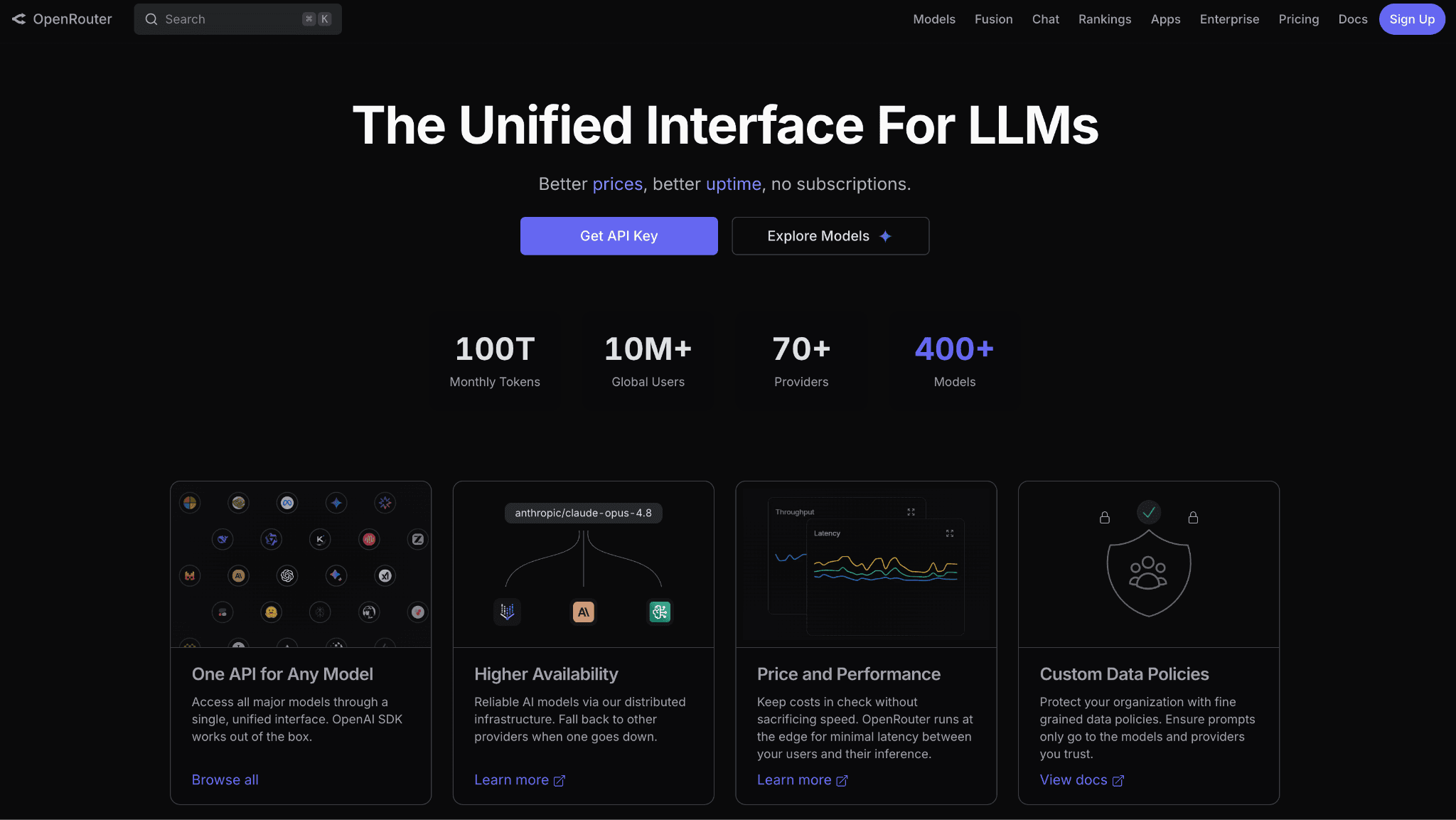
OpenRouter is a routing marketplace that exposes hundreds of models, including multimodal ones, through a single API and a shared credit balance. You can swap models with a string change, compare prices in one place and let it fall back to another provider when one is down or rate limited.
For teams experimenting across models, it removes the friction of signing up and integrating with each vendor separately. It pairs well with background reading on what is LLM inference when you are weighing model choices.
OpenRouter optimizes access and convenience more than deep cost governance. Usage and per-request cost are visible, but allocation by team, feature, or customer is thin. It also adds a fee on top of provider rates in exchange for the unified billing.
Key features:
A single endpoint to hundreds of models, including vision-capable ones, with no per-vendor signup.
Automatic fallbacks and load balancing across providers for resilience.
Unified credits and one invoice instead of separate provider bills.
Per-request cost and usage data visible in the dashboard.
Model and price comparison in one catalog, which speeds up selection.
Simple model switching through a string change in the request.
Pricing: OpenRouter is pay-as-you-go on top of provider rates, with a fee applied to credit purchases and payments for the unified billing convenience.
Pros:
The fastest way to reach and compare many models, including multimodal ones.
Built-in fallbacks improve reliability across providers.
Cons:
The added fee makes high-volume routing costlier than going direct.
Allocation and governance are shallow, so it is not a finance tool.
6. Cloudflare AI Gateway
Best for: Teams already on Cloudflare that want caching and analytics in front of multimodal endpoints.
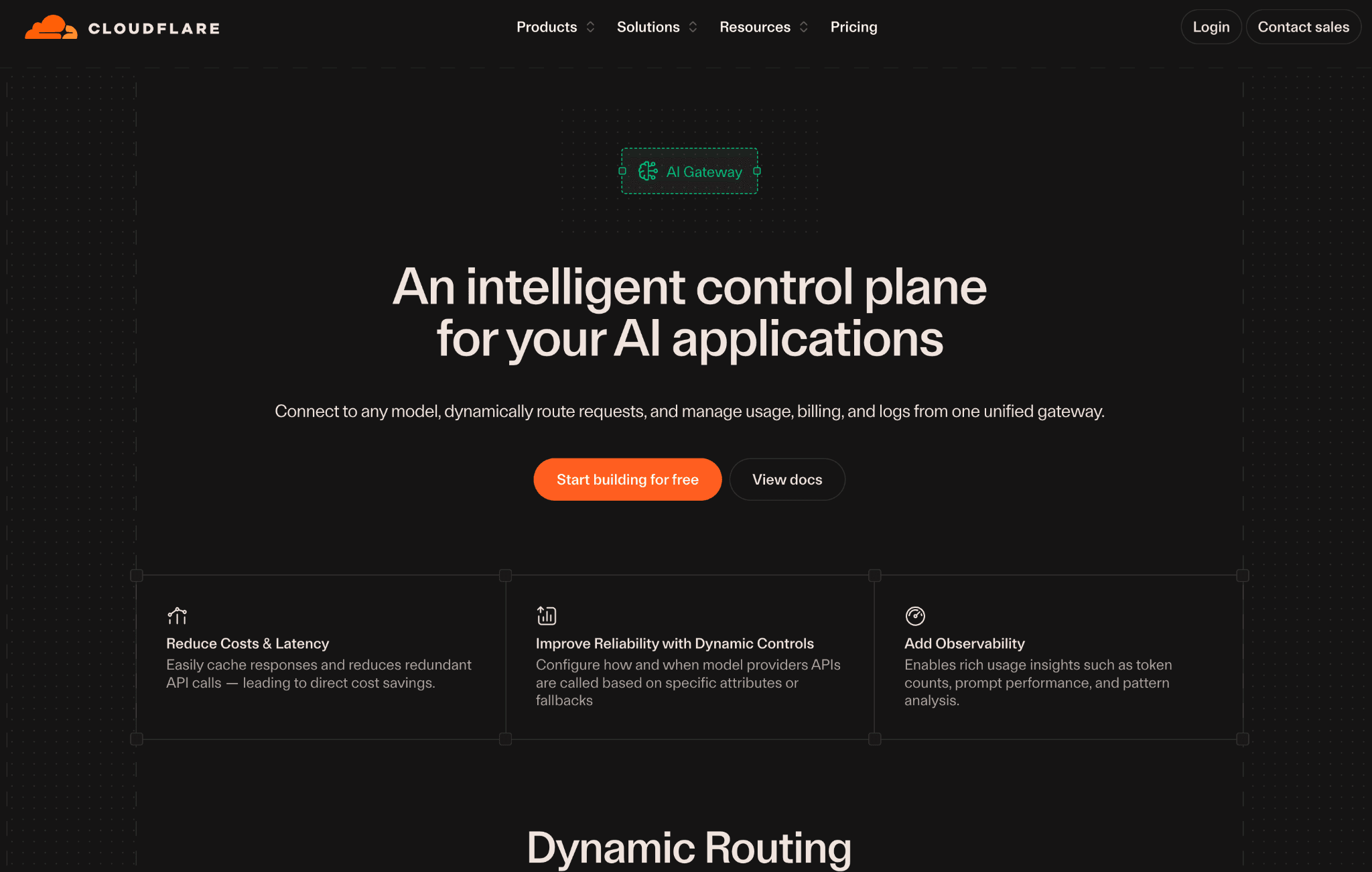
Cloudflare AI Gateway sits in front of your AI providers and adds caching, rate limiting, retries and request analytics with a small change to your endpoint URL. Cached responses skip the provider entirely, which removes cost for repeated multimodal calls like the same image classified many times.
Because it runs on Cloudflare's edge, it adds these controls without you standing up new infrastructure and there is no separate platform fee to use the gateway itself.
Its analytics show request volume, latency, errors and cost trends, but it is a traffic and caching layer rather than a FinOps platform. Allocation to teams and customers is not its job and its multimodal handling depends on the providers you connect.
Use it to cut repeated-call waste and add resilience, then bring spend into an allocation tool for reporting. A guide on how to reduce inference cost covers where caching fits in the wider picture.
Key features:
Response caching that eliminates the provider charge for repeated multimodal requests.
Rate limiting that caps runaway usage before it becomes a bill.
Automatic retries and fallbacks that protect uptime across providers.
Request analytics for volume, latency, errors and cost trends.
Logging of requests and responses for debugging and audit.
Edge deployment, so there is no new infrastructure to run.
Pricing: The gateway carries no extra platform fee to use, with usage-based charges tied to logging and storage on the broader Cloudflare platform.
Pros:
Caching delivers real savings on repeated calls with minimal setup.
No added platform fee for the gateway itself.
Cons:
It is a caching and traffic layer, not an allocation or showback tool.
Multimodal depth depends entirely on the connected providers.
7. Langfuse
Best for: Teams that need trace-level visibility into multimodal pipelines and agents.
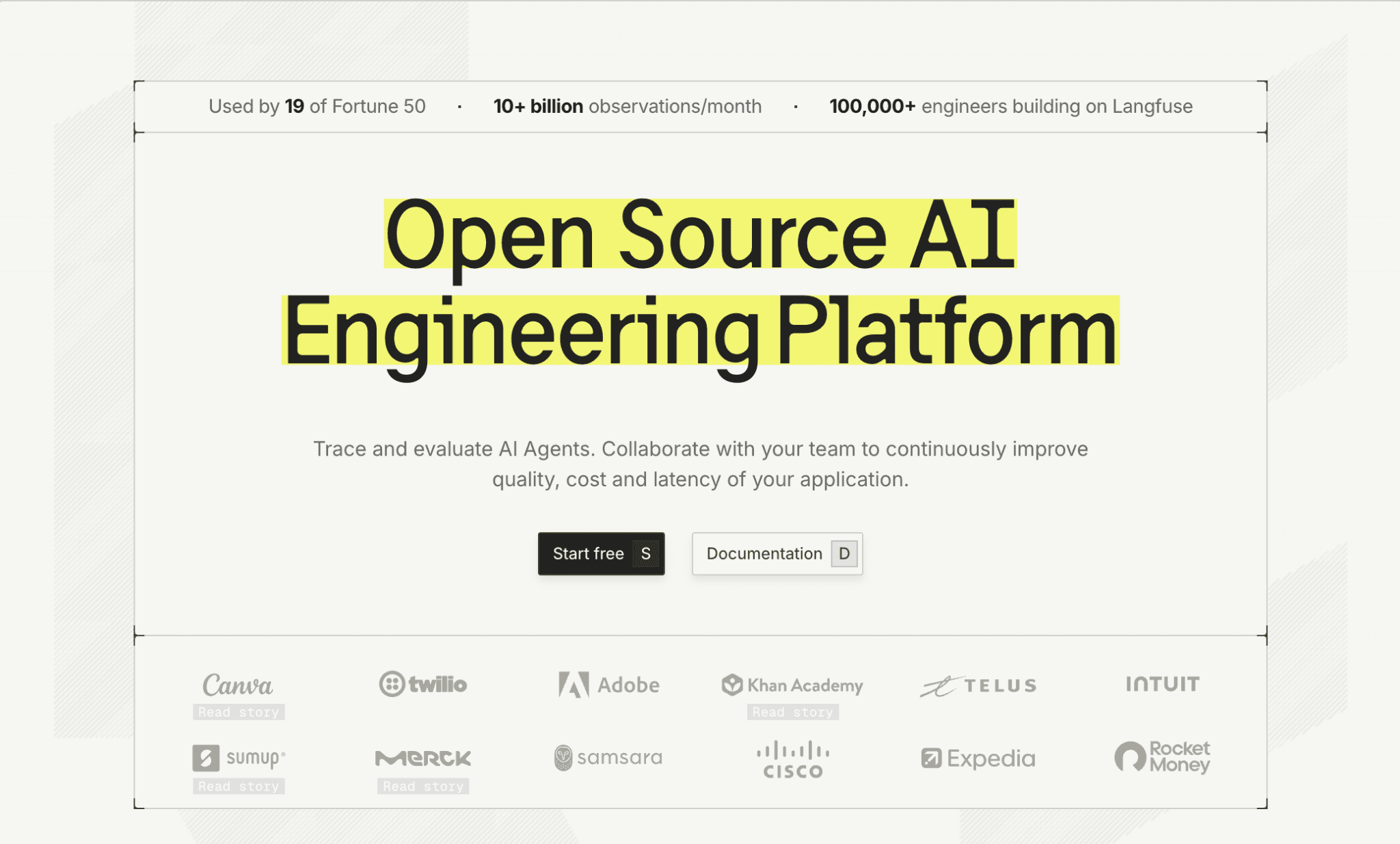
Langfuse is an open-source observability and tracing tool that captures each step of a multimodal pipeline with token and cost data attached. For an app that transcribes audio, summarizes it, then generates an image, it shows the cost of every stage in one trace.
That is how you find the step that quietly dominates the bill. It supports text, vision and audio traces and integrates with common frameworks, which makes it a fit for agent and chained workflows. It complements an understanding of token economics when you are reasoning about spend per step.
As a tracing tool, Langfuse is built to explain cost rather than to enforce it, so routing and caching live elsewhere. Self-hosting gives you control but adds operational work and its allocation centers on traces and sessions rather than a finance hierarchy.
It is most valuable when your multimodal cost problem is hidden inside a complex chain. For broader options, the roundup of FinOps tools for AI cost management sets the wider context.
Key features:
Step-level traces that show token and cost data for each stage of a multimodal pipeline.
Coverage of text, vision and audio calls within a single trace.
Sessions and user tracking that group cost by interaction and customer.
Evaluation and prompt management that tie quality to spend.
Open-source self-hosting for data control, plus a managed cloud option.
Framework integrations that suit agent and multi-step workflows.
Pricing: Langfuse offers a free self-hosted version and a free cloud tier, with a paid Pro plan and enterprise options as usage and team size grow.
Pros:
Best-in-class trace-level cost visibility for complex multimodal chains.
Open source with a managed option, so you can choose your control level.
Cons:
It explains cost but does not route or cache to reduce it.
Self-hosting and instrumentation add engineering overhead.
How to Choose the Right Multimodal Cost Optimization Tool
Your bill is dominated by repeated calls: start with a caching gateway like Cloudflare AI Gateway or Portkey to stop paying twice for the same image or prompt.
You are an early-stage team with a small AI bill: the lighter-footprint options in the roundup of AI cost optimization tools for startups keep setup cost low while still showing per-modality spend.
You call many providers and want one view: OpenRouter for fast access, or LiteLLM if you want to self-host the proxy and own the data.
You need to find the expensive request path: Helicone for per-request cost, or Langfuse for step-level traces inside a pipeline.
Finance keeps asking who owns the AI bill: Amnic, because allocation by team, feature and customer is the core job, not an afterthought.
You run vision or audio at scale on your own hardware: pair an inline tool with GPU cost optimization so the infrastructure cost is managed too.
Common Mistakes When Choosing a Multimodal Cost Optimization Tool
Treating multimodal spend as one number: Blending text, vision and audio into a single line hides the modality that is actually driving the bill. Pick a tool that reports cost per modality so you optimize the right thing instead of guessing.
Confusing reporting with control: A dashboard that shows cost does not lower it on its own. Decide early whether you need an inline routing layer or an allocation layer, because most teams eventually need both. A unified GenAI cost management platform brings both together and saves you from stitching three vendors into a single board for the monthly finance review.
Ignoring allocation until finance asks: Logs by request are not the same as spend by customer or feature. If you will ever run showback or chargeback, you need to choose allocation depth up front rather than retrofitting it later under finance pressure. A clear primer on LLM cost allocation tools shows what that depth looks like in practice across the major text providers.
Forgetting the infrastructure behind self-hosted models: When you serve your own vision or video models, the GPU and cloud bill can dwarf the API line. An idle accelerator silently bills for hours, which is why disciplined GPU usage monitoring belongs in the stack from day one.
Why Decision Makers Choose Amnic for Multimodal Cost
Amnic wins for teams that need answers a finance owner can act on. First, it attributes multimodal spend to a real owner, so a vision feature's cost lands on the team that ships it rather than in a shared bucket.
Second, it shows AI spend beside the cloud and GPU bill, which is the only way to know the true cost of a multimodal feature. Third, it stays neutral, since it never nudges you toward a model or provider switch to serve its own routing.
Teams running container and cluster workloads alongside their models also use Kubernetes cost management from the same platform. The model endpoint cost rarely tells the full story when GPU nodes and orchestrator overhead sit underneath the same feature.
A self-hosted vision or video model often spends more on GPU hardware than on any single API call it serves. Where the workload tolerates interruption, the playbook of maximizing cloud ROI using Spot instances can cut that GPU bill by half or more without changing the model.
The result is a system that answers who owns the spend across modalities, providers and infrastructure types and whether the spend is worth it.
See Your Multimodal AI Spend Clearly
Multimodal AI is where bills grow fastest and hide best, because vision, audio and video cost far more than text and rarely show up as separate lines. Amnic gives you per-modality visibility, ties each dollar to an owner and reports it next to your cloud and GPU spend. Request a demo to see your multimodal cost in one view.
Frequently Asked Questions
What is a multimodal cost optimization tool?
It is software that tracks and reduces the cost of AI workloads that process more than one data type, such as text, images, audio and video. It reports spend per modality and provider, then gives you levers like routing, caching, budgets and allocation to control it.
Why does multimodal AI cost more than text-only AI?
Each modality is priced differently and images, audio and video are far heavier than text. A single high-detail image can consume thousands of tokens and audio is metered per minute or per audio token, which is many times the rate of plain text input.
How can I reduce vision and audio model costs?
Route simple tasks to cheaper models, cache repeated calls, send images at lower detail when accuracy allows and batch non-urgent work. Provider features like batch processing and prompt caching cut spend further and they often stack with gateway-level caching.
Do these tools cover multiple model providers?
Most do. Gateways and proxies like Portkey, LiteLLM and OpenRouter expose many providers behind one API and a FinOps platform like Amnic reads usage across providers and shows it beside cloud and GPU cost in one place.
What is the difference between cost observability and cost allocation?
Observability shows what each request or step cost. Allocation assigns it to a team, feature, or customer for showback and chargeback. Platforms like Anthropic cost allocation tools show what the chargeback layer looks like in practice for provider-specific stacks.
Which multimodal cost tool is best for finance teams?
Amnic, because allocation by team, feature and customer is its core function rather than an add-on and it reports AI spend alongside the cloud and GPU cost that supports it.
Better visibility and management into AI Tokens?
Start with a 30 day trial
Connect leading LLMs
24 hour time to value
Stay ahead of AI Spend

Make AI spend visible, controllable, and accountable.
Gain insights into your AI token costs at a team, customer, business unit and individual user level to measure and manage AI utilization.
Recommended Articles

8 Best Llama Cost Management Tools in 2026
Read More

8 Best Amazon Bedrock Cost Optimization Tools for 2026
Read More

7 Best Amazon Bedrock Cost Monitoring Tools
Read More

8 Best Gemini Cost Visibility Tools for 2026
Read More

5 Best Anthropic Cost Allocation Tools for 2026
Read More

8 Best AI Cost Optimization Tools for Startups in 2026
Read More






