7 Best GPU Cost Optimization Tools in 2026
13 min read
Tools

Table of Contents
Comparing the top GPU cost optimization tools are 1. Amnic, 2. Cast AI, 3. Run:ai (NVIDIA), 4. Kubecost, 5. SkyPilot, 6. NVIDIA Multi-Instance GPU and 7. Apptio Cloudability.
GPU cost optimization software reduces your AI/ML and cloud compute expenses by tracking utilization, automating workload distribution and right-sizing hardware. These tools prevent over-provisioning and idle waste through fractional slicing, spot automation and dynamic cluster scaling.
The waste is real. Cast AI's 2026 State of Kubernetes Optimization Report put average GPU utilization at just 5%, while a single H100 on AWS runs around $5,000 a month. Most teams pay for capacity they never touch.
These tools span four jobs that rarely live in one product: monitoring and visibility, GPU sharing and orchestration, native and infrastructure platforms and FinOps and budget attribution. A FinOps platform sits at the attribution end of that spectrum, while a scheduler sits at the orchestration end.
Amnic opens the list as the FinOps-led option. It connects to your cloud and Kubernetes data agentlessly and read-only, then maps GPU and AI spend to the team, model and unit so engineering and finance argue from the same numbers.
Top 7 GPU Cost Optimization Tools
Amnic: Agentless FinOps platform that attributes GPU, Kubernetes and AI spend to teams, products and units across clouds with cost allocation and showback.
Cast AI: Kubernetes autoscaler that bin-packs GPU workloads, automates spot and adds time-slicing and MIG to lift utilization.
Run:ai (NVIDIA): Enterprise GPU orchestration with fractional GPUs, time-slicing and the open-source KAI scheduler for training and inference.
Kubecost: Kubernetes cost visibility tool with GPU-level allocation and a free EKS-optimized bundle.
SkyPilot: Open-source framework that finds and provisions the cheapest GPU across 20+ clouds with automatic spot recovery.
NVIDIA Multi-Instance GPU: Hardware partitioning that splits one A100, H100, or H200 into up to seven isolated GPU instances.
Apptio Cloudability: Enterprise FinOps and TBM suite that folds token, GPU and API telemetry into total cost of ownership.
What are GPU cost optimization tools?
GPU cost optimization tools help you track, share and reduce the heavy expenses of running compute-intensive AI and ML models. They do this through automated Kubernetes scheduling, GPU time-slicing, model quantization and idle-resource termination.
Some operate at the hardware layer by partitioning a single accelerator and a Kubernetes cost management view operates at the financial layer, splitting a shared GPU cluster across the teams that used it. Others work at the cluster layer through scheduling and bin-packing to keep each card busy.
The buyer is usually an engineering or FinOps lead reacting to an AI-spend surprise. They need to know if they are paying for idle cards, whether training or inference is the cost driver and how to keep next quarter on plan with reliable cloud cost forecasting.
Most teams end up running two or three of these tools together rather than one, since GPU cost optimization needs a mix of provisioning, orchestration and multi-cloud FinOps management. The seven options are 1. Amnic, 2. Cast AI, 3. Run:ai, 4. Kubecost, 5. SkyPilot, 6. NVIDIA Multi-Instance GPU and 7. Apptio Cloudability.
This page compares the tools so you can build a shortlist. If you want the hands-on techniques instead, our GPU cost optimization guide covers the strategy, from spot instances to quantization, in depth.
Comparison Table
Information reflects vendor sources as of June 2026. Confirm current pricing with the vendor.
Tool | Category | Key Strength | Free Tier | Pricing | Best For |
|---|---|---|---|---|---|
Amnic | FinOps & Budget Attribution | GPU/AI spend allocation across cloud + Kubernetes | Yes, trial | ~0.25-1% of monitored spend | FinOps teams attributing GPU spend |
Cast AI | GPU Sharing & Orchestration | Autoscaling, spot, time-slicing, MIG | Yes | Usage-based on managed spend | Kubernetes teams automating GPU scaling |
Run:ai (NVIDIA) | GPU Sharing & Orchestration | Fractional GPU, scheduling, KAI | KAI is open source | Enterprise quote | NVIDIA GPU clusters at scale |
Kubecost | Monitoring & Visibility | GPU allocation and showback | Yes, free EKS bundle | From ~$449/mo business | Kubernetes GPU cost visibility |
SkyPilot | Native & Infrastructure | Cheapest-GPU multi-cloud provisioning | Open source, free | Free (pay cloud only) | ML engineers chasing cheapest GPU |
NVIDIA MIG | Native & Infrastructure | Hardware partitioning to 7 instances | Included with GPU | Included with A100/H100/H200 | Maximizing single-GPU utilization |
Apptio Cloudability | FinOps & Budget Attribution | TBM with GPU, token, API TCO | Demo only | % of spend, enterprise | Large enterprises with TBM needs |
How We Evaluated GPU Cost Optimization Tools
GPU cost visibility: Can it show real GPU utilization and spend, not just node-level cloud cost?
Optimization mechanism: Does it cut waste through sharing, scheduling, spot, or right-sizing and how much manual work that takes.
Attribution and showback: Can it map GPU spend to a team, model, namespace, or product for chargeback.
Training vs inference fit: Whether it handles long batch training, always-on inference, or both.
Integration footprint: Multi-cloud and Kubernetes coverage and how invasive the install is.
Pricing transparency: Whether the cost model is clear and scales sensibly with your GPU fleet.
Top GPU Cost Optimization Tools in 2026
1. Amnic
Best for: FinOps and platform teams that need to attribute GPU, Kubernetes and AI spend to the teams and products that caused it.
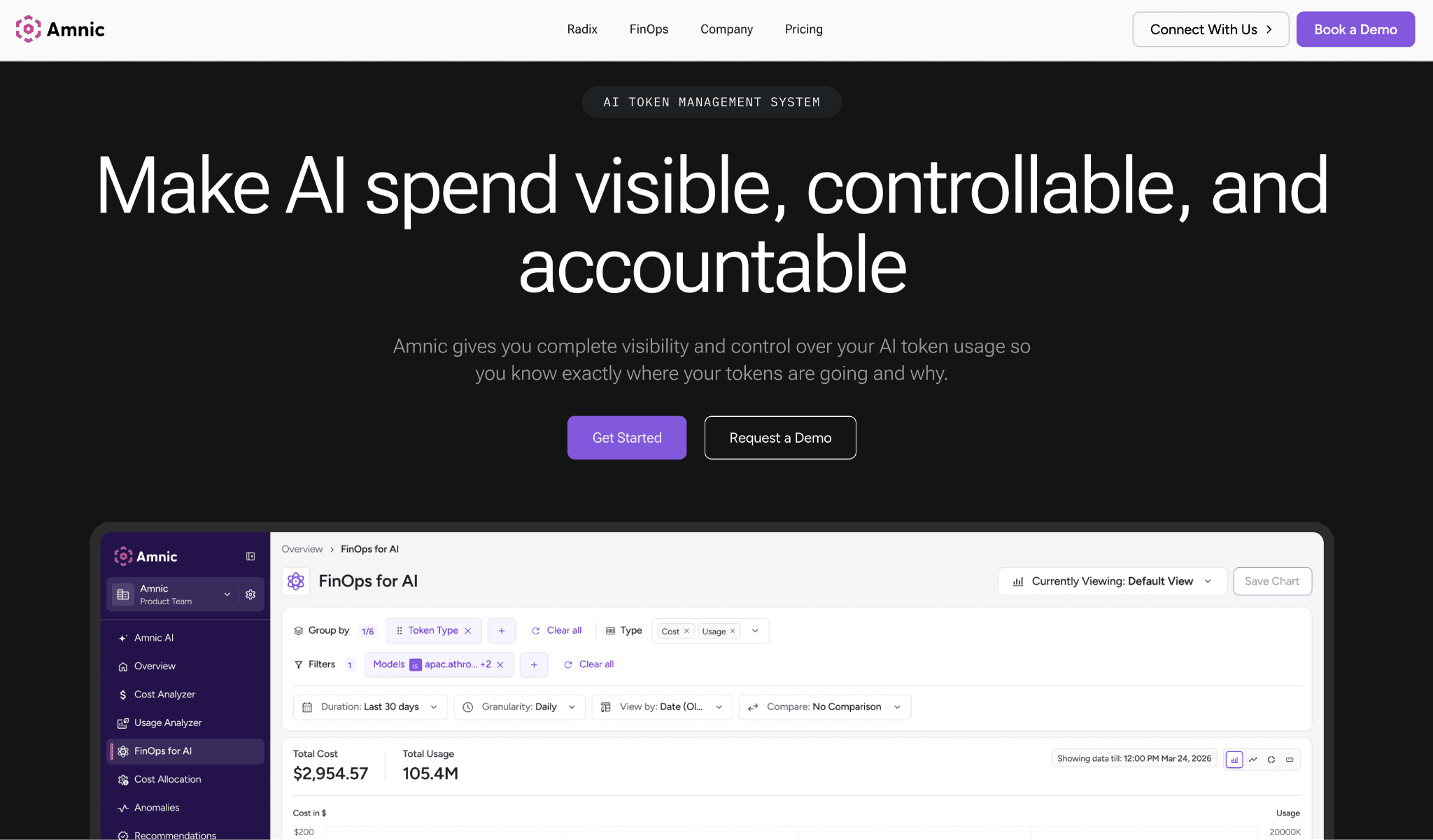
Amnic is a FinOps platform that uses cost attribution and granular tagging to turn raw GPU and AI billing into spend you can assign. It connects to your cloud accounts and Kubernetes clusters agentlessly and read-only, covering AWS, Azure and GCP in one view.
Where a scheduler only tells you a node is busy, Amnic tells you which team, model, or endpoint ran up the bill, which is the number finance actually asks for.
Key features:
Agentless, read-only integration that reads cloud and Kubernetes billing without agents on your GPU nodes.
GPU and AI spend allocation down to team, namespace, label and unit for true showback and chargeback.
Unified AWS, Azure and GCP view so multi-cloud GPU spend lives in one place.
Kubernetes cost breakdown that splits shared GPU clusters by workload, not just by node.
Anomaly alerts that flag GPU spend spikes from a stuck job or a misconfigured autoscaler early.
Spend forecasting that projects GPU and AI cost so budgets reflect training and inference roadmaps.
Unit-level reporting that ties GPU cost to a metric like cost per inference or cost per customer.
SOC 2 Type II, ISO 27001 and GDPR compliance, which matters because the integration touches billing data.
Pricing: Amnic charges roughly 0.25% to 1% of the cloud and AI spend it monitors, so the cost tracks your bill rather than a flat license. A free trial lets you connect an account and see GPU allocation first.
Pros:
Closes the attribution gap that schedulers and autoscalers leave open, so finance finally sees which team and model drove the GPU bill.
Agentless, read-only setup means nothing new runs on production GPU nodes, so platform teams can adopt it without a heavy risk review.
Cons:
The percentage-of-spend model means the fee scales with your bill, so very large estates should model the cost before committing.
Pair that visibility with automated cost control to act on the GPU waste it surfaces.
2. Cast AI
Best for: Kubernetes teams that want autoscaling and GPU utilization handled automatically rather than tuned by hand.
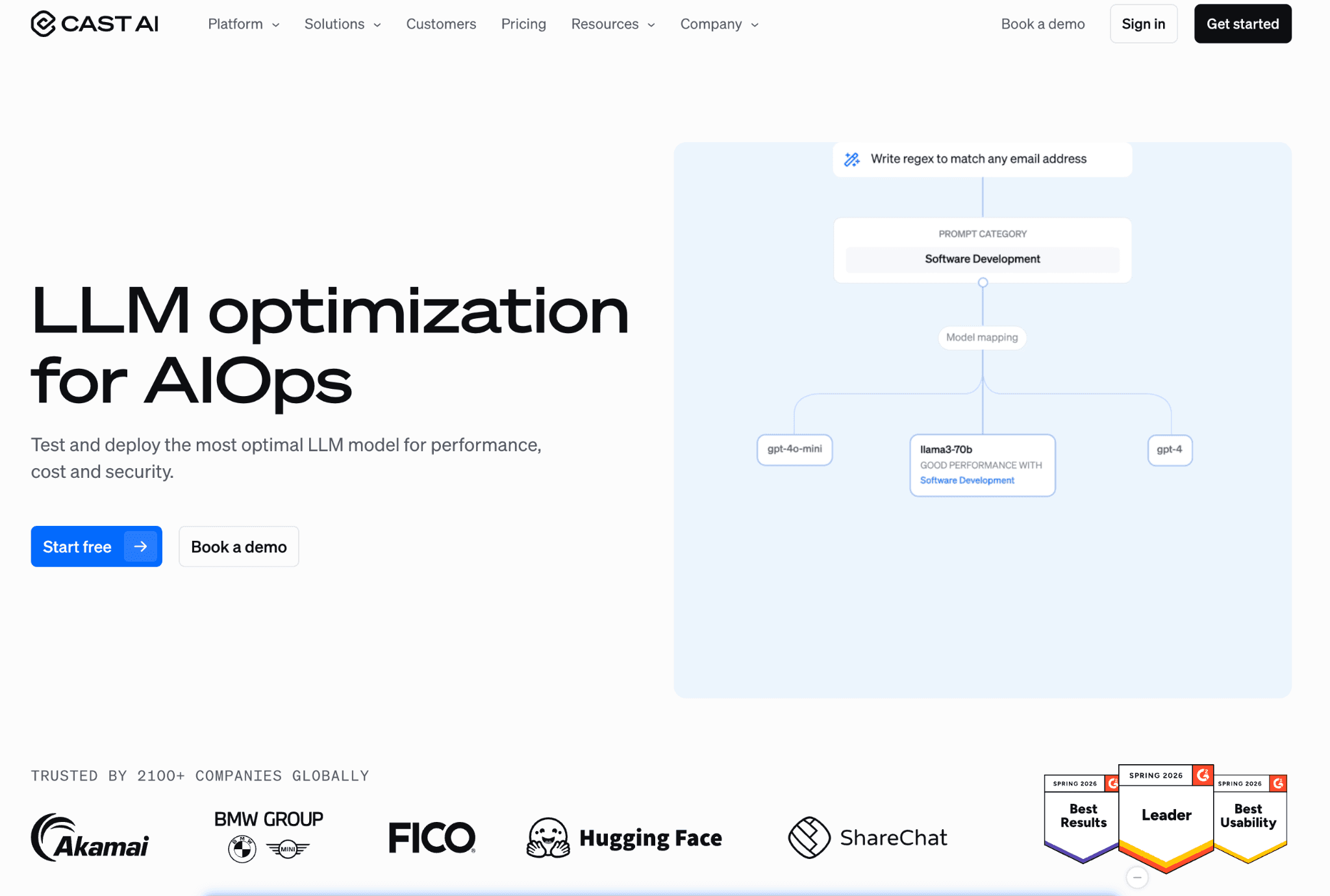
Cast AI is a Kubernetes automation platform that replaces the default cluster autoscaler and continuously rebalances workloads onto the cheapest viable nodes. For GPU it has built time-slicing and MIG into the platform, so several pods share one card.
Spot is where it earns its keep, automating the interruption handling that spot discounts of 60% to 90% normally demand. Cast AI's own benchmarks claim GPU-related development costs can fall as much as 93% per developer when sharing and spot combine, though figures like that depend heavily on workload shape.
Key features:
GPU time-slicing built into the platform so several pods share a single card without manual driver work.
MIG support for hardware-level partitioning on supported NVIDIA GPUs.
Autoscaler that picks the cheapest instance mix to satisfy pending GPU pods.
Automated spot instance management with interruption handling and fallback to on-demand.
Bin-packing that consolidates workloads onto fewer nodes to cut idle capacity.
Multi-cloud support across AWS, GCP and Azure Kubernetes services.
Real-time cost monitoring and rightsizing recommendations for GPU and CPU nodes.
Pricing: Cast AI offers a free tier for visibility and rightsizing reports. Full automation is usage-based, tied to the spend the platform actively manages.
Pros:
Strong hands-off automation turns spot and GPU sharing into default behavior, so savings happen without daily tuning.
Time-slicing and MIG are built in, so teams skip the plumbing of sharing one card across pods.
Cons:
It optimizes inside Kubernetes, so non-Kubernetes GPU jobs and broad cross-cloud FinOps reporting sit outside its core.
Handing automation control of production scaling takes trust, so rollout usually starts in lower environments first.
3. Run:ai (NVIDIA)
Best for: Enterprise AI infrastructure teams running heavy training and inference on large NVIDIA GPU clusters.
Run:ai is NVIDIA's GPU orchestration platform, acquired for a reported $700 million and since opened up at its core. It schedules GPU resources across a cluster so small jobs get fractions of a card and big training runs get full nodes, all allocated by policy.
Under the hood it offers GPU fractions via time-slicing, on-the-fly MIG partitioning and memory swap to CPU RAM. The open-source KAI Scheduler provides the Kubernetes-native engine, while the commercial layer adds memory isolation, multi-cluster control and RBAC with SSO.
Key features:
Fractional GPU allocation so one card serves several small jobs.
GPU time-slicing in strict and fair modes for shared interactive workloads.
On-the-fly NVIDIA MIG partitioning without manual reconfiguration.
GPU memory swap to CPU RAM to oversubscribe scarce memory.
Open-source KAI Scheduler with gang scheduling for distributed training.
Multi-cluster management from a single control plane.
Granular RBAC with SSO for research teams sharing a GPU pool.
Pricing: The KAI Scheduler is free and open source under Apache 2.0. The full Run:ai enterprise platform is sold by quote, aimed at organizations with sizable GPU fleets.
Pros:
Deepest pure GPU scheduling and fractionalization here, so research teams share a pool instead of hoarding whole cards.
The KAI scheduler is open source, so teams can start without buying the enterprise tier.
Cons:
It is NVIDIA-centric and built for scale, so smaller or mixed-vendor shops may find it heavy to run.
The full platform is quote-only, so there is no quick self-serve path to the enterprise features.
4. Kubecost
Best for: Kubernetes teams that want GPU and cluster cost visibility before committing to a paid platform.
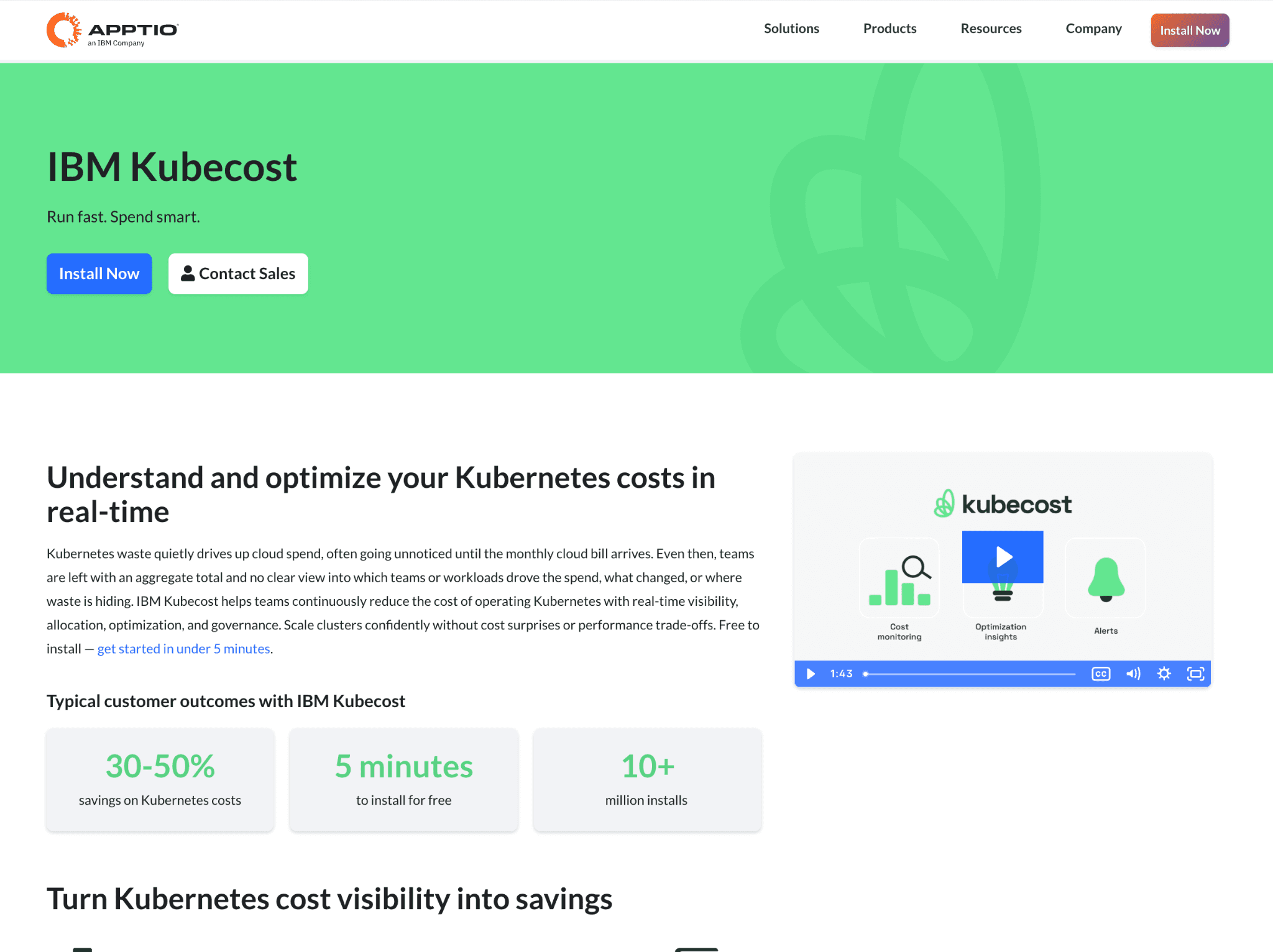
Kubecost, now part of IBM, gives real-time cost allocation for Kubernetes and breaks in-cluster spend down by CPU, memory, storage, network and GPU. Its v3 release added GPU metrics through NVIDIA's Data Center GPU Manager exporter, so you see per-workload GPU use rather than guessing from node cost.
For EKS users the appeal is sharper, since the AWS-optimized bundle is free. Beyond visibility it surfaces rightsizing and idle-resource recommendations, pointing to the GPU and CPU requests you can trim, though it leans toward showing waste rather than acting on it.
Key features:
GPU cost allocation by namespace, deployment, label and pod.
GPU utilization and memory metrics via the NVIDIA DCGM exporter.
Free EKS-optimized bundle exempt from the v3 free-tier spend cap.
Real-time cost breakdown across CPU, memory, storage, network and GPU.
Rightsizing recommendations for over-requested GPU and CPU workloads.
Idle and abandoned resource detection to catch forgotten GPU pods.
Multi-cluster cost views and showback, built on the open-source OpenCost project.
Pricing: The EKS-optimized bundle is free with full Kubernetes spend functionality. The standalone product has a free edition with limited retention and business plans start around $449 a month.
Pros:
Free, credible GPU visibility for EKS users, so teams see per-workload waste before paying for anything.
DCGM-backed metrics allocate GPU cost down to the pod, so chargeback rests on real usage.
Cons:
It reports and recommends but does not enforce, so the savings depend on someone acting on them.
Scope stops at Kubernetes, so it will not cover the rest of your cloud bill.
5. SkyPilot
Best for: ML engineers and research teams that want to run training and batch jobs on the cheapest available GPU across clouds.
SkyPilot is an open-source framework from UC Berkeley that abstracts the cloud away. You define a job once and it finds the cheapest GPU across more than 20 clouds and on-prem, provisions it, runs the work and tears it down.
Spot is central to its savings, since spot GPUs run roughly 2.5x to 3x cheaper than on-demand on major clouds. Its managed jobs detect preemption, provision a replacement and resume from the last checkpoint, so long training runs survive interruptions without babysitting.
Key features:
Cheapest-GPU auto-selection across 20+ clouds and on-prem.
Automatic provisioning and teardown so idle clusters do not linger.
Managed spot jobs with preemption detection and checkpoint recovery.
Multi-cloud failover when a region runs out of a GPU type.
Unified interface across hyperscalers and niche GPU clouds like Lambda and Vast.ai.
SkyServe for serving models with high availability across clouds.
Runs over Kubernetes, Slurm and raw cloud VMs.
Pricing: SkyPilot is fully open source and free. You pay only the underlying cloud GPU costs, which is the point, since it routes you to the cheapest provider.
Pros:
Genuinely cuts GPU cost by arbitraging providers and spot, so training lands on the cheapest available card.
Open source with strong preemption recovery, so long jobs survive interruptions unattended and without a license fee.
Cons:
It provisions and runs jobs but offers no spend attribution or FinOps reporting, so finance still needs another layer.
As a developer-first framework it expects config files and CLI comfort, so non-engineers will not drive it.
6. NVIDIA Multi-Instance GPU (MIG)
Best for: Teams that want to squeeze more isolated workloads out of each high-end NVIDIA card at the hardware level.
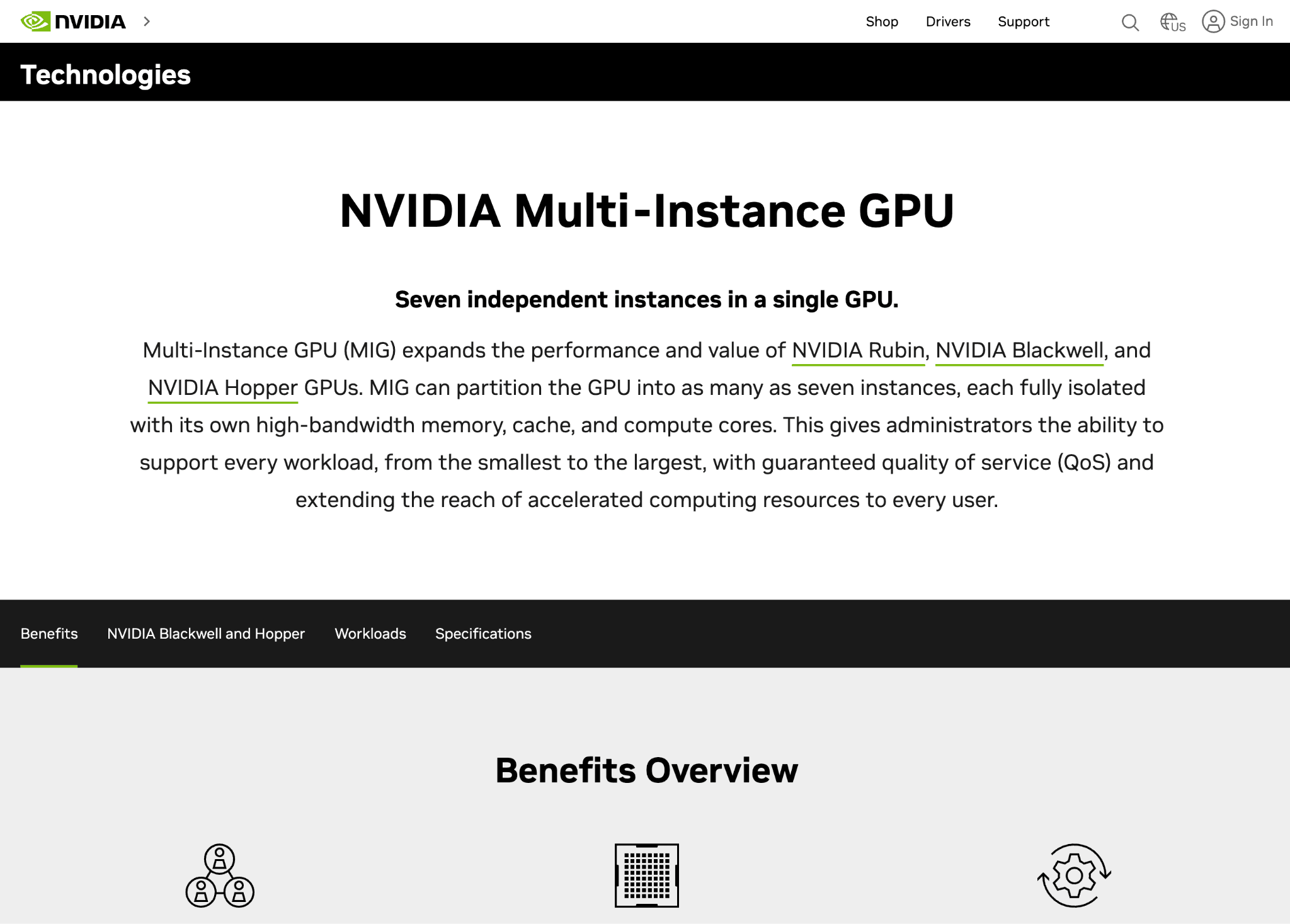
Multi-Instance GPU is NVIDIA's hardware partitioning feature, not a SaaS product. It splits a single A100, H100, or H200 into as many as seven fully isolated GPU instances, each with its own memory, cache and compute.
For inference and smaller jobs that never need a whole card, MIG turns one expensive accelerator into several schedulable units. Because the isolation is enforced in silicon, one tenant cannot starve another, which suits shared inference clusters. It is usually driven through Kubernetes device plugins or layered under orchestrators like Run:ai and Cast AI.
Key features:
Hardware partitioning of one GPU into up to seven isolated instances.
Dedicated memory, cache and compute per instance for predictable performance.
Silicon-enforced isolation so noisy neighbors cannot steal resources.
Supported on data-center GPUs including A100, H100, H200 and A30.
Kubernetes device-plugin integration for scheduling MIG slices.
Pairs with orchestrators that create and manage partitions dynamically.
Strong fit for inference and many small concurrent jobs.
Pricing: MIG is included free with supported NVIDIA data-center GPUs; there is no separate license. Your cost is the GPU itself, whether owned or rented from a cloud.
Pros:
Direct hardware-level utilization gain with no software fee, so one expensive card becomes several billable units.
Silicon-enforced isolation suits multi-tenant inference, so one tenant cannot degrade another's performance.
Cons:
Partition profiles are relatively fixed and best for inference and small jobs, not elastic large training runs.
On its own it has no scheduling, autoscaling, or cost reporting, so it needs an orchestrator on top.
7. Apptio Cloudability
Best for: Large enterprises that need GPU and AI spend folded into a broader technology business management practice.
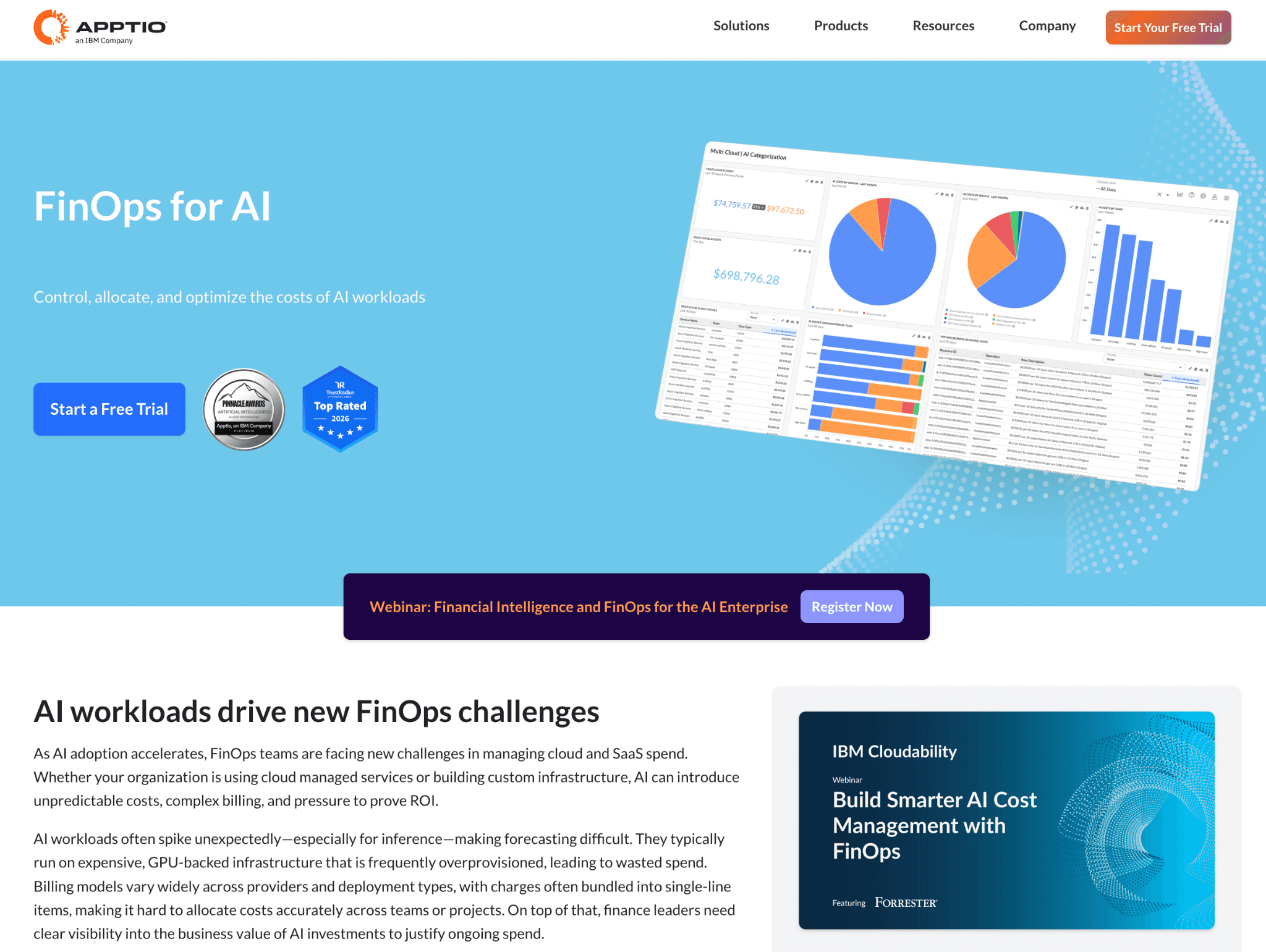
Apptio Cloudability, an IBM product, is an enterprise FinOps and TBM suite that allocates effectively all cloud cost and now extends to AI. Its newer capabilities pull token, GPU and API telemetry to calculate the full total cost of ownership of AI investments.
For GPU it adds monitoring powered by NVIDIA's DCGM exporter, so utilization feeds the same allocation engine that handles the rest of the cloud bill. The strength is breadth and governance for big organizations; the tradeoff is enterprise weight and price.
Key features:
Allocation of effectively 100% of cloud cost with mapping and cost-sharing tools.
GPU monitoring via the NVIDIA DCGM exporter.
Token, GPU and API telemetry rolled into AI total cost of ownership.
TCO modeling that blends cloud, vendor, infrastructure and labor.
Budgeting, forecasting and chargeback for large cost centers.
Multi-cloud coverage across major providers.
TBM framework for mapping technology cost to business services.
Pricing: Cloudability uses a percentage-of-spend model, so the fee tracks your cloud bill. Public estimates put mid-market deals around $76K to $132K a year, scaling well higher at enterprise volume.
Pros:
Deep enterprise FinOps and TBM, so GPU spend rolls into the same approval and chargeback flows leadership already uses.
AI TCO includes labor and vendor cost, not just infrastructure, so executives see the full picture.
Cons:
It is heavyweight and priced for large enterprises, so smaller teams will find it more than they need.
The percentage-of-spend model means the bill climbs with the very cloud spend you are trying to cut.
How to Choose the Right GPU Cost Optimization Tool
The fastest way to choose is to name your problem first, then match the category. Tie GPU cost to a business metric with unit economics, and the right category usually becomes obvious.
You cannot say which team or model drives GPU spend: start with attribution. Amnic and Apptio Cloudability allocate GPU cost to teams, products and units.
Your GPUs sit idle inside Kubernetes: start with sharing and orchestration. Cast AI and Run:ai pack more work onto each card.
You want to see waste before paying for a platform: start with visibility. Kubecost gives free GPU allocation on EKS.
You are chasing the cheapest place to train: start with provisioning. SkyPilot arbitrages spot and providers across clouds.
You want hardware-level isolation for inference: use NVIDIA MIG under your existing scheduler.
Two questions narrow it further. Are you mostly running model training or model inference? Training rewards spot and cheapest-provider tools, while always-on inference rewards sharing and MIG.
And is your stack one cloud or several? A multi-cloud GPU fleet needs an allocation layer that unifies the bill, which is where a FinOps for AI approach beats a single-cluster tool.
Common Mistakes When Choosing GPU Cost Optimization Tools
Buying an orchestrator and expecting financial reporting: Schedulers raise utilization but rarely tell finance who spent what. Pair the orchestrator with an attribution layer so the savings show up in dollars, not just utilization graphs.
Optimizing utilization while ignoring idle clusters: A perfectly bin-packed cluster that nobody shuts down still burns money overnight. Combine sharing with idle detection so AI workloads stop paying for capacity between runs.
Treating training and inference the same: Spot tactics suit interruptible training but break always-on inference. Match the lever to the workload instead of applying one playbook everywhere.
Forgetting the cost of the cost tool: Percentage-of-spend pricing can grow into a large line item at scale. Read the pricing model against your projected bill, the same way you would compare AI GPU pricing across providers before committing.
Why FinOps Teams Pick Amnic for GPU and AI Spend
Most tools on this list raise utilization or provision cheaper hardware. Few turn the resulting GPU spend into accountable, allocated cost and that is the gap Amnic fills.
The platform is agentless and read-only, so it reads cloud and Kubernetes billing without anything new on production GPU nodes. It unifies AWS, Azure and GCP plus AI spend in one place and the cost analyzer breaks a shared GPU cluster down to the individual workload that consumed it.
Named results back the approach, with Jiffy.ai's 50% cluster saving cited above and teams governing model spend often layering token controls on top of GPU attribution. The aim is simple: every GPU dollar mapped to an owner, so the next spend review starts from facts instead of guesses.
Frequently Asked Questions
What are GPU cost optimization tools?
GPU cost optimization tools track, share and reduce the cost of running AI and ML workloads on GPUs. They use Kubernetes scheduling, GPU time-slicing, fractional sharing, spot automation and spend attribution to cut idle waste and over-provisioning.
How much can GPU cost optimization tools save?
Savings depend on workload shape, but the headroom is large because GPU utilization often sits near 5% (Cast AI 2026 report). Spot instances alone run 60% to 90% cheaper than on-demand and sharing or right-sizing recovers much of the idle capacity.
What is the difference between GPU orchestration and GPU cost attribution?
Orchestration tools like Cast AI and Run:ai raise utilization by scheduling and sharing GPUs. Attribution tools like Amnic assign the resulting spend to teams, models and products. Most teams need both: one cuts the bill, the other makes it accountable.
Do I need separate tools for training and inference?
Often yes. Training benefits from spot and cheapest-provider provisioning such as SkyPilot, while always-on inference benefits from sharing and hardware partitioning like NVIDIA MIG. A single attribution layer can still cover spend across both.
Are there free GPU cost optimization tools?
Yes. SkyPilot is fully open source, NVIDIA's KAI Scheduler is Apache 2.0, NVIDIA MIG is included with supported GPUs and Kubecost offers a free EKS-optimized bundle. Paid platforms add automation, attribution and enterprise governance.
Can these tools work across multiple clouds?
Some can. Amnic, Apptio Cloudability, Cast AI and SkyPilot support multiple clouds, while NVIDIA MIG is hardware-bound and Kubecost is scoped to Kubernetes. For a multi-cloud GPU fleet, choose a tool that unifies spend across providers.
Take Control of Your GPU Spend
GPU cost optimization is rarely one tool. You raise utilization with an orchestrator, find cheap capacity with a provisioner and make the spend accountable with a FinOps layer.
Amnic owns that last and most overlooked piece, attributing GPU and AI cost across cloud and Kubernetes so engineering and finance work from the same numbers. Request a demo to see your GPU spend allocated by team, model and unit.
Better visibility and management into AI Tokens?
Start with a 30 day trial
Connect leading LLMs
24 hour time to value
Stay ahead of AI Spend

Make AI spend visible, controllable, and accountable.
Gain insights into your AI token costs at a team, customer, business unit and individual user level to measure and manage AI utilization.
Recommended Articles

8 Best Llama Cost Management Tools in 2026
Read More

8 Best Amazon Bedrock Cost Optimization Tools for 2026
Read More

7 Best Amazon Bedrock Cost Monitoring Tools
Read More

8 Best Gemini Cost Visibility Tools for 2026
Read More

7 Best Multimodal Cost Optimization Tools for 2026
Read More

5 Best Anthropic Cost Allocation Tools for 2026
Read More






