7 Best Mistral Cost Optimization Tools for 2026
14 min read
Tools

Table of Contents
Comparing the top Mistral cost optimization tools are 1. Amnic, 2. Portkey, 3. Helicone, 4. LiteLLM, 5. OpenRouter, 6. Cloudflare AI Gateway and 7. Langfuse.
Mistral cost optimization tools track, control and reduce what your teams spend running Mistral models through La Plateforme, Azure AI Foundry, or Amazon Bedrock. They cover the levers that actually move a Mistral bill: caching repeated prompt prefixes, routing each request to the smallest capable model, pushing non-urgent work to the Batch API and tying every token back to a team.
The pain is familiar to anyone who has shipped a Mistral feature. The rate card looks cheap at $0.10 to $7.50 per million tokens depending on model, per Mistral's published pricing. Then the invoice arrives three times larger than the forecast because output tokens cost three to five times more than input, agent loops resend context every turn and OCR plus fine-tuning bill on separate meters.
Amnic leads this list because it treats Mistral spend as a finance problem, not just a logging problem. Most tools below show you what a request cost. Amnic answers the question a CFO actually asks: which team, product and environment drove the Mistral bill this month and where is the waste.
It reads usage agentlessly, allocates every token to an owner and sits alongside your cloud and SaaS spend. That keeps AI cost from becoming a blind spot in a separate dashboard.
Top 7 Mistral Cost Optimization Tools
Amnic: A FinOps platform that allocates every Mistral token to a team, product, or environment and reports it next to cloud and SaaS spend in one view.
Portkey: An AI gateway with semantic caching, model routing and per-key budget limits that sits in front of the Mistral API.
Helicone: An observability proxy that logs cost per request, user and model with one line of integration and built-in response caching.
LiteLLM: An open-source proxy that exposes Mistral through an OpenAI-format API with per-key budgets, routing and spend tracking.
OpenRouter: A single-API router and marketplace that bills Mistral and other providers on one invoice with price-aware routing.
Cloudflare AI Gateway: An edge gateway that adds caching, rate limiting and cost analytics to Mistral calls with almost no setup.
Langfuse: An open-source observability tool that traces Mistral calls and tracks cost per trace, model and user for evaluation-heavy teams.
What Are Mistral Cost Optimization Tools?
Mistral cost optimization tools are software that measure and reduce the money you spend calling Mistral models in production.
They fall into three layers. Gateways and proxies sit between your application and Mistral, so they can cache responses, route to cheaper models, cap spend per key and enforce rate limits before a request ever bills. Observability tools log each call and attribute its token cost to a request, user, or session, which tells you where the money goes.
FinOps platforms sit above both. They pull usage into an allocation model that ties spend to teams, products and budgets, so finance and engineering see the same numbers.
For a buyer, the right layer depends on the token economics you are dealing with and the question you need answered. If you want to cut the per-call rate, a gateway with caching and routing pays for itself fast. If you want to know why last month cost more, observability gives you the trace.
If you are accountable for an AI budget across several providers and clouds, you need allocation, forecasting and chargeback. That is where a FinOps platform earns its place. The seven tools below span all three layers, starting with Amnic.
Mistral Cost Optimization Tools Comparison Table
Information reflects vendor sources as of June 2026. Confirm current pricing with the vendor.
Tool | Mistral Coverage | Key Cost Levers | Free Option | Pricing | Best For |
|---|---|---|---|---|---|
Amnic | La Plateforme, Bedrock, Azure AI Foundry usage via cloud bill | Token allocation, anomaly alerts, budgets, chargeback across AI + cloud | Free trial | ~0.25 to 1% of monitored spend | Finance and platform teams owning a multi-provider AI budget |
Portkey | Mistral API via gateway | Semantic caching, model routing, virtual-key budgets, fallbacks | Yes, free tier | Free, then paid plans from ~$49/mo | Engineering teams wanting routing and caching in one hop |
Helicone | Mistral API via proxy or async logging | Per-request cost logging, response caching, rate limits | Yes, free tier | Free, then ~$20/seat/mo | Developers needing fast cost visibility per request |
LiteLLM | Mistral via OpenAI-format proxy | Per-key budgets, routing, fallbacks, spend tracking | Yes, open source | Free OSS, paid Enterprise | Teams standardizing many providers behind one API |
OpenRouter | Mistral and 300+ models on one API | Price-aware routing, unified billing, fallbacks | Pay as you go | Usage plus a small credit fee | Teams testing models without separate contracts |
Cloudflare AI Gateway | Mistral via universal endpoint | Edge caching, rate limiting, cost analytics, fallbacks | Yes, free tier | Free, paid for log persistence | Teams already on Cloudflare wanting a quick gateway |
Langfuse | Mistral via SDK or proxy | Cost-per-trace tracking, evals, prompt management | Yes, open source | Free OSS and cloud tier, Pro from ~$59/mo | Teams running heavy evaluation and tracing |
How We Evaluated Mistral Cost Optimization Tools
Mistral coverage: Does the tool work with La Plateforme and the cloud surfaces where teams run Mistral, including Bedrock and Azure AI Foundry, not just one endpoint.
Cost levers: How many real savings mechanisms it offers, such as caching, routing, batch support, budgets and allocation, versus passive reporting alone.
Visibility and allocation: Whether it ties spend to a team, product, or environment, or stops at a raw per-request log.
Setup effort: How fast a team gets value, from a one-line proxy to an agentless read-only connection.
Free tier and pricing transparency: Whether you can evaluate it without a contract and whether pricing scales sanely with spend.
Fit beyond Mistral: Whether the tool also handles your other AI providers and cloud cost, so AI spend lives in one place instead of a silo.
Top Mistral Cost Optimization Tools in 2026
1. Amnic
Best for: Finance and platform teams who own an AI budget that spans Mistral, other model providers and cloud infrastructure.
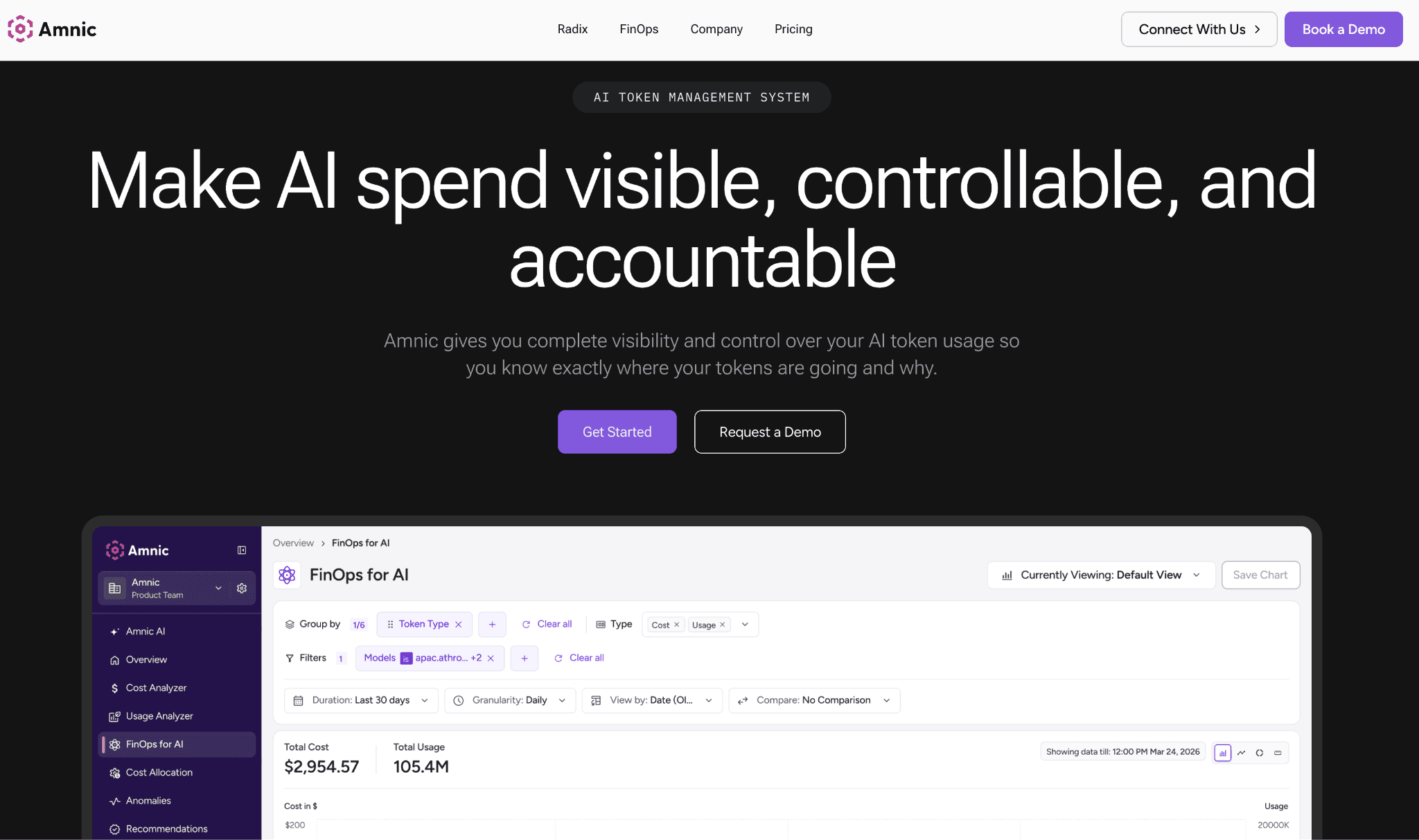
Amnic is a FinOps platform built to give finance and engineering one shared view of cost. For Mistral, every token from La Plateforme or from Mistral models running on Bedrock and Azure AI Foundry gets pulled in through the cloud bill and allocated to the team, product and environment that spent it.
Instead of a flat number on an invoice, you see that the support chatbot drove 40% of last month's Mistral spend and the document pipeline drove the rest. OCR and fine-tuning sit on their own meters, surfaced separately rather than hidden in the total.
The platform connects agentlessly and read-only, so there is no proxy in your request path and no SDK to maintain. That keeps it out of the latency conversation that gateways live in. Amnic is also SOC 2, ISO 27001 and GDPR compliant, which matters when the teams choosing Mistral for EU data residency scrutinize every vendor that touches usage data.
Where the gateways below cut the per-call rate, Amnic answers the budget questions: is spend tracking to forecast, who owns the overage and which workload is the anomaly. For a wider view of the category, the FinOps tools for AI cost management guide covers how these platforms compare.
Key features:
Agentless, read-only ingestion of Mistral and cloud usage, so there is nothing in your request path and no API keys handed over.
Token-level allocation that maps every Mistral call to a team, product, feature and environment for true showback and chargeback.
AI and cloud spend in a single view, so a Mistral bill is not stranded in a separate dashboard from your AWS or Azure cost.
Anomaly detection that flags a Mistral spend spike when an agent loop or a model change quietly doubles token use.
Budgets and forecasts that compare live Mistral spend against plan and project month-end before the invoice lands.
AI agents through Amnic AI that surface cost insights and governance actions in plain language.
Multi-meter clarity that separates completion, OCR, fine-tuning and audio billing instead of lumping them into one total.
Pricing: Amnic prices at roughly 0.25% to 1% of the cloud and AI spend you monitor, so the cost scales with the value under management rather than a flat per-seat fee. A free trial is available and you can request a demo to see allocation on your own data.
Pros:
Ties Mistral tokens to owners and budgets, which no pure gateway or logger on this list does at the same depth.
Sits across every provider and cloud, so AI cost stops being a silo next to the rest of the bill.
Agentless setup avoids adding latency or a new failure point to production traffic.
Cons:
It does not cache or route requests in real time, so pair it with a gateway if your goal is cutting the per-call rate at the edge.
The allocation depth is more than a small single-model project needs if you only spend a few hundred dollars a month.
2. Portkey
Best for: Engineering teams that want caching, routing and spend guardrails in a single gateway hop in front of Mistral.
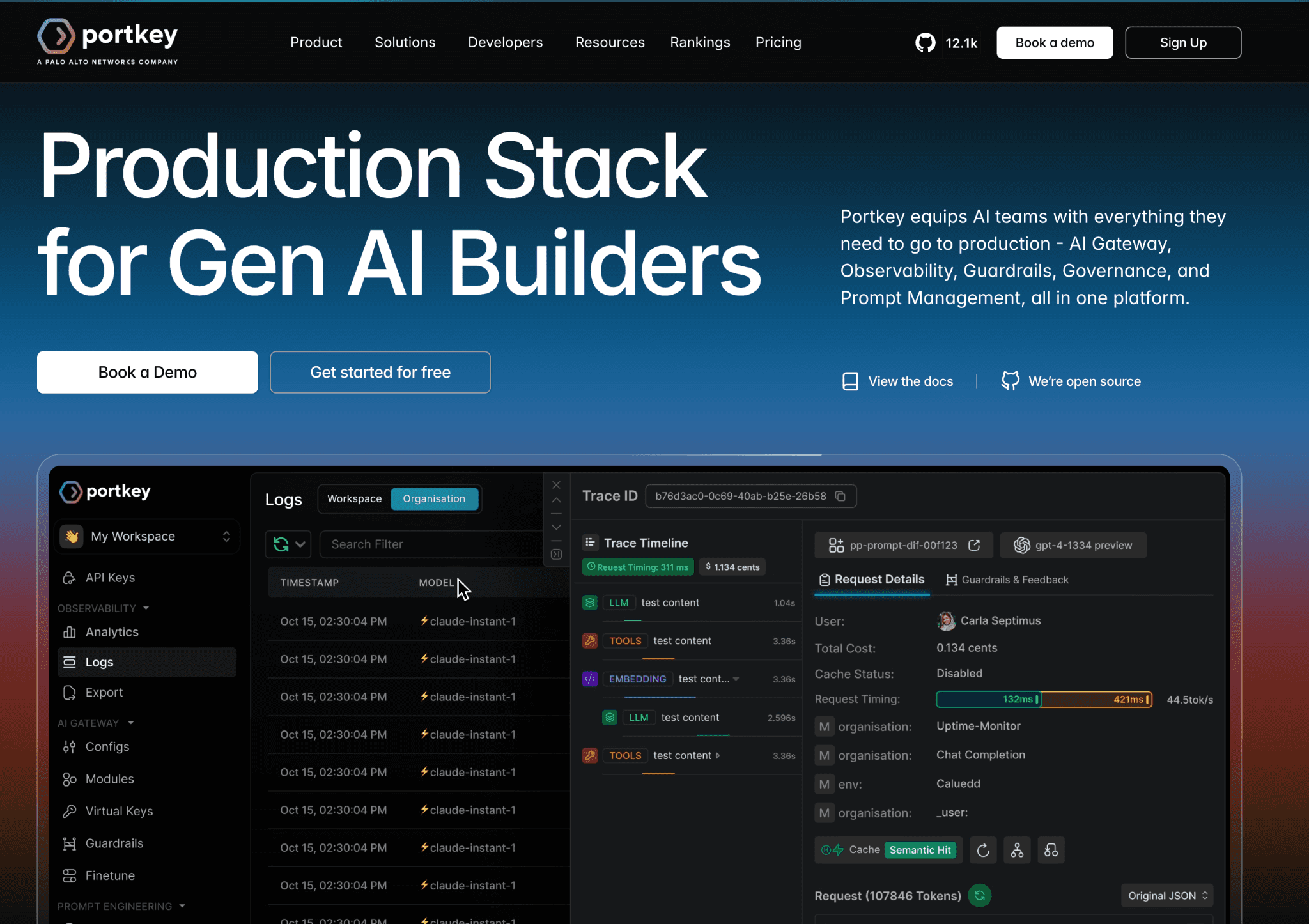
Portkey is an AI gateway that proxies your Mistral calls and adds the control layer the raw API lacks. Its semantic cache returns a stored response when a new prompt is close enough to a previous one, which cuts repeat spend on FAQ-style and retrieval traffic that an exact-match cache would miss.
Routing lets you send cheap classification work to Ministral or Mistral Small and reserve Mistral Medium for the hard requests, all without changing application code.
The piece most relevant to cost control is virtual keys with budget limits. You issue a key per team or environment, set a spend cap and Portkey blocks calls once the budget is hit, which stops a runaway script from burning a month of budget overnight.
It is a strong complement to a FinOps platform. Portkey enforces the limit at the edge while the AI cost visibility tools above report and allocate the spend that gets through.
Key features:
Semantic and simple caching that serves repeat or near-duplicate prompts without a fresh Mistral call.
Conditional routing across Mistral tiers and other providers based on rules you define.
Virtual keys with hard budget and rate limits per team, app, or environment.
Automatic fallbacks and load balancing so a Mistral outage reroutes instead of failing.
An observability dashboard showing latency, cost and error rates per route.
Guardrails and prompt management for teams standardizing how requests are built.
Pricing: Portkey offers a free tier covering a fixed monthly request volume, with paid production plans starting around $49 per month and enterprise pricing above that. An open-source gateway is available for teams that prefer to self-host.
Pros:
Combines caching, routing and budgets in one place, so you get several cost levers from a single integration.
Semantic caching catches savings that exact-match caches leave on the table.
Cons:
It adds a network hop, which introduces latency you have to weigh against the savings.
Cost reporting stops at the gateway and does not allocate spend to business units the way a FinOps platform does.
3. Helicone
Best for: Developers who want per-request Mistral cost visibility live in minutes without rebuilding their stack.
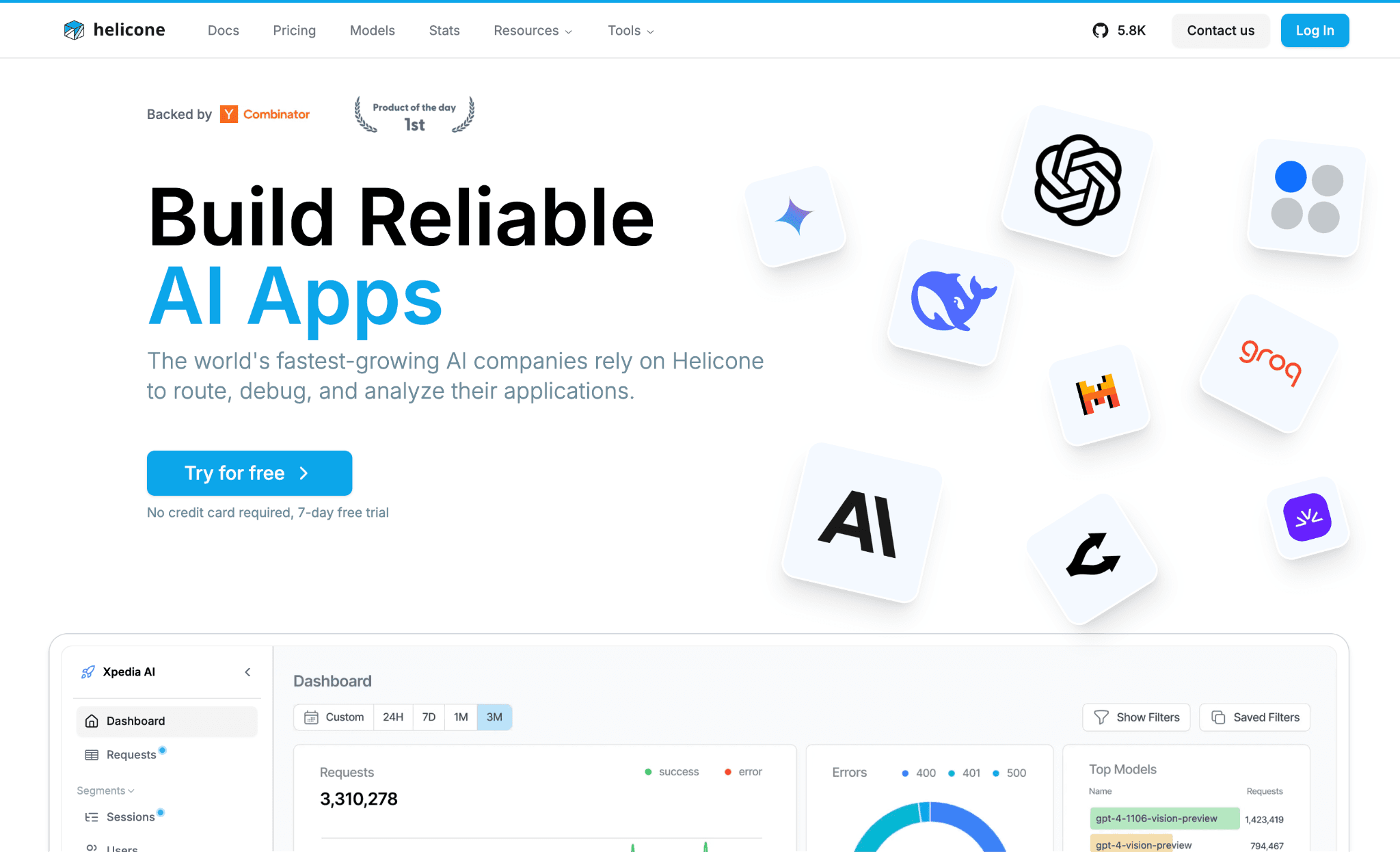
Helicone is an observability layer that you drop in front of Mistral by changing a base URL, or through async logging if you do not want a proxy in the path. Once it is live, every call is logged with its token count and dollar cost, broken down by model, user and custom properties you attach.
That makes it easy to answer the first question every team hits: which feature or customer is driving the Mistral bill and which prompts are quietly oversized.
Beyond logging, Helicone adds response caching, rate limiting and prompt management, so it nudges into cost control rather than pure reporting. It pairs naturally with deeper LLM observability practices and with a FinOps layer for allocation.
The free tier is generous for prototypes but caps logged requests per month. High-traffic apps move to a paid plan or selective logging to avoid going dark.
Key features:
One-line proxy or async logging that captures cost per request without an SDK rewrite.
Cost and token breakdowns by model, user, session and custom properties.
Response caching that serves repeated prompts and trims duplicate spend.
Rate limiting to cap abusive or runaway usage at the user level.
Prompt management and versioning to track which prompt drove which cost.
Alerts on spend and error spikes so a cost anomaly does not hide until invoicing.
Pricing: Helicone has a free tier with a monthly logged-request cap, with paid plans from roughly $20 per seat per month for higher volume and longer retention. It is also open source for self-hosting.
Pros:
Fastest path to per-request Mistral cost visibility, often live in under ten minutes.
Open source and self-hostable, which suits teams with strict data rules.
Cons:
The free tier stops logging after its monthly cap, so most of your traffic goes dark until you upgrade.
It is built for observability, so it tracks and caches spend but does not allocate it to teams or budgets.
4. LiteLLM
Best for: Platform teams standardizing many model providers behind one OpenAI-compatible API with budget controls.
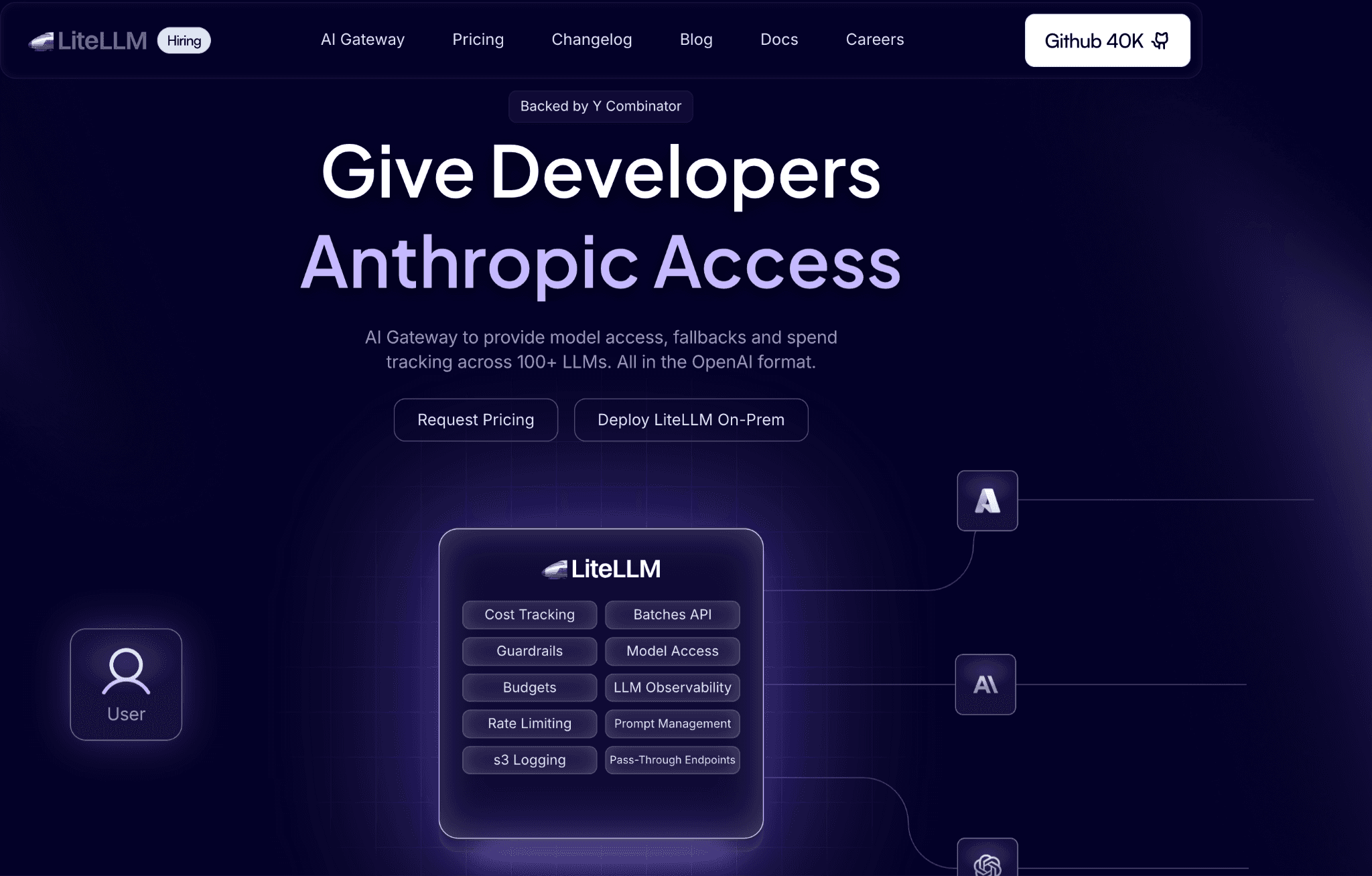
LiteLLM is an open-source proxy and SDK that exposes Mistral and roughly a hundred other providers, through a single OpenAI-format endpoint. That uniformity is itself a cost lever: when calling Ministral, Mistral Small and Mistral Large looks identical in code, routing to the cheapest model that clears your quality bar becomes a config change.
Teams running a multi-cloud cost management platform setup lean on it to avoid lock-in to any one provider's SDK.
For cost control, the proxy server adds virtual keys with per-key and per-team budgets, rate limits, spend tracking and fallbacks. You can cap what each team spends on Mistral and route overflow to a cheaper model when a budget nears its limit.
Because it is open source, you own the deployment and the ops burden. That is the trade for the control and the absence of a per-seat fee.
Key features:
Unified OpenAI-format API covering Mistral and around 100 providers, so provider swaps are config, not code.
Per-key and per-team budgets with hard spend caps and rate limits.
Routing, retries and fallbacks across models and providers.
Spend tracking and logging that exports to your observability stack.
Response caching to cut repeat-prompt spend.
Self-hosted control with no data leaving your environment.
Pricing: The core LiteLLM proxy is free and open source. A paid Enterprise tier adds support, SSO and admin features, priced on request.
Pros:
Removes provider lock-in, which makes routing to cheaper Mistral tiers or alternatives straightforward.
Per-key budgets give finance-style guardrails without a commercial contract.
Cons:
Self-hosting carries an ops and maintenance burden that a managed service avoids.
Its dashboards are basic next to a dedicated FinOps platform, so deep allocation still lives elsewhere.
5. OpenRouter
Best for: Teams evaluating Mistral against other models without signing a separate contract for each.
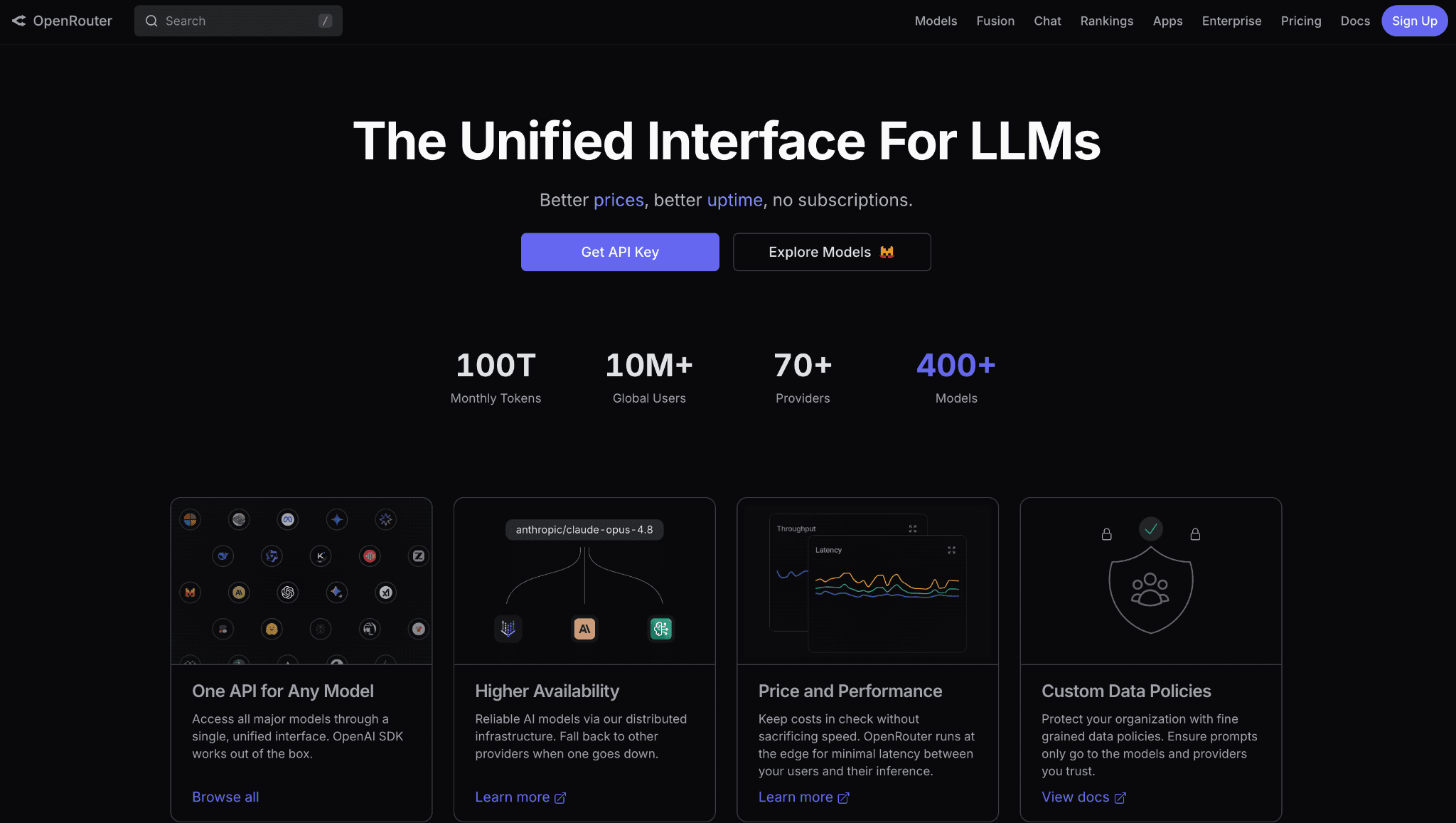
OpenRouter is a router and marketplace that puts Mistral and more than 300 other models behind one API and one invoice. The draw is a single bill across providers and the ability to route on price or latency, so you can compare a task on Mistral Small against a rival model and let the router pick the cheaper option that fits.
It removes the friction of per-provider billing relationships when you are still deciding what to standardize on.
The trade is a small fee on credits and the fact that consolidation through a third party means your team-level allocation is only as granular as the metadata you pass. It is excellent for experimentation and for understanding relative model economics, which complements an LLM cost comparison exercise.
For production chargeback, you still want a FinOps layer that maps the unified bill back to owners.
Key features:
One API and one invoice spanning Mistral and 300-plus models.
Price and latency-aware routing to the cheapest model that fits a request.
Automatic fallbacks when a provider or model is unavailable.
Usage analytics across all models in a single dashboard.
Bring-your-own-key support to use your own Mistral account through the router.
No per-provider contracts, so new models are available immediately.
Pricing: OpenRouter is pay as you go and the openrouter pricing breakdown details the credit fee. You buy credits and a small percentage fee applies, or you bring your own provider keys under its fee terms.
Pros:
Easiest way to test Mistral against competitors and see real cost differences side by side.
Single billing relationship reduces procurement overhead across many models.
Cons:
The credit fee is a markup on top of Mistral's own rate, which adds up at scale.
Team-level allocation is limited, so it is a routing tool, not a cost-accountability tool.
6. Cloudflare AI Gateway
Best for: Teams already on Cloudflare who want caching and cost analytics on Mistral with minimal setup.
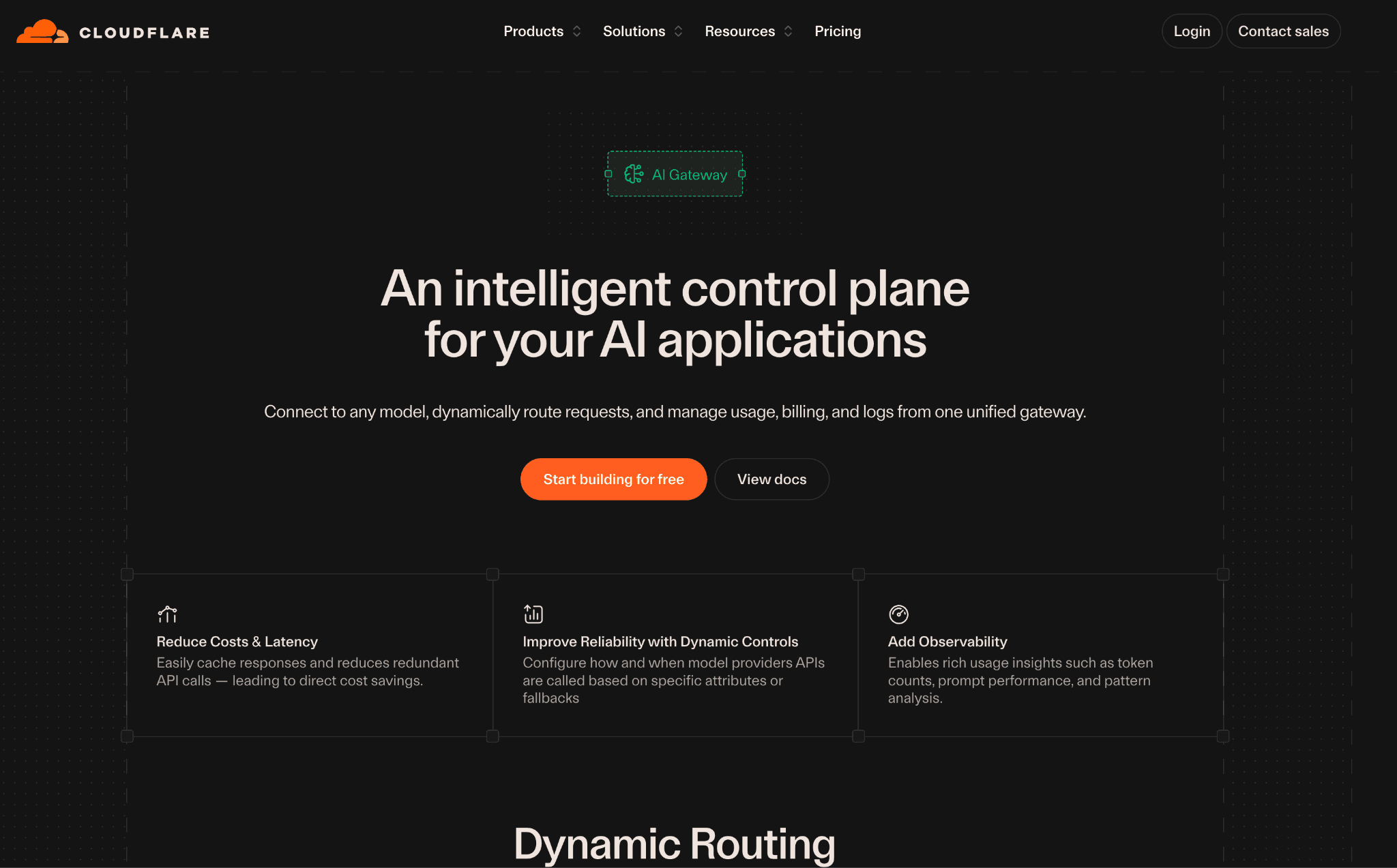
Cloudflare AI Gateway proxies your Mistral calls through Cloudflare's edge and adds caching, rate limiting and analytics with a one-line endpoint change. Caching at the edge means a repeated prompt is served without a billable Mistral call and rate limiting protects you from a bug or abuse that would otherwise run up the bill.
The analytics view shows request volume, cost and errors, so you get a baseline read on Mistral spend without standing up new infrastructure.
It is the lightest-touch option here, which is both the appeal and the limit. There is little to configure and if you already run Cloudflare it costs nothing extra to start.
The reporting is intentionally lean, so it tells you the gateway's totals rather than allocating spend to teams. It pairs well with the broader AI cost tracking tools you may already use for deeper analysis.
Key features:
Edge caching that serves repeated Mistral prompts without a new billable call.
Rate limiting to cap runaway or abusive usage before it bills.
Real-time logs and cost analytics per request.
Fallbacks and retries across providers and models.
A universal endpoint that works with Mistral and other major providers.
Tight integration with Workers and the rest of the Cloudflare stack.
Pricing: The gateway is free to use with a Cloudflare account. Costs appear only when you add persistent log storage or related Workers features at standard Cloudflare rates.
Pros:
Near-zero setup and no extra cost if you already run Cloudflare.
Edge caching and rate limiting deliver real savings with almost no configuration.
Cons:
The analytics are lighter than dedicated observability or FinOps tools.
It works best inside the Cloudflare ecosystem, which is a constraint if you are not already there.
7. Langfuse
Best for: Teams running heavy evaluation and tracing who want Mistral cost attached to every trace.
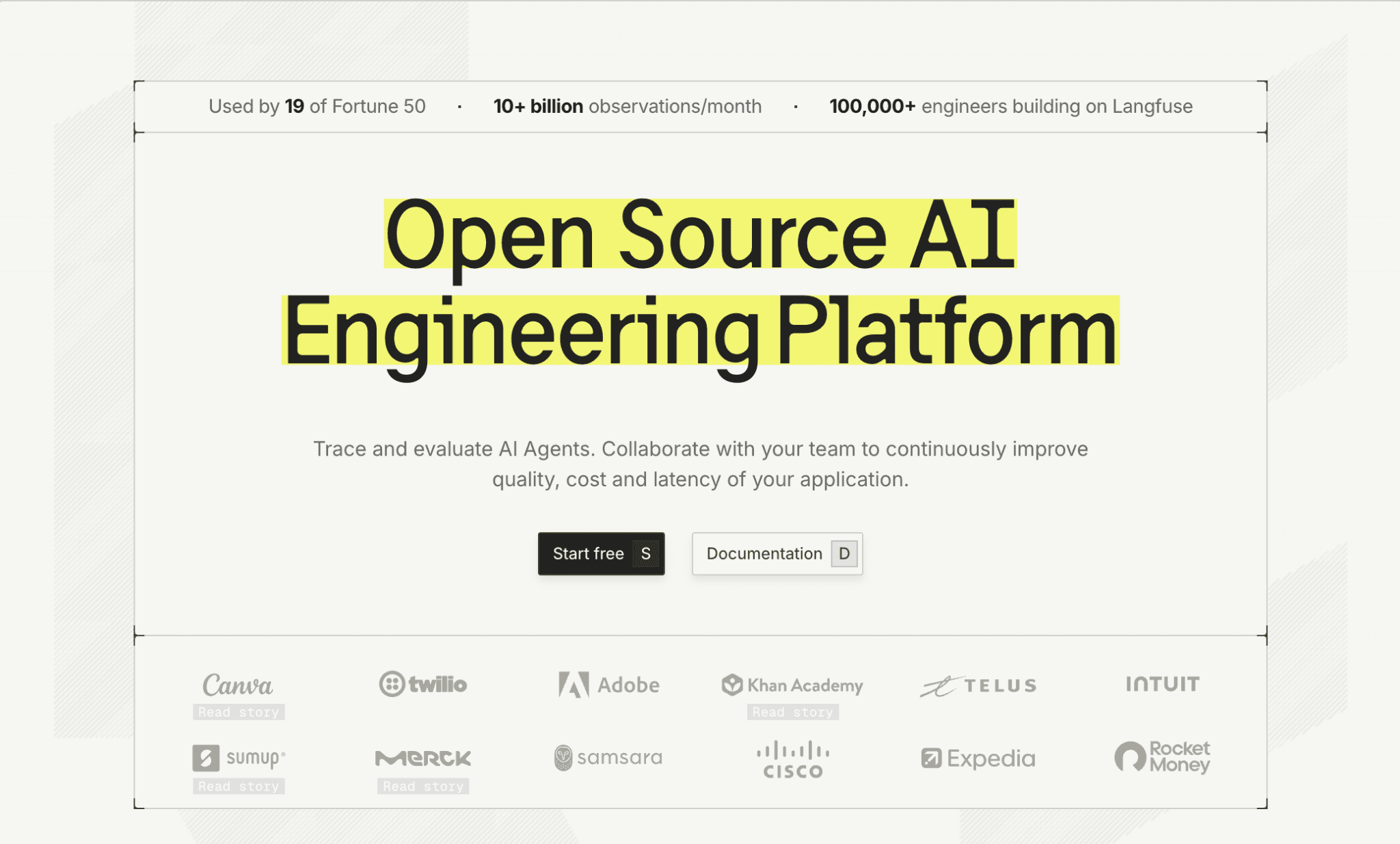
Langfuse is an open-source observability platform built for teams that treat prompts and chains as something to measure and improve. It traces each Mistral call, including multi-step agent runs and attaches token cost to every trace, model and user.
For agent-style Mistral usage, where one user action triggers a chain of calls, that step-level cost view is the difference between guessing and knowing.
On top of tracing, Langfuse adds evaluations, prompt management and dashboards, so cost sits next to quality in the same tool. That helps when you are deciding whether dropping from Mistral Medium to Mistral Small saves money without hurting output.
Like the other observability tools here, it reports and analyzes rather than enforces. Allocation and budgets across the wider finops for AI picture still belong to a FinOps platform.
Key features:
Detailed tracing of Mistral calls and multi-step agent chains.
Cost tracking per trace, model, user and session.
Built-in evaluations to compare quality against cost across models.
Prompt management and versioning tied to observed cost.
Dashboards for spend, latency and quality trends over time.
Open-source and self-hostable for teams with strict data requirements.
Pricing: Langfuse is open source and free to self-host, with a managed cloud free tier and paid plans from roughly $59 per month for higher volume and longer retention.
Pros:
Step-level cost on agent chains shows exactly where a complex Mistral workflow spends.
Combining cost and evals in one tool supports informed model-tier decisions.
Cons:
It is observability-first, so it surfaces spend but does not cap or allocate it.
Self-hosting and configuring traces takes more setup than a drop-in proxy.
How to Choose the Right Mistral Cost Optimization Tool
You need to cut the per-call rate fast: Start with Portkey or Cloudflare AI Gateway for caching and routing at the edge.
You want per-request cost visibility in minutes: Helicone gets you logging quickest, with Langfuse better for agent-chain tracing.
You run many providers and want one API with budgets: LiteLLM standardizes access and adds per-key spend caps, the core of any multi-provider llm cost management tool stack.
You are still choosing models: OpenRouter lets you compare Mistral against rivals on one bill.
You own an AI budget and answer to finance: Amnic allocates Mistral spend to teams and budgets alongside cloud cost, which the gateways and loggers do not do.
Most mature teams run two layers: a gateway or logger to control and observe requests and a FinOps platform to allocate and forecast the spend. The ai token management tools overview goes deeper on combining the two.
A Hidden-Cost Scenario (Illustrative) and Where Amnic Fits In
The following is an illustrative composite, not a specific customer, but every cost mechanism in it is real. Picture a 30-person product team running a Mistral Medium support agent and a document pipeline on La Plateforme. The month's forecast said $4,000, and the invoice came back at $13,000 with nothing broken and no alert fired.
The agent had simply resent the full conversation history on every turn, so a ten-step support thread paid for the same system prompt ten times over. The OCR step billed on its own meter that nobody was watching and the prompt cache key was never set, so identical instruction blocks paid the full input rate instead of a tenth of it. The waste was real, recurring and invisible until the statement landed at month-end.
That is what makes AI spend dangerous: it hides in plain sight across providers. The same team had also wired Grok into one feature, billed at the rates laid out in Grok API pricing, with no shared view of how that line stacked up against the Mistral bill. Nobody had connected the two meters, so the combined month-over-month trend was a guess rather than a number.
Then a second squad shipped a research tool on a reasoning model, with its own DeepSeek cost optimization levers that finance had never seen and a third group leaned on a search model for one screen. Each provider sat behind its own login and its own console, so the picture only grew murkier as the stack widened.
By the time the quarter closed there were four separate AI invoices. Reconciling them by hand, down to checking Perplexity API pricing line by line, ate a full day every month and still missed the agent-loop leak entirely. No single screen showed the true AI bill, so no workload had an owner and no overage had a name.
This is the exact gap Amnic is built to close. It reads Mistral, Grok and every other provider agentlessly and read-only, allocates each token to the team, product and environment that spent it and flags the anomaly the day the agent loop starts doubling usage rather than a month later.
Because the same allocation model drives a repeatable Grok cost optimization workflow, a spike on any model lands on a named owner with a fix attached instead of becoming a surprise line on the next statement. That turns a finance fire drill into a Monday-morning dashboard, which is why allocation, not logging, is the real job.
Common Mistakes When Choosing Mistral Cost Optimization Tools
Treating a logger as a cost controller: Observability tells you what you spent; it does not cap or allocate it. Decide whether you need to see spend, control it, or own it, because few AI cost governance tools do all three.
Ignoring the multi-meter bill: Mistral charges separately for completion, OCR, fine-tuning and audio. A tool that only counts chat tokens hides part of the bill, so confirm it surfaces every meter.
Skipping prompt caching: Cached prompt tokens bill at 10% of the standard input rate in 64-token blocks, per Mistral's prompt caching documentation. Teams resend identical system prompts every call and pay full price because they never set a cache key.
Leaving the Batch API on the table: Any workload that tolerates a 24-hour turnaround runs at a 50% discount through batch, per the Batch API documentation. Sending bulk classification and summarization as real-time calls doubles the cost for no benefit.
Buying a tool that only sees Mistral: Your real bill spans several providers and cloud infrastructure. A single-provider tool leaves you reconciling silos, which is why a cloud cost management tools approach that covers everything wins.
Why Decision Makers Choose Amnic for Mistral Cost Management
Three things separate Amnic from the gateways and loggers on this list. First, allocation: as one of the few true LLM cost allocation tools, Amnic maps every Mistral token to a team, product and environment, so cost has an owner instead of being a lump sum on an invoice.
Second, scope: it reports Mistral spend in the same view as AWS, Azure, GCP and SaaS, so AI is not a blind spot in a separate tool. Third, control without latency: because it connects agentlessly and read-only, it adds no hop to your request path.
Teams like LambdaTest, Nanonets and Open Financial use Amnic to bring engineering and finance onto the same cost numbers, which is the prerequisite for any real optimization program. The pattern holds for AI spend: you cannot cut what you cannot attribute.
For teams scaling AI features, the FinOps for startups in the AI era guide and the ways FinOps AI agents redefine cloud cost management breakdown show how allocation turns into action.
Frequently Asked Questions
What is the cheapest way to reduce Mistral API costs?
Route each request to the smallest capable model, since Mistral Small costs a fraction of Medium for most classification and summarization work. Then add prompt caching for repeated prefixes and the Batch API for non-urgent jobs to halve those rates.
Does Mistral offer prompt caching to lower costs?
Yes. Cached prompt tokens bill at 10% of the standard input rate, a 90% discount on the cached portion, in 64-token blocks. You opt in by passing a stable prompt_cache_key and keeping the shared prefix identical across calls.
How much does the Mistral Batch API save?
The Batch API applies a 50% discount to token rates for asynchronous jobs with a 24-hour turnaround. Any workload that does not need an immediate response, such as bulk summarization or classification, should run as a batch.
Do I need a separate tool to track Mistral costs?
Mistral Studio shows usage by endpoint, but it does not allocate spend to teams or sit next to your cloud bill. A FinOps platform like Amnic ties Mistral tokens to owners and budgets across every provider in one view.
Which Mistral cost tool is best for multi-provider teams?
For routing across providers, LiteLLM or OpenRouter unify access behind one API. For allocating and forecasting that combined spend against budgets, Amnic reports Mistral alongside other models, including workloads governed by Vertex AI cost optimization and cloud cost in a single platform.
Is self-hosting Mistral cheaper than the API?
It can be at scale. Open-weight Mistral models let you self-host and the breakeven against API rates typically lands around 150 to 200 million tokens per month, after which infrastructure cost beats per-token pricing for steady workloads.
Take Control of Your Mistral Spend
The fastest Mistral savings come from caching repeated prompts, routing to the right model tier and batching non-urgent work. The lasting savings come from knowing which team and product drives the bill and holding that spend to a budget.
Amnic gives you that allocation across Mistral, every other model provider and your cloud, in one view that finance and engineering both trust. Book a demo to see your Mistral spend attributed to owners and tracked against budget.
Better visibility and management into AI Tokens?
Start with a 30 day trial
Connect leading LLMs
24 hour time to value
Stay ahead of AI Spend

Make AI spend visible, controllable, and accountable.
Gain insights into your AI token costs at a team, customer, business unit and individual user level to measure and manage AI utilization.
Recommended Articles

8 Best Llama Cost Management Tools in 2026
Read More

8 Best Amazon Bedrock Cost Optimization Tools for 2026
Read More

7 Best Amazon Bedrock Cost Monitoring Tools
Read More

8 Best Gemini Cost Visibility Tools for 2026
Read More

7 Best Multimodal Cost Optimization Tools for 2026
Read More

5 Best Anthropic Cost Allocation Tools for 2026
Read More






