11 Best Cloud Cost Management Tools in 2026 (Honest Buyer Comparison)
17 min read
Tools
Cost Management
Table of Contents
Cloud cost management tools answer three questions for finance, engineering and FinOps teams. Where did the money go? Who owns it? Did the spend match the plan?
Cost management is the umbrella discipline. It covers visibility, allocation, budgeting, forecasting, anomaly detection and governance across every cloud account. Cloud cost optimization is one slice of that umbrella, focused only on the act of cutting the bill through rightsizing, commitment management and waste removal. If your job is to see, attribute and govern spend, you are shopping for a management platform. If your job is to reduce it, the cloud cost optimization tools roundup is the better starting point.
Almost every shortlist we have seen carries the same handful of tools. They are not interchangeable. A platform that is right for a 15,000-employee bank running monthly close meetings is wrong for a 200 person SaaS company that just hired its first FinOps lead. The breakdown below shows which tool fits which team, with the gotchas we have seen come up in real procurement cycles.
Top picks at a glance:
Amnic is the strongest pick for teams that need one cost view across AWS, Azure, GCP, Oracle, Alibaba and Kubernetes, with separate dashboards for the CFO, CTO, FinOps lead and SRE, deployed read-only.
Apptio Cloudability is still the default for large enterprise FinOps teams that report to a CFO and run a monthly cloud cost close. Slow to deploy. Hard to argue with on reporting depth.
CloudHealth keeps Fortune 500 IT shops happy on governance, though Broadcom pricing has spooked several customers we have spoken to.
Vantage gets you to a working dashboard in an afternoon, with a free tier that is not a 14-day trick.
Every other tool below earns its place for a specific kind of team. We have flagged where each one wins and the cases where we would steer a buyer somewhere else.
Top 11 Cloud Cost Management Tools in 2026 (One-Liner Each)
Apptio Cloudability: Finance-grade chargeback and monthly close for enterprise FinOps teams.
Amnic: One cost truth across AWS, Azure, GCP, Oracle, Alibaba and Kubernetes for four personas.
CloudHealth (by Broadcom): Multi-cloud governance for Fortune 500 IT and large MSPs.
Vantage: Fastest self-serve setup, permanent free tier, 25+ SaaS spend integrations.
CloudZero: Engineering-led unit economics for product-driven SaaS companies.
Finout: "MegaBill" view that consolidates AWS, Azure, GCP, Snowflake, Datadog and Kubernetes.
Microsoft Cost Management: Free, native, included with Azure.
AWS Cost Explorer: Free, native, fine for AWS-only teams under $50K monthly spend.
Google Cloud Cost Management: Native GCP plus BigQuery billing export, the most flexible native data layer of the three hyperscalers.
Datadog Cloud Cost Management: Cost data alongside APM and logs for SRE teams already on Datadog.
Kubecost (IBM): Kubernetes-native allocation, with a free OSS edition (OpenCost).
What Are Cloud Cost Management Tools?
Three ways of answering the question, depending on who is asking.
Simple version: A cloud cost management tool is software that pulls your AWS, Azure, GCP and Kubernetes bills into one place, splits the spend by team, product or environment and alerts the right person when something looks off. Most of them ship dashboards for finance, engineering and leadership. The good ones make sure all three see the same number.
Technical version: A cloud cost management platform ingests Cost and Usage Reports, billing exports and Kubernetes utilization metrics from each connected cloud provider, normalizes the data into a unified schema, applies rule-based and tag-based attribution and exposes the result through dashboards, APIs, scheduled reports, anomaly monitors and budget controls.
Most modern platforms include a forecasting layer (typically time-series with seasonality detection), a cost allocation layer for shared infrastructure splits and a virtual tagging layer that handles the gap between native cloud tags and how the business actually thinks about cost.
Cloud cost management tools mean something different depending on who's asking.
For a FinOps Lead, it replaces the four browser tabs (AWS Cost Explorer, Azure Cost Management, GCP Billing, and a Looker dashboard) with one place where every conversation starts from the same number.
For a CFO, it turns "we spent $1.2M on AWS" into "each enterprise customer cost $4.20 to serve last quarter", which is the only version finance can actually use.
For a VP Engineering or SRE Lead, it surfaces which deployment, namespace or feature drove the spike at 3 am Tuesday, instead of waiting for the monthly review.
For a Cloud CoE or CIO, it enforces tag hygiene, budget thresholds and ownership policies across hundreds of accounts without anyone manually chasing down team leads.
The line between these tools and the native cloud consoles (AWS Cost Explorer, Azure Cost Management, GCP Billing) is thin if you are on one cloud. It widens fast once you are on two or more. The cost of normalizing data manually outweighs the cost of a dedicated platform within about four months at $40K monthly cloud spend, in our experience.
Comparison Table: Top 11 Cloud Cost Management Software in 2026
Tool | Cloud Coverage | Allocation Depth | Reporting | Anomaly Detection | Pricing Model |
Apptio Cloudability | AWS, Azure, GCP | Strong (Business Mappings) | Finance-grade | Yes | Annual enterprise contract |
Amnic | AWS, Azure, GCP, Oracle, Alibaba + K8s | Native + virtual tags + unit economics | CTO/CFO/SRE/FinOps personas | Tag- and product-level | % of cloud spend |
CloudHealth | AWS, Azure, GCP, VMware | Strong (Perspectives) | Policy-led | Yes | Annual enterprise contract |
Vantage | AWS, Azure, GCP + 25 SaaS | Tag + virtual tag | Self-serve | Active alerts | Free tier + % of spend |
CloudZero | AWS, Azure, GCP | Unit economics (CostFormation) | Engineering-led | Yes | Annual enterprise contract |
Finout | AWS, Azure, GCP + SaaS | Strong (MegaBill) | Multi-source | Yes (CostGuard) | Annual contract |
Microsoft Cost Management | Azure (some AWS) | Subscription, RG, tag | Azure-shaped | ML-based | Free with Azure |
AWS Cost Explorer | AWS only | Account, service, tag | AWS-shaped | Yes | Free |
Google Cloud Cost Mgmt | GCP only | Project, label, folder | FinOps Hub, BigQuery | Yes | Free |
Datadog CCM | AWS, Azure, GCP | Tag-based | Observability dashboards | Statistical | Add-on to Datadog |
Kubecost | Kubernetes (any cloud) | Namespace, pod, deployment | K8s dashboards | Limited | Free OSS + paid |
Pricing reflects public sources as of May 2026. Always confirm current pricing with the vendor before scoping.
How We Evaluated These Tools
Six criteria, weighted toward what mid-market and enterprise teams ask for first:
Allocation and tagging depth: Does it map every dollar to a team, product, customer or environment, including shared infrastructure with sensible split rules?
Reporting maturity: Does it ship persona-ready cost dashboards for the CFO, FinOps lead and engineering manager or does the team build them from scratch?
Multi-cloud and Kubernetes visibility: AWS, Azure, GCP, Oracle, Alibaba and Kubernetes in one view or only the easy three?
Anomaly detection and budget governance: Does it catch spikes early and route alerts to the right owner?
Forecasting accuracy: Can finance plan next quarter against actual usage trends or is the forecast last month plus 10%?
Deployment model and time to first insight: Read-only or write-access? Hours to value or weeks of professional services?
Scoring was qualitative, based on a mix of public documentation, hands-on time with each platform and conversations with FinOps leads who use them day to day.
11 Best Cloud Cost Management Software Tools in 2026
1. Apptio Cloudability
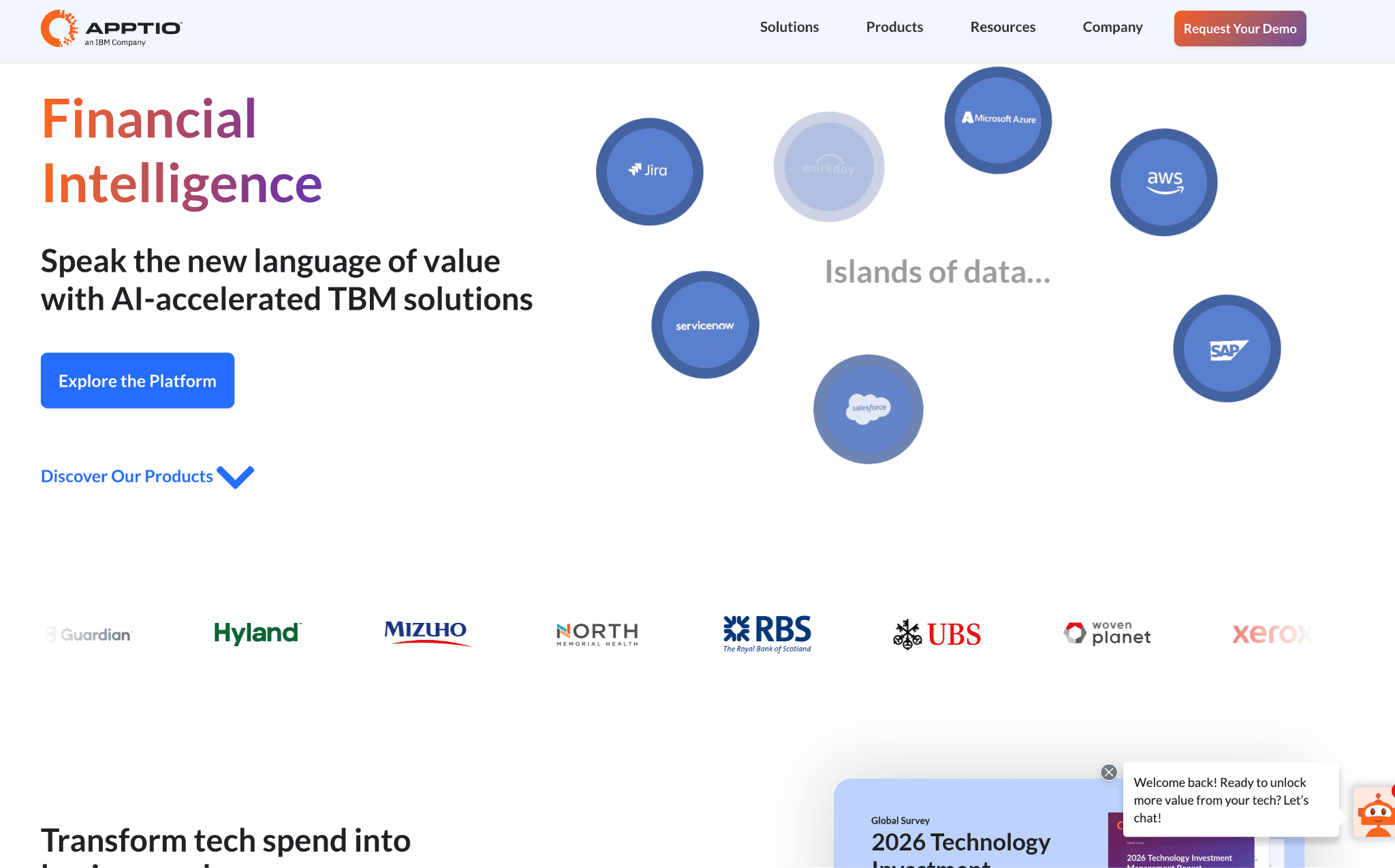
Best for: Large enterprise FinOps teams that run a monthly cloud cost close and need audit-ready chargeback for the CFO.
Key features:
Business Mappings applies rule-based cost allocation across AWS, Azure and GCP without requiring native tag hygiene, covering most enterprise environments where tagging compliance is below 70%.
True Cost Explorer provides a granular cost breakdown by account, tag, application and business unit, giving finance analysts the slice-and-dice depth they need for monthly close.
Reservation and Savings Plan analytics include a what-if modeler that lets procurement model coverage scenarios before committing, with support for AWS, Azure and GCP portfolios above $10M.
Commitment-Based Discount Automation manages Reserved Instance and Savings Plan purchases to optimize coverage without manual intervention.
Container cost allocation attributes Kubernetes and container expenses to specific teams, services or cost centers for accurate chargeback.
Rightsizing recommendations analyze resource utilization patterns to surface appropriately-sized instances and eliminate over-provisioning.
Anomaly detection identifies unusual spending patterns automatically and surfaces them in the same reporting layer finance teams already use.
Multi-currency and entity-level reporting hold up at the global enterprise level, where most newer platforms struggle.
AI-Assisted Data Mapping uses generative AI to automate FOCUS schema conversion for organizations standardizing on the FinOps Foundation billing format.
Pricing: Cloudability is sold through IBM enterprise agreements. There is no public rate card, no self-serve tier and no free trial. Pricing scales by total cloud spend volume under management and by the number of payer accounts and subscriptions connected.
Mid-market deals typically land in the low six figures annually and large enterprise deals run into seven figures depending on scope. Almost every deployment includes IBM Consulting hours on top of the license, which can add 20 to 40% to the year-one cost.
Some customers negotiate a tiered structure where the first year is heavier on services and renewal years drop. Worth budgeting professional services up front rather than treating them as optional, because they rarely are.
What customers like:
Most established platform in the category, so procurement teams that prefer proven vendors put it on the shortlist before any RFP goes out.
Chargeback and showback reporting is the deepest on this list. Auditors trace shared infrastructure costs back to specific BUs without complaint.
Reservation and Savings Plan analytics across AWS, Azure and GCP are mature and trusted by procurement teams running portfolios above $10M.
TBM Council alignment for organizations already running Technology Business Management as a discipline.
Multi-currency support and entity-level reporting hold up at the global enterprise level, which most newer platforms struggle with.
Strong export to Tableau and Power BI on a schedule, so finance teams stay in the BI tools they already know.
Where customers run into limits:
Deployment runs 6 to 12 weeks and almost always involves IBM Consulting hours on top of the license. Time to first insight is the slowest on this list.
The interface still has rough edges from the pre-IBM era. Onboarding a new analyst onto Business Mappings is a half-day exercise.
Anomaly detection and Kubernetes views lag the independents by a release cycle or two.
IBM's release cadence is slower than that of independent vendors, which matters if you are betting on the roadmap.
Pricing transparency is poor and renewal quotes have surprised several teams we have spoken to.
2. Amnic
Best for: Teams that need one cost view across AWS, Azure, GCP, Oracle, Alibaba and Kubernetes, with separate dashboards for the CFO, CTO, FinOps lead and SRE, deployed read-only.
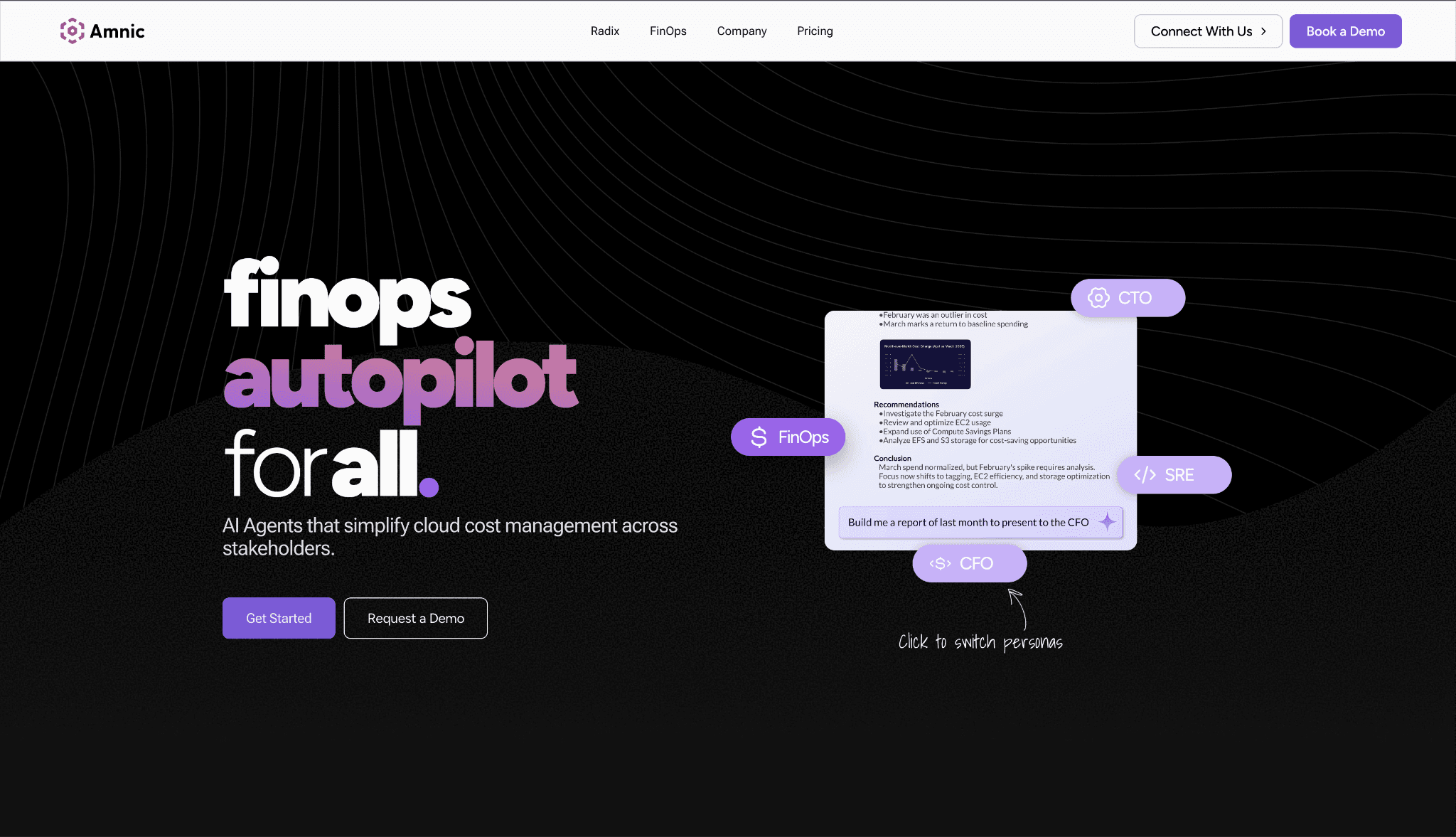
Amnic was built around an observation that we hear from FinOps practitioners constantly. Most cost platforms produce one dashboard and ask four different roles to interpret it. The CFO wants unit economics. The SRE wants Kubernetes utilization. The FinOps lead wants allocation hygiene. The CTO wants engineering efficiency. None of them get the answer they actually wanted from a single shared view.
Amnic ships persona-specific dashboards out of the box and connects to AWS, Azure, GCP, Oracle, Alibaba and Kubernetes from day one. Read-only by design, so DevOps owns every change, which is why security teams typically approve it in days rather than the months a write-access tool would need.
The product splits into two halves. The cost observability platform handles allocation, reporting, anomaly detection and Kubernetes. Amnic AI sits on top, with four agents: X-Ray for financial health checks, Insights for natural-language queries, Governance for tag hygiene and ownership, and Reporting for scheduled persona reports.
The agent layer is what most CFOs end up using day to day, because it lets them ask questions like "what did we spend on AI last month, broken down by product," and get an answer without learning the cost taxonomy.
Key features:
Cost Attribution - ties every dollar to the app, service, team or business unit that generated it across AWS, Azure, GCP, Oracle and Alibaba, without depending on native tag completeness.
Cost Allocation: maps cloud spend to teams and services using business-logic rules, not just raw cloud tags.
Virtual Tags: applies consistent attribution labels across all five cloud providers and Kubernetes without touching native tag configurations. Useful when tagging hygiene is below 70%.
Unit Economics: measures cloud ROI at the transaction, customer or service level so finance and product have cost-per-unit numbers they can act on, not just aggregate totals.
Cost Views - flexible, multi-dimensional analysis layer that lets any stakeholder slice costs the way their role demands.
Cost Analyzer: filters spend across provider, service, team, region and custom dimension simultaneously with real-time surge detection.
Cost Dashboards: detailed cost breakdowns and trend analysis in role-appropriate views, updated in real time rather than batched nightly.
Cost Control - governance and budget management layer that catches problems before the end-of-month review.
Budgeting: set spend thresholds at the team, project or service level and get alerts when burn rates are trending over.
Forecasting: ARIMA-powered spend prediction that accounts for seasonality and growth patterns, not just a linear extrapolation of last month.
Anomaly Detection: identifies unusual cost patterns, runs root cause analysis and routes alerts via Slack, Teams or email to the team that owns the spend.
Reporting: automated, role-based reports scheduled for CFO, CTO, FinOps lead and SRE without manual dashboard exports.
Recommendations: rightsizing and commitment suggestions ranked by savings impact, with enough context to act on them rather than just review them.
Utilization - resource efficiency layer covering compute, AI and Kubernetes alongside traditional cloud billing.
Kubernetes Cost Management: cluster-level utilization metrics for compute, memory and network with rightsizing recommendations, covering the gap between the cloud bill and actual container usage.
AI Token Management: tracks LLM API spend at the model, team and product level across OpenAI, Anthropic, Bedrock and Vertex so AI costs get attributed like any other service rather than pooled into a single line item.
Inventory Management: maintains a live catalog of active resources across accounts and regions, flagging idle, orphaned and untagged assets before they compound into waste.
FinOps AI Agents - four purpose-built agents (X-Ray, Insights, Governance, Reporting) that let finance and engineering query cost data in plain language, automate tag hygiene checks and schedule persona-specific reports without touching the dashboards.
Read-only architecture - the platform reads billing data and resource metadata but never writes to production infrastructure. That removes the security review cycle that delays write-access tools by several weeks in most enterprise procurement processes.
Five-cloud native - AWS, Azure, GCP, Oracle and Alibaba in a single cost view alongside Kubernetes. Most tools on this list cover three providers and treat the others as an add-on.
Pricing:
Custom, typically a percentage of monitored cloud spend in the 0.25% to 1% range. The startup tier is a one-month free trial with no credit card required, which is the easiest way to see whether the platform fits before any commercial conversation.
Mid-market and enterprise plans are scoped to your cloud footprint and include access to dedicated Amnic cost experts at the higher tiers. Read-only deployment means there are no professional services line items hiding inside the year-one budget.
For larger commitments, several customers have negotiated a spend cap so the percentage model does not compound as the cloud bill grows. Public pricing details are on the Amnic pricing page.
What customers like:
Only platform on this list that covers AWS, Azure, GCP, Oracle and Alibaba in a single normalized view. For global enterprises and compliance-driven workloads outside the big three, this is the difference between one platform and three.
Persona dashboards reduce the "whose number is right?" problem that almost every multi-stakeholder cost discussion hits.
Read-only deployment closes the security review fast. Customers in fintech and healthcare cite this as the reason Amnic moved through procurement when write-access tools stalled.
Virtual Tags handle the ugly real-world case where the same environment shows up as "prod", "production" and "PROD" across different services. No native tag changes needed.
Kubernetes cost utilization at the container, pod, instance, PVC and DNS level across EKS, AKS and GKE.
Unit economics tied to business metrics like cost per loan processed or cost per active user.
Anomaly thresholds at the tag level or product level catch spikes before they show up on a CFO desk.
SOC 2 Type II, ISO 27001 and GDPR compliance are baseline rather than upsell tiers.
Where customers run into limits:
Finance-grade chargeback for very large enterprises running a formal monthly close with 50+ BUs is still less mature than Cloudability's. Some teams pair Amnic for engineering visibility with Cloudability for the audit layer.
LLM cost tracking covers Amazon Bedrock today. OpenAI and Anthropic coverage is on the roadmap. If your single largest cost is OpenAI inference, ask the team about timing before signing.
Reseller and white-label workflows for MSPs are thinner than CloudHealth's. Worth flagging if you bill cloud as a service.
3. CloudHealth (by Broadcom)
Best for: Fortune 500 IT and managed service providers that need policy-based governance across hundreds of accounts, plus white-label reseller reporting.
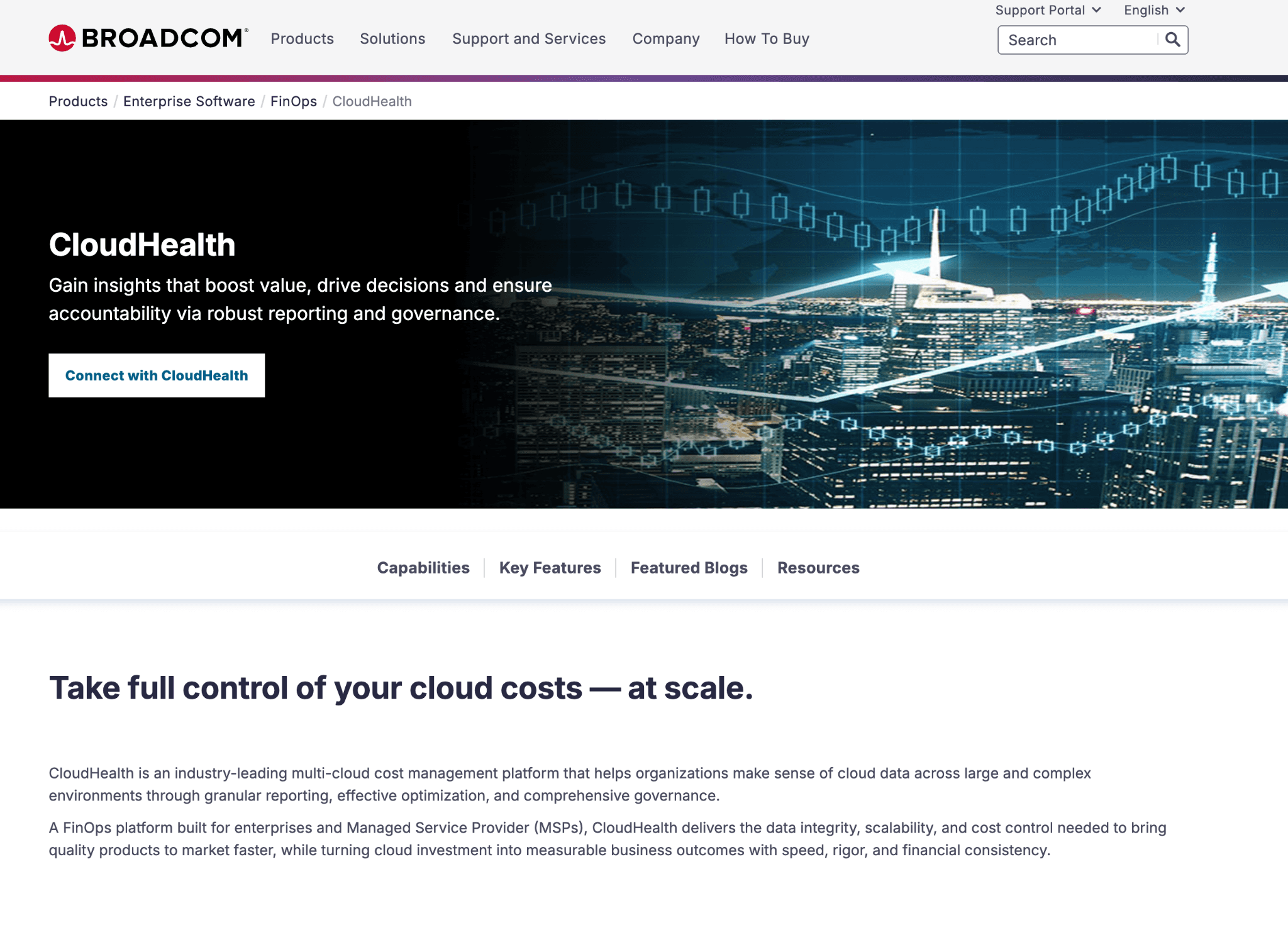
CloudHealth is the classic enterprise governance platform, built around Perspectives (flexible groupings that let one organization run finance, engineering and security views off the same dataset). It was the standard before Apptio bought Cloudability and it is still the default at large IT shops with policy-heavy procurement.
Key features:
Perspectives engine creates custom cost groupings by business unit, environment or team using rule-based logic that works independently of native cloud tag structure.
Policy-based governance enforces tagging standards, rightsizing rules and budget controls across accounts and subscriptions at scale.
MSP multi-tenancy lets managed service providers administer multiple client environments from a single console with separate billing and reporting per client.
VMware cost data integration alongside AWS, Azure and GCP gives hybrid cloud organizations a unified view of public and private infrastructure spend.
Oracle Cloud Infrastructure native support extends multi-cloud coverage beyond the standard AWS, Azure, GCP trio.
Automated rightsizing recommendations across compute, storage and reserved instances are based on historical usage data rather than conservative defaults.
Chargeback and showback reporting distribute shared infrastructure costs to business units with flexible billing models and audit-ready documentation.
Budget forecasting tracks consumption patterns to project future spending for quarterly and annual planning cycles.
Pricing:
Enterprise contracts only, scaled by total cloud spend volume and the number of cloud accounts under management. No public rate card. Post-Broadcom, several customers we know have seen renewal quotes 30 to 60% higher than their previous contract, with shorter discount periods.
What customers like:
Mature multi-cloud governance trusted by Fortune 500 IT teams.
Policy enforcement engine handles complex business unit structures that newer platforms have not faced yet.
Reseller workflows for MSPs are the strongest in the category, with white-label support that is hard to replicate elsewhere.
Reserved Instance management for AWS-heavy environments holds up under scale.
VMware integration is still useful for teams running hybrid environments mid-migration.
Where customers run into limits:
Post-Broadcom pricing has scared off several mid-market accounts. Get the renewal quote before you start the evaluation, not after.
The UI was built before self-serve dashboards became the norm. It is powerful but structured around trained administrators, which means newer team members take longer to get productive compared to Vantage or Amnic.
Roadmap velocity has slowed since the acquisition. Several features that were on the public roadmap in 2024 have not shipped.
Support response times have lengthened across the customer base since 2024.
Kubernetes cost views are thinner than dedicated K8s tools.
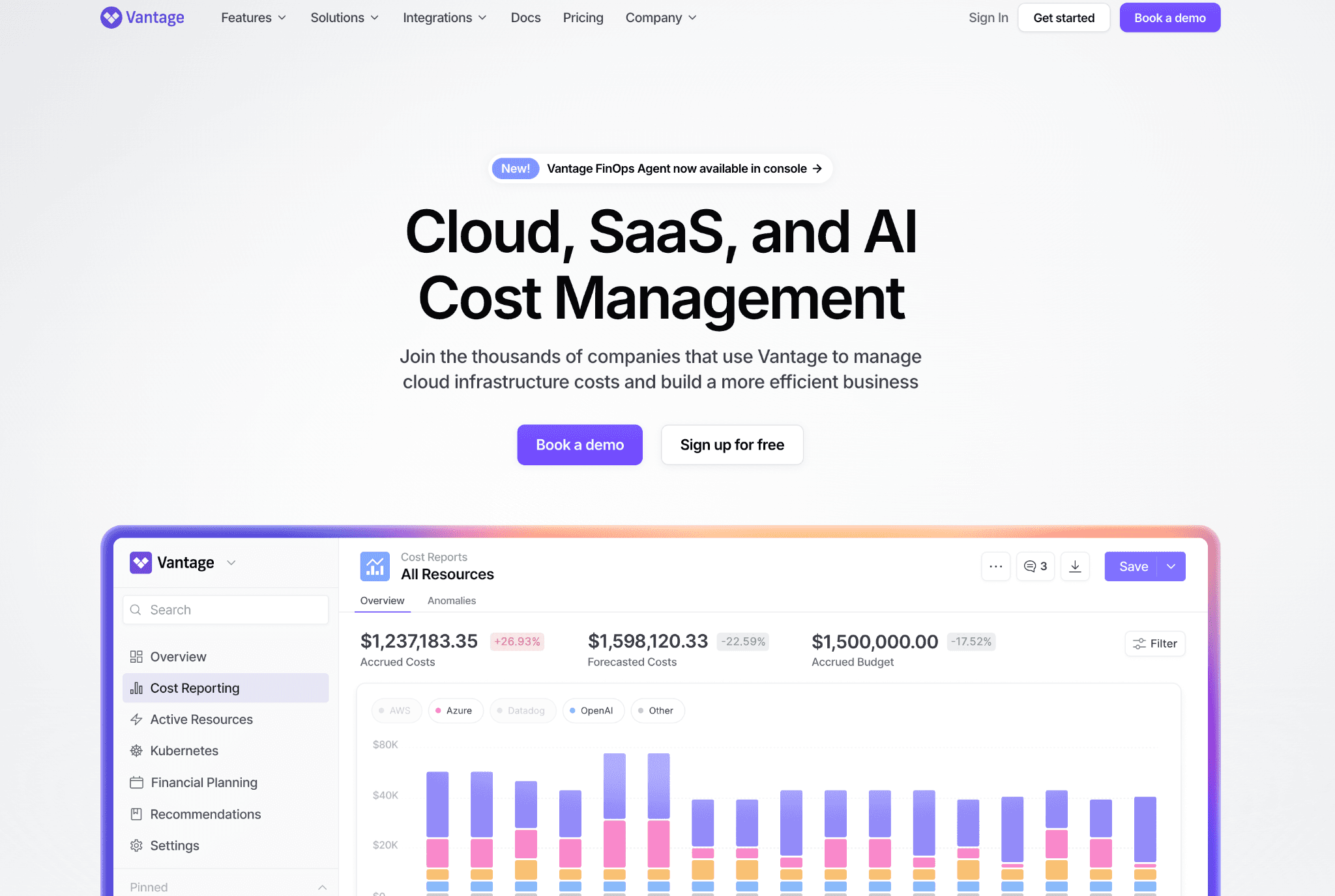
4. Vantage
Best for: Startups, mid-market teams and SaaS companies that want fast multi-cloud visibility with a permanent free tier and no enterprise contract.
Key features:
Autopilot automates Reserved Instance and Savings Plan purchases based on actual usage patterns, removing the manual commitment management cycle from the FinOps team.
25+ SaaS integrations including Snowflake, Datadog, MongoDB Atlas, and Fastly consolidate third-party infrastructure costs alongside cloud provider bills in one report.
Unit Cost Telemetry measures cost per tenant, customer, product feature, transaction and development team for product-level unit economics.
Kubernetes cost tracking provides granular metrics breaking down compute by namespace and label and identifies pod waste and cluster idle costs.
FinOps Agent with auto-remediation proactively identifies optimization opportunities and can automatically remediate issues such as rightsizing based on configurable policies.
Network cost visibility tracks and attributes egress and data transfer costs across cloud providers, surfacing a line item that most platforms leave unattributed.
Permanent free tier covers teams up to $2,500 monthly cloud spend with no trial expiry, making evaluation possible without a sales cycle.
Virtual tagging applies business logic to untagged or mistagged resources retroactively, covering environments whose tagging coverage is incomplete.
Pricing:
Pricing transparency is the best on this list. The free tier covers up to $2,500 per month in tracked cloud spend with most core features. Paid plans start around $30 per month for small footprints and scale as a percentage of monitored spend (roughly 0.6% to 0.8%).
What customers like:
Fastest onboarding on this list. Most teams see a real cost dashboard in the first hour.
Permanent free tier. Genuinely useful for smaller teams as a long-term solution.
25+ SaaS integrations. Strongest choice if your bill spans cloud and major SaaS.
Slack integration for cost reports is the cleanest in the category.
Public pricing page. Rare in this space.
Active anomaly notifications with team-level routing based on cost report ownership.
Network flow reports for AWS data transfer cost analysis (a real differentiator if NAT and inter-region transfer are eating your bill).
Where customers run into limits:
Anomaly governance is alert-based. Teams that need ownership routing, tag hygiene enforcement or budget policy will need to layer those on themselves.
No Oracle or Alibaba support. Eliminates Vantage from consideration for multi-cloud teams outside the big three.
Reporting depth for finance-grade chargeback is lighter than that of dedicated enterprise platforms.
Forecasting is straightforward but not multi-scenario, so finance teams that model multiple growth assumptions will outgrow it.
Allocation across shared infrastructure is thinner than Amnic, Finout or CloudZero.
5. CloudZero
Best for: SaaS engineering teams that need cloud spend mapped to product features, customers or deployments rather than service-level totals.
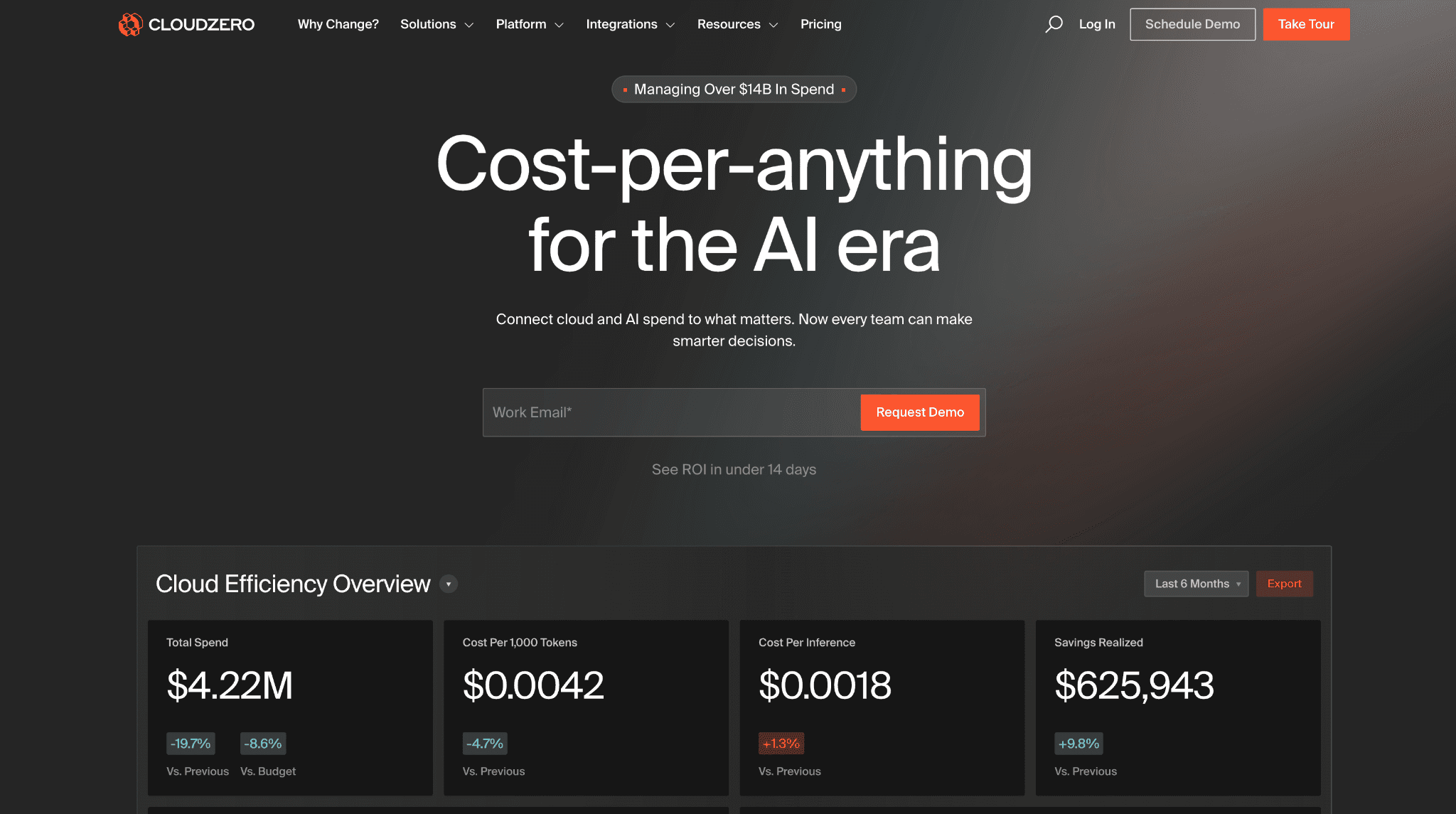
CloudZero's strength is unit economics. CostFormation, the allocation engine, lets engineering leaders define custom cost dimensions tied to product features and customers without writing SQL.
Key features:
CostFormation allocation engine maps spend to custom dimensions such as product features, customers and deployments using a configuration layer that engineering teams define without writing SQL.
AnyCost API ingests non-cloud SaaS spend, including Snowflake and Databricks, so the full cost of a feature includes every dependency rather than just the AWS or Azure line items.
Unit economics modeling surfaces cost per customer, cost per feature and cost per deployment in terms that finance and product leadership can use directly.
Code-driven cost organization structures cloud spend the same way the engineering team thinks about the product, rather than forcing the product to conform to cloud tag taxonomy.
Anomaly detection compares hourly spend against 36 hours of recent history and the prior 12 months to flag deviations with context rather than raw threshold alerts.
Explorer provides flexible data grouping and custom analysis across any organizational structure or cost perspective without requiring a pre-built report.
Engineering-led dashboards surface cost data alongside deployment and service context rather than routing engineers to a separate FinOps tool.
AI Hub with Claude integration embeds cost intelligence directly into developer workflows with ready-to-use prompts and a Claude Code plugin.
Read-only architecture with no write access to cloud accounts eliminates infrastructure risk during procurement and security review.
Pricing.
Enterprise contracts only, tied to cloud spend volume under management. No public rate card, no self-serve onboarding and no free trial. Plan for a 4 to 6 week sales and scoping cycle before you see a working environment with your data. Annual deals typically start in the mid-five figures for teams with around $1M in annual cloud spend and scale into seven figures at the high end.
What customers like:
Strongest unit economics layer for SaaS companies that already track product analytics.
AnyCost API includes non-cloud SaaS spend. The full cost of a feature is visible, not just the cloud line items.
Engineering leadership at growth-stage SaaS companies cite CloudZero as the reference for product-level cost economics.
Cost per Customer, Cost per Feature, and Cost per Deployment views are quarterly business review-ready out of the box.
Telemetry-based allocation reduces dependency on tag hygiene, which is rare in this category.
The customer success team is well-regarded in user reviews for hands-on implementation help.
Where customers run into limits:
Enterprise-only pricing. Rules CloudZero out for teams under $500K annual cloud spend.
Kubernetes coverage is lighter than dedicated K8s tools.
No native LLM cost tracking for Bedrock, OpenAI or Anthropic at the time of writing. A real gap for AI-heavy teams.
Initial CostFormation setup is heavier than vendors imply on the demo. Plan for two to four weeks of structured work to get allocation right.
No free trial means the first real exposure is post-contract, which procurement teams find awkward.
6. Finout
Best for: Multi-cloud and SaaS-heavy organizations that want every billing source, including Snowflake and Datadog, consolidated into one bill.
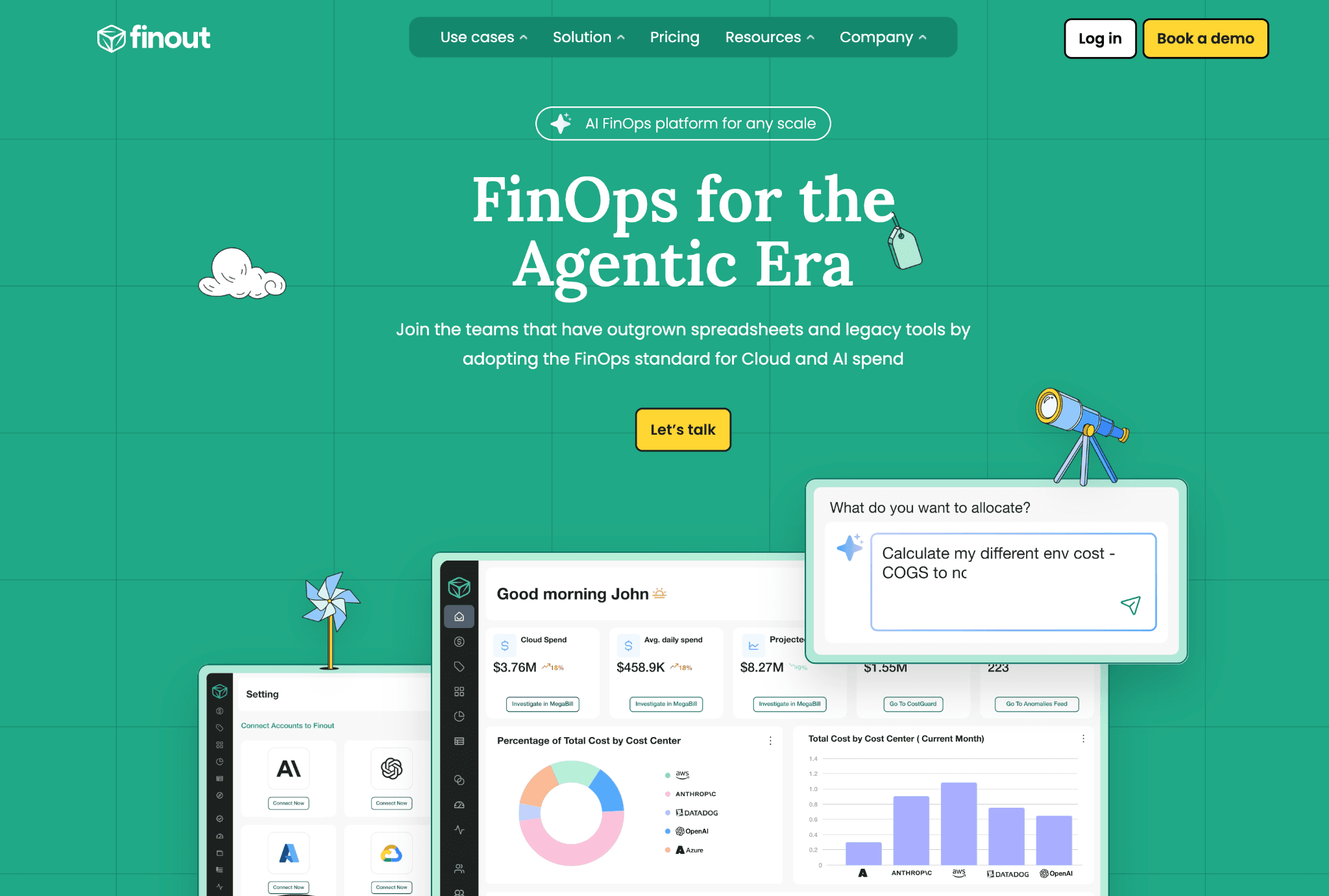
Finout's pitch is the MegaBill. One consolidated billing view that covers AWS, Azure, GCP, Snowflake, Datadog, Kubernetes and the rest of the modern infrastructure stack.
Key features:
MegaBill consolidates AWS, Azure, GCP, Snowflake, Datadog and Kubernetes billing into a single normalized line-item view, the core differentiator for multi-tool stacks.
FinOps for AI consolidates spend from OpenAI, Anthropic, Cursor and other AI providers alongside traditional cloud costs with no additional charge, covering the fastest-growing cost line for AI-heavy teams.
CostGuard integrates natively with AWS, Azure, GCP, Kubernetes and Snowflake recommendation engines to detect and surface waste elimination opportunities in one place.
AI-powered virtual tagging automatically maps tagged and untagged spending across cloud, Kubernetes and SaaS to business units using machine learning without manual rule-writing.
Anomaly detection identifies unusual spending patterns across infrastructure, with alerts routed to the team that owns the affected resource.
Kubernetes cost allocation breaks down cluster spend by namespace, label and workload alongside cloud provider costs in the same MegaBill view.
Shared cost splitting distributes infrastructure costs such as networking and security tooling across teams using configurable percentage and proportional allocation rules.
Financial planning with budget management and forecasting replaces spreadsheet-based tracking with unified cost projections across all connected sources.
Customizable reporting interface surfaces department-specific KPI visualization for both engineering and finance stakeholders from the same underlying data.
Pricing: Custom, scaled by total monitored cloud and SaaS spend volume. No public rate card and no self-serve. Sales-led process, typically 3 to 5 weeks to a signed contract. Annual deals start in the mid five figures for teams with around $1M in monitored spend and scale up from there.
What customers like:
MegaBill is the cleanest way to see total infrastructure spend if your bill spans cloud and major SaaS.
Virtual Tags handle shared cost allocation without re-tagging native infrastructure.
Strong chargeback workflows for teams that share platform services across product lines.
Kubernetes allocation by namespace and pod is solid, better than most non-K8s-native platforms.
Snowflake cost coverage is deep, which matters more than people expect once Snowflake spend gets material.
The Financial Plan feature handles hierarchical budgeting cleanly for teams with parent-child cost center structures.
Where customers run into limits:
Optimization features are lighter than visibility features. Teams whose top problem is execution will pair Finout with a separate tool.
Enterprise pricing eliminates smaller teams under $250K annual cloud spend.
Reporting flexibility is good, but persona-specific dashboards out of the box are thinner than Amnic's.
Forecasting is functional rather than impressive. Finance teams running multiple scenarios will hit the ceiling.
7. Microsoft Cost Management
Best for: Azure-only teams that need free cost reporting and budget alerts inside the Azure portal.
Key features:
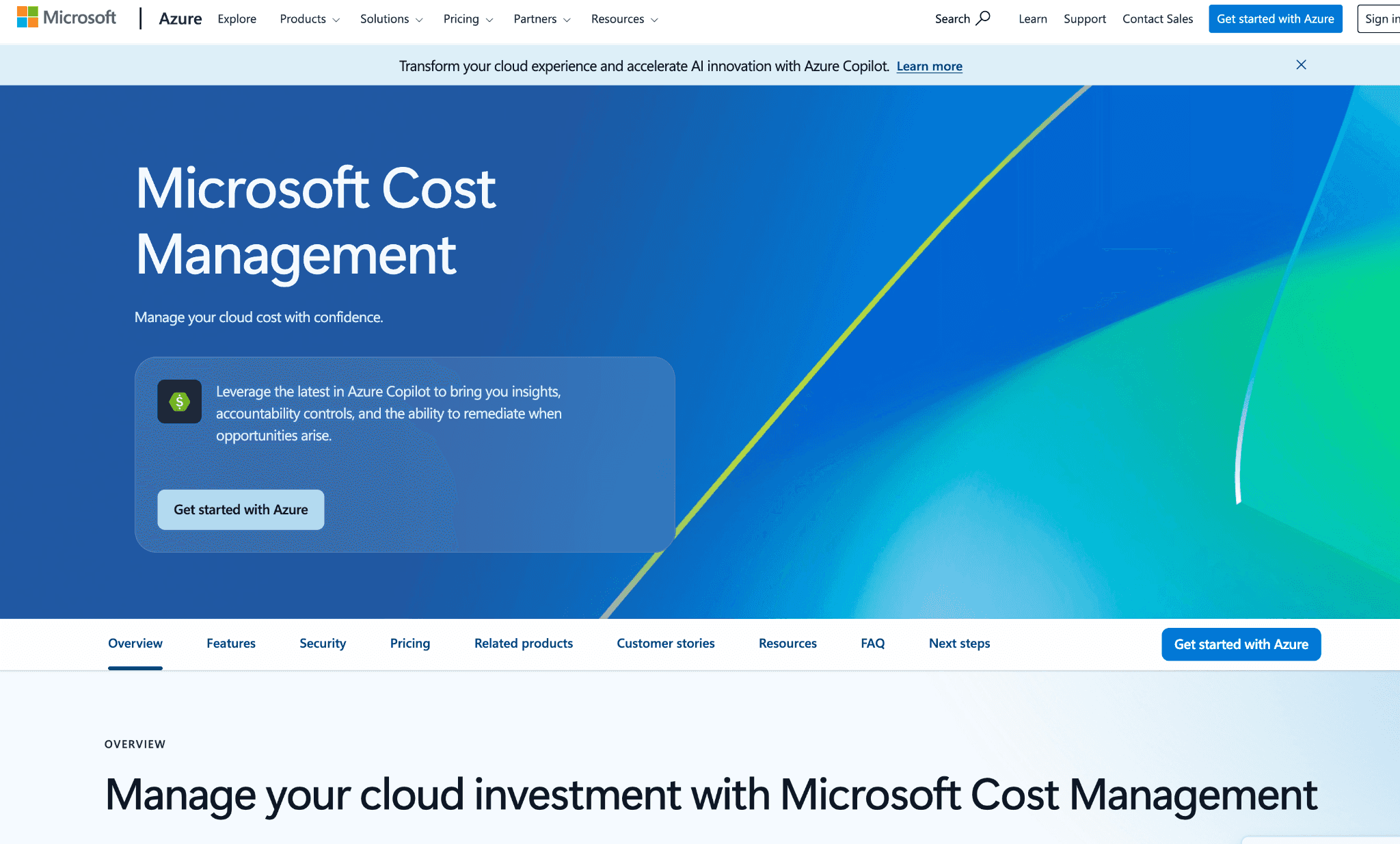
Native Azure integration ships free with every Azure subscription, making it the default starting point for Azure-primary organizations before evaluating a third-party platform.
Cost analysis provides ad-hoc cost exploration with lightweight insights and detailed analytics by subscription, resource group, tag and time period.
Budget alerts notify teams when spend crosses defined thresholds or when forecast variance grows beyond acceptable tolerance, with email and webhook delivery.
Anomaly detection identifies unexpected daily usage changes and spikes for proactive cost management before they appear on the monthly invoice.
Tag inheritance automatically copies subscription and resource group tags down to resources, improving cost allocation coverage without manual tag enforcement.
Cost allocation rules split shared costs from one billing scope to another for accurate internal chargeback and showback.
Scheduled alerts send daily, weekly or monthly cost reports via email with visual charts and optional CSV exports for finance teams.
Power BI integration enables advanced dashboards and complex cost analysis by connecting directly to the Cost Management data connector.
Export to Azure Storage Account enables custom reporting pipelines and integration with external cost platforms for teams that need more than the built-in dashboards.
Savings Plans and Reservations tooling provides guidance for saving up to 65% with savings plans and up to 72% with reserved instances on eligible compute resources.
Reservation utilization alerts monitor reserved instance usage and send notifications for underutilized commitments before they become wasted.
Pricing:
Free with any Azure subscription. There is no separate license, no per-user fee and no tiered plan. The AWS connector that used to require a separate setup is now included at no charge for accounts under a certain volume, though it remains shallow compared to dedicated multi-cloud platforms.
What customers like:
Free, built into Azure, no procurement cycle.
Tight integration with Azure Resource Manager, Azure Advisor and Azure Policy.
Budgets can trigger Action Groups, which is useful for automated responses (auto-shutdown of dev/test environments at threshold breach, for example).
A reasonable starting point for teams whose entire footprint is on Azure.
Cost Analysis customizations save and share well across teams within the same tenant.
Where customers run into limits:
AWS connector is shallow. GCP is not covered. Pretending Microsoft Cost Management is multi-cloud is a stretch.
Allocation depth is limited to native Azure tags and resource group hierarchies.
Reporting is shaped for Azure operators, not for finance audit or executive review.
No unit economics modeling.
Anomaly detection through Azure Advisor is functional but not configurable per tag, product or environment.
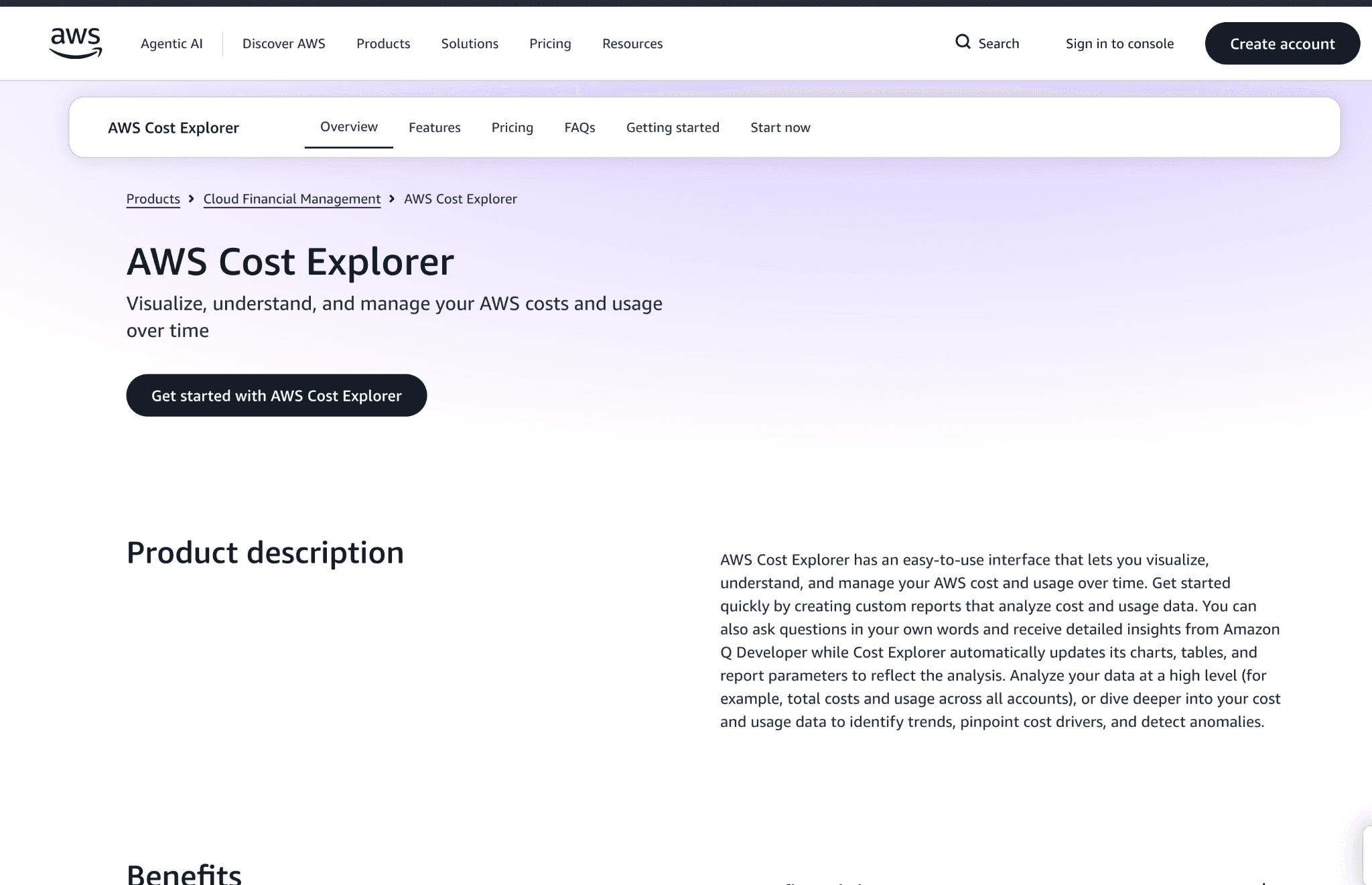
8. AWS Cost Explorer (and AWS Budgets)
Best for: AWS-only teams under $50K monthly spend that want free analysis and forecasting before committing to a paid platform.
Key features:
Free cost and usage reporting included with every AWS account, with no third-party data access or additional setup required to get started.
Reserved Instance and Savings Plan purchase recommendations include estimated ROI at one-year and three-year terms based on the account’s actual usage history.
Cost anomaly detection uses ML to identify unusual spend patterns at the account, service, linked account or tag level and delivers alerts before the monthly bill arrives.
Natural language analysis powered by Amazon Q enables users to ask conversational questions about spending patterns without building a custom query.
Twelve-month spend forecasting projects future costs based on historical usage trends with daily, monthly and granular resource-level breakdowns.
Custom reports can be saved and shared across teams to explore different cost datasets without each stakeholder building their own views.
Pattern recognition surfaces day-over-day, month-over-month and year-over-year comparisons to identify recurring cost trends and seasonal spend cycles.
Programmatic API access enables engineering teams to query cost and usage data for custom dashboards and internal tooling built on top of AWS billing data.
Hourly and resource-level granularity provides the detail needed to trace a cost spike to a specific instance, function or data transfer event.
Pricing: Free at the account level. AWS Budgets has minor charges per budget after the free tier (currently $0.02 per budget per day after the first two free budgets per month).
What customers like:
Free and included with every AWS account.
Tight integration with AWS Organizations, IAM and CloudTrail.
Tag-based filtering is fast at a moderate scale.
A strong starting point for AWS-only teams under $50K monthly spend.
Forecasting is decent for short horizons.
Reservation and Savings Plan recommendations are useful even after teams move to a third-party tool.
Where customers run into limits:
AWS-only. No Azure, GCP, Oracle, Alibaba or Kubernetes coverage.
Allocation is limited to native AWS tags. No virtual tagging or shared-cost split rules.
Reporting is built for AWS operators. Finance teams running monthly close find it thin.
Group By dimensions are limited. Custom cost views require exporting to CUR and building yourself.
Anomaly Detection alert routing is primitive (SNS only, no native Slack/PagerDuty).
14 months of history maximum in the console, which is short for year-over-year analysis.
9. Google Cloud Cost Management
Best for: GCP-only teams that want native billing reports plus BigQuery export for custom analysis.
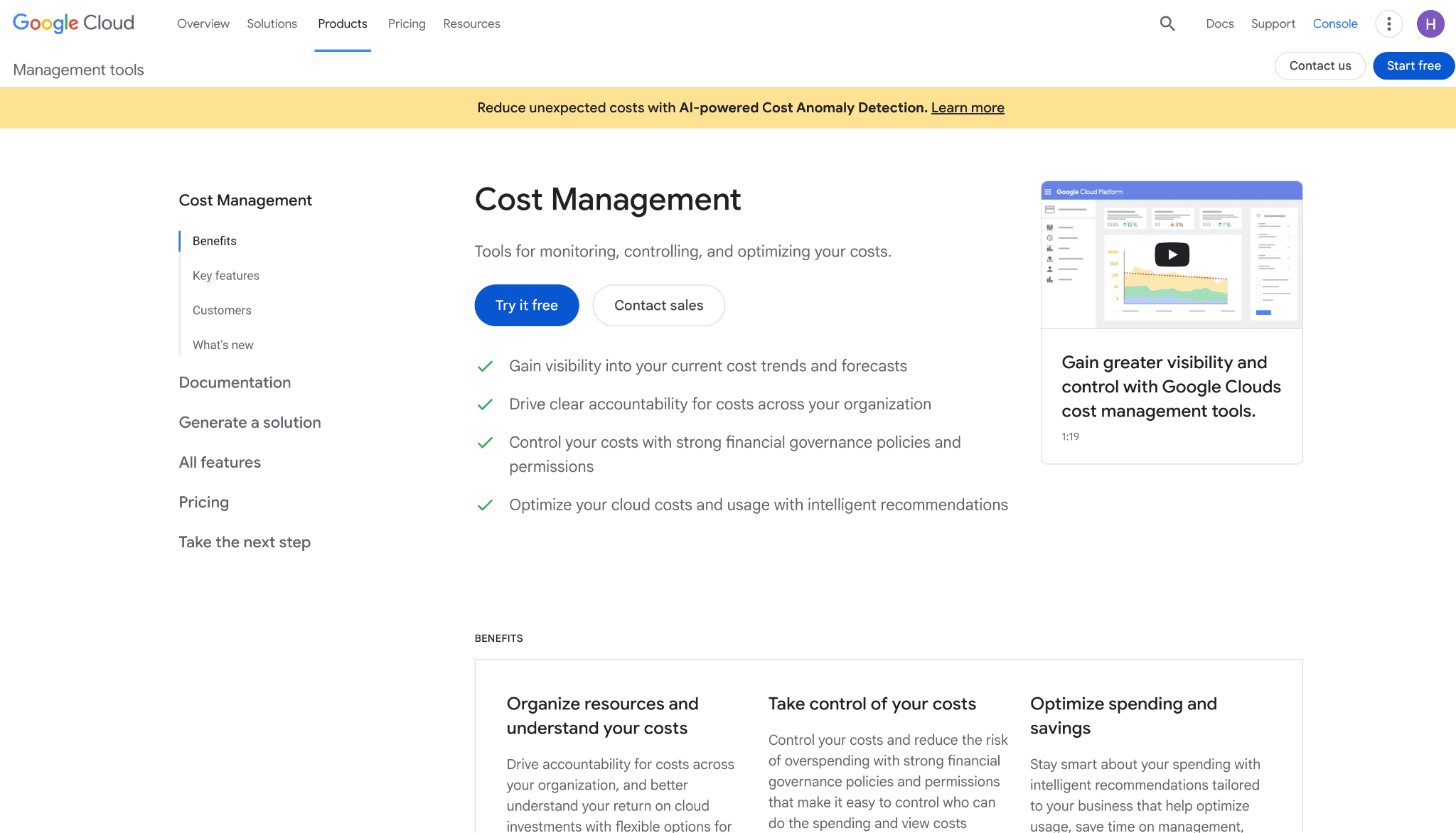
Best for: GCP-only teams that want native billing reports plus BigQuery export for custom analysis.
Key features:
BigQuery billing export provides the most flexible raw billing data layer of the three major hyperscalers, enabling custom queries, joins with business data and external BI connections.
FinOps Hub aggregates commitment-based discount recommendations, quota usage and optimization insights aligned to FinOps Foundation best practices in a single screen.
Budget alerts fire at configurable spend thresholds with delivery via email, Pub/Sub and monitoring channels, supporting both manual review and automated response workflows.
Resource hierarchy reporting by project, folder and organization aligns cost attribution to GCP’s access model, simplifying allocation for teams already organized around GCP folders.
Cost table reports provide a detailed invoice-level understanding to help finance teams analyze exact billing charges and reconcile with internal cost centers.
Cost breakdown reports show cost segmentation for identifying savings opportunities and resource optimization areas across services and regions.
Committed Use Discount analysis provides dedicated reports to track and optimize discount utilization across eligible GCP resources.
Recommender API surfaces cost optimization suggestions programmatically so platform teams can build automated remediation workflows on top of native GCP intelligence.
Data Studio integration enables custom billing dashboards and advanced visualizations for stakeholders who prefer a BI-layer view of GCP spend.
Pricing transparency allows teams to view and download GCP price lists for budget planning, commitment sizing and vendor comparison.
Pricing:
Free with GCP. BigQuery query costs apply when running custom analysis on the export, which can add up if dashboards are heavy or refreshed frequently.
What customers like:
Free, built into GCP, no procurement.
BigQuery export is the most flexible native data layer of any cloud provider. With a data engineer, you can build anything.
FinOps Hub recommendations have improved noticeably since 2024.
Looker Studio templates make custom dashboards faster than most teams expect.
Project, folder and label hierarchy maps cleanly to most organization structures.
Committed Use Discount recommendations are well-tuned for sustained-use workloads.
Where customers run into limits:
GCP-only. No AWS or Azure coverage.
BigQuery flexibility requires SQL skills. Rules out finance teams without a data engineer.
Allocation depth is limited to GCP-native labels and folders.
BigQuery query costs grow with dashboard complexity, which surprises some teams when the bill arrives.
No native LLM or Vertex AI cost breakdowns at the workload level (model and request-level granularity is missing).
10. Datadog Cloud Cost Management
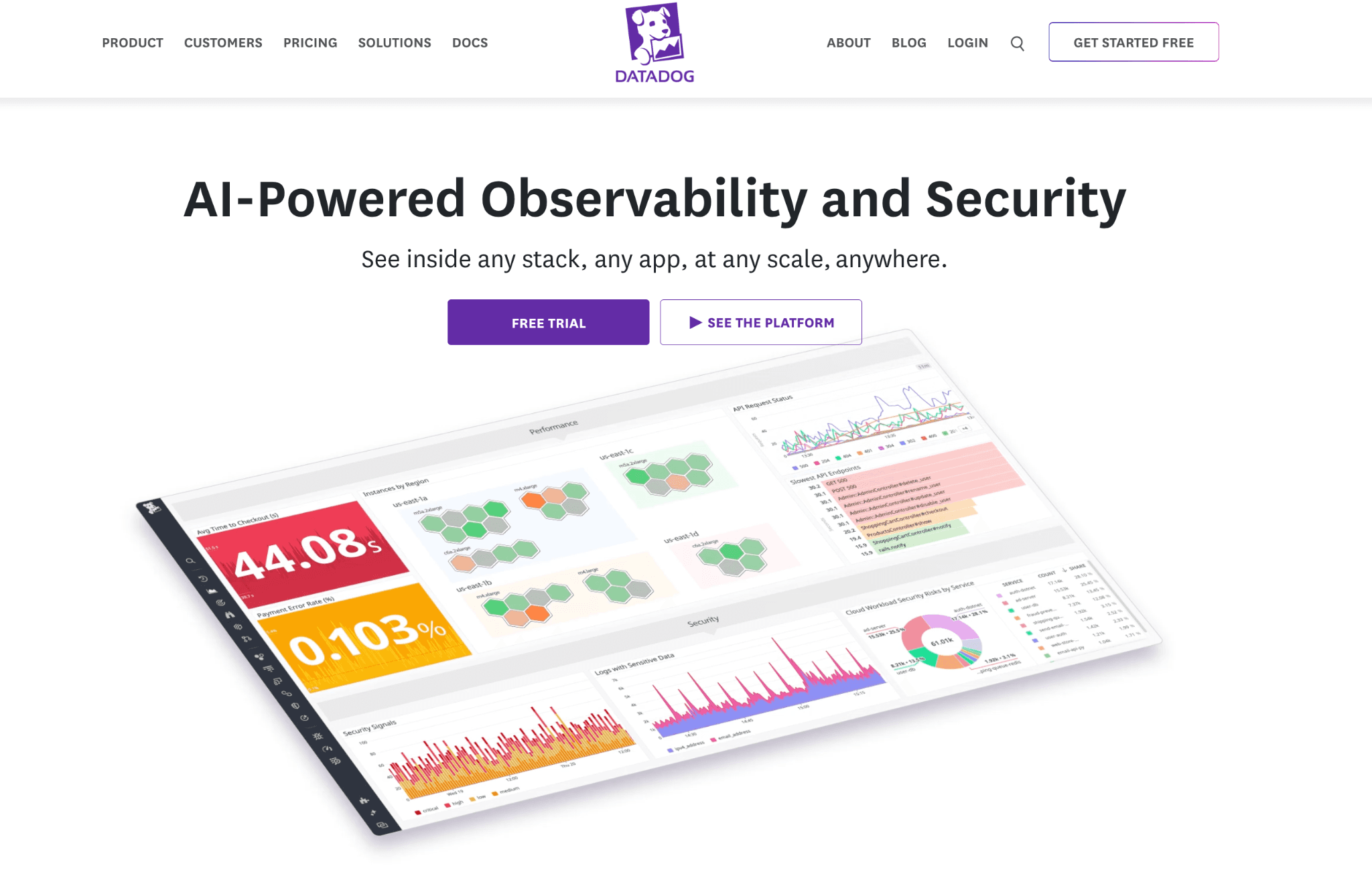
Best for: SRE and observability teams already on Datadog who want cost data sitting next to APM, logs and traces.
Key features:
Cost data displayed alongside APM traces, logs and infrastructure metrics in a single Datadog dashboard, removing the context switch that separate FinOps tools require.
Host-level cost attribution ties cloud spend to the specific services and deployments Datadog already tracks, so SREs see cost in the same place as latency and error rates.
Cost anomaly correlation with APM traces lets teams trace a spend spike to a specific service change or traffic surge without switching between monitoring and cost tools.
Container and Kubernetes cost allocation covers GPU, data transfer and network costs alongside compute, surfacing the full cost of a workload not just its instance charges.
Tag Pipelines and Custom Allocation Rules correct missing or incorrect tags and assign costs to teams, products or services without requiring upstream tagging fixes.
Automated cost recommendations powered by AI cover AWS, Azure and Google Cloud resources with custom rule creation for organization-specific optimization policies.
Budget management for both cloud providers and SaaS applications with team-based assignment, so FinOps and engineering teams share accountability for the same numbers.
Workflow Automation integration executes cost optimization actions automatically, such as Kubernetes autoscaling, when recommendations meet configured thresholds.
FinOps FOCUS format support ingests standardized cost data from any custom source, enabling compliance with organizational FinOps policies beyond native cloud bills.
Commitment coverage and utilization monitoring analyzes reserved instance and savings plan usage to maximize discount coverage and reduce under-utilized commitments.
Cost widgets integrate directly into existing runbooks and SLO dashboards, so cost becomes part of the operational review cycle rather than a separate monthly exercise.
Pricing:
Add-on to a Datadog subscription, billed by the number of cloud accounts monitored. Currently around $6 per month per active resource (specifically per host equivalent), which sounds modest until it gets multiplied across a large fleet.
CCM is not available standalone, so the math has to include the broader Datadog platform cost. Talk to the account team about pricing in the context of your existing Datadog spend rather than as an isolated line item, because the combined number is what shows up at renewal.
What customers like:
SRE teams already in Datadog see cost in the same dashboard as latency, errors and logs. Removes the context switch most FinOps tools require.
Correlating cost anomalies with APM traces is a capability no other tool on this list offers natively.
Existing alert routing, team structures and tag hierarchies carry over with no extra setup.
Live Containers integration ties Kubernetes cost to specific deployments and pods, which is unusually deep for a non-K8s-native tool.
Forecasting is reasonable for teams running predictable workloads.
Where customers run into limits:
Datadog's pricing scales with hosts and ingestion. Large Datadog deployments end up paying more for CCM than a purpose-built tool would cost.
No unit economics modeling, no chargeback, no budget governance. Finance cannot use it as a primary platform.
Multi-cloud governance is limited.
Cost views inherit Datadog's tag hierarchy, which is helpful if it is clean and a problem if it is not.
Not available without a Datadog subscription, so non-Datadog teams are excluded by definition.
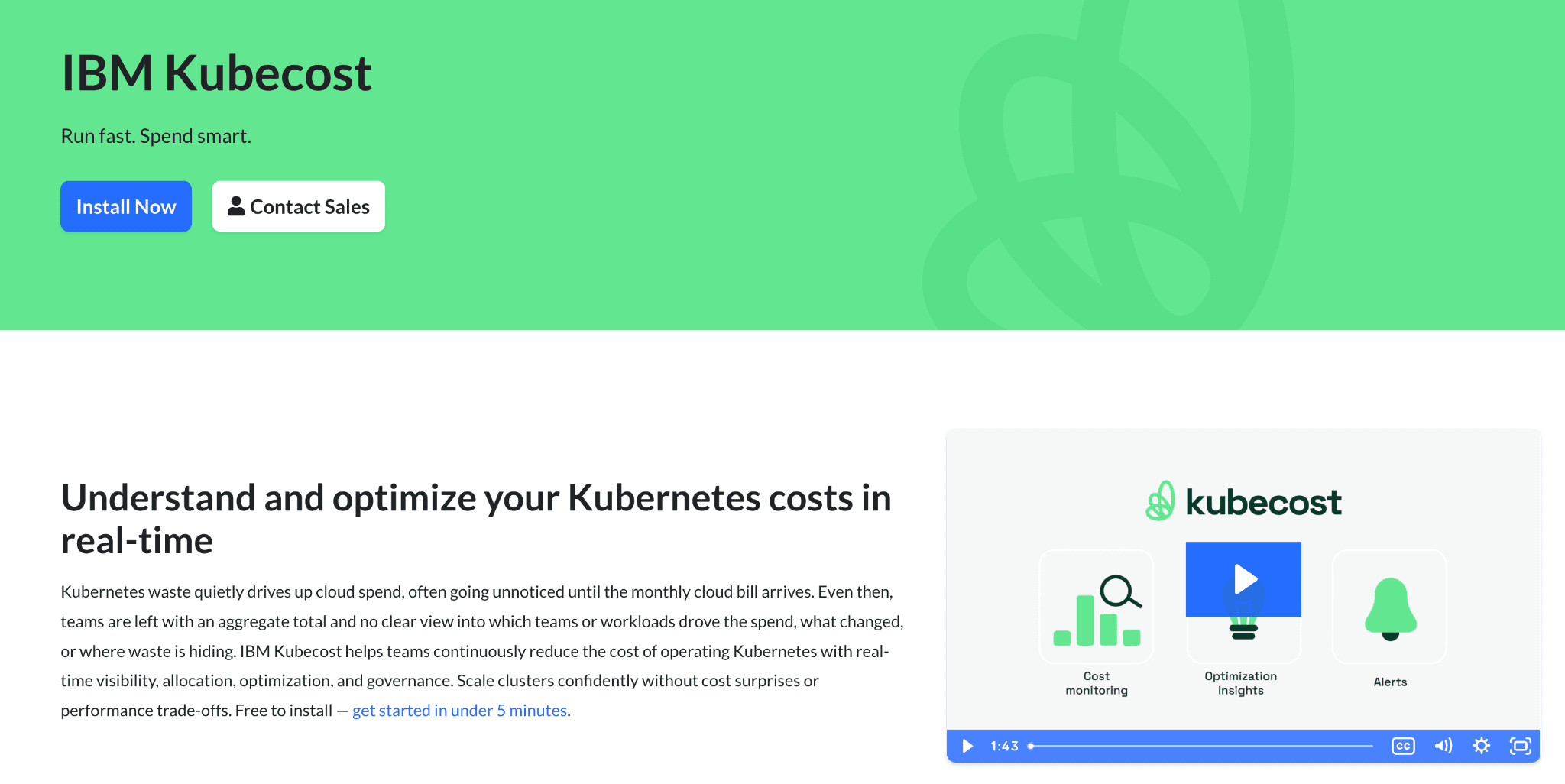
11. Kubecost (IBM)
Best for: Platform engineering teams running Kubernetes that need namespace, pod and deployment-level cost allocation.
Key features:
Kubernetes-native cost allocation by namespace, label, pod and cluster does not rely on cloud billing export lag, so cost data reflects current workload state rather than yesterday’s bill.
OpenCost open-source edition provides free in-cluster cost visibility compatible with any CNCF-conformant cluster, with no license required for teams that need the baseline.
Multi-cluster aggregation surfaces cost across EKS, GKE, AKS and on-premises clusters in one view, supporting organizations that run workloads across multiple Kubernetes environments.
Network cost tracking attributes egress and cross-zone traffic costs to individual workloads, which is often the largest unattributed line item in Kubernetes-heavy deployments.
Automated rightsizing recommendations analyze actual in-cluster utilization data with preset optimization profiles for development, production and high-availability workloads.
Automated optimization actions execute request sizing, namespace turndown and other cost-saving operations within Kubernetes clusters on a schedule or policy trigger.
Cost forecasting with predictive analytics projects future Kubernetes and cloud spending to support proactive budget planning and commitment sizing.
GPU optimization tracking provides specialized cost visibility and rightsizing for GPU-based workloads, a gap in most general-purpose cost management platforms.
Governance through budget controls, anomaly detection and role-based access ensures cost accountability without giving every team direct access to billing data.
Recurring cost reports and real-time alerts deliver customized spending summaries to the teams and individuals responsible for each cluster or namespace.
Pricing: Free OSS edition (Kubecost Community), which works for most single-cluster teams indefinitely. Paid plans have been sold through IBM since the 2024 acquisition. Pricing scales by the number of monitored Kubernetes clusters and the level of support required.
Mid-market deals run roughly $5K to $20K annually and large multi-cluster federations move into six figures.
Enterprise features (SSO, RBAC, multi-cluster federation, dedicated support) sit behind the paid tier. Most platform teams start free and upgrade only when federation or RBAC becomes a real requirement.
What customers like:
Strongest Kubernetes-native cost allocation on this list.
Free OSS edition (OpenCost) makes it accessible for any team running EKS, AKS or GKE.
IBM acquisition has accelerated enterprise features. SSO, RBAC and federation are now more reliable than they were 18 months ago.
Asset view ties cost back to the underlying instance, persistent volume and load balancer with no manual mapping.
Helm chart install is well-documented and most platform teams get it running in a day.
Active CNCF community around OpenCost means the underlying allocation logic is open and inspectable.
Where customers run into limits:
Kubernetes-only. No EC2 outside clusters, no RDS, no S3, no non-K8s spend.
No finance-grade chargeback or unit economics modeling.
Most teams use Kubecost alongside a broader management platform, not as a standalone.
The free OSS edition lacks SSO, RBAC and multi-cluster federation, which most production deployments eventually need.
Cost data accuracy depends on cluster-level Prometheus retention, which platform teams have to manage themselves.
Common Mistakes When Choosing Cloud Cost Management Tools
Most regretted purchases in this category come from a small set of recurring mistakes. Seven show up often enough to be worth flagging.
1. Buying for one persona only
A platform that only the FinOps lead understands becomes shelfware the moment that person leaves. It survives turnover only if the CFO, FinOps lead, engineering manager and SRE each have a useful view of their own.
2. Skipping the tagging audit
If your tag coverage is below 70%, even the best allocation engine produces noise. Run a tag hygiene audit before the contract conversation. Ask the vendor specifically how the platform handles untagged spend, missing tags and inconsistent tag values. If the answer is "build a tagging policy first", that is months of work you have not budgeted for.
3. Confusing billing ingest with multi-cloud coverage
A tool that ingests AWS, Azure and GCP billing is not the same as a tool that normalizes the data into one attribution model. Ask for one report covering all three providers in the demo. If the demo shows three separate reports stitched together, the platform is single-cloud with billing imports.
4. Choosing on demo polish, not customer outcomes
A polished demo is not a working deployment. Ask every vendor for three named customer outcomes with measurable results (chargeback close time, budget accuracy, anomaly catch rate). If they cannot share two within 48 hours, that is the answer.
5. Underestimating the security review
Even read-only tools need a security review. Write-access tools need a much longer one. Confirm with your security lead which permissions your team will and will not approve before procurement starts, not after the contract is signed.
6. Picking a tool that cannot forecast
Every CFO eventually asks "what will Q4 cost?" A tool without real forecasting forces finance to build the answer in a spreadsheet, which defeats the point of the platform. Confirm the forecasting model uses actual usage trends, not last-month-plus-ten.
7. Treating Kubernetes as a separate problem
Kubernetes spend is now 25 to 40% of the cloud bill at most cloud-native companies. A management tool without Kubernetes coverage hides your single largest cost line. Confirm the platform handles container, pod and PVC allocation, not just node-level cost.
How to Choose the Right Cloud Cost Management Tool
The right tool is the one that solves your single biggest visibility, allocation or governance problem in the first 90 days. Not the one with the longest feature list.
Pick by the problem you are facing right now:
Allocation problem: You cannot answer "what does customer X cost?" or "what does product Y cost?" Try CloudZero, Amnic or Finout. See cost allocation.
Reporting problem: Finance is rebuilding the same chargeback report in Excel every month. Try Cloudability or Amnic. See reporting.
Multi-cloud problem: AWS, Azure and GCP each have a separate dashboard owned by a different team. Try Amnic, CloudHealth or Finout.
Governance problem: Tag hygiene is below 70%, budgets get breached without alerts, ownership is unclear. Try CloudHealth or Amnic. See virtual tags and budgeting.
Anomaly problem: Cost spikes get caught two days late and nobody owns them. Try Amnic or Datadog CCM. See anomaly detection.
Kubernetes problem: A single cluster owns 30%+ of the bill and nobody knows which team to charge. Try Kubecost or Amnic for Kubernetes.
AI / LLM cost problem: Bedrock and OpenAI spend is the fastest-growing line item. See AI token management.
Cheap-and-fast problem: The monthly cloud bill is under $20K and you need a starting point. Use AWS Cost Explorer, Microsoft Cost Management or Vantage's free tier.
Write down your top two problems. Score the shortlist on those two only. You will pick faster and avoid paying for features you will never use.
When Amnic Is the Right Pick (And When It Is Not)
The bias here is obvious, so the rest of this section sticks to specifics.
Amnic fits well for three kinds of team:
Multi-cloud teams beyond the big three. AWS, Azure, GCP, Oracle and Alibaba covered in one normalized view. Most other platforms on this list stop at three providers.
Teams that need one cost view across roles. Persona-specific dashboards mean the CFO, CTO, FinOps lead and SRE each get a view tuned to the question they are actually asking. The CFO sees unit economics. The SRE sees Kubernetes utilization. The FinOps lead sees allocation hygiene. The CTO sees engineering efficiency.
Regulated companies that cannot grant write access. Read-only, agentless deployment with SOC 2 Type II, ISO 27001 and GDPR compliance. Security teams typically approve in days rather than weeks. Details on the Amnic security page.
Amnic is probably not the right pick if:
You are a Fortune 500 enterprise running a formal monthly close with a dedicated FinOps team of 10+ analysts. Cloudability's reporting layer is more mature for that specific use case, today.
You are a small team running entirely on AWS under $50K monthly spend. AWS Cost Explorer plus AWS Budgets is free and covers the basics well enough.
You need active write-access automation for spot orchestration, automated rightsizing or commitment management. The optimization tools page covers that category.
Frequently Asked Questions:
What is the difference between cloud cost management and cloud cost optimization tools?
Management tools tell you where money went and who owns it. Optimization tools actively cut the bill through rightsizing, commitment management and automated scaling. Most modern platforms cover both, with different emphasis. Amnic and Cloudability lead with management. Spot, CAST AI and ProsperOps lead with optimization. The optimization tools page covers the second category.
How much do cloud cost management tools cost?
Native tools (AWS Cost Explorer, Microsoft Cost Management, Google Cloud Cost Management) are free. Third-party platforms typically price as a percentage of monitored cloud spend, ranging from 0.25% to 1% for mid-market and dropping at enterprise scale. Vantage offers a permanent free tier for smaller footprints. Cloudability and CloudHealth sell exclusively through annual contracts with custom pricing. See the Amnic pricing page for details.
Do I need a cloud cost management tool if I am only on AWS?
For monthly bills under $20K on a single cloud, AWS Cost Explorer plus AWS Budgets covers the basics. Above that, the cost of a dedicated platform usually pays for itself through better allocation, faster anomaly catches and cleaner chargeback reporting.
Do these tools need write access to my cloud?
Most do not. Amnic, Cloudability, CloudHealth, Vantage, CloudZero, Finout and the native tools all run read-only. Tools that automate purchasing or scaling (covered in the optimization tools page) require write access. Confirm with your security team before signing.
Which tools cover Kubernetes cost allocation?
The strongest Kubernetes allocation comes from Kubecost (purpose-built for K8s) and Amnic (multi-cloud plus K8s in one view). Datadog CCM and CloudZero offer Kubernetes views integrated with broader cost data. Native tools treat Kubernetes as node-level spend without container-level allocation.
Which tools cover Oracle and Alibaba?
Amnic is the only platform on this list that covers AWS, Azure, GCP, Oracle and Alibaba in a single view. CloudHealth and Cloudability have limited Oracle support through enterprise integrations. Vantage and CloudZero cover only AWS, Azure and GCP.
How long does deployment take?
Read-only platforms onboard in hours to days. Vantage and Amnic typically deliver a working dashboard on the first day. Cloudability and CloudHealth take 4 to 12 weeks and usually involve professional services.
Can these tools track AI and LLM spend?
Native AWS, Azure and GCP tools surface Bedrock, Azure OpenAI Service and Vertex AI as line items. Dedicated platforms vary. Amnic AI token management tracks Amazon Bedrock today, with OpenAI and Anthropic on the rollout schedule. Vantage covers OpenAI through SaaS integrations. AI spend is the fastest-growing line item for most cloud-native teams, so confirm the roadmap before signing.
What is unit economics and why does my cost management tool need it?
Unit economics ties cloud spend to a business metric. Cost per customer. Cost per transaction. Cost per query. Cost per loan processed. It turns "we spent $1.2M on AWS" into "each enterprise customer costs $4.20 per month to serve”. Without unit economics, finance and product cannot make pricing or margin decisions. Amnic and CloudZero are the strongest unit economics platforms on this list.
Can a cloud cost management tool replace my native AWS, Azure or GCP console?
For multi-cloud teams, yes. For single-cloud teams under $50K monthly spend, the native tool is usually enough. Above that, a dedicated platform pays for itself through allocation depth and faster reporting that native tools do not provide.
Get One Cost View Across Every Team and Every Cloud
If you are a CFO, FinOps lead or VP of Engineering tired of three teams looking at three different dashboards and arguing about whose number is right, Amnic is worth a 30-minute call.
Better visibility and management into AI Tokens?
Start with a 30 day trial
Connect leading LLMs
24 hour time to value
Stay ahead of AI Spend

Make AI spend visible, controllable, and accountable.
Gain insights into your AI token costs at a team, customer, business unit and individual user level to measure and manage AI utilization.
Recommended Articles

8 Best Llama Cost Management Tools in 2026
Read More

8 Best Amazon Bedrock Cost Optimization Tools for 2026
Read More

7 Best Amazon Bedrock Cost Monitoring Tools
Read More

8 Best Gemini Cost Visibility Tools for 2026
Read More

7 Best Multimodal Cost Optimization Tools for 2026
Read More

5 Best Anthropic Cost Allocation Tools for 2026
Read More






