13 Best LLM Cost Allocation Tools for 2026
13 min read
Tools

Table of Contents
Comparing the top LLM cost allocation tools for 2026 are 1. Amnic, 2. CloudZero, 3. Finout, 4. Vantage, 5. Mavvrik, 6. Langfuse, 7. Datadog LLM Observability, 8. LangSmith, 9. Helicone, 10. Portkey, 11. LiteLLM, 12. Bifrost and 13. TrueFoundry.
LLM cost allocation tools track, categorize and attribute generative AI spend to the team, project, application or customer that caused it. They fall into three categories: FinOps and cloud platforms, observability and tracing platforms and AI gateways and proxies. This list covers all three, led by Amnic.
LLM cost allocation tools split token and inference spend across the team, customer, feature, model and environment that incurred it, then turn that split into showback and chargeback. They matter because a provider bill prints one total and the moment several teams share an OpenAI or Anthropic key, no one can say which product line or customer drove the number.
Allocation is a different job from seeing the spend or cutting it. A FinOps practice attributes every dollar to a cost center first, then unit economics like cost-per-customer and cost-per-feature follow. Amnic opens this list because it attributes OpenAI, Anthropic, Gemini and Bedrock token spend to teams, features and customers, then maps it to chargeback the way finance already governs cloud cost.
How LLM Cost Allocation Tools Are Categorized
FinOps and cloud platforms sit highest. They aggregate LLM spend alongside cloud, SaaS and infrastructure cost, then attribute it to cost centers and turn it into chargeback. This is the layer finance owns, because it ties token spend to a budget and reconciles AI with the rest of the bill.
Observability and tracing platforms sit in the middle. They instrument the application, capture per-trace and per-feature cost and map spend to the prompt, agent run or workflow that produced it. They answer which feature cost what, which is the raw material allocation needs.
AI gateways and proxies sit closest to the request. They front your model providers, tag each call with virtual keys or metadata and enforce budgets in real time. They produce clean attribution data at the edge, before the spend ever reaches a dashboard, though the finance rollup lives a layer up.
LLM Cost Allocation Tools Comparison Table
Information reflects vendor sources as of June 2026. Confirm current pricing with the vendor.
Tool | Category | Allocation dimensions | Showback / chargeback | Free option | Pricing model |
|---|---|---|---|---|---|
Amnic | FinOps and cloud | Team, feature, customer, model, cost center | Chargeback and unit economics | One-month trial | % of monitored spend |
CloudZero | FinOps and cloud | Customer, feature, product | Chargeback via cost-per-unit | Demo only | Enterprise contract |
Finout | FinOps and cloud | Virtual tags across cloud, SaaS, AI | Chargeback via unified bill | Demo only | Enterprise contract |
Vantage | FinOps and cloud | Cost categories, provider, service | Showback by category | Free tier | Fixed-rate subscription |
Mavvrik | FinOps and cloud | Department, vendor, model | Showback and chargeback | Demo only | Usage based |
Langfuse | Observability | Trace, session, user, feature | Showback by trace tag | Free hobby tier | Seat and event based |
Datadog LLM Observability | Observability | Model, service, custom tag | Showback inside APM | Trial only | Per-host and usage |
LangSmith | Observability | Chain, agent, prompt | Showback by run | Free dev tier | Seat and trace based |
Helicone | Gateway | User, feature via custom properties | Showback by tag | Free 10k req/mo | Per logged request |
Portkey | Gateway | Team, project, customer via metadata | Showback by virtual key | Free dev tier | Per-seat and usage |
LiteLLM | Gateway | Key, team, tag, model | Showback via spend reports | Open source | Open source plus enterprise |
Bifrost | Gateway | Hierarchical budgets per key, team | Enforcement plus showback | Open source | Open source plus enterprise |
TrueFoundry | Gateway | Team, app, model via metadata | Showback by virtual key | Demo only | Usage and platform tier |
What Are LLM Cost Allocation Tools?
LLM cost allocation tools attribute token and inference spend to the team, customer or feature that incurred it, so a shared provider bill stops being one unsplittable number. They read usage from model providers, apply the token economics behind each call and roll spend up by the dimension finance reports against, which is who spent what and why.
A single OpenAI organization can serve a dozen internal apps and hundreds of end customers through one key. Allocation tools tag each request, group the spend and produce a per-team or per-customer figure. That is the difference between a total on a dashboard and a line a finance team can charge back.
A FinOps lead or AI platform engineer wants accountability, not just a chart. They need token spend mapped to teams and customers and tied to cost attribution so a feature that burns inference shows up against the revenue it earns. The tools below do that job, grouped by the layer they work in.
How We Evaluated These Tools
Allocation depth: can it split spend by team, customer, feature, model and environment, not only by provider key.
Showback to chargeback: does it move past a report into cost-center mapping a finance system can bill against, the same way chargeback vs showback plays out on cloud cost.
Unit economics: can it express spend as cost per customer or per feature so it ties to revenue.
AI plus cloud in one view: does it attribute model-provider spend next to AWS, Azure and GCP cost.
Attribution method: virtual keys, metadata tags or code-based rules and how clean the resulting data is.
Access and deployment: managed or self-host, agentless or instrumented and whether it reads data without write access.
FinOps and Cloud Platforms
These platforms take LLM spend and fold it into the broader cloud, SaaS and infrastructure bill, then attribute it to cost centers for real chargeback. This is the layer finance acts on, where token spend stops being a separate console and becomes a line in the same cost allocation practice the business already runs.
1. Amnic
Best for: FinOps and finance teams that need token spend attributed to teams, features and customers and mapped to real chargeback, next to cloud cost.
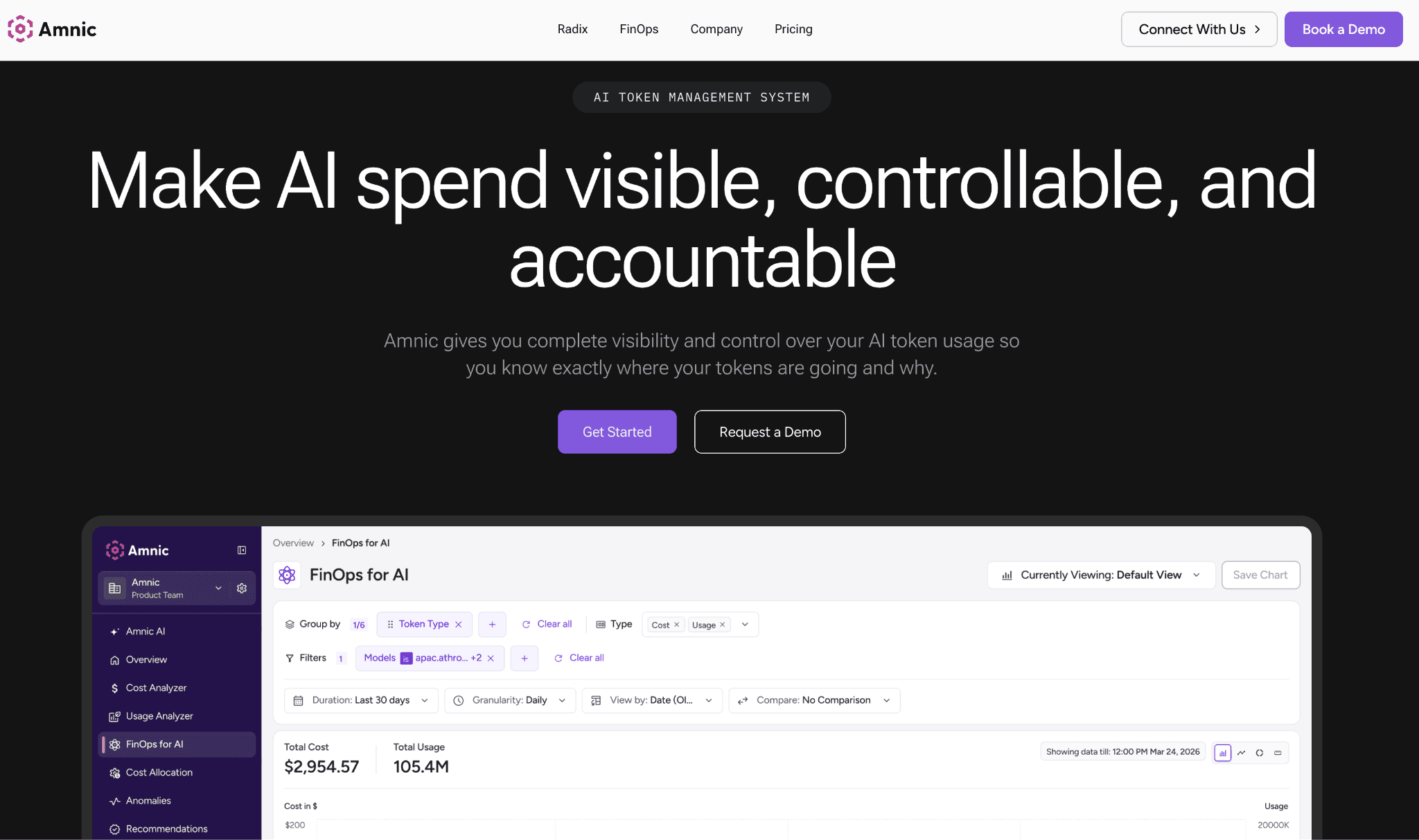
Amnic reads input and output token spend across OpenAI, Anthropic, Gemini and Amazon Bedrock, then attributes every dollar to teams, users, features and cost centers. The same platform reads AWS, Azure and GCP cost, so allocated AI spend reconciles with the cloud bill instead of living in a separate console that finance has to stitch together.
The platform is agentless and read-only, so it reads provider and billing data without write access to your stack. It ties token spend to unit economics so a feature that burns inference shows up against the revenue it earns and budgets per team and model alert before the invoice lands.
Key features:
Token spend attributed to teams, features, users and cost centers, which is what makes real chargeback possible
AI provider spend and multi-cloud cost in one allocated view, so AI is never a separate reconciliation
Per-customer and per-feature cost so you see which workload pays for itself
Budgets per team and model that alert before the invoice
Real-time anomaly alerts on AI and cloud spend spikes
Stakeholder views and natural-language agents, so a CFO reads an allocated number without waiting on engineering
Agentless, read-only integration with SOC 2, ISO 27001 and GDPR posture
Pricing: Amnic charges a percentage of monitored spend, roughly 0.25% to 1%, with a one-month startup trial and no credit card. Enterprise tiers add cost experts and a negotiated spend cap.
Pros:
It answers the chargeback question, who owns this spend, instead of charting a total no one can split
AI and cloud spend allocate in one place, so month-end stops being a reconciliation between two tools
Read-only access means engineering never hands over write keys to get attribution
Cons:
It attributes and charges back spend rather than routing or caching calls, so request-time cuts need a gateway alongside it
Per-feature margin views are newer than the core attribution layer
Percentage pricing is worth a sizing conversation once the monitored bill gets very large
Amnic suits the team that has to explain the AI line to finance. Request a demo to see your token spend attributed against real usage in days.
2. CloudZero
Best for: product and engineering teams that want LLM and cloud spend expressed as cost per customer or per feature for margin work.
CloudZero centers on cost-per-unit allocation. It ingests cloud spend and AI provider cost, then maps both to dimensions a business cares about, so you read cost per customer, per feature or per product rather than per service. That framing fits teams chasing gross margin on AI features, not only a smaller bill.
Its strength is the allocation engine, which assigns shared and untagged spend through code-based rules instead of waiting on perfect tags. It sits in the same neighborhood as the broader FinOps tools for cost allocation and unit economics. The trade-off is access, since there is no free tier and LLM cost enters through ingest rather than a deep native integration with each provider.
Pros:
Unit cost framing is genuinely strong for per-customer economics
Allocation works when tagging is incomplete, which is most real estates
Maps cost to the product language a business already uses
Cons:
No free tier or self-serve, so evaluation runs through sales
LLM cost arrives through ingest rather than a deep per-provider integration
Enterprise-only pricing puts it out of reach for smaller teams
3. Finout
Best for: finance teams that want LLM spend folded into one bill beside cloud and SaaS, split by virtual tags.
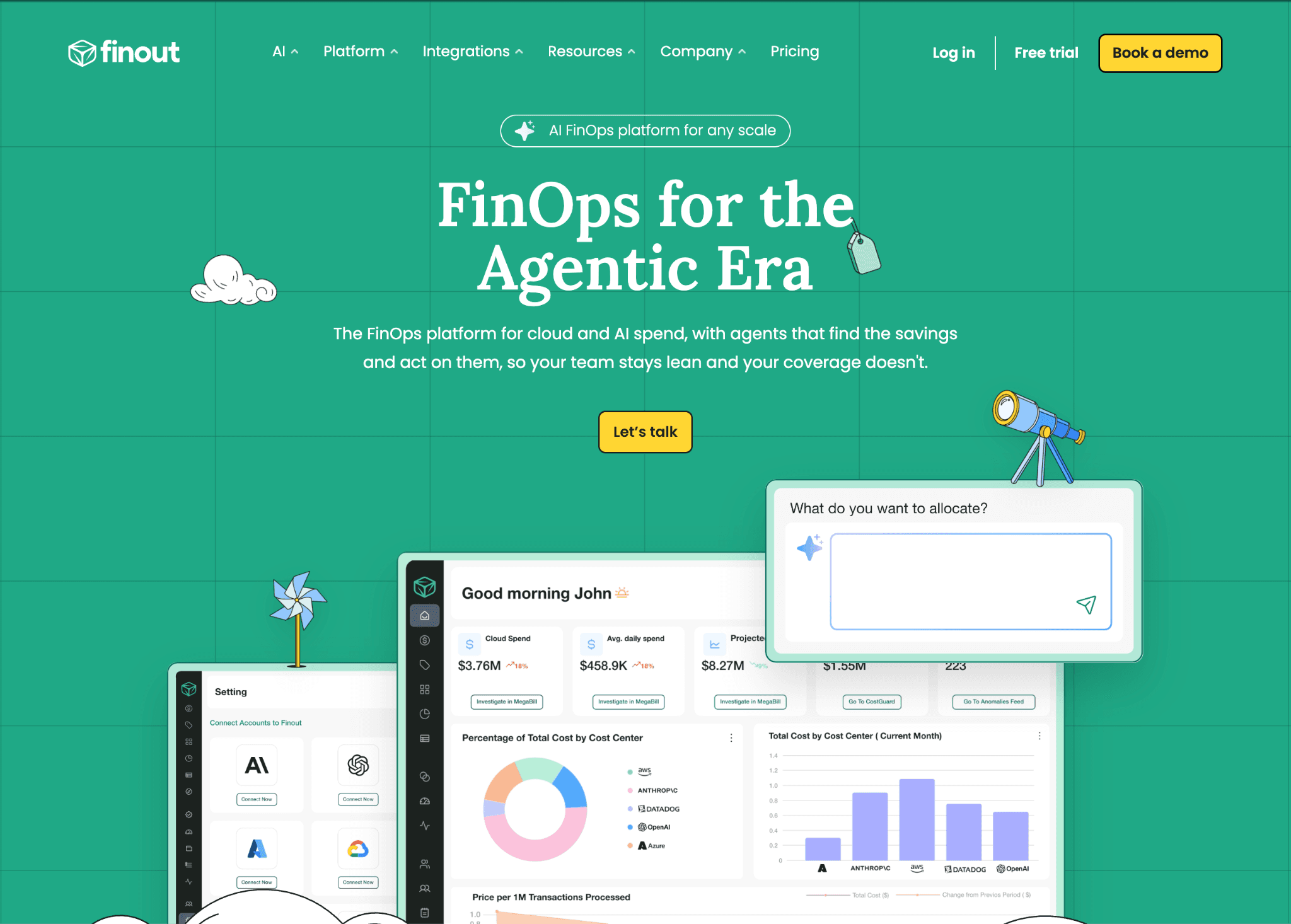
Finout combines cloud, SaaS and AI cost into a single billing view, then uses virtual tags to divide that spend across business units without re-tagging the underlying resources. For a finance team that already runs multi-cloud showback, AI provider cost becomes another source feeding the same unified bill.
Its allocation is strong on the rollup side, weaker on native per-provider token detail, since LLM cost enters through ingest rather than a deep integration with each model API. It also leads with enterprise sales, so smaller teams rarely self-serve their way in.
Pros:
Virtual tags split shared spend without touching the source resources
One unified bill for cloud, SaaS and AI suits a finance owner
Mature multi-cloud allocation carries over to AI cost
Cons:
LLM detail is shallower than a provider-native integration
Enterprise-led, with no free or self-serve path
AI is one source among many, not the primary focus
4. Vantage
Best for: developer-led teams that want quick cloud cost reports with select AI and LLM providers tracked alongside.
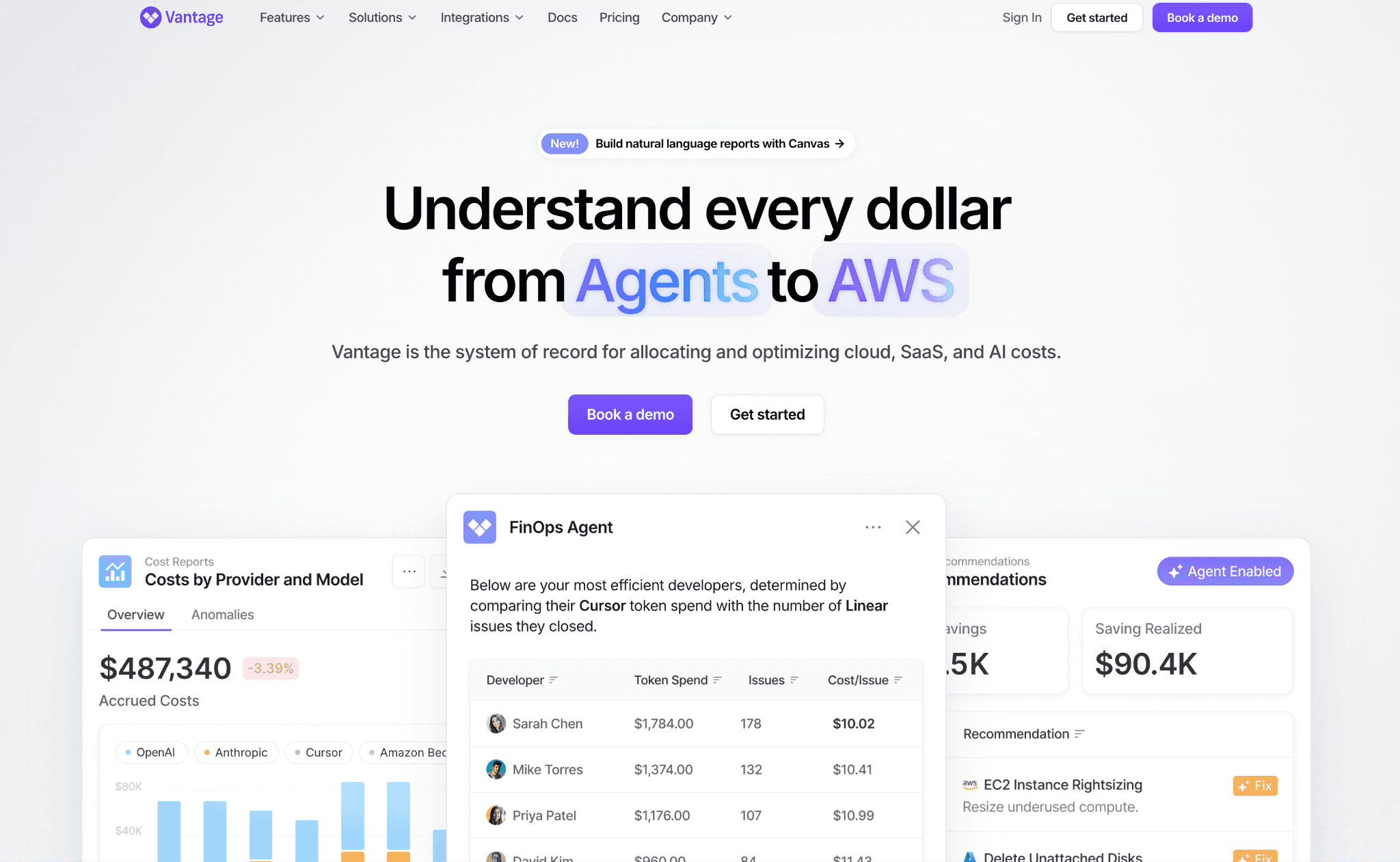
Vantage is a developer-friendly FinOps platform built around cost categories and reports. It tracks cloud compute and a set of AI and LLM providers in the same view, so a team already using it for infrastructure can pull AI spend into the same categories without a new tool.
Its allocation is cloud-first, with AI added as another provider rather than a token-level attribution engine, so per-customer and per-feature LLM economics are thinner than the FinOps-native options. Pricing is a fixed-rate subscription rather than a percentage of spend, which suits predictable budgets.
Pros:
Fast setup and clean reports for cloud-led teams
Cost categories carry AI spend into the same structure as cloud
Fixed-rate pricing keeps the cost predictable
Cons:
AI coverage is select providers, not every model API
Allocation is cloud-first, so deep token attribution is limited
LLM economics like per-feature margin need a more AI-native tool
5. Mavvrik
Best for: teams that want a single pane to allocate LLM spend across multiple vendors to specific departments.
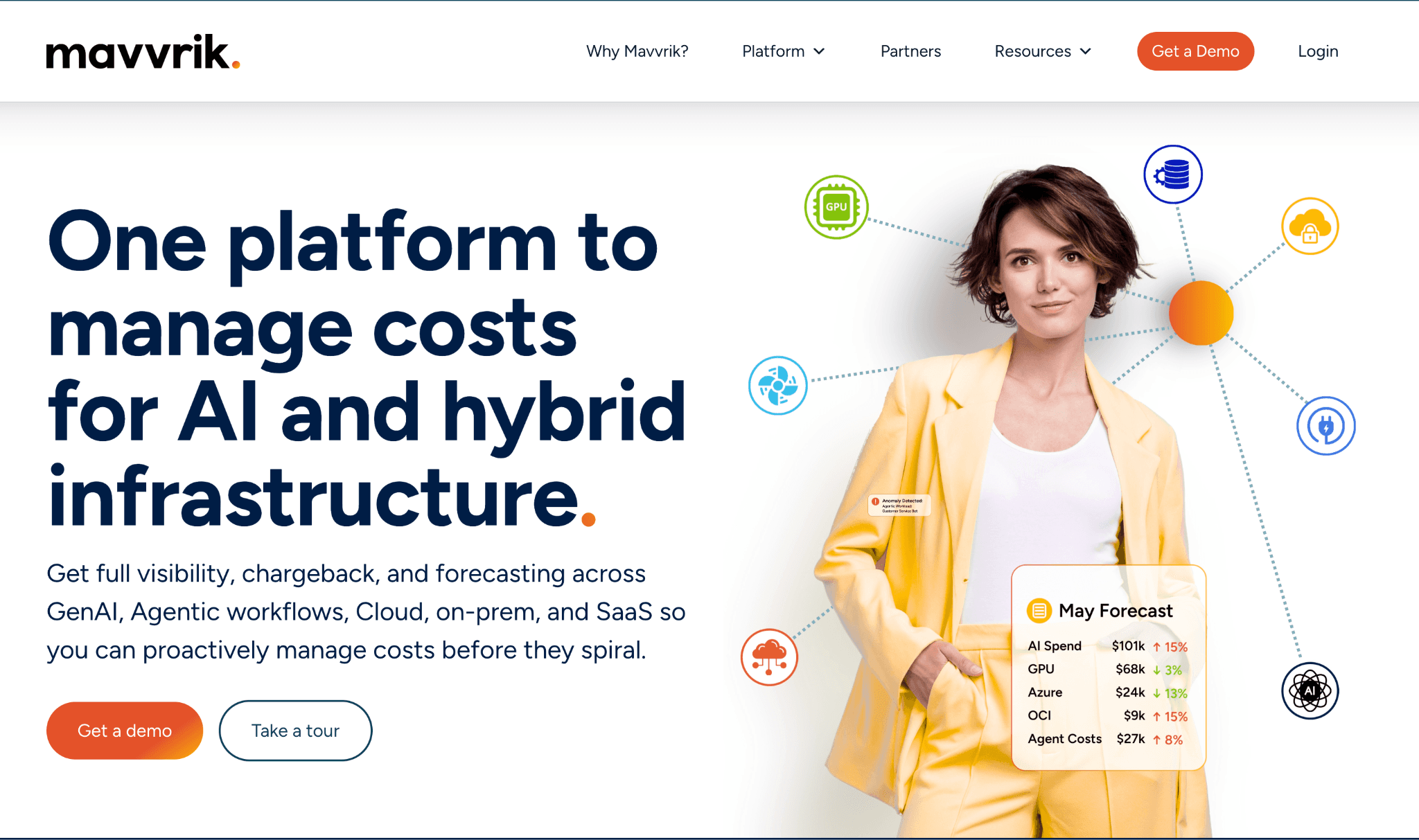
Mavvrik is a unified platform built to track and allocate LLM spend across vendors such as Azure OpenAI, AWS Bedrock and Groq, then assign it to departments. The multi-vendor focus fits an organization running models across several providers that wants one allocation surface rather than separate consoles. It sits near the broader GenAI cost management platform category.
Its strength is cross-vendor coverage in one place; the trade-off is that it is a younger product with a narrower ecosystem than the established FinOps platforms, so deep cloud reconciliation and a long integration list are still maturing.
Pros:
Single pane across several model vendors and clouds
Department-level allocation built in from the start
Focused on LLM spend rather than a cloud tool with AI bolted on
Cons:
Younger product with a smaller integration footprint
Cloud-side reconciliation is lighter than mature FinOps platforms
Less proven on very large or complex estates
LLM Observability and Tracing Platforms
These tools instrument the application and capture cost at the trace, prompt or agent-run level, so spend maps to exactly what the model did. They answer which feature or workflow cost what, which is the attribution detail allocation feeds on and they overlap with LLM observability more broadly.
6. Langfuse
Best for: engineering teams that want cost allocation to follow each trace and agent run, inside the same tool they use for debugging.
Langfuse is an open-source observability platform that builds cost tracking into the tracing layer. Each trace carries token cost, so spend attributes to the session, user, feature or agent run that produced it. For teams already tracing multi-step agents, allocation comes from the same data they debug with, which keeps the attribution close to the work.
It is strong on trace-level detail and weaker on the finance rollup, so it answers which feature or run cost what, not which cost center to bill. It pairs with FinOps for AI when allocation needs to reach a chargeback report finance can act on.
Pros:
Cost allocation lives in the same trace data engineering already reads
Strong per-agent and per-feature detail for complex pipelines
Open-source core with a self-host path
Cons:
Built for engineers, so finance-grade chargeback sits outside it
Allocation depends on consistent trace tagging across the codebase
The view stops at LLM traces, with no cloud cost beside it
7. Datadog LLM Observability
Best for: enterprise engineering teams already on Datadog that want AI cost inside the same APM pipeline.
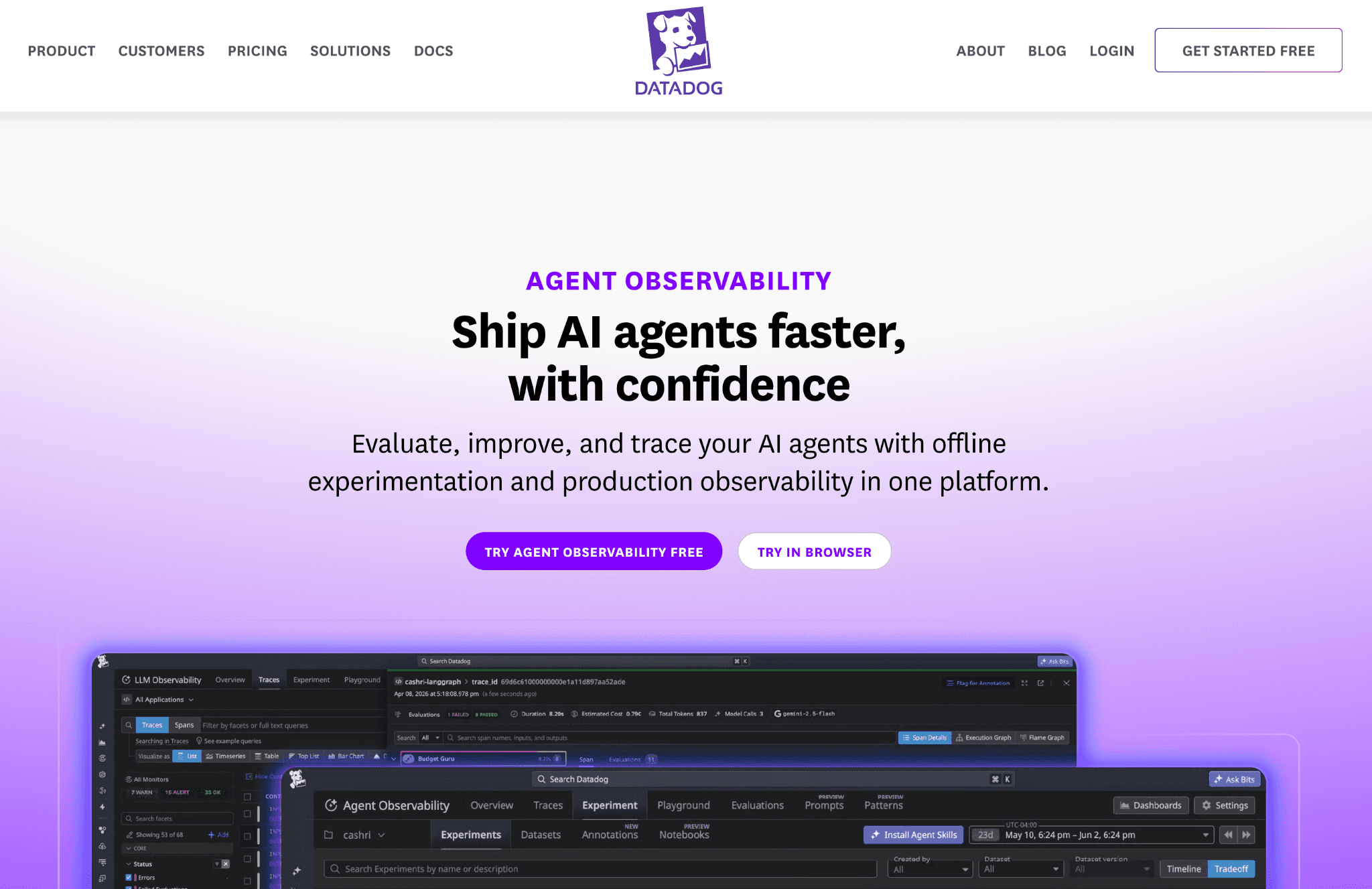
Datadog LLM Observability folds AI cost into the APM pipeline a team already runs, breaking spend down by model, service and custom tag. For an organization standardized on Datadog, that means LLM cost lands next to infrastructure and application metrics without a separate tool and existing tags carry the allocation.
The cost view is a slice of a broad observability suite rather than a finance-grade chargeback engine, so cost-center rollups and unit economics are lighter. Pricing also scales with hosts and usage, which can climb as monitoring coverage grows. It complements AI cost tracking tools rather than replacing the finance layer.
Pros:
AI cost sits beside existing infra and app monitoring
Custom tags carry the allocation that a team already maintains
One vendor for teams standardized on Datadog
Cons:
Cost is a feature of observability, not a chargeback engine
Pricing can grow with hosts and usage at scale
Finance rollups and unit economics are thin
8. LangSmith
Best for: teams building on LangChain that want cost visibility into complex chains, agents and prompt pipelines.
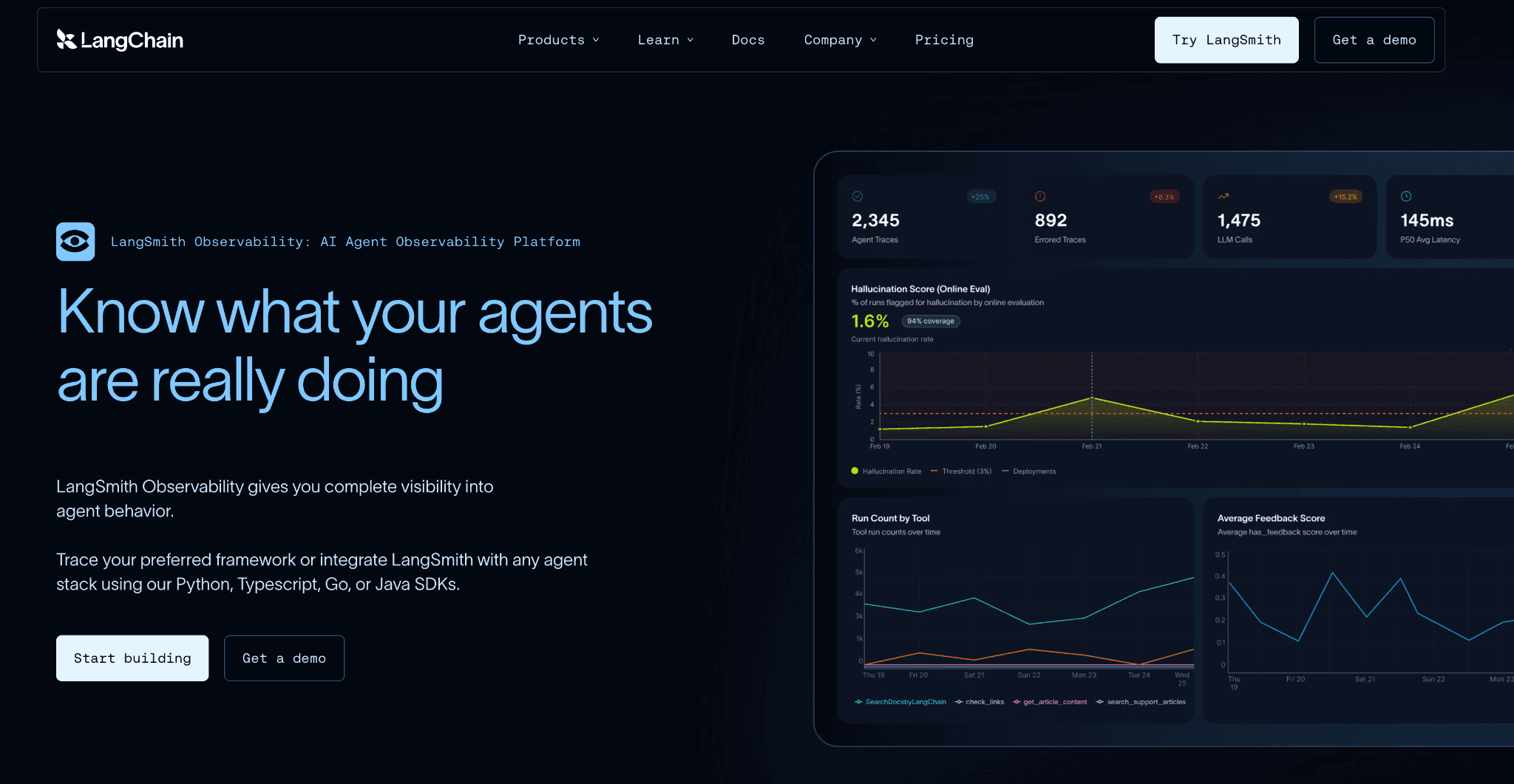
LangSmith is the standard tracing and evaluation tool for the LangChain ecosystem. It gives deep cost visibility into chains, agents and prompt usage, so a team can see which step in a complex workflow drove the spend. For LangChain-heavy stacks, that detail is hard to match elsewhere.
Its allocation is engineer-facing and pipeline-scoped, strong on per-run and per-chain cost, but it does not roll spend up to cost centers or reconcile it with cloud. It answers which workflow cost what, then hands the finance job to a layer above.
Pros:
Deep cost detail across LangChain chains and agents
Tight fit for teams already building on LangChain
Per-run visibility into where complex workflows spend
Cons:
Strongest inside the LangChain ecosystem
Engineer-facing, with no finance chargeback rollup
No cloud cost beside the LLM spend
AI Gateways and Proxies
These tools sit between your application and the model providers, tag each request and enforce budgets in real time. Some double as a multi-provider LLM cost management tool, routing across vendors while they tag, so attribution data stays clean at the edge before spend ever reaches a dashboard. That data feeds straight into the allocation layers above.
9. Helicone
Best for: engineering teams that want to split LLM cost by user and feature in an afternoon, without instrumenting their codebase.
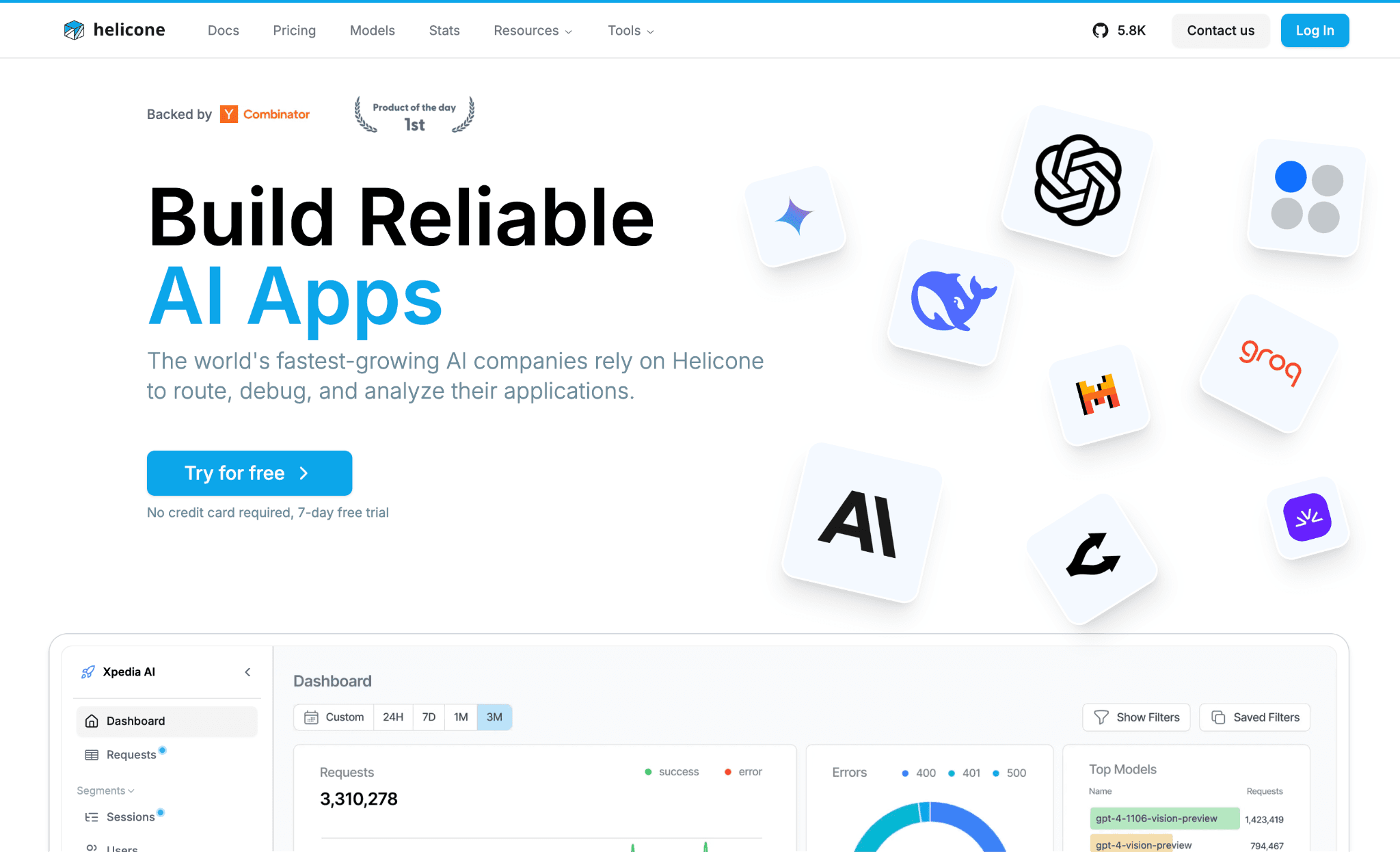
Helicone is a proxy that sits in front of your model calls. You change the base URL, then attach custom properties to each request and it groups token cost by whatever you tag, a user, a feature, a customer. That is the fastest path here from a raw provider total to spend split by the dimension you care about.
The allocation is only as disciplined as the tags developers remember to set, which is the honest limit of header-based attribution. It stays focused on LLM traffic, so it gives request-level allocation but not the cloud-plus-AI rollup finance needs.
Pros:
Live in production in an afternoon, with no code changes to ship
The fastest way here to split LLM spend by tag
Free tier is generous enough to validate before any spend
Cons:
Allocation is only as good as the tags developers set on each call
The view stops at LLM traffic, with no cloud-side cost beside it
The proxy hop adds one more point of failure in the request path
10. Portkey
Best for: platform teams that issue a virtual key per team, project or customer and want attribution metadata clean from the first request.
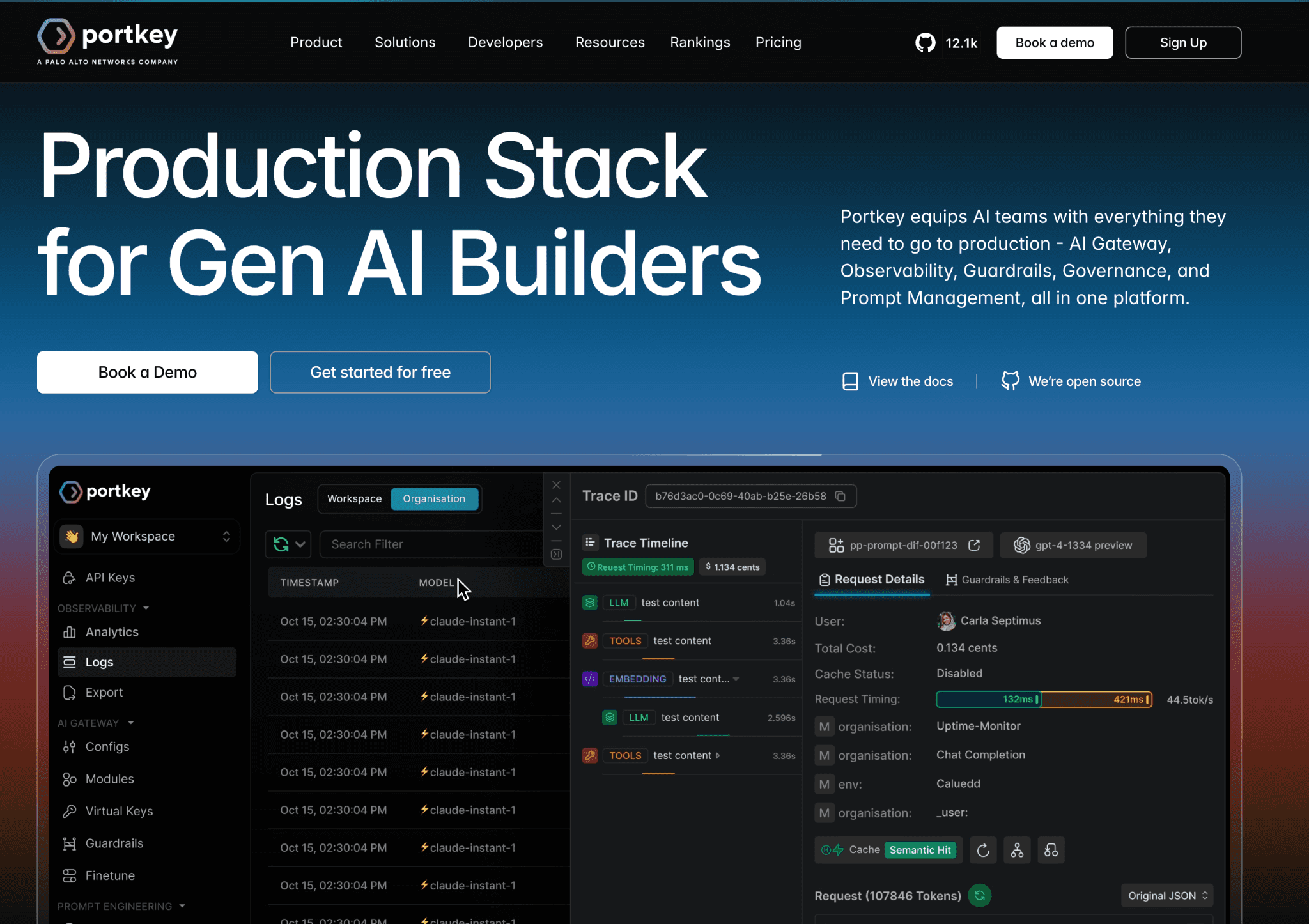
Portkey is an AI gateway that fronts your model providers. Its virtual keys bundle provider access and budgets into one credential and its metadata feature attaches custom tags to every request, so spend attributes per team, project and customer at the edge before provider selection happens. That gives cleaner allocation data than tags scattered through application code.
It covers many providers behind one interface, so a multi-model stack reports in one place. The depth is gateway-shaped, strong on routing and request-time control, so the finance rollup and cost-center mapping live a level up. It pairs with AI token management tools for the governance layer.
Pros:
Virtual keys make per-team and per-customer attribution clean from request one
Wide provider coverage suits a mixed-model stack
Gateway controls and allocation tags live in one tool
Cons:
Attribution is gateway-scoped, so cloud-side AI cost sits outside the view
The finance rollup to cost centers needs a layer above the gateway
Richer controls and self-host sit on higher tiers
11. LiteLLM
Best for: teams that want open-source spend tracking per key, team and tag across many providers without a vendor contract.
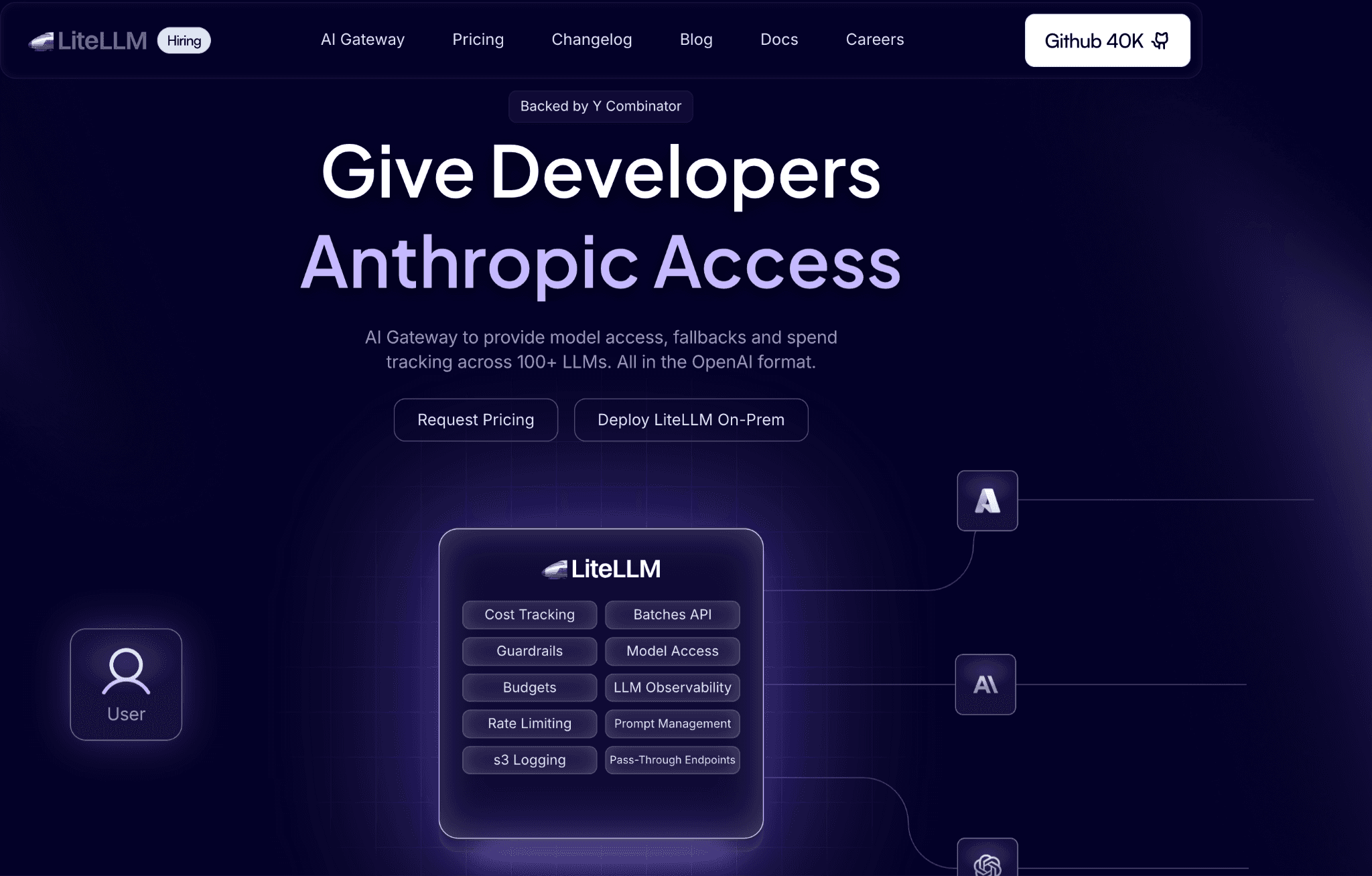
LiteLLM is an open-source proxy that calls 100-plus providers through one OpenAI-format interface. It tracks spend for keys, users and teams and tags let you attribute cost across cost centers, projects, customers and features. A tag attached to a virtual key flows onto every request that key makes, so attribution stays consistent without per-call work.
Team budgets add spend tracking and limits per group and enterprise spend reports expose spend by key, team, tag and model. The catch is that a gateway tag attributes LLM spend but never reconciles it with the cloud bill, so it pairs with the cloud cost allocation methods finance already uses on infrastructure.
Pros:
Open source with no per-seat cost to start tracking spend
Tag-based allocation maps cleanly to cost centers and customers
Wide provider coverage behind one interface
Cons:
Self-hosting carries real operational overhead to run and scale
Chargeback to a finance system is assembled, not delivered out of the box
Per-provider depth varies, so some usage data is thinner than native
12. Bifrost
Best for: platform teams that want active budget enforcement and exact per-request cost logging at the infrastructure layer.

Bifrost is built for enforcement, not just reporting. It applies hierarchical budgets across keys, teams and projects, logs the exact cost of each request and adds minimal overhead, so attribution and limits run at the infrastructure edge rather than after the fact. For teams that want budgets to bite in real time, that is the draw.
Its strength is enforcement and granular logging; the trade-off is that the finance rollup and cost-center chargeback still live above it and as an infrastructure-layer component it leans toward teams comfortable running it themselves. It sits near the enforcement end of AI cost governance tools.
Pros:
Real-time hierarchical budgets that enforce, not just report
Exact per-request cost logging for clean attribution
Low overhead at the infrastructure layer
Cons:
Enforcement-first, so the finance rollup lives above it
Suited to teams that self-manage infrastructure
Younger project with a smaller ecosystem
13. TrueFoundry
Best for: ML platform teams that want a unified AI gateway managing multi-model spend with cost attribution built in.
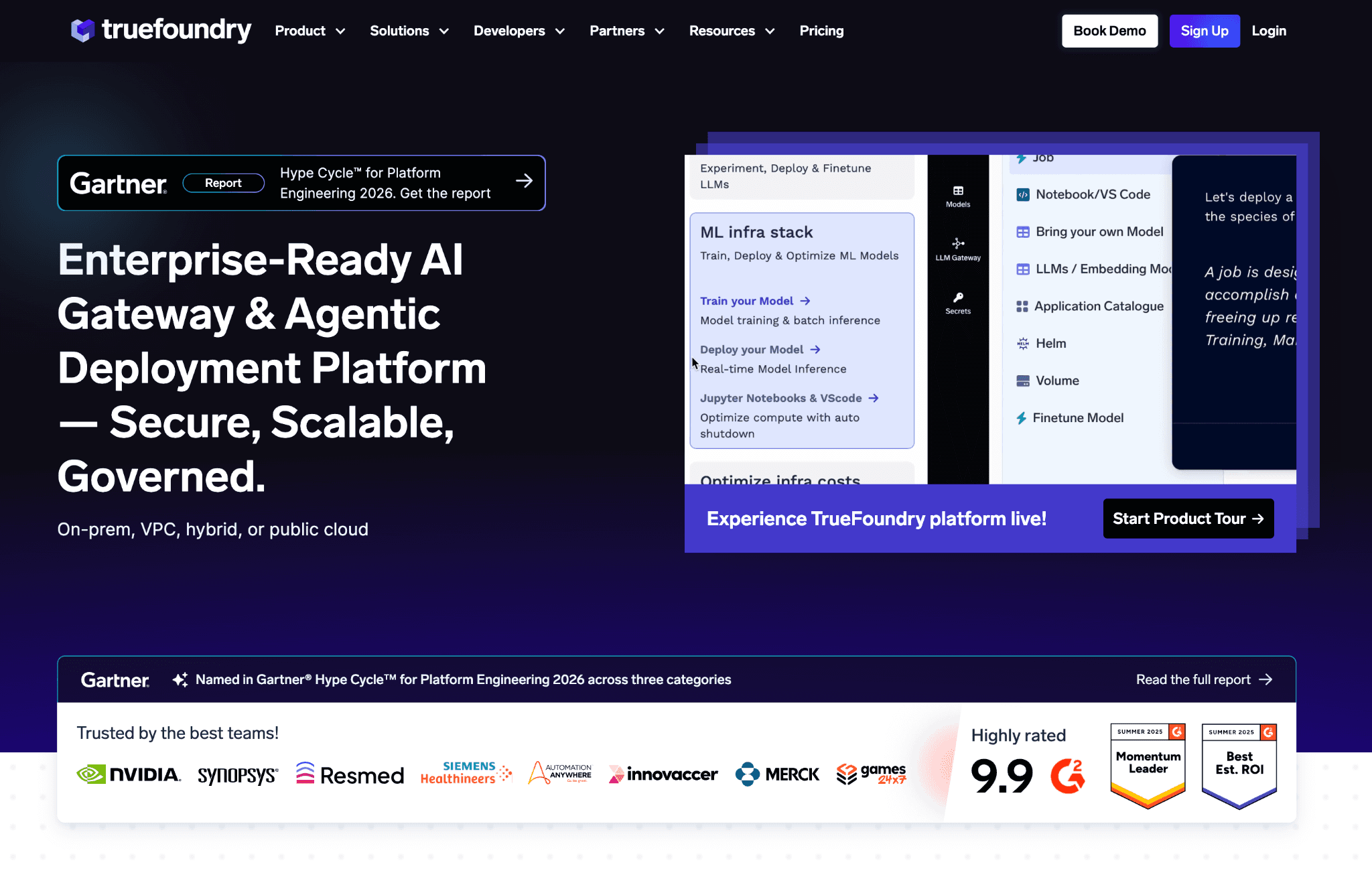
TrueFoundry runs a unified AI gateway that manages spend across many model providers and attaches cost attribution to generative AI traffic. For a platform team standardizing model access behind one gateway, allocation metadata travels with each request, so spend splits by team, app and model without separate tooling.
The attribution is gateway-scoped and part of a broader ML platform, so the cost view is one capability among many rather than a finance-grade chargeback engine. The cost-center rollup and cloud reconciliation belong to a FinOps layer above the gateway.
Pros:
Unified gateway with attribution across many providers
Allocation metadata travels with each request
Fits ML platform teams centralizing model access
Cons:
Cost attribution is one feature of a wider platform
Gateway-scoped, so cloud reconciliation sits above it
Geared to platform teams rather than finance owners
How to Choose the Right LLM Cost Allocation Tool
You need token spend charged back to cost centers with cloud cost beside it: Amnic attributes both and maps to chargeback.
You want cost per customer for margin work: CloudZero expresses LLM and cloud spend as units.
You want one unified bill across cloud, SaaS and AI: Finout splits it with virtual tags.
You already run a developer-led cloud tool: Vantage tracks select AI providers in the same reports.
You want allocation to follow each agent run: Langfuse carries cost in the trace.
You live inside Datadog or LangChain: their observability tools attribute cost where you already work.
You want clean attribution at the request edge: Helicone, Portkey, LiteLLM, Bifrost and TrueFoundry tag spend before it lands.
Common Mistakes When Choosing an LLM Cost Allocation Tool
Confusing allocation with visibility. Seeing a total is not splitting it. If a tool shows spend but cannot attribute it to a team or customer, you have a chart, not a chargeback. Make spend legible first with AI cost visibility tools, then add the allocation layer that assigns it.
Stopping at showback. A weekly report tells a team what it spent without consequence. Chargeback flows that spend back as a real cost, which is what changes behavior. Run showback for a few weeks to find tagging gaps, then switch to formal chargeback against cost-center codes.
Allocating AI spend in isolation. Token cost that never reconciles with the cloud bill leaves finance stitching two tools at month-end. Map it through the same allocation practice you already run on infrastructure, so AI and cloud roll up into one number.
Trusting tags no one maintains. Header-based attribution decays the moment a developer ships a call without the tag. Choose a tool whose allocation survives missing tags or enforce tagging at a gateway so attribution is not optional.
Why Teams Choose Amnic for LLM Cost Allocation
Amnic attributes token spend the way finance already allocates cloud cost. It reads OpenAI, Anthropic, Gemini and Bedrock token spend, then assigns every dollar to teams, features and customers, while a side-by-side LLM cost comparison keeps the model mix honest. That is the gap most LLM tools leave open, since they report to engineers, not finance.
The value shows up the first week. Teams that ran several models behind one provider total start seeing token spend split by team, feature and customer, with the same view placing it next to cloud cost. The platform moves past showback into the chargeback split finance acts on, so a runaway agent surfaces as an attributed line tied to its owner, not a month-end surprise nobody can trace.
Allocation reaches chargeback through natural-language agents that turn attributed spend into a stakeholder report a CFO reads without an engineer translating it. Budgets per team and model sit on top, so a feature that quietly burns inference trips an alert before the invoice instead of after.
Frequently Asked Questions
What are LLM cost allocation tools?
They track, categorize and attribute token and inference spend to the team, customer, feature or model that caused it, then turn that split into showback and chargeback. They group into FinOps platforms, observability tools and AI gateways, each working at a different layer of the stack.
How is LLM cost allocation different from visibility?
Visibility makes spend legible, showing where money goes. Allocation assigns that spend to a cost center and charges it back. Visibility answers what was spent, while allocation answers who owns it, which is the step that drives accountability and per-customer economics.
What dimensions can you allocate LLM spend by?
Most teams allocate by team, project, environment, model and cost center, which covers the bulk of chargeback needs. Per-customer and per-feature allocation adds unit economics, so a feature that burns inference is measured against the revenue it earns rather than a flat provider total.
How do you attribute LLM cost to a specific customer?
Tag each request with a customer identifier, either through a virtual key issued per customer or metadata set per call at a gateway. The allocation tool groups spend by that tag, then rolls it into a per-customer figure finance can charge back or read as gross margin.
What is the difference between LLM showback and chargeback?
Showback reports a team its token consumption as information, with no financial consequence. Chargeback flows that spend back as a real cost to the team that incurred it. Showback builds trust in the data first, then chargeback turns it into accountability that changes how teams scale.
Do LLM cost allocation tools work without write access?
The better ones do. Amnic is agentless and read-only, so it reads provider and billing data without write access to your stack. That lets engineering keep control of the environment while finance still gets the attributed breakdown it needs for chargeback.
Allocate Every Token to Its Owner
A provider bill tells you the total, not which team, customer or feature spent it and it never shows the cloud cost beside it. Amnic attributes token spend to teams and cost centers, maps it to chargeback and unit economics and places it next to your cloud bill, with Amnic AI agents reporting the result in plain language. Start the one-month trial to see it against your own usage.
Better visibility and management into AI Tokens?
Start with a 30 day trial
Connect leading LLMs
24 hour time to value
Stay ahead of AI Spend

Make AI spend visible, controllable, and accountable.
Gain insights into your AI token costs at a team, customer, business unit and individual user level to measure and manage AI utilization.
Recommended Articles

8 Best Llama Cost Management Tools in 2026
Read More

8 Best Amazon Bedrock Cost Optimization Tools for 2026
Read More

7 Best Amazon Bedrock Cost Monitoring Tools
Read More

8 Best Gemini Cost Visibility Tools for 2026
Read More

7 Best Multimodal Cost Optimization Tools for 2026
Read More

5 Best Anthropic Cost Allocation Tools for 2026
Read More






