Top 15 FinOps Tools for Cloud Cost Management in 2026 (Honest Review)
18 min read
Tools
FinOps
Table of Contents
Comparing the top FinOps tools for cloud cost management in 2026 are 1. Amnic, 2. CloudZero, 3. Vantage, 4. Finout, 5. Apptio Cloudability, 6. nOps, 7. ProsperOps, 8. Harness CCM, 9. Datadog CCM, 10. Umbrella (formerly Anodot), 11. Flexera One FinOps, 12. Zesty, 13. Kubex, 14. CloudBolt and 15. Sedai.io.
This guide is built for CTOs, FinOps leads, SREs and CFOs at SaaS, AI/ML and fintech teams running multi-cloud workloads who want a FinOps platform that cuts cloud spend by 10 to 30 percent and tracks AI and LLM cost in one view. If your monthly cloud bill is north of $20,000 and you have at least one fast-growing AI workload, this list is built for you.
Below is a detailed comparison of the best FinOps tools of 2026, ranked on multi-cloud coverage, AI cost tracking, automation depth, time-to-first-insight, security posture and pricing transparency.
Best FinOps Software for 2026 at a Glance
Amnic: FinOps OS for multi-cloud teams that want unified visibility across AWS, Azure, GCP, Oracle and Alibaba with four context-aware AI agents and read-only access.
CloudZero: SaaS engineering platform for unit economics and native AI cost tracking on OpenAI, Anthropic and Bedrock.
Vantage: Self-serve FinOps platform with a free tier and 25+ SaaS integrations, built for mid-market and startup teams.
Finout: Code-free MegaBill platform that unifies cloud, SaaS and AI provider spend for enterprise FinOps leads.
Apptio Cloudability: Enterprise FinOps software for finance teams running monthly chargeback and audit-ready showback.
nOps: Savings-share FinOps platform for AWS-heavy SaaS and AI/ML teams that want automated commitment management.
ProsperOps: Hands-off commitment optimization for Reserved Instances and Savings Plans with policy-driven autopilot.
Harness CCM: Cost management built into the Harness CI/CD platform for engineering teams already on Harness.
Datadog CCM: Cost views inside the Datadog observability stack for SREs who want cost and performance in one dashboard.
Umbrella (formerly Anodot): AI-driven anomaly detection and forecasting across multi-cloud and SaaS spend for enterprises and MSPs.
Flexera One FinOps: Hybrid cloud governance, sustainability and software-asset coverage for large enterprises.
Zesty: Automated storage and commitment optimization for DevOps teams that need savings without compute write access.
Kubex (formerly Densify): Workload-level rightsizing recommendations driven by continuous resource analytics for performance-sensitive enterprises.
CloudBolt: Hybrid cloud orchestration with AI-informed FinOps for teams managing data center plus cloud estates.
Sedai.io: Autonomous, AI-driven optimization that acts on recommendations without human approval steps.
Comparison Table: Top 15 FinOps Tools in 2026
The table below summarizes how each FinOps tool covers multi-cloud workloads, AI cost tracking, pricing model, free trial and primary buyer fit.
Tool | Multi-Cloud + AI Coverage | AI Cost Tracking | Pricing Model | Free Trial | Best For |
|---|---|---|---|---|---|
Amnic | Multi-cloud (5 providers) + K8s + 39 SaaS tools | Yes (Bedrock live; OpenAI, Anthropic rolling out) | % of cloud spend (0.25 to 1%) | Yes (1 month) | Multi-cloud teams wanting unified AI-driven FinOps |
CloudZero | Multi-cloud (3 providers) | Yes (OpenAI, Anthropic, Bedrock) | Custom enterprise | No | SaaS unit economics with AI cost allocation |
Vantage | Multi-cloud + 25 SaaS | Partial | Tiered from $0 | Yes (free tier) | Mid-market self-serve adoption |
Finout | Multi-cloud + SaaS + AI providers | Yes | From $6,000 per year | No | Enterprise MegaBill unification |
Apptio Cloudability | Multi-cloud (3 providers) | No | Enterprise (IBM) | No | Audit-ready enterprise chargeback |
nOps | Multi-cloud (AWS primary) | Limited | % of savings | Yes | AWS SaaS and AI/ML automation |
ProsperOps | Multi-cloud commitments | No | % of savings | Yes | RI and SP autopilot |
Harness CCM | Multi-cloud (3 providers) | Limited | Tiered (Harness platform) | Yes | CI/CD-integrated cost views |
Datadog CCM | Multi-cloud (3 providers) | No | Add-on to Datadog | Yes | Observability-first SRE teams |
Umbrella | Multi-cloud + SaaS | Partial | Custom enterprise | Yes | MSP and enterprise anomaly detection |
Flexera One | Multi-cloud + on-prem | No | Enterprise | No | Hybrid governance and ITAM |
Zesty | Multi-cloud (AWS primary) | No | % of savings | Yes | Automated storage and commitment optimization |
Kubex | Multi-cloud + on-prem | No | Enterprise | Yes | Workload rightsizing analytics |
CloudBolt | Multi-cloud + on-prem | Partial | Enterprise | Yes | Hybrid orchestration with AI scoring |
Sedai.io | Multi-cloud (3 providers) | Limited | Custom enterprise | Yes | Autonomous optimization actions |
Pricing and AI coverage reflect public sources as of May 2026. Always confirm current details with the vendor before purchase.
How We Evaluated These FinOps Platforms
FinOps tools are scored on how reliably they cut cloud spend and how well they handle the fastest growing cost line in 2026, which is AI and LLM workloads.
We used six criteria a real buyer cares about:
Multi-cloud and AI workload coverage: Does the FinOps platform support AWS, Azure, GCP plus AI providers like Bedrock, OpenAI and Anthropic in one view?
AI cost tracking depth: Can the FinOps software allocate token-level or model-level spend back to teams, products and customers?
Attribution and unit economics: Can it map every dollar of cloud and AI spend to a team, product, feature or customer at daily granularity?
Time-to-first-insight: How long from sign-up to a usable dashboard? Hours, days, or weeks?
Security posture: Read-only versus write-access deployment. How long does the security team take to approve it?
Pricing transparency: Does the FinOps application use a savings-share model, a percentage of cloud spend, an enterprise license, or a tiered add-on?
The list below is ranked by total score against these six criteria for mid-market and enterprise FinOps teams in the United States.
15 Best FinOps Tools for Cloud Cost Management in 2026
The 15 platforms below cover the full FinOps lifecycle, from raw billing ingest to anomaly alerts to rightsizing recommendations across cloud and AI workloads.
1. Amnic
Best for: Multi-cloud teams that want unified visibility across AWS, Azure, GCP, Oracle and Alibaba with four context-aware AI agents and full read-only access. Engineering, finance and leadership see the same cost truth without write permissions, security delays or fragmented dashboards.
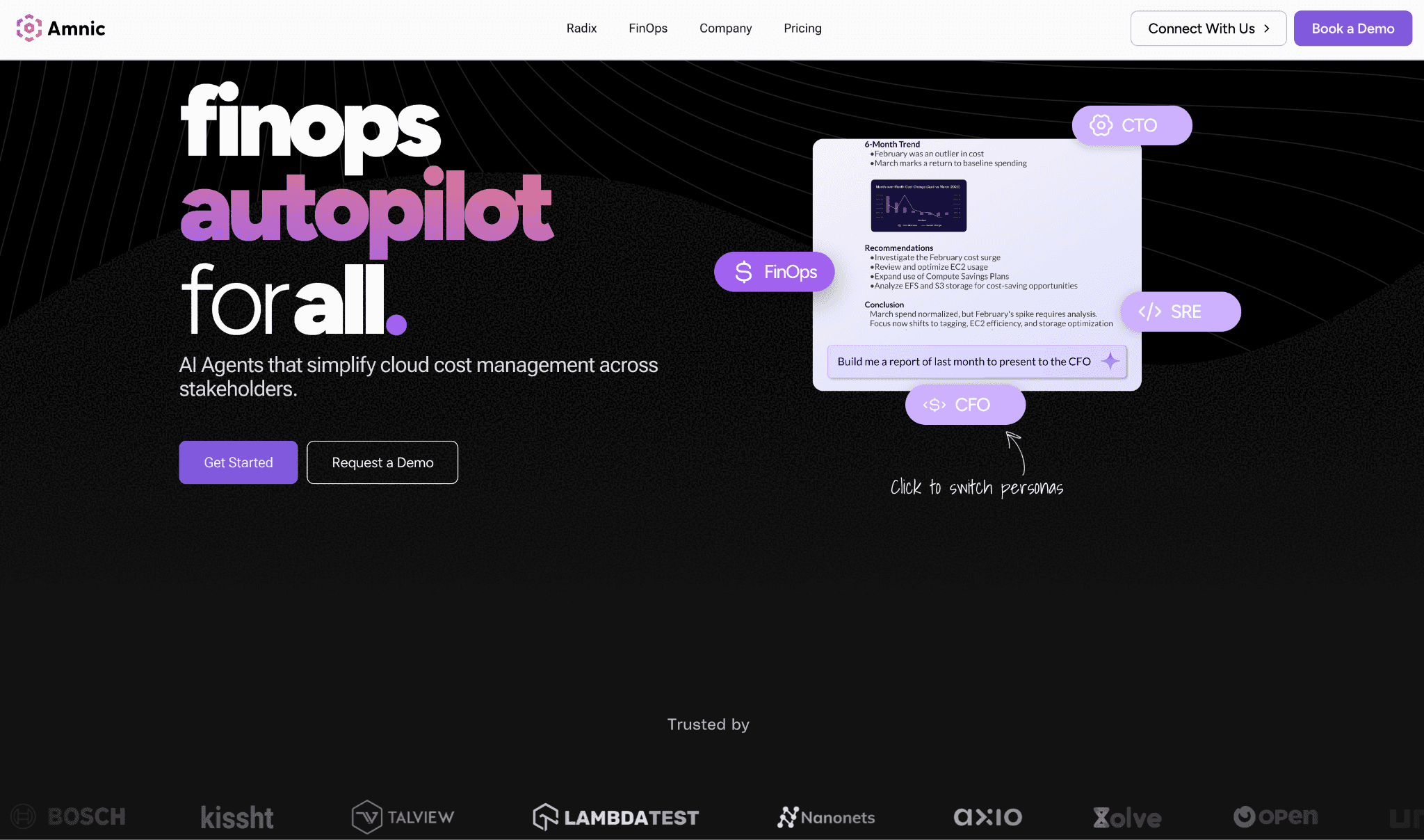
Amnic is a FinOps OS powered by context-aware AI agents that runs on top of a multi-cloud cost management platform. It ingests billing data from five cloud providers plus Kubernetes and breaks every dollar down by compute, storage, network, database and AI workload categories. Teams can drill from account to service to resource ID, build persona-specific dashboards and ask cost questions in plain English through the Amnic Assistant.
Amnic also covers AI and LLM workloads natively, with live tracking on Amazon Bedrock and OpenAI and Anthropic coverage rolling out, which makes it one of the few FinOps tools for AI cost management that ships with multi-cloud at the same time.
Key features:
Four context-aware AI agents (X-Ray for health checks in 30 seconds, Insights for natural-language responses by persona, Governance for budget drift and tag hygiene, Reporting for scheduled persona-ready reports)
Recommendations Module that targets 10 to 20% waste reduction by flagging EC2 instances below 2% utilization, idle databases and extended support charges
Anomaly detection on cost and usage with custom thresholds at tag, product or service level, saving customers 10 to 15% of yearly spend
Virtual Tags that unify inconsistent tagging across teams without requiring infrastructure changes
Budget tracking with alerts at 50%, 70% and 85% of consumption, plus rolling forecasts that update as workloads shift
Kubernetes rightsizing at container, pod, node pool and persistent volume claim level, with savings up to $20M documented in a single cluster
Shared infrastructure cost allocation with fixed percentage, proportional and usage-based split rules
Unit cost models that tie cloud and AI spend to business metrics like cost per customer, cost per query or cost per loan processed
FinOps for AI tracking on Amazon Bedrock today, with AI token management coverage for OpenAI and Anthropic rolling out
Inventory Module that maps every deployed resource by IP, product and team for security and cost together
Fully agentless and read-only deployment, SOC 2 Type II, ISO 27001 and GDPR compliant, with SSO and Jira integration for enterprise governance
Persona-specific dashboards built for CTO, FinOps, SRE and CFO, available out of the box without configuration
Access to dedicated Amnic cost experts on enterprise plans
Pricing: Amnic is priced as a percentage of monitored cloud spend, typically 0.25 to 1 percent, with no per-seat license. Startups can use the platform for one month free with no credit card and enterprise contracts include access to dedicated cost experts and a scoped cloud footprint.
Pros:
Covers AWS, Azure, GCP, Oracle and Alibaba in one view, the widest multi-cloud coverage on this list
Four context-aware AI agents let any persona query cost data in plain English without SQL or cloud taxonomy knowledge
Read-only architecture means security teams approve deployment in days rather than months, unlike write-access tools
Unit economics modeling ties cloud and AI spend to business metrics that native tools cannot produce
Documented customer outcomes span 20 to 50 percent reductions on specific cost lines across SaaS, fintech and AI/ML
Recognized in Everest Group's FinOps Cost Management Products PEAK Matrix Assessment 2025
Available on AWS Marketplace in the AI Agents and Tools category
Cons:
OpenAI and Anthropic LLM cost tracking is rolling out, so teams that need active token-level rightsizing across all three AI providers today will need to wait for that roadmap item
Costs grow with cloud bill on the percentage of spend model, so larger enterprises should negotiate a spend cap at contract stage
"Amnic's recommendation engine helped us reduce our cloud bill through optimization of NAT and CloudWatch costs. A key differentiator for Amnic remains its strong team which has channelized its significant experience in building a product uniquely suited to address pain points of fast-growing companies." By Mayank Bhola, Co-Founder and Head of Products, LambdaTest
2. CloudZero
Best for: SaaS engineering teams that want cloud spend mapped to product features, customers or deployments and that also need native AI cost tracking across OpenAI, Anthropic and Bedrock in one platform.
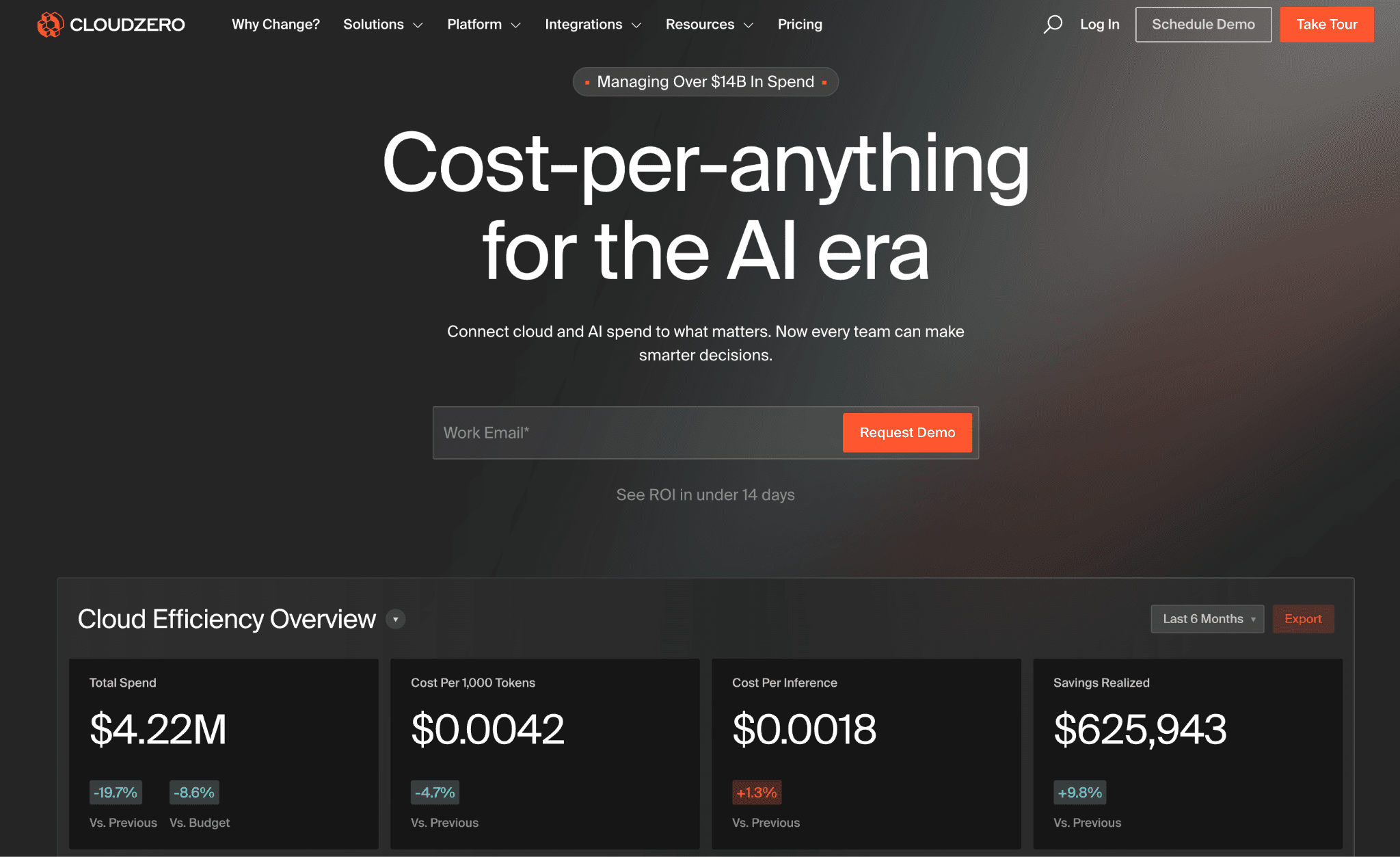
CloudZero is a FinOps platform that connects cloud and AI spend to business outcomes. The CostFormation allocation engine maps every dollar to a product feature, customer or deployment, which makes it a reference tool for SaaS companies running FinOps tools for cost allocation and unit economics reviews each quarter.
CloudZero was one of the first FinOps platforms to ship native integrations for OpenAI and Anthropic alongside Bedrock, which makes it strong for teams whose fastest-growing line item is model inference rather than compute.
Key features:
CostFormation allocation engine maps cloud spend to product features and customers without writing SQL
AnyCost API pulls in non-cloud SaaS spend such as Snowflake and Databricks for full feature-cost visibility
Native AI cost tracking across OpenAI, Anthropic and Amazon Bedrock with token-level breakdowns
Anomaly alerts at team or product level with context on which feature or deployment drove the change
Kubernetes cost views by namespace, service and workload
Pre-built dashboards for VPs of engineering, finance leaders and product managers
API-first architecture with strong export and integration coverage
Engineering-led reporting formatted for quarterly business reviews
Pricing: CloudZero sells exclusively through enterprise contracts with no public rate card or self-serve onboarding. Pricing scales with cloud and AI spend under management and most evaluations start with a scoping conversation rather than a free trial.
Pros:
One of the most flexible allocation engines in the FinOps software category for SaaS unit economics
Native LLM cost tracking on OpenAI, Anthropic and Bedrock is shipped today, not on a roadmap
Engineering leadership at growth-stage SaaS companies often cites it as the reference for cost per feature reporting
Cons:
Enterprise-only pricing rules it out for teams under $500K cloud spend who cannot justify the sales cycle
Kubernetes coverage is shallower than dedicated K8s-first tools
No self-serve free trial, which slows internal evaluation against alternatives that ship one
What users say: Verified reviewers on G2 consistently call out CloudZero's allocation flexibility and AI cost coverage. Read the full reviews on G2.
3. Vantage
Best for: Startups and mid-market teams that need fast multi-cloud visibility, a free tier with no time limit and the ability to start without an enterprise contract or sales call.
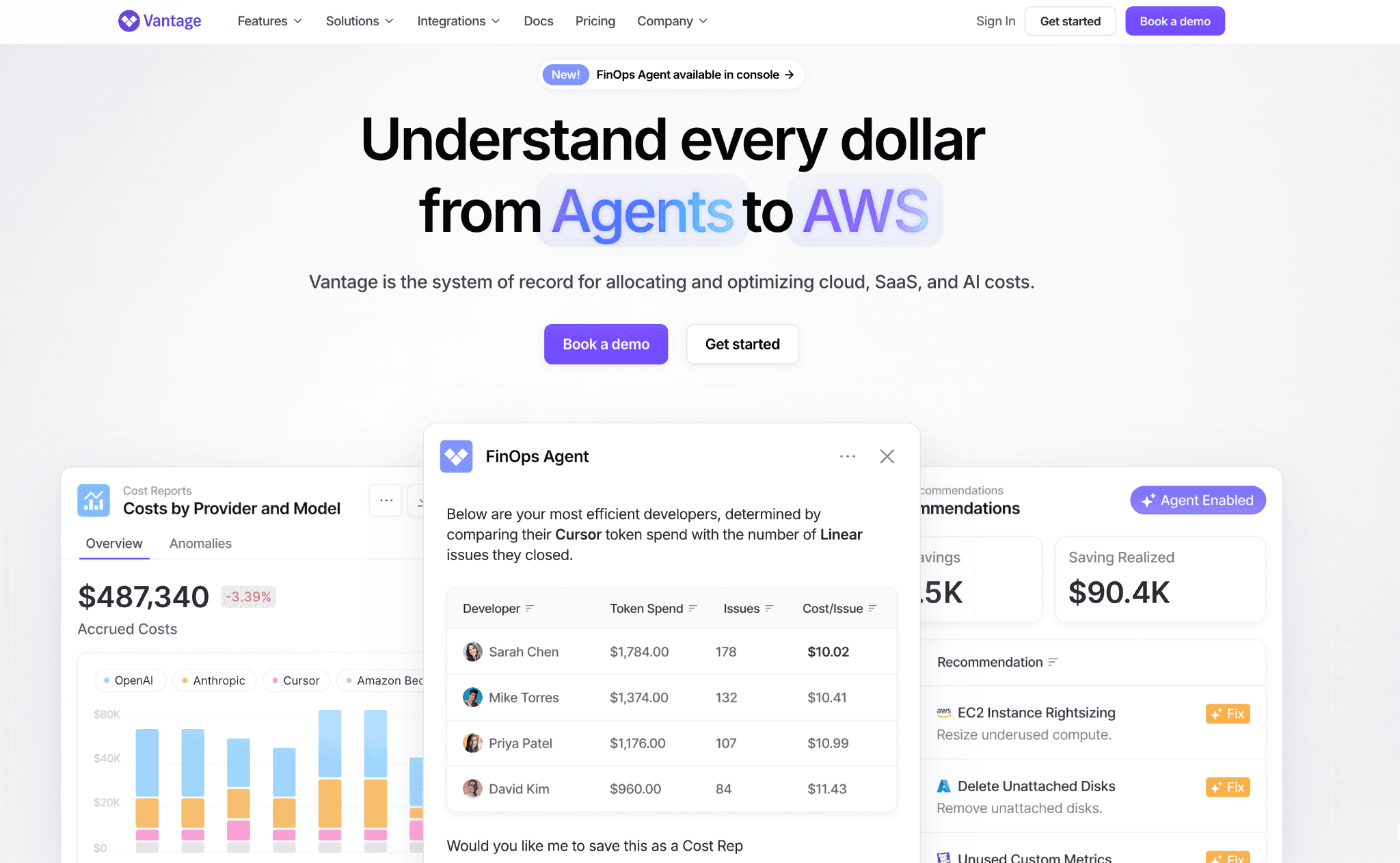
Vantage offers 25+ integrations and a clean dashboard across AWS, Azure, GCP and SaaS tools. A free tier and self-serve onboarding make it the FinOps software most teams choose first when they want a working dashboard within a day.
Vantage covers FinOps for cloud well but its AI cost coverage is still narrower than CloudZero or Amnic, so teams with large AI workloads often pair it with another tool. Teams comparing Vantage with peers can also see Amnic's Vantage alternatives breakdown.
Key features:
25+ integrations including Snowflake, Datadog, MongoDB Atlas and other SaaS spend sources
Reservation reporting and savings plan tracking with projected savings on each recommendation
Active anomaly notifications with team-level routing based on cost report ownership
Per-team cost reports that any member can build and share without admin access
Automated FinOps Agent that surfaces continuous recommendations with implementation steps
Cost transparency features for engineering teams including network cost insights and Kubernetes views
Free tier with no time limit, useful for small teams as a long-term solution
Paid tiers as a percentage of spend with longer data history and access controls
Pricing: Vantage offers a free tier with no time limit for teams managing smaller cloud footprints. Paid plans scale as a percentage of spend under management and do not require a sales conversation for most tiers.
Pros:
Fastest onboarding on this list, most teams have a working dashboard within the first day
Free tier with no time limit is rare in the FinOps platform category
Strongest SaaS integration list for total infrastructure cost visibility
Cons:
Natural language querying is earlier stage than Amnic's agent layer, so a CFO querying in plain English finds the experience thinner
Anomaly governance is alert-driven, ownership routing and tag hygiene need to be built by the team
No native AI provider cost tracking yet, which matters for AI-heavy stacks
4. Finout
Best for: Enterprise FinOps leads who need to unify cloud, Snowflake, Datadog and AI provider spend in one MegaBill view without writing custom code or hiring a data engineer.
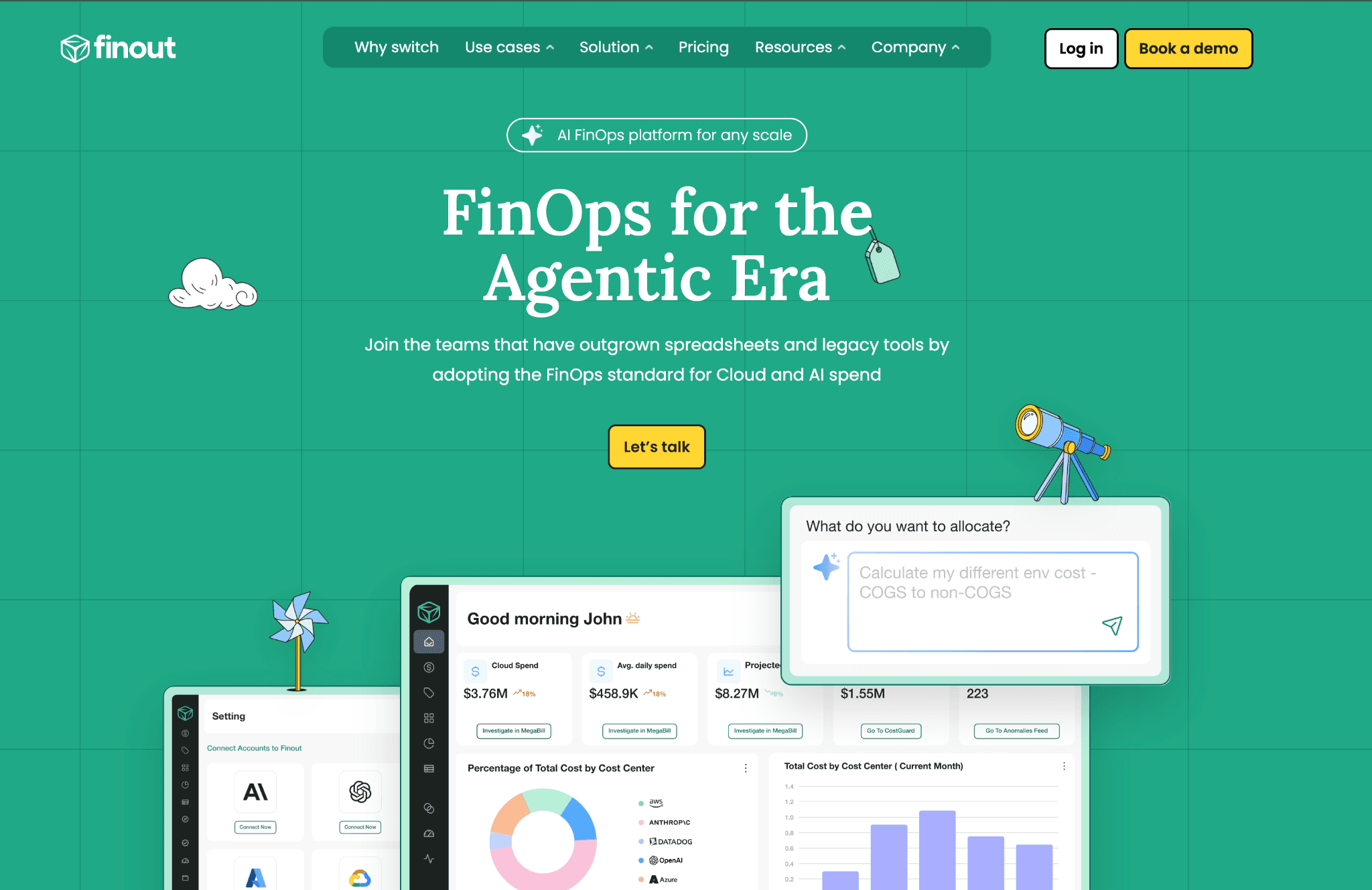
Finout is a FinOps platform that supports AWS, GCP, Azure, OCI, Kubernetes, Datadog, Snowflake, OpenAI and Anthropic in a unified billing model. The MegaBill is the centerpiece of the product and pulls every infrastructure and SaaS bill into one consolidated view.
Finout's AI cost coverage now spans the major LLM providers, which makes it a strong fit for enterprise teams running diverse stacks where AI is the fastest-growing line item.
Key features:
MegaBill consolidates cloud, SaaS and AI provider spend in one model
Cost allocation by team, product, customer or deployment without code
Anomaly detection on cost and usage with team-level routing
Kubernetes cost views and Datadog observability spend integration
Budgets, forecasts and chargeback workflows for enterprise governance
Commitment recommendations across AWS, GCP and Azure
Direct integrations with OpenAI and Anthropic for AI workload cost tracking
Role-based access and audit logs for enterprise compliance
Pricing: Finout pricing starts from $6,000 per year and scales by cloud and SaaS spend under management. There is no public self-serve plan and most contracts are negotiated with a sales conversation.
Pros:
Strongest multi-source unification on this list including Snowflake, Datadog and AI providers
AI cost tracking spans both OpenAI and Anthropic
No-code allocation logic is faster to set up than CloudZero's CostFormation for many teams
Cons:
No free trial, which slows side-by-side evaluation
Pricing transparency is limited compared with savings-share or % of spend models
Strongest for enterprise; mid-market and smaller teams may find the platform deeper than they need
What users say: Verified reviewers on G2 consistently call out MegaBill clarity and integration breadth. Read the full reviews on G2.
5. Apptio Cloudability
Best for: Large enterprises that need finance-grade chargeback and showback reports, policy-driven governance and a FinOps software that holds up under finance audit.
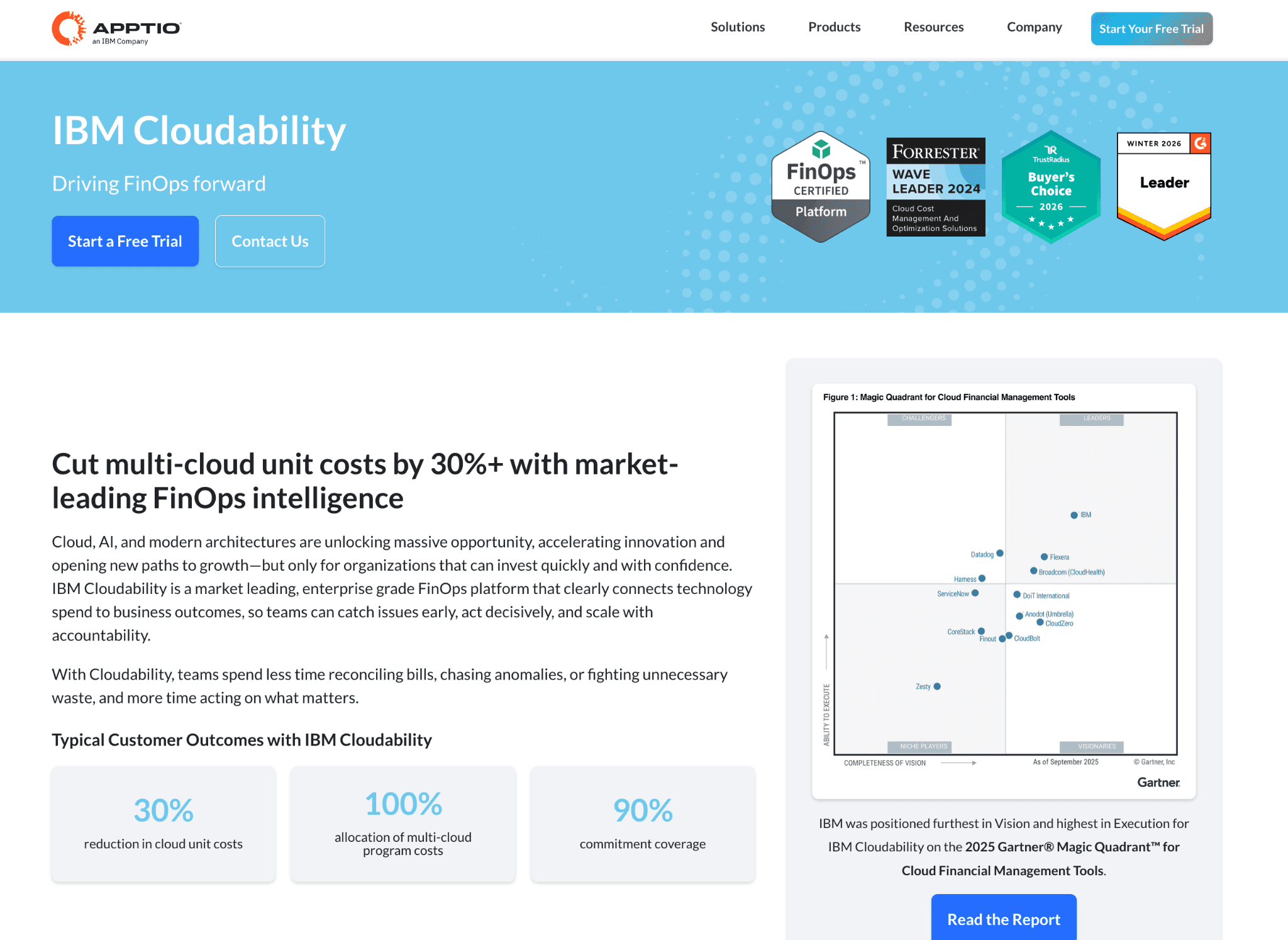
Apptio Cloudability, now part of IBM, is one of the most established platforms in the FinOps tools category. It is the choice for organizations with a dedicated FinOps team that runs monthly business reviews and reports to a CFO.
Cloudability's AI cost coverage is thinner than newer platforms, so teams with heavy LLM workloads usually pair it with a dedicated AI cost tool.
Key features:
Multi-cloud governance with policy enforcement across AWS, Azure and GCP
Detailed chargeback and showback reports for shared infrastructure costs
Reservation and savings plan optimization with projected ROI before purchase
Mature data export to Tableau, Power BI and enterprise BI tools
Forecast modeling tuned for finance audit workflows
Tag governance and allocation rules with auditable history
Native Kubernetes cost views through Cloudability Container
IBM Cloud Pak integration for hybrid governance
Pricing: Cloudability is sold through IBM enterprise agreements with pricing structured around cloud spend volume and the number of accounts under management. There is no self-serve option and most deployments include a professional services engagement.
Pros:
One of the most established FinOps platforms with decade-plus enterprise deployments
Chargeback and showback reporting is among the most detailed in the category
Reservation analytics is mature and covers AWS, Azure and GCP in a single view
Cons:
Deployment typically takes 6 to 12 weeks and requires IBM professional services
Interface is built for trained FinOps analysts, not engineers
AI provider cost tracking lags newer platforms like CloudZero and Finout
What users say: Verified reviewers on Gartner Peer Insights and G2 cite chargeback depth and BI integration. Read the full reviews on Gartner Peer Insights.
6. nOps
Best for: AWS-heavy SaaS and AI/ML engineering teams that want savings-share automation on commitments and Kubernetes cost allocation in the same FinOps application.
nOps is an independent FinOps platform built for engineering-led teams running workloads on AWS. It combines Kubernetes cost allocation at container, pod and node pool level with automated management of reserved instances and savings plans.
nOps acts on recommendations rather than just surfacing them, adjusting spot instance usage, rightsizing containers and managing commitment purchases based on live workload data.
Key features:
Kubernetes cost allocation by container, pod, namespace and node pool on EKS
Commitment Copilot manages reserved instances and savings plans on a rolling basis
Compute Copilot for spot orchestration with interruption probability scoring
Cost allocation by team, service and environment using tag rules
Anomaly detection with engineering ownership routing
Budget tracking and forecast workflows
Well-Architected best practice scoring for AWS
Integration with major CI/CD and observability platforms
Pricing: nOps uses a savings-share model, charging a percentage of cloud savings generated with no upfront fees. The model is easy to justify internally since the fee comes from realized savings.
Pros:
Container and pod level Kubernetes cost allocation matches dedicated K8s tools
Active commitment management removes manual quarterly RI reviews
Savings-share pricing aligns the vendor incentive with measurable reductions
Cons:
Strongest on AWS; Azure and GCP coverage is present but less mature
Full automation requires write access to the AWS account
Finance-facing chargeback and unit economics features are thinner than dedicated FinOps platforms
What users say: Verified reviewers on G2 cite savings-share alignment and AWS commitment automation. Read the full reviews on G2.
7. ProsperOps
Best for: Teams that want a hands-off autopilot for AWS, Azure and GCP commitments and that prefer a policy-driven approach to savings on Reserved Instances and Savings Plans.
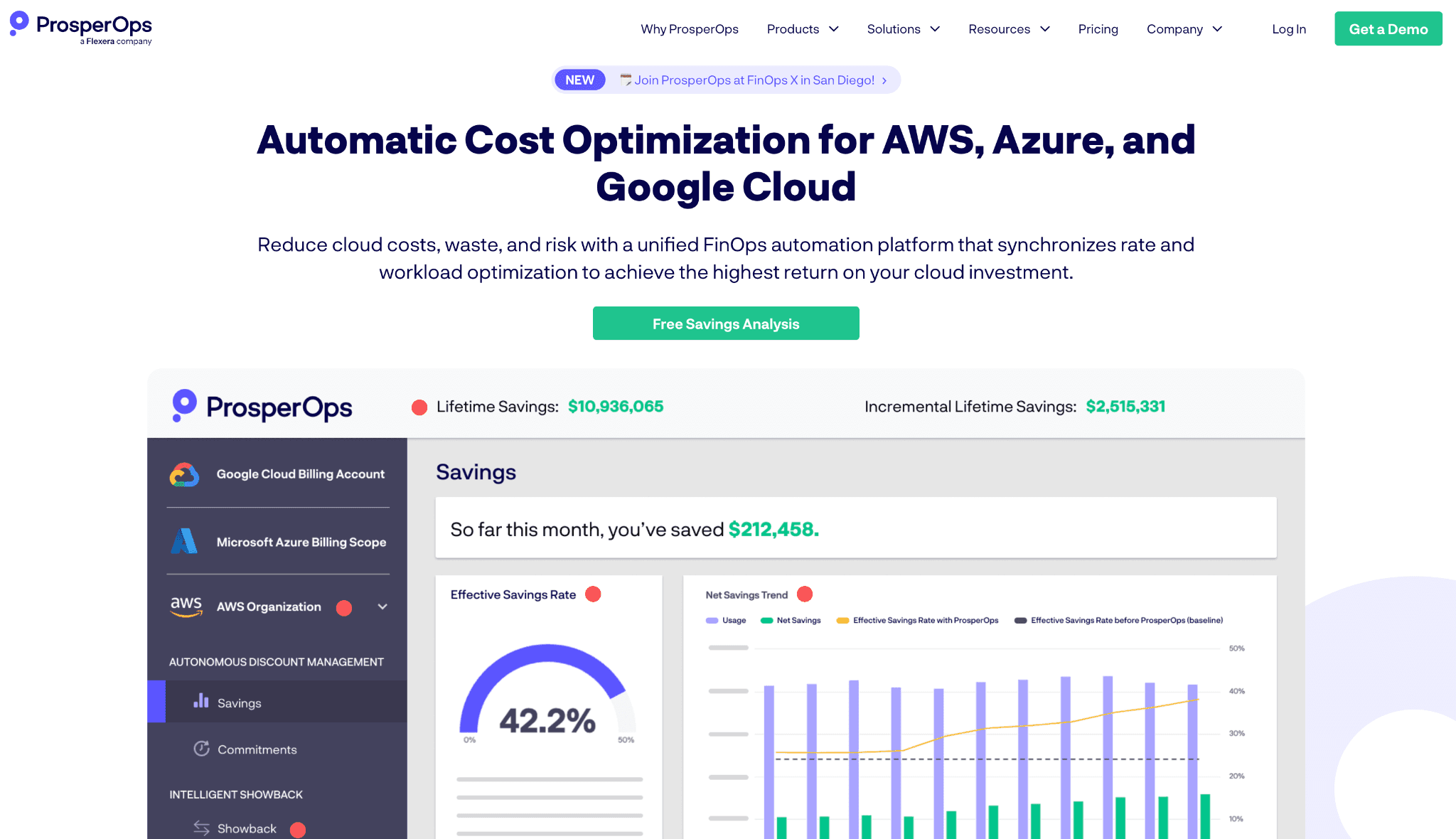
ProsperOps is a focused FinOps software that automates the commitment lifecycle on AWS, Azure and GCP. The platform purchases, exchanges and ladders RIs and SPs on a rolling basis to maximize effective savings rate, which is now a category benchmark.
ProsperOps does not cover general AI workload cost, but for the commitments line item it is one of the strongest options on this list.
Key features:
Adaptive Savings algorithm laddering RIs and SPs on a rolling basis
Multi-cloud commitment management across AWS, Azure and GCP
Effective savings rate reporting and Cloud Rate Optimization score
Risk-aware policy controls for commitment depth
Automated exchange and expiry workflows
Integration with billing exports and BI tools
Audit-ready commitment activity logs
Dedicated customer success on enterprise plans
Pricing: ProsperOps charges a percentage of the savings it generates, with no upfront fees. The structure aligns vendor incentive with realized customer savings.
Pros:
Among the strongest commitment automation engines in the category
Multi-cloud RI and SP coverage is shipped today
Savings-share pricing model is easy to justify internally
Cons:
Scope is narrow: commitment management only, not full FinOps
No AI provider cost tracking
Teams need a separate FinOps platform for visibility, allocation and Kubernetes
What users say: Verified reviewers on G2 cite effective savings rate uplift and the autopilot model. Read the full reviews on G2.
8. Harness CCM
Best for: Engineering teams already standardized on the Harness CI/CD platform who want cost views and AutoStopping inside their existing deployment workflows.
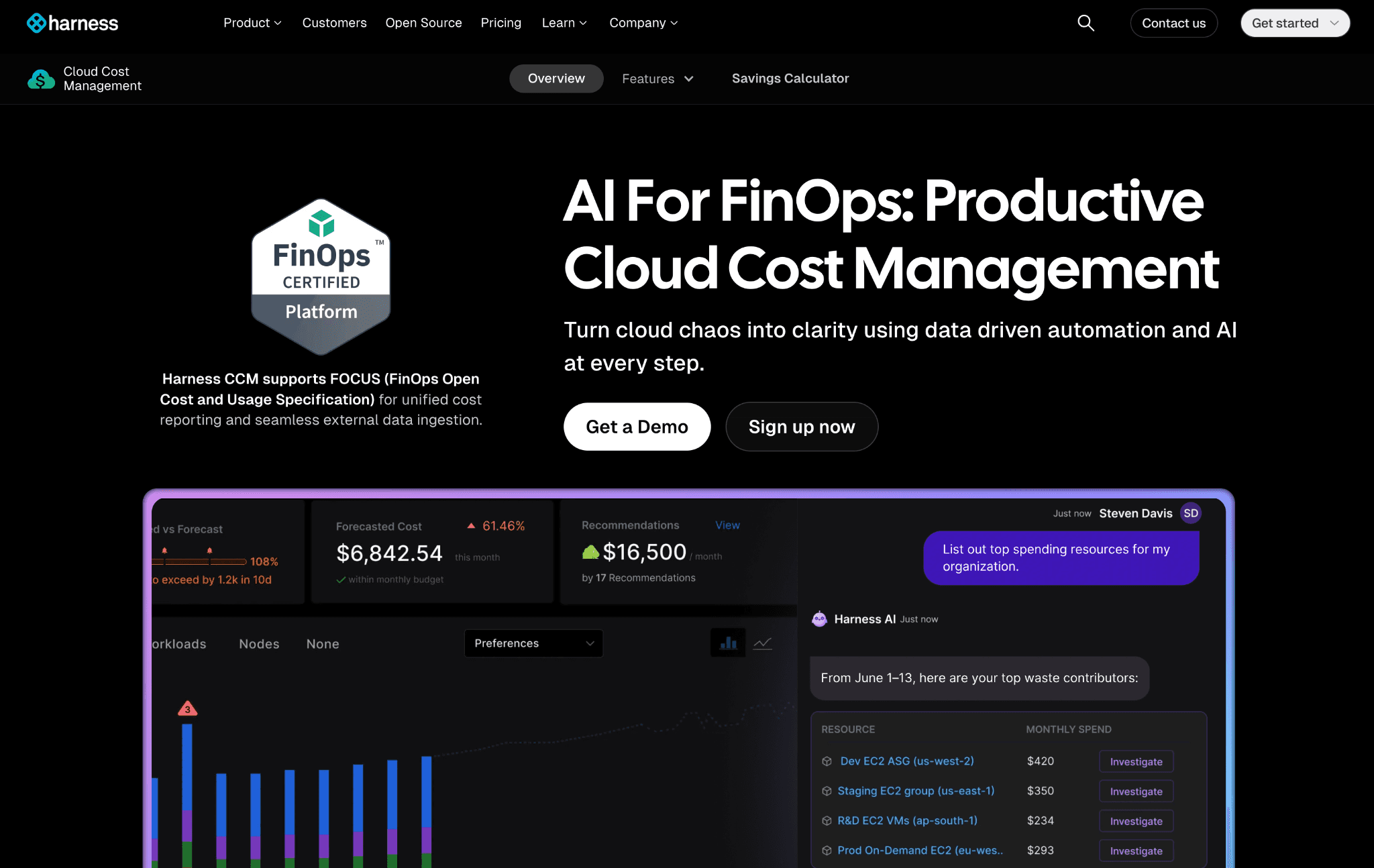
Harness Cloud Cost Management lives inside the Harness developer platform. If a team already pays for Harness, adding CCM is a low-friction extension that ties cost to deployment pipelines and feature flags.
Harness CCM's AI workload coverage is light, so teams running heavy LLM inference workloads typically pair it with a dedicated FinOps for AI tool.
Key features:
Cost views by deployment, pipeline run and feature flag
Recommendations for AWS and Kubernetes with estimated monthly savings
AutoStopping detects idle dev, staging and QA environments and restarts them on demand
Native CI/CD context for cost data inside pipeline runs
Cluster orchestrator for Kubernetes spot management
Anomaly detection on cost and usage
Tag governance and budget alerts
Integration with Harness Feature Flags, Continuous Delivery and Service Reliability
Pricing: Harness CCM is priced as part of the broader Harness platform with a free starter tier covering basic cost views and recommendations. Paid tiers unlock AutoStopping at scale and advanced governance.
Pros:
AutoStopping is one of the most direct ways to eliminate wasted dev, staging and QA spend
Cost views tied to CI/CD pipelines surface cost impact of each release in the engineer's existing workflow
Free starter tier removes a separate procurement cycle for existing Harness customers
Cons:
Built for engineering teams; finance-grade chargeback and unit economics are thinner
Teams not on Harness pay full platform pricing to access CCM
AI provider cost tracking is light
9. Datadog CCM
Best for: SREs and observability-first teams already running Datadog who want cloud cost data alongside latency, error rate and log volume in one dashboard.
Datadog Cloud Cost Management adds cost views to the Datadog monitoring platform. The pitch is one tool for performance and cost. The reality is that Datadog's pricing scales with hosts and ingestion, so the combined bill grows quickly at scale.
Datadog CCM does not currently track AI provider spend natively, so AI-heavy teams pair it with a dedicated FinOps tools for AI cost management option.
Key features:
Cost views joined with APM, log and trace data
Custom allocation by tag using Datadog's existing tag hierarchy
Anomaly detection on cost metrics surfaced in standard Datadog alert channels
Reuses Datadog's dashboard infrastructure for cost widgets
Kubernetes cost views integrated with the Datadog K8s monitoring stack
Multi-cloud coverage on AWS, Azure and GCP
Native correlation between cost spikes and code or deploy events
Single login and role model for observability and cost teams
Pricing: Datadog CCM is an add-on to an existing Datadog subscription, billed based on monitored cloud accounts. Teams already on Datadog can activate it quickly, but combined platform cost rises sharply at scale.
Pros:
Cost data sits next to performance data, removing context switches
Cost-to-APM correlation is unique among FinOps applications in this list
Existing Datadog tagging and alerting carry over to CCM with no additional setup
Cons:
Datadog's combined pricing can exceed a purpose-built FinOps platform on a per-feature basis
No unit economics, chargeback or budget governance layer
Multi-cloud allocation and tag hygiene enforcement are limited
10. Umbrella Cost (formerly Anodot)
Best for: Enterprises and MSPs that want AI-driven anomaly detection, forecasting and multi-cloud spend management across hundreds of accounts and customers in a single FinOps platform.
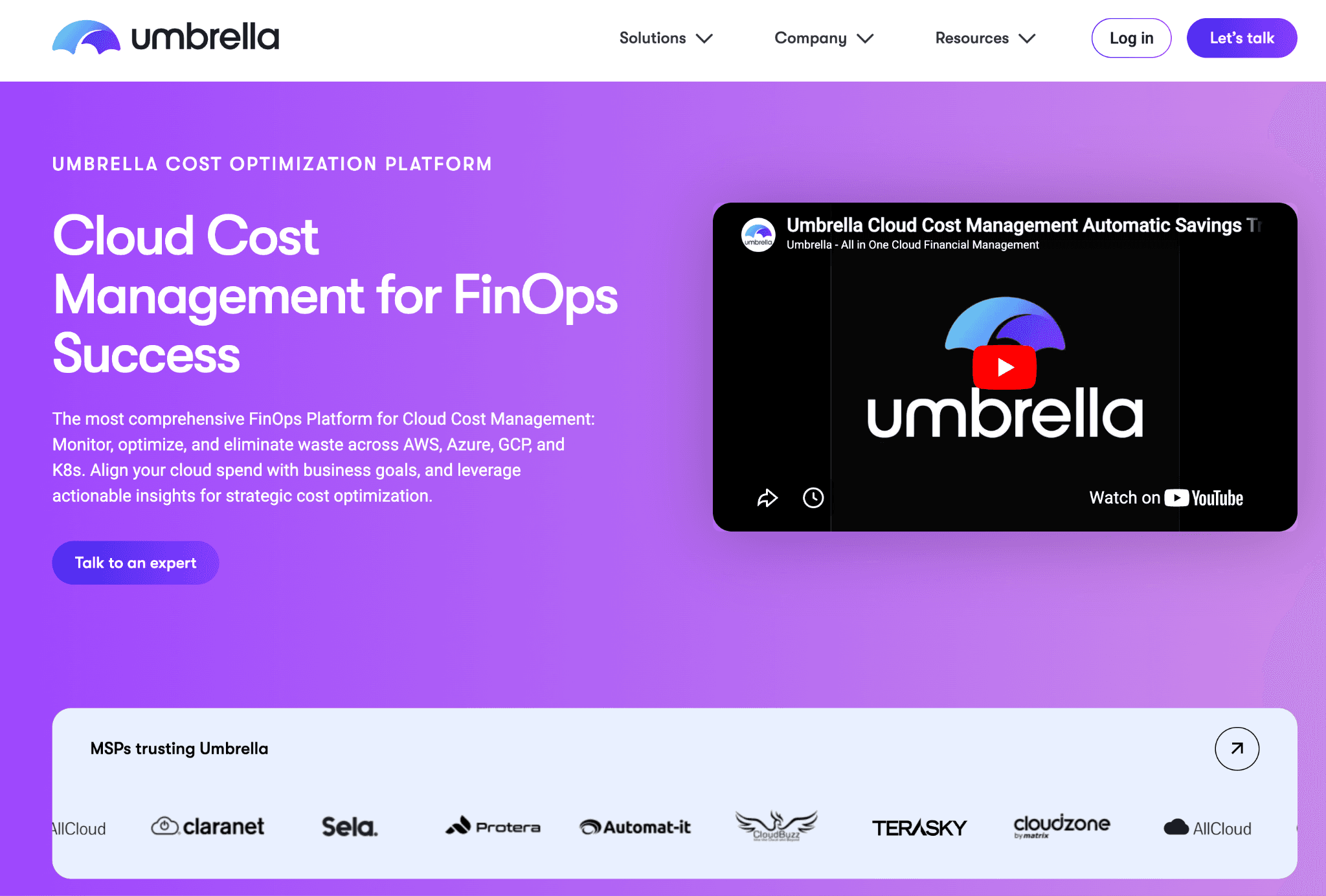
Umbrella cost is the dedicated FinOps business unit Anodot launched in 2025, focused on AI-driven cloud and SaaS cost management. The product carries forward Anodot's anomaly detection and forecasting engine, now packaged for MSPs and multi-division enterprises.
Umbrella's AI workload coverage is improving with new Bring Your Own Data features released in 2025 and the platform is well suited to teams that want machine-learning-based forecasting rather than threshold rules.
Key features:
AI-driven anomaly detection across multi-cloud and SaaS spend
Forecasting models tuned for variable workloads and seasonality
Multi-tenant architecture purpose-built for managed service providers
Bring Your Own Data ingestion for custom billing sources
Savings Plan Simulator for AWS commitment planning
Tag governance and allocation engine for shared infrastructure
Cost dashboards with role-based access for finance and engineering
AWS Marketplace availability for procurement-friendly purchasing
Pricing: Umbrella sells through custom enterprise contracts scoped to cloud spend volume and the number of customer tenants for MSPs. There is no public self-serve plan.
Pros:
One of the few FinOps platforms purpose-built for MSPs at scale
Anomaly detection and forecasting use machine learning rather than threshold rules
Recognized by Gartner as a Visionary in cloud financial management
Cons:
Rebrand from Anodot is recent, so review coverage under the Umbrella name is still building
Stronger on anomaly and forecast than on commitments or unit economics
AI provider cost tracking is partial
What users say: Verified reviewers on Gartner Peer Insights and on AWS Marketplace cite anomaly accuracy and multi-tenant flexibility.
11. Flexera One FinOps
Best for: Large enterprises that need hybrid cloud governance, software asset management visibility and sustainability reporting from one FinOps software vendor.
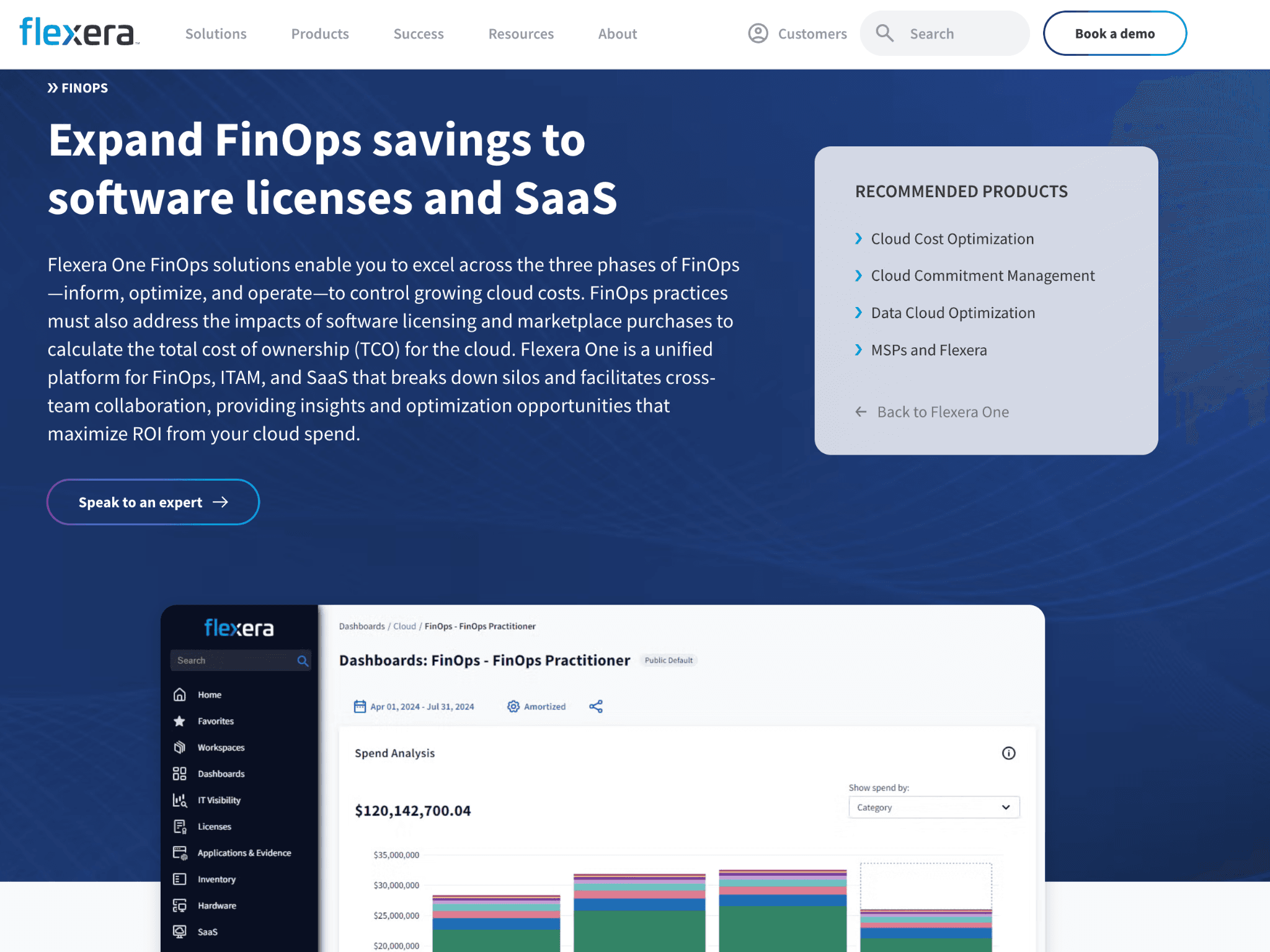
Flexera One FinOps brings ITAM heritage to cloud cost management, covering AWS, Azure, GCP plus on-premises and SaaS spend. With the ProsperOps acquisition, Flexera now also offers commitment automation alongside its core visibility and governance modules.
Flexera's AI workload coverage is light today, so teams with heavy AI workloads usually pair it with a dedicated AI cost tool.
Key features:
Multi-cloud cost visibility across AWS, Azure and GCP
On-premises and SaaS spend coverage from Flexera's ITAM heritage
Sustainability and emissions reporting
ProsperOps-powered commitment automation
Policy-driven governance and chargeback workflows
Container and Kubernetes cost views
Forecasting and budgeting with hybrid coverage
Integration with Flexera ITAM and software license data
Pricing: Flexera One is sold through enterprise agreements with pricing tied to cloud spend volume and the modules selected. There is no free trial and most deployments include onboarding services.
Pros:
One of the few FinOps platforms with deep on-premises plus cloud coverage
ProsperOps integration adds best-in-category commitment automation
Sustainability reporting is meaningful for enterprises with ESG mandates
Cons:
AI provider cost tracking is light
Enterprise pricing rules out smaller teams
Roadmap moves on Flexera release cadence, slower than independent vendors
What users say: Verified reviewers on G2 cite hybrid coverage and ITAM integration. Read the full reviews on G2.
12. Zesty
Best for: DevOps teams that want automated storage and commitment optimization without granting compute write access and that already have FinOps fundamentals in place but lack execution capacity.
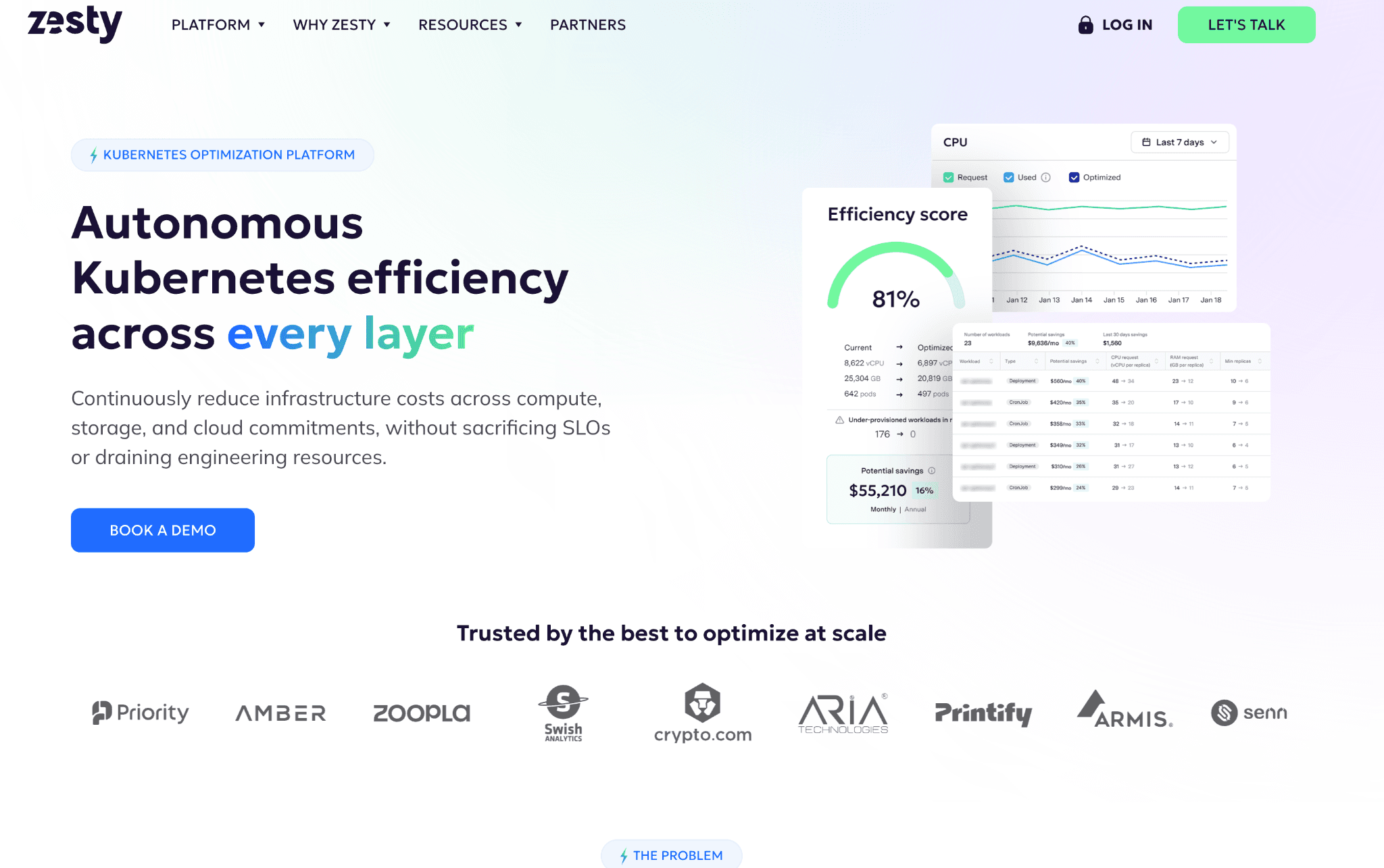
Zesty automates execution across EBS storage, commitments and Kubernetes resources. The platform focuses on areas where most FinOps tools surface recommendations but stop short of acting, like EBS volume resize and dynamic commitment ladders.
Zesty does not have native AI cost tracking, so AI-heavy teams pair it with a separate FinOps for AI option.
Key features:
Zesty Disk automates EBS volume sizing in real time
Commitment Manager automates AWS RI and SP purchases and exchanges
Kubernetes pod and node optimization
Insights dashboard for cloud and Kubernetes spend
Anomaly detection on cost and usage
Tag governance and allocation rules
AWS Marketplace availability for procurement
Direct integration with AWS-native services
Pricing: Zesty uses a savings-share model, charging a percentage of cloud savings generated with no upfront fees. The structure removes upfront commitment risk for buyers.
Pros:
Automated EBS resizing is unique in the FinOps software category
Savings-share pricing aligns vendor incentive with measurable reductions
Strong AWS coverage for commitment and storage automation
Cons:
Stronger on AWS; Azure and GCP coverage is thinner
No AI provider cost tracking
Finance-facing chargeback and unit economics features are limited
13. Densify formed as Kubex
Best for: Performance-sensitive enterprises that want workload-level rightsizing recommendations driven by continuous analytics rather than threshold rules, with hybrid cloud and on-premises coverage.
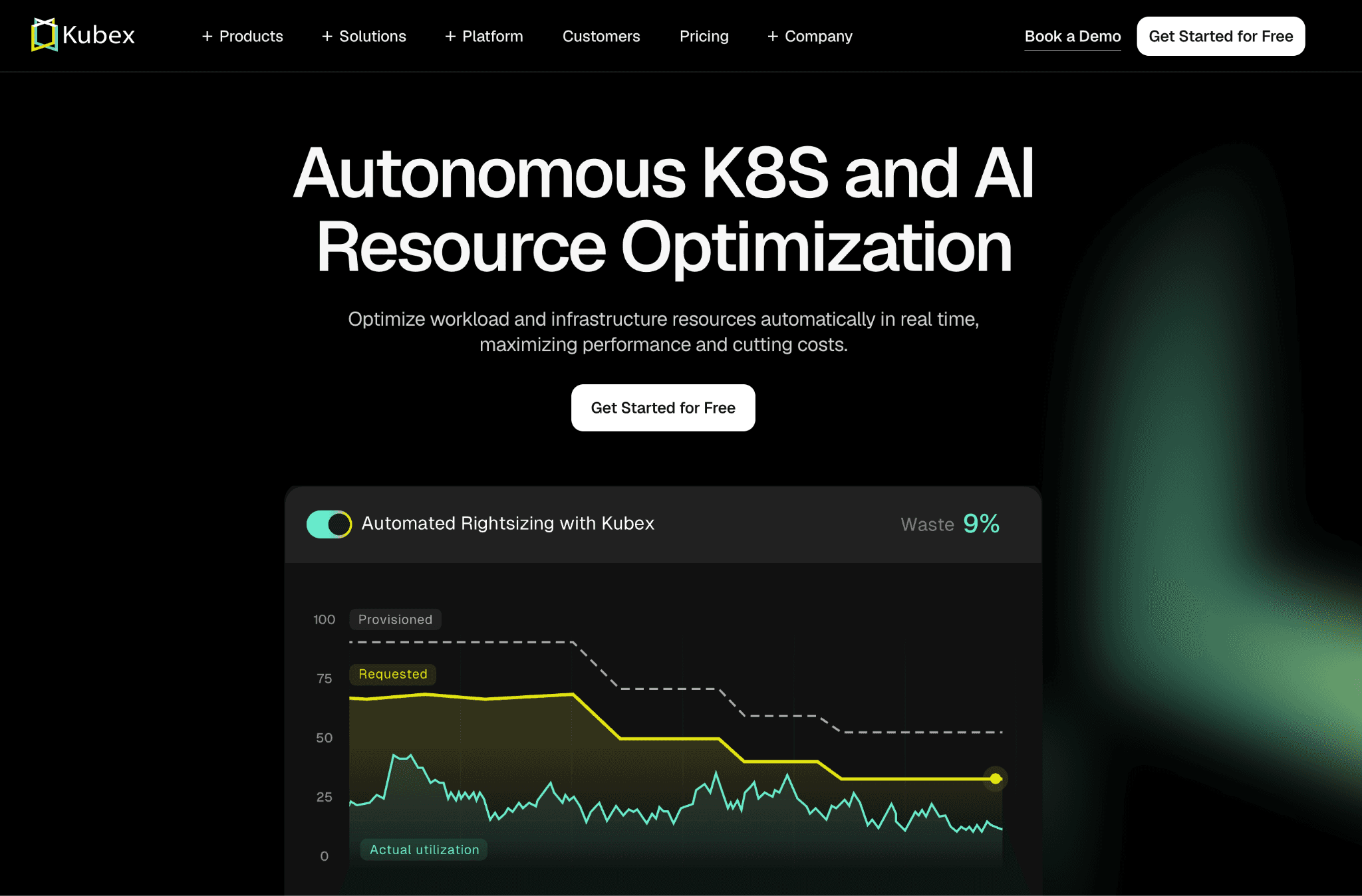
Kubex is a FinOps platform focused on workload analytics. The product correlates application performance data with resource usage to recommend resize, reshape and replatform actions that preserve performance while cutting cost.
Kubex's AI workload coverage is still early-stage, so teams with heavy LLM inference workloads usually pair it with a dedicated AI cost tool.
Key features:
Workload analytics correlating performance and resource usage
Rightsizing recommendations for compute, storage and Kubernetes
Multi-cloud coverage on AWS, Azure and GCP plus on-premises
Integration with VMware, Red Hat OpenShift and Kubernetes
Continuous policy-driven optimization
Forecasting and what-if scenario modeling
API-first architecture with strong export capabilities
IBM Turbonomic partnership for select workflows
Pricing: Kubex is sold through enterprise agreements with pricing scoped to managed workloads and the cloud and on-premises footprint. There is a free advisor trial available for evaluation.
Pros:
Workload-level analytics outperforms threshold-rule rightsizing on accuracy
Hybrid coverage is meaningful for enterprises mid-migration
Free advisor trial lowers evaluation friction for enterprise buyers
Cons:
Scope is narrower than full FinOps platforms; primary value is rightsizing
AI provider cost tracking is early stage
Enterprise pricing rules out smaller teams
What users say: Verified reviewers on G2 cite rightsizing accuracy and hybrid coverage. Read the full reviews on G2.
14. CloudBolt
Best for: Teams managing hybrid cloud estates that want AI-informed FinOps orchestration on top of cost visibility, with strong governance for regulated industries.
CloudBolt is a FinOps application that combines cost visibility, orchestration and AI-informed scoring across hybrid cloud and on-premises environments. With the StormForge acquisition completed in 2024, CloudBolt added Kubernetes optimization to its core platform.
CloudBolt's AI workload cost tracking is partial today, but the platform is one of the more aggressive in adopting AI-informed scoring for resource decisions.
Key features:
Hybrid cloud orchestration across public cloud and on-premises
AI-informed resource scoring for rightsizing and placement
StormForge Kubernetes optimization integration
Policy-driven governance for regulated industries
Self-service catalogs for internal cloud consumers
Cost visibility and allocation across hybrid estates
ITSM integration for change management
API-first architecture with strong export coverage
Pricing: CloudBolt is sold through enterprise agreements with pricing tied to managed resources and the breadth of orchestration features included. There is a trial available for evaluation.
Pros:
Hybrid orchestration is deeper than most cloud-only FinOps platforms
StormForge acquisition adds strong Kubernetes optimization
Self-service catalogs are useful for large enterprises with internal cloud consumers
Cons:
Cost-only buyers may find the orchestration layer broader than needed
AI provider cost tracking is partial
Enterprise pricing rules out smaller teams
What users say: Verified reviewers on G2 cite hybrid governance and StormForge K8s value. Read the full reviews on G2.
15. Sedai.io
Best for: FinOps teams that want autonomous, AI-driven optimization that acts on recommendations without human approval steps, in production environments with high change tolerance.
Sedai is a FinOps platform built around autonomous action. Rather than surfacing recommendations and waiting for engineering review, Sedai's policies act on workloads in production based on learned application behavior.
Sedai's AI workload cost coverage is improving, with model inference and GPU workload optimization on the roadmap.
Key features:
Autonomous policies that act on workloads in production
Application behavior learning for safe automated actions
Multi-cloud coverage on AWS, Azure and GCP
Kubernetes optimization with safe rollback
Release management and intelligent autoscaling
SLO and SLA-aware optimization decisions
Cost and performance scoring in one workflow
Integration with CI/CD and observability platforms
Pricing: Sedai sells through custom enterprise contracts scoped to managed workloads and cloud footprint. A trial is available for qualified buyers.
Pros:
Autonomous action is unique in the FinOps tools category
Application behavior learning reduces the risk of automated actions on production
Multi-cloud coverage is shipped
Cons:
Autonomous action is not a fit for change-averse teams
AI provider cost tracking is still early
Smaller market presence means fewer public reviews compared with category leaders
What users say: Verified reviewers on G2 cite autonomous action value for high-velocity SaaS teams. Read the full reviews on G2.
Common Mistakes When Choosing a FinOps Application
Most buyers do not lose money on the FinOps tool itself, they lose it on the wrong selection. Seven mistakes account for almost every regretted purchase we see.
1. Buying for current scale, not 18-month scale
A FinOps software that fits a $200K monthly cloud bill rarely fits $2M. Mid-market teams typically triple cloud spend in 18 months. Pick a platform that fits the projected footprint, not just today's bill.
2. Skipping the security review on write-access tools
Tools that automate purchasing or scaling need write access. Many security teams refuse to grant it. Confirm with security before signing, not after, or three months in review will block deployment.
3. Treating AI cost coverage as an afterthought
Bedrock, OpenAI and Anthropic spend is the fastest growing line item for most teams in 2026. A FinOps platform without AI workload tracking today will miss your largest cost center within 12 months.
4. Picking by feature count, not fit
A platform with 200 features sounds safer than one with 80, but most teams use 30 at most. Buyers who score on feature count end up paying for shelfware. Score on the two problems that actually need solving this quarter.
5. Ignoring time-to-first-insight
Some FinOps tools take 6 to 12 weeks to deploy. Others surface insights in hours. If the CFO is asking for savings now, a long onboarding kills momentum. Ask every vendor to show a real customer dashboard 30 days after kickoff.
6. Testing only on one cloud
Buyers often pilot on AWS, then discover the Azure or GCP coverage is half-baked. Run the proof of concept on the two largest providers, not just the easiest one.
7. Skipping the chargeback question
Engineering can save 20 percent, but if finance cannot map that to teams and products, the savings story does not stand up in a board meeting. Ask every FinOps software vendor to show a real chargeback report before signing. Pages like Amnic's review of FinOps tools for budgeting and forecasting cover this in more depth.
How to Choose the Right FinOps Software for Your Team
The right FinOps tool is the one that solves the single biggest cost problem in the first 90 days, not the one with the longest feature list.
Pick by the problem on the table right now:
Visibility problem: Choose a FinOps platform with strong multi-cloud dashboards and virtual tags, like Amnic, CloudZero or Vantage. For deeper comparisons see Amnic's guide to cloud cost management tools.
Waste problem: Prioritize a recommendations engine with documented savings, like Amnic, Zesty or Kubex.
Governance problem: Look for budgets, anomaly thresholds and tag hygiene, like Amnic, Cloudability or Flexera. Anomaly capability is covered in cloud cost anomaly detection tools.
AI cost problem: Choose a FinOps for AI tool that tracks Bedrock, OpenAI and Anthropic, like Amnic, CloudZero or Finout. Amnic's view on this is in FinOps tools for AI cost management.
Automation problem: Look for write-access tools that act on workloads, like ProsperOps, nOps, Zesty or Sedai and verify security approval first.
Reporting problem: Choose enterprise-grade chargeback tools, like Cloudability, Flexera or Amnic. For allocation-first reviews see cloud cost allocation software.
Forecasting problem: Look for ML-driven forecast engines, like Umbrella, Amnic or Apptio. Compare options in cloud cost forecasting tools.
Budget control problem: Prioritize platforms with rolling budget alerts and team-level enforcement. See cloud cost budgeting software for a category review.
Write down the top two problems. Compare only those two across this list. Buyers who do this pick faster and avoid paying for features they will not use.
Why Decision Makers Choose Amnic for FinOps for AI
Amnic is built around a simple belief: cloud cost should be transparent for every role, not just FinOps specialists. The platform pairs deep granularity with an AI layer that finance leaders, engineers and product managers can each use without training.
Three differentiators matter most to the decision makers we talk to every week.
Multi-cloud coverage that actually goes deep. Most competitors stop at AWS, Azure and GCP. Amnic covers all three plus Oracle and Alibaba and drills from account to service to specific resource ID. The same is true for AI-native FinOps where Amnic tracks Bedrock today and is rolling out OpenAI and Anthropic coverage.
Read-only access by design. Amnic never touches a customer's cloud. DevOps owns every change. That single architectural choice is why security teams approve Amnic in days rather than months.
AI agents any role can use. Amnic AI ships four context-aware agents (X-Ray, Insights, Governance, Reporting) plus the Amnic Assistant. A CFO can ask "what did we spend on AI last month" in plain English and get a filtered dashboard in 30 seconds.
"Using Amnic has been nothing short of transformational. The platform is able to analyze our cloud costs at a depth that would take us several hours, if not days to understand better. We are able to spend a few hours each week and save costs that run into thousands of dollars." By Ajeesh Achuthan, Co-Founder and CTO, Open Financial
Read the full case studies on the Amnic customers page. For a wider view on category maturity, see Amnic's take on FinOps maturity in the AI era.
Frequently Asked Questions About FinOps Tools
What is the difference between a FinOps platform and cloud cost management?
Cloud cost management is reporting and allocation. A FinOps platform adds recommendations, anomaly detection, governance and unit economics so teams act on data, not just read it. Modern FinOps tools, including Amnic, do both in one product.
How much can FinOps software save in the first year?
Most teams recover 10 to 20 percent of cloud spend in the first 90 days through rightsizing, anomaly catches and reservation cleanup. Amnic customers have hit 30 to 50 percent on specific cost categories like Kubernetes clusters and NAT gateways.
Do FinOps tools need write access to my cloud?
Not always. Amnic and Vantage run read-only. Tools that auto-purchase RIs or rebalance compute (ProsperOps, Zesty, nOps, Sedai) need write access. Confirm with the security team before signing, since write access often requires its own review cycle.
Can FinOps tools track AI and LLM spend in 2026?
Yes. CloudZero, Finout and Amnic track AI provider spend today. CloudZero ships native OpenAI and Anthropic. Amnic tracks Bedrock with OpenAI and Anthropic rolling out. AI cost is the fastest-growing line item, so this is now table stakes.
Which FinOps software is best for multi-cloud teams?
Amnic, CloudZero and Finout lead on multi-cloud. Amnic covers AWS, Azure, GCP, Oracle and Alibaba in one view with AI agents for non-experts, which is the widest provider list on this guide.
How long does it take to deploy a FinOps platform?
Read-only platforms like Amnic and Vantage onboard in hours. Enterprise platforms like Cloudability, Flexera and CloudBolt take 6 to 12 weeks and usually need professional services. Pick deployment speed if the CFO is asking for savings this quarter.
Is a FinOps tool worth it for a smaller team?
If the monthly cloud bill is under $10,000, native cost explorers are usually enough. Above $20,000 a month, savings from a dedicated FinOps platform almost always exceed the subscription cost within the first quarter.
Cut Your Cloud Bill in the Next Quarter
If you are a CFO, FinOps lead or VP of Engineering looking to recover 10 to 20 percent of cloud spend before the next board review, Amnic is built for you.
Book a 30-minute demo and see your top three cost leaks before the call ends.
Better visibility and management into AI Tokens?
Start with a 30 day trial
Connect leading LLMs
24 hour time to value
Stay ahead of AI Spend

Make AI spend visible, controllable, and accountable.
Gain insights into your AI token costs at a team, customer, business unit and individual user level to measure and manage AI utilization.
Recommended Articles

8 Best Llama Cost Management Tools in 2026
Read More
8 Best Amazon Bedrock Cost Optimization Tools for 2026
Read More

7 Best Amazon Bedrock Cost Monitoring Tools
Read More

8 Best Gemini Cost Visibility Tools for 2026
Read More

7 Best Multimodal Cost Optimization Tools for 2026
Read More

5 Best Anthropic Cost Allocation Tools for 2026
Read More