INVENTORY MANAGEMENT

Every cloud decision starts with knowing what you actually have

Resources multiply across accounts, regions, and services faster than any team can track manually. Amnic's Inventory Management gives you a complete, queryable picture of deployed infrastructure, before problems become incidents.

AI TOKEN MANAGEMENT SYSTEM

Trusted by

The Challenge

Cloud environments outgrow visibility. Fast.

Resources get deployed, teams change, tags drift, and ownership goes undocumented. By the time someone asks "what do we actually have?" the answer is buried across consoles, accounts, and regions.

Resources get deployed, teams change, tags drift, and ownership goes undocumented. By the time someone asks "what do we actually have?" the answer is buried across consoles, accounts, and regions.

Audits require logging into multiple cloud consoles manually

Resource sprawl makes cost attribution and ownership unclear

Tagging gaps only surfaces when it's time to report

Investigations stall without a single source of truth

Pick Your Approach

Start broad. Get precise. Move fast.

Track LLM Costs Across
Amazon Bedrock

Track LLM Costs Across
Amazon Bedrock

Every investigation starts somewhere. Pick the interface that matches where your question is, and move deeper from there.

Dashboard

Connect with Your
Existing AI Stack

Best starting point

→ High-level view of all discovered resources

→ Scale and distribution across compute, storage, networking, and databases

→ Jump-off point before narrowing into specific services

Views and Filters

Connect with Your
Existing AI Stack

Best for focused exploration

→ Focus on a specific service or resource type

→ Refine results with service-specific filters

→ Sort, group, and customize table views visually

Inventory Query Language (DSL)

Connect with Your
Existing AI Stack

Best for precision queries

→ Precise matching across multiple conditions

→ Relationship-aware queries (missing encryption, IAM bindings)

→ Aggregations across regions, tags, or resource types

→ Reusable queries for recurring audits
How It Works

A centralized, query-driven view of your entire cloud

Your cloud is sprawling across accounts, regions, and providers. Amnic's Inventory dashboard is the entry point to your infrastructure. It provides a consolidated overview of all discovered resources across accounts, regions, services, and resource categories.

Unified Dashboard

Your complete cloud inventory, in a single view

Get a consolidated view of every cloud resource across all your AWS accounts and regions the moment you log in. Total resource counts, active resources, and Quick Insights surface high-value views instantly, no queries required.

Navigate & Customize

Navigate, customize, and filter with precision

Drill into EC2, S3, RDS, EKS, or any of 70+ resource types, then configure each service view exactly how you want it. Show the columns that matter, hide the ones that don't, and save your preferences per service. Combine filters to zero in on exactly what you're looking for.

Query and Investigate

Query your entire inventory, instantly

Ask precise questions across your infrastructure in seconds using Amnic's query language. Not a query expert? The guided query builder suggests valid providers, services, and properties as you type. Save and share queries across FinOps, Security, and SRE teams to make every audit faster than the last.

Full Resource Context

Full resource visibility, with every dependency mapped

See complete configuration of resources, its current state, account, and region, and a full relationship map showing every connected component, VPCs, IAM roles, security groups, attached volumes, and more. Use the built-in graph view to visualize outgoing and incoming relationships across your infrastructure, so you can trace dependencies at a glance without leaving the inventory.

Who It's Built For

Who It's Built For

Built for the teams that own the numbers

Whether you are in finance, engineering, or the C-suite, Amnic puts the right cost data in front of the right people.

Finance Teams

Simplify FinOps with accurate, real-time data that maps directly to your financial planning and COGS analysis.

Engineering Leaders

Detect anomalies, monitor efficiency at a granular level, and get actionable recommendations without the noise.

Product Teams

Understand the exact cloud cost of each product or feature and make smarter prioritization decisions.

Executive Leadership

Track cloud ROI in real-time and link spend directly to business outcomes across multi-cloud environments.

Frequently Asked Questions

How can I get a complete view of all my cloud resources?

To get a complete view, you need a centralized system that aggregates resources across accounts, regions, and services. This includes visibility into different resource types and their configurations in a single interface. With Amnic’s Inventory Management, teams can access a unified dashboard that shows all discovered resources, along with filters, views, and query capabilities to drill down into specific services or conditions without switching between cloud consoles.

How does cloud inventory management help with infrastructure audits?

Inventory management simplifies audits by providing a single source of truth for all deployed resources. Instead of manually checking multiple consoles, teams can query and filter resources based on specific criteria like tags, ownership, or configurations. This makes it easier to answer audit questions quickly, identify gaps such as missing tags, and generate accurate reports without delays.

How can I find unused or orphaned cloud resources?

Unused resources like unattached volumes, idle IPs, or inactive compute instances can be difficult to track in large environments. Amnic’s Inventory management platform helps surface these by allowing teams to filter resources based on usage, state, or relationships. With Amnic’s query capabilities, teams can quickly identify orphaned or underutilized resources and prioritize cleanup to reduce unnecessary cloud spend.

Can I track resource ownership and tagging across my cloud environment with Inventory Management?

Yes. Inventory management allows you to track ownership through tags and resource metadata. This helps teams understand who is responsible for specific resources and ensures accountability across environments. Amnic makes it easy to identify missing or inconsistent tags, helping teams enforce governance standards and maintain clean, well-organized infrastructure.

How does inventory management improve security and compliance?

Inventory management helps identify misconfigured or non-compliant resources, such as unencrypted databases or instances without proper IAM roles. By querying across your entire infrastructure, teams can proactively detect and fix issues before audits or incidents. This reduces risk and ensures your cloud environment meets internal and regulatory requirements.

How can I search and query resources across multiple cloud services?

Searching across large cloud environments requires flexible filtering and query capabilities. Basic filtering helps narrow down results, while more advanced queries allow teams to find resources based on multiple conditions. Amnic provides both visual filters and a domain-specific query language (DSL), enabling teams to run precise, reusable queries across accounts, regions, and services without manual effort.

How does inventory management help during incidents?

During incidents, quickly identifying the affected resource is critical. Inventory management allows teams to search by IP, resource ID, name, or tag and instantly locate the relevant infrastructure. With Amnic, teams can also trace relationships between resources, such as dependencies across VPCs, instances, and services, helping them diagnose and resolve issues faster.

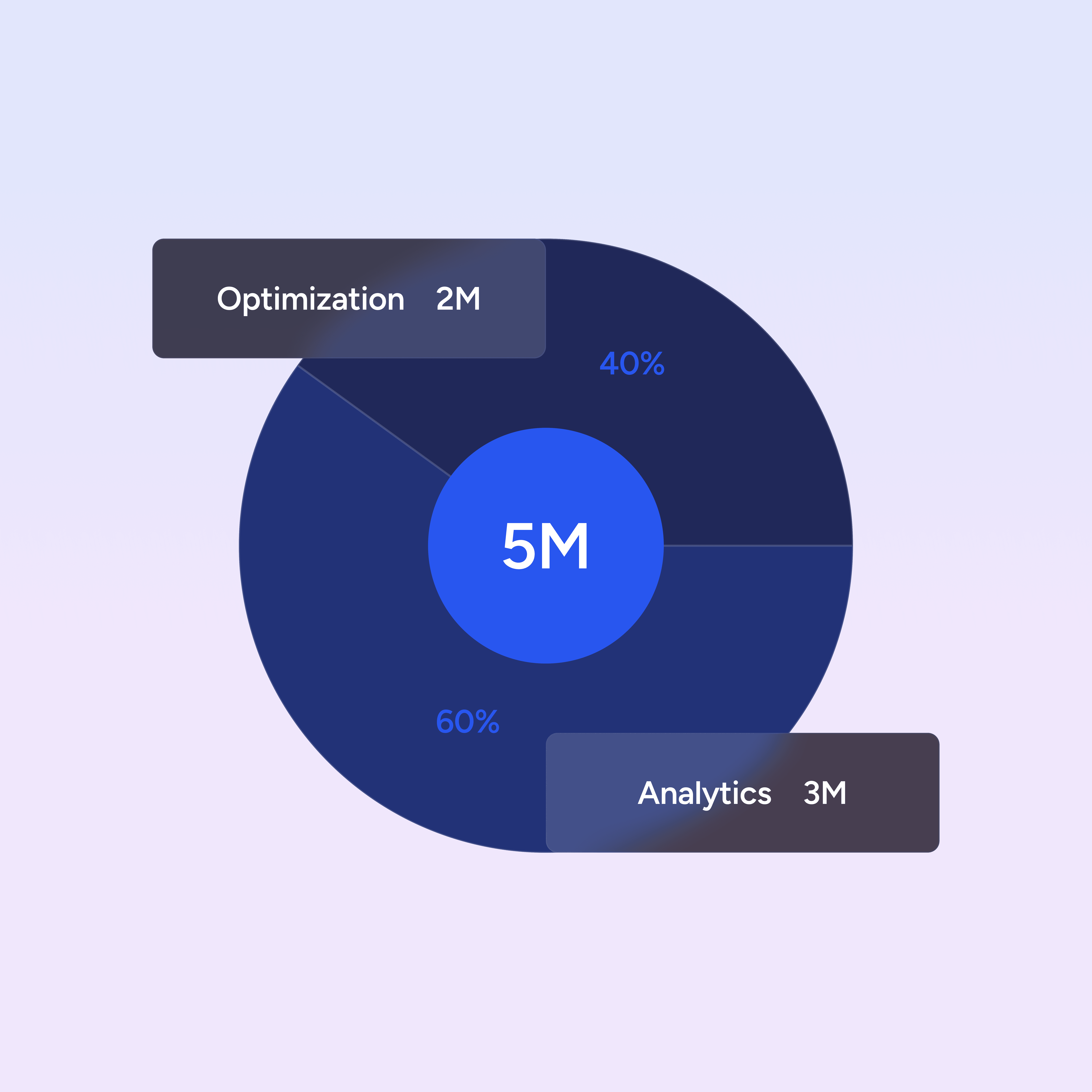
How Amnic Helps

The same rigor you apply to cloud costs, now for AI

Amnic gives you full visibility into AI token usage across your organization so you can allocate costs accurately, spot inefficiencies early, and make smarter decisions about how and where AI is deployed.

Governance & Guardrails

Govern Spend with Budget Controls


Set budget limits across teams and models to prevent runaway AI spend before it hits your invoice. Track input and output token cost trends over time to understand usage patterns and manage spend accurately.

Token Usage Visibility

Break down token usage across models

Set budget limits across teams and models to prevent runaway AI spend before it hits your invoice. Track input and output token cost trends over time to understand usage patterns and manage spend accurately.

Cost Attribution

Attribute token costs to teams, users, and more

Attribute token consumption to individual teams, users, or cost centers with precision, enabling accurate internal chargeback and accountability at scale. Get token usage at the levels of individual users or service accounts for full organizational visibility.

*currently in private beta

Cost Spike Detection

Detect anomalies in real time

Configure real-time alerts on token usage thresholds and budget limits to catch anomalous cost spikes before they compound, stopping silent overruns that traditional cloud monitoring tools miss.

Prompt Efficiency

Prompt Efficiency Tuning & Model Experimentation

Analyze prompt performance across models to reduce token waste, lower per-request costs, and make data-driven decisions when experimenting with new LLMs.

*currently in private beta

Feature Profitability

Per-Feature Token Cost & Profitability Breakdown

Map token spend directly to individual product features to understand true AI costs and evaluate profitability at the feature level.

*currently in private beta

The Challenge

AI token spend is growing. Most teams find out too late

Every prompt, every completion, every API call to an LLM has a cost. Multiply that across dozens of teams, models, and environments, and token spend becomes a serious financial and operational challenge.

Token usage is scattered across teams, tools, & environments

No clear visibility into who is spending what and why

Costs show up late, when it’s already too late to act

Model experimentation leads to silent inefficiencies

Finance, engineering, and leadership operate without a shared view

FinOps OS powered by context-aware AI agents. Get yours now!

Start with a 30-day no-cost trial. Read-only. No commitment.

STAY AHEAD

FinOps OS powered by context-aware AI agents. Get yours now!

Start with a 30-day no-cost trial. Read-only. No commitment.

STAY AHEAD

FinOps OS powered by context-aware AI agents. Get yours now!

Start with a 30-day no-cost trial. Read-only. No commitment.

STAY AHEAD