Reporting and Analytics
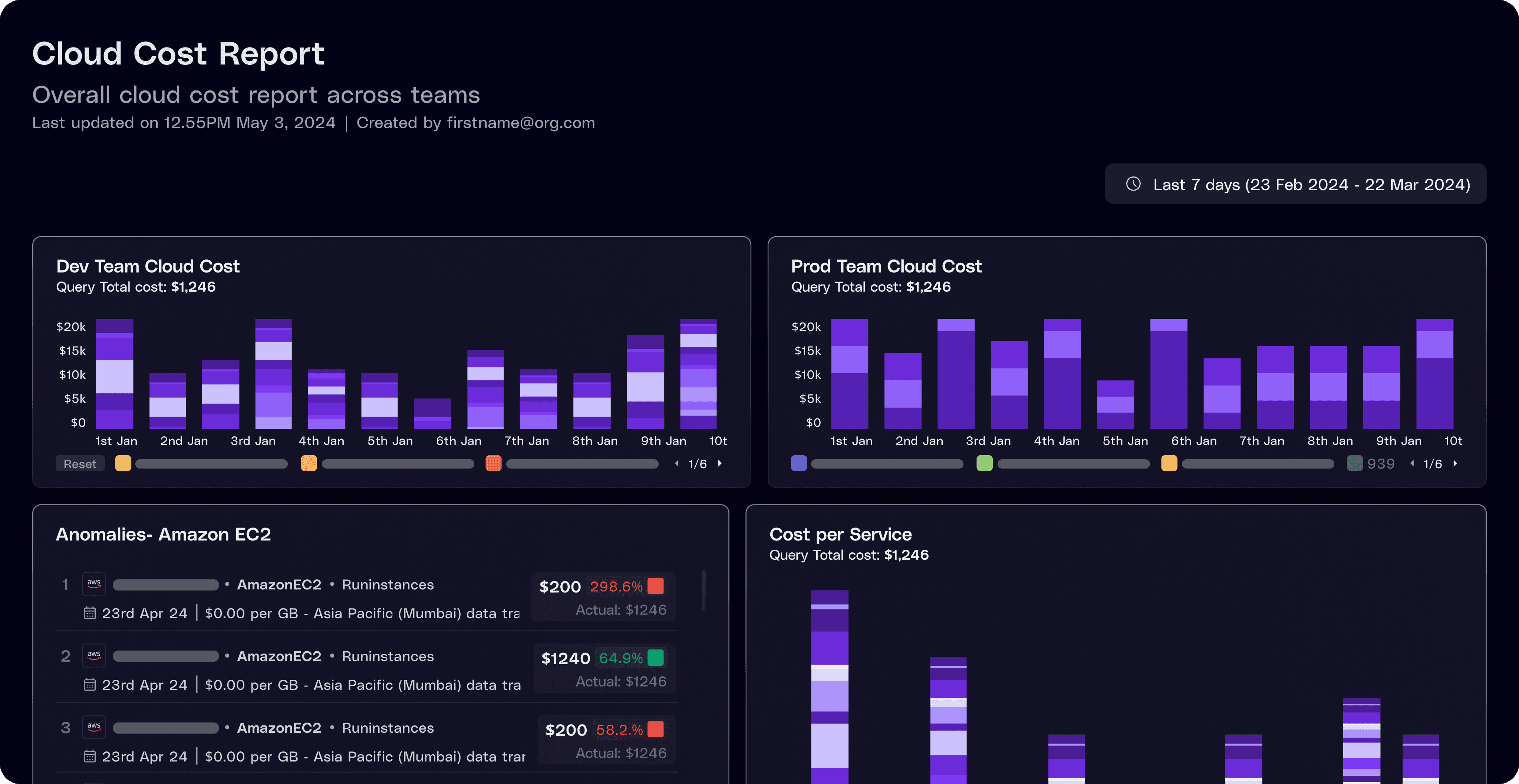
Automate cloud cost reporting and analysis with scheduled updates, saveable reports, pre-built visualizations, and custom dashboards.











Benchmark maturity,close governance gaps,
and drive ROI in under 20 minutes








Frequently Asked Questions
1. Can I save, schedule, and share cost reports automatically?
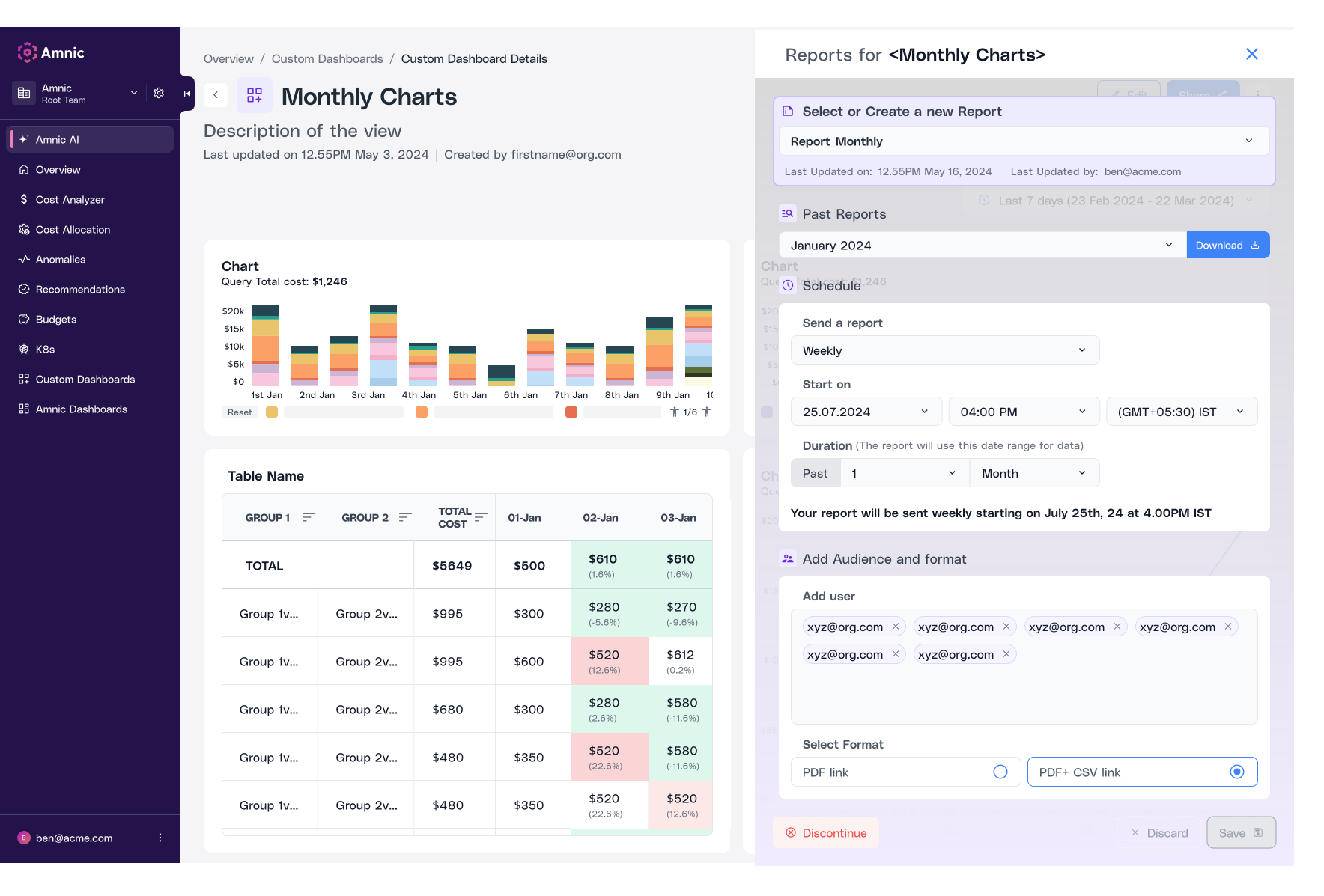
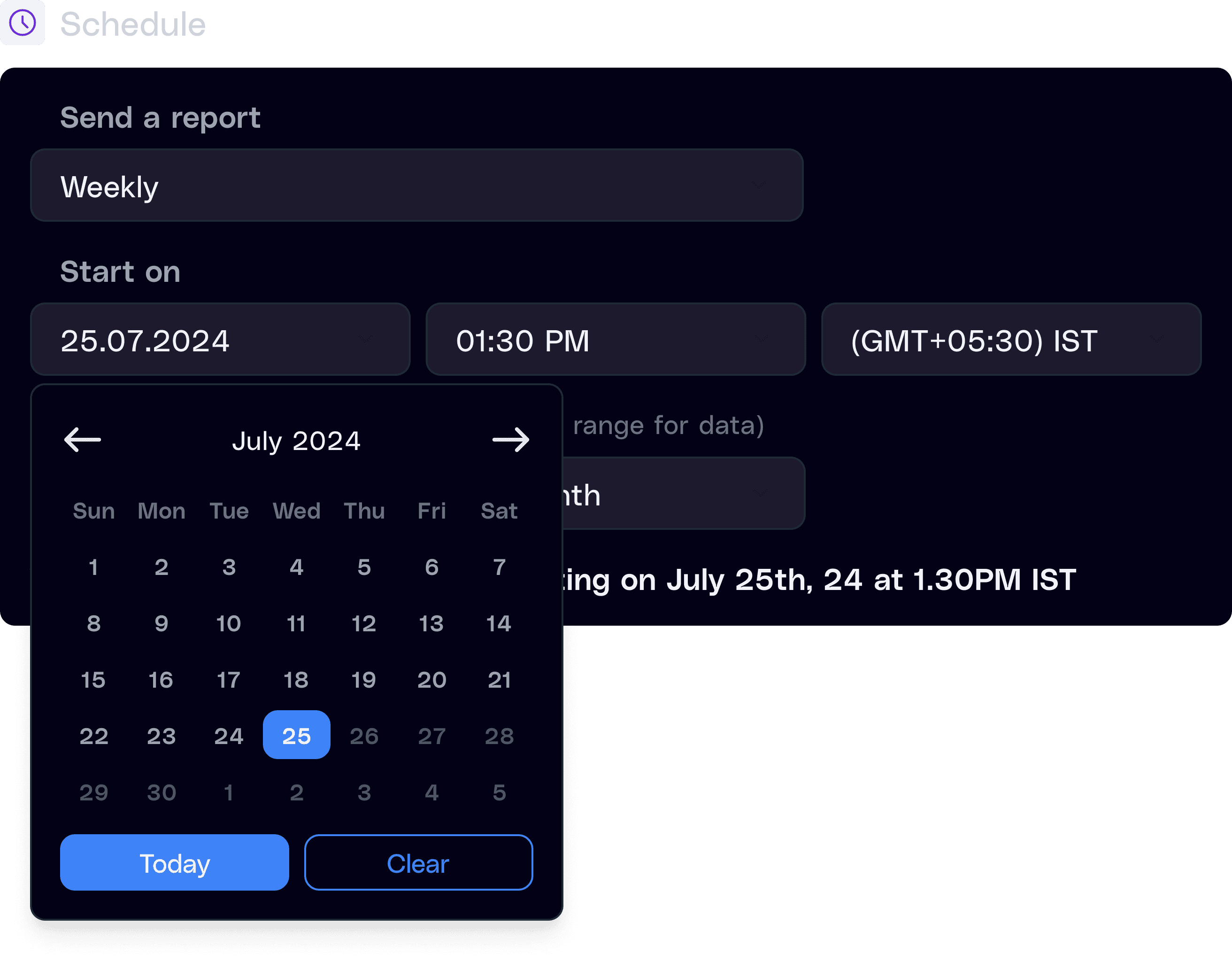
Yes. Save any dashboard or report, export it for deeper analysis, or schedule it to go out automatically on the cadence you pick, daily, weekly, monthly, or custom. Stakeholders get the right data in their inbox on time, every time, so no one has to chase updates or rebuild reports manually.
2. Does Amnic offer pre-built dashboards, or do I have to build everything from scratch?
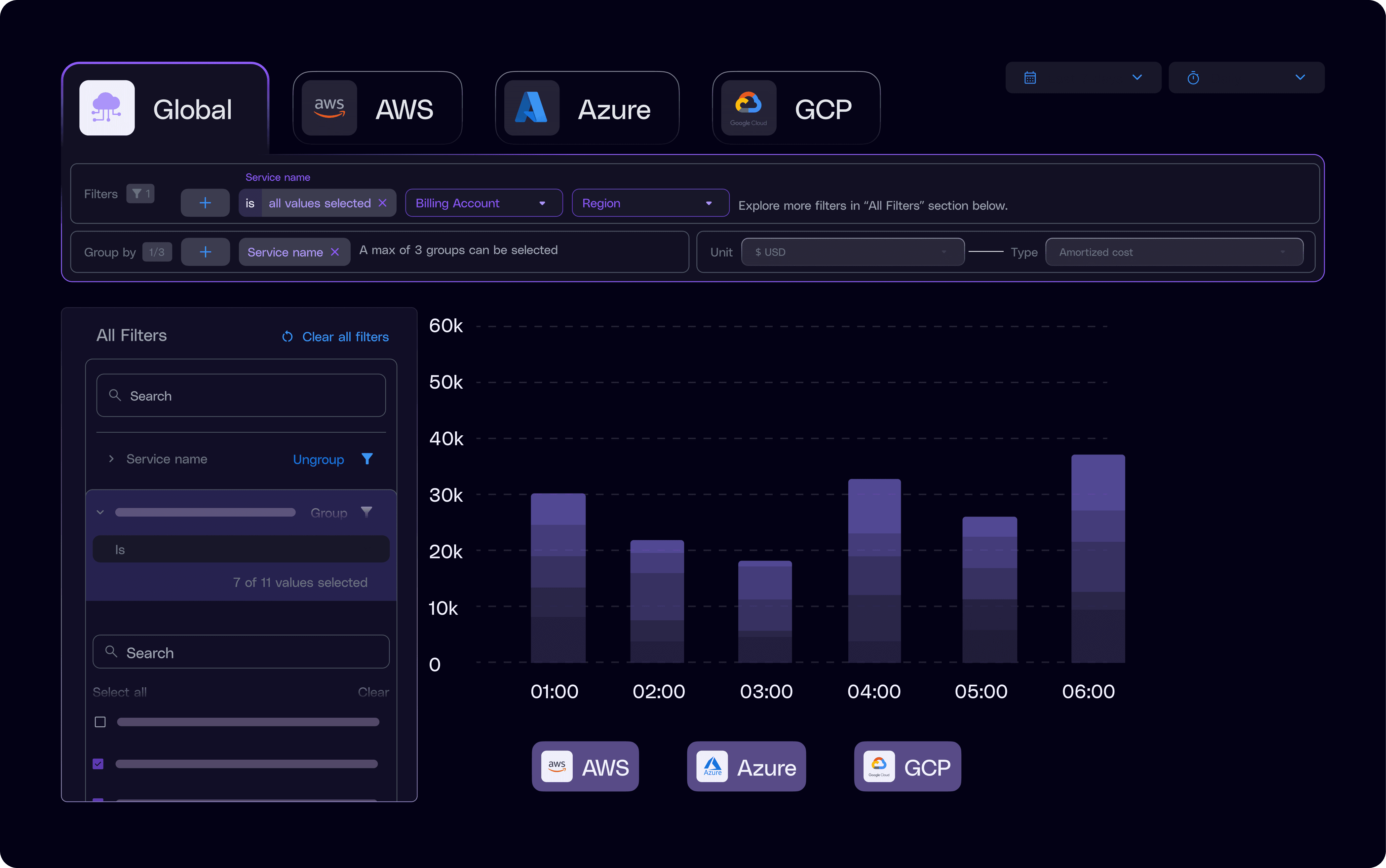
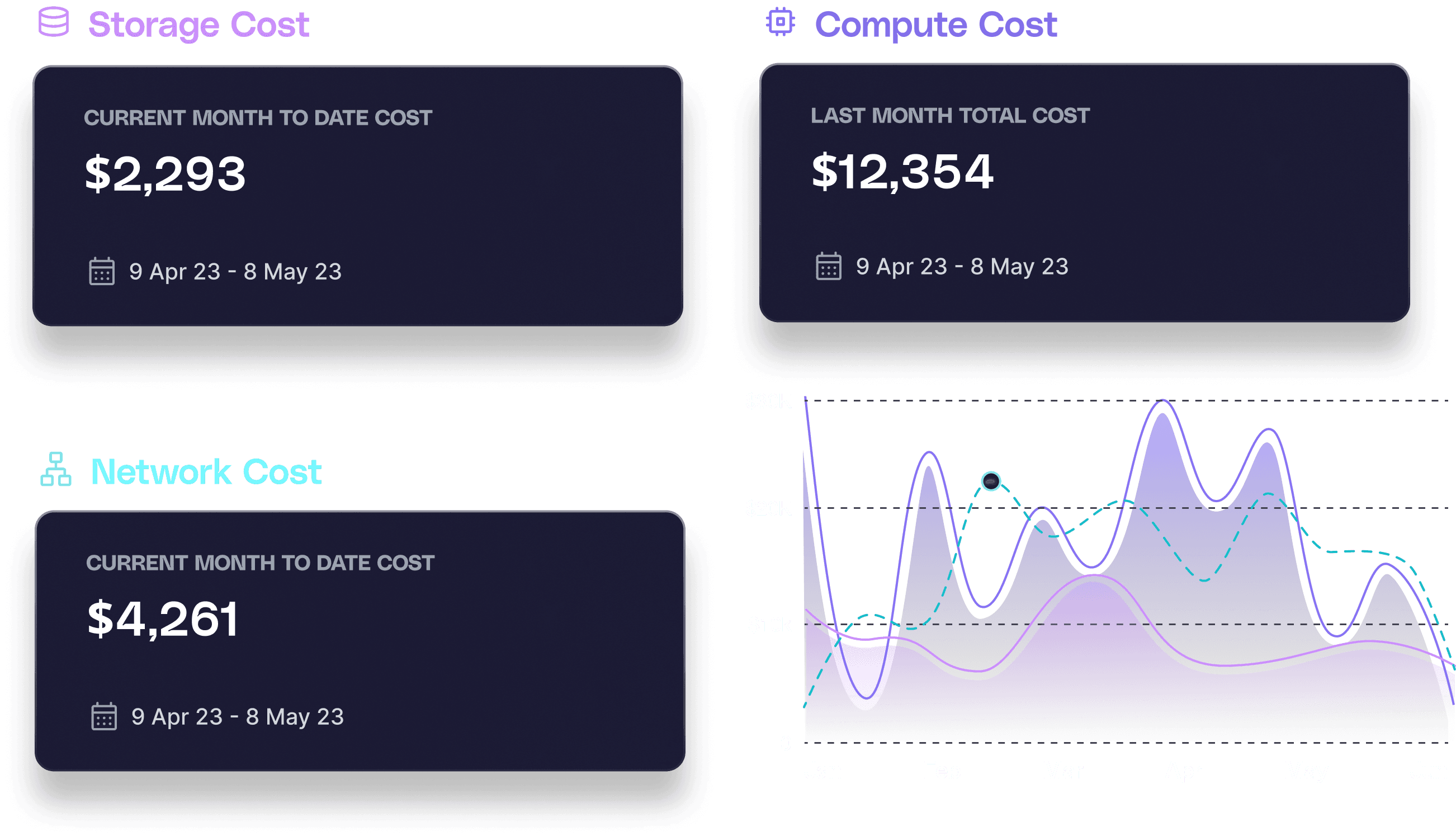
Both options are ready to go. Amnic ships with pre-built category views for network, data transfer, storage, and compute costs across AWS, Azure, and GCP, so you get instant visibility on day one. Need something specific? Build custom reports in minutes with Amnic's filters, anomaly data, and recommendations layered in for deeper context.
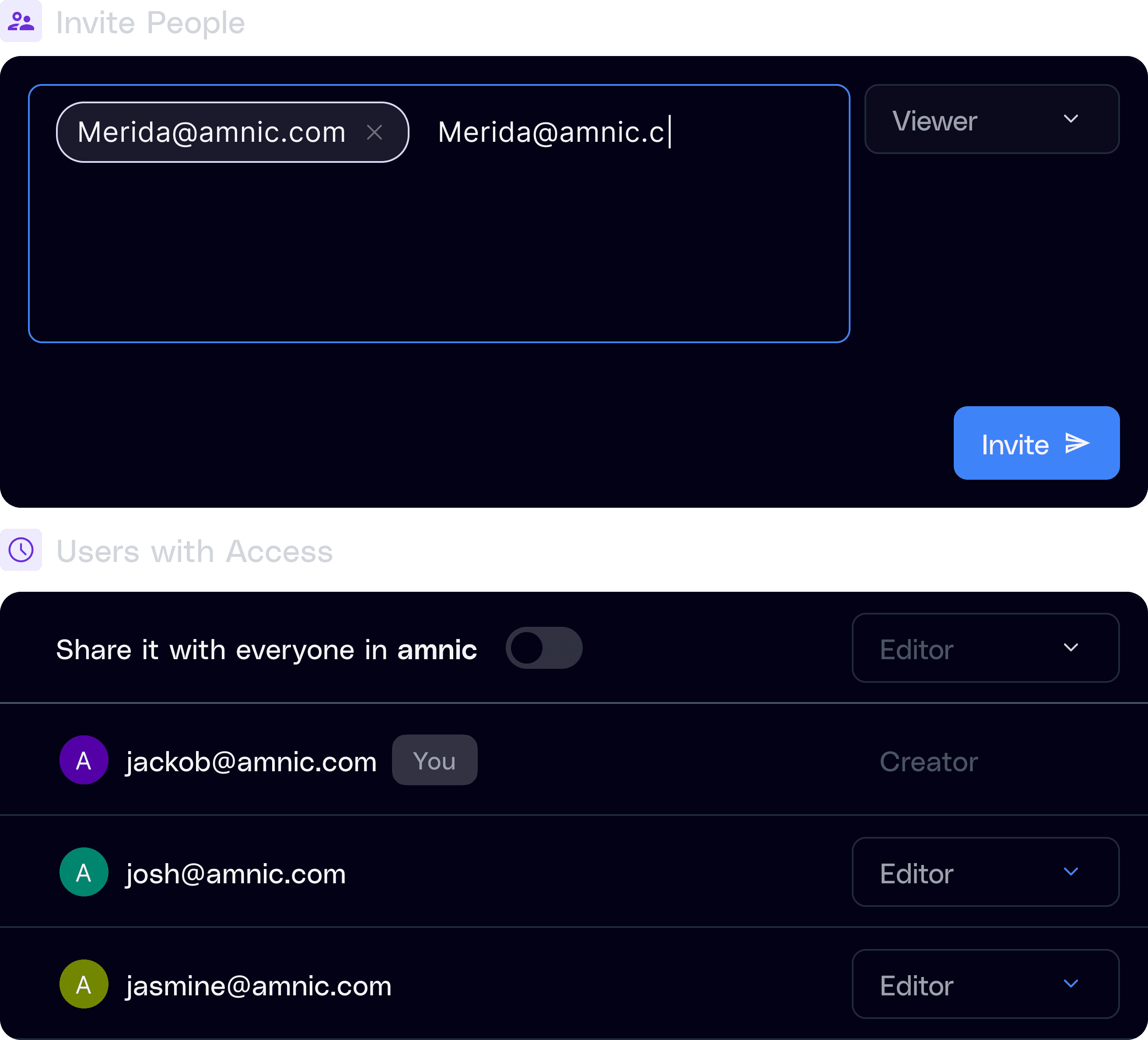
3. How does role-based access control work in Amnic?
Amnic includes enterprise-grade RBAC, so you can control who sees what based on team, role, or seniority. Sensitive cost data stays restricted to the right people, while broader insights stay accessible to teams that need them. Plus, collaboration features like annotations and comments let stakeholders discuss numbers right on top of the data, no Slack threads required.
4. Can different departments build their own reports?
Yes, and they should. Every department can build custom reports tailored to their own priorities, finance tracks budget alignment, engineering focuses on utilization, and product looks at cost per feature. Reports stay saved and reusable, so teams can return anytime for updated views without rebuilding the logic.






