9 Best nOps Alternatives for Cloud Cost Optimization
13 min read
Comparisons
Table of Contents
nOps is built around one job: automating AWS commitments and Spot usage to lower your rates. That single focus is a strength, but it also leaves gaps. The moment a team runs more than one cloud, needs deeper Kubernetes control, wants visibility into SaaS and AI spend, or rethinks percentage based billing, it makes sense to look at alternatives.
This guide compares 9 nOps alternatives for cloud cost optimization. For each tool you get who it fits, its core features, real pricing with sources, and an honest read on pros and cons.
The 9 nOps alternatives at a glance
Amnic: Multi-cloud visibility, cost allocation, Kubernetes, and FinOps for AI in one platform.
ProsperOps: Hands-off AWS and GCP commitment automation as a like-for-like swap.
Vantage: Multi-cloud and SaaS cost visibility across 20+ integrations.
CloudZero: Unit economics and cost per customer, feature, or transaction.
Cast AI: In-cluster Kubernetes automation and aggressive node bin packing.
Zesty: Kubernetes pod and storage autoscaling plus commitment management.
Apptio Cloudability: Enterprise FinOps governance and financial reporting at scale.
Usage.ai: Performance based commitment management with cash back on unused commitments.
Costimizer: Agentic automation that executes rightsizing and cleanup, not just recommends.
nOps alternatives compared
Tool | Best for | Multi-cloud depth | Commitment automation | Kubernetes | SaaS / AI cost | Pricing model |
Amnic | Visibility, allocation, K8s, FinOps for AI | AWS, Azure, GCP, Oracle, Alibaba | Tracking and reporting, not auto-purchase | Dedicated module: container, node pool, PVC rightsizing | Yes: Bedrock, Datadog, Cloudflare, MongoDB Atlas, more | Percentage of monitored spend |
ProsperOps | Hands-off commitment automation | AWS, GCP, Azure | Yes: autonomous RI and Savings Plan management | Indirect (rate only) | No | Percentage of realized savings |
Vantage | Multi-cloud and SaaS visibility | AWS, Azure, GCP, plus 20+ SaaS | Recommendations, limited automation | Cost visibility | Yes | Tiered subscription |
CloudZero | Unit economics | AWS, Azure, GCP | Recommendations | Cost per pod and namespace | Partial | Custom enterprise |
Cast AI | In-cluster K8s automation | AWS, Azure, GCP | Yes, for compute | Deep: autoscaling, bin packing, Spot | No | Flat fee per CPU or percentage of savings |
Zesty | K8s autoscaling plus commitments | AWS focused | Yes: Commitment Manager | Deep: pod, replica, storage autoscaling | No | Per managed vCPU plus percentage of savings |
Apptio Cloudability | Enterprise governance | AWS, Azure, GCP, OpenShift | Recommendations | Container cost allocation | Partial | Custom IBM agreement |
Usage.ai | Cash-back commitment automation | AWS focused | Yes: with cash back on unused | Rightsizing | No | Percentage of realized savings |
Costimizer | Agentic execution of fixes | AWS, Azure, GCP | Group-buy commitments | Rightsizing | Partial | Free trial, then custom |
Why teams look for an nOps alternative
nOps charges a percentage of the savings it generates, with no upfront cost (nOps pricing). The model sounds clean, but in practice these are the friction points that push teams to evaluate alternatives.
The percentage based fee can feel misaligned. A verified Capterra reviewer (Tony Z, Infrastructure and Security Engineer) notes that charging on a percentage of cloud spend can be "misaligned with the value delivered". The same theme appears in community discussion: in an r/FinOps thread on choosing cost tools, a practitioner calls the established platforms "good but heavy" and pegs their pricing margins at "around 2-3%" of spend.
It can be costly for smaller teams. Another Capterra reviewer (Prajval S, Associate Cloud Engineer) flags that the pricing "may be costly for small organisation" (Capterra).
It is AWS first. nOps offers visibility into Azure and GCP, but its deepest automated optimization is on AWS. Teams running real workloads on two or three clouds end up with execution on one and reporting on the rest.
Multi-account setup adds friction. Reviewers describe having to "modify IAM roles for each account, which was quite cumbersome in a multi-account scenario" (Chris Y, Operations Manager), with a second reviewer citing the same IAM linking pain (Capterra).
Automation can feel like a black box. A Director of Infrastructure at a healthcare company asked for "better visibility on how the engine is deciding whether to use spot or on demand" (PeerSpot). Engineers who own uptime want to see the logic before they trust the autopilot.
Support can deprioritize smaller accounts. A Director at MindSource asked nOps to "treat customers that are tail spend a little bit better than enterprise customers" (PeerSpot).
Underutilization protection returns credits, not cash. When commitments go unused, nOps offsets the shortfall against its own fee rather than paying real money back, and any excess carries forward as a backlog credit. At scale that distinction changes the math.
There is also a broader skepticism worth reading before you sign anything. An r/devops thread on AWS cost partners digs into whether percentage discount middlemen are worth a multi-year commitment, and the comments are a useful gut check on lock-in.
The 9 nOps alternatives in depth
The tools below are grouped by what they replace: broad FinOps platforms, commitment specialists, and Kubernetes specialists. Start with the one that matches the gap that pushed you off nOps.
1. Amnic
Best for: Teams that want one platform for multi-cloud visibility, precise cost allocation, Kubernetes rightsizing, and AI spend tracking, rather than a single-purpose commitment bot. Amnic fits FinOps practitioners, finance teams, and engineers who all need to read the same numbers.
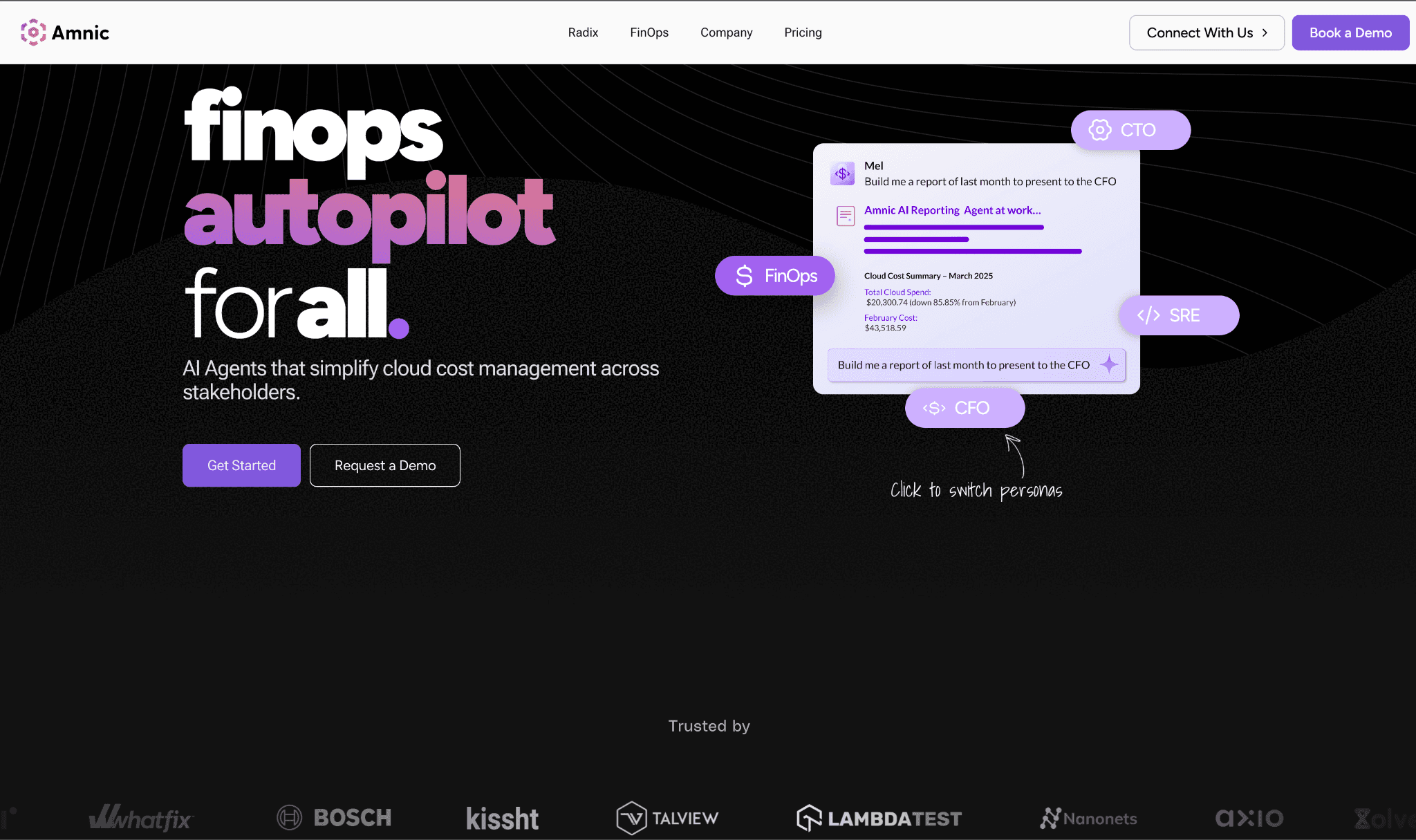
Amnic is a FinOps platform that unifies spend across AWS, Azure, GCP, Oracle, and Alibaba into one Cost Analyzer, then layers on allocation, anomaly detection, Kubernetes optimization, and FinOps for AI. Where nOps acts on AWS rates, Amnic focuses on understanding, allocating, and reducing waste across every provider and SaaS line item.
Key features
Cost Analyzer that drills from account to service to resource level, for example from total S3 cost down to a single bucket and operation, with a unified compute, storage, network, and database view across clouds.
Amnic AI agents (X-Ray, Insights, Reporting, Governance, and the Amnic Assistant) that answer cost questions in plain language and build charts and dashboards on request, embedded across the product.
Kubernetes module for container, node pool, and persistent volume rightsizing at the core level, with namespace and workload visibility.
Cost allocation through Virtual Tags that normalize inconsistent tags (prod, Prod, PROD) and split rules that allocate shared infrastructure by equal, proportional, percentage, or usage-meter logic, feeding unit economics such as cost per transaction.
Anomaly detection with point-in-time, trend, and custom rules, routed to Slack, email, and one-click Jira tickets (Amnic anomaly detection).
FinOps for AI to track token and model usage, currently for Amazon Bedrock, with OpenAI and Anthropic on the roadmap (Amnic FinOps for AI).
Inventory module with a query language to find any resource, including reverse IP lookup to map an address to its account, product, and resource group.
Learn more in Amnic's release notes
Pricing: Amnic charges a percentage of monitored cloud spend, in the 0.25 to 1% range, with a one-month free trial on the startup tier and no credit card required. Enterprise plans support a negotiated spend cap.
Pros
True multi-cloud and SaaS coverage in one view, not AWS-only execution with bolt-on reporting.
Plain-language AI agents lower the FinOps skill barrier for finance and junior engineers.
Allocation engine handles messy tags and shared cost, which is where most chargeback efforts stall.
Percentage of spend pricing is predictable and decoupled from a savings metric the vendor controls.
Cons
Amnic does not auto-purchase Reserved Instances or Savings Plans. It tracks commitment utilization, coverage, and savings through Commitment Reports, so teams that specifically want hands-off auto-trading should pair it with a commitment specialist or pick one below.
Percentage of spend can cost more than a flat tool at very large, stable spend, so model it at your scale.
AI cost tracking starts with Bedrock, with other providers still rolling out.
2. ProsperOps
Best for: Teams that liked the autopilot idea behind nOps but want a pure commitment specialist with a clear savings metric. This is the closest like-for-like swap on the rate-optimization side.
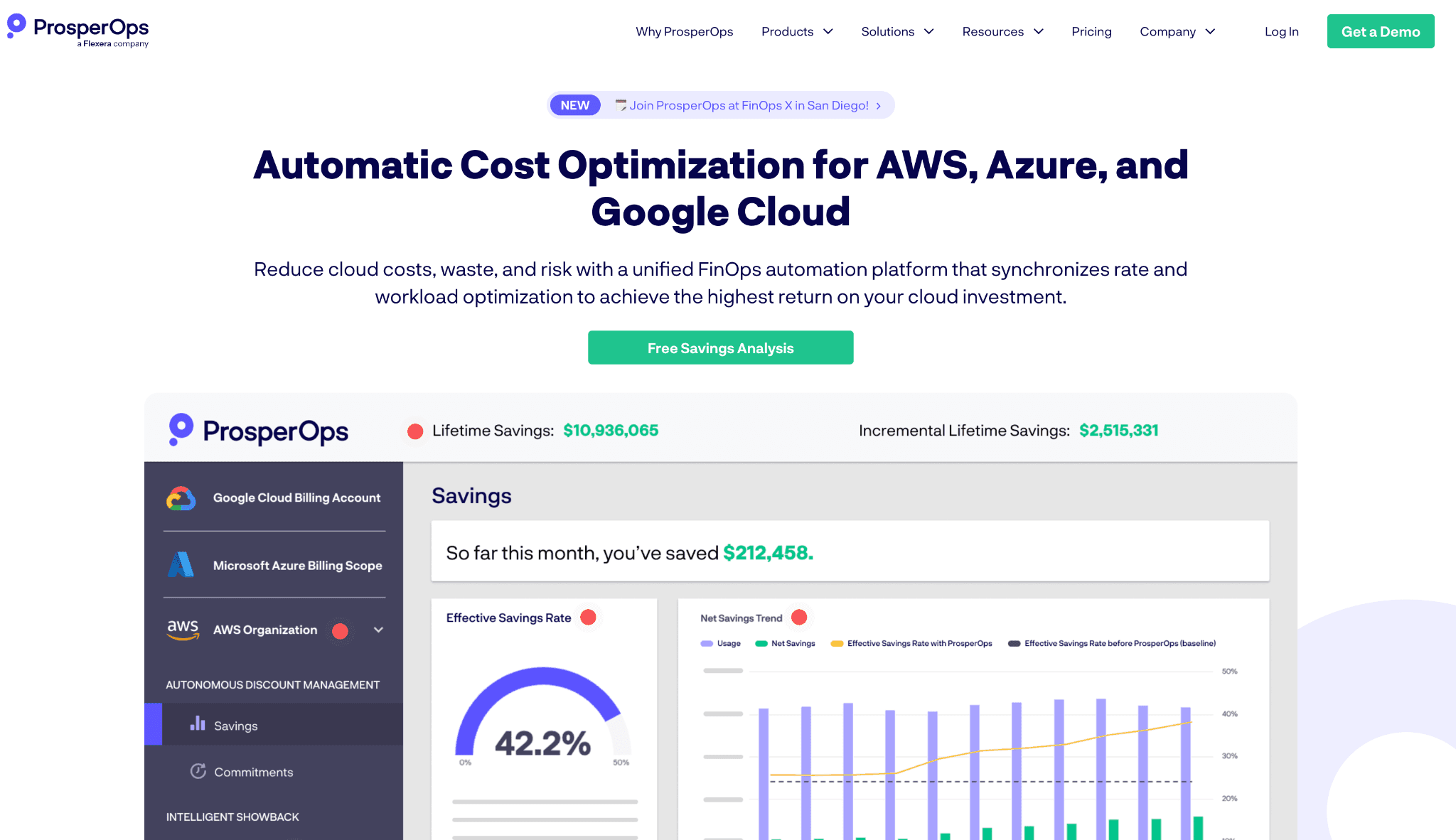
ProsperOps autonomously manages a portfolio of Reserved Instances and Savings Plans, continuously buying, modifying, and laddering commitments to lift your Effective Savings Rate without manual work.
Key features
Autonomous buying, exchanging, and selling of Reserved Instances and Savings Plans across your whole portfolio, with no manual instance, term, or payment selection.
Adaptive Laddering that blends short and long commitments so coverage stays high while lock-in stays low.
Continuous rebalancing that adjusts the commitment mix as usage shifts, replacing the quarterly spreadsheet exercise.
Effective Savings Rate (ESR) dashboard that rolls coverage, utilization, and discount rate into one ROI number.
Multi-cloud rate optimization across AWS Savings Plans and RIs, GCP committed-use discounts, and Azure reservations.
Savings Share billing tied to dollars saved rather than total cloud spend, aligning the fee with outcomes.
Hands-off onboarding that takes over commitment operations once granted access.
Pricing: ProsperOps charges a Savings Share, typically 30 to 35% of realized savings, dropping to roughly 25 to 30% for spend above $1M through volume negotiation.
Pros
Genuinely hands-off commitment management with strong laddering to limit lock-in.
ESR gives a defensible, single number for ROI.
Fee is tied to savings generated, not total spend.
Cons
ESR is a proprietary metric controlled by ProsperOps, which makes independent benchmarking harder.
Narrow scope: rate optimization only, so it does nothing for rightsizing idle resources, Kubernetes, or SaaS spend.
The underlying 1-year or 3-year AWS commitment terms still apply; the tool optimizes which you buy, it does not remove the lock-in.
3. Vantage
Best for: Multi-cloud teams that want broad visibility across cloud and SaaS in one place, the clearest gap in nOps' AWS-first design.
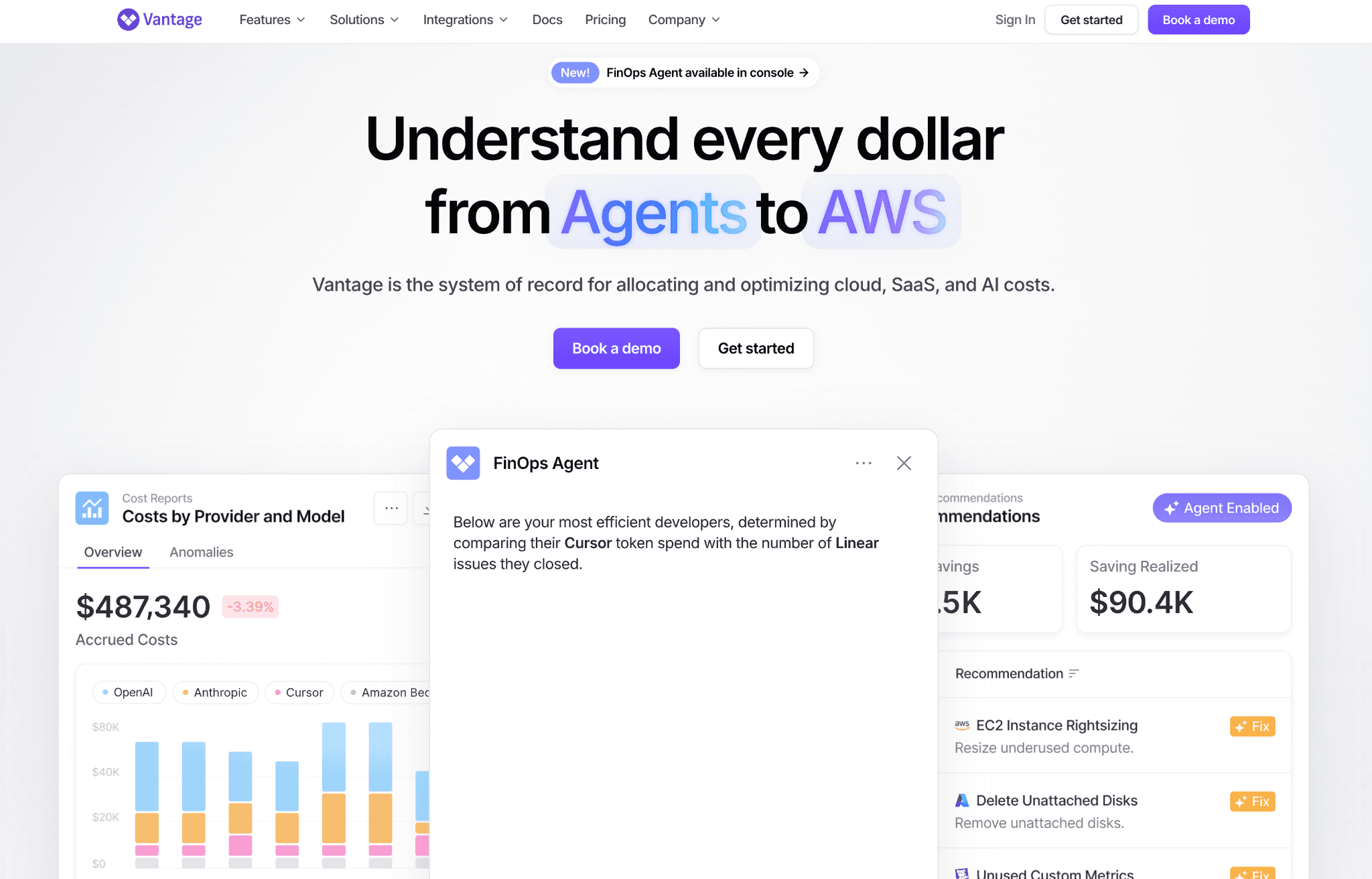
Vantage is a cost visibility and reporting platform that treats AWS, Azure, Google Cloud, and more than 20 SaaS sources as first-class data, and maps spend to business metrics such as cost per transaction.
Key features
Cost Reports with flexible filtering, grouping, and saved views across every connected provider.
More than 20 integrations spanning AWS, Azure, GCP, Snowflake, Datadog, MongoDB Atlas, Fastly, and Kubernetes.
Cost per business metric so you can track unit costs like cost per customer or per transaction.
Active Resources inventory that ties spend back to the live infrastructure generating it.
Autopilot for automated AWS Savings Plan purchasing.
Virtual tagging and cost allocation to split shared and untagged spend across teams.
Budgets, anomaly alerts, and Segments for team-level showback and accountability, with Slack and email notifications.
Pricing: Vantage uses a tiered subscription model with a free tier that has no time limit; paid tiers add longer data history, team access controls, and priority support (verified pricing model).
Pros
Widest provider and SaaS coverage in this list.
Predictable subscription pricing rather than a cut of savings.
Strong cost-per-business-metric reporting for engineering and finance.
Cons
Primarily visibility and reporting; it tells you where to save but usually needs engineering action to execute.
Not the deepest tool for automated commitment purchasing or underutilization protection.
Kubernetes coverage is visibility rather than active in-cluster optimization.
See our deeper Vantage alternatives comparison if Vantage itself is on your shortlist.
4. CloudZero
Best for: SaaS companies that need to tie cloud spend to unit economics, such as cost per customer, feature, or deployment.
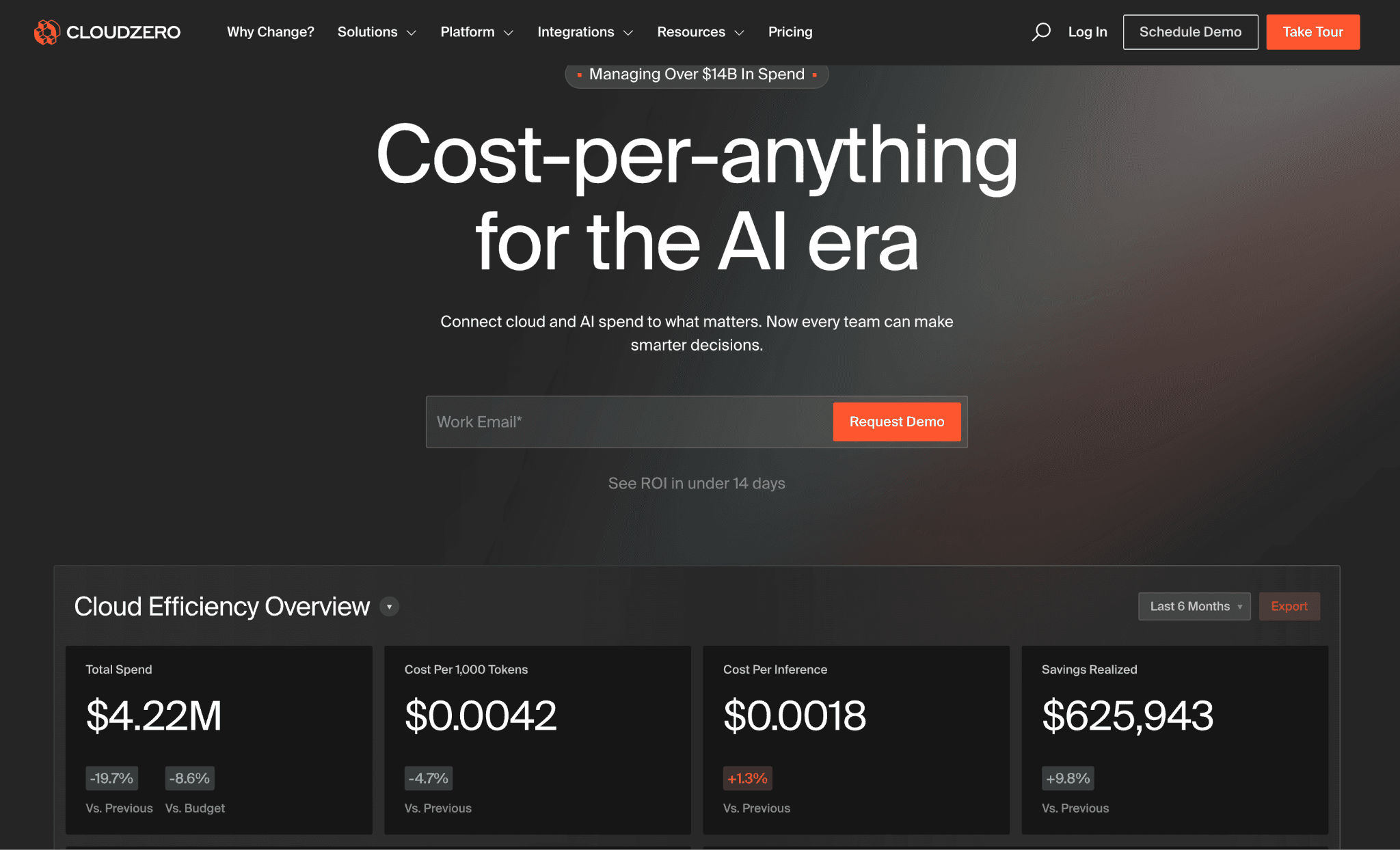
CloudZero is a cost intelligence platform focused on attribution and unit economics, giving engineering and finance a shared view of what each customer or product actually costs to run (CloudZero).
Key features
CostFormation engine that allocates close to 100% of spend even when tagging is incomplete.
Cost per customer, per product feature, per team, per environment, and per deployment.
SaaS gross margin and cost of goods sold reporting for finance.
Kubernetes cost allocation broken down by pod, namespace, and cluster.
Anomaly detection with alerts routed to Slack and email.
Real-time cost monitoring and budgets with variance tracking.
Custom Dimensions to group spend by any business context your team defines.
Pricing: CloudZero sells enterprise contracts only, with no public rate card or self-serve tier; pricing is tied to cloud spend under management (verified competitor pricing).
Pros
Among the strongest unit economics and cost-per-customer reporting in this list.
Attribution works even with imperfect tags.
Clear value for SaaS gross-margin analysis.
Cons
Visibility-first; it informs decisions rather than executing commitment changes.
No public pricing and no self-serve, so evaluation requires a sales cycle.
Heavier than smaller teams need if all they want is rate optimization.
5. Cast AI
Best for: Kubernetes-heavy teams that want an agent inside the cluster actively reshaping nodes, which is exactly where nOps stays light.
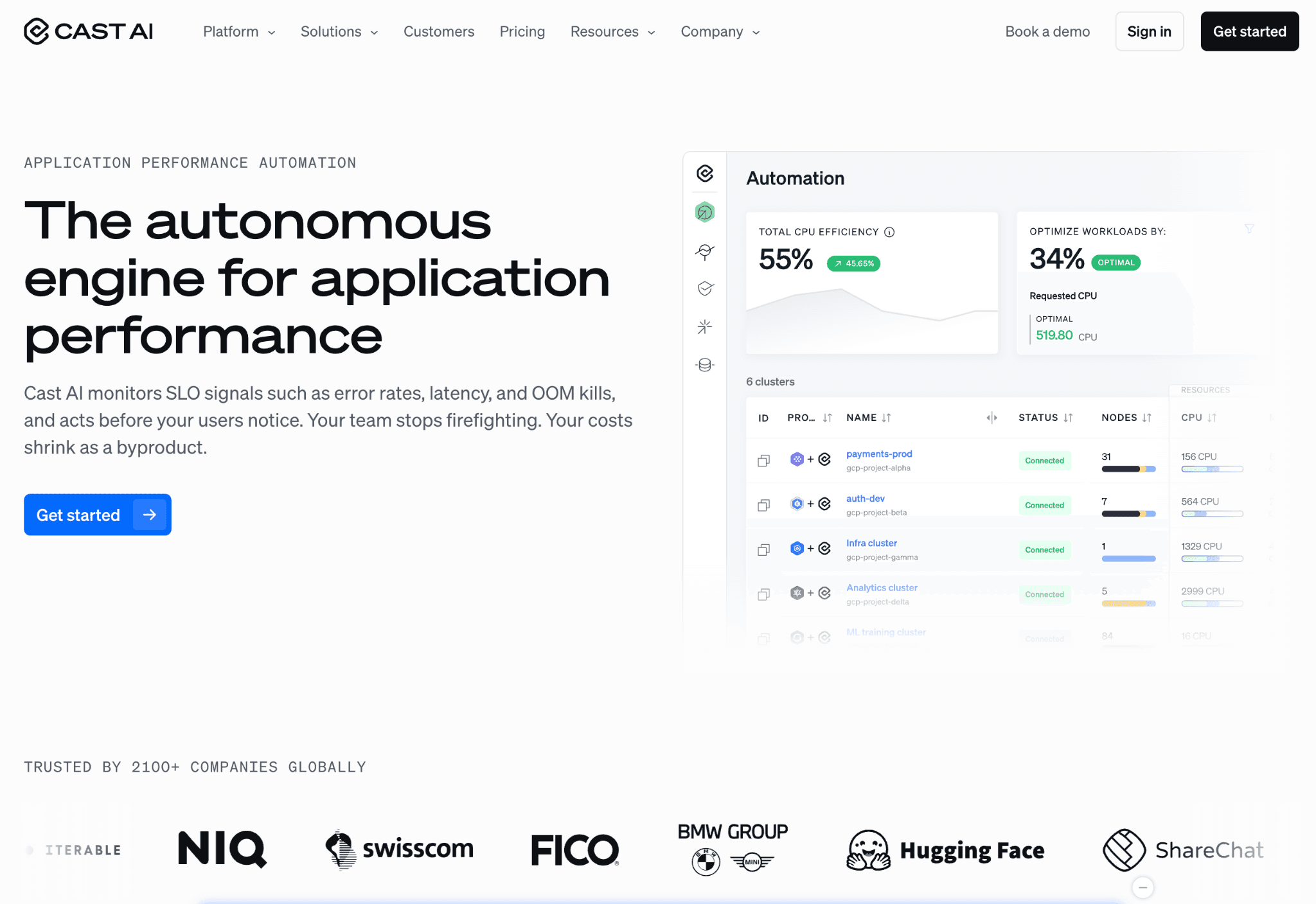
Cast AI installs in your cluster and automates autoscaling, Spot instance management, rebalancing, workload rightsizing, and bin packing to raise node density and cut waste.
Key features
Autoscaler that provisions the cheapest viable node types automatically as workloads change.
Bin packing that raises pod density and removes idle or underused nodes.
Spot instance automation with automatic fallback to on-demand when capacity is interrupted.
Workload rightsizing that tunes pod CPU and memory requests to actual usage.
Continuous rebalancing to keep the cluster on the lowest-cost node mix.
Commitment and Savings Plan analysis for committed-use coverage on top of Spot.
Multi-cluster support across EKS, AKS, and GKE, plus a free cost-monitoring tier with waste and security insights.
Pricing: Cast AI does not publish a public rate card. It offers a free monitoring tier, with paid automation and Enterprise tiers quoted by sales.
Pros
Genuinely aggressive in-cluster automation, not just pricing optimization.
Generous free tier to prove value first.
Strong Spot automation with graceful fallback.
Cons
Kubernetes-specific, so it does not cover broad multi-cloud cost or SaaS spend.
Running an agent inside the cluster needs DevOps buy-in and review.
Per-CPU plus percentage models can stack up at large scale; model the effective rate.
For a wider view, see our Kubernetes cost optimization tools comparison.
6. Zesty
Best for: EKS-heavy teams that want pod and storage autoscaling alongside commitment management in one vendor.
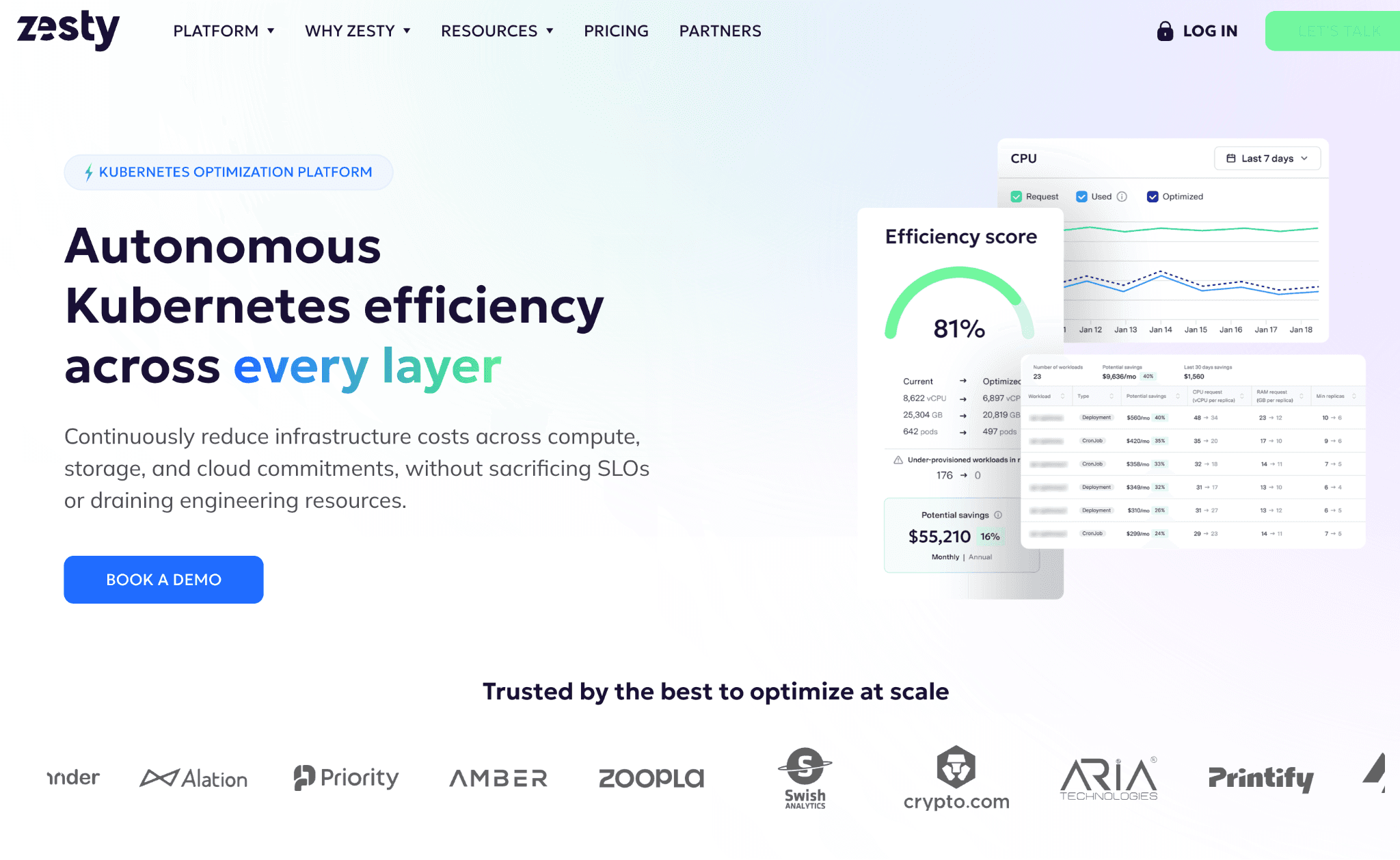
Zesty's Kompass platform handles pod rightsizing, replica reduction, and persistent volume autoscaling, while its Commitment Manager automates Savings Plans and Reserved Instances.
Key features
Kompass pod rightsizing that adjusts CPU and memory requests automatically in real time.
Replica and horizontal scaling optimization to trim over-provisioned workloads.
Zesty Disk persistent volume autoscaling that grows and shrinks storage live to cut waste.
Commitment Manager that automatically buys, sells, and manages Savings Plans and Reserved Instances.
Spot protection with automated fallback for interruptible workloads.
Node headroom management that balances cost against availability.
Billing based only on capacity actively managed after optimization.
Pricing: Kompass costs a $500 per month base fee plus $5 per managed vCPU per month. The Commitment Manager uses success-based pricing at 25% of savings generated, and Zesty Disk is tiered from $0.025 down to $0.01 per unit by volume.
Pros
Combines Kubernetes autoscaling and commitment automation under one roof.
Persistent volume autoscaling is a genuine differentiator for storage-heavy clusters.
You are billed only on capacity managed after optimization.
Cons
Strongest on AWS and EKS; lighter for true multi-cloud estates.
Stacked pricing (per vCPU plus 25% of commitment savings) can rise materially with scale.
No broad SaaS or AI cost coverage.
7. Apptio Cloudability
Best for: Large enterprises that need governance, financial reporting, and FinOps process maturity across many accounts and business units.
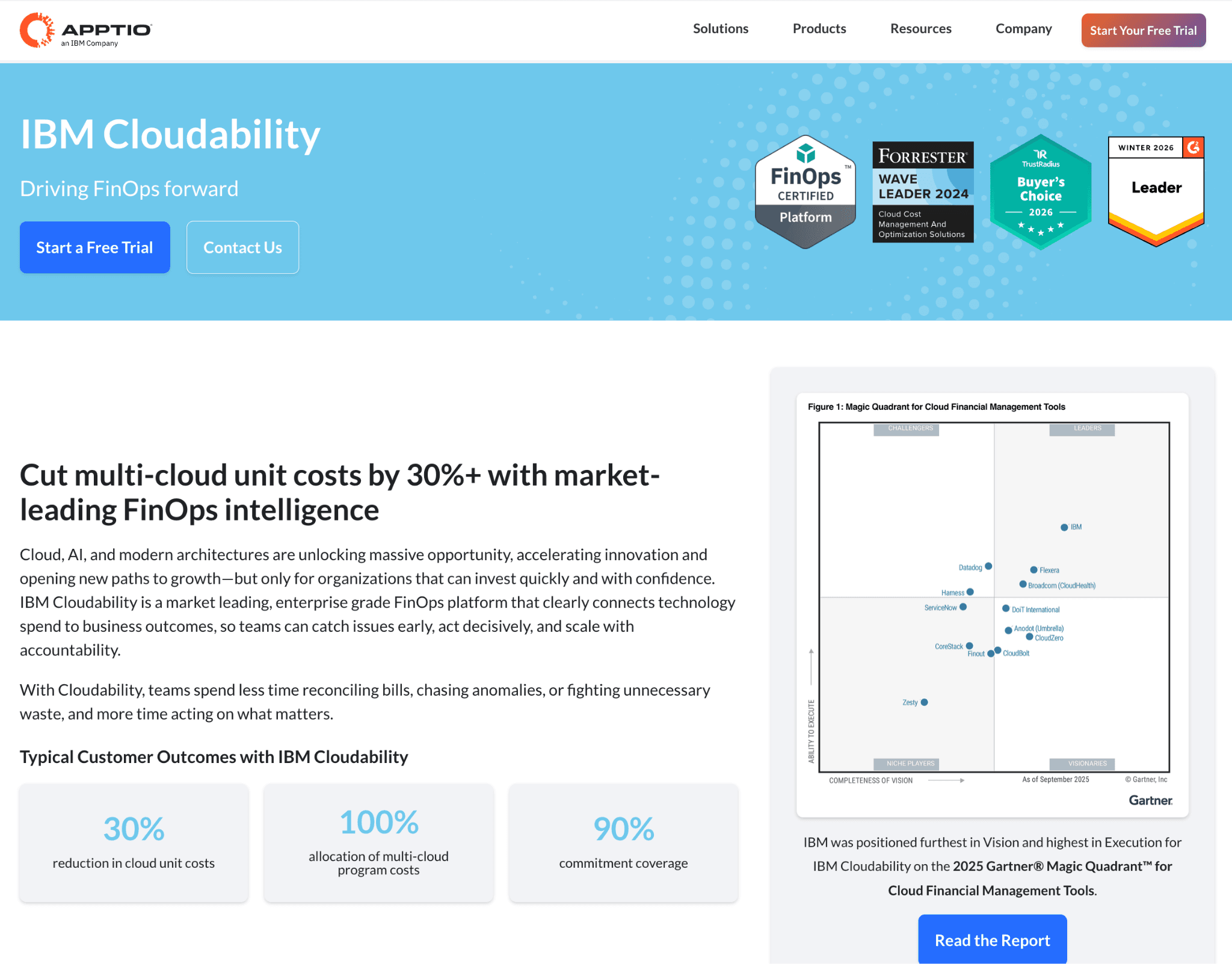
Apptio Cloudability, now part of IBM, is an enterprise cloud financial management platform supporting AWS, Azure, GCP, Kubernetes, and OpenShift, with a focus on visibility, governance, and reporting for big organizations.
Key features
Multi-cloud cost normalization that maps AWS, Azure, and GCP billing into one consistent data model.
TrueCost and amortized cost views that spread commitments and fees fairly across time.
Container and Kubernetes cost allocation, including OpenShift.
Chargeback, showback, and business mapping to cost centers and business units.
Rightsizing plus Reserved Instance and Savings Plan recommendations.
Budgets, forecasting, and variance analysis for finance planning.
Anomaly detection, governance, RBAC, and executive reporting at enterprise scale.
Pricing: Cloudability is sold through an IBM enterprise agreement priced on cloud spend volume and account count, with no self-serve and no free trial; deployments typically involve IBM Professional Services over a 6 to 12 week window (verified competitor pricing).
Pros
Deep governance and financial reporting for complex org structures.
Mature multi-cloud and container cost allocation.
Backed by IBM for large, regulated enterprises.
Cons
Long, services-led deployment that smaller teams will find heavy.
No self-serve or free trial, and no public pricing.
Reporting-led; commitment action still sits with your team.
8. Usage.ai
Best for: AWS teams that want commitment automation like nOps but with cash returned on unused commitments rather than fee credits.
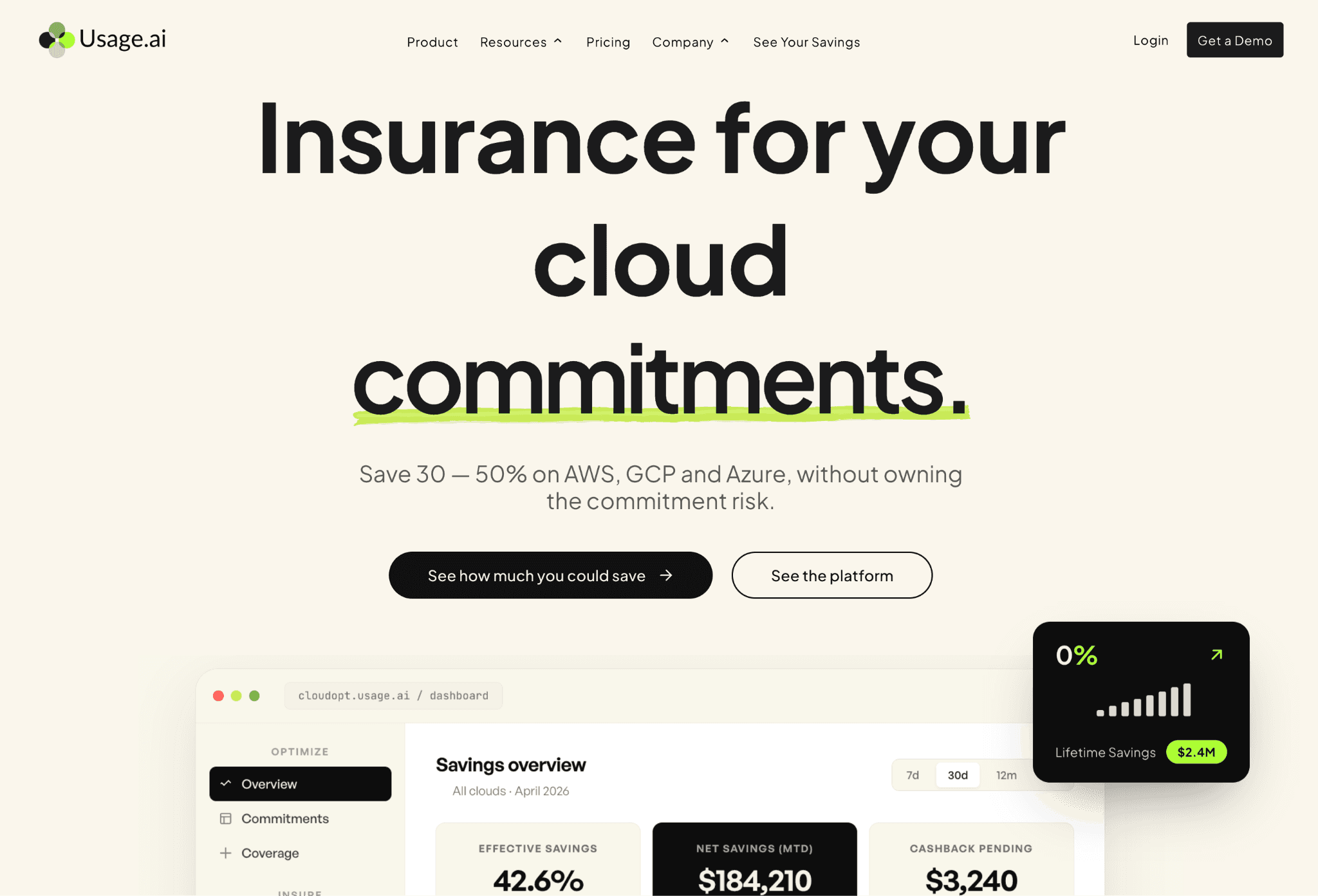
Usage.ai automates Savings Plans and Reserved Instance management and refreshes recommendations on a faster cycle, with a buyback guarantee that returns real money on underutilization (Usage.ai).
Key features
Automated Savings Plan and Reserved Instance purchasing and management for AWS compute.
Buyback guarantee that returns cash on unused commitments instead of fee credits.
Commitment coverage across EC2, Fargate, and Lambda.
Recommendation refresh on a roughly 24-hour cycle, faster than native Cost Explorer.
Rightsizing recommendations for idle and oversized resources.
Real-time utilization and coverage monitoring.
Pay-for-performance engagement with no fee when nothing is saved.
Pricing: Usage.ai charges a percentage of realized savings, with zero fee if it does not save you money.
Pros
Cash-back model addresses the biggest complaint about nOps' fee-credit approach.
Faster recommendation refresh than native AWS tooling.
Pure pay-for-performance pricing.
Cons
AWS focused, so multi-cloud teams still need a separate visibility layer.
Narrow scope beyond commitments and basic rightsizing.
Newer and smaller than the enterprise incumbents.
9. Costimizer
Best for: Teams that want agents to actually execute fixes (rightsizing, Spot orchestration, storage cleanup) instead of handing back a recommendation list.
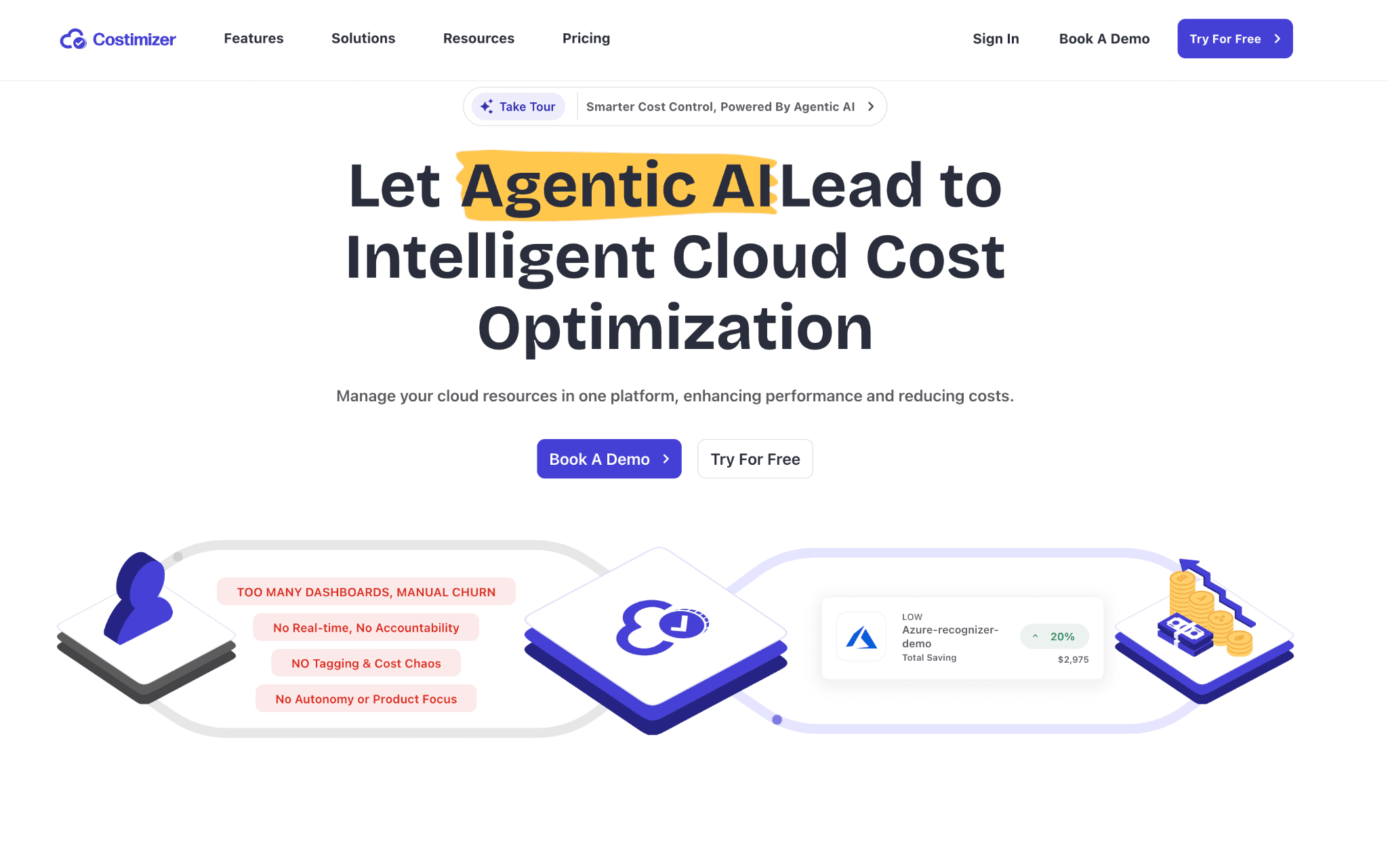
Costimizer is an agentic cloud cost platform whose autonomous agents safely execute rightsizing, Spot instance management, and storage cleanup such as deleting unattached disks and old snapshots, across a unified AWS, Azure, and GCP dashboard.
Key features
Autonomous Recommendation Agent that executes approved fixes in real time, not just flags them.
Rightsizing for virtual machines and managed databases.
Spot instance orchestration for interruptible workloads.
Automated storage cleanup for orphaned disks and stale snapshots.
Group-buy commitments that pool buying power across companies for guaranteed reductions.
Unified AWS, Azure, and GCP dashboard with cost-saving rules applied across providers.
Cost visibility and resource inventory included from the trial tier.
Pricing: Costimizer offers a free trial plan covering cost visibility and resource inventory for up to $10,000 in monthly spend, with onboarding support; pricing beyond the trial is not published.
Pros
Agents close the gap between identifying waste and removing it.
Multi-cloud dashboard from the start.
Free trial lowers the barrier to evaluate.
Cons
Newer entrant with a shorter track record than the incumbents.
Public pricing is limited to the trial tier.
Autonomous execution requires careful guardrails and team trust.
How to choose the right nOps alternative
Match the tool to the gap that pushed you off nOps:
You need real multi-cloud and SaaS visibility, plus allocation and AI spend: start with Amnic, which covers the breadth nOps does not, and add a commitment specialist if you want auto-trading.
You only want hands-off commitment automation: ProsperOps or Usage.ai. Pick Usage.ai if cash back on unused commitments matters; pick ProsperOps for laddering and the ESR metric.
Your pain is Kubernetes waste: Cast AI for aggressive in-cluster automation, or Zesty if you also want storage autoscaling and commitments together.
You need unit economics for a SaaS business: CloudZero.
You are a large enterprise that needs governance and reporting: Apptio Cloudability.
You want agents that execute fixes automatically: Costimizer.
A practical rule from the r/devops discussion on cost partners: before committing to any percentage based vendor, run your own numbers on the multi-year lock-in and confirm what happens to unused commitments.
Frequently asked questions
What does nOps actually do?
nOps automates AWS commitment management (Reserved Instances and Savings Plans) and Spot usage to lower your effective rates, charging a percentage of the savings it generates (nOps pricing).
Why do teams leave nOps?
The most common reasons are AWS-first coverage with shallower multi-cloud execution, percentage based billing that can feel misaligned with value, multi-account IAM setup friction, limited transparency into automated decisions, and underutilization protection paid as fee credits rather than cash (Capterra).
Which nOps alternative is best for multi-cloud?
Amnic and Vantage have the broadest provider coverage. Amnic adds deep allocation, Kubernetes rightsizing, and FinOps for AI; Vantage leads on SaaS integration breadth.
Is there an nOps alternative that automates commitments like nOps?
Yes. ProsperOps and Usage.ai both automate AWS commitments. Usage.ai returns cash on unused commitments, while ProsperOps emphasizes laddering and its Effective Savings Rate metric.
What is the best nOps alternative for Kubernetes?
Cast AI for in-cluster automation and bin packing, and Zesty for pod and storage autoscaling. Amnic covers Kubernetes rightsizing inside a broader multi-cloud platform.
Does Amnic replace nOps one-to-one?
Not exactly. Amnic does not auto-purchase commitments; it tracks commitment utilization, coverage, and savings while giving you the multi-cloud visibility, allocation, anomaly detection, Kubernetes, and AI cost coverage nOps lacks. Teams that need auto-trading pair Amnic with a commitment specialist.
Where practitioners discuss this
If you want unfiltered opinions before you buy, these communities cover cloud cost tooling regularly:
r/FinOps for FinOps practice and tool selection, including this thread on choosing cost tools.
r/aws for Savings Plans and commitment debates.
Better visibility and management into AI Tokens?
Start with a 30 day trial
Connect leading LLMs
24 hour time to value
Stay ahead of AI Spend

Make AI spend visible, controllable, and accountable.
Gain insights into your AI token costs at a team, customer, business unit and individual user level to measure and manage AI utilization.
Recommended Articles

Compare Input vs Output Token Pricing: Why Output Costs More and How to Budget for It
Read More

Vertex AI vs Bedrock: The Enterprise Platform Decision That Outlives the Token Price
Read More

Gemini vs GPT: Which AI Model Fits Your Workflow and Budget
Read More
H100 vs A100: Specs, Cost and Which GPU Wins for Your Workload
Read More
OpenCost vs Kubecost: Key Differences and How to Choose
Read More
6 Best Datadog Alternatives for Cloud Cost Management in 2026
Read More