What Is Prompt Caching? How It Works and What It Saves
8 min read
AI for FinOps
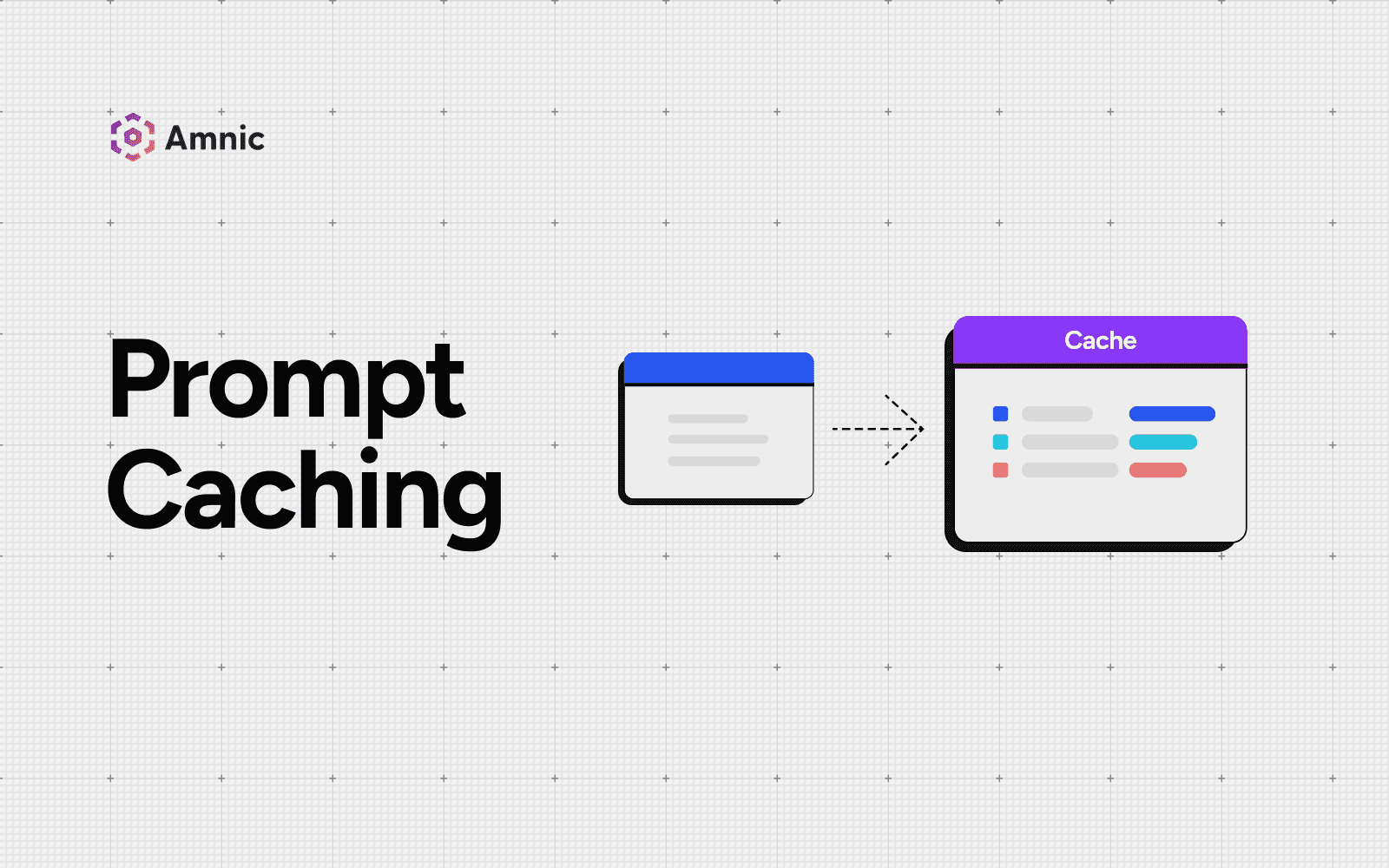
Table of Contents
Every time you send a long prompt to a large language model, the model reprocesses the entire thing from scratch. The system prompt, the tool definitions, the 40-page document you pasted in: the provider recomputes and charges for all of it on every call.
Prompt caching fixes that. It stores the processed state of the static part of your prompt, so the model skips the repeated work and charges you far less for it.
For teams running production AI, it is one of the largest line items you can cut without touching model quality, which is why it sits at the center of AI token cost management. This guide covers what prompt caching is, how it works across providers, what it actually costs and how to confirm it is saving you money.
What Is Prompt Caching?
Prompt caching stores the computed state of a repeated prompt prefix, so a model can reuse it instead of processing those tokens again. When two requests start with the same content, the provider serves the shared portion from cache and only processes what changed.
You pay a reduced rate for the cached tokens and the response comes back faster. The model still generates a fresh answer every time, so caching changes your bill and your latency, not your output.
How Does Prompt Caching Work?
When a model reads your prompt, its attention layers build a set of key-value tensors, commonly called the KV cache, that represent how every token relates to the others. Normally, the model discards this work and rebuilds it on the next request. Prompt caching saves that work instead.
The mechanism runs in three steps:
Hash the prefix.: The provider fingerprints your prompt up to a cache breakpoint.
Check for a match: If a recent request produced the same prefix, the model loads the stored state. This is a cache hit.
Write if it misses: If nothing matches, the model processes the prompt in full and writes the prefix to cache for next time. This is a cache write.
Matching is exact and positional. The cached prefix has to be identical token for token, so a single changed character near the start breaks the match from that point on. That is why providers tell you to put stable content first (system instructions, tool definitions and reference documents) and variable content last, where the user's question goes. Because the reuse keys off that opening prefix, prompt caching is also called prefix caching.
A quick example: Suppose you build a tool that answers questions about a 30,000 token contract. Without caching, asking 10 questions reprocesses the contract 10 times, so you pay for 300,000 input tokens. With caching, the contract is processed once, then the next nine questions read it from cache at roughly a tenth of the price.
Prompt Caching vs Semantic Caching vs Response Caching
These three get confused often because they all reduce LLM cost, but they cache different things.
Type | What it stores | What it saves | Best for |
|---|---|---|---|
Prompt caching | The KV state of a shared prompt prefix | Input and prefill cost plus latency on repeated context | Long static context reused across many calls |
Semantic caching | The meaning of a query as a vector | The full LLM call when a similar question returns | Paraphrased questions with the same intent |
Response caching | The full text response keyed by an exact string | The full call on an identical repeat | Templated or programmatic queries |
The key difference is freshness. Prompt caching never serves a stale answer, because the model still runs and produces a new response. Semantic and response caching can return a previously generated answer, which is cheaper but risks staleness if the underlying data changed.
Many production stacks layer all three so each query type hits the cheapest path that is still correct.
What Prompt Caching Costs and What It Saves
Cached tokens are not free and the pricing has a twist that catches teams out. Writing to the cache usually costs more than a normal input token, while reading from it costs far less.
Here is how the four major providers handle it:
Provider | How caching triggers | What it saves |
|---|---|---|
Anthropic Claude | Automatic or explicit breakpoints, ~1,024 token minimum | Reads ~0.1x base input, a 90% discount; writes 1.25x (5 min) or 2x (1 hour) |
OpenAI | Automatic on prompts of 1,024 tokens or more | Cuts input token cost by up to 90% |
Amazon Bedrock | Explicit cache checkpoints | Up to 90% cost and 85% latency on long prompts |
Google Gemini | Context caching via the Gemini API and Vertex AI | Reduced cached-token rate plus a storage fee |
Claude and OpenAI price caching differently, so check the Anthropic vs OpenAI breakdown before you commit. For exact figures, see the per-model cache pricing or the broader model cost comparison across vendors.
The benefit scales with the size of the shared prefix and how often you reuse it. The longer your stable context and the more it repeats, the more caching returns.
Real-World Prompt Caching Savings
The numbers get large fast once a stable prompt rides along on high request volume. These worked examples show typical monthly bills before and after caching:
Workload | Setup | Before | After | Saving |
|---|---|---|---|---|
Support chatbot | 6,000 token system prompt, 5,000 chats/day | $4,612 | $481 | 89% |
AI agent | 8,000 token system prompt, 500 tasks/day | $13,500 | $1,755 | 87% |
RAG app | 12,000 token context, 20,000 queries/day | $108,000 | $14,400 | 87% |
Independent testing backs the pattern. A study across providers found prompt caching reduced API cost by 45 to 80% and improved time to first token by 13 to 31%.
Is Prompt Caching Worth It? The Break-Even Math
Because a cache write costs more than a standard input token, caching only pays off once you read the cached prefix enough times to cover that premium.
The break-even point is low. With a 25% write premium and a 90% read discount, the cost of one cache write is covered after about 1.4 reads of the same prefix. In plain terms, you start saving from roughly the second reuse onward and every reuse after that is close to pure savings.
When Prompt Caching Is Not Worth It
Prompt caching can also lose you money. A cache write you never read again costs more than if you had not cached at all. Watch for these cases:
Short prompts: Caching has a minimum size, commonly 1,024 tokens and higher on some models, so shorter prompts get no discount.
One-off prompts: If a prefix is read once or never, the write premium makes the request more expensive than no caching at all.
Dynamic prefixes: Timestamps, session IDs or user data near the top of the prompt break the match and force a fresh write on every call.
Rapidly changing context: RAG queries that pull different document chunks each time keep the hit rate low, so the gains shrink.
Latency follows the same pattern. Time to first token barely moves on a 1,024 token prompt but drops sharply on very long prompts, so caching earns its keep on large, stable context.
Prompt Caching Use Cases
Prompt caching pays off wherever a large, stable block of context rides along on many calls:
Retrieval-augmented generation (RAG): Cache the system instructions and shared reference documents so repeated questions against the same knowledge base reuse the prefill.
Multi-turn chatbots: The system prompt and early conversation history stay fixed while only the latest turn changes.
Coding assistants: Cache a large codebase or a set of few-shot examples that every request references.
Agentic workflows: A big stable system prompt and tool definitions repeat across every step of an agent run.
These are also the workloads that drive heavy token and GPU compute bills, so the context that is expensive to process repeatedly is exactly what gains most from caching.
How to Tell If Prompt Caching Is Actually Saving You Money
A cache only helps if it is being hit and most teams never check.
Providers bill cached writes and cached reads as separate token types, so the data to verify your savings is already in every API response. Claude, for instance, reports cache_creation_input_tokens and cache_read_input_tokens on each call, the two numbers that show what you wrote to cache versus what you reused.
A healthy setup shows reads climbing while writes stay low. The opposite pattern, lots of writes and few reads, means you are paying the premium and getting none of the discount.
Three numbers are worth watching as FinOps metrics:
Cache hit rate: The share of cacheable tokens served from cache rather than rewritten.
Cache write-to-read ratio: A high ratio flags broken prefixes or prompts that change too often.
Cost per cached versus uncached token: Tracked per model and per feature.
Raw API logs do not roll this up across teams, models and applications. That is where LLM observability and AI cost tracking come in.
Amnic gives FinOps and engineering teams a shared view of token spend, including cached versus uncached usage, so you can attribute the savings to the right team and confirm the cache is doing its job. Treating cache performance as a tracked cost metric is the core of FinOps for AI.
The Bottom Line
Prompt caching is one of the most effective cost controls in any LLM application. It cuts the cost and latency of repeated context without changing what the model produces.
The mechanics are simple: keep your stable content first, reuse it often and read from the cache more than you write to it. The discipline is knowing whether it works, which means tracking your cache hit rate and your cached token spend the same way you track every other line on your AI bill.
FAQs
Does prompt caching change the model's output or quality?
No. Prompt caching only reuses the precomputed state of repeated input tokens. The model still runs and generates a fresh response on every call, so output quality matches an uncached request. It changes your cost and latency, not your answers.
What is the minimum prompt size for caching?
Most providers set a floor. Caching usually activates at 1,024 tokens and some models require 4,096. Prompts below the threshold are processed normally with no caching and no error, so very short prompts see no benefit.
How long does a cached prompt last?
Cached prefixes expire after a short time to live. Claude defaults to about 5 minutes, with a 1 hour option at a higher write price. Each read refreshes the timer, so frequent reuse keeps the cache warm and avoids paying to rewrite it.
Is prompt caching the same as the context window?
No. The context window is how many tokens a model can read at once. Prompt caching is a billing and speed optimization that reuses already processed tokens. You still send the full prompt within the context window on every call.
Does prompt caching reduce output token costs?
No. Prompt caching only discounts the input side, the repeated prefix it has already processed. Output tokens are generated fresh every time and billed at the normal rate. To cut output costs you need a different method such as semantic caching.
Which model providers support prompt caching?
Anthropic Claude, OpenAI, Google Gemini and Amazon Bedrock all offer prompt or context caching, though the rules differ. Some cache automatically once a prompt is long enough while others need explicit cache markers in the request.
Better visibility and management into AI Tokens?
Start with a 30 day trial
Connect leading LLMs
24 hour time to value
Stay ahead of AI Spend

Make AI spend visible, controllable, and accountable.
Gain insights into your AI token costs at a team, customer, business unit and individual user level to measure and manage AI utilization.
Recommended Articles

How to Catch AI Cost Spikes Early (FinOps Playbook)
Read More

How to Forecast AI Spend: A FinOps Guide
Read More
How to Reduce Anthropic API Costs (Without Losing Quality)
Read More

How to Reduce OpenAI API Costs: A Practical Playbook
Read More

AI Cost Anomaly Detection: How to Catch Token, GPU and API Spend Spikes
Read More

7 Best AI Cost Management Platforms for Enterprise 2026
Read More






