8 Best Azure Cost Optimization Tools in 2026 (Ranked and Compared)
12 min read
Tools
Cost Optimization
Azure
Table of Contents
Comparing the 8 best Azure cost optimization tools in 2026: 1. Amnic, 2. Azure Cost Explorer (Microsoft Cost Management), 3. Economize, 4. CloudZero, 5. Vantage, 6. Apptio Cloudability, 7. CAST AI and 8. Harness CCM.
Azure bills have a tendency to outpace growth. One quarter, your team deploys three new services, the next quarter, finance is asking questions that nobody has clean answers to.
The right Azure cost optimization tool gives you an accurate view of where spend is going, surfaces the resources running without a business reason and keeps engineers, FinOps teams and CFOs looking at the same numbers instead of three separate dashboards.
Top 8 Best Azure Cost Optimization Tools
Short on time? Here is a one-line summary of each tool. Full breakdowns with pricing, features, pros and cons follow below.
Amnic: Full-stack Azure and AKS cost management with four AI agents that let CFOs, FinOps leads, and SREs query costs in plain language, with documented savings.
Azure Cost Explorer: Microsoft's free, native Azure cost management console built into the portal, best for Azure-only teams starting their cost visibility journey without a third-party tool budget.
Economize: A dedicated Azure cost optimization platform with real-time spend tracking and smart recommendations, built for startups and mid-market teams that want quick Azure visibility without a long setup.
CloudZero: Built for SaaS engineering teams that need Azure spend mapped to product features, cost per customer and business metrics rather than service-level totals.
Vantage: Fast self-serve multi-cloud setup with a permanent free tier and 25+ integrations, a strong fit for startups and SMBs getting their first Azure cost view together.
Apptio Cloudability: Finance-grade chargeback and showback reporting for large enterprise FinOps teams running monthly Azure business reviews with a CFO.
CAST AI: Deep AKS rightsizing and automated node selection for Kubernetes first engineering teams who want the most granular cluster-level optimization on Azure Kubernetes Service.
Harness CCM: Azure cost visibility inside the Harness developer platform for teams already standardized on Harness CI/CD who want to skip onboarding a second vendor.
What is Azure Cost Optimization?
Azure cost optimization is the practice of reducing what your team spends on Microsoft Azure without cutting the performance or reliability your workloads need. It starts with knowing exactly where every dollar goes across VMs, storage, databases, networking and AI services, then acting on that information to eliminate waste before it compounds.
On a technical level, it means pulling billing data from Azure Cost Management APIs and mapping spend to specific resources: Azure Virtual Machines, AKS clusters, Blob storage tiers, GPU compute on Azure AI services, Azure SQL databases and network egress paths. From there, rightsizing analysis, Reserved Instance modeling and Azure storage lifecycle recommendations surface where resources are running well beyond actual demand.
For FinOps leads, engineering directors and CFOs managing a growing Azure footprint, it means getting every stakeholder onto one shared cost view. Finance stops waiting for the end-of-month reports. Engineering stops guessing which service caused last week's spike. Leadership gets a number that means something. Teams that close these gaps typically recover 20 to 40% of targeted Azure spend in the first 90 days.
Comparison Table: 8 Best Azure Cost Optimization Software in 2026
The table below compares each Azure cost management tool by coverage depth, AI capabilities, free trial availability and the team it fits best.
Tool | Azure Coverage Depth | AI Features | Free Trial | Best For |
Amnic | VM, AKS, Blob, SQL, AI/GPU, Network egress | Yes, 4 AI agents (X-Ray, Insights, Governance, Reporting) | Yes, 1 month, no credit card | CTOs, FinOps leads and CFOs at startups to enterprise needing unified Azure + AKS + multi-cloud visibility with AI querying |
Azure Cost Explorer | Azure only, subscription and resource group level | Limited (Azure Advisor) | Free (included with Azure) | Azure-only teams starting cost management without a third-party tool budget |
Economize | Azure + multi-cloud, real-time tracking | Limited | Yes | Azure-focused startups and mid-market teams wanting real-time Azure spend tracking and smart recommendations |
CloudZero | Azure, business dimension mapping | Limited | No | SaaS engineering leaders needing Azure spend mapped to product features and cost per customer |
Vantage | Azure, 25+ SaaS integrations | Limited | Yes, permanent free tier | Startups and SMBs wanting fast self-serve Azure cost dashboards with a free tier |
Apptio Cloudability | Azure, finance-grade reporting | No | No | Large enterprise FinOps teams running monthly finance reviews with audit-ready chargeback reports |
CAST AI | AKS, EKS, GKE (Kubernetes focused) | Yes | Yes, free savings report | Platform and Kubernetes engineers on AKS who want deep cluster level rightsizing |
Harness CCM | Azure, inside Harness platform | Limited | Yes, free tier | Engineering teams on Harness CI/CD wanting Azure cost visibility inside existing deployment workflows |
Pricing and availability reflect public sources as of 2026. Confirm current details directly with each vendor before purchasing.
How We Evaluated These Azure Cost Optimization Tools
These platforms were scored on how reliably they reduce your Azure bill, not on how many dashboards they include. Six criteria that real buyers use:
Azure-specific coverage: Does it go beyond subscription level totals to break down Azure VMs, AKS pods, Blob storage tiers, GPU workloads and network egress?
Attribution depth: Can it map every dollar to a team, product, environment, or customer at daily granularity?
Recommendation quality: What is the documented savings and are the actions specific enough to act on immediately?
Anomaly detection and governance: Does it catch Azure spend spikes early and route alerts to the right owner?
AI assistance for non-experts: Can a CFO or finance director ask questions in plain language and get accurate Azure cost answers?
Time to first insight: How long from setup to a usable Azure cost dashboard?
The list is ranked by total score against these six criteria for mid-market and enterprise FinOps teams evaluating Azure cost optimization software.
8 Best Azure Cost Optimization Tools in 2026
1. Amnic
Best for: Engineering leaders, FinOps teams and CFOs at growth-stage to enterprise companies who need a unified view of Azure spend alongside AWS, GCP and Kubernetes, with AI-driven analysis that any role can use without SQL or cloud taxonomy knowledge and read-only deployment that clears security review in days rather than months.
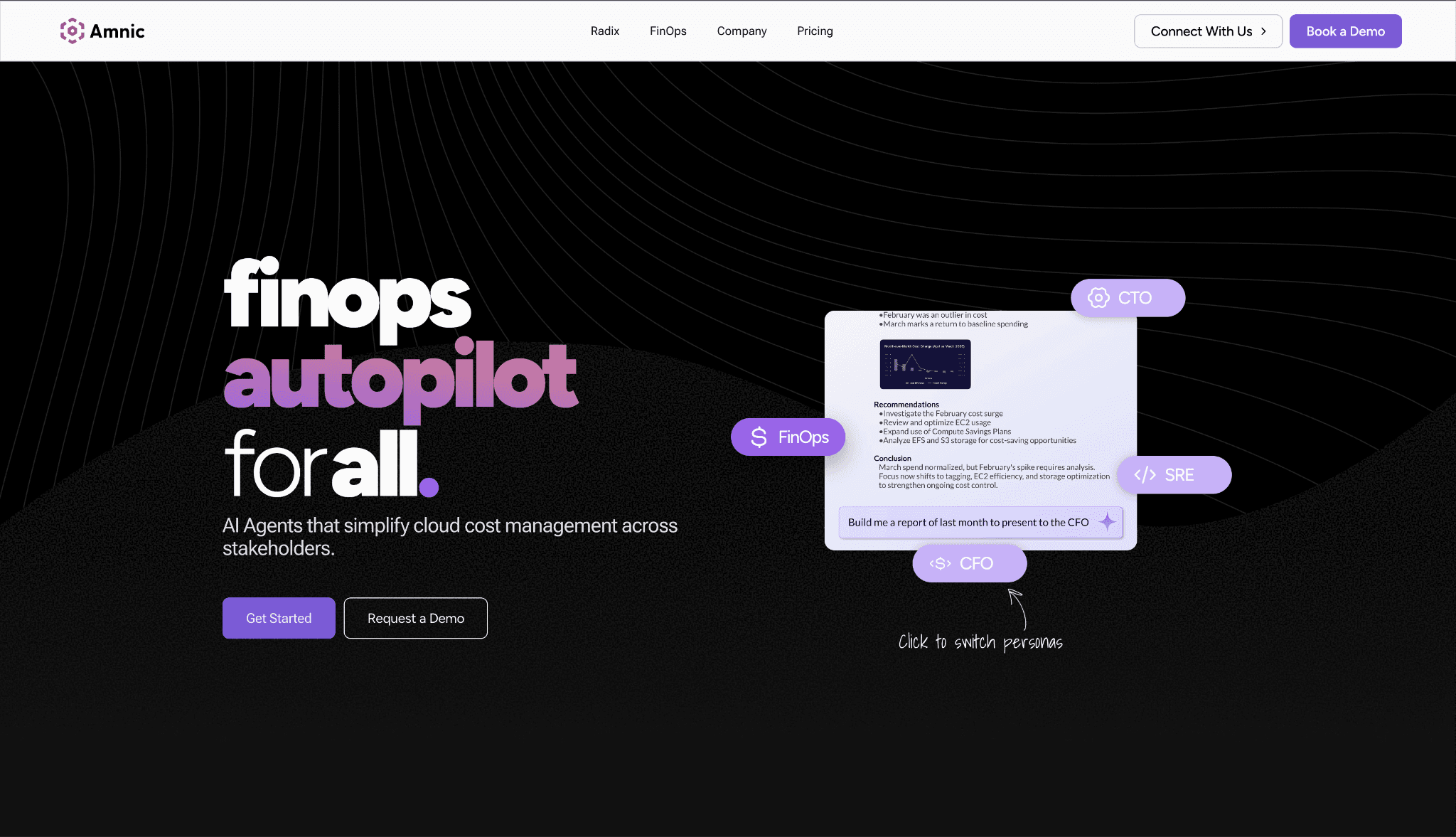
Amnic connects to Azure through read-only API access, pulling data from Azure Cost Management and mapping every dollar by compute (VMs, AKS, Azure AI), storage (Blob, Queue, Files, Archive), networking (ExpressRoute, Virtual Network, egress) and databases (Azure SQL, Cosmos DB, Cache for Redis) at the resource level.
Engineering, finance and leadership share one cost view, which is the clearest difference from both native Azure tools and most third-party alternatives. The platform also supports cloud cost management across AWS, GCP, Oracle and Alibaba in the same dashboard, making it the only platform on this list that goes beyond the standard three cloud providers.
The Amnic AI platform ships four agents: X-Ray, Insights, Governance and Reporting. Each one lets a different persona query Azure cost data in plain language and get filtered results in seconds. A CFO can ask what the team spent on Azure AI services last month without learning portal navigation. An SRE can query which AKS namespace drove the spike last Thursday.
Key Features:
Azure VM rightsizing that flags instances running below 2% CPU utilization and identifies extended support charges on older VM families, targeting 10 to 20% compute waste reduction across your Azure environment.
AKS cost allocation at the container, pod, namespace and node pool level with rightsizing recommendations that have delivered up to 50% cluster cost reduction. See how Amnic handles Kubernetes cost management across AKS and multi-cloud Kubernetes environments.
Azure Blob storage analysis across hot, cool, cold and archive tiers with data lifecycle recommendations to move infrequently accessed data automatically, reducing storage costs without manual account-level audits.
Azure AI and GPU cost tracking on Azure OpenAI Service and Azure AI Foundry, with token-level usage mapped to teams or products. Explore FinOps for AI best practices for Azure AI workloads.
Azure network egress analysis covering ExpressRoute, VNet peering and outbound bandwidth, surfacing where data transfer is the largest hidden cost driver on the Azure bill, including cross-region egress paths.
Virtual Tags that normalize inconsistent Azure resource tags into clean attribution rules without infrastructure changes, built on Amnic's cost allocation engine.
Anomaly detection with custom thresholds at the tag, product, or team level. Amnic's anomaly detection covers every Azure subscription and resource group in scope, catching spend spikes before they become quarter-end surprises.
Budget tracking with alerts at 50%, 70% and 85% consumption thresholds. Amnic's budgeting module covers product, team and environment budgets across Azure and multi-cloud.
Unit economics tied to Azure spend through Amnic's unit economics module, mapping cost per API call, cost per customer, or cost per transaction so product and finance teams share one business-level view.
Cost dashboards purpose-built for every Azure stakeholder. Amnic's cost dashboards let any team start from a ready-made Azure view or build their own in seconds without waiting for a FinOps analyst.
Forecasting across Azure subscriptions and services with Amnic's forecasting module giving finance and FinOps teams projections they can defend in a board review.
Read-only access by design with SOC 2 Type II, ISO 27001 and GDPR certification. Amnic never writes to your Azure subscriptions, which is the reason security teams approve deployment in days at regulated companies.
AWS cloud cost optimization coverage alongside Azure in the same platform, covering EC2 rightsizing, S3 storage tier analysis and RDS cost recommendations for teams managing cost optimization tools for AWS and Azure together.
AI token cost management covering Azure OpenAI and Azure AI Foundry usage, with Amnic's AI token management module tracking spend by model, team and product for teams where inference costs are the fastest-growing Azure line item.
Pricing: Custom, structured as a percentage of monitored cloud spend. Amnic offers a one-month free trial for the startup tier with no credit card required. Enterprise plans are scoped to your Azure and multi-cloud footprint with access to dedicated Amnic cost experts.
Pros:
Four AI agents let a CFO, SRE, or FinOps analyst query Azure costs in plain language without SQL knowledge, with results in under 30 seconds
Read-only architecture means security teams approve Amnic in days, unlike write access tools that can spend months clearing compliance review at regulated companies
Azure Blob storage and network egress analysis go deeper than native Azure Cost Management, which shows service-level totals without container or operation-level breakdown
AKS rightsizing with documented 20 to 50% savings at named customers: Jiffy.ai (50% cluster costs), Nanonets (40% compute), LambdaTest (30% NAT and monitoring costs)
Unit economics tied to business metrics give CFOs and product leaders an Azure cost view that native tools cannot produce without custom data pipelines
Cons:
Azure OpenAI cost tracking is live today; real-time GPU rightsizing for custom model training workloads is on the roadmap
The percentage of spend pricing grows as your Azure bill grows, so larger enterprises should negotiate a spend cap at the contract stage
2. Azure Cost Explorer (Microsoft Cost Management)
Best for: Azure-only teams starting their cost management journey who need a free, natively integrated tool for spend tracking, budget alerts and built-in Azure Advisor recommendations without adding a third-party vendor to their stack.
Microsoft Cost Management and Azure Cost Explorer are the native tools built directly into the Azure portal. Cost Management handles budgets, alerts and cost analysis across subscriptions and resource groups.
Azure Advisor layers on top with prioritized recommendations for rightsizing VMs, deleting unprovisioned ExpressRoute circuits and purchasing Reserved Instances based on actual usage patterns. Both are free for every Azure customer, making them the right starting point before evaluating dedicated Azure cost management platforms.
The trade-off is depth. Native tools show Azure service-level spend clearly but stop short of attributing costs to individual products, teams, or customers. Shared infrastructure allocation, AKS pod-level cost breakdown and natural language querying are out of scope here.
Key Features:
Cost analysis dashboards across Azure subscriptions, resource groups and management groups with daily and monthly granularity and custom date ranges
Budget creation with configurable alert thresholds and email notifications at defined spend percentages so teams get ahead of Azure overruns before month end
Azure Advisor integration with rightsizing recommendations for VMs, AKS, Azure SQL and reserved capacity purchases updated continuously based on actual utilization data
Azure Hybrid Benefit tracking to verify Windows Server and SQL Server licenses are applied correctly across deployed VMs, recovering savings already paid for
Reserved Instance and Savings Plan coverage analysis showing Azure commitment gaps and projected savings from additional RI purchases
Azure Spot VM recommendations for eligible non-critical workloads with pricing history to inform bid thresholds on interruptible compute
Cost export to Azure Storage or Power BI for custom reporting outside the portal for teams with existing BI infrastructure
Azure Policy integration to enforce tagging standards before resources are deployed, reducing unattributed Azure spend from day one
Pricing: Included at no additional cost with every Azure subscription. Azure Cost Management exports and some advanced features require Azure Storage, billed at standard Azure Storage rates.
Pros:
Free and natively integrated with no deployment, connector setup, or external vendor relationship required to get started
Azure Advisor recommendations are specific to your account and updated based on actual utilization, giving immediate actionable items without manual analysis
Reserved Instance and Savings Plan modeling is accurate for Azure because Microsoft holds the actual pricing and usage data for your specific environment
Cons:
No multi-cloud view, so teams running workloads on AWS alongside Azure need a separate dashboard for each provider and manual reconciliation across bills
Cost attribution stops at the resource group and subscription level with no ability to map Azure spend to a product, squad, or customer without custom export workflows
No AI querying, meaning finance and non-technical stakeholders cannot ask plain language cost questions and must learn Azure portal navigation or wait for a FinOps report
3. Economize
Best for: Azure-focused startups and mid-market engineering teams that want a dedicated cloud cost platform with real-time Azure spend tracking, smart recommendations and clean dashboards without an enterprise sales process or months-long onboarding.
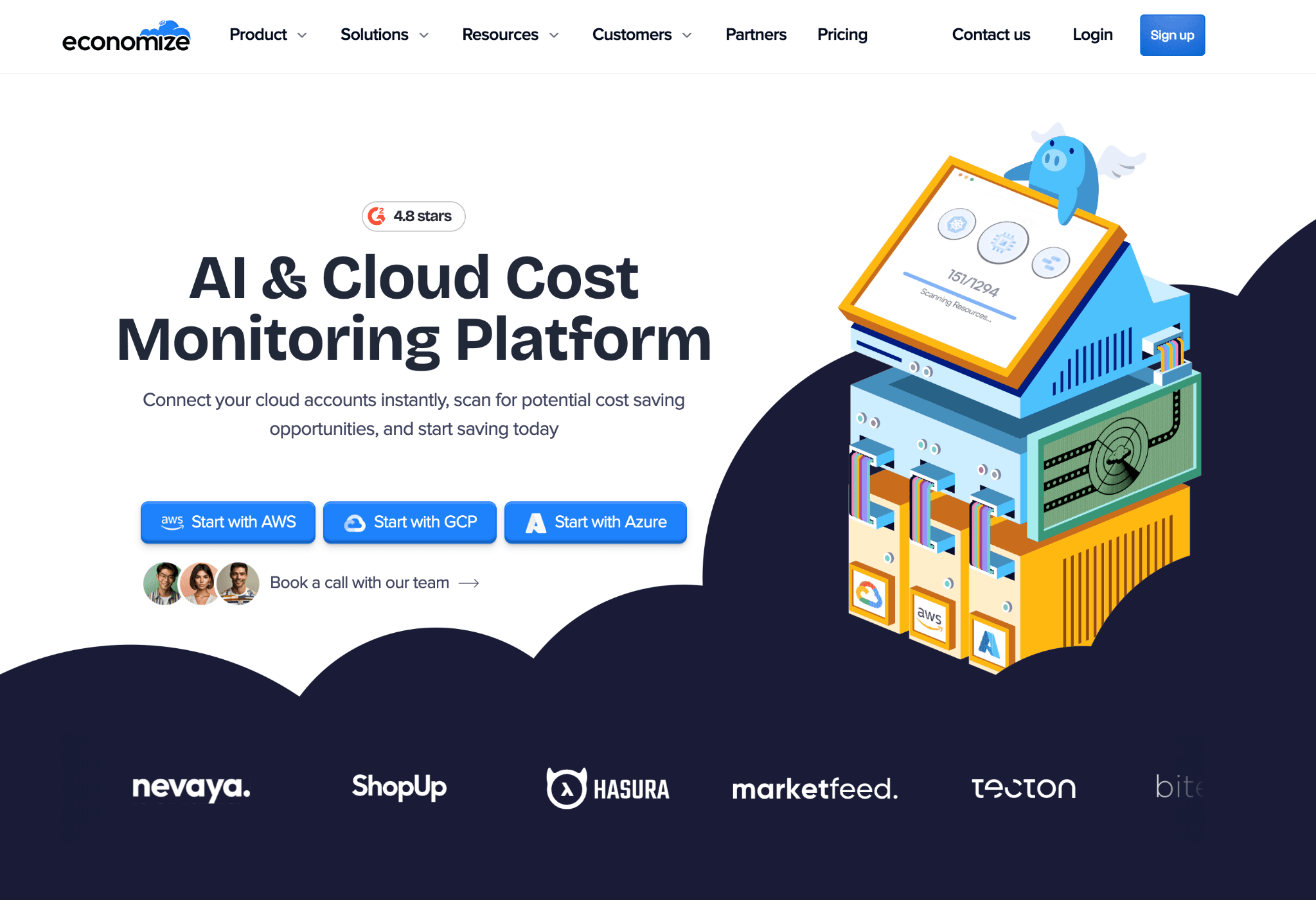
Economize is a cloud cost optimization platform with strong Azure coverage. It connects to Azure billing data through API integration and gives teams a 360-degree view of monthly spend, unit costs and budget status across their Azure environment.
Real-time spend tracking is one of its clearest differentiators: most platforms update cost data on a 24-hour delay, but Economize surfaces Azure spend increases the same day, which matters when managing cost-sensitive production workloads.
Key Features:
Real-time Azure spend monitoring with alerts for sudden cost increases across VMs, storage accounts, networking and Azure SQL databases
Smart recommendations for idle Azure VMs, over-provisioned storage accounts and low-utilization Azure SQL instances, ranked by monthly savings impact
Usage pattern analysis that identifies Azure Blob storage tier misplacements and recommends lifecycle policy adjustments to reduce storage costs
Budget tracking and forecasting across Azure subscriptions and resource groups with custom alert thresholds and team-level routing
Tag-based cost allocation to map Azure spend to teams, projects, or environments using existing Azure resource tags
Reserved Instance and Savings Plan coverage reporting with gap analysis and recommended purchase actions for Azure commitments
Multi-cloud consolidation for teams running Azure alongside AWS, bringing both provider bills into one cost view
Pricing: Custom pricing based on cloud spend under management. Economize offers a free trial to evaluate the platform against your live Azure environment before committing to a contract.
Pros:
Real-time Azure spend tracking catches cost spikes the same day rather than at month end, a genuine differentiator for teams where anomaly speed matters
Dedicated Azure focus means recommendations are tuned specifically for Azure service families rather than generic multi-cloud suggestions
Clean onboarding without a professional services requirement gets teams to a working Azure cost dashboard faster than enterprise platforms
Cons:
AI querying and natural language cost analysis is limited compared to platforms with dedicated agent layers, so non-technical stakeholders have fewer self-serve options
Enterprise governance features like policy enforcement, chargeback automation and cross-team ownership assignment are less developed for larger FinOps organizations
AKS cost coverage is present but less granular than dedicated Azure Kubernetes tools for teams with complex container workload cost attribution needs
4. CloudZero
Best for: Engineering-led SaaS teams that need Azure and cloud spend mapped to product features, cost per customer and business metrics rather than just Azure service level totals.
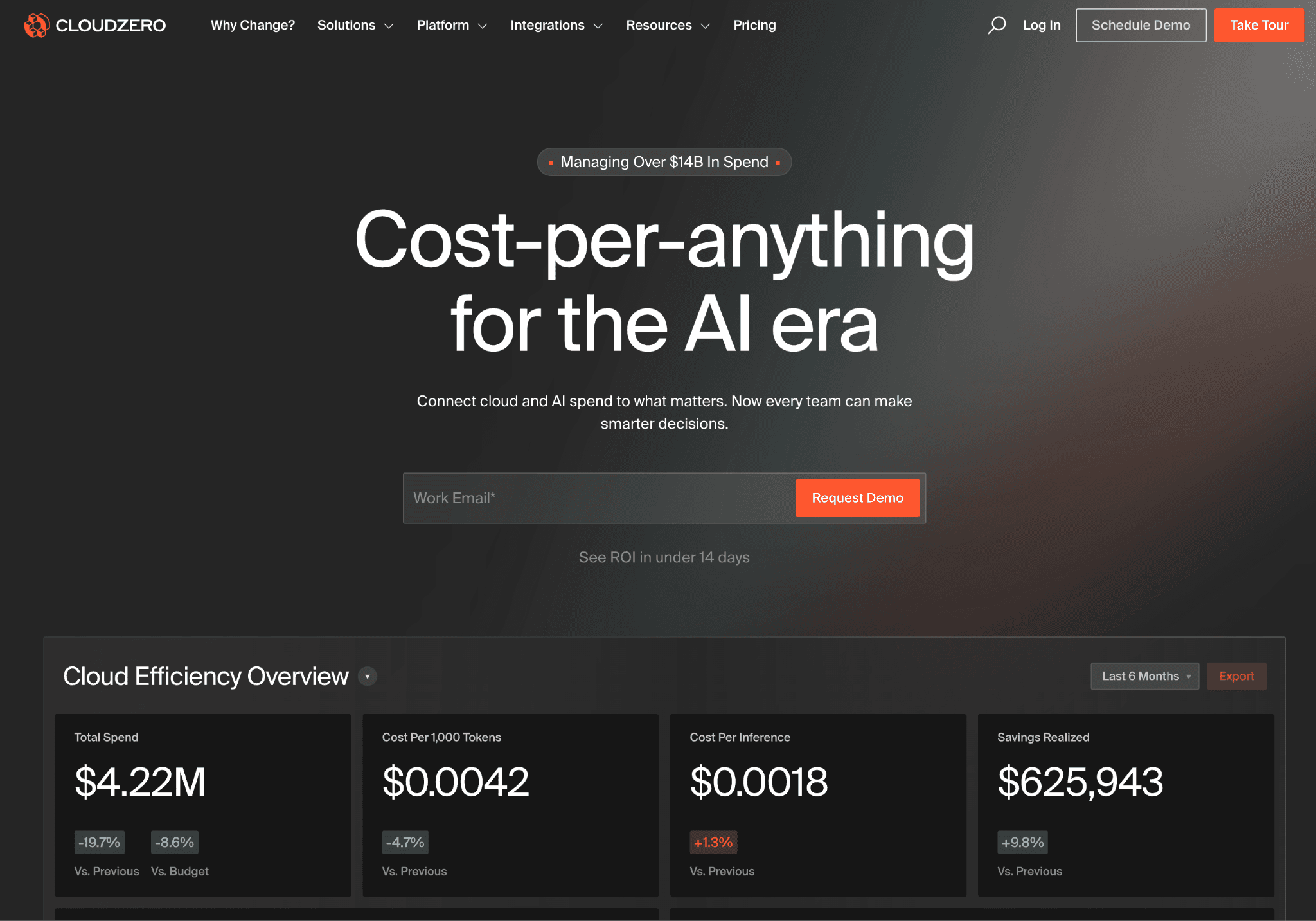
CloudZero maps cloud spend to business outcomes. Its allocation engine is built for SaaS companies that want to know what each product feature, customer segment, or deployment costs to run on Azure. If your primary question is what Azure spend per customer looks like this quarter, CloudZero's CostFormation engine is purpose-built for that.
Key Features:
Cost per business dimension allocation that maps every Azure dollar to a product feature, customer, or deployment using your own business metrics without writing SQL
AnyCost API for ingesting non-Azure spend, including Snowflake and Databricks, alongside Azure billing, so the full cost of a feature includes every dependency
Anomaly alerts at the team or product level with context on which Azure feature or deployment caused the deviation, not just which Azure service increased
Pre-built dashboards for VPs and engineering managers showing cost per sprint, per deployment and per customer segment for quarterly business reviews
Azure Reserved Instance and Savings Plan gap tracking with coverage analysis
Pricing: CloudZero sells through enterprise contracts only with no public rate card and no self-serve onboarding. There is no free trial. Most teams complete a full sales and scoping process before accessing the platform.
Pros:
CostFormation allocation engine lets teams define Azure cost dimensions tied to product features and customers without SQL, one of the most flexible allocation layers in the category for SaaS companies
AnyCost API brings non-Azure SaaS spend into the same view, so the full cost of a feature includes every infrastructure dependency, not just Azure billing line items
Engineering leadership at SaaS companies consistently cite it as the reference tool for product-level unit economics and cost per customer reporting
Cons:
Enterprise-only pricing, with no self-serve tier rules, rules it out for teams under $500K in cloud spend who cannot justify the sales cycle or contract size
AKS cost allocation is less granular than dedicated Kubernetes tools, so teams with heavy Azure Kubernetes Service workloads may need a second platform
No native tracking for Azure OpenAI or GPU workload costs, a meaningful gap for AI-heavy teams where model inference is the fastest-growing Azure cost line
5. Vantage
Best for: Startups and mid-market teams that need fast multi-cloud visibility across Azure, AWS and GCP with a permanent free tier and no sales process to get started on Azure cost management.
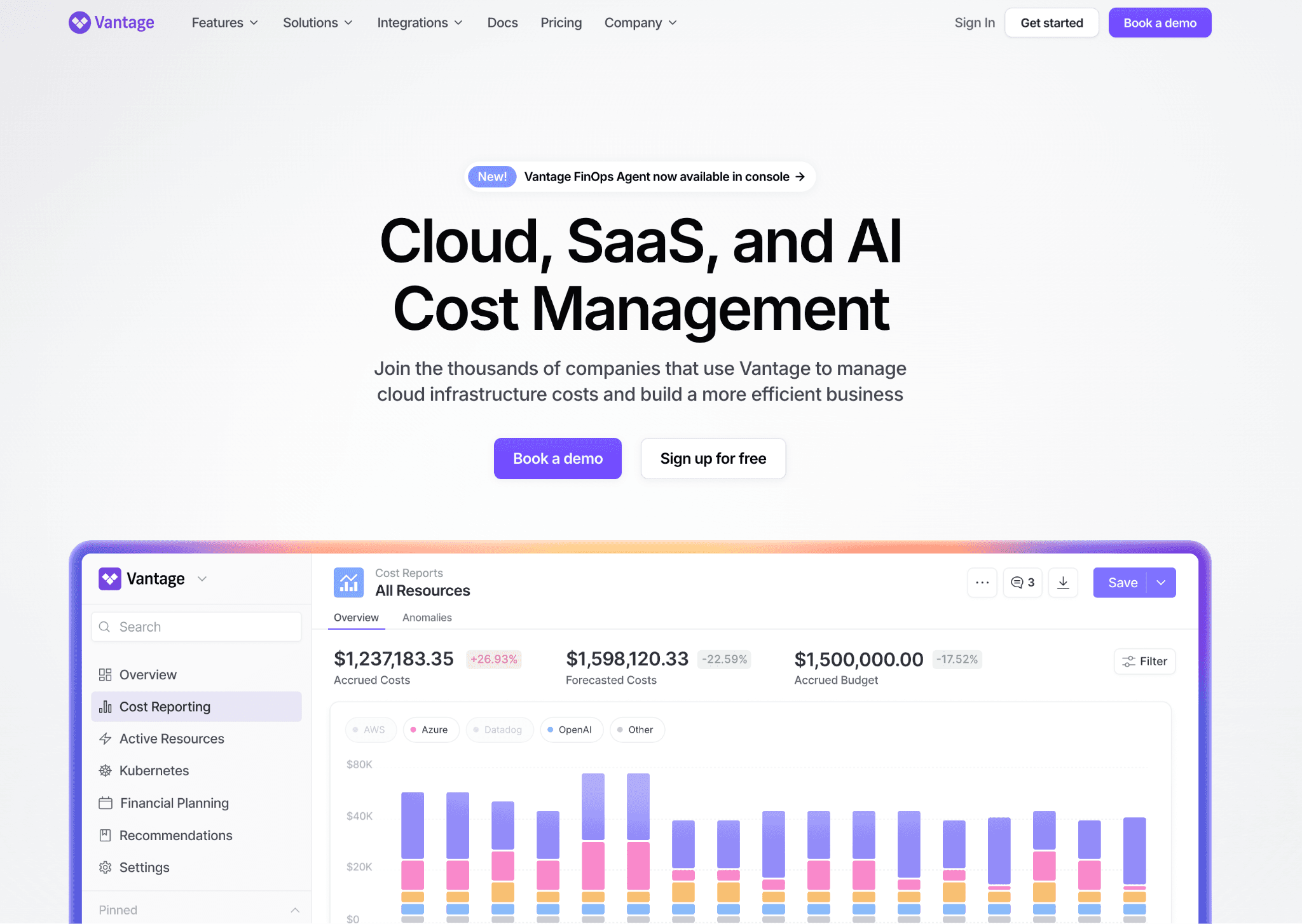
Vantage offers 25+ integrations and clean multi-cloud cost dashboards. A permanent free tier and self-serve onboarding make it accessible to teams that want to start without a procurement cycle. Azure, AWS and GCP billing data lands in one view alongside SaaS tools like Snowflake, Datadog and MongoDB Atlas.
Key Features:
Azure cost dashboards across subscriptions, resource groups and services with per-team cost report views that any team member can build without admin access
Reservation and Savings Plan gap tracking with recommendations for Azure Reserved VM Instances and Azure Savings Plans with projected savings
Active anomaly notifications with team-level alert routing based on cost report ownership, so the right Azure team member gets the alert rather than a shared inbox
25+ integrations covering SaaS tools alongside Azure, AWS and GCP billing for total infrastructure cost in one view
Per team Azure cost views without admin access, reducing the bottleneck on central FinOps or platform teams
Pricing: Free tier with no time limit for smaller Azure footprints. Paid plans scale as a percentage of spend under management and unlock longer data history, team-based access controls and priority support. No sales conversation required for most tiers.
Pros:
Fastest onboarding in this list, with most teams getting a working Azure cost dashboard in under a day without professional services involvement
Permanent free tier is rare in this category and means startups can use Vantage as a long-term Azure cost solution rather than a time-limited trial
25+ integrations bring non-Azure SaaS costs into the same view for teams managing total infrastructure cost across multiple providers
Cons:
Natural language querying and AI features are present but less developed than Amnic's agent layer for non-technical stakeholders like CFOs who need self-serve Azure cost answers
Anomaly governance is primarily alert-based, so teams needing ownership routing, tag hygiene enforcement, or budget policy rules need to build that layer separately
No Oracle or Alibaba Cloud support, which eliminates it for multi-cloud teams outside the Azure, AWS and GCP trio
6. Apptio Cloudability
Best for: Large enterprise FinOps teams that run formal monthly IT finance reviews and need audit-ready chargeback and showback reports across Azure, AWS and GCP for CFO and CIO-level reporting.
Cloudability, now part of IBM, brings veteran reporting depth and enterprise governance to Azure cost management. It is the tool for organizations with a dedicated FinOps team running formal monthly business reviews reporting up to a CFO or CIO. The platform's chargeback and showback capabilities are among the most developed in the azure cost management tools market, built for finance teams that need clean documentation for internal billing across business units.
Key Features:
Multi-cloud governance with policy enforcement across Azure, AWS and GCP that triggers alerts or approval workflows when teams breach agreed budgets
Detailed chargeback reports for shared Azure services, allocating networking, security tooling and data platform costs back to business units with audit-ready documentation
Azure Reserved Instance and Savings Plan optimization that models coverage gaps against actual usage patterns with projected ROI before any commitment is made
Data export and BI tool integrations pushing Azure cost data to Tableau, Power BI and other enterprise reporting tools on a schedule
Budget enforcement with escalation rules that route Azure overage alerts through existing finance approval workflows
Pricing: Sold through IBM enterprise agreements, priced by cloud spend volume and number of Azure and multi-cloud accounts under management. No self-serve option and no free trial. Most deployments include a professional services engagement.
Pros:
One of the most established platforms in the category, with over a decade of enterprise FinOps deployments, giving it strong credibility with CFOs and procurement teams
Chargeback and showback reporting is among the most detailed available, with policy-based Azure cost allocation rules that hold up under finance audit requirements
Azure Reserved Instance analytics and committed use discount modeling are mature and reliable for enterprises managing large Azure reservation portfolios
Cons:
Deployment typically takes 6 to 12 weeks and requires IBM professional services in most cases, which significantly delays the time to first Azure cost insight
The interface is built for trained FinOps analysts and finance operators, so engineering teams face a steep learning curve compared to newer platforms with self-serve onboarding
Product roadmap runs on IBM's release cycle, which is slower than independent FinOps vendors, so teams evaluating AI-driven features should factor that cadence into their decision
7. CAST AI
Best for: Platform and Kubernetes engineers running workloads on Azure Kubernetes Service who want the deepest automated AKS cluster rightsizing available and are prepared to grant write access at the cluster level.
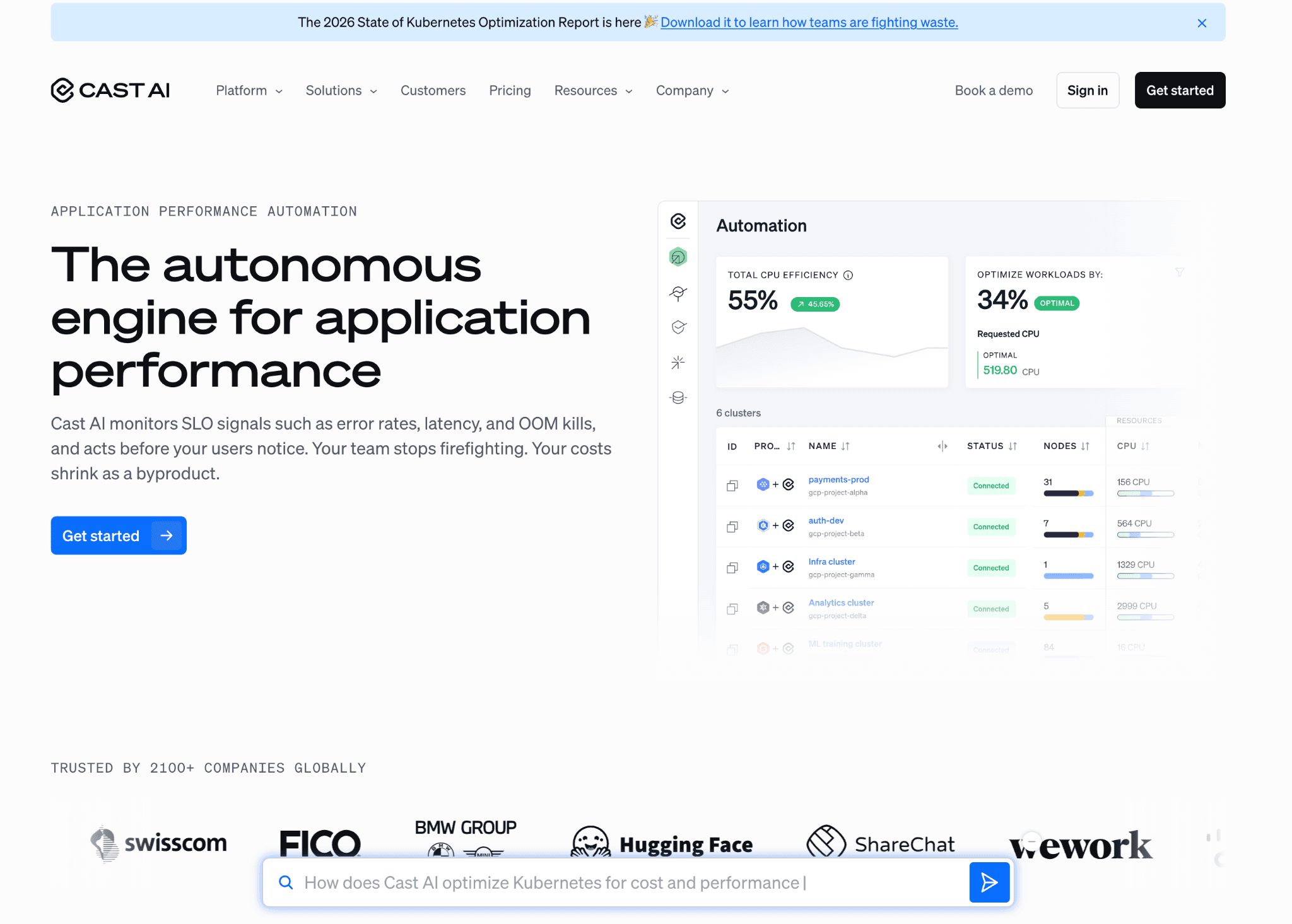
CAST AI rightsizes pods, selects the cheapest AKS node types and auto-scales clusters across spot and on-demand nodes. It is the strongest dedicated Kubernetes cost tool for Azure Kubernetes Service, but limited outside of it. Most teams pair CAST AI with a broader Azure cost platform to handle Azure VM, Blob storage, SQL and networking spend outside the cluster.
Key Features:
Pod rightsizing and bin packing based on actual container CPU and memory consumption from inside the AKS cluster, rather than conservative static resource request estimates
AKS node type selection that evaluates available Azure VM families and moves workloads to better-priced instance types as requirements allow, without manual capacity planning
Azure Spot VM fallback and rebalancing that runs AKS workloads on Spot VMs and moves pods to on-demand nodes when spot capacity is reclaimed by Azure
Security posture scanning that identifies misconfigured AKS RBAC policies alongside cost data, so engineering teams address both gaps in one workflow
Free cluster cost report before sign up, showing projected AKS savings on actual cluster data without committing to the savings share model first
Pricing: CAST AI charges a percentage of Kubernetes cost savings delivered with no upfront fee. A free savings report is available before any procurement commitment, giving a concrete AKS savings number before the conversation starts.
Pros:
Pod rightsizing recommendations are based on actual workload data from inside the AKS cluster, typically yielding larger savings than rules-based tools working from static thresholds
Node type selection evaluates available Azure VM families and switches to better-priced options as workload requirements allow, delivering savings without manual capacity planning
Free savings report before sign-up shows a concrete number on your actual AKS cluster before any procurement commitment
Cons:
AKS only scope means teams with meaningful Azure VM, Blob storage, or SQL database spend need a second platform alongside CAST AI to manage the full Azure bill
Full AKS automation requires write access at the cluster level, which security teams at regulated companies often do not approve without an extended review process
Finance and executive reporting is minimal, with no Azure chargeback reports, unit economics models, or budget governance features for stakeholders outside engineering
8. Harness CCM
Best for: Engineering teams already standardized on Harness for CI/CD and feature flags who want Azure cost visibility inside their existing deployment workflow without onboarding a second vendor.
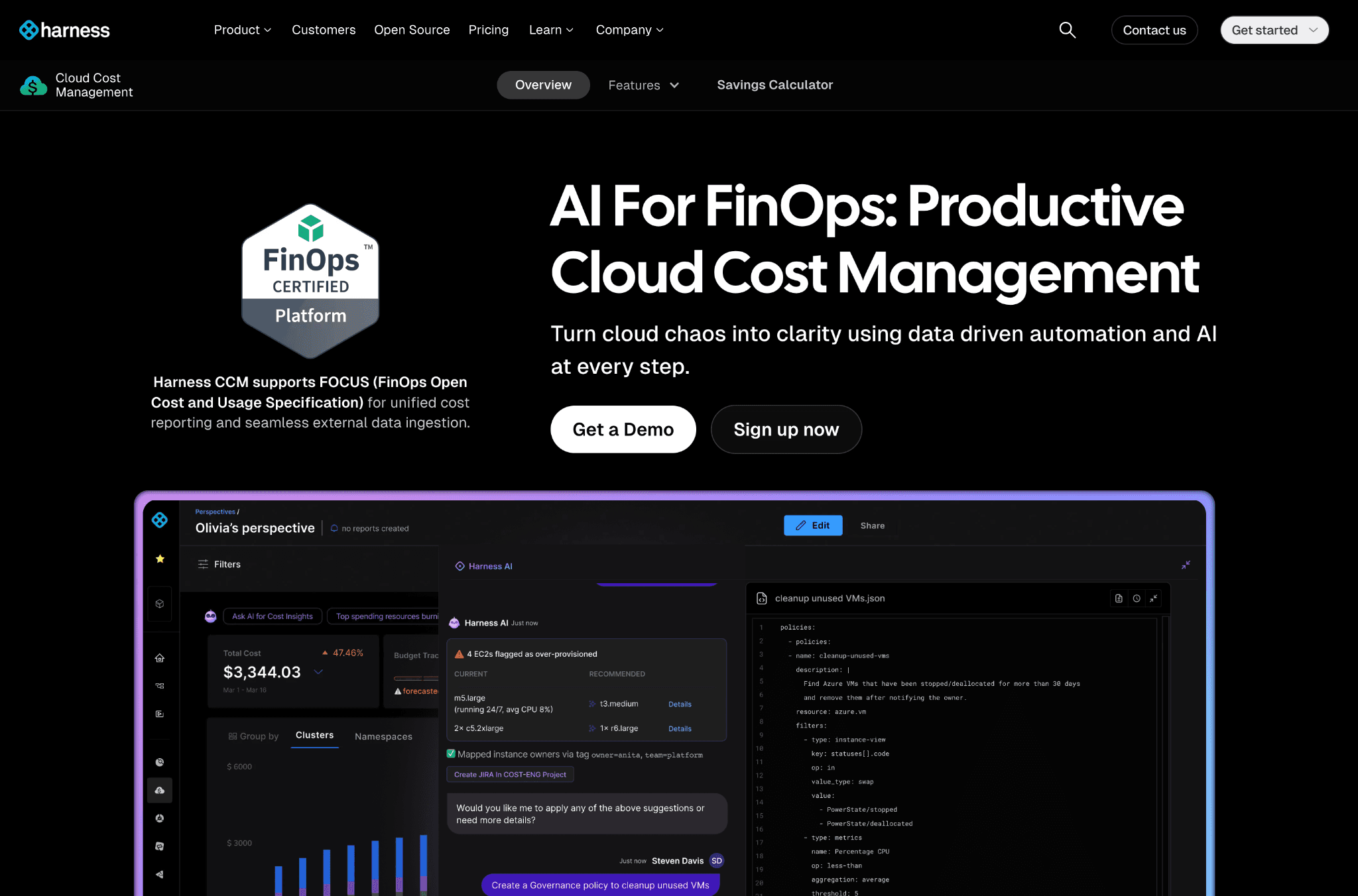
Harness CCM lives inside the Harness developer platform. If your team already pays for Harness, adding CCM is a low-friction extension that ties Azure cost data to deployment pipelines and feature flag releases.
The value here is integration depth with existing Harness workflows, not cost management breadth. Teams not already on Harness will find it harder to justify full platform pricing for Azure cost management alone when dedicated tools offer more Azure depth at comparable or lower cost.
Key Features:
Cost views by Azure deployment and service that link every Azure dollar to the specific Harness pipeline run or feature flag that caused it, so engineers see cost impact per release
Rightsizing recommendations for Azure VMs and AKS node pools with estimated monthly savings ranked by dollar impact, surfaced inside Harness without a separate dashboard
AutoStopping for non-production Azure workloads that detect idle dev, staging and QA environments by monitoring traffic and activity, stopping them after a configurable inactivity window and restarting on demand
Native CI/CD context for Azure cost data, surfacing anomalies inside pipeline runs so engineers see deployment cost impact without opening a separate FinOps tool
Budget governance and tag enforcement for Azure resources within existing Harness workflows
Pricing: Harness CCM is priced as part of the broader Harness platform, with a free starter tier covering basic Azure cost views and recommendations. Paid tiers unlock AutoStopping at scale, advanced Azure governance and deeper AKS support.
Pros:
AutoStopping is the most direct tool in this list for eliminating wasted Azure dev, staging and QA spend, with no other platform offering traffic-aware idle detection that stops environments and restarts on demand
Azure cost views natively tied to CI/CD pipeline runs let engineers see the cost impact of each deployment without leaving the Harness workflow they already use
The free starter tier means existing Harness customers can activate CCM without a separate procurement cycle or vendor evaluation
Cons:
Harness CCM lacks finance-grade Azure reporting, chargeback automation and unit economics modeling that dedicated FinOps platforms provide, so CFOs cannot use it as their primary Azure cost platform
Teams not on Harness face full platform pricing to access CCM, which is hard to justify when specialized Azure cost tools offer more depth at a lower cost
Multi-cloud Azure governance and tag hygiene enforcement are present but thinner than dedicated platforms, so teams with complex Azure tagging requirements across many subscriptions will hit limits
Common Mistakes When Choosing Azure Cost Optimization Tools
Most buyers do not lose money on the tool itself. They lose it on the wrong fit. Five mistakes account for most regretted purchases in this category.
1. Starting Azure only and outgrowing it fast
Native Azure tools are free and useful for Azure-only environments. But many engineering teams add AWS workloads within 12 months and a tool that does not support cost optimization tools for AWS or GCP alongside Azure means starting a second vendor evaluation cycle. Pick a platform that handles your multi-cloud future, not just today's Azure footprint.
2. Skipping the security review on write-access tools
Tools that automate AKS node scaling or spot instance purchasing need write access to your Azure subscriptions. Security teams at regulated companies often will not approve it. Confirm with your security lead before you sign a contract, not after three months of stalled deployment.
3. Testing only on one Azure subscription
Teams often pilot on their smallest Azure subscription and discover that governance, tag hygiene and chargeback reporting do not hold at the scale of their full environment. Run the proof of concept on your two largest Azure subscriptions before committing.
4. Ignoring AKS and Blob storage as the real hidden cost drivers
Azure VM spend is visible. AKS pod-level costs, Blob storage tier misplacements and network egress are where the hidden waste lives on Azure bills. Ask every vendor to show a resource-level AKS breakdown and a storage lifecycle recommendation on your actual data before signing.
5. Treating Azure AI cost as something to solve next year
Azure OpenAI and GPU workloads on Azure AI Foundry are the fastest-growing cost line items for most engineering teams in 2026. A cloud cost optimization platform that cannot track Azure AI token spend or GPU compute costs today will be missing your biggest cost driver by next year.
How to Choose the Right Azure Cost Optimization Platform for Your Team
The right tool solves your biggest Azure cost problem in the first 90 days. Match the tool to the problem you are actually facing, not the one with the longest feature list.
Azure visibility problem across subscriptions: Amnic, Vantage, or Azure Cost Explorer for a clean multi-subscription view with attribution by team or product
AKS and Kubernetes cost problem: Amnic for AKS coverage as part of full Azure cost management, or CAST AI for pure Kubernetes rightsizing on Azure Kubernetes Service
Azure governance and anomaly detection problem: Amnic or Apptio Cloudability for budget policy enforcement, tag hygiene and anomaly routing to the right Azure team owner
Azure AI and GPU spend problem: Amnic for Azure OpenAI token-level cost tracking and GPU workload attribution across teams and products on Azure AI Foundry
Azure storage optimization problem: Amnic for Blob storage tier analysis and lifecycle policy recommendations across hot, cool and archive tiers
Product-level unit economics on Azure: Amnic or CloudZero to map Azure spend to cost per customer, cost per feature, or cost per deployment
Finance and chargeback reporting: Amnic or Apptio Cloudability for audit-ready reports and executive-level Azure cost views that hold up in a finance review
AKS automation with write access approved: CAST AI for the deepest automated pod rightsizing and node selection on Azure Kubernetes Service
AWS cloud cost optimization alongside Azure: Amnic for unified AWS cloud cost optimization and Azure cost management in one platform, covering EC2, S3, RDS and Azure resources together
Write down your top two Azure cost problems. Compare only those criteria. You will pick faster and avoid paying for Azure cost optimization software that solves problems you do not have.
Why Teams Running Azure Choose Amnic
Amnic is built on one belief: every person looking at an Azure bill, whether a CFO, SRE, or FinOps lead, should see the same number explained the same way.
Azure coverage that actually goes deep. Azure Cost Management gives service-level totals. Amnic drills into specific VMs, AKS namespaces, Blob containers, Azure SQL instances, Azure OpenAI token usage and network egress paths. Most Azure cost management tools stop at the service level. Amnic does not.
Read-only access by design. Amnic never touches your Azure subscriptions. Your DevOps team owns every change. That architectural decision is why security teams approve Amnic in days rather than the months it typically takes for write-access Azure cost optimization platforms.
AI that any role can use on Azure data. Amnic's four agents, X-Ray, Insights, Governance and Reporting, turn natural-language questions into filtered Azure cost views. A CFO asking "what did we spend on Azure AI last month by team" gets an answer in 30 seconds, not a ticket to the FinOps analyst.
"Amnic's recommendation engine helped reduce our cloud bill through optimization of network and monitoring costs. The team is suited to address the pain points of fast-growing companies." - Mayank Bhola, Co-founder and Head of Products, LambdaTest
Read all customer stories on the Amnic customers page.
Frequently Asked Questions About Azure Cost Optimization Tools
What are the best Azure cost optimization tools in 2026?
Amnic for unified multi-cloud visibility with AI querying. Azure Cost Explorer for free Azure-only tracking. Apptio Cloudability for enterprise chargeback reports. CAST AI for AKS-only rightsizing. Match the tool to your top two cost problems, not by feature count.
Is Azure Cost Management free?
Yes. Microsoft Cost Management and Azure Advisor come free with every Azure subscription, covering cost analysis, budgets, and basic rightsizing. The gap is depth: no product-level attribution and no natural language querying. Teams spending over $20K per month on Azure typically recover more with a third-party tool.
How much can I save with Azure cost optimization tools?
Most teams recover 10 to 20% in the first 90 days through rightsizing, anomaly detection, and Reserved Instance gap analysis. Teams with heavy AKS workloads, Blob storage waste, or unmanaged Azure AI spend tend to see higher figures.
Do Azure cost optimization tools need write access to my Azure subscription?
Amnic, Azure Cost Explorer, Economize, CloudZero, and Vantage all use read-only access. Tools that automate AKS scaling or spot purchasing, like CAST AI, need write access at the cluster level. Confirm with your security team before choosing an automation-first tool.
How do I reduce Azure Blob storage costs?
Move data not accessed in 30+ days from hot to cool or archive tiers using Azure lifecycle management policies. Audit storage accounts for orphaned snapshots and redundant copies. Azure Cost Management shows account-level totals but misses container-level waste, which is where most savings live.
What is the difference between Azure Cost Management and Azure Advisor?
Azure Cost Management shows what you have already spent. Azure Advisor tells you what to fix, covering VM rightsizing, reservation purchases, and idle resource cleanup. Both are free and in the Azure portal, but lack cross-team governance and product-level attribution.
Which Azure cost optimization tool is best for Kubernetes?
CAST AI for pure AKS pod rightsizing and automated node selection. Amnic for AKS coverage alongside Azure VMs, Blob storage, networking, and AI services in one platform. Choose CAST AI if the problem is purely Kubernetes, Amnic if it spans the full Azure stack.
How long does it take to set up an Azure cost optimization tool?
Read-only tools like Amnic and Vantage connect in under 30 minutes and show a live dashboard by the end of day. Enterprise platforms like Apptio Cloudability take 6 to 12 weeks and require professional services.
Can Azure cost optimization tools also manage AWS costs?
Yes. Amnic covers Azure, AWS, GCP, Oracle, and Alibaba in one view with the same AI querying layer across all providers. Vantage and CloudZero also support multi-cloud. Native Azure tools cover Azure only.
What causes unexpected Azure cost spikes?
Untagged resources bypassing budget alerts, AKS node pools scaling past limits, forgotten dev and staging environments, Blob storage access changes moving archive data to hot-tier pricing, and Azure AI inference costs growing faster than monitoring catches.
What is Azure FinOps?
Azure FinOps applies the FinOps Foundation framework to Microsoft Azure. It builds shared accountability between engineering, finance, and leadership for Azure spend, supported by reporting and governance tooling across compute, storage, networking, and AI workloads.
Cut Your Azure Bill This Quarter
If you are a CFO, FinOps lead, or engineering director looking to recover 10 to 30% of your Azure spend before the next board review, Amnic is built for exactly that.
Book a Demo and see your top three Azure cost leaks before the call ends.
Better visibility and management into AI Tokens?
Start with a 30 day trial
Connect leading LLMs
24 hour time to value
Stay ahead of AI Spend

Make AI spend visible, controllable, and accountable.
Gain insights into your AI token costs at a team, customer, business unit and individual user level to measure and manage AI utilization.
Recommended Articles

8 Best Llama Cost Management Tools in 2026
Read More

8 Best Amazon Bedrock Cost Optimization Tools for 2026
Read More

7 Best Amazon Bedrock Cost Monitoring Tools
Read More

8 Best Gemini Cost Visibility Tools for 2026
Read More

7 Best Multimodal Cost Optimization Tools for 2026
Read More

5 Best Anthropic Cost Allocation Tools for 2026
Read More






