Kubecost Alternatives: 6 Cloud Cost Tools Compared by a Practitioner
12 min read
Comparisons
Table of Contents
This guide compares the six Kubecost alternatives worth a serious look: 1. Amnic, 2. CAST AI, 3. OpenCost, 4. CloudChipr, 5. CloudZero, 6. Finout.
It sorts them by allocation depth, automation, AI cost coverage, and pricing transparency, written from the point of view of someone who has run Kubernetes cost tooling in production, not from a feature sheet. Kubecost itself is now IBM Kubecost, part of IBM’s Apptio FinOps portfolio, which is one of several reasons teams are re-evaluating it.
The best Kubecost alternative tools:
Amnic: multi-cloud FinOps with Kubernetes allocation, unit economics, and AI spend tracking in one view.
CAST AI: automated Kubernetes rightsizing, bin-packing, and spot management that acts on the cluster, not just reports on it.
OpenCost: the free, CNCF-governed open-source allocation engine that Kubecost itself was built on.
CloudChipr: actionable multi-cloud FinOps with Kubernetes recommendations and an AI assistant for cost questions.
CloudZero: cost intelligence focused on unit cost and cost of goods sold for engineering-led teams.
Finout: a multi-cloud and SaaS cost aggregator that pulls every bill into one model with flat-fee pricing.
Top Kubecost alternatives: tools comparison
Platform | Best for | Multi-cloud and SaaS in one view | Allocation and unit economics | Optimization and automation | Kubernetes cost | Pricing model |
Amnic | FinOps teams needing K8s, cloud, and AI spend in one place | Yes, AWS, Azure, GCP plus AI and token spend | Yes, cost per team, feature, customer, and unit | AI agents for recommendations, governance, and anomaly detection | Yes, container and pod-level allocation | Free audit and demo, custom plans (as of May 2026) |
CAST AI | Automated Kubernetes rightsizing and node optimization | Partial, Kubernetes across clouds, not SaaS | Cluster cost monitoring, limited unit economics | Strong, automated rightsizing, bin-packing, and spot | Yes, core focus | Free monitoring tier, custom for automation (as of May 2026) |
OpenCost | Teams wanting free, open-source K8s allocation | Kubernetes across AWS, Azure, GCP, not SaaS | Allocation yes, unit economics limited | Monitoring only, no automation | Yes, core focus | Free, open source |
CloudChipr | Actionable multi-cloud FinOps with K8s recommendations | Yes, AWS, Azure, GCP, Snowflake coming | Granular attribution across infrastructure | Automated workflows and an AI cost assistant | Yes, Kubernetes recommendations | Free trial, tiered plans (as of May 2026) |
CloudZero | Engineering-led unit cost and cost of goods sold | Yes, cloud plus some SaaS sources | Strong, unit cost and COGS | Visibility-led with anomaly detection, lighter on auto-remediation | Yes, Kubernetes cost analysis | Single subscription, custom quote, no free tier (as of May 2026) |
Finout | Aggregating multi-cloud and SaaS bills under one model | Yes, broad, including SaaS sources | Yes, virtual tagging and shared-cost splitting | Recommendations, lighter on auto-remediation | Yes, Kubernetes module | Annual flat fee by spend tier, no free tier (as of May 2026) |
For the deeper Amnic view behind this table, see the Amnic Kubernetes cost management page and the guide to FinOps tools for Kubernetes cost management.
Why teams look for Kubecost alternatives
IBM Kubecost is a capable Kubernetes cost monitor, and for a single cluster on the free tier it does the job. Teams start shopping for alternatives when their environment grows past what the free tier covers, when they need automation Kubecost does not ship, or when they want cloud spend beyond Kubernetes in the same view. Here are the recurring reasons, each backed by a source.
Ownership and roadmap have changed. Kubecost now sits inside IBM’s Apptio FinOps portfolio, next to Cloudability and Turbonomic, which has left some teams unsure about pricing direction and where the standalone product fits (Cloud Native Now). For finance leaders, the strategic read is that Kubecost is now one line in a much larger enterprise suite (CFO Dive).
The free tier has a hard ceiling. The free Foundations tier caps at 250 cores with 15-day metric retention, which multi-cluster teams hit quickly (nOps Kubecost pricing breakdown).
Granularity and price accuracy fall short on the free tier. Costs show daily rather than hourly, and the free version estimates against AWS list prices instead of your actual billing (CloudZero).
Recommendations need a human to act on them. Kubecost surfaces rightsizing suggestions, but applying them is manual work for the platform team rather than a closed loop.
Scope is Kubernetes only. Non-cluster cloud spend, SaaS subscriptions, and AI or GPU API bills sit outside Kubecost, so finance still stitches reports together by hand.
Practitioners share these experiences openly. For unfiltered discussion, the r/kubernetes search for Kubecost and the r/devops search for Kubecost are good community resources. We are not quoting a specific thread here because we could not verify a direct, stable link to an individual comment, and inventing one would be worse than omitting it.
How we evaluated these Kubecost alternatives
Cost visibility scope: Does it cover Kubernetes only, or cloud and SaaS and AI spend in one place?
Allocation model: Can it split shared and idle cost down to team, namespace, feature, and customer?
Automation depth: Does it only recommend, or does it apply changes to the cluster?
AI cost coverage: Does it track GPU, token, and model-API spend, not just compute and storage?
Pricing predictability: Is the cost model transparent and stable, or does it scale unpredictably with usage?
Time-to-first-insight: How long from install to a number a finance partner trusts?
6 best Kubecost alternatives
1. Amnic: best overall Kubecost alternative
Best for: FinOps and platform teams that want Kubernetes allocation, multi-cloud spend, and AI cost in a single platform with action built in, not bolted on.
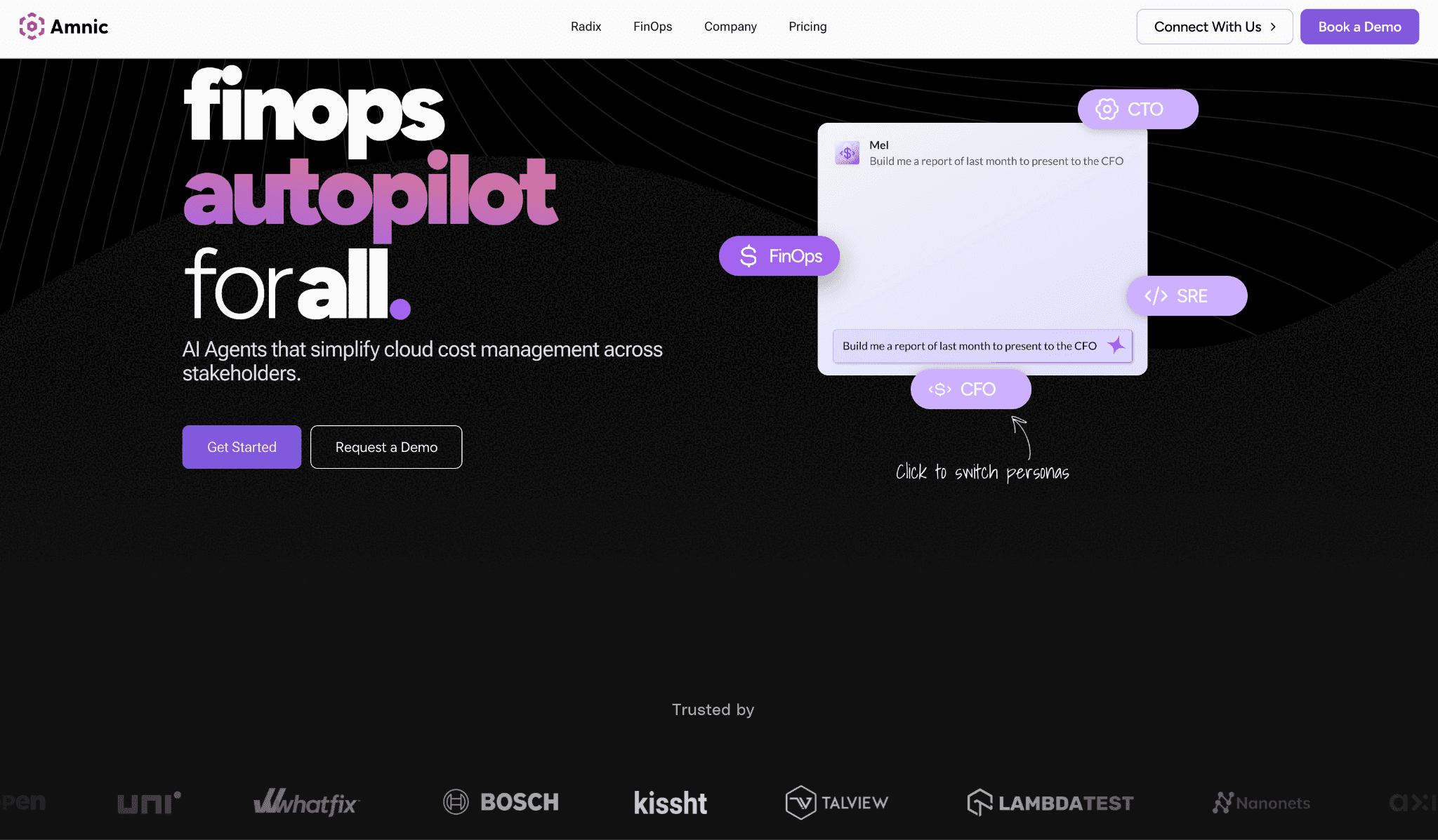
Amnic describes itself as a platform that helps teams manage cloud costs at scale and trace every change to its downstream impact (as stated on Amnic’s site). It pairs Kubernetes allocation with broader cloud and AI cost visibility, then layers AI agents on top to recommend, govern, and flag anomalies.
Why it is the strongest Kubecost alternative:
It covers Kubernetes, multi-cloud, and AI or token spend in one view, where Kubecost stops at the cluster boundary.
It pairs allocation with action through AI agents, so recommendations do not sit in a backlog waiting for someone to apply them.
It reports unit economics such as cost per customer and per feature, which engineering-led finance teams need for chargeback.
What the platform actually lets you do:
Allocate Kubernetes cost to namespace, workload, team, and shared services through cost allocation.
See AWS, Azure, and GCP spend next to Kubernetes in the same model, no manual stitching.
Track AI and token spend alongside infrastructure, so GPU and model-API bills are not a separate spreadsheet.
Get recommendations and let governance agents act on policy through Amnic AI.
Catch cost spikes early with anomaly detection rather than at month-end.
Report unit cost per customer, feature, and team for chargeback and showback.
“Amnic’s astute recommendation engine helped us reduce our cloud bill through optimization of network and cloudwatch costs. A key differentiator for Amnic remains its strong team which has channelized its significant experience in building a product uniquely suited to address pain points of fast growing companies.”
Mayank Bhola, Co-founder & CTO, LambdaTest (testimonial featured on amnic.com)
Pricing model: Amnic offers a 30-day no-cost trial so you can experience the features first hand, or request a demo where our cloud cost experts walk you through the platform. Start the free trial or request a demo.
Pros:
One view for Kubernetes, multi-cloud, and AI spend, which most Kubecost alternatives split across tools.
Allocation that reaches unit economics, not just namespace totals.
AI agents that act on recommendations rather than only listing them.
Anomaly detection that surfaces spikes before the invoice does.
Cons:
As a platform rather than a single-cluster utility, it is more than a team that only needs free K8s monitoring requires.
Custom pricing means you talk to the team rather than reading a public price list (as of May 2026).
2. CAST AI
Best for: Platform teams that want automated Kubernetes rightsizing and node optimization, not just a report.
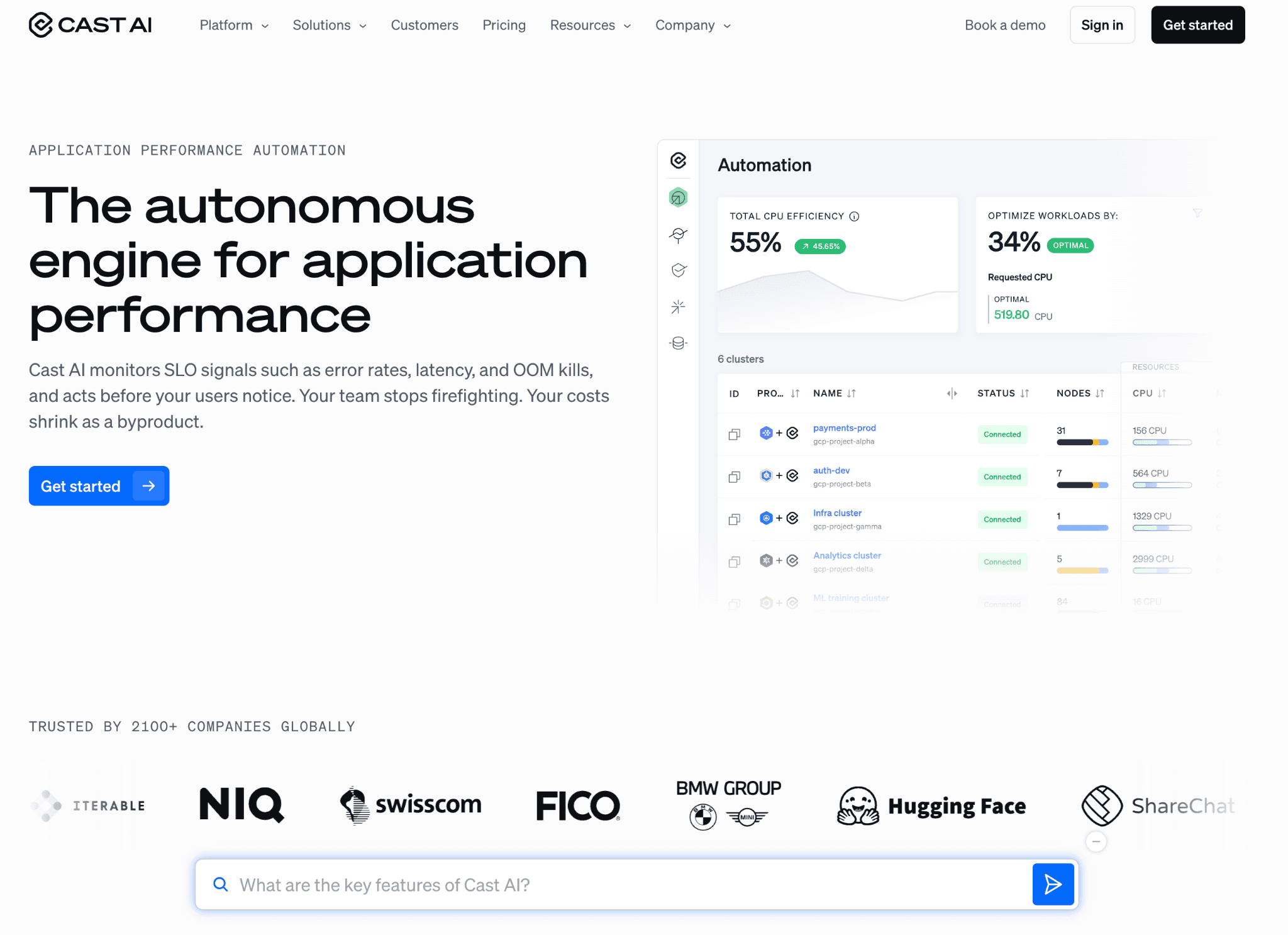
Who gets benefited: SRE and platform engineers running large or volatile clusters who want the tool to act, applying rightsizing, bin-packing, and spot decisions automatically rather than handing a list to an already-stretched team.
In practice:
It does not just flag an oversized node pool, it consolidates workloads and changes the node mix for you, which is the main reason teams pick it over a pure monitor.
Spot automation handles interruptions and fallback, so you can run a meaningful share of workloads on spot without writing your own controller logic to survive reclaims.
It is Kubernetes-centric, so cloud spend outside the cluster still needs another tool to see it, and finance usually keeps a second platform for the full picture.
Onboarding is a connector and an agent in the cluster, so first numbers come quickly, but turning on full automation is a deliberate step most teams stage rather than flip on day one.
Pricing model: CAST AI offers a free monitoring tier and uses custom pricing for its automation features, so you request a quote rather than read a published number; this was taken directly from the CAST AI pricing page (as of May 2026).
Pros:
The automation is real. It consolidates pods onto fewer nodes and swaps the instance mix while workloads keep running, which is exactly the part Kubecost left to you.
Spot handling is the standout. It manages reclaims and fallback, so you can park a big chunk of non-critical work on spot without writing your own controller to survive interruptions.
You can sit on the free monitoring tier and watch the savings estimate before you let it change anything.
Cons:
It only sees inside Kubernetes, so RDS, S3, and SaaS spend still need a second tool.
The automation pricing is quote-only, so you cannot sanity-check the number before a sales call (as of May 2026).
Handing an external tool write access to reshape your cluster is a real decision, and most teams turn it on namespace by namespace rather than all at once.
3. OpenCost
Best for: Teams that want free, open-source Kubernetes allocation and are comfortable self-hosting.
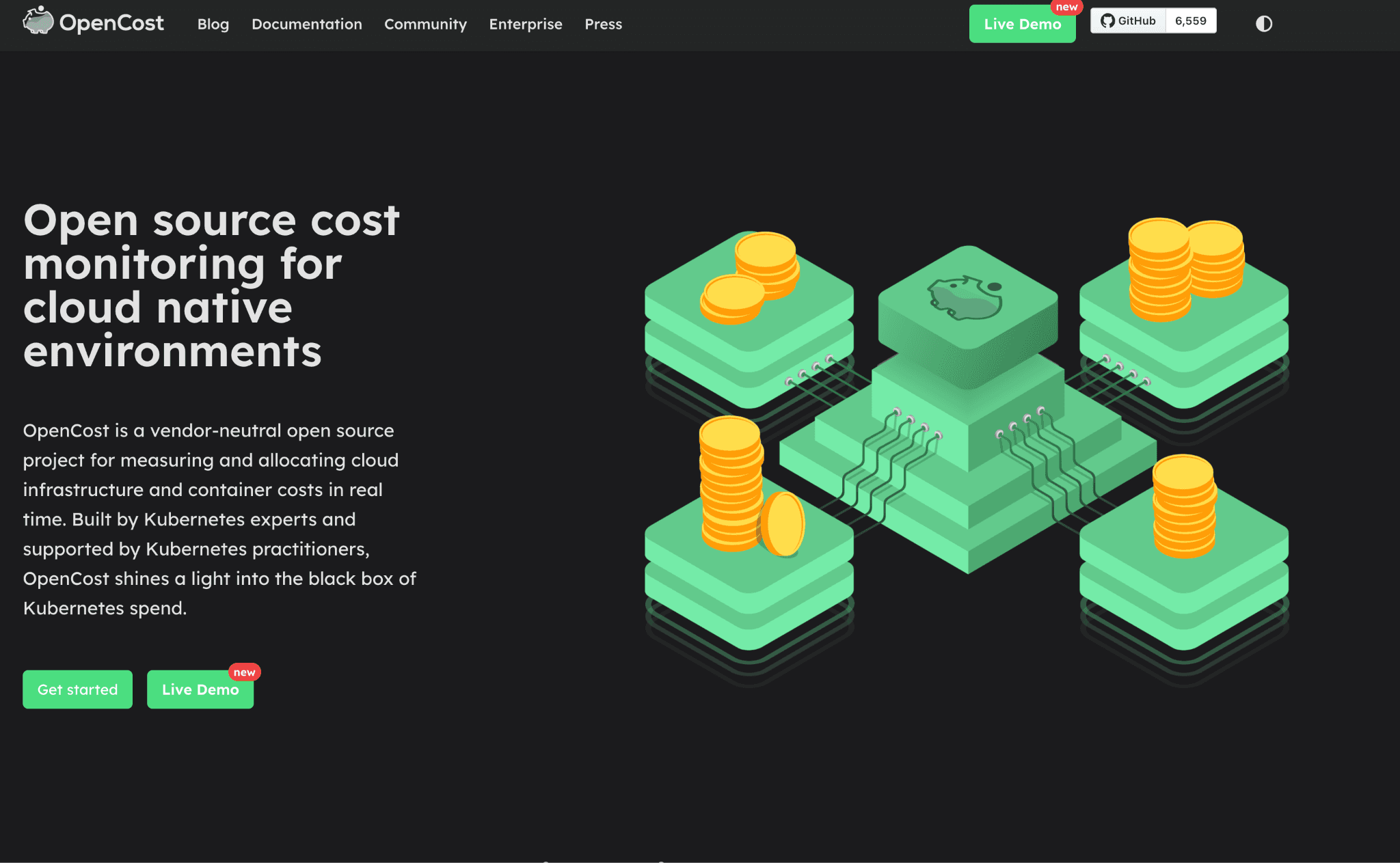
Who gets benefited: Engineering teams that want the core allocation engine without a commercial contract, and who have the in-house skills to run, scale, and maintain it themselves.
In practice:
It is the same allocation engine Kubecost was built on, donated to the CNCF and now at incubation maturity (CNCF). If you liked Kubecost’s core, this is its open heart, minus the commercial dashboard and enterprise features.
It gives you real-time allocation across AWS, Azure, and GCP clusters, but it stops at visibility; there is no automated remediation, so saving money is still a separate, manual project.
You own the hosting, scaling, and upkeep, which is the trade for it being free, and at multi-cluster scale that operational cost is real even if the license is not.
Because it is vendor-neutral and Prometheus-friendly, it slots into existing observability stacks cleanly, which is why platform teams often run it as a data source rather than a finished product.
Pricing model: OpenCost is free and open source under CNCF governance, with no commercial tier; this is stated on the OpenCost site and the CNCF project page.
Pros:
It is free, and it runs the same allocation math Kubecost ships, so the numbers are not a black box.
CNCF governance and vendor neutrality mean no contract and no single vendor’s roadmap to follow.
It reads from Prometheus, so if you already run that stack it slots in as one more data source rather than a new platform.
Cons:
It shows you the cost and stops there. No rightsizing, no automation, nothing that acts on what it finds.
You run it, scale it, and patch it yourself, and at a few dozen clusters that upkeep is a standing chore for the platform team.
The project is still maintained by IBM Kubecost and partners, so adopting it does not fully move you off the lineage you may be leaving (OpenCost FAQ).
4. CloudChipr
Best for: Teams that want multi-cloud FinOps with Kubernetes recommendations and automated cleanup, plus an AI assistant for cost questions.
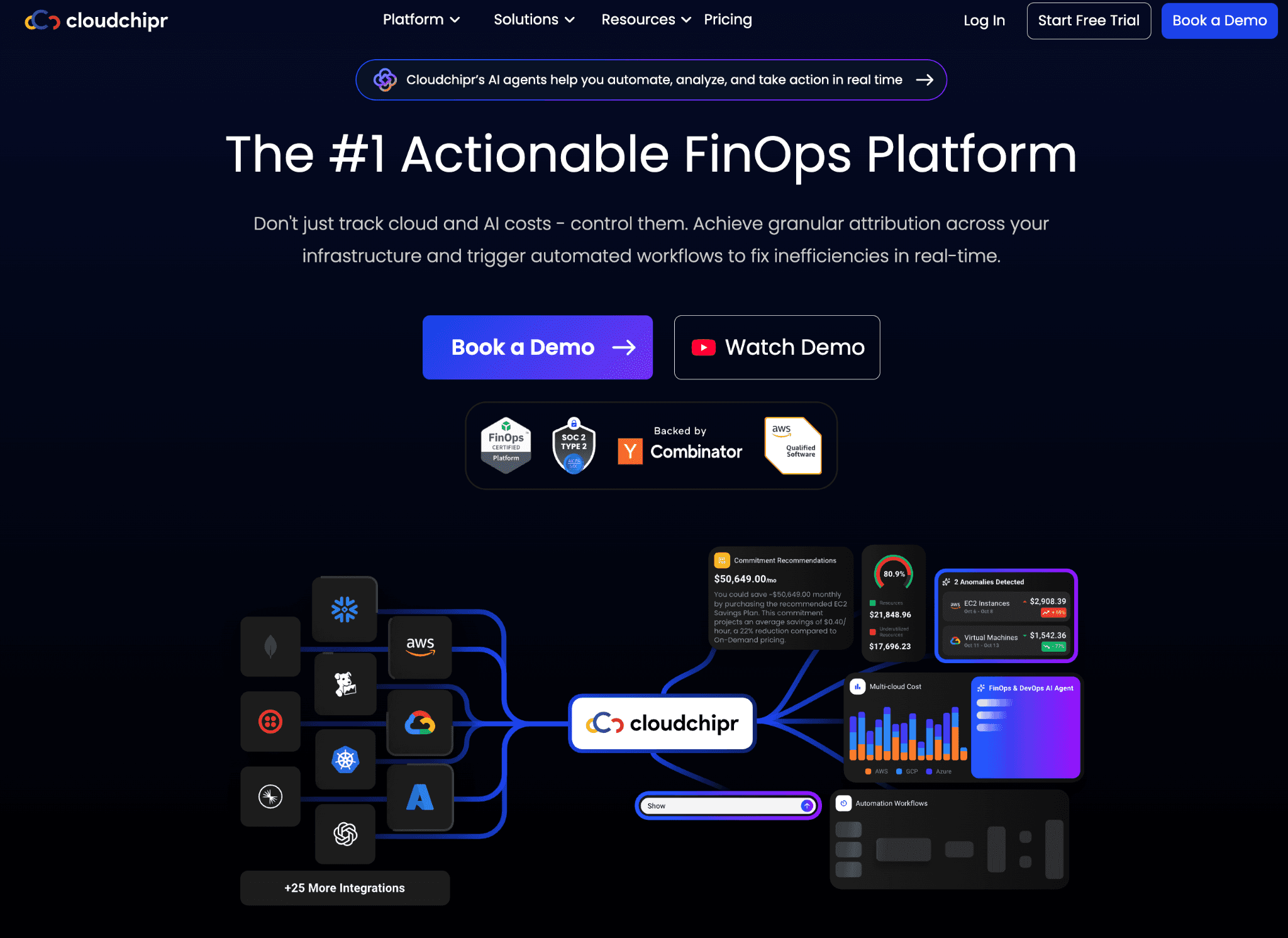
Who gets benefited: FinOps and DevOps teams that want to act on waste across AWS, Azure, and GCP and get Kubernetes recommendations in the same place, without standing up a heavyweight enterprise suite.
In practice:
It pairs visibility with automated workflows, so you can schedule or trigger cleanup of idle resources rather than just see them on a dashboard and file a ticket.
The Kubernetes recommendations point at cluster inefficiencies, and the AI assistant answers plain-language cost questions, which lowers the barrier for finance partners who do not live in the console.
Multi-cloud coverage is the draw, with Snowflake noted as coming, so SaaS coverage is still expanding and worth checking against your exact stack (as stated on CloudChipr’s site).
It positions itself as an actionable FinOps platform rather than a pure reporter, which is the right framing if your problem is acting on waste, not finding it.
Pricing model: CloudChipr offers a free trial and tiered plans, with details requiring sign-up; pricing was taken directly from the CloudChipr pricing page (as of May 2026).
Pros:
The cleanup workflows actually do something. You can schedule a job to remove idle volumes and orphaned IPs instead of filing another ticket.
It puts Kubernetes recommendations right next to AWS, Azure, and GCP spend, so nobody is flipping between consoles.
The AI assistant earns its keep with the finance partner who just wants a plain answer to “why did this jump” without learning the UI.
Cons:
A few sources, Snowflake among them, are still on the roadmap, so confirm your exact stack is covered first (as stated on CloudChipr’s site).
It is younger than the enterprise suites, so if you run thousands of accounts, pressure-test it at your scale before standardizing.
Automated deletion is powerful and unforgiving, so you will want tight guardrails before it runs unattended.
5. CloudZero
Best for: Engineering-led teams that care about unit cost and cost of goods sold, not just infrastructure totals.
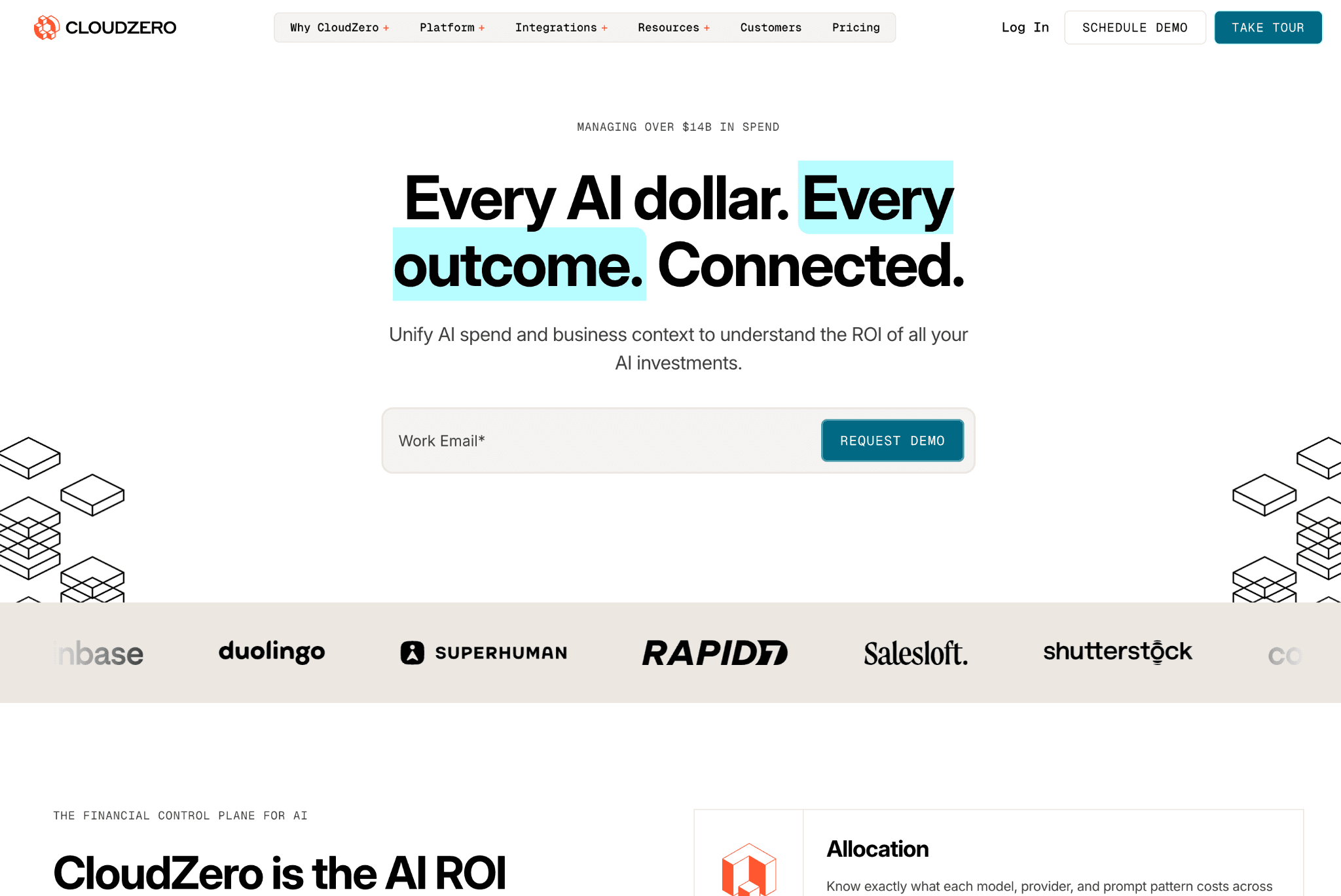
Who gets benefited: Teams that want to answer “what does this customer or feature cost us,” with Kubernetes folded into a broader cost-intelligence picture rather than treated as an island.
In practice:
Its strength is unit economics and COGS, mapping spend to the things the business actually sells, which is what makes it resonate with engineering and finance leaders rather than just platform teams.
It includes Kubernetes cost analysis, so cluster spend lands in the same unit-cost model as the rest of your cloud, and you are not reconciling two systems at month-end.
It leans toward visibility and anomaly detection rather than acting on the cluster for you, so it pairs well with a separate automation tool if remediation is your priority.
Hourly granularity and long data retention come standard in the single subscription, which removes the tiering games some tools play around history.
Pricing model: CloudZero sells a single subscription with all capabilities, custom-quoted, with no free tier; this was taken directly from the CloudZero pricing page (as of May 2026). For a focused comparison, see the Amnic CloudZero alternatives page.
Pros:
It answers the question executives actually ask, cost per customer and per feature, not just cost per service.
Hourly granularity and long retention come in the one plan, so you are not paying extra to keep your history.
Kubernetes spend lands in the same unit-cost model as everything else, which gives you one number to defend at the board meeting.
Cons:
There is no free tier, so even a trial starts with a sales conversation (as of May 2026).
It is built to show and explain rather than to act, so pair it with something else if automated remediation is the priority.
The unit-cost model is only as good as your tagging, so budget for setup work before the numbers are trustworthy.
6. Finout
Best for: Teams that want every cloud and SaaS bill pulled into one model with predictable, flat-fee pricing.
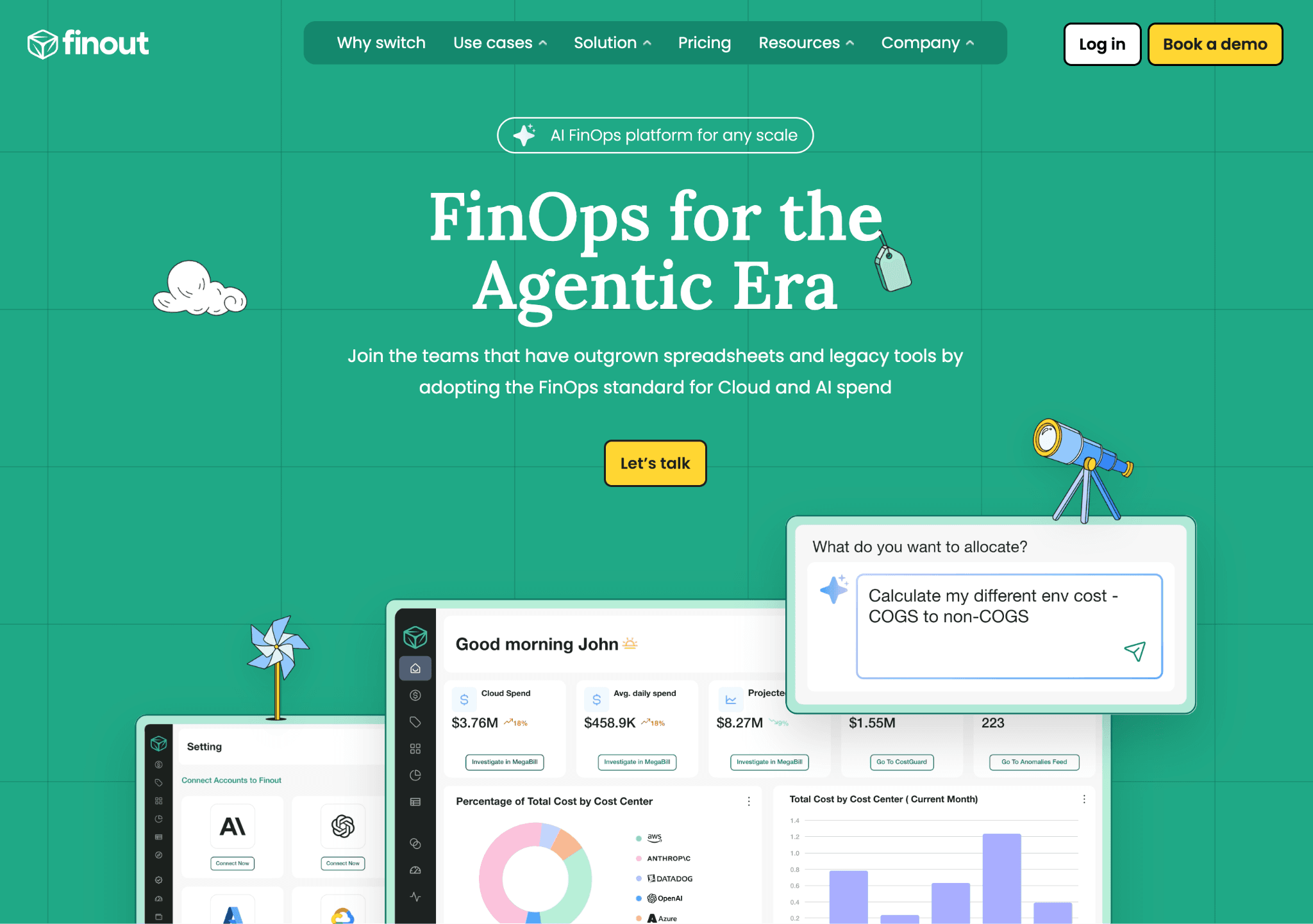
Who gets benefited: FinOps teams managing spend across multiple clouds and SaaS vendors that want one consistent allocation model over all of it, with a price that does not move with usage.
In practice:
Its virtual tagging and shared-cost splitting let you allocate spend even where native cloud tags are missing, which is often the real blocker to clean chargeback.
It aggregates many sources, including SaaS and Kubernetes, into one bill view, which is its main appeal for teams tired of reconciling separate consoles.
Like several others here, it is stronger on visibility and recommendations than on acting directly on clusters, so remediation stays a manual or paired-tool step.
The flat annual fee makes budgeting straightforward, which finance teams value when usage-based tools make next period’s cost hard to predict.
Pricing model: Finout charges a yearly fee based on cloud spend tiers rather than usage, with no free tier listed; this was taken directly from the Finout pricing page (as of May 2026).
Pros:
The virtual tags are the real draw. You can allocate spend cleanly even where the cloud provider’s own tags are missing or messy.
It pulls cloud and SaaS bills, Datadog and Snowflake included, into one statement, which removes a lot of month-end spreadsheet work.
The flat annual fee means your tooling cost does not balloon just because usage did (as of May 2026).
Cons:
No free tier, so evaluating it means getting a quote first (as of May 2026).
It is stronger at showing and splitting cost than acting on it, so cluster remediation stays manual or needs a partner tool.
Because the fee is tied to spend bands, a fast-growing estate should check which band it will land in as it scales.
How to choose between Kubecost and these alternatives
You want the free open-source core without IBM's commercial layer: start with OpenCost, then look at Amnic or CloudChipr once self-hosting upkeep outgrows the savings.
You need automated Kubernetes rightsizing that acts on the cluster: CAST AI for pure in-cluster automation, Amnic if you also want allocation and AI cost in the same place, CloudChipr if cleanup workflows matter as much as rightsizing.
You want multi-cloud cleanup workflows plus K8s recommendations: CloudChipr, Amnic, and Finout all pull multiple clouds together, with Amnic and CloudChipr adding action on top of the view.
You report unit cost and COGS to the business: CloudZero for COGS depth, Amnic for unit economics plus action, Finout for clean allocation across cloud and SaaS.
You need every cloud and SaaS bill in one model with flat or predictable pricing: Finout for flat-fee aggregation, Amnic for one model spanning cloud, K8s, and AI, CloudChipr for multi-cloud coverage with a free trial.
You want Kubernetes, multi-cloud, and AI spend in one platform with action built in: Amnic is the closest single-platform fit, with CloudChipr and CAST AI as narrower options if your priority is cleanup or cluster automation specifically.
You only run a single small cluster and the free tier fits: IBM Kubecost may still be enough, with OpenCost as the free open-source route and a free Amnic audit worth running to see what cluster-only tooling misses.
For broader context, see the Amnic guide to Kubernetes cost optimization tools and the FinOps Open Cost and Usage Specification guide.
Frequently asked questions
What is Kubecost?
Kubecost is a Kubernetes cost monitoring and optimization tool, now IBM Kubecost within IBM’s Apptio FinOps portfolio alongside Cloudability and Turbonomic (TechCrunch). It allocates cluster cost to namespaces, workloads, and teams.
What is the best Kubecost alternative?
It depends on what pushed you off Kubecost. For one platform spanning Kubernetes, multi-cloud, and AI spend with action built in, Amnic is the strongest all-round pick. For automated cluster optimization, CAST AI. For a free open-source core, OpenCost.
Why do teams switch from Kubecost?
Common reasons are the free-tier ceiling of 250 cores and 15-day retention, daily-only granularity on the free tier, manual rather than automated remediation, and Kubernetes-only scope that leaves cloud, SaaS, and AI spend uncovered.
Is there a free or open-source Kubecost alternative?
Yes. OpenCost is free, open source, and CNCF-governed, and it is the allocation engine Kubecost was originally built on. IBM Kubecost also has a free Foundations tier with caps.
How does Amnic compare to Kubecost?
Kubecost is Kubernetes-only and recommends changes for you to apply by hand. Amnic covers Kubernetes plus multi-cloud and AI spend in one view, reaches unit economics, and uses AI agents to act on recommendations rather than just listing them.
Does Amnic cover Kubernetes and AI spend?
Yes. Amnic does container and pod-level Kubernetes cost allocation and tracks AI and token spend in the same platform as your cloud cost.
The category is shifting from visibility to action and from cloud to AI
For years, Kubernetes cost tooling meant one thing: show me where the money goes. Kubecost did that well, and OpenCost made the core free. But knowing a node pool is oversized does not save money on its own. Someone still has to act, and on a busy platform team that someone is always behind.
The newer tools close that gap. CAST AI changes the cluster directly. CloudChipr triggers cleanup workflows. Amnic pairs recommendations with agents that apply policy. The question buyers now ask is not “can it show me the cost” but “will it do something about it.”
The second shift is AI spend. GPU instances, token usage, and model APIs are becoming a real line item, and Kubernetes-only tools do not see them. The platforms that pull Kubernetes, multi-cloud, and AI cost into one model are the ones that match where budgets are actually going.
Sources
Better visibility and management into AI Tokens?
Start with a 30 day trial
Connect leading LLMs
24 hour time to value
Stay ahead of AI Spend

Make AI spend visible, controllable, and accountable.
Gain insights into your AI token costs at a team, customer, business unit and individual user level to measure and manage AI utilization.
Recommended Articles

Compare Input vs Output Token Pricing: Why Output Costs More and How to Budget for It
Read More

Vertex AI vs Bedrock: The Enterprise Platform Decision That Outlives the Token Price
Read More

Gemini vs GPT: Which AI Model Fits Your Workflow and Budget
Read More
H100 vs A100: Specs, Cost and Which GPU Wins for Your Workload
Read More
OpenCost vs Kubecost: Key Differences and How to Choose
Read More
6 Best Datadog Alternatives for Cloud Cost Management in 2026
Read More