8 Best AI Cost Optimization Tools for Startups in 2026
14 min read
Tools

Table of Contents
Comparing the top AI cost optimization tools for startups in 2026 are 1. Amnic, 2. TrueFoundry, 3. Helicone, 4. Mavvrik, 5. Cast AI, 6. nOps, 7. Usage.ai and 8. CloudZero.
A startup AI bill grows in two places at once, and most tools only watch one of them. The first is LLM and API spend: tokens billed by OpenAI, Anthropic, Gemini and Bedrock, where a few production features can turn a hobby invoice into a four-figure surprise.
The second is cloud and infrastructure spend: compute, GPUs, Kubernetes and commitments across AWS, Azure and GCP. The tools below are grouped by which of those two buckets they control, so you can match a tool to where your money actually goes.
Amnic sits first because it is one of the few options that watches both buckets in a single read-only view. Its AI token management tracks spend across OpenAI, Anthropic, Bedrock and Gemini next to multi-cloud and Kubernetes cost, so a small team is not stitching together a token dashboard and a cloud dashboard by hand. For founders who want plain-English answers without hiring a finance analyst, Amnic pairs that view with prebuilt agents that run the analysis for you.
Top 8 AI Cost Optimization Tools for Startups in 2026
Amnic: Agentless, read-only platform that tracks AI token spend across OpenAI, Anthropic, Bedrock and Gemini alongside multi-cloud and Kubernetes cost, with four AI agents any role can query in plain English.
TrueFoundry: Self-hostable AI gateway that intercepts LLM requests to add caching, budget enforcement and routing across more than a thousand models behind one OpenAI-compatible endpoint.
Helicone: Open-source LLM observability tool that logs every prompt and completion with one line of code, exposing cost, latency and errors per model and per user.
Mavvrik: Application-layer cost governance that attributes AI and cloud spend to a specific product, feature, customer segment or individual agent rather than to a raw cloud resource.
Cast AI: Autonomous Kubernetes optimizer that rightsizes pods, automates Spot instances and bin-packs nodes in real time to cut container compute cost.
nOps: AWS-focused FinOps automation that manages Savings Plans and Reserved Instances and runs Spot through Karpenter, priced as a share of the savings it generates.
Usage.ai: Multi-cloud commitment automation that buys Savings Plans and Committed Use Discounts on a daily cycle and pays cashback if a recommended commitment goes underused.
CloudZero: A unit economics platform that maps cloud and AI spend to cost per customer, per feature and per transaction so funded teams can defend gross margin.
What are AI cost optimization tools for startups?
AI cost optimization tools for startups are software that make AI and cloud spend visible, then help you cut or control it without a dedicated finance team. They answer the first question every founder asks when the invoice lands: where is the money going, and which feature, model or service caused the jump.
Under the hood, these tools fall into two families. LLM and API tools sit close to the model call and reduce token spend through caching, model routing, batch processing and per-request tracking.
Cloud and infrastructure tools sit on the billing and compute layer and reduce spend through rightsizing, autoscaling, Spot usage and commitment discounts. A smaller group adds cost attribution that ties spend to a team, feature or customer, which is what turns a raw number into an owned decision.
For a startup, the buyer is usually a founder, a first platform engineer or a fractional finance lead, not a FinOps department. That changes what matters most: a free tier or self-serve entry, fast setup, and a read-only posture a small team can approve without a security review.
Tools built for Kubernetes cost management help only when your spend actually lives where they look, so the right pick depends on which bucket is bleeding.
AI Cost Optimization Tools for Startups Comparison Table
Information reflects vendor sources as of June 2026. Confirm current pricing and free-tier limits with each vendor before you commit.
Tool | Bucket | Key Strength | Free Entry | Pricing | Best For |
|---|---|---|---|---|---|
Amnic | AI tokens + cloud + Kubernetes | One read-only view of token and cloud spend | Free trial | ~0.25% to 1% of monitored spend | Startups tracking AI and cloud cost together without a FinOps team |
TrueFoundry | LLM / API | Self-hosted gateway with caching and routing | Free Developer tier (50k req/mo) | $0 / $499 / $2,999 / custom | Engineering teams routing many LLM providers |
Helicone | LLM / API | One-line LLM observability | Free Hobby (10k req/mo) + free self-host | $0 / $79 / $799 / custom | Developers wanting fast LLM cost visibility at $0 |
Mavvrik | LLM / API + attribution | Cost per feature, customer and agent | None (demo only) | Custom | Teams needing per-feature AI cost attribution |
Cast AI | Cloud / infra (Kubernetes) | Automated K8s rightsizing and Spot | Free monitoring + savings report | Free tier + custom | Startups already running production Kubernetes |
nOps | Cloud / infra (AWS) | Automated AWS commitment management | Free savings analysis | Share of savings | AWS-native startups optimizing rates |
Usage.ai | Cloud / infra (multi-cloud) | Commitment automation with cashback | No upfront cost | Share of savings | Multi-cloud teams wanting downside protection |
CloudZero | Unit economics (AI + cloud) | Cost per customer and per feature | None (contact sales) | Custom (enterprise) | Funded startups defending gross margin |
How We Evaluated These Tools
Free or self-serve entry: whether a seed or Series-A team can start at $0 or on a low, spend-based plan rather than an annual enterprise contract.
Bucket coverage: whether the tool controls LLM and API spend, cloud and infrastructure spend, or both, since most cover only one half.
Setup effort: how much the tool asks of a team with no FinOps hire, from one line of code to a full Kubernetes integration.
Attribution depth: whether spend can be split by team, feature, customer or model, which is what makes a cost line ownable.
Security posture: whether the tool is read-only and agentless or sits inline in production traffic, which changes how fast a small team can approve it.
Pricing transparency: whether rates are published and predictable or gated behind a sales call.
Top 8 AI Cost Optimization Tools for Startups in 2026
1. Amnic
Best for: Startups that need to watch AI token spend and multi-cloud or Kubernetes spend in one read-only place, without hiring a finance team.
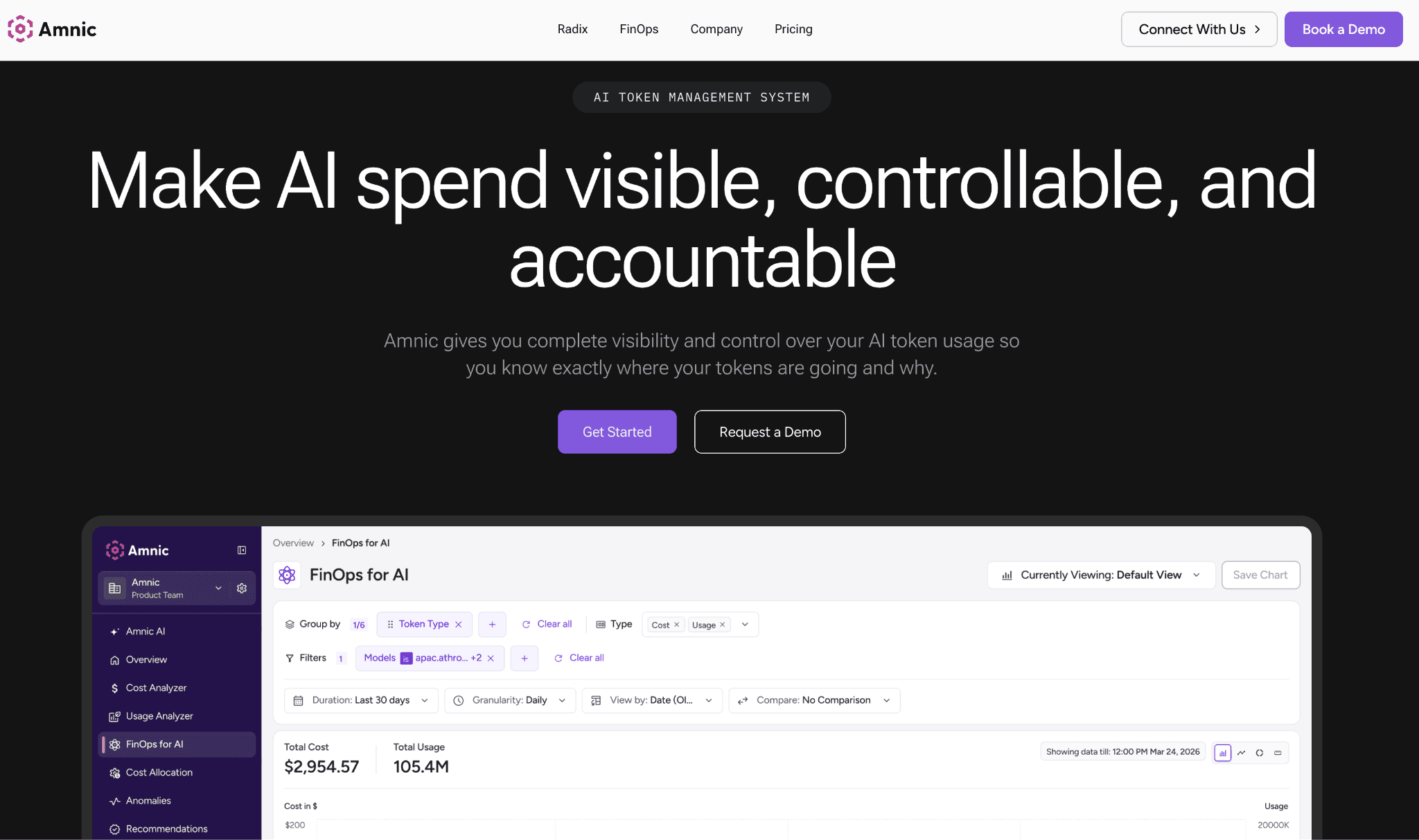
Amnic connects to your AWS, Azure and GCP billing and to provider APIs such as OpenAI, Anthropic, Bedrock and Gemini with read-only access and no write access to infrastructure. Nothing is installed in your cluster and nothing can change a resource, which is the posture that gets a startup security review approved in days rather than weeks. That access is backed by SOC 2 Type II, ISO 27001 and GDPR compliance, so regulated and fintech teams can adopt it early.
What sets Amnic apart for a startup is breadth. Most token tools see only the LLM bill and most cloud tools see only the cloud bill, while Amnic shows AI tokens, multi-cloud, Kubernetes and SaaS spend together. Today it tracks AI token cost by provider and model with an input, output and cached breakdown, and it allocates cloud cost by team and cost center, giving a small team real cost control without an analyst. Per-feature and per-customer AI allocation is on the near-term roadmap rather than live, so treat the AI side as strong visibility and allocation rather than automated optimization.
Key features:
Agentless, read-only connection to cloud billing and LLM provider APIs, so onboarding takes minutes and never touches production infrastructure.
One view spanning AI token spend, multi-cloud, Kubernetes and SaaS, so a small team stops reconciling separate dashboards.
Four prebuilt agents (X-Ray, Insights, Governance and Reporting) that run health checks and answer cost questions in plain English without a finance analyst.
AI token tracking by provider and model with input, output and cached token breakdown and a cost-to-token toggle.
User-level token attribution for OpenAI and Anthropic, pulled directly from those providers.
Anomaly detection and budget guardrails that flag a spend spike before the monthly bill closes.
Kubernetes and container cost visibility for teams on EKS, GKE or AKS.
SOC 2 Type II, ISO 27001 and GDPR posture suitable for fintech and regulated startups.
Pricing: Amnic charges roughly 0.25% to 1% of the cloud spend it monitors, published at amnic.com/pricing, so the fee scales down with a small bill instead of a flat enterprise minimum. A free trial lets a team see its own data before committing.
Pros:
Covers both AI tokens and cloud or Kubernetes spend, a combination few rivals match.
Read-only and agentless, so security approval is fast and the tool cannot break production.
Spend-based pricing fits a small or seasonal bill far better than a fixed contract.
Cons:
The AI token module needs an enterprise account to connect provider credentials, so a pre-revenue team cannot spin up a free AI-cost sandbox the way it can with a developer tool.
Per-feature and per-customer AI allocation is on the roadmap, not live, so today's AI attribution stops at the user and cost-center level.
See pricing that scales with the spend Amnic monitors, then start a trial on your own data.
2. TrueFoundry
Best for: Engineering teams that route many LLM providers and want a self-hosted gateway to cache, cap and balance traffic.
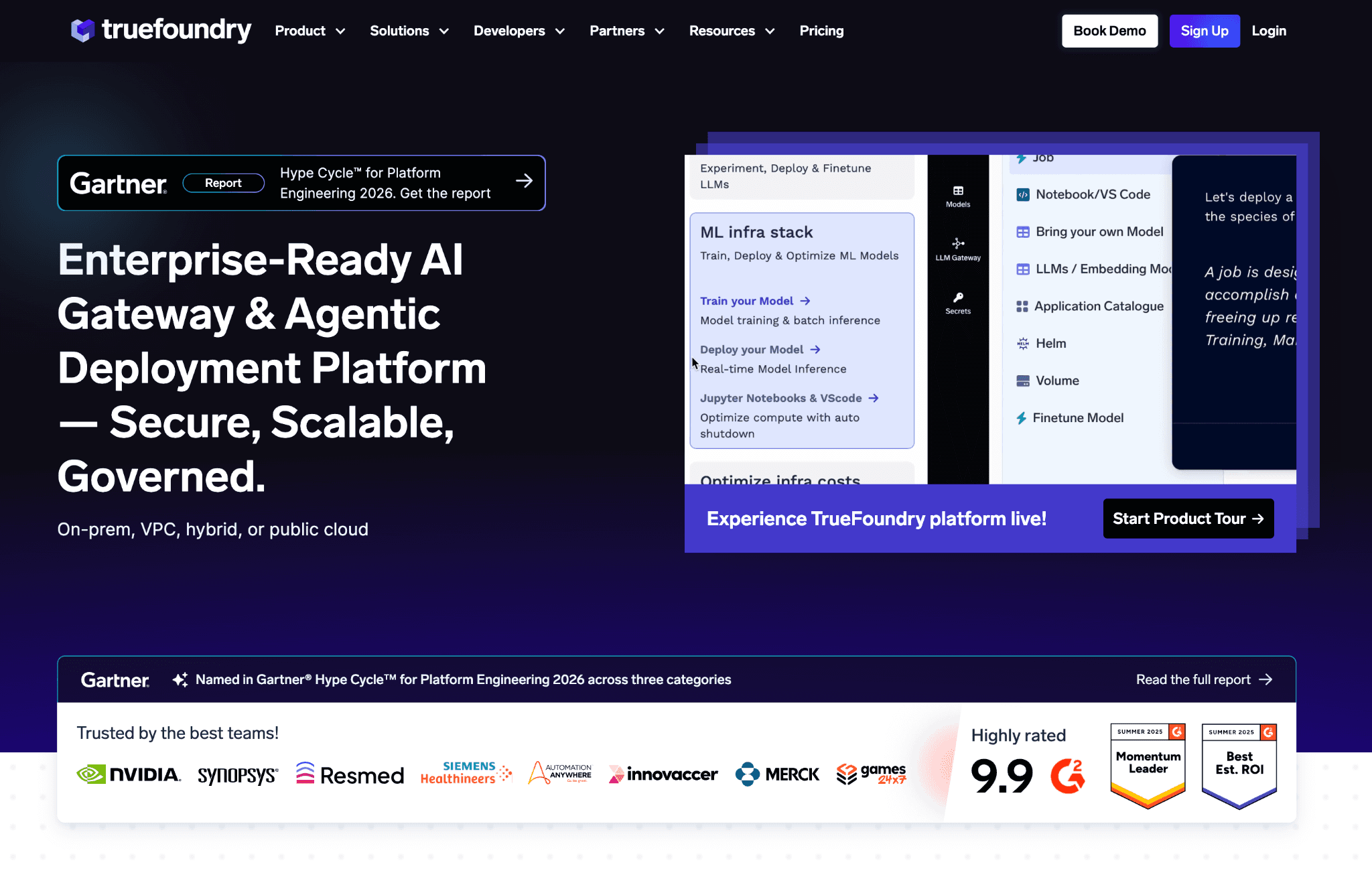
TrueFoundry is an AI gateway that sits in front of your models and intercepts each request before it reaches a provider. From that position it can cache repeat responses, enforce budgets and rate limits, and route by weight, latency or priority across more than a thousand models behind a single OpenAI-compatible endpoint. For a team already swapping between OpenAI, Anthropic and open models, that means provider changes without rewriting application code.
The trade-off is that a gateway is infrastructure, not a finance dashboard. It tracks cost per request through an open-source pricing catalog and stops runaway spend at the source, but it is built for engineers, and reviewers note that setup is hard without prior cloud or Kubernetes experience. A two-person team without infra depth will spend real time standing it up.
Key features:
One OpenAI-compatible endpoint for more than a thousand models, so you change providers without touching SDK code.
Routing by weight, latency or priority with automatic retries and failover to cut cost and avoid downtime.
Response caching on repeat requests to reduce token spend directly.
Per-request cost tracking through an open-source pricing catalog kept current with provider rates.
Budget and rate-limit enforcement plus load balancing to cap runaway spend.
RBAC, OAuth 2.0 and API-key auth for governed multi-team access.
Roughly sub-4ms overhead at 350-plus requests per second on one vCPU, so the gateway adds little latency.
Batch and async execution at batch pricing for large jobs.
Pricing: TrueFoundry publishes a free Developer tier (50,000 requests a month, up to three users), then Pro at $499 a month and Pro Plus at $2,999 a month, with custom Enterprise pricing, listed at truefoundry.com/pricing. The free tier is a genuine $0 start for a seed team.
Pros:
Real free tier and self-serve paid plans, so you can begin without a sales call.
Cuts token spend at the request layer through caching and routing rather than after the fact.
Strong governance controls for teams running many models.
Cons:
Setup is heavy without cloud or Kubernetes experience, per G2 reviewers.
It controls only the LLM and API bucket, so cloud and GPU infrastructure spend stays invisible.
3. Helicone
Best for: Developers who want LLM cost and latency visibility live in minutes, at no cost, before adding heavier tooling.
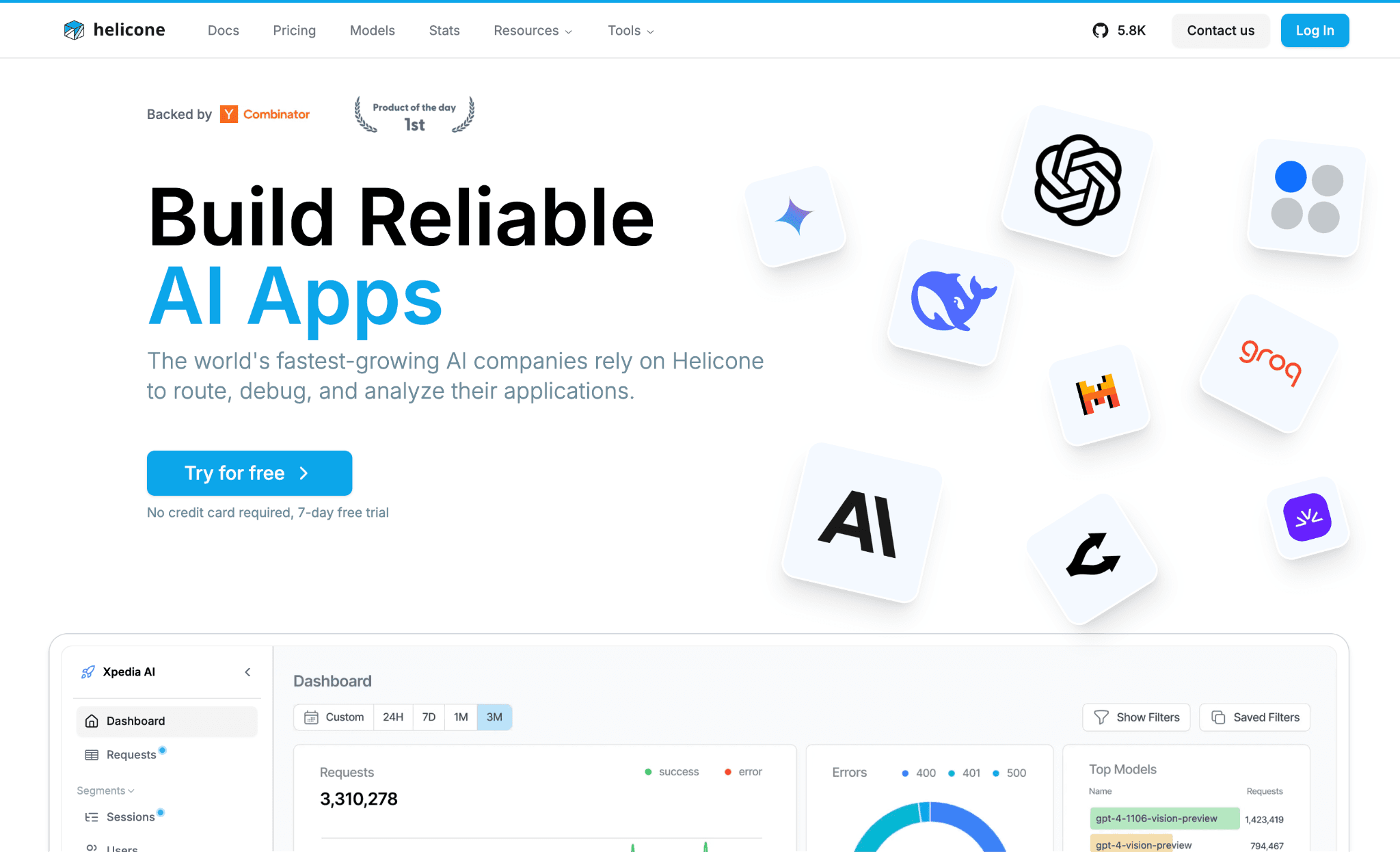
Helicone is an open-source observability layer for LLM calls that you add with a single line of code. Once it proxies your traffic, it logs every prompt and completion and surfaces cost, latency and errors per request, per model and per user. For an early team that just wants to see where token spend comes from, it is the fastest path from zero to a usable dashboard, and it can be self-hosted for free so data stays in your own infrastructure.
There is an important caveat. Helicone was acquired by Mintlify in March and is now in maintenance mode, meaning security patches, bug fixes and new-model support continue while active feature development has ended. A startup can still rely on it for observability today, but betting a long-term roadmap on it carries risk.
Key features:
One-line proxy integration that logs every prompt and completion across providers.
Cost, latency and error visibility per request and per model.
User and session-level usage tracking for per-customer cost insight.
Caching to cut repeat-request token cost.
Prompt experimentation and evaluation tooling.
Fully open-source and self-hostable at no cost.
Multi-provider support across OpenAI, Anthropic and others in one dashboard.
Request-level observability that doubles as a lightweight gateway.
Pricing: Helicone offers a free Hobby tier (10,000 requests a month, one seat), then Pro at $79 a month and Team at $799 a month, with custom Enterprise pricing, listed at helicone.ai/pricing. Self-hosting is free.
Pros:
Free tier and free self-host make it the cheapest way to start seeing LLM spend.
One-line setup, so a developer is live in minutes.
Open-source, so you keep control of your data.
Cons:
Now in maintenance mode after the Mintlify acquisition, so the feature roadmap is uncertain.
Covers only LLM and API spend, with no view of cloud or GPU infrastructure.
4. Mavvrik
Best for: Teams that need to attribute AI and cloud spend to a specific feature, customer segment or agent rather than to a raw resource.
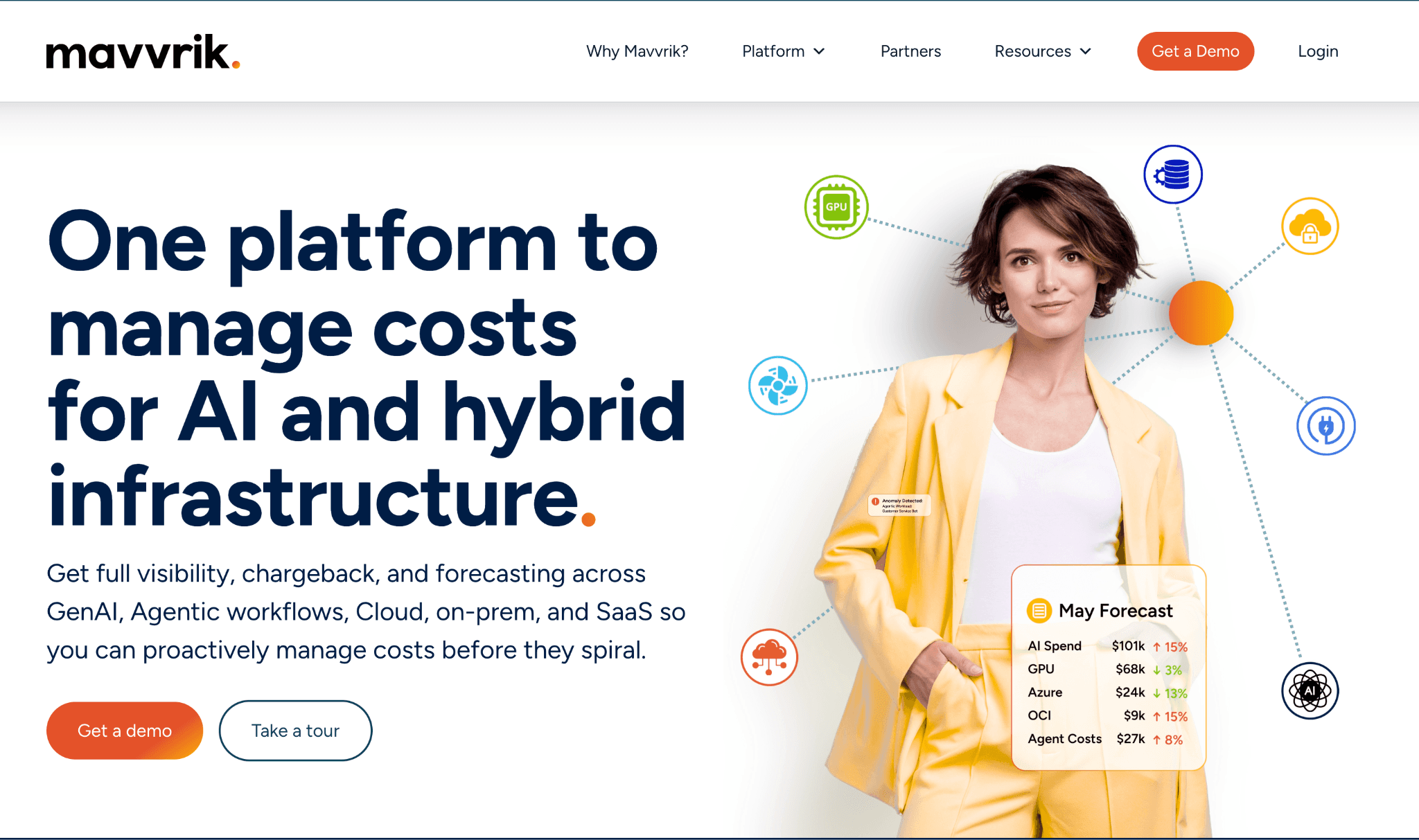
Mavvrik works at the application layer, mapping spend to a product, feature, customer segment or individual AI agent across cloud, on-prem, data platforms and GenAI APIs. That framing answers the question investors and CFOs actually ask, namely, cost to serve and cost per outcome, instead of cost per server. It tracks token-level GenAI cost across major providers and supports chargeback and showback so each team sees what it spends.
The catch for a startup is access. Mavvrik publishes no pricing and gates every engagement behind a sales demo, with no free tier or trial. It is also seed-stage, so the integration ecosystem is younger than that of established platforms. For a small self-serve team, this is friction, though most customers reportedly reach live dashboards in under two weeks.
Key features:
Cost attribution by product, feature, customer segment or individual AI agent.
Token-level GenAI cost tracking across major model providers.
Cost-to-serve and cost-to-outcome metrics for pricing and margin decisions.
Chargeback and showback across teams.
Budget controls and anomaly alerts.
Coverage across AWS, Azure, GCP, on-prem, Kubernetes and shared databases.
Integrations with more than twenty enterprise tools to normalize fragmented spend.
SaaS deployment with no professional services required.
Pricing: Mavvrik does not publish pricing. The site offers only a demo request, with no advertised free tier or trial, so expect a sales conversation and a custom quote.
Pros:
Attribution by feature, customer and agent matches how founders think about margin.
Broad coverage across cloud, on-prem and GenAI in one place.
Fast time to live dashboards relative to enterprise FinOps suites.
Cons:
No published pricing and no free or self-serve entry, so every start is demo-gated.
Seed-stage, so the integration ecosystem is less mature than larger rivals.
5. Cast AI
Best for: Startups already running production Kubernetes that want automated savings without managing autoscaling by hand.
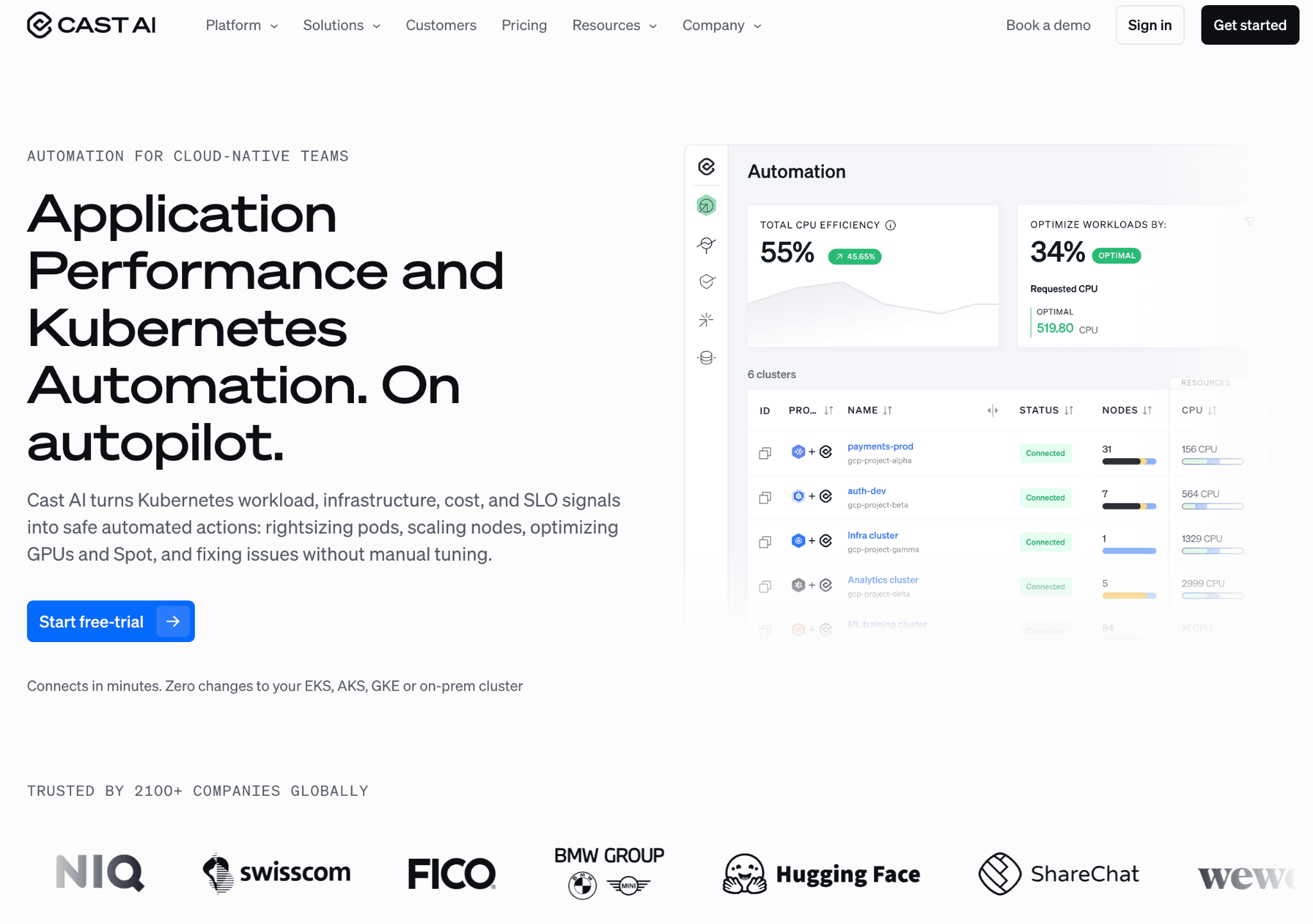
Cast AI optimizes Kubernetes cost autonomously, rightsizing pods, automating Spot instances with interruption prediction and bin-packing nodes in real time to raise utilization. It runs on EKS, GKE, AKS and Kops, manages commitments alongside compute, and extends to GPU optimization for AI and ML workloads. A free savings report audits a cluster before you commit, which makes the value easy to test.
The boundary is right in the name. Cast AI is Kubernetes-only, so a team still on serverless, ECS or plain VMs gets nothing from it, and it does not touch LLM or API token spend at all. Paid automation also gets expensive as clusters grow, so the free monitoring tier is the natural starting point.
Key features:
Real-time node autoscaling and pod rightsizing applied automatically, not on a schedule.
Spot-instance automation with interruption prediction to capture deep discounts safely.
Bin-packing to raise cluster utilization and cut idle waste.
Commitment management for Reserved Instances and Savings Plans alongside compute.
GPU optimization for AI and ML workloads.
Free savings report that audits cost efficiency on EKS, GKE, AKS and Kops.
Multi-cloud Kubernetes support across major managed offerings.
Reported 50% to 75% savings at customers such as Akamai.
Pricing: Cast AI offers a free monitoring tier and savings report, with paid automation now quoted through contact sales rather than a fixed public rate. Confirm current automation pricing directly, since earlier per-CPU tiers no longer appear on the live page.
Pros:
Free monitoring and savings report give a real $0 entry on Kubernetes.
Automation applies savings continuously instead of leaving them as recommendations.
Handles Spot risk automatically, which is hard to do safely by hand.
Cons:
Kubernetes-only, so it is useless to a team not yet running production K8s.
No view of LLM or API token spend, so it covers just one bucket.
If your spend is split across containers and GPUs, pair a Kubernetes optimizer with a broader look at GPU cost optimization tools so neither layer goes untracked.
6. nOps
Best for: AWS-native startups that want commitment management and Spot automation with no upfront cost.
nOps automates AWS rate optimization, managing Savings Plans and Reserved Instances and running Spot through Karpenter to push discount coverage from the typical half toward full coverage with hourly adaptation. It manages commitments across EC2, Fargate and Lambda, adds EKS cost allocation and rightsizing, and backs its recommendations with a 100% commitment-utilization guarantee that issues credits for any unused commitment it suggested.
The constraint is the cloud. nOps is AWS-only, so a team on Azure, GCP or multi-cloud gets no value, and smaller tail-spend customers report less attentive account management than enterprise accounts. For an AWS-native startup, though, the savings-based pricing removes the risk of paying before you save.
Key features:
Autonomous commitment management that raises effective savings rate with hourly adaptation.
Commitment coverage for EC2, Fargate and Lambda.
Compute Copilot with Karpenter integration for automated Spot optimization.
EKS cost allocation and chargeback reporting.
Rightsizing recommendations across compute.
100% commitment-utilization guarantee with credits for unused recommended commitments.
Consolidated billing across AWS Organizations.
Free 30-minute savings analysis showing current savings rate and opportunities.
Pricing: nOps charges a percentage of the savings it generates, so you pay nothing if it does not save you money, and it starts with a free savings analysis. The performance model keeps it low-risk for a small team.
Pros:
No upfront cost and a free savings analysis lower the barrier to start.
Commitment-utilization guarantee removes the downside of over-committing.
Deep, automated AWS rate optimization.
Cons:
AWS-only, so it is useless on Azure, GCP or multi-cloud.
Smaller customers report less attentive account support than enterprise accounts.
7. Usage.ai
Best for: Multi-cloud teams that want commitment automation with a cashback safety net if usage drops.
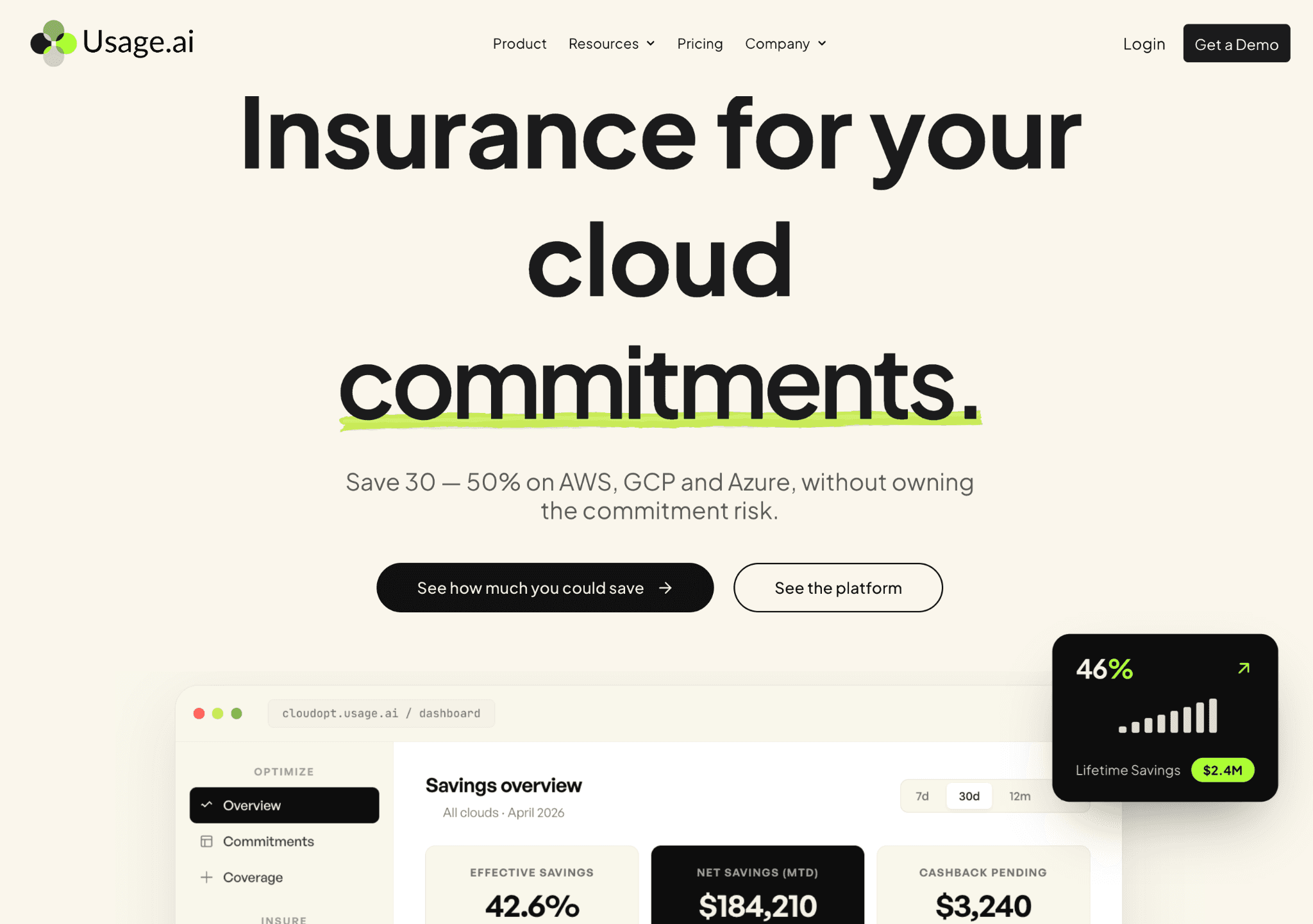
Usage.ai automates commitment discounts across AWS Savings Plans, Azure Savings Plans and Reservations, and GCP Committed Use Discounts on a roughly daily cycle. Its distinguishing feature is cashback: if a commitment it recommended becomes underutilized, Usage.ai pays cashback or credits to cover the gap, so a team can commit aggressively without carrying the over-buy risk itself. It connects at the billing layer with read-only access plus a scoped purchasing role, so it never touches workloads or secrets.
The limitation is scope. Usage.ai optimizes rates and commitments only, so it does not rightsize, autoscale, or fix inefficient architecture. A startup running wasteful workloads will still overpay for the underlying resources even after the discounts apply.
Key features:
Autonomous purchase of AWS Savings Plans, Azure commitments and GCP CUDs on a daily refresh.
Daily usage analysis that generates updated commitment recommendations.
Cashback protection that covers the gap when a recommended commitment goes underused.
Multi-cloud coverage across AWS, Azure and GCP, which is rare among commitment tools.
Billing-layer, read-only access plus a scoped purchasing role for easy approval.
Flexible short-term commitments instead of long lock-ins.
Reported roughly 35% average monthly savings per customer.
Fast time to value, with savings reported within about sixty days.
Pricing: Usage.ai uses performance-based pricing, taking a share of the savings actually delivered, so there is no upfront cost. The cashback model means a recommended commitment carries little downside.
Pros:
Multi-cloud support, unlike most AWS-only commitment tools.
Cashback removes the fear of committing and then under-using.
No upfront cost and a read-only footprint that is easy to approve.
Cons:
Optimizes only rates and commitments, not usage or architecture waste.
No public G2 rating yet, so third-party validation is thin.
8. CloudZero
Best for: Funded startups that need to report cost per customer and per feature to defend gross margin.
CloudZero is a unit-economics platform that maps cloud and AI spend to cost per customer, per feature, per team and per transaction. For a startup whose AI feature is quietly eating its margin, that framing turns a cloud bill into a board-ready number, and reviewers rate its dashboards and support highly. It ingests multi-cloud, Kubernetes and SaaS spend and adds anomaly detection on top.
The fit problem for early teams is cost and access. CloudZero is enterprise-priced with no free tier and a sales-gated, multi-thousand-dollar annual minimum, and reviewers note a learning curve plus slow initial data population. It is built for funded companies with real spend, not a bootstrapped seed team.
Key features:
Unit-cost metrics including cost per customer, per feature, per team and per transaction.
Cost-per-customer measurement that ties spend to specific accounts or tenants.
Multi-cloud, Kubernetes and SaaS cost ingestion in one view.
Anomaly detection and spend alerts.
Dashboards and visualizations rated highly by reviewers.
Flat pricing with no monthly overage, even when spend spikes.
AI and cloud cost intelligence positioned around return on investment.
Strong support, with a high quality-of-support score on G2.
Pricing: CloudZero uses custom, contact-sales pricing tied to annualized cloud spend, with no public self-serve or free tier. Third-party estimates put it in the five-figure annual range, so confirm a quote before planning around it.
Pros:
Best-in-class cost-per-customer and per-feature reporting for margin defense.
Flat pricing that does not spike with your bill.
Strong dashboards and support per reviewers.
Cons:
No free tier and an enterprise minimum, out of reach for most seed-stage teams.
Learning curve and slow initial data population reported by users.
How to Choose the Right AI Cost Tool for Your Startup
Pick by where your spend lives and what stage you are at, not by brand recognition. The stage map below tracks how a startup's cost problem usually evolves.
Pre-product-market-fit, near-zero budget: Start free. Helicone or TrueFoundry's free tier give LLM cost visibility at $0, and Cast AI's free savings report does the same for a Kubernetes cluster. Set habits early with FinOps for startups before spend scales.
LLM and API bill is the problem: If tokens dominate, a gateway like TrueFoundry cuts spend at the request layer through caching and routing, while Helicone shows you which calls cost most. Get a clear picture of which prompts and models drive the bill before you tune anything.
Cloud and infrastructure bill is the problem: On AWS, nOps automates commitments with no upfront cost, and multi-cloud teams get the same from Usage.ai with cashback. Before you automate, set targets the way cloud budgeting for startups lays out, and on Kubernetes let Cast AI apply the savings.
You need to know cost per customer or feature: Mavvrik and CloudZero attribute spend to features and customers, though both are demo-gated, so weigh that against a self-serve start.
Both buckets are growing and you have no FinOps team: Amnic gives one read-only view of AI tokens, cloud and Kubernetes with spend-based pricing, so you watch everything without a separate dashboard for each. Pair it with a clear method for how to allocate AI cost across teams.
Common Mistakes When Choosing AI Cost Tools
Buying for only one bucket: Many teams pick an LLM tool and forget GPUs and cloud, or do the reverse. Map both buckets first, then use a single view or pair tools deliberately. Start with AI cost visibility tools so neither half goes dark.
Optimizing before you can see: Tuning caching or buying commitments without measurement hides the result and invites regret. Get tracking in place first, prove the baseline, then act on the spend that actually matters.
Ignoring attribution until it is urgent: If you cannot split spend by team, feature or customer, you cannot defend margin when an investor asks. Adopt LLM cost allocation tools early rather than after a margin scare forces the issue.
Choosing a tool you cannot approve: A gateway that sits inline in production traffic is a heavier security ask than a read-only connector. For a team with no security staff, posture matters as much as features, so weigh how the tool connects before you weigh what it shows.
Why Startups Choose Amnic for AI and Cloud Cost Visibility
Three things make Amnic a fit where the rest cover only half the problem. First, it spans both buckets: AI tokens plus multi-cloud, Kubernetes and GPU spend in one platform, rather than a token tool or a cloud tool alone. Second, the agentless, read-only posture and its AI agents for FinOps let a small team get answers without granting write access or hiring an analyst. Third, spend-based pricing fits a startup bill instead of a flat enterprise contract.
The results show up on real bills. Nanonets cut compute spend 40%, S3 spend 50% and intra-region network spend 60%. LambdaTest cut NAT and CloudWatch cost 30%, Open Financial cut overall cloud cost 30%, MetaMap cut EC2 cost 33%, Uni cut cloud infrastructure 20%, and Jiffy.ai cut Kubernetes cluster cost 50% through rightsizing. Built-in cost anomaly detection flags spikes before they compound, and the platform connects each line of spend to an owner.
Get One View of Your AI and Cloud Spend
A startup does not need a FinOps team to control AI and cloud cost, it needs one place to see both buckets and act before the bill closes. The FinOps platform from Amnic puts AI token spend, multi-cloud and Kubernetes cost in a single read-only view, with agents that answer cost questions in plain English and pricing that scales with your spend rather than a flat contract.
Seeing both halves in one place is what lets a small team catch a spike early and tie every cost line to a clear owner before it reaches the board. Request a demo to see it on your own data.
Frequently Asked Questions
What are the best AI cost optimization tools for startups?
Amnic, TrueFoundry, Helicone, Mavvrik, Cast AI, nOps, Usage.ai and CloudZero. They split into LLM and API tools that cut token spend and cloud and infrastructure tools that cut compute spend. Amnic covers both in one read-only view.
Do AI cost tools for startups have free tiers?
Several do. Helicone offers a free tier of 10,000 requests a month plus free self-hosting, TrueFoundry has a free Developer tier of 50,000 requests, and Cast AI gives a free monitoring tier and savings report. nOps and Usage.ai charge only a share of savings.
What is the difference between LLM cost tools and cloud cost tools?
LLM tools sit near the model call and cut token spend through caching, routing and batching. Cloud tools sit on the billing and compute layer and cut spend through rightsizing, autoscaling, and commitments. Startups usually need both.
When should a startup get an AI cost tool?
Start with free visibility as soon as you run production AI or cloud workloads. A paid tool earns its keep once spend or workload count grows enough that a surprise on the bill would hurt, often well before you hire a finance lead.
Can one tool track both AI tokens and cloud spend?
Yes. Amnic tracks AI token spend across OpenAI, Anthropic, Bedrock and Gemini alongside multi-cloud and Kubernetes cost in one read-only platform, so a small team avoids running a separate token dashboard and cloud dashboard.
How much do AI cost optimization tools cost?
Models vary. Helicone and TrueFoundry publish free and fixed monthly tiers. nOps and Usage.ai take a share of savings. Amnic charges about 0.25% to 1% of monitored spend. CloudZero and Mavvrik use custom, contact-sales pricing.
Better visibility and management into AI Tokens?
Start with a 30 day trial
Connect leading LLMs
24 hour time to value
Stay ahead of AI Spend

Make AI spend visible, controllable, and accountable.
Gain insights into your AI token costs at a team, customer, business unit and individual user level to measure and manage AI utilization.
Recommended Articles

8 Best Llama Cost Management Tools in 2026
Read More

8 Best Amazon Bedrock Cost Optimization Tools for 2026
Read More

7 Best Amazon Bedrock Cost Monitoring Tools
Read More

8 Best Gemini Cost Visibility Tools for 2026
Read More

7 Best Multimodal Cost Optimization Tools for 2026
Read More

5 Best Anthropic Cost Allocation Tools for 2026
Read More






