7 Best OpenCost Alternatives for Kubernetes Cost (2026)
14 min read
Comparisons
Table of Contents
Comparing the top OpenCost alternatives for 2026, the strongest options are 1. Amnic, 2. IBM Kubecost, 3. CloudZero, 4. CAST AI, 5. nOps, 6. Vantage and 7. Datadog Cloud Cost Management.
OpenCost alternatives are Kubernetes cost monitoring tools that pick up where the open-source project stops: reconciled pricing, rightsizing actions, multi-cloud allocation and finance-ready reporting.
OpenCost is great for a free, real-time view of cluster spend, but it prices on on-demand list rates and leaves optimization, governance and reporting to you. That gap matters when nearly half of organizations say Kubernetes pushed their cloud bill higher, mostly from overprovisioning.
Amnic leads this list because it gives engineering and finance the same Kubernetes plus AWS, Azure and GCP cost picture, agentlessly, with AI agents a CFO, SRE or FinOps lead can each query in plain language.
If you are weighing a move off open-source tooling, start with a purpose-built Kubernetes cost management platform and compare it against the field below.
The 7 Best OpenCost Alternatives in 2026
Amnic is for engineering and finance teams that want Kubernetes plus AWS, Azure and GCP cost in one read-only view with AI querying.
IBM Kubecost is the supported commercial upgrade for OpenCost users who want reconciled allocation without leaving the same data model.
CloudZero is for SaaS teams that need cost per customer and per feature, not just cluster totals.
CAST AI is for platform teams that want hands-off Kubernetes automation across EKS, AKS and GKE.
nOps is for AWS and EKS teams that want automated commitment and Spot management alongside container cost allocation.
Vantage is the fastest self-serve way to get a multi-cloud and Kubernetes cost dashboard on a budget.
Datadog Cloud Cost Management is for SRE teams that want cost spikes sitting next to latency and error data they already watch.
Comparison Table: Best OpenCost Alternatives and Kubernetes Cost Monitoring Tools
The table compares coverage, automation, free access and pricing model so you can shortlist before reading the detail.
Tool | Kubernetes and cloud coverage | Optimization and automation | Free tier | Pricing model | Best for |
|---|---|---|---|---|---|
Amnic | Kubernetes plus AWS, Azure and GCP in one view | Rightsizing, anomaly detection, AI agents | Yes, one-month startup trial | Percentage of monitored cloud spend | Shared engineering and finance cost truth, read-only |
IBM Kubecost | Kubernetes-native, cloud billing reconciliation | Recommendations, reconciled allocation | Yes, Foundations tier | Free tier, custom enterprise | OpenCost users wanting a supported upgrade |
CloudZero | Kubernetes plus AWS, Azure and GCP | Anomaly alerts, unit-cost views | No | Enterprise contract only | Cost per customer and per feature |
CAST AI | Kubernetes only (EKS, AKS, GKE) | Automated rightsizing, bin packing, Spot | Yes, free monitoring | Freemium, then per-CPU | Hands-off Kubernetes automation |
nOps | Kubernetes plus AWS | Automated commitment and Spot management | Yes, free tier | Flat fee plus savings share | AWS and EKS rate optimization |
Vantage | Kubernetes plus AWS, Azure, GCP and 25+ services | Reservation and savings reporting | Yes, no time limit | Tiered subscription | Fast self-serve visibility on a budget |
Datadog CCM | Kubernetes plus AWS, Azure and GCP | Cost anomaly detection beside APM | Trial within Datadog | Add-on per cloud account | SREs already living in Datadog |
How We Evaluated These Kubernetes Cost Management Tools
We score each tool on what an OpenCost leaver actually needs next, not on dashboard count. The six criteria are pricing accuracy with Spot and discount reconciliation, Kubernetes allocation depth, optimization and automation, multi-cloud coverage beyond the cluster, finance reporting like chargeback and unit economics and a fast time to first insight. Amnic is first because it covers the widest span of these without asking for write access. The platforms after it each lead on specific criteria. The right pick depends on the problem you are solving this quarter.
7 Best OpenCost Alternatives for Kubernetes Cost Management
These seven platforms cover the full path from raw Kubernetes allocation to reconciled billing, automation and multi-cloud reporting.
1. Amnic
Best for: Teams that have outgrown open-source OpenCost and want Kubernetes plus multi-cloud cost in one place, with engineering and finance reading the same numbers. It suits groups that need accuracy and governance without granting write access to production.
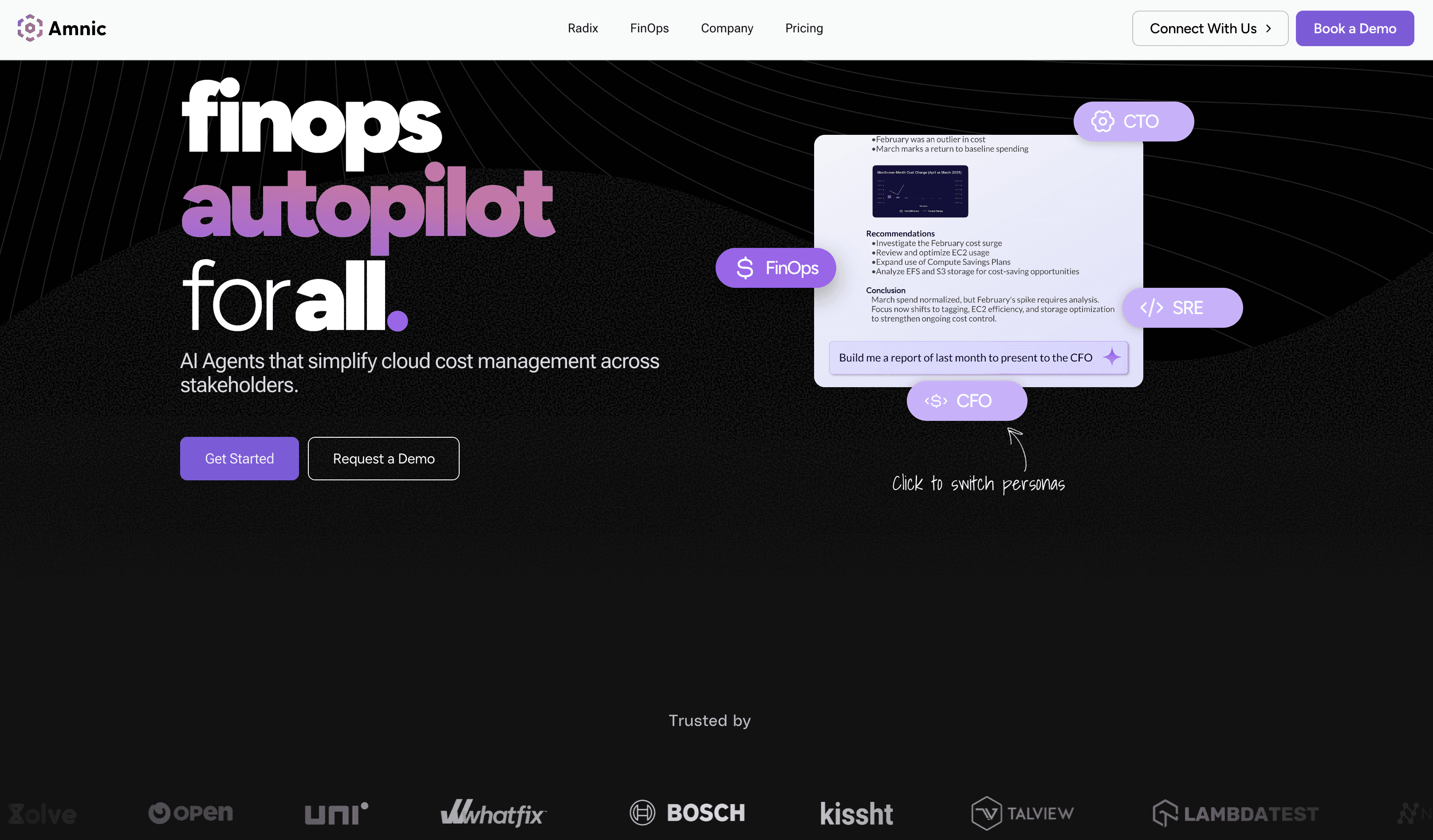
Amnic is an agentless FinOps platform that unifies Kubernetes cost with AWS, Azure and GCP spend in a single view. It reads billing and monitoring data with read-only access, so DevOps keeps control of every change. The platform pairs container-level Kubernetes visibility with cost allocation, anomaly detection and AI agents that answer cost questions in plain language. That mix gives an OpenCost leaver reconciled accuracy and reporting in one move.
Key features:
Kubernetes cost utilization down to container, pod, node pool and persistent volume claim, with guidance to rightsize clusters
Rightsizing recommendations that flag idle and underused resources across compute, storage and network
Cloud cost anomaly detection with thresholds at tag, product or cluster level
Amnic AI context-aware AI agents (X-Ray, Insights, Governance, Reporting) for natural-language cost questions
Unit economics that tie spend to cost per customer, per service or per query
Virtual Tags that normalize messy or missing tags into one clean allocation rule
Multi-cloud coverage across AWS, Azure and GCP next to Kubernetes, so no spend sits outside the view
Cloud cost allocation with shared-cost split rules for fixed, proportional or usage-based models
Budgets with staged consumption alerts, plus SSO and Jira for governance
Agentless, read-only deployment that security teams approve in days, not months
Pricing: Amnic charges a percentage of the cloud spend it monitors, with a one-month free trial on the startup tier and no credit card. Enterprise plans scope to your footprint and let you negotiate a spend cap, so the fee tracks what you actually manage.
Pros:
One view for Kubernetes and AWS, Azure and GCP, so cluster cost and cloud cost reconcile in the same place
Read-only and agentless, which clears security review far faster than write-access automation tools
AI agents let a CFO, SRE or FinOps analyst ask cost questions in plain language without SQL
Unit economics tie spend to business metrics that native and open-source tools cannot produce
Cons:
The percentage-of-spend model grows with your bill, so large enterprises should negotiate a spend cap up front
Automation is recommendation-led by design, so teams wanting the tool to execute changes keep that in DevOps hands
The Amnic platform helped us optimize Kubernetes cluster cost by 50% through its sharp rightsizing recommendations of instances and pods. Sekhar Prakash, Co-founder, Cloud Engineering and Ops, Jiffy.ai
2. IBM Kubecost
Best for: OpenCost users who want the same allocation model with a supported commercial product on top. It fits teams that need reconciled billing accuracy and enterprise features like SSO and multi-cluster views.
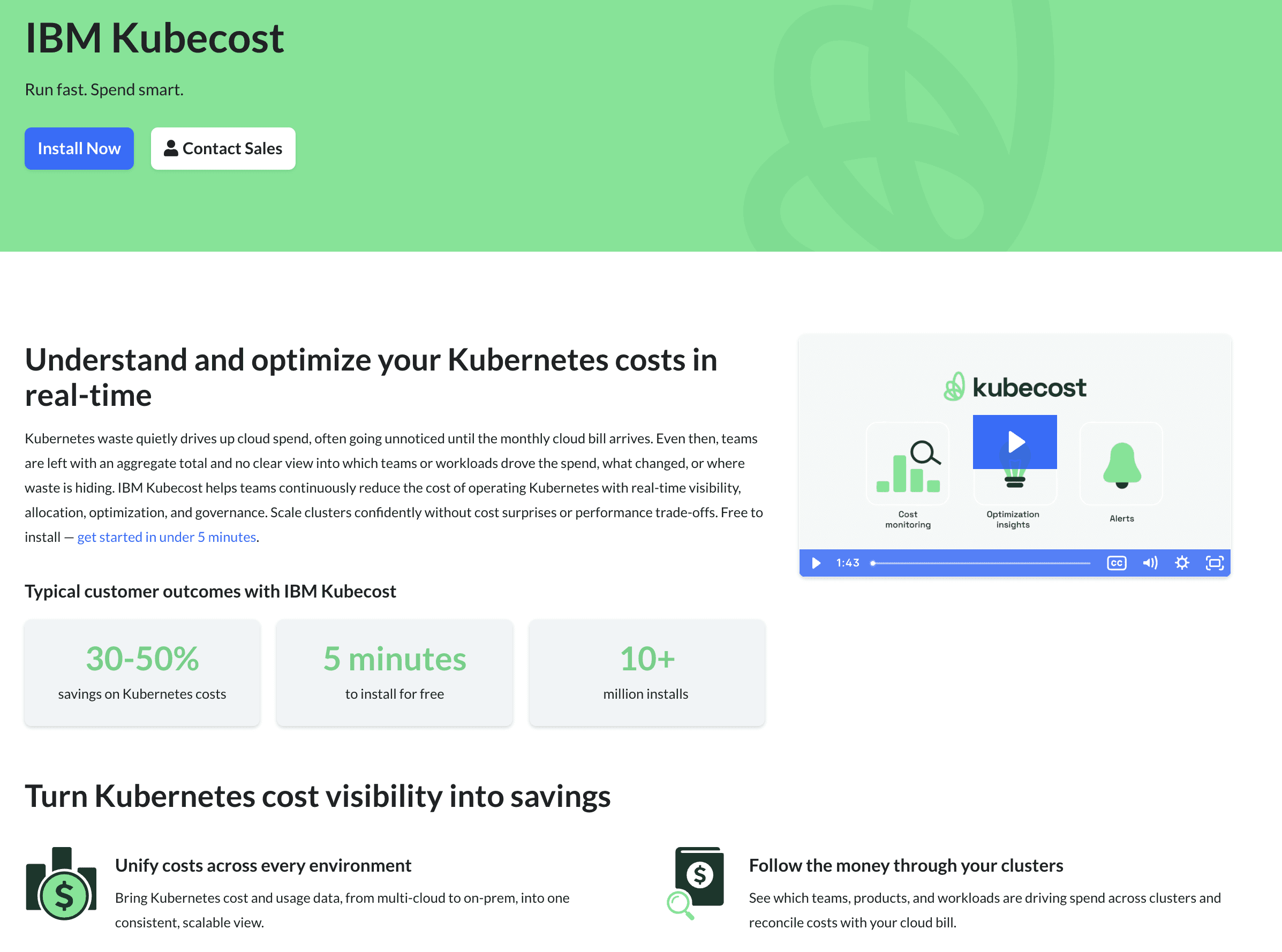
Kubecost is the commercial platform built on the OpenCost engine, so the data model feels familiar to anyone leaving the open-source project. It adds reconciliation against actual cloud bills, savings recommendations, alerts and multi-cluster management. The product moved under new ownership after IBM acquired the project's commercial parent in 2024, which expanded its enterprise roadmap alongside Turbonomic.
Key features:
Kubernetes cost allocation by namespace, label, deployment and service
Billing reconciliation that accounts for Spot, Reserved Instances and discounts the open-source version misses
Savings recommendations for rightsizing and idle resources
Budget alerts and anomaly notifications at the cluster level
Multi-cluster views and longer metric retention on paid tiers
Enterprise governance with SSO and access controls
Self-hosted and cloud deployment options
Integrations with Prometheus and major managed Kubernetes services
Pricing: The Foundations tier is free for unlimited clusters up to a core limit, with short metric retention. Enterprise Self-Hosted and Enterprise Cloud move to custom pricing you request from IBM, which several teams report climbs at multi-cluster scale.
Pros:
Closest upgrade path for OpenCost users, with the same allocation foundation
Reconciled accuracy fixes the list-price gap that pushes teams off open-source
Backing of a large vendor with a broader cost and performance portfolio
Cons:
Coverage stays Kubernetes-centric, so non-cluster cloud spend needs another tool
Enterprise pricing is opaque and can rise sharply across many clusters
Self-hosting still carries operational overhead your team owns
3. CloudZero
Best for: SaaS engineering and finance teams that need cloud and Kubernetes spend mapped to cost per customer, per feature and per deployment. It suits groups that already track product analytics and want cost in the same frame.
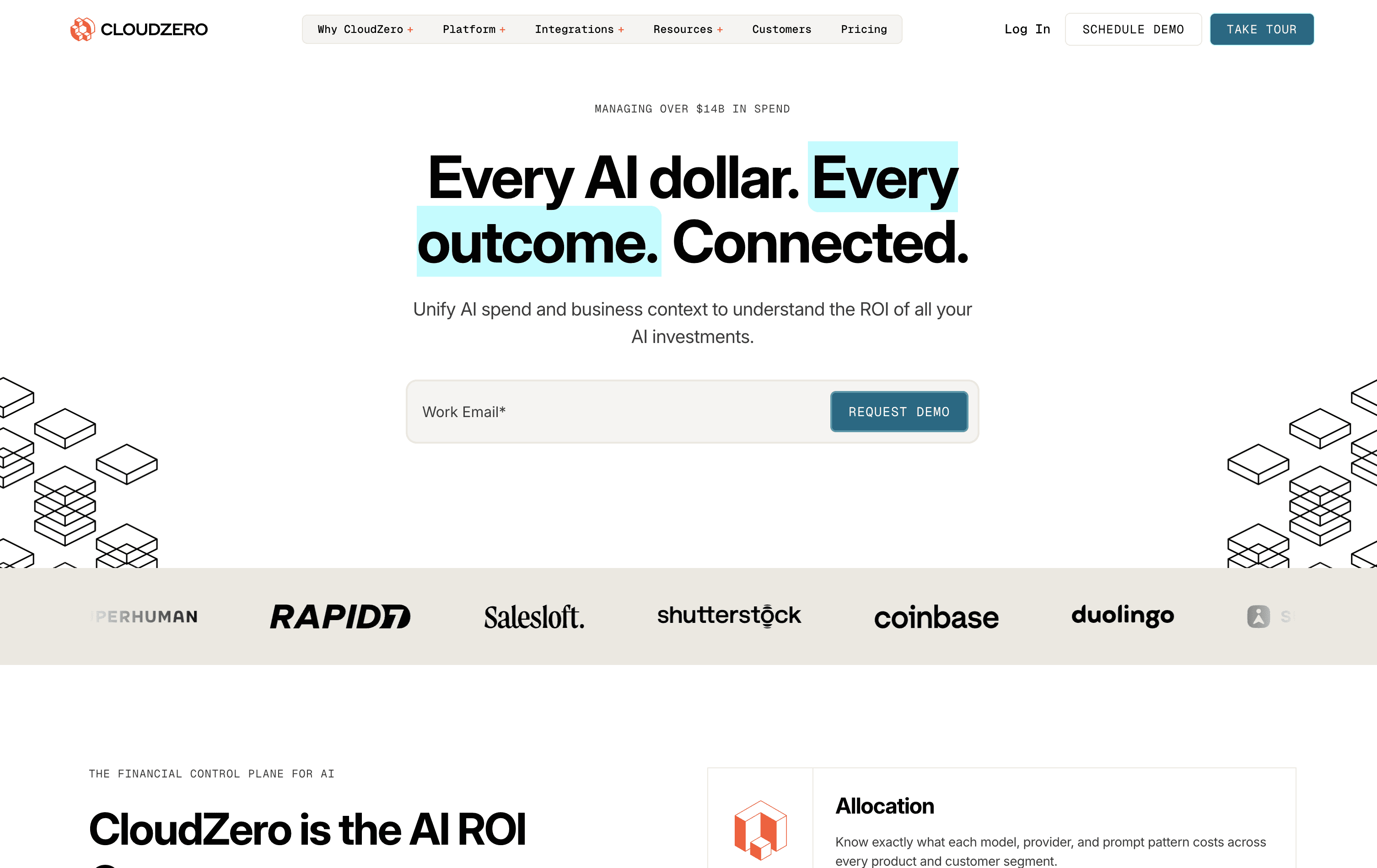
CloudZero is a FinOps platform built around unit economics rather than raw infrastructure totals. Its allocation engine maps Kubernetes and cloud spend to business dimensions, so an engineering leader can show what each feature costs to run.
It pulls Kubernetes cost views alongside AWS, Azure and GCP. It also ingests non-native spend like Snowflake through its AnyCost interface. The result is a business-level view that open-source cluster monitoring cannot reach.
Key features:
Cost per customer, per feature and per deployment allocation
Kubernetes cost views joined with multi-cloud provider spend
AnyCost ingestion for SaaS and data-platform costs
Anomaly alerts with context on which team or feature moved
Engineering-ready dashboards for sprint and deployment cost
Custom cost dimensions without writing SQL
Reporting formatted for quarterly business reviews
Pricing: CloudZero sells through enterprise contracts only, with no public rate card and no free trial. Pricing tracks the cloud spend under management, so smaller teams often cannot justify the commitment.
Pros:
One of the strongest unit-economics engines for SaaS cost per customer
AnyCost pulls in non-cloud spend so a feature cost includes every layer
Reporting suits engineering leaders presenting to finance
Cons:
Kubernetes granularity is lighter than dedicated cluster tools
No self-serve or free trial slows evaluation for smaller teams
Enterprise-only pricing rules out budget-constrained buyers
4. CAST AI
Best for: Kubernetes-first platform teams that want automation to act on cost, not just report it. It fits groups comfortable granting write access for hands-off rightsizing across EKS, AKS and GKE.
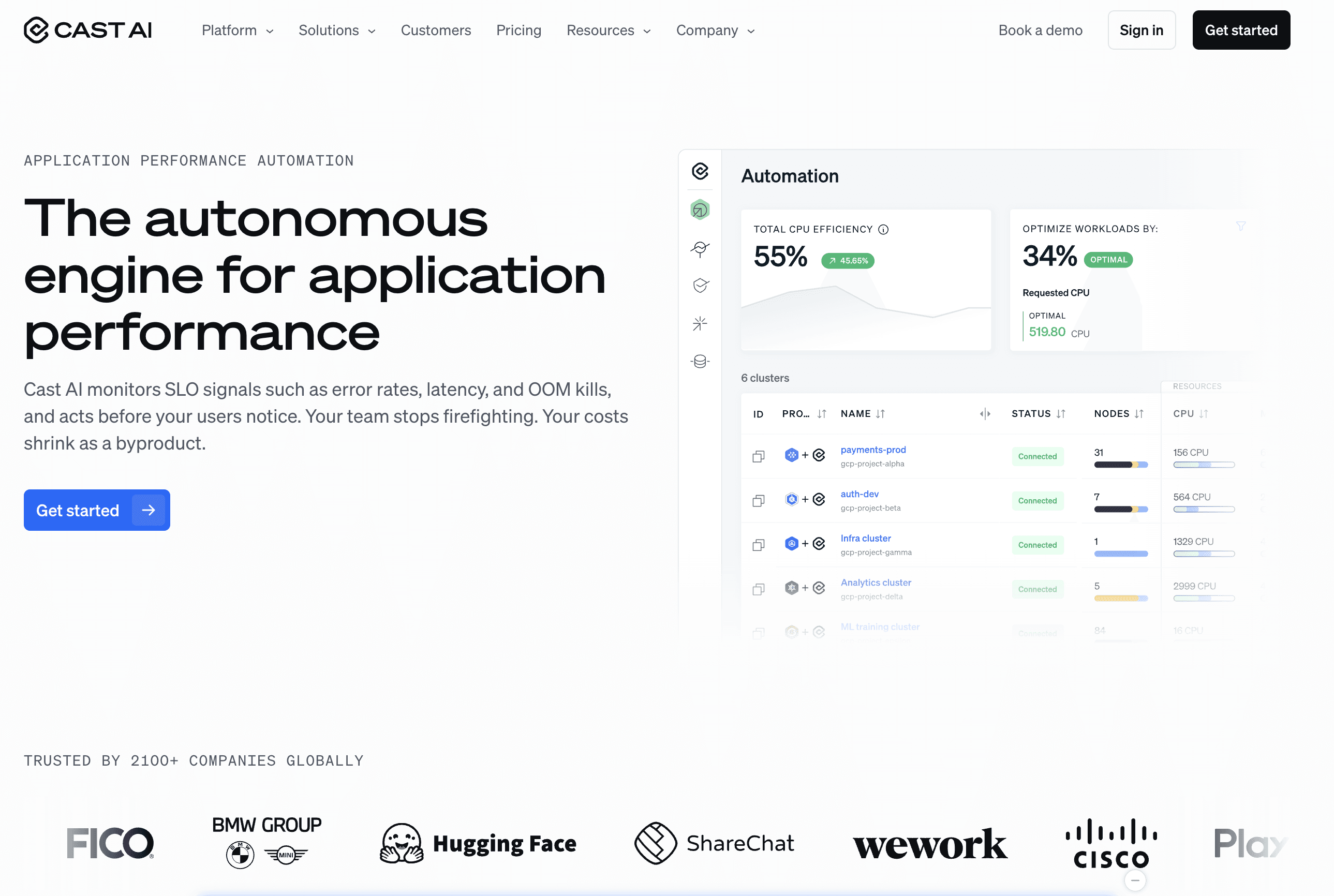
CAST AI is a Kubernetes automation platform that rightsizes pods, picks cheaper node types and scales clusters across Spot and on-demand capacity. It monitors cost at cluster, namespace and workload level, then applies changes automatically when you allow it. The depth inside Kubernetes is strong, but coverage stops at the cluster edge, so most teams pair it with a broader cost platform for non-Kubernetes spend.
Key features:
Pod rightsizing and bin packing based on live usage
Automatic node-type selection for cheaper capacity
Spot orchestration with fallback to on-demand
Cluster autoscaling tuned to real workload demand
Cost monitoring at namespace and workload level
Free cluster savings report before any commitment
Security posture checks alongside cost data
Pricing: A free plan covers monitoring and savings reports across unlimited clusters. The Growth plan adds automation from a flat monthly fee plus a per-CPU charge. Enterprise pricing is custom.
Pros:
Deepest hands-off Kubernetes automation in this list
Free savings report shows a concrete number before you commit
Acts on recommendations rather than leaving execution to the team
Cons:
Scope is Kubernetes only, so non-cluster spend needs a second tool
Full automation requires write access your security team must approve
Finance reporting and chargeback are minimal
Reviewers on Gartner Peer Insights praise the automation depth while noting the platform stays inside Kubernetes.
5. nOps
Best for: AWS and EKS engineering teams that want container cost allocation next to automated commitment and Spot management. It fits groups that would rather the platform buy and manage savings than run a quarterly review by hand.
nOps is an engineering-led FinOps platform focused on AWS. It allocates Kubernetes cost at the container, pod, namespace and node-pool level across EKS, then automates Reserved Instance and Savings Plan purchases as workloads shift. Its Spot orchestration selects instances by interruption risk and handles failover without custom scripts. The platform acts on cost rather than only surfacing it, which appeals to teams that want fewer manual rate decisions.
Key features:
Kubernetes cost allocation by container, pod, namespace and node pool
Automated commitment management for Reserved Instances and Savings Plans
Spot orchestration with interruption-aware scheduling
Cost allocation by team, service and environment
Cost explorer with many grouping dimensions
Rightsizing recommendations for containers and instances
Free tier and short trial for visibility features
Pricing: Cost visibility and allocation run on a flat fee tied to your cloud spend, with a free tier and a short trial. Autonomous rate optimization is billed as a share of the savings it realizes.
Pros:
Container-level allocation fills the gap left by account-only views
Commitment management removes manual Reserved Instance reviews
Flat visibility pricing stays predictable as the environment grows
Cons:
Strongest on AWS, with Azure and GCP coverage less mature
Full automation needs write access to the AWS account
Finance-facing reporting is lighter than dedicated FinOps suites
Practitioner reviews on Capterra highlight the automated commitment management, with AWS depth ahead of Azure and GCP.
6. Vantage
Best for: Startups and mid-market teams that want a fast multi-cloud and Kubernetes cost dashboard without an enterprise contract. It fits groups that value a free tier and self-serve setup over deep automation.
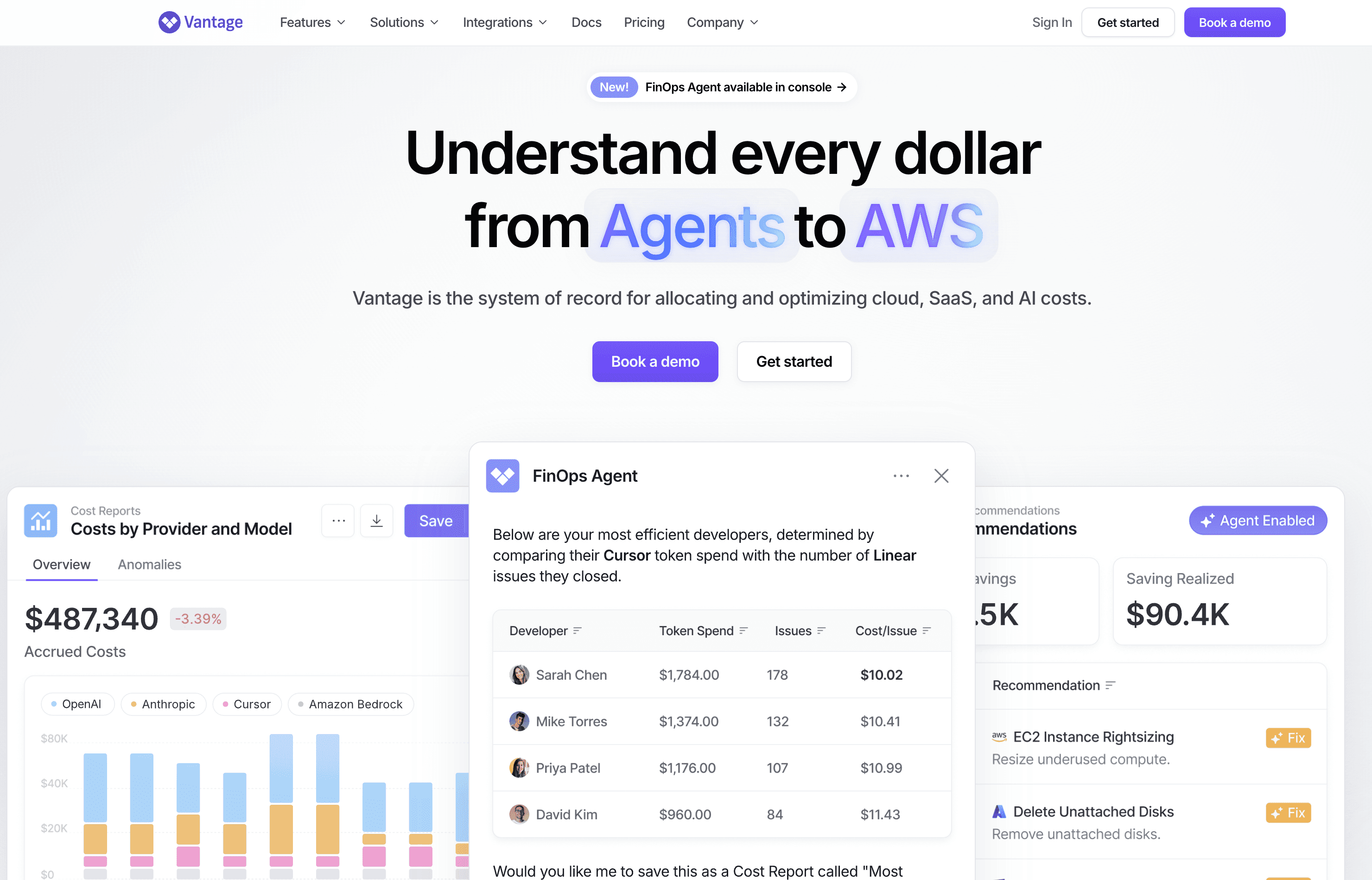
Vantage gives teams a clean cost dashboard across AWS, Azure, GCP, Kubernetes and more than 25 services like Snowflake and Datadog. A free tier and self-serve onboarding make it a common first paid step for teams leaving free open-source tools. It leans toward visibility and reporting rather than automated execution, so it pairs well with a tool that acts on cost when that becomes the priority.
Key features:
Multi-cloud and Kubernetes cost dashboards in one place
25-plus integrations across SaaS and data tools
Reservation and Savings Plan coverage reporting
Active anomaly notifications with team-level routing
Per-team cost reports any member can build
Self-serve onboarding without a sales process
Cost reports scoped by tag, account or service
Pricing: A free tier runs with no time limit for smaller footprints. Paid plans move to a tiered subscription that unlocks longer history, access controls and support, billed as a fixed rate rather than a share of spend.
Pros:
Fastest self-serve onboarding in this list, often working within a day
Free tier with no time limit suits long-term use by small teams
Broad SaaS integrations put total infrastructure cost in one view
Cons:
Natural-language and AI querying are earlier-stage than Amnic
Governance is mostly alert-based, so policy and tag hygiene need building
No Oracle or Alibaba support for wider multi-cloud teams
7. Datadog Cloud Cost Management
Best for: SRE and observability teams already on Datadog that want cost spikes in the same dashboards as latency and errors. It fits groups that treat a budget deviation as an operational signal.
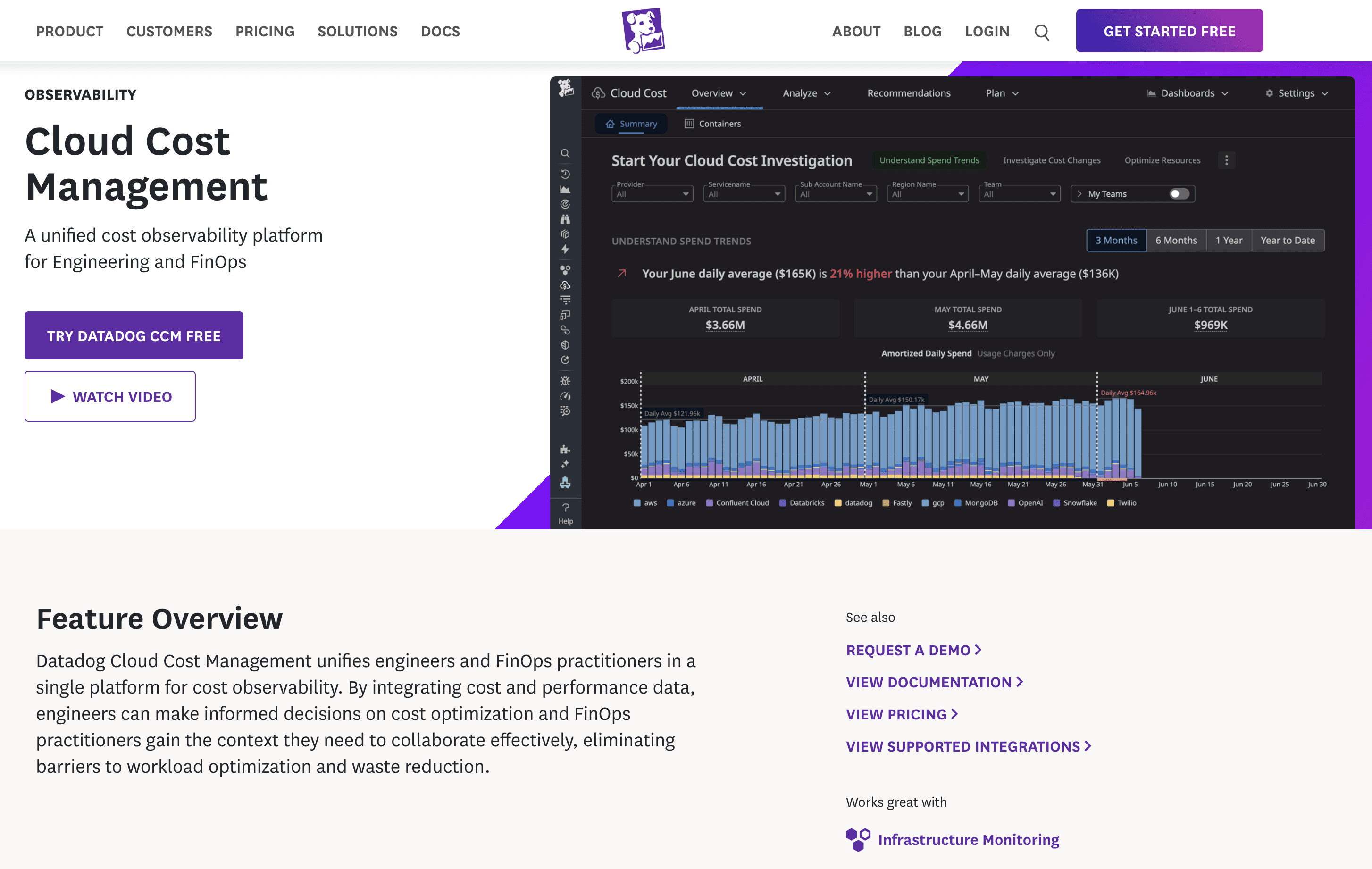
Datadog Cloud Cost Management adds cost views to the monitoring platform many SRE teams already run. It correlates Kubernetes and cloud spend with APM traces, logs and metrics, so an engineer can trace a cost spike to a specific service change without switching tools. Allocation uses the tag hierarchies of a team already defined in Datadog. The trade-off is that it lacks the finance reporting a dedicated FinOps platform provides.
Key features:
Cost views joined with APM, logs and metrics
Kubernetes and cloud cost allocation by existing tags
Anomaly detection on cost metrics in familiar alert channels
Reuse of Datadog dashboards and team structures
Spend correlation with service-level performance data
Tag-based shared-cost distribution
No separate tagging strategy required
Pricing: Cost Management is an add-on to a Datadog subscription, billed by the number of cloud accounts monitored. The core platform bills separately by hosts and ingestion, so the combined cost rises with overall Datadog usage.
Pros:
Cost data sits beside performance data with no context switch
Correlating cost spikes with APM traces is rare in this category
Existing Datadog tags and alert routing carry straight over
Cons:
No unit economics, chargeback or budget governance layer
Combined Datadog and Cost Management cost climbs with usage
Multi-cloud governance and tag hygiene enforcement are limited
How to Choose the Right Kubernetes Cost Management Software
The right OpenCost alternative is the one that solves your single biggest gap in the first 90 days, not the one with the longest feature list. Pick by the problem in front of you.
Accuracy problem: choose a tool that reconciles Spot, Reserved Instances and discounts, like Amnic or IBM Kubecost
Automation problem: choose write-access execution, like CAST AI or nOps, once security approves it
Multi-cloud problem: choose a platform that covers Kubernetes and AWS, Azure and GCP together, like Amnic, CloudZero or Vantage
Unit-economics problem: choose cost per customer and per feature, like Amnic or CloudZero
Observability problem: choose cost beside performance, like Datadog
Budget problem: choose a free tier and self-serve, like Vantage
If you want the full landscape beyond this list, compare it against a wider set of Kubernetes cost optimization tools and a roundup of FinOps tools for Kubernetes cost management. Write down your top two problems and compare only those.
Why Teams Choose Amnic Over OpenCost
Amnic is built on a simple idea: cluster cost and cloud cost should live in one place, readable by every role. Three differences matter most to the teams leaving open-source tooling.
Accuracy without the list-price gap. OpenCost prices on list rates, so chargeback never quite matches the bill. Amnic reconciles spend across Kubernetes and the wider cloud, so finance can trust the numbers.
One view past the cluster edge. Most Kubernetes-only tools stop where the cluster does. Amnic places container, pod and node cost next to AWS, Azure and GCP spend, with unit economics already counted above.
AI that any role can use. Amnic AI turns plain-language questions into filtered views, so an SRE, FinOps analyst or CFO gets an answer in seconds rather than a Prometheus query.
Customer outcomes back this up:
50% Kubernetes cluster cost reduction at Jiffy.ai
40% compute cost reduction at Nanonets
33% EC2 cost reduction at MetaMap
30% NAT and CloudWatch reduction at LambdaTest
For the practices behind these results, see the Kubernetes cost optimization best practices guide, then bring them into one FinOps platform.
Cut Your Kubernetes Bill in the Next Quarter
If you run OpenCost today and need reconciled accuracy, multi-cloud coverage and reporting your finance team trusts, Amnic is built for you. Book a 30-minute demo and see your top cluster cost leaks before the call ends.
Frequently Asked Questions
What is the best OpenCost alternative?
Amnic is the best fit for most teams leaving OpenCost, because it covers Kubernetes and multi-cloud cost in one read-only view with reconciled accuracy and AI querying. IBM Kubecost is the closest like-for-like upgrade since it shares the OpenCost engine. CAST AI and nOps lead if your priority is automated optimization rather than reporting.
Is OpenCost free?
Yes. OpenCost is open-source under the Apache 2.0 license and free to use at any cluster size. You self-host it, so the real cost is the engineering time to deploy, scale and maintain it, plus the accuracy gap from list-rate pricing. Paid alternatives trade that maintenance and inaccuracy for reconciled billing and support.
What is the difference between OpenCost and Kubecost?
OpenCost is the free, open-source allocation engine. Kubecost is the commercial product built on top of it, now owned by IBM. Kubecost adds billing reconciliation for Spot and discounts, savings recommendations, alerts, multi-cluster management and enterprise support. OpenCost gives you the raw cost data and leaves optimization and reporting to you.
Does OpenCost support multi-cloud and non-Kubernetes costs?
OpenCost reads billing data from AWS, Azure and GCP, but its model centers on Kubernetes workloads rather than full cloud spend. It does not give finance a unified multi-cloud view with chargeback and unit economics. Teams that need cluster cost and total cloud cost in one place usually move to a broader platform like Amnic.
Why do teams look for OpenCost alternatives?
Three reasons recur. OpenCost prices on list rates, so it misses Spot, Reserved Instance and discount savings and cannot back trustworthy chargeback. It reports rather than optimizes, so acting on waste stays manual. And it is Kubernetes-scoped and self-hosted, so non-cluster cost and ongoing upkeep fall outside it.
Does OpenCost account for Spot instances and discounts?
No. OpenCost applies on-demand list prices to the resources a cluster uses, so it does not reconcile Spot, Reserved Instances, Savings Plans, credits or negotiated discounts. The estimate is useful for relative comparisons between teams, but it will not match your actual cloud bill. Reconciled accuracy is the main reason teams upgrade to a commercial tool.
Can OpenCost alternatives do chargeback across teams?
Yes. Platforms like Amnic, IBM Kubecost and CloudZero allocate shared and cluster cost to teams, products and customers with split rules, then format it for chargeback or showback. Amnic also adds unit economics and AI reporting so finance and engineering work from the same numbers. OpenCost on its own lacks this finance-ready reporting layer.
Better visibility and management into AI Tokens?
Start with a 30 day trial
Connect leading LLMs
24 hour time to value
Stay ahead of AI Spend

Make AI spend visible, controllable, and accountable.
Gain insights into your AI token costs at a team, customer, business unit and individual user level to measure and manage AI utilization.
Recommended Articles

Compare Input vs Output Token Pricing: Why Output Costs More and How to Budget for It
Read More

Vertex AI vs Bedrock: The Enterprise Platform Decision That Outlives the Token Price
Read More

Gemini vs GPT: Which AI Model Fits Your Workflow and Budget
Read More
H100 vs A100: Specs, Cost and Which GPU Wins for Your Workload
Read More
OpenCost vs Kubecost: Key Differences and How to Choose
Read More
6 Best Datadog Alternatives for Cloud Cost Management in 2026
Read More






