8 Best Kubernetes Cost Optimization Tools in 2026
15 min read
Kubernetes
Tools
Table of Contents
Comparing the top Kubernetes cost optimization tools for 2026 are 1. Amnic, 2. ScaleOps, 3. Sedai, 4. Finout, 5. Kubecost, 6. Kubex, 7. CloudZero and 8. CAST AI.
Below is a detailed comparison of the best top Kubernetes cost optimization tools of 2026, ranked on rightsizing depth, multi-cluster coverage, attribution granularity and documented customer outcomes.
Amnic ranks first for teams that want unified kubernetes cost management with container and PVC rightsizing, agentless read-only deployment and documented customer savings like the 50% Kubernetes cluster cost reduction at Jiffy.ai.
Top Kubernetes Cost Optimization Tools in 2026
Amnic: Cost breakdown across nodes, namespaces, workloads and pods with container and PVC rightsizing, delivered through an agentless read-only deployment.
ScaleOps: Real-time pod and node rightsizing, bin packing and spot orchestration for production Kubernetes.
Sedai: Autonomous, SLO-aware Kubernetes optimization that rightsizes workloads and tunes scaling on EKS, AKS and GKE.
Finout: FinOps platform with a Kubernetes waste detection use case stitched into a broader cost view.
Kubecost: Kubernetes-native cost allocation and rightsizing with a free Foundations tier, built on OpenCost and backed by IBM and Apptio.
Kubex: ML-driven autonomous rightsizing of pods, nodes and GPUs across multi-cloud Kubernetes, with policy guardrails. Formerly Densify.
CloudZero: Cost intelligence platform with a dedicated Kubernetes visibility solution for engineering teams.
CAST AI: Cluster autoscaler, bin packing, spot automation and commitments utilization for EKS, AKS, GKE and Oracle.
What is Kubernetes Cost Optimization?
Kubernetes cost optimization is the practice of reducing the cloud bill produced by your clusters without hurting reliability or release velocity. It covers rightsizing pods, picking the right node mix, catching idle namespaces and allocating cluster spend back to the team that owns each workload.
On the technical side, it spans Vertical Pod Autoscaler tuning, Horizontal Pod Autoscaler thresholds, Karpenter or Cluster Autoscaler policies, spot node lifecycle handling, persistent volume cleanup and cross-AZ data transfer reduction. CAST AI's published 2024 Kubernetes benchmark reports that only 13% of provisioned CPU is actually used in production clusters.
For an SRE lead or FinOps practitioner, the work shows up as a continuous loop of measuring container utilization, agreeing on rightsizing changes with product teams and proving the savings back to the CFO with attribution data finance can read.
Comparison Table: Top 8 Kubernetes Cost Optimization Software in 2026
Tool | K8s Coverage | Rightsizing | Automation | Pricing |
| EKS, AKS, GKE, self-managed | Container, pod, PVC | Recommendations | % of cloud spend, 30-day trial |
| EKS, AKS, GKE | Pod, node, replica, bin packing | Automated | Custom |
| EKS, AKS, GKE | Pod, node, scaling | Autonomous | Custom |
| EKS, AKS, GKE | Recommendations only | None | Enterprise |
| EKS, AKS, GKE, on-prem | Recommendations + auto request sizing | Rules-based | Free tier + Enterprise |
| EKS, AKS, GKE, OpenShift, OKE | Pod, node, GPU (ML) | Autonomous + recommend | Free trial, custom |
| EKS, AKS, GKE | Limited | Recommendations | Enterprise |
| EKS, AKS, GKE, Oracle | Pod, node, bin packing | Automated | % of savings |
Coverage and pricing reflect vendor websites as of May 2026. Confirm current pricing with each vendor.
How We Evaluated These Kubernetes Cost Optimization Platforms
These kubernetes cost optimization tools were scored on what each vendor documents on its own site, not third-party reviews. The six criteria a real buyer cares about:
Rightsizing depth: Container, pod, node, replica, persistent volume, or only one layer?
Multi-cluster and multi-cloud coverage: EKS, AKS, GKE, self-managed clusters in one view?
Attribution granularity: Node, namespace, workload, label, team, product?
Automation vs. recommendation: Does it act, or only surface changes?
Security posture: Read-only or write access?
Pricing transparency: Free trial available, public pricing model?
8 Best Kubernetes Cost Optimization Tools in 2026
1. Amnic
Best for: Multi-cloud teams that want deep Kubernetes cost visibility and rightsizing across nodes, namespaces, workloads and pods with an agentless read-only deployment.
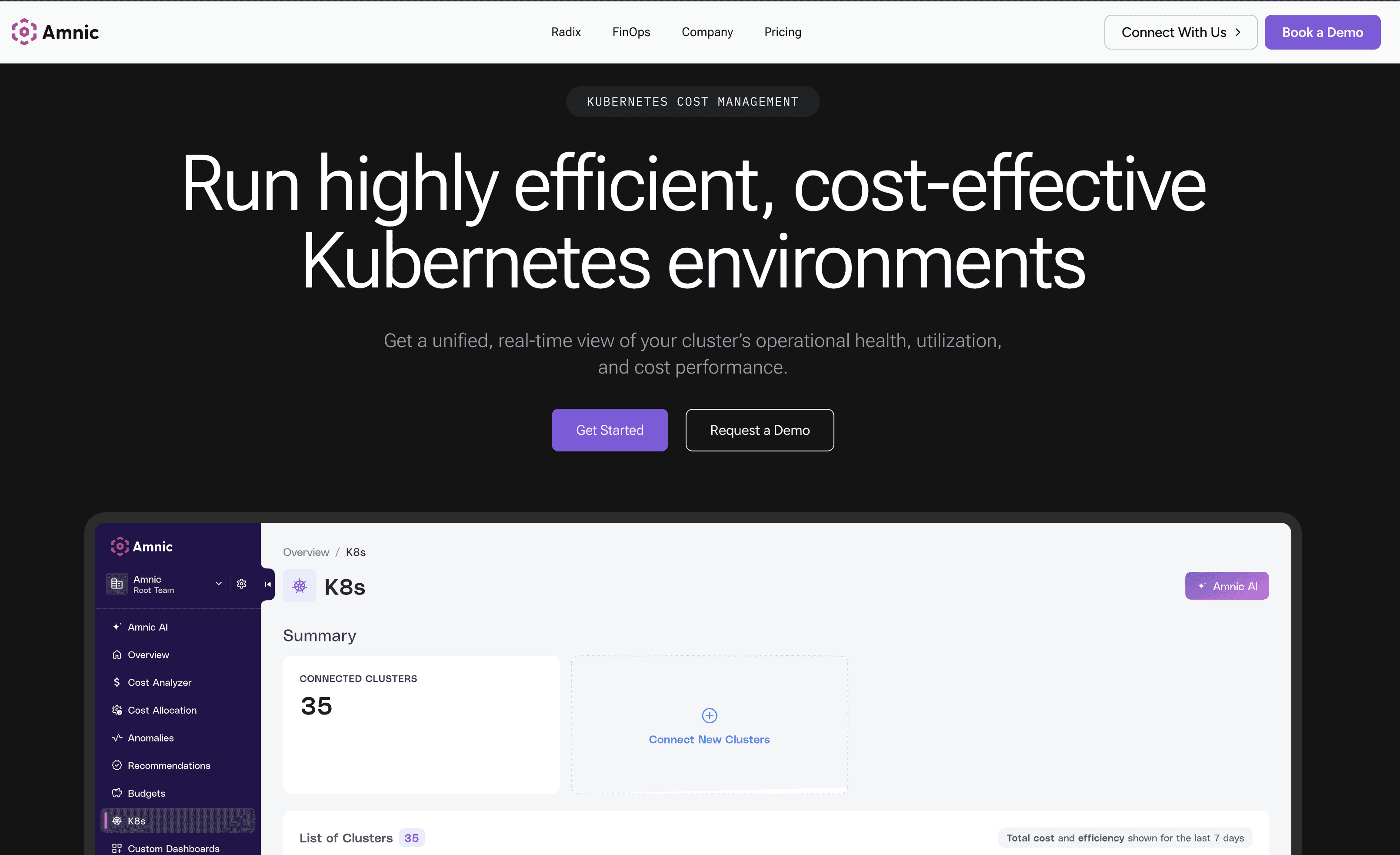
Amnic breaks down Kubernetes costs across nodes, namespaces, workloads and pods and allocates compute, storage and network spend to a team, app, client, or product. The platform pairs cluster-level utilization metrics with pod-level granularity so platform engineering and FinOps share one cost view. Customer outcomes include a 50% cluster cost reduction at Jiffy.ai and a 33% EC2 cost reduction at Metamap.
Key features:
Cost breakdown across nodes, namespaces, workloads and pods with detailed reporting
Container rightsizing and PVC rightsizing recommendations
Percentile profiles (P99, P90, P75) for CPU and memory optimization
Cluster-level metrics down to pod-level granularity for capacity, requests and actual usage
Billed, amortized and on-demand cost views for different pricing models
Kubernetes cost allocation across compute, storage and network at team, app, client, or product level
Anomaly detection that flags Kubernetes spend deviations and alerts the right owner
Agentless, read-only deployment with no commitment and a 30-day trial
Pricing: Custom, typically a percentage of monitored cloud spend, with a 30-day free trial and no credit card required. Enterprise plans scale with cloud footprint and include access to dedicated cost experts.
Pros:
Container rightsizing and PVC rightsizing are documented on the product page with P99, P90 and P75 percentile profiles, not generic claims
Agentless and read-only architecture clears most security reviews faster than write-access tools, no cluster-admin RBAC required
Breakdown across nodes, namespaces, workloads and pods supports both engineering review and finance allocation in one platform
Cluster-level metrics drill down to pod-level granularity for capacity, requests and actual resource usage
Three cost views (billed, amortized and on-demand) cover finance reporting needs that single-view tools miss
Allocates compute, storage and network costs at team, app, client, or product level, which holds up for chargeback
Documented customer outcomes including 50% cluster cost reduction at Jiffy.ai, 33% at Metamap and 40% at Nanonets are publicly named
30-day free trial with no credit card and no commitment, rare in the FinOps category
Built-in anomaly detection for Kubernetes spend deviations with alert routing
Cons:
Recommendation-first model, so teams that want pod rightsizing applied automatically need to wire Amnic into their own GitOps or deployment workflow
Pricing scales with monitored cloud spend, so very large enterprises should negotiate a spend cap at contract stage
Public pricing tiers are not published, evaluation requires a call
Does not take autonomous action on the cluster, which teams comparing against ScaleOps or Sedai should factor in
2. ScaleOps
Best for: Production Kubernetes teams that want pod and node decisions applied in real time without writing custom controllers.
ScaleOps automatically rightsizes CPU and memory resource requests in real time based on workload behavior and live cluster conditions. It dynamically manages min and max replica counts, consolidates and replaces nodes to remove underutilized capacity and eliminates waste from unevictable pods that block effective bin packing.
Key features:
Real-time pod rightsizing of CPU and memory requests based on workload behavior
Dynamic replica count management to cut costs and scale ahead of demand
Node consolidation that replaces underutilized nodes with more optimal ones
Pod placement optimization that addresses unevictable pods blocking bin packing
Spot instance optimization that shifts more workloads to spot capacity
Karpenter instance selection and disruption budget optimization
Available on AWS, Azure and Google Cloud marketplaces
Pricing: Custom pricing. A free trial is accessible from the website's Get Started flow; specific tiers are not published.
Pros:
Applies pod-level CPU and memory rightsizing in real time based on workload behavior, one of the few tools in this list that actually executes changes
Replica count management is dynamic and proactive, scaling ahead of demand rather than reacting after a spike
Node consolidation actively replaces underutilized nodes with more optimal ones, not just flagging them
Pod placement logic addresses the unevictable pod problem that breaks bin packing in most clusters
Karpenter-aware optimization for instance selection and disruption budgets, useful for teams already on Karpenter
Spot instance optimization intelligently shifts workloads to spot capacity to deepen savings
Available on AWS, Azure and Google Cloud marketplaces, which simplifies enterprise procurement and committed-spend usage
Production-grade focus, with customer testimonials describing hands-free automation in live environments
Cons:
Kubernetes-only scope, so teams with significant non-cluster cloud spend (EC2, RDS, S3) need a second platform
No public pricing means every evaluation requires a sales conversation before budgeting
Write access at the cluster level is required for full automation, which security teams in regulated industries may take weeks to approve
Finance-grade chargeback reporting is not the headline capability, so CFOs and finance directors often need a complementary tool
Less suited for teams that want a recommendation-only mode before enabling automation
3. Sedai
Best for: Engineering teams that want autonomous Kubernetes optimization that takes action on pods and nodes while staying within SLO boundaries.
Sedai rightsizes workloads, tunes scaling and optimizes nodes and clusters to cut costs while meeting SLOs. Smart SLOs automatically set and monitor service level objectives based on past performance so optimizations maintain reliability standards. The platform uses patented reinforcement learning to optimize configurations in production in real time.
Key features:
Autonomous rightsizing of workloads, scaling tuning and node and cluster optimization
Smart SLOs that automatically set and monitor SLOs based on historical performance
Real-time autonomous execution driven by reinforcement learning
Support for Amazon EKS, Azure AKS and Google GKE
Performance tracking at company, account and service levels for Kubernetes, ECS and Lambda
Patented approach with eight U.S. patents on autonomous action in cloud environments
Pricing: Custom enterprise pricing, scoped to workloads under management. Engage Sedai directly for a quote.
Pros:
Genuinely autonomous, not just automated, rightsizing of workloads, scaling tuning and node and cluster optimization
Smart SLOs automatically set and monitor service level objectives based on past performance, so cost actions stay within reliability boundaries
Real-time autonomous execution driven by reinforcement learning, optimizing configurations in production without manual review
Supports Amazon EKS, Azure AKS and Google GKE under one control plane
Performance tracking at company, account and service levels covers Kubernetes alongside ECS and Lambda
Eight U.S. patents on autonomous action in cloud environments, a stronger technical moat than most tools in this list
Zero production incidents attributed to its optimizations, per Sedai's published claim, which matters for risk-averse platform teams
Cons:
Write access is required for autonomous action, so security review at regulated companies takes longer
Public pricing is not available, which adds friction to early budget planning
Reinforcement-learning-driven changes can be harder to audit than rules-based recommendations, which some platform teams prefer for traceability
Reporting for finance stakeholders is thinner than dedicated FinOps platforms, so CFOs often need a second tool for chargeback
Multi-cluster fleet management is not the headline capability, so teams running hundreds of clusters should validate that path explicitly
4. Finout
Best for: FinOps and finance teams that want Kubernetes cost data stitched into a broader cloud cost view alongside SaaS line items.
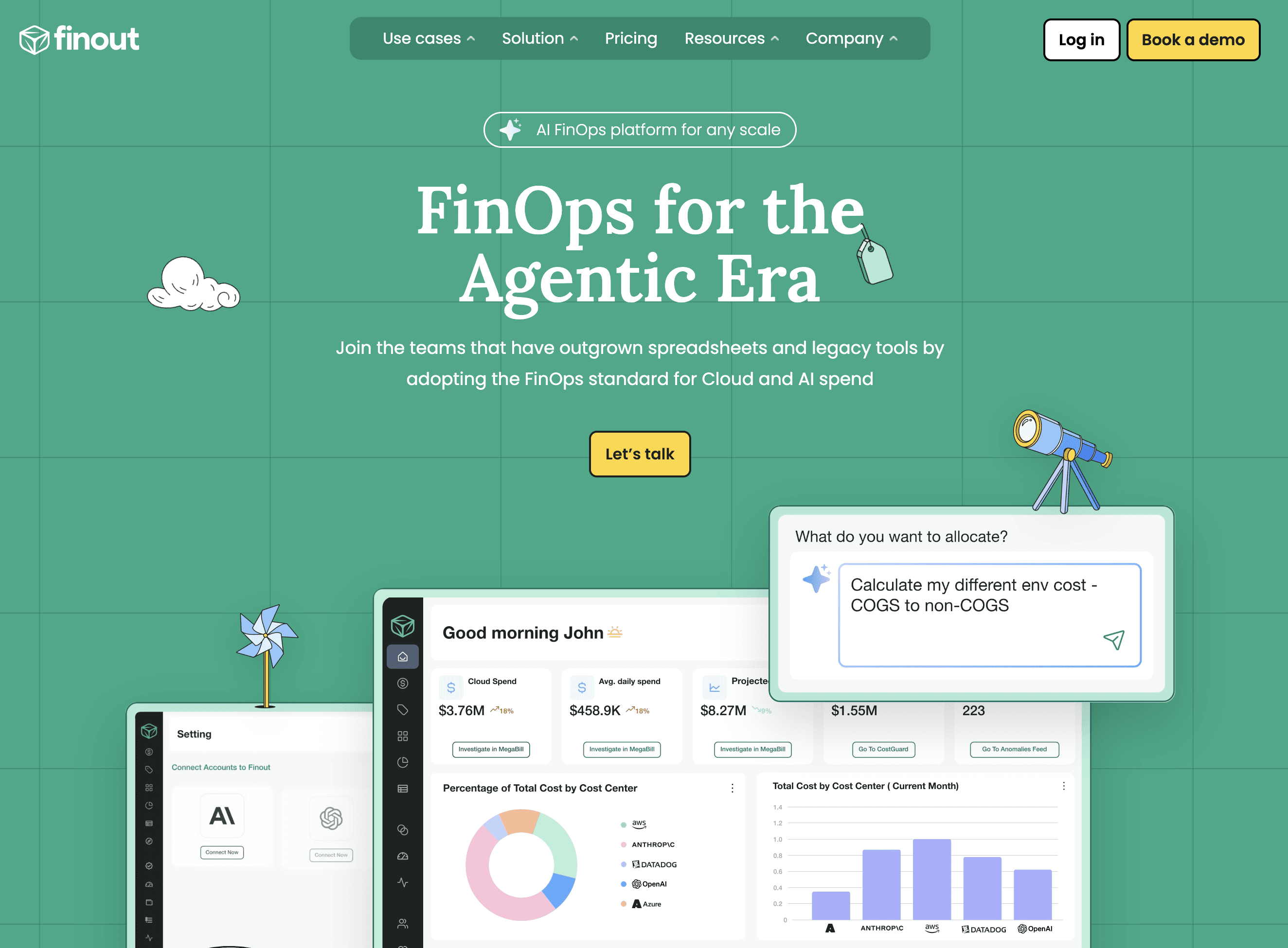
Finout is a FinOps platform that lists Kubernetes as a first-class use case and integration, with a dedicated Kubernetes waste detection capability. The product pulls in usage-based services without agents or hidden fees and consolidates cost data so finance and engineering work from one bill.
Key features:
Kubernetes use case and integration listed on the product page
Kubernetes waste detection module for surfacing cluster inefficiency
Agentless integration model with no hidden fees
Open integration approach across usage-based services
Detailed Kubernetes implementation documented at docs.finout.io
Cost allocation views that combine cloud and SaaS spend
Pricing: Enterprise contracts. No public rate card and no self-serve tier on the product page.
Pros:
Treats Kubernetes as a first-class use case and integration on the product page, not an afterthought inside a broader FinOps view
Dedicated Kubernetes waste detection capability for surfacing cluster inefficiency
Agentless ingest reduces the deployment burden on platform teams, no in-cluster agent or operator install required
Open integration model that plugs in any usage-based service, useful for teams that want cloud and SaaS in one view
No hidden fees stated explicitly in the product positioning
Detailed Kubernetes implementation documented at docs.finout.io for technical evaluation
Designed for finance and FinOps audiences, so chargeback and showback patterns are mature
Cons:
No automated rightsizing capability on the page, so platform engineers cannot rely on Finout alone to actually cut cluster cost
Enterprise-only pricing with no public rate card rules it out for smaller teams that cannot justify the sales cycle
Recommendation depth for Kubernetes is lighter than dedicated K8s tools like ScaleOps, Sedai, or CAST AI
Heavy reliance on the docs portal for K8s-specific feature detail, which makes self-evaluation slower
No free trial advertised on the product page, so evaluation requires a formal proof of concept
5. Kubecost
Best for: Teams that want Kubernetes-native cost allocation and rightsizing, including a genuinely free tier, now backed by IBM and Apptio.
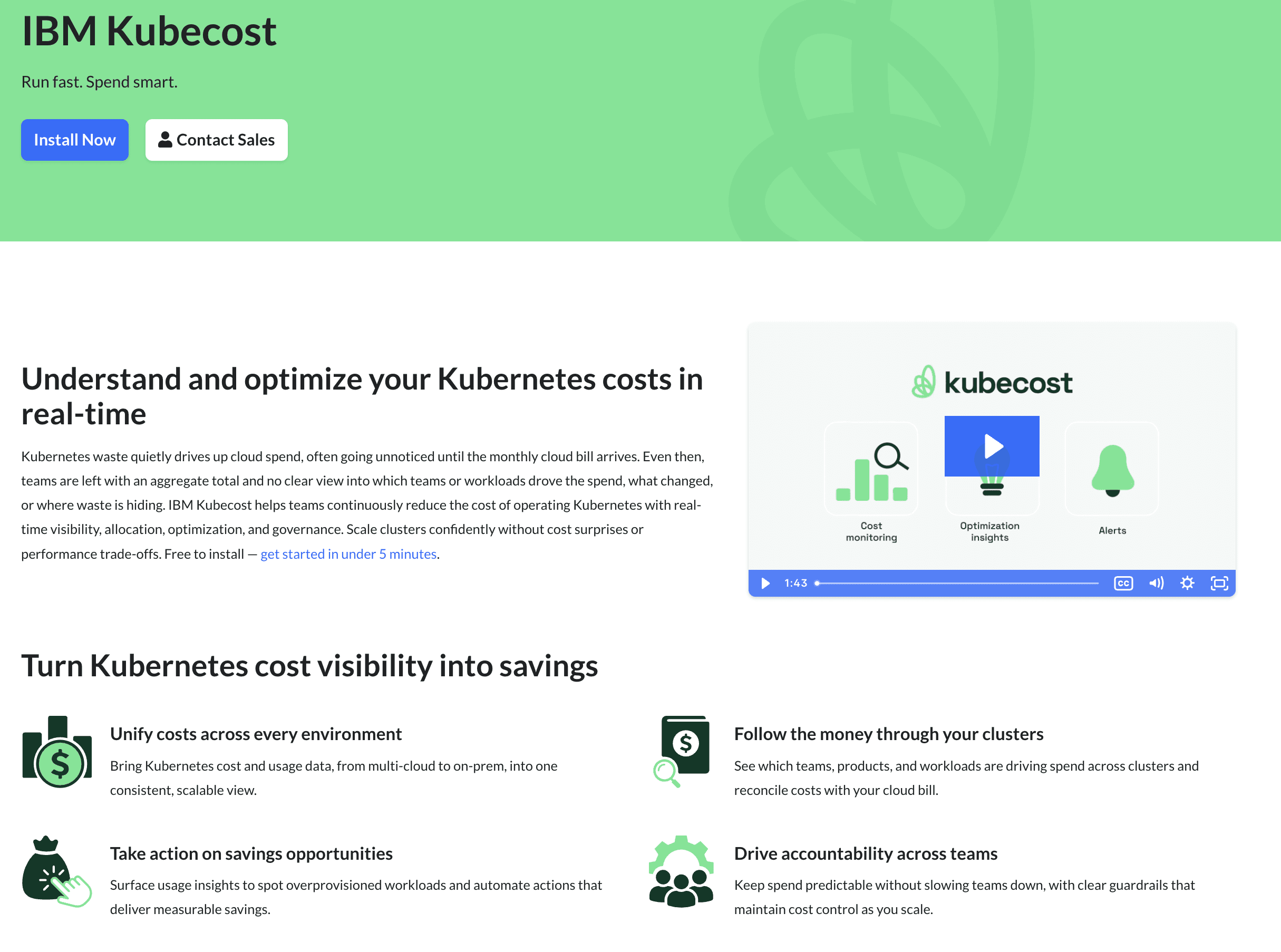
Kubecost, now part of IBM and delivered through Apptio, is a Kubernetes-native cost platform that shows real-time costs across clusters, teams, namespaces, workloads and shared resources and reconciles them against actual cloud bills for price accuracy. It builds on the open-source OpenCost project and adds enterprise governance, with an always-free Foundations tier.
Key features:
Real-time Kubernetes costs across clusters, teams, namespaces, workloads and shared resources
Cost breakdown by Kubernetes objects with cloud bill reconciliation for price accuracy
Usage insights that spot overprovisioned workloads across clusters, containers, nodes and storage
Automated actions including automated request sizing and namespace turndown
Multi-cloud to on-prem cost and usage data in one consistent view (EKS, AKS, GKE, on-prem)
Budgets, forecasting and anomaly detection with alerts when spend drifts
Role-based access control in Enterprise tiers
Built on the open-source OpenCost project, backed by IBM and Apptio
Pricing: Free Foundations tier, always free for unlimited clusters up to 250 cores. Enterprise Self-hosted and Enterprise Cloud tiers cover larger deployments and advanced governance.
Pros:
Free Foundations tier is always free for unlimited clusters up to 250 cores, one of the few genuinely free options in this list
Kubernetes-native allocation across clusters, teams, namespaces, workloads and shared resources, the granularity dedicated K8s buyers expect
Cloud bill reconciliation improves price accuracy beyond list-rate estimates
Usage insights spot overprovisioned workloads across clusters, containers, nodes and storage
Automated request sizing and namespace turndown move it beyond pure visibility into action
Multi-cloud to on-prem coverage in one view, including EKS, AKS, GKE and on-prem clusters
Built on the widely adopted open-source OpenCost project, so the cost methodology is transparent and auditable
IBM and Apptio backing gives enterprise procurement teams a credible vendor and roadmap
Budgets, forecasting and anomaly alerts cover governance needs without a second tool
Cons:
The free Foundations tier caps at 250 cores, so larger clusters require a paid Enterprise tier
Advanced governance and role-based access control are gated behind Enterprise tiers, not the free tier
Now on the IBM and Apptio release cycle, which is slower than independent vendors, a factor for long-term roadmap evaluation
Kubernetes-only scope, so teams need a separate platform for non-cluster cloud spend
The self-hosted Enterprise option needs platform team effort to deploy and maintain
Optimization is recommendation and rules-based, such as request sizing and turndown, rather than fully autonomous like Sedai
6. Kubex
Best for: Teams that want autonomous, machine-learning-driven rightsizing of pods, nodes and GPUs across multi-cloud Kubernetes, with policy guardrails before automation.
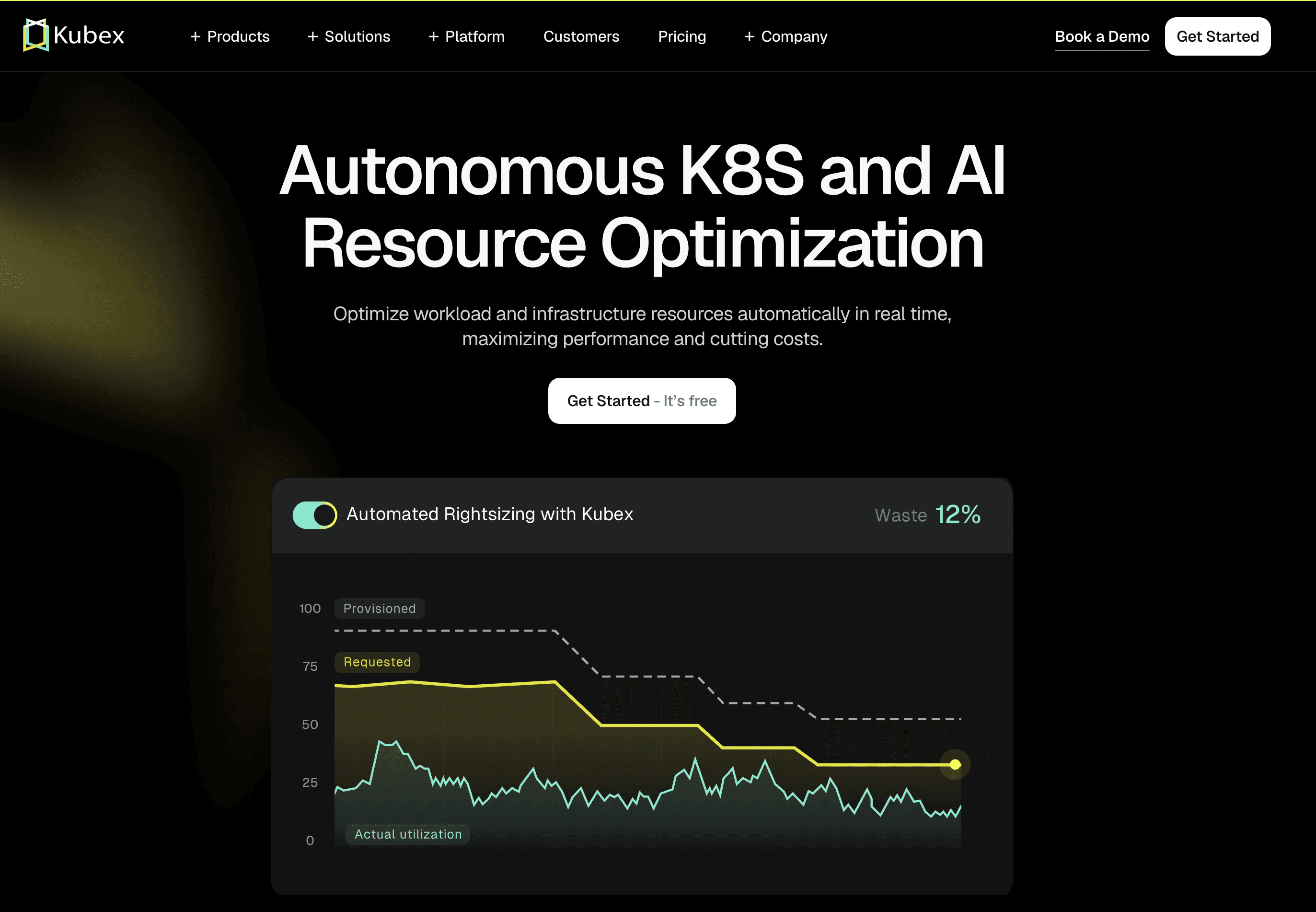
Kubex, formerly Densify, is an AI-driven platform for autonomous Kubernetes and AI resource optimization. It applies machine learning to container usage metrics to right-size pods, nodes and clusters in real time and can run in recommendation mode or execute changes autonomously through the Kubex Automation Controller with strict policy guardrails.
Key features:
Machine learning analysis of container usage metrics for optimal CPU and memory settings
Right-size pods, nodes and clusters with autonomous execution
Kubex Automation Controller with policy guardrails that respect maintenance windows and approval workflows
Optimal cloud instance type selection across multi-cloud environments
GPU sharing automation with simultaneous GPU, CPU and storage right-sizing
Multi-Instance GPU (MIG) aware optimization
Support for EKS, AKS, GKE, OpenShift, Oracle OKE and Nutanix NKP
Both recommendation and autonomous execution modes
Pricing: Free trial available. Specific pricing tiers are not published on the site; pricing is scoped through the vendor.
Pros:
ML-driven rightsizing of pods, nodes and clusters with both recommendation and autonomous modes, so teams can start safe and graduate to automation
Kubex Automation Controller enforces policy guardrails that respect maintenance windows and approval workflows, which eases platform team trust
GPU optimization is a documented first-class capability including GPU sharing and MIG-aware right-sizing, rare in this list and valuable for ML workloads
Right-sizes GPU, CPU and storage at the same time rather than one dimension at a time
Broad distribution coverage including EKS, AKS, GKE, OpenShift, Oracle OKE and Nutanix NKP
Optimal cloud instance type selection across multi-cloud environments
Strong third-party ratings (G2 4.7 out of 5, Gartner 4.9 out of 5) signal mature production use
Long track record as Densify gives it enterprise credibility and a proven optimization methodology
Cons:
Autonomous execution requires write access to the cluster, so security review applies as with other automation-first tools
Public pricing tiers are not published, so budgeting needs a vendor conversation
Kubernetes and infrastructure resource scope, so finance-grade chargeback and unit economics are thinner than dedicated FinOps platforms
The rebrand from Densify to Kubex is recent, so some documentation and third-party references still use the old name
Depth of capability can mean a longer tuning and policy-configuration phase before full autonomy is enabled
7. CloudZero
Best for: Engineering teams that want Kubernetes cost data tied into a broader cost intelligence platform built for SaaS unit economics.
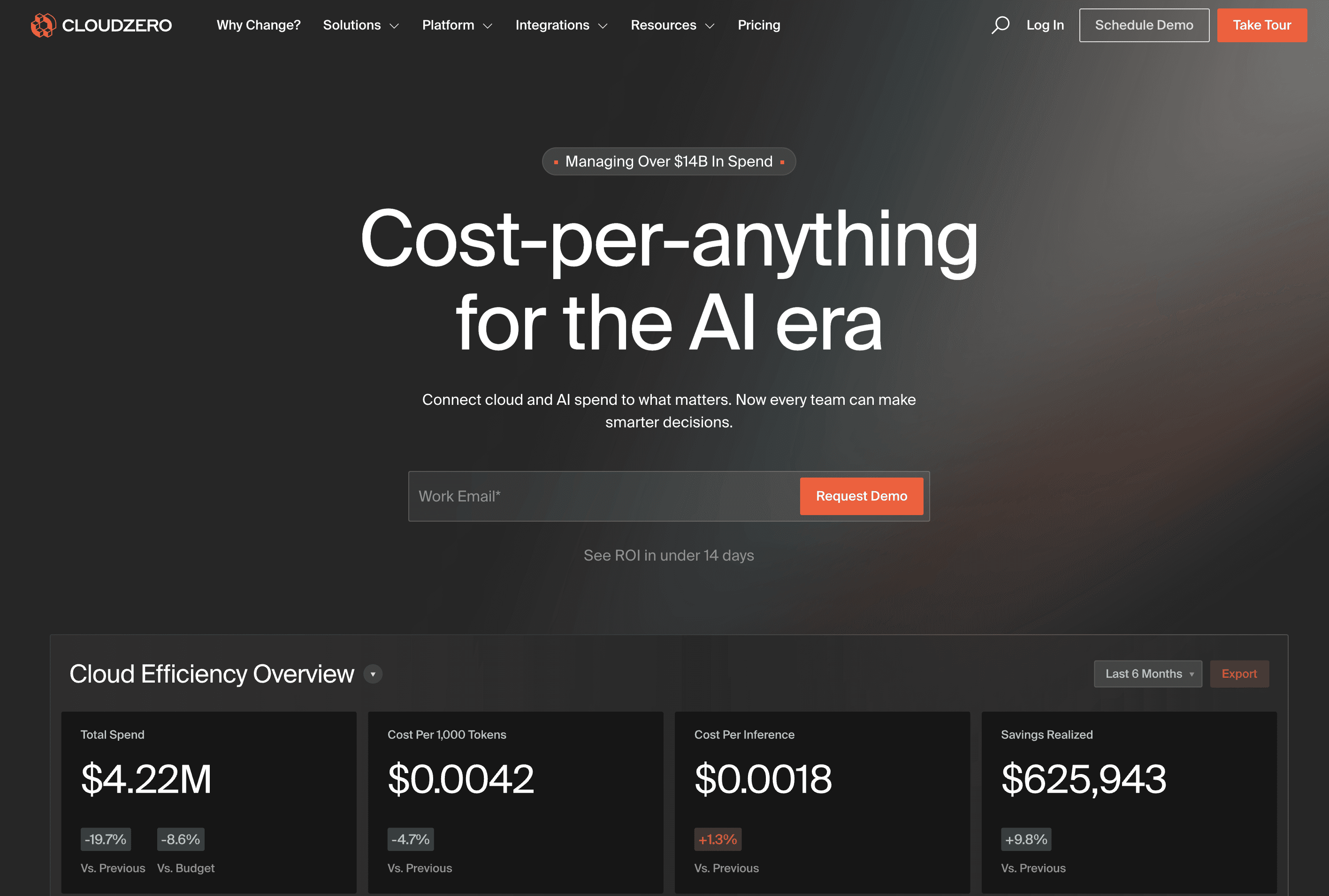
CloudZero offers a dedicated Kubernetes visibility solution that addresses the challenge that "shared services, Kubernetes clusters and AI models all land in pooled bills." The platform integrates with Kubernetes alongside AWS, GCP and Azure and provides cost allocation for clusters as part of a broader cloud cost intelligence offering.
Key features:
Dedicated Kubernetes visibility solution
Kubernetes integration across AWS, GCP and Azure
Cost allocation for Kubernetes clusters within pooled bills
Cost intelligence across cloud, Kubernetes and AI workloads
Designed for engineering-led cost reviews
Pricing: Enterprise contracts only. No public rate card and no self-serve tier.
Pros:
Dedicated Kubernetes visibility solution, not a generic cost view bolted onto a cloud platform
Kubernetes integration spans AWS, GCP and Azure, covering the three providers most teams run on
Explicitly addresses the pooled-bill problem ("shared services, Kubernetes clusters and AI models all land in pooled bills"), which is the core attribution challenge for shared clusters
Strong fit for SaaS engineering teams already focused on per-feature and per-customer cost work
Cost intelligence spans cloud, Kubernetes and AI workloads, broader than most pure K8s tools
Engineering-led reporting designed for VP and director audiences who run quarterly business reviews
Established brand and customer base among growth-stage SaaS companies, reduces procurement risk
Cons:
Enterprise-only pricing with no self-serve tier and no free trial, rules it out for smaller teams that cannot justify the sales cycle
Automated rightsizing depth is not the headline capability, so heavy clusters often pair CloudZero with a dedicated K8s rightsizing tool like CAST AI or ScaleOps
Kubernetes attribution is one feature inside a broader cost intelligence platform, so teams whose primary problem is cluster waste may find better-fit tools
No published cluster-level rightsizing percentages or named K8s customer outcomes on the homepage, harder to benchmark expected savings
Evaluation typically requires a formal proof of concept, which adds weeks before any working dashboard is visible
8. CAST AI
Best for: Kubernetes-first teams running EKS, AKS, GKE, or Oracle clusters that want automated rightsizing, bin packing and spot orchestration.
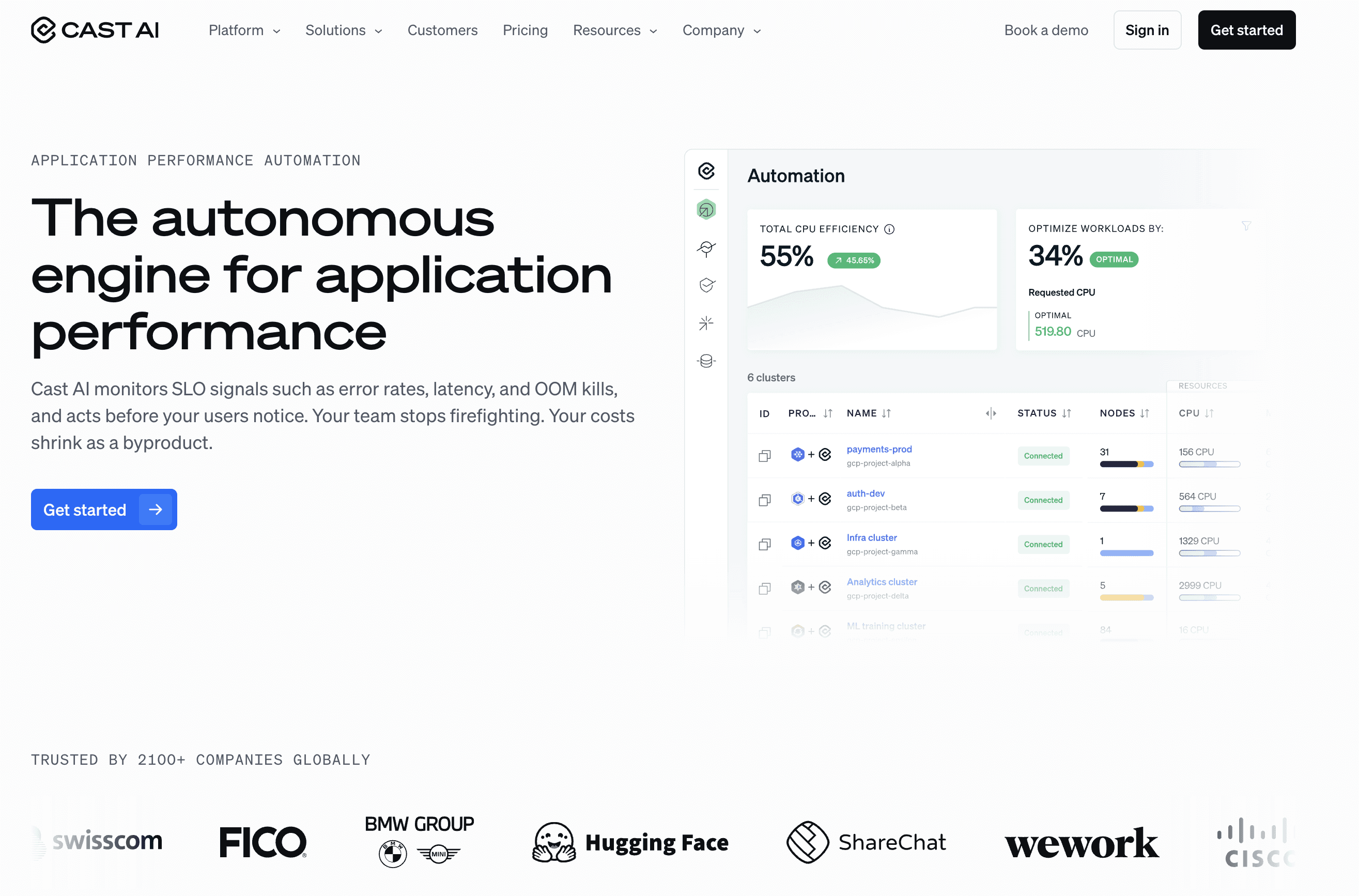
CAST AI automatically provisions the most cost-efficient compute resources and scales them up and down based on real-time requirements. It optimizes resource usage by safely consolidating workloads onto fewer nodes, manages the spot instance lifecycle including interruptions and fallback to on-demand and balances commitments across clusters for maximum savings.
Key features:
Cluster autoscaler that scales compute up and down on real-time requirements
Bin packing that consolidates workloads onto fewer nodes and removes empty ones
Spot instance automation with interruption handling, spot diversity and on-demand fallback
Commitments utilization that balances reservations and spot across clusters
Advanced pod autoscaling that scales vertically and horizontally at the same time
Support for AWS, GCP, Azure and Oracle Cloud
Karpenter optimization on AWS
Pricing: Savings-share model on cluster cost. Confirm exact percentage with the vendor.
Pros:
Cluster autoscaler automatically provisions the most cost-efficient compute resources and scales up and down on real-time requirements
Bin packing safely consolidates workloads onto fewer nodes and removes empty ones, a documented core capability
Spot instance automation handles the full lifecycle including interruptions, spot diversity and fallback to on-demand
Commitments utilization balances reservations and spot across clusters or prioritizes specific clusters, maximizing savings without manual review
Advanced pod autoscaling scales workloads vertically and horizontally at the same time
Supports AWS, GCP, Azure and Oracle Cloud, the only tool in this list with documented Oracle Cloud coverage
Karpenter optimization on AWS for teams already running Karpenter
Savings-share pricing means the vendor only earns when realized savings are delivered
Cons:
Full automation requires cluster-level write access, which security teams at regulated companies may take weeks to approve
Kubernetes-only scope, so teams need a second platform for non-cluster cloud spend
Savings-share pricing percentage is not public, model can become expensive at scale and should be modeled over a 12-month horizon
Finance-facing reports like chargeback, showback and unit economics modeling are thinner than dedicated FinOps platforms
Azure and GCP coverage is present but historically less mature than AWS, worth validating in a multi-provider pilot
Aggressive automation can move workloads faster than some teams are comfortable with, so policy guards need to be configured carefully at rollout
Common Mistakes When Choosing Kubernetes Cost Optimization Software
1. Picking a generic cloud cost tool for a Kubernetes-heavy problem. If 60% of your cloud bill lives inside EKS or GKE, a tool that shows account-level totals will not move the number. Pick on cluster depth.
2. Skipping the security review on write-access tools. Automated rightsizing needs RBAC-level access. Confirm with your security lead before the contract, not after.
3. Buying for today's cluster count, not 18-month scale. Mid-market companies typically grow cluster count fast. Pick for projected scale, not just today's footprint.
4. Ignoring namespace and label hygiene. Most allocation problems are tagging problems. If a tool cannot work with messy tagging, attribution will break in week two.
5. Testing only on one cluster. A working pilot on one EKS cluster does not prove the tool works on GKE with different autoscaling. Pilot on the two largest clusters.
6. Choosing on demo, not customer outcomes. Ask every vendor for named Kubernetes customer outcomes with measurable savings.
How to Choose the Right Kubernetes Cloud Cost Optimisation Tool
Visibility problem: Amnic, Finout, or Kubecost for namespace and workload attribution.
Rightsizing waste problem: Amnic for recommendations, CAST AI or ScaleOps for automated rightsizing.
Automation problem: ScaleOps, Sedai, Kubex, or CAST AI, after security approves write access.
Attribution problem: Amnic or CloudZero for product, feature and customer-level views.
Free or open-source start: Kubecost for Kubernetes-native allocation with an always-free Foundations tier.
See Amnic's guide to kubernetes cost optimization best practices (https://amnic.com/blogs/best-practices-for-kubernetes-cost-optimization) and the EKS cost optimization (https://amnic.com/blogs/the-ultimate-eks-cost-optimization-guide-for-2024) playbook for deeper reading.
Why Decision Makers Choose Amnic for Kubernetes Cost Optimization
Amnic pairs cluster-level metrics with pod-level granularity and ships agentless so security clears it quickly. The platform breaks down Kubernetes costs across nodes, namespaces, workloads and pods, surfaces container and PVC rightsizing using P99, P90 and P75 percentile profiles and supports billed, amortized and on-demand views.
Documented customer outcomes:
50% Kubernetes cluster cost reduction at Jiffy.ai
33% EC2 cost reduction at Metamap, including the EKS migration
40% compute cost reduction at Nanonets
30% total cloud cost reduction at Open Financial
"The amnic platform helped us optimize Kubernetes cluster cost by 50% through its sharp right sizing recommendations of instances and pods." - Sekhar Prakash, Co-founder, Cloud Engineering and Ops, Jiffy.ai
Read the full case studies on the Amnic customers page
Frequently Asked Questions
What are Kubernetes cost optimization tools?
Kubernetes cost optimization tools are platforms that ingest cluster utilization and cloud billing data, allocate spend to namespaces, teams, products, or customers and surface or apply actions that cut cluster cost. They handle rightsizing, idle resource detection, node pool optimization and chargeback. Some, like Amnic, work read-only and hand changes to the platform team. Others, like ScaleOps and CAST AI, take write access and apply changes automatically. The right pick depends on whether your priority is visibility, automation, or finance-grade attribution.
How much can I save with Kubernetes cost optimization tools?
Public benchmarks indicate large gaps between provisioned and used capacity in Kubernetes. CAST AI's 2024 Kubernetes benchmark reports only 13% of provisioned CPU is used in production clusters. Amnic customer outcomes include a 50% cluster cost reduction at Jiffy.ai and 33% at Metamap following the EKS migration. Your exact savings depend on how aggressively your clusters are provisioned today and how quickly your team can act on rightsizing recommendations.
Do Kubernetes cost optimization tools need write access to my cluster?
Not always. Amnic operates agentless and read-only. Finout, Kubecost and CloudZero work primarily through visibility and recommendations. ScaleOps, Sedai, Kubex and CAST AI require write access at the cluster level to apply pod rightsizing, node selection and spot orchestration automatically. Write access typically means cluster-admin RBAC, which security teams scrutinize closely. Confirm with your security lead before contracting with any write-access tool.
Which Kubernetes cost optimization tool is best for EKS?
Amnic gives container and PVC rightsizing with percentile profiles across EKS, AKS, GKE and self-managed clusters, with documented customer outcomes including 33% at Metamap and 50% at Jiffy.ai. CAST AI is the most automation-forward option for EKS-only teams that can grant write access. If you also run AKS or GKE and want one platform, Amnic is the cleaner fit.
Which Kubernetes cost optimization tool is best for multi-cluster teams?
Amnic, ScaleOps, Sedai, Kubex and CAST AI all support multi-cluster deployments across EKS, AKS and GKE. Amnic stands out by pairing multi-cluster views with attribution at node, namespace, workload and team level, which finance can use for chargeback. ScaleOps fits teams that want autonomous rightsizing across every cluster. Kubecost is a Kubernetes-native option with a free tier for teams that want allocation without a commercial contract.
How long does it take to deploy a Kubernetes cost optimization platform?
Read-only and agentless tools like Amnic onboard in hours to a few days. Write-access tools like ScaleOps, Sedai, Kubex and CAST AI take longer because security teams need to approve cluster-admin RBAC requests. Enterprise platforms with formal proof-of-concept processes can stretch to several weeks. Pilot on one cluster first to avoid committing to a long deployment before you know the tool works.
Are Kubernetes cost optimization tools worth it for small teams?
If your monthly Kubernetes spend is under roughly $10,000, native cloud tools and open-source OpenCost or Kubecost may be enough. Above that, the savings from a dedicated platform usually exceed the subscription cost. Kubecost's free Foundations tier and Amnic's 30-day trial give small teams a no-procurement way to start. The break-even point usually arrives faster than expected since most clusters carry meaningful waste from day one of production.
How do Kubernetes cost optimization tools handle shared cluster infrastructure?
The strongest tools allocate shared cluster overhead like ingress controllers, monitoring stacks and control plane costs across teams. Amnic supports cost allocation for compute, storage and network at team, app, client, or product level, which helps SaaS companies share clusters across product teams. CloudZero acknowledges the pooled-bill problem explicitly. Tools that lack flexible split rules force the platform team to either accept a single rule or build allocation outside the tool.
Better visibility and management into AI Tokens?
Start with a 30 day trial
Connect leading LLMs
24 hour time to value
Stay ahead of AI Spend

Make AI spend visible, controllable, and accountable.
Gain insights into your AI token costs at a team, customer, business unit and individual user level to measure and manage AI utilization.
Recommended Articles

8 Best Llama Cost Management Tools in 2026
Read More

8 Best Amazon Bedrock Cost Optimization Tools for 2026
Read More

7 Best Amazon Bedrock Cost Monitoring Tools
Read More

8 Best Gemini Cost Visibility Tools for 2026
Read More

7 Best Multimodal Cost Optimization Tools for 2026
Read More

5 Best Anthropic Cost Allocation Tools for 2026
Read More






