What Is Platform as a Service (PaaS) in Cloud Computing?
9 min read
Engineering
General
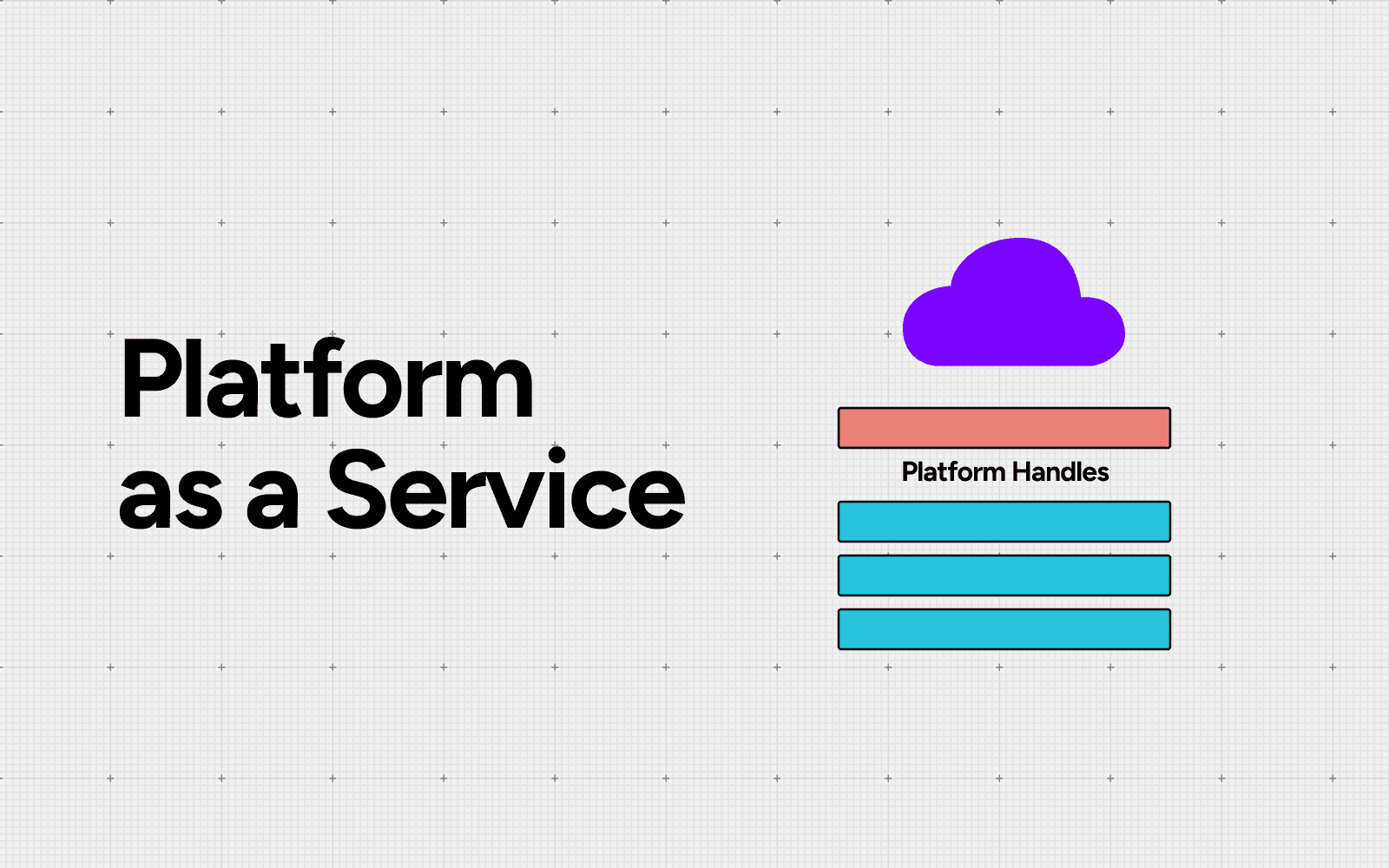
Table of Contents
Platform as a Service (PaaS) is a cloud computing model that gives developers a ready-made environment to build, deploy and run applications without managing the servers, storage or networking underneath. The provider runs the infrastructure. Your team writes and ships code.
PaaS is one of the three main cloud computing service models, sitting between Infrastructure as a Service and Software as a Service. This guide explains how PaaS works, the types and real examples you will meet, where it saves money and where the bill can quietly grow.
What Is Platform as a Service (PaaS)?
Platform as a Service is a cloud service where a provider delivers a complete application platform over the internet. That platform bundles the operating system, runtime, middleware, development tools and often a managed database. You rent it on demand and pay only for what you use.
The widely used NIST definition splits the model into two parts. The consumer deploys their own applications onto provider-managed infrastructure using supported languages, libraries and tools. The consumer controls those applications and their settings, but not the underlying servers, storage or network.
In practice, PaaS removes the setup work that slows teams down. Nobody patches an operating system, sizes a server or wires up a load balancer by hand. Developers push code and the platform handles the rest.
A typical PaaS bundles these components:
Runtime and operating system, kept patched by the provider
Middleware that connects your code to services and data
Development tools, build pipelines and deployment automation
Managed databases and storage
Built-in scaling, monitoring and security controls
How Platform as a Service Works
PaaS runs on a shared responsibility model. The provider owns the physical hardware, virtualization, operating system, runtime and middleware. You own your application code, your data and your configuration. The dividing line sits higher up the stack than it does with raw infrastructure, so your team keeps only the parts that make the product unique.
Picture a team launching a web app. Instead of provisioning servers and installing a database, they pick a runtime, connect a repository and deploy. The platform handles the rest:
Connect a code repository to the platform.
Push a commit.
The platform builds, tests and deploys the new version.
It auto-scales instances up or down as traffic changes.
You watch logs, metrics and cost from a single dashboard.
This is why a small team can ship a production app in minutes without a dedicated operations crew. Connect a repository, push code and a new version goes live, with no deployment script to maintain.
PaaS vs IaaS vs SaaS
The fastest way to understand PaaS is to place it next to its neighbors. All three are cloud service models. They differ in how much the provider manages and how much you keep.
Model | Provider manages | You manage | Best for |
|---|---|---|---|
Servers, storage, networking, virtualization | OS, runtime, apps, data | Teams that want raw control over infrastructure | |
PaaS | Everything up to runtime and middleware | Apps and data only | Developers who want to ship code, not run servers |
The full stack and the application | Only usage and settings | End users who want ready-to-use software |
A simple way to remember it: IaaS gives you the building blocks, PaaS gives you the workshop and SaaS gives you the finished product.
PaaS vs serverless computing
Serverless goes one step beyond PaaS. With PaaS, you still think about the application instance that runs your code and you often pay for it even when traffic is low. With serverless computing, you deploy individual functions and the provider runs them only when called, then bills per execution. Many platforms now blend the two models, so the line between them keeps blurring.
Types of Platform as a Service
PaaS is not a single product. It comes in several forms and the right one depends on what you are building.
Application PaaS (aPaaS): the classic form. It provides the runtime, tools and services to build and host web and mobile applications. Heroku and Google App Engine are common examples and most searches for application platforms as a service point here.
Integration PaaS (iPaaS): connects applications, data and APIs across systems without custom middleware. Teams use platforms like MuleSoft, Boomi or Workato to wire SaaS tools and on-premises systems together.
Database PaaS (dbPaaS): a managed database delivered as a service, such as Amazon RDS or Google Cloud SQL, so nobody provisions, patches or backs up the database server by hand.
Communications PaaS (cPaaS): adds messaging, voice and video to applications through ready APIs, the way Twilio does.
AI PaaS: managed environments for training and serving machine learning models, such as Google Vertex AI or Amazon SageMaker, increasingly common as teams add AI features.
Some organizations build their own version of this with an internal developer platform, which packages the same self-service experience on top of their cloud of choice.
PaaS Examples
Every major cloud offers PaaS and a wave of developer-first platforms has grown around them. Common examples include:
AWS Elastic Beanstalk: deploys and scales web applications on AWS infrastructure.
Google App Engine: runs applications on Google Cloud with automatic scaling.
Azure App Service: hosts web apps and APIs on Microsoft Azure.
Heroku: a developer-friendly platform built for shipping apps quickly.
Red Hat OpenShift: a Kubernetes-based platform for hybrid and on-premises use.
Vercel and Render: modern platforms popular for front-end and full-stack applications.
Each of these hides a very different pricing model, which starts to matter once your usage grows.
Benefits of Platform as a Service
PaaS earns its place for a few clear reasons.
Faster development and deployment: Prebuilt tools and automated pipelines cut the time from idea to production. Teams spend less time on plumbing and more on features.
Lower upfront cost: There is no hardware to buy and no data center to run. Pay-as-you-go pricing turns capital expense into operating expense.
Built-in scalability: The platform adds or removes capacity as demand changes, so apps stay responsive during traffic spikes.
Less operational burden: The provider handles patching, security updates and availability, which suits teams without a large operations function.
Easier collaboration: Cloud-based tools let distributed teams build and deploy from anywhere.
Drawbacks and Hidden Costs of PaaS
PaaS trades control for convenience and that trade has a cost side teams often discover late.
Vendor lock-in: Applications built on proprietary APIs, runtimes and services are hard to move. Migration can mean rewriting parts of the codebase. The concern is widespread, with 94% of organizations worried about cloud vendor lock-in. Our deeper look at vendor lock-in covers how to reduce it.
Costs that climb with scale: PaaS is cheap to start and can get expensive fast. Auto-scaling reacts to traffic, so costs can rise sharply during demand spikes. Data egress fees add another layer that is easy to overlook.
Limited control and customization: You work within the provider's supported languages, versions and configurations. Specialized hardware or deep system tuning may not be possible.
Compliance constraints: Shared, multi-tenant environments can complicate strict requirements such as HIPAA or SOC 2.
Real-World PaaS Use Cases
PaaS fits a recognizable set of jobs:
Web and mobile app development: Teams build, host and scale customer-facing apps without managing servers.
API development and management: PaaS provides the tools to build, publish and monitor APIs.
Internet of Things: Managed PaaS services ingest and process data from connected devices at scale.
DevOps and continuous delivery: PaaS underpins build, test and release pipelines, which is why it pairs naturally with CI/CD.
Data and AI workloads: Managed databases and AI platforms let teams analyze data and serve models without standing up infrastructure.
When Should You Use PaaS?
PaaS is the right call when speed matters more than deep control. It suits startups and product teams that want to ship without a large operations function. It also fits projects that need to scale on demand and teams standardizing how they build and deploy.
PaaS is a weaker fit when you need specialized hardware, full control of the operating system or strict on-premises-only deployment. In those cases, raw infrastructure or a self-managed platform fits better. Many organizations run a mix, using PaaS for fast-moving apps and IaaS for workloads that need fine-grained control.
How to Keep PaaS Costs Under Control
Cloud infrastructure and platform services are forecast to grow 24.2% in a year. The spend that rides on them grows just as fast. The same automation that makes PaaS easy also makes spending hard to see. Instances scale on their own. Add-ons, data transfer and managed services each carry a separate meter. In cloud cost reviews, PaaS line items are often the ones nobody can fully explain.
This is a FinOps problem as much as an engineering one. A few practices keep PaaS spend predictable:
Tag and allocate everything: Map every resource to a team, service or environment so each cost has an owner.
Watch scaling and egress: Set alerts on the meters that move the bill, especially auto-scaling and data transfer.
Right-size and set budgets: Match capacity to real demand and put guardrails on growth.
Review spend continuously: Treat cost as a metric your team watches, not a surprise at month end.
A cost observability platform makes this practical. Amnic gives engineering and finance one shared view of cloud and PaaS spend, with allocation, anomaly alerts and cloud cost optimization recommendations built in. Bringing FinOps discipline to PaaS is what turns a convenient platform into a cost-efficient one.
Conclusion
Platform as a Service removes the work of running infrastructure so your team can focus on building. It sits between IaaS and SaaS, comes in several types and powers everything from web apps to AI workloads. The benefits are real: faster delivery, lower upfront cost and built-in scale.
The catch is cost. PaaS pricing is easy to start and easy to lose track of. Pair the platform with strong cloud cost observability and FinOps practices and you get the speed of PaaS without the bill surprises.
Frequently Asked Questions
What is Platform as a Service (PaaS) in simple terms?
PaaS is a cloud model that gives developers a ready environment to build, deploy and run apps. The provider manages the servers, storage and operating system. Your team manages only the application and its data.
What is an example of Platform as a Service?
Common PaaS examples include AWS Elastic Beanstalk, Google App Engine, Azure App Service, Heroku and Red Hat OpenShift. Each lets you deploy application code while the provider runs the infrastructure underneath.
What is the difference between PaaS, IaaS and SaaS?
IaaS provides raw infrastructure you manage. PaaS provides a managed platform where you handle only apps and data. SaaS delivers finished software you simply use. The more you move from IaaS toward SaaS, the less you manage.
What is application platform as a service (aPaaS)?
Application PaaS, or aPaaS, is the classic form of PaaS. It provides the runtime, tools and services to build and host web and mobile applications, so developers ship features instead of managing servers.
Is PaaS cheaper than running your own infrastructure?
PaaS is usually cheaper to start because there is no hardware to buy. At scale it can cost more, since auto-scaling, add-ons and data egress raise the bill. Cost visibility and FinOps practices keep it predictable.
What are the main drawbacks of PaaS?
The main drawbacks are vendor lock-in, limited control over the environment, possible compliance constraints in shared infrastructure and costs that can climb quickly as usage scales.
Better visibility and management into AI Tokens?
Start with a 30 day trial
Connect leading LLMs
24 hour time to value
Stay ahead of AI Spend

Make AI spend visible, controllable, and accountable.
Gain insights into your AI token costs at a team, customer, business unit and individual user level to measure and manage AI utilization.
Recommended Articles

How to Charge Back AI and LLM Costs to the Teams That Spend Them
Read More
What Is TokenOps? The Operating Discipline for AI Token Cost
Read More

Strategies for AWS Cost Optimization: A FinOps Playbook
Read More

How to Monitor Inference Cost: A Practical Setup Guide
Read More

How to Measure ROI of AI Spend: A FinOps Method
Read More

How to Attribute AI Tokens to Teams, Projects and Users
Read More






