What is Karpenter? Kubernetes Node Autoscaler Explained
8 min read
Cloud Infrastructure
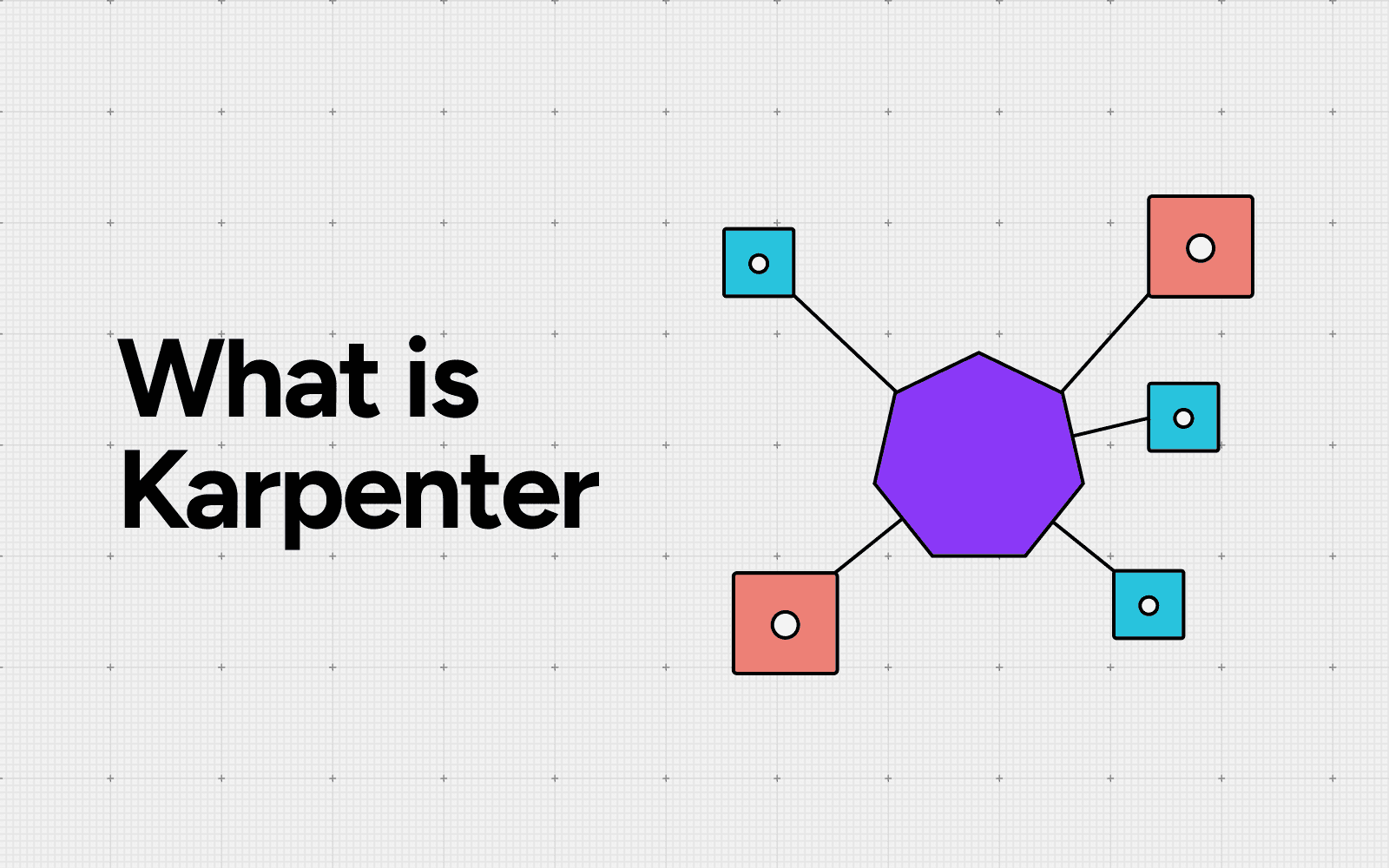
Table of Contents
Karpenter is an open-source Kubernetes node autoscaler, started by AWS and now maintained under the Kubernetes SIG-Autoscaling community, that watches for unschedulable pods and provisions right-sized nodes directly through the cloud provider's compute API.
It launches capacity in roughly a minute, supports Spot and On-Demand instances natively, and consolidates underutilized nodes to lower compute cost. This guide covers what Karpenter is, how it works step by step, how it compares to Cluster Autoscaler, and the cost-visibility gap that opens once your node fleet starts changing shape every hour.
What is Karpenter?
Karpenter is an open-source Kubernetes node autoscaler originally released by AWS and donated to the Kubernetes SIG-Autoscaling community, licensed under Apache 2.0 (kubernetes-sigs/karpenter). Instead of scaling pre-defined node groups, it talks to the cloud provider's compute API directly and launches the specific instance type and size that fits the pending workload.
The project supports AWS as a first-class provider, with an Azure Karpenter Provider in general availability for AKS (Azure Karpenter Provider). For Kubernetes platform teams, the practical promise is faster scaling, fewer node groups to maintain, and tighter packing of pods onto better-fitting machines.
Karpenter sits next to the Kubernetes scheduler, not inside it. The scheduler still decides which node runs which pod. Karpenter's job is making sure a node that fits each unschedulable pod exists in the first place, and that idle nodes do not stay around. See the broader picture in our Kubernetes cost management overview.
How Karpenter works in four steps
Karpenter runs as a controller inside the cluster and reacts to scheduling events in a continuous loop. The mechanism breaks down into four steps.
Watch: Karpenter watches the Kubernetes API server for pods that are pending because no current node can host them.
Evaluate: It reads each pending pod's resource requests, node selectors, affinities, tolerations, and topology spread constraints, then groups compatible pods together.
Provision: Karpenter calls the cloud provider's compute API (EC2 CreateFleet on AWS) and launches a right-sized instance, or a small set, that satisfies the group. AWS designed Karpenter for high-performance, just-in-time node provisioning rather than waiting on node-group scaling intervals (AWS announcement).
Consolidate: When usage drops, Karpenter moves pods onto fewer or smaller nodes and terminates the rest, honoring Pod Disruption Budgets (Karpenter disruption docs).
The loop is continuous, not interval-driven, which is why Karpenter reacts to load changes faster than node-group autoscalers.
NodePool and NodeClass: the building blocks
Karpenter uses two custom resources to define what it is allowed to provision. A NodePool describes the workload-facing constraints: which instance families, architectures, capacity types (Spot or On-Demand), zones, taints, and labels are permitted, plus limits on total CPU and memory. A NodeClass (on AWS, the EC2NodeClass) describes cloud-specific details such as the AMI family, subnets, security groups, and instance profile.
Together, a NodePool plus NodeClass pair becomes a self-service compute tier. Teams can run a "general" NodePool for stateless web workloads, a "spot-heavy" NodePool for batch jobs, and a "GPU" NodePool for inference, each with its own cost ceiling and instance allow-list. NodePools replaced the older Provisioner and AWSNodeTemplate CRDs in Karpenter v1.0 (Karpenter v1 migration guide). For teams running multiple NodePools across squads, this is where cost allocation labels need to be defined.
Karpenter vs Cluster Autoscaler
Cluster Autoscaler scales node groups up or down. It depends on the cloud provider's managed node-group abstraction (an ASG on AWS), so every instance type variation needs its own node group. Karpenter skips that layer and talks to the EC2 API directly.
Dimension | Cluster Autoscaler | Karpenter |
|---|---|---|
Provisioning model | Scales managed node groups | Launches individual instances |
Time to ready node | Several minutes typical | Tens of seconds typical on EKS |
Instance-type flexibility | One type per node group | Hundreds per NodePool |
Spot support | Per node group | Native, with interruption handling |
Bin packing | Limited | Continuous consolidation |
Cloud coverage | AWS, Azure, GCP, on-prem | AWS GA, Azure GA, GCP early |
Cluster Autoscaler still has a place for clusters with strict instance pinning, or where AWS Savings Plans are sized against a fixed fleet. For everything else on EKS, Karpenter is the default recommendation in the AWS EKS Best Practices Guide (AWS EKS best practices).
Karpenter on AWS and EKS
EKS is where Karpenter is most mature. Installation is a Helm chart, an IAM role (IRSA or Pod Identity), and one NodePool plus one EC2NodeClass. The newer EKS Auto Mode runs Karpenter under the hood, so Auto Mode clusters get this autoscaling behavior without explicit setup (EKS Auto Mode docs).
Karpenter on AWS supports the full EC2 instance catalog, including Graviton, accelerated computing, and bare metal families. It integrates with EC2 Spot interruption notices and drains pods before reclamation.
For tag-based chargeback, every instance Karpenter launches inherits NodePool labels and any AWS tags defined on the NodeClass, which is the only reliable way to attribute Karpenter-provisioned compute back to a team or product. Many platform teams treat these labels as feeders into a broader virtual tags layer that aligns engineering labels with finance categories.
Karpenter beyond AWS: Azure and GCP
Outside AWS, support varies. The Azure Karpenter Provider is generally available for AKS and powers Node Auto-Provisioning, which is preconfigured on AKS Automatic clusters (AKS Node Auto-Provisioning). On GCP, GKE has its own node autoprovisioning system, and a community Karpenter provider for GCP is in early development.
For multi-cloud teams the practical takeaway is that Karpenter is a real production option on AWS and Azure, and a parallel-but-different mechanism on GCP. Architecture decisions that assume Karpenter everywhere need to plan for the GKE difference.
Karpenter advantages and disadvantages
Karpenter trades operational simplicity and packing efficiency against new failure modes and a steeper observability bar. The shape of the trade-off changes with your workload mix, so the table below is a starting point, not a verdict.
Advantages | Disadvantages |
|---|---|
Provisions right-sized nodes in tens of seconds | Higher blast radius when consolidation runs without Pod Disruption Budgets |
One NodePool can pick from hundreds of instance types | Instance-type sprawl makes Reserved Instance and Savings Plan coverage harder to size |
Native Spot support with interruption draining | No native global cluster spend ceiling, only per-NodePool CPU and memory limits |
Continuous consolidation reclaims idle capacity | Consolidation churn adds EBS, image-pull, and cross-AZ data-transfer charges |
Removes node-group plumbing and per-AZ ASGs | Tag-based chargeback breaks unless NodePool and pod labels are designed up front |
Same controller pattern works on EKS and AKS Node Auto-Provisioning | GKE uses its own autoprovisioner, so multi-cloud parity is incomplete |
A worked example: Picture a 200-node EKS cluster running stateless APIs, a Spark batch tier, and one inference service. Under Cluster Autoscaler you would maintain three node groups: m5.2xlarge On-Demand for APIs, r5.4xlarge Spot for Spark, and g5.xlarge for inference. Each group has its own scaling lag and idle headroom.
Move that to Karpenter and you collapse to two NodePools: a general NodePool that picks from twenty m, c, and r family sizes across Spot and On-Demand, and a GPU NodePool pinned to g5 and g6. Spark jobs now run on whichever Spot family is cheapest in your region that hour. API pods land on the smallest instance that fits the next batch of replicas. After a deploy, consolidation packs them onto fewer nodes within minutes.
The catch shows up in finance. Your Cost Explorer view, which used to be three clean instance lines, is now a moving average across twenty SKUs that nobody on the finance side recognizes. That is exactly the gap cost attribution workflows are built to close.
What Karpenter does to your cloud bill
The savings story has two real levers. First, bin packing: by launching instances sized to actual pending workloads, Karpenter packs pods more tightly than node groups built around a few fixed shapes. Second, Spot diversification: Karpenter picks from a wide pool of Spot instance types, which both lowers price and reduces interruption probability (AWS Spot best practices).
Public case studies from AWS put compute savings in a wide band, with reported reductions varying by workload profile and baseline. The exact number depends on the prior baseline. A cluster that was already on Spot will see a smaller delta than one running mostly On-Demand.
Consolidation adds a second-order saving by reclaiming idle capacity that node-group autoscaling tends to leave on the floor. This is one of the reasons Karpenter shows up in most modern FinOps playbooks for Kubernetes.
The Karpenter cost visibility gap
Once Karpenter is running, the node fleet changes shape every hour. Instance types rotate, capacity types swing between Spot and On-Demand, and individual nodes live for minutes rather than days. Traditional cost reporting built around node groups or static AWS tags loses meaning quickly.
Three specific gaps show up. First, per-team chargeback breaks when multiple teams share a NodePool without rigorous pod-level tagging. Second, the Spot to On-Demand mix drifts as Karpenter falls back during interruption events, and the impact is invisible without near-real-time tracking. Third, consolidation churn generates EBS, image-pull, and cross-AZ data-transfer charges that never appear as compute line items.
Fixing these gaps means tagging at the NodePool level, mapping Karpenter labels to your cost model, and building utilization views that work at pod granularity rather than node granularity.
What to monitor after enabling Karpenter
The monitoring shift is from node-group health to fleet behavior. The metrics that matter once Karpenter is in charge:
Node hours by capacity type (Spot vs On-Demand) per NodePool
Instance-type distribution and concentration risk
Consolidation events per day and pods evicted per event
Pod pending duration p50 and p99
$/pod-hour by workload, not by node
Spot interruption rate per NodePool
Karpenter exposes Prometheus metrics for most of these natively (Karpenter metrics reference). The harder part is correlating them with cost. That requires a billing feed updating more often than monthly, and a way to attribute spend back to the pods, services, and teams that triggered each provisioning event. A cost layer with anomaly detection helps catch the cases where consolidation churn or Spot fallbacks quietly push your bill up.
Pitfalls and when not to use Karpenter
Karpenter is not free of failure modes. Consolidation, when paired with missing or weak Pod Disruption Budgets, can evict pods faster than they restart. Aggressive expiry or drift settings cause unnecessary churn. Spot interruption handling needs queue-based notifications, and there is no native ceiling on total cluster spend, only per-NodePool CPU and memory limits (NodePool limits).
Cases where Cluster Autoscaler or static node groups still make sense: long-running GPU training jobs with steady demand, clusters whose Savings Plans are sized against a fixed instance mix, and regulated environments with strict instance-type allow-lists that defeat the bin-packing advantage. Before flipping the switch, line up your workloads against the right-sizing recommendations you already have, so you know which clusters will actually benefit.
Frequently asked questions
Is Karpenter free?
Yes. Karpenter is Apache 2.0 open source. You still pay the cloud provider for the compute it provisions.
Does Karpenter replace Cluster Autoscaler?
On EKS, AWS recommends Karpenter as the default node autoscaler in its EKS Best Practices Guide. Cluster Autoscaler remains relevant for clusters with fixed Savings Plan coverage or strict instance pinning.
Does Karpenter work on Azure and GCP?
The Azure Karpenter Provider is generally available for AKS. A GCP provider exists in early form but is not at parity with the AWS or Azure providers.
How does Karpenter work with Spot Instances?
Karpenter treats Spot as a first-class capacity type. It picks from a wide pool of instance types to reduce interruption probability and handles interruption notices before reclamation.
What replaced the Karpenter Provisioner?
In Karpenter v1.0, the Provisioner and AWSNodeTemplate CRDs were replaced by NodePool and EC2NodeClass.
Can Karpenter cause downtime?
Yes, when consolidation runs against workloads without Pod Disruption Budgets, or with under-provisioned replicas. Defining PDBs and tuning the consolidationPolicy removes most of the risk.
How do I track per-team cost with Karpenter?
Tag NodePools and NodeClasses with team and product labels, propagate those labels to pod cost using a Kubernetes cost-attribution tool, and review the breakdown alongside Spot vs On-Demand mix.
Better visibility and management into AI Tokens?
Start with a 30 day trial
Connect leading LLMs
24 hour time to value
Stay ahead of AI Spend

Make AI spend visible, controllable, and accountable.
Gain insights into your AI token costs at a team, customer, business unit and individual user level to measure and manage AI utilization.