11 Best Container Cost Management Tools in 2026
15 min read
Cost Management
Kubernetes
Table of Contents
Comparing the top container cost management tools for 2026 are 1. Amnic, 2. Kubecost and OpenCost, 3. CAST AI, 4. ScaleOps, 5. nOps, 6. PerfectScale, 7. StormForge, 8. Densify (now Kubex), 9. Zesty, 10. Sedai, 11. Economize.
Here is the short version. Container cost management tools are platforms that show what your containers cost, split that cost across the teams and products that caused it, and either recommend or apply changes that bring the bill down. If your containers run on EKS, AKS, GKE, or ECS, this is the layer that tells you where the money actually goes.
That sounds simple. It is not, and the reason is worth saying plainly: most of these tools do not do the same job. Some only watch and report. Some take write access and resize your workloads for you. A few do finance-grade allocation that a CFO can read, and most do not. The list below is sorted with that in mind, and yes, Amnic is our product, so read the bias note in the methodology before you decide.
Start here: If you cannot offer write access to production clusters, you want a read-only tool. Amnic is read-only and agentless, and it covers AWS, Azure, GCP, and Kubernetes together. Request a demo
Top Container Cost Management Tools
Amnic is the best overall pick when the container cost sits inside a bigger multi-cloud bill and finance needs to read it. Read-only.
Kubecost and OpenCost are the default for open-source Kubernetes cost allocation and chargeback.
CAST AI is the strongest hands-off automation play for rightsizing, autoscaling, and spot.
ScaleOps rightsizes pods and consolidates nodes in real time, inside the cluster.
nOps ties Kubernetes allocation to AWS commitment savings.
PerfectScale optimizes cost while protecting availability.
StormForge uses machine learning to fix over-provisioned requests and limits.
Densify, now Kubex, gives recommendation-first container rightsizing for large estates.
Zesty automates pod and persistent-volume scaling.
Sedai runs autonomous optimization against SLOs.
Economize is the budget option for smaller teams that just need visibility.
Comparison table: container cost management software in 2026
Tool | Container and Kubernetes scope | Cost allocation and showback | Access model | Pricing |
|---|---|---|---|---|
Amnic | EKS, AKS, GKE, ECS plus AWS, Azure, GCP | Pod, namespace, team, product, unit economics | Read-only, agentless | Free 1-month trial, then 0.25% to 1% of cloud spend |
Kubecost / OpenCost | Kubernetes, multi-cluster and hybrid | Namespace, pod, label, chargeback | In-cluster agent, read | OpenCost free, Kubecost free tier to 250 cores, enterprise custom |
CAST AI | EKS, AKS, GKE, on-prem K8s | Partial, workload level | Starts read-only, then write with approval | Public tiers at cast.ai/pricing |
ScaleOps | Kubernetes, multi-cluster | Partial | Write, in-cluster agent | Custom, by cluster |
nOps | Kubernetes plus AWS | Yes, container level | Read plus optional write | Custom, see nops.io/pricing |
PerfectScale | Kubernetes, multi-cluster | Partial | Write, automated | Custom / contact sales |
StormForge (CloudBolt) | Kubernetes | No, optimization focus | Agent, review then autonomous | Custom / contact sales |
Densify / Kubex | Containers, nodes, cloud VMs | Partial | Recommendations, optional automation | Free trial, pricing not public |
Zesty | Kubernetes plus AWS, Azure | Per-workload usage view | Read CUR plus write automation | Custom / contact sales |
Sedai | EKS, AKS, GKE plus 5 clouds | Partial | Autonomous write in Autopilot | Custom / contact sales |
Economize | Kubernetes plus AWS, GCP, Azure | Basic allocation | Read-only, agentless | Not public, contact sales |
What is container cost management?
Container cost management is the work of measuring, attributing, and reducing the cost of containerized workloads. Container cost management tools are the software that does it: they read Kubernetes usage and the cloud bill, map spend down to the pod and namespace, hand each cost back to an owner, and then either tell you what to fix or fix it for you.
Under the hood the data comes from three places. The Kubernetes API tells the tool what is running. Metrics, usually Prometheus, tell it how hard each container works. Cloud billing exports tell it what the underlying compute, storage, and network actually cost. The tool joins those, then splits shared and idle cost across teams using labels and, when labels are missing, virtual tags.
The reason this has its own category is that Kubernetes hides waste by design. A cluster looks busy while half its requested CPU sits idle. Datadog's State of Cloud Costs research has repeatedly found that a large share of container spend goes to idle and over-provisioned resources, which is exactly the gap between what a workload requested and what it used. Engineering, FinOps, and finance leaders buy these tools to close that gap and to stop arguing about whose namespace caused the spike.
How we evaluated these tools
We scored each tool on the things that change the outcome, not the marketing: how much of the container stack it actually covers across EKS, AKS, GKE, and ECS; whether it can allocate cost to a pod, a namespace, and an owner well enough for showback or chargeback; the access model, meaning whether it only reads or also writes to your clusters; pricing transparency; and how much work it takes to stand up.
The facts here come from each vendor's own product pages and documentation, the OpenCost project, and published customer case studies. Every source is linked inline and listed at the end. We did not run all eleven in production, and where a number comes from a vendor it is labelled as a vendor claim.
The 11 best container cost management tools in 2026
1. Amnic
Best for: Teams where Kubernetes is one line in a larger multi-cloud bill, and where finance, FinOps, and engineering need to look at the same container cost numbers without anyone getting write access to production.
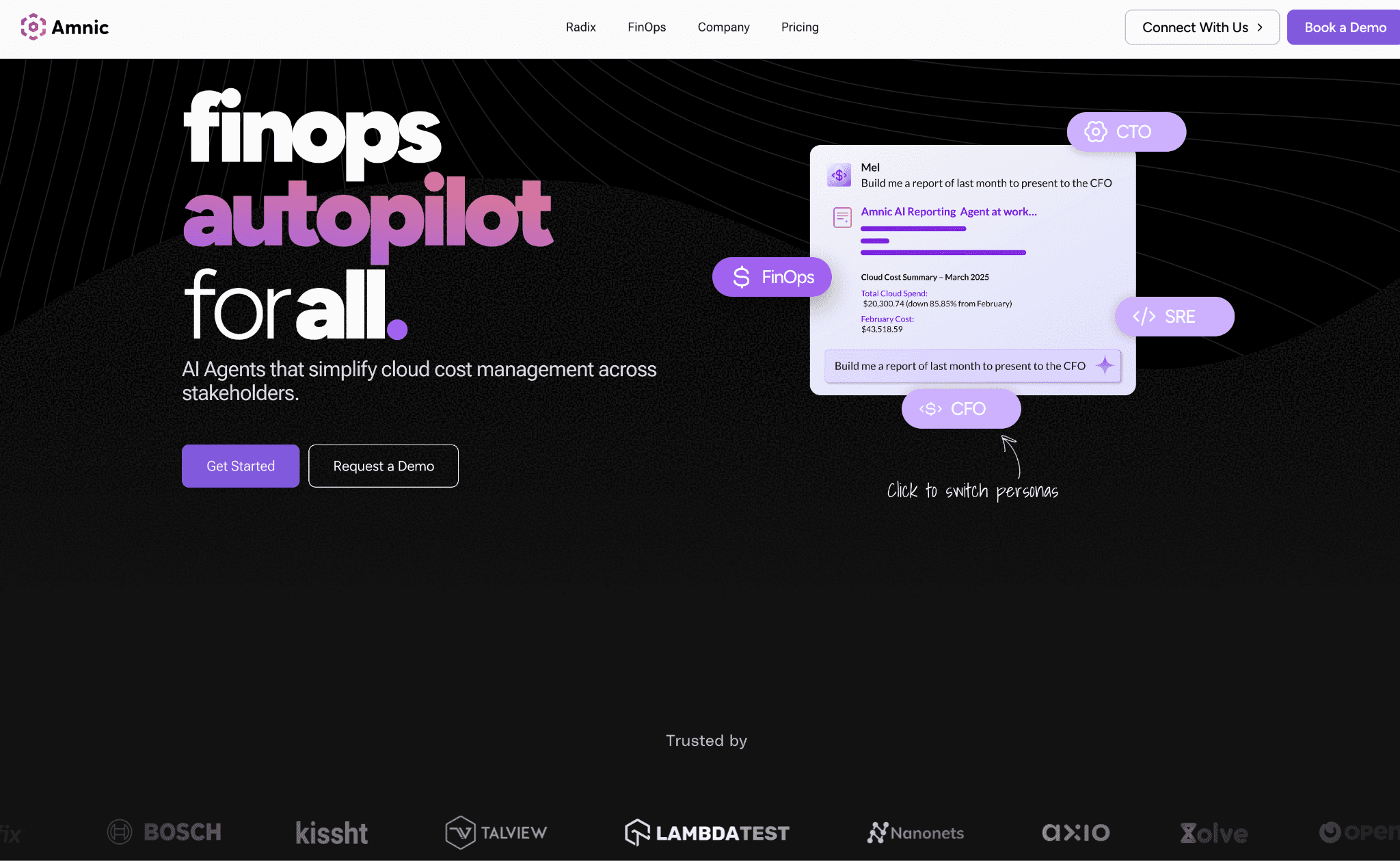
Amnic is a FinOps platform built on a cloud cost observability engine. For containers specifically, it reads Kubernetes utilization down to the container, pod, instance, persistent volume, and DNS level, and then allocates that spend the same way it allocates the rest of your cloud. That last part is the difference. Most tools in this list stop at the cluster edge. Amnic treats a pod and an RDS instance as two lines in the same story, which is what makes container cost legible to a CFO who has never opened kubectl.
The product layers context-aware AI agents on top of that data. The X-Ray agent benchmarks spend and surfaces inefficiency, Insights answers questions in plain language for a specific persona, Governance watches budget drift and tag hygiene and runs root-cause analysis, and Reporting builds a stakeholder-ready report on demand. None of this needs write access. Amnic uses read-only, agentless connections to AWS, Azure, and GCP billing and monitoring.
Container cost management features:
Kubernetes cost utilization at container, pod, instance, PVC, and DNS level
Cost allocation and unit economics across products, teams, business units, and customers
Virtual tags that fill gaps in native Kubernetes labels with no infrastructure changes
Cost anomaly detection and rightsizing recommendations across AWS, Azure, and GCP
Budgeting and forecasting that includes container spend, not just node cost
Persona views and AI agents for CTO, FinOps, SRE, and CFO
Pricing: A free one-month trial for the startup tier, no credit card. Paid plans are usage based, roughly 0.25% to 1% of cloud spend. Enterprise is custom and adds access to Amnic cost experts. This is published, not gated.
Pros:
Read-only and agentless, so security review is short and nothing in your cluster changes
Container cost sits in the same view as the rest of the cloud bill, which most rivals cannot do
Allocation and unit economics are first-class, not an afterthought
Multi-cloud plus Kubernetes from day one
Cons:
It recommends rightsizing, it does not apply it automatically. If you want the tool to resize pods for you, pair it with an automation tool or look at CAST AI or ScaleOps
The full FinOps surface is broader than a single-cluster team strictly needs
Customer quote: "The amnic platform helped us optimize Kubernetes cluster cost by 50% through its sharp right sizing recommendations of instances and pods." Sekhar Prakash, Co-founder, Cloud Engineering and Ops, Jiffy.ai. Source: Amnic Jiffy.ai customer story. Open Financial reported a 30% reduction in overall cloud costs and Metamap lowered EC2 costs 33%.
If your real problem is rightsizing depth rather than allocation, our companion guide to Kubernetes cost optimization tools goes deeper on the automation side.
2. Kubecost and OpenCost
Best for: Kubernetes-native teams that want trustworthy per-namespace cost allocation and chargeback, and that would rather start on open source than sign a contract.
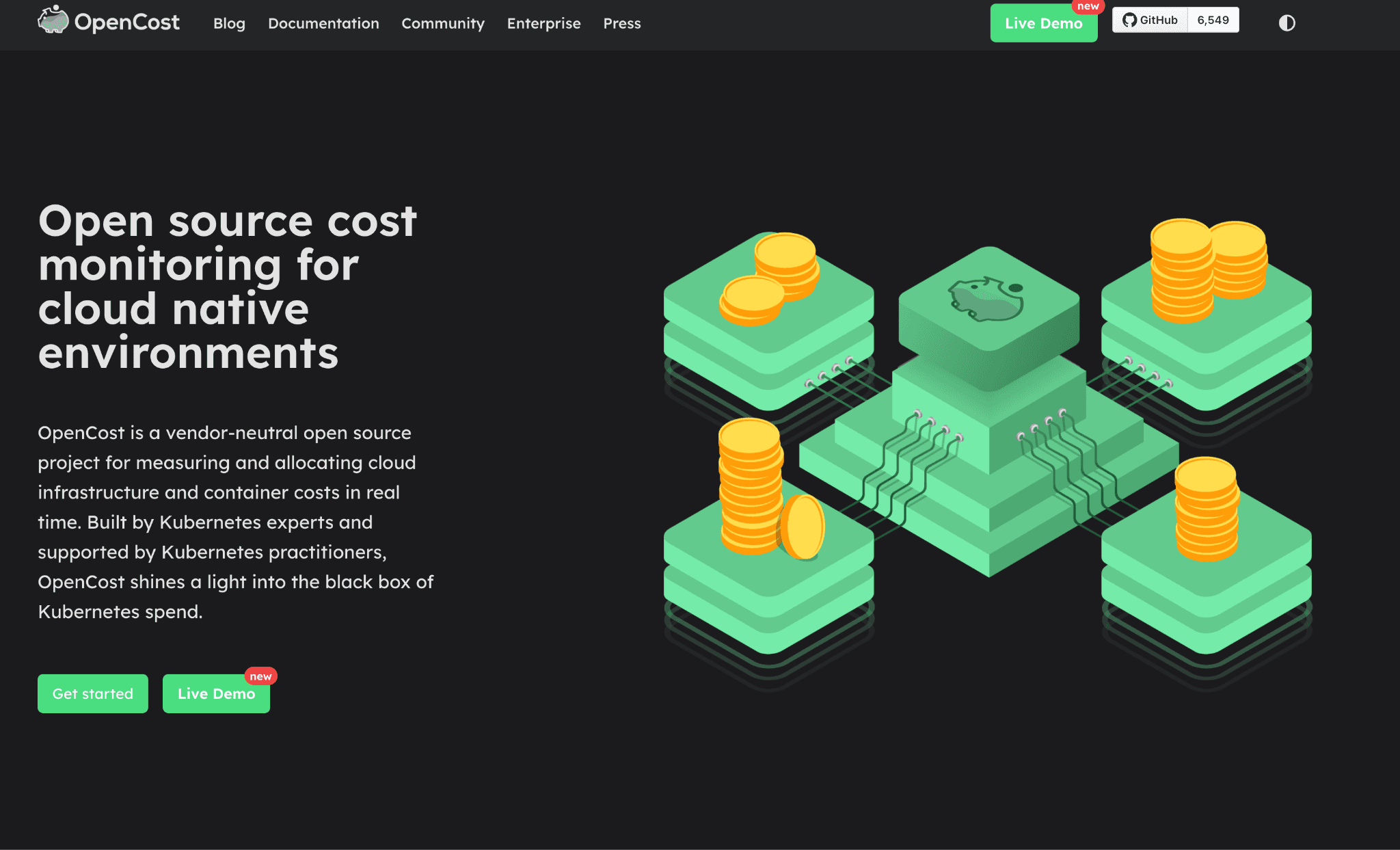
This is really two things that belong together. OpenCost is the open-source standard, a Cloud Native Computing Foundation incubating project backed by AWS, Google Cloud, Microsoft, and Adobe. It does real-time cost allocation broken down to the container, including CPU, GPU, memory, load balancers, and persistent volumes, and it reaches outside the cluster to price object storage and managed services through the cloud billing APIs. Kubecost is the commercial product built on that core, now part of IBM through Apptio.
For container cost management specifically, Kubecost is one of the few tools here that takes chargeback seriously. It reconciles Kubernetes usage against the actual cloud bill so the showback numbers hold up in a finance review, surfaces over-provisioned workloads and shared cluster cost, and can automate request sizing and namespace turndown. It runs across multi-cloud and on-prem clusters in one view.
Container cost management features:
Real-time allocation by namespace, pod, and label, with idle and shared cost spread fairly
Showback and chargeback reconciled against the cloud provider bill
Over-provisioned workload and shared-resource detection
Automated request sizing and namespace turndown
Multi-cluster, multi-cloud, and hybrid in a single view
OpenCost is fully open source and free if you want to self-run the core
Pricing: OpenCost is free forever. Kubecost has an always-free Foundations tier covering unlimited clusters up to 250 cores with 15-day retention, and Enterprise self-hosted or cloud with unlimited retention at custom pricing.
Pros:
The most credible open-source starting point for Kubernetes allocation
Chargeback that reconciles to the real bill, which finance will accept
You can grow from free OpenCost into paid Kubecost without re-platforming
Cons:
Kubernetes only. It does not manage the rest of your AWS, Azure, or GCP bill
The free tier's 250-core and 15-day-retention limits push larger teams to enterprise quickly
Optimization is lighter than the automation-first tools below
Reported result, vendor source: IBM Kubecost positions reconciled showback and chargeback as its core use case on the IBM Kubecost product page. OpenCost's CNCF status and container-level allocation are documented at opencost.io.
3. CAST AI
Best for: Teams that have decided automation is acceptable and want a tool that will actually resize and reschedule workloads, not just chart them.
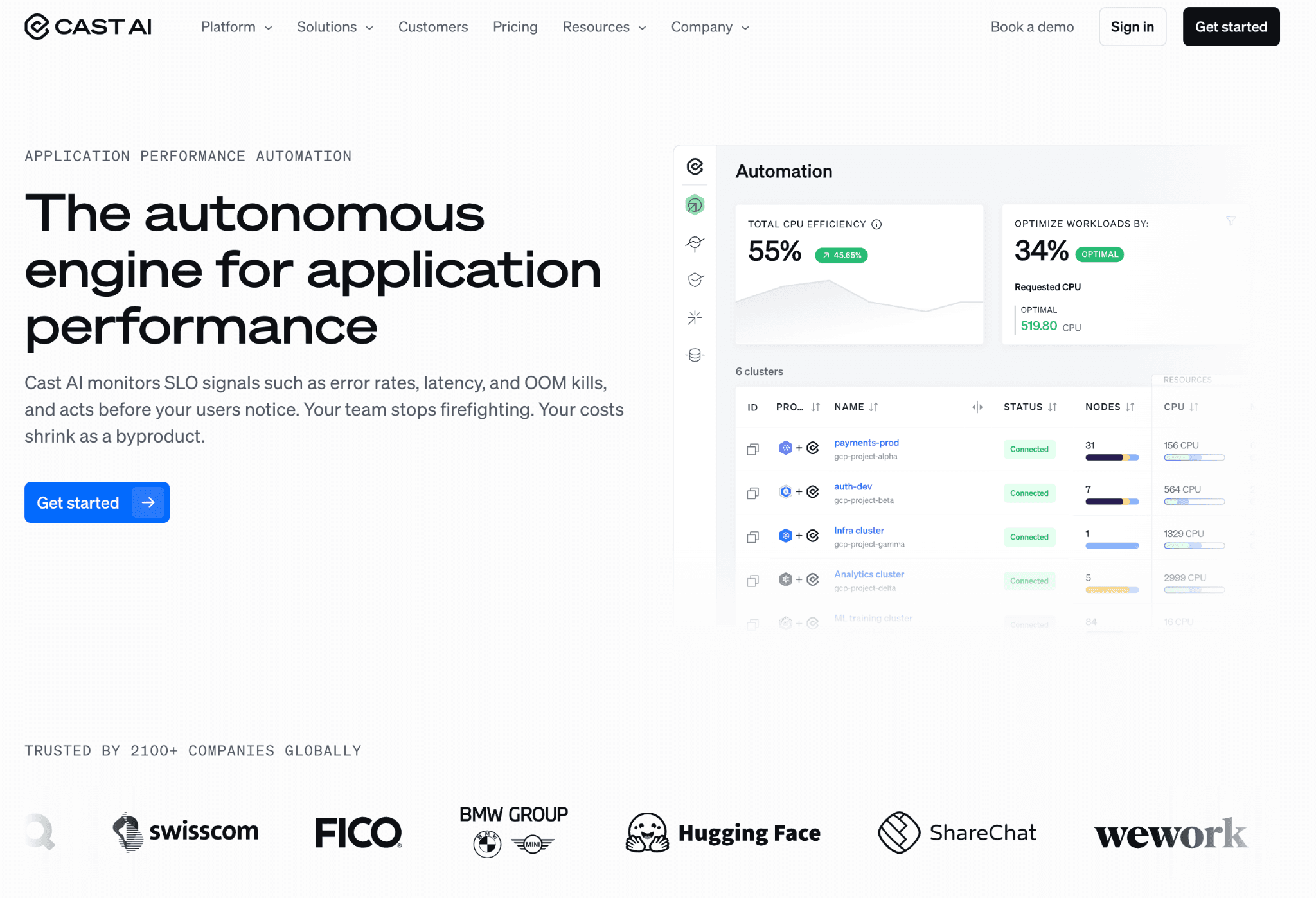
CAST AI is the automation case made well. It starts read-only so you can see the picture first, then, with approval, its agentic runbooks act. The container cost work it does is concrete: it adjusts CPU and memory requests at the millicore level so pods stop hoarding capacity, it scales nodes to real demand instead of the other way round, it bin-packs pods onto the right instance types, and it predicts spot interruptions up to thirty minutes ahead so it can move workloads before they die. It runs on EKS, AKS, GKE, and on-prem Kubernetes.
Where it is thinner is finance-grade allocation. You will see cost and utilization clearly, but chargeback across teams is not the point of the product. The point is a smaller bill with less human effort.
Container cost management features:
Automated workload rightsizing at the millicore level
Node autoscaling and bin-packing tuned to actual demand
Spot automation with up to 30-minute interruption prediction
Read-only onboarding, then approval-gated automated changes
EKS, AKS, GKE, and on-prem coverage
Pricing: Public pricing is published at cast.ai/pricing, including a free monitoring tier with paid automation above it.
Pros:
Genuinely hands-off savings once you trust it
Read-only first, which makes the security conversation easier than most write-access tools
Strong spot and autoscaling logic
Cons:
It needs write access to deliver its main value
Cost allocation and chargeback are secondary to automation
Reported result, vendor source: CAST AI cites Akamai at 40 to 70% cloud savings and Yotpo at 40% on cast.ai. These are vendor-published figures.
4. ScaleOps
Best for: Platform teams running busy production clusters that want pods and nodes rightsized continuously, in real time, without a human in the loop.
ScaleOps lives inside the cluster and reacts to live conditions. It rightsizes CPU and memory requests in real time based on actual workload behaviour, consolidates underused nodes onto better instances, manages replica counts ahead of demand, shifts suitable workloads to spot, and tunes Karpenter. It installs with a single Helm command and supports self-hosted and air-gapped deployments, which matters for regulated environments.
This is an optimization tool, not an allocation tool. If your question is "who owes what," ScaleOps is not the answer. If your question is "why is this cluster 60% bigger than it needs to be," it is a strong one.
Container cost management features:
Real-time pod CPU and memory rightsizing from live behaviour
Node consolidation and replica optimization
Spot shifting and Karpenter optimization
In-cluster agent, single Helm install, air-gapped option
Multi-cluster
Pricing: Not public. Pricing scales with cluster count, quoted by sales.
Pros:
Reacts to live load, not a nightly batch
Production-grade controls and air-gapped support
Fast to install
Cons:
Write access, in-cluster, is required
No real cost allocation or chargeback
Reported result, vendor source: ScaleOps claims up to 80% cloud cost reduction, with Vantor at 62% CPU and 40% memory and Outbrain above 40%, on scaleops.com. Vendor-published figures.
5. nOps
Best for: AWS-first teams that want container cost allocation and AWS commitment savings handled by the same platform.
nOps is interesting because it sits across two problems most tools treat separately: container allocation and AWS commitment management. It gives visibility and cost allocation across multi-cloud, Kubernetes, SaaS, and AI spend, with forecasting, anomaly detection, and unit economics, and it has a dedicated EKS optimization path plus Karpenter migration guidance.
Then it pushes Reserved Instances, Savings Plans, and CUDs to high coverage, which the vendor frames as up to 55% off on-demand. For a containerized AWS estate, having allocation and commitment in one place is a real workflow advantage.
Container cost management features:
Container-level cost allocation within multi-cloud and Kubernetes visibility
Dedicated EKS optimization and Karpenter adoption support
Anomaly detection, forecasting, and unit economics
Automated commitment management for RIs, Savings Plans, and CUDs
Pricing: Not listed on the product pages, directed to nops.io/pricing. Historically tied to realized savings, which is worth confirming with sales.
Pros:
Allocation and AWS commitment savings under one roof
Strong EKS and Karpenter story
Cons:
AWS-centric, weaker outside it
Savings-linked pricing can be hard to forecast
Reported result, vendor source: nOps states it manages over $4B in annual cloud spend across 500+ customers on nops.io. Vendor-published figures.
6. PerfectScale
Best for: Teams that have been burned by aggressive rightsizing and want cost cuts that will not page someone at 2am.
PerfectScale's pitch is that cost and reliability are the same problem. It autonomously tunes Kubernetes resources across clusters while explicitly protecting availability, eliminating the misconfigurations that breach SLAs as it trims waste. It is often positioned as a Kubecost alternative for teams that want action rather than dashboards. If your culture will not tolerate a rightsizing tool causing an outage, the resilience framing is the reason to shortlist it.
Container cost management features:
Autonomous rightsizing across multiple clusters
Resilience and SLA-aware decisions, not cost-only
Waste and inefficiency visibility across distributed systems
Multi-cluster from one platform
Pricing: Not public, quoted by sales.
Pros:
Optimizes without trading away availability
Continuous and autonomous
Cons:
Write access required
Kubernetes only, no broader cloud cost management
Reported result, vendor source: PerfectScale cites up to 50% cost reduction and a roughly $60k per year dev-environment saving at ProteanTecs on perfectscale.io. Vendor-published figures.
7. StormForge
Best for: Teams whose biggest waste is over-requested CPU and memory, and who trust machine learning to set requests and limits better than humans do.
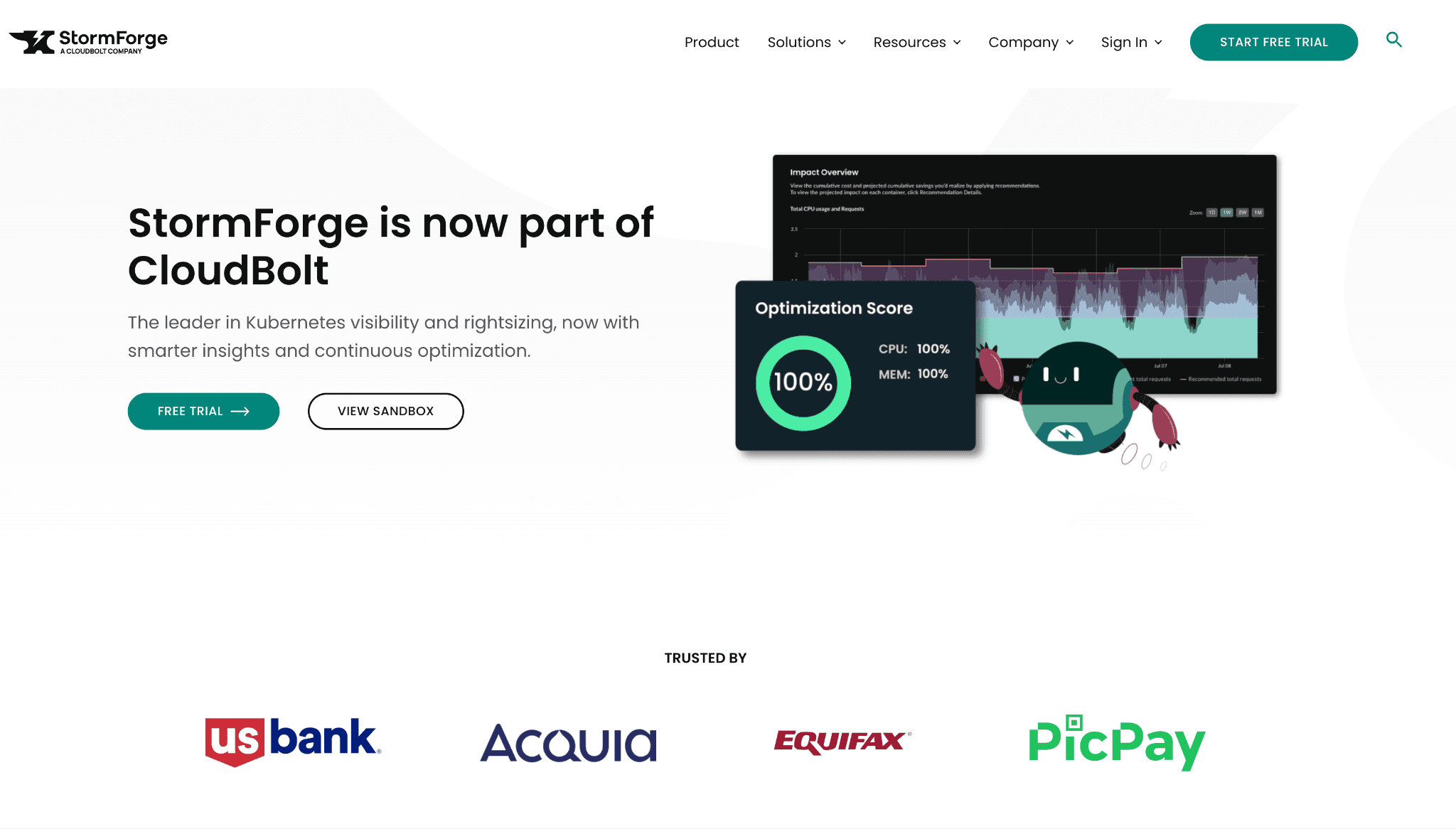
StormForge is narrow on purpose. It uses machine learning to set Kubernetes resource requests and limits, rightsizing over-provisioned containers vertically while cooperating with horizontal pod autoscaling so it does not fight HPA. It runs in a review mode first, then an autonomous mode once trusted. One change to note: StormForge is now part of CloudBolt, so expect it inside a wider cost platform over time.
Container cost management features:
ML-driven vertical rightsizing of requests and limits
HPA-aware so vertical and horizontal scaling cooperate
Continuous workload discovery
Review mode, then hands-free autonomous mode
Pricing: Not public, quoted by sales.
Pros:
Strong, specific answer to the over-provisioning problem
Works with HPA instead of against it
Cons:
Optimization only, no cost allocation
Now inside CloudBolt, so roadmap may shift
Reported result, vendor source: StormForge claims 50 to 70% cloud cost savings from eliminating wasted CPU and memory, and confirms the CloudBolt acquisition, on stormforge.io. Vendor-published figures.
8. Densify (now Kubex)
Best for: Large estates that want recommendation-first container and node rightsizing with strict approval guardrails before anything changes.
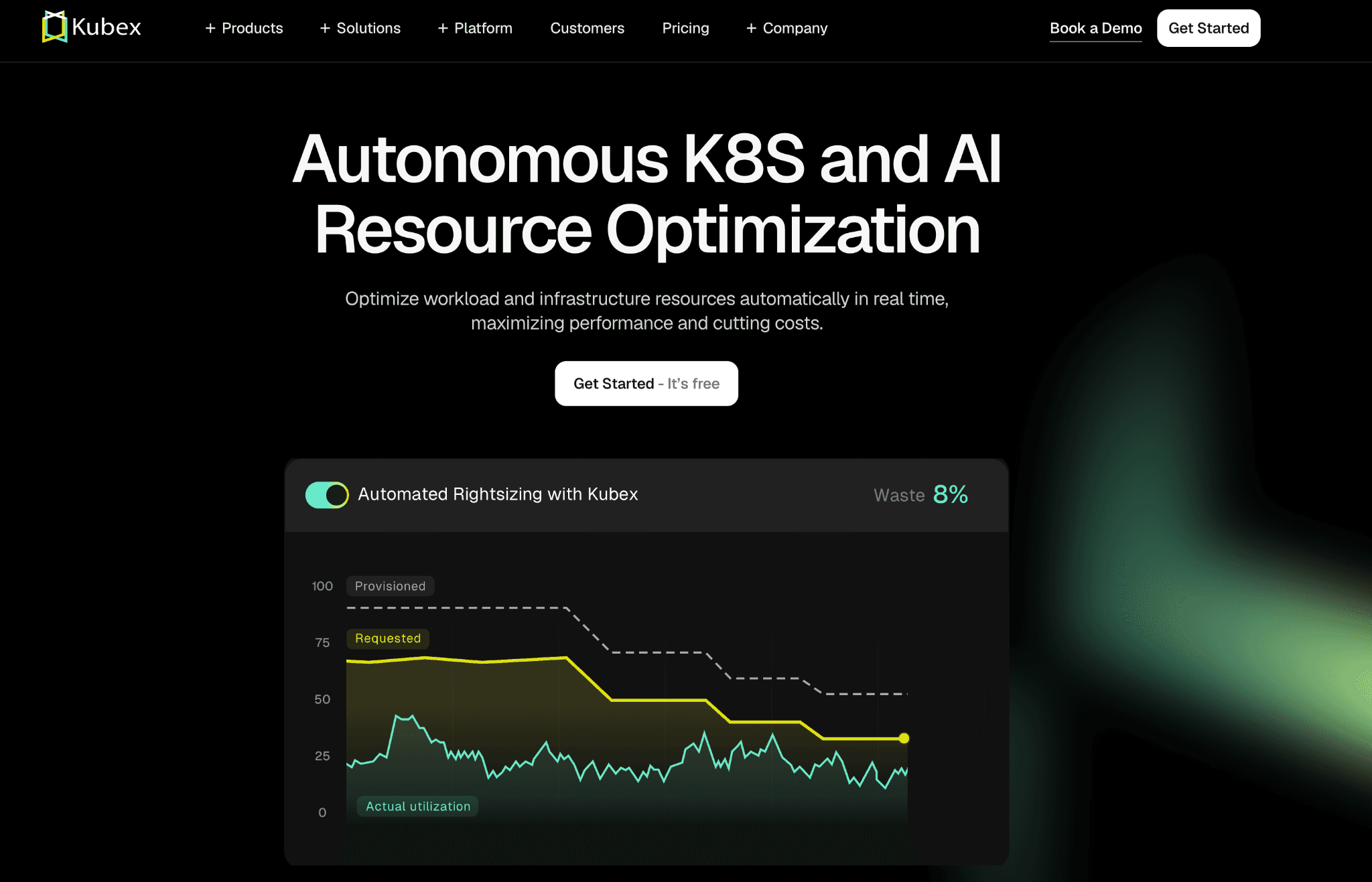
Densify has rebranded to Kubex, so you will see both names in the wild. The approach is recommendation-led. A statistical machine-learning engine studies deep historical usage and produces precise CPU and memory request settings for containers, pods, and nodes, optimizing the full stack from container to node to cloud instance.
Automation is optional, applied through a controller with policy guardrails, maintenance windows, and approval workflows. For a big, change-averse organization, recommendation-first with optional automation is a sensible default.
Container cost management features:
Container, pod, and node rightsizing recommendations from historical analysis
Full-stack view from container to node to cloud instance
Optional automation behind policy guardrails and approval workflows
Predictive, not reactive threshold scaling
Pricing: Not public, free trial available.
Pros:
Recommendation-first suits risk-averse, large environments
Looks at containers and the underlying instances together
Cons:
Pricing opaque, no public tiers
The Densify-to-Kubex transition means some docs and links are in flux
Reported result, vendor source: Kubex cites examples such as $585k per year from optimizing 907 cores and 8.8TB of memory, and $1.2M from a 6,000-core reduction, on kubex.ai (formerly densify.com). Vendor-published figures.
9. Zesty
Best for: Teams whose container waste is as much about storage and scaling lag as it is about CPU, and who want that automated.
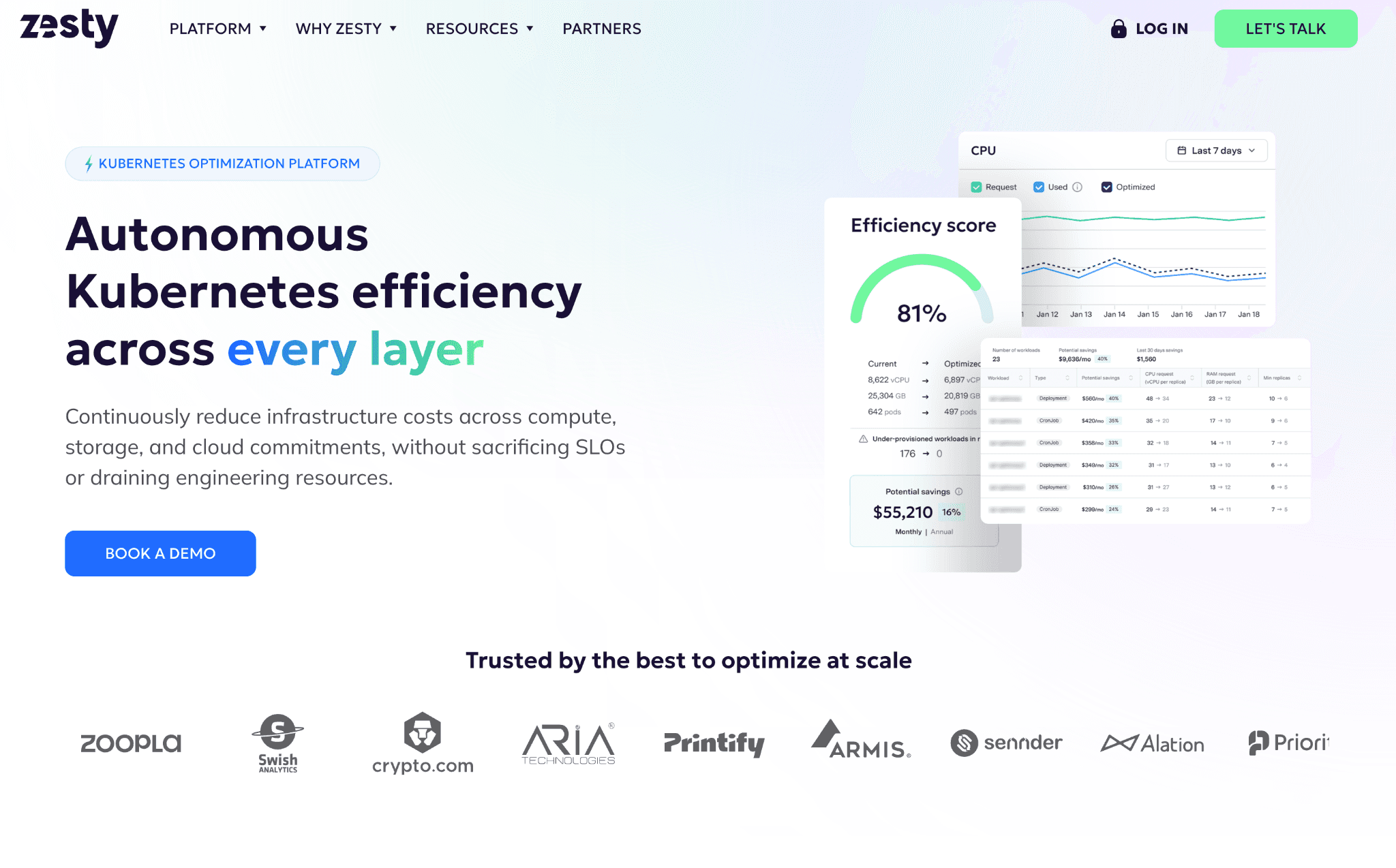
Zesty covers a corner most tools ignore: persistent volumes. Alongside multi-dimensional pod autoscaling that combines horizontal and vertical scaling and watches for CPU throttling and out-of-memory pressure, it autoscales persistent volumes to live usage so idle storage stops bleeding money.
It repositions hard-to-evict pods to reduce fragmentation, and its FastScaler cuts application start time during scaling events. It also handles AWS and Azure commitment optimization. Onboarding is a lightweight Helm chart with read-only billing access, though the optimization actions are write operations.
Container cost management features:
Multi-dimensional pod autoscaling, horizontal and vertical together
Persistent-volume autoscaling to cut idle storage cost
Adaptive pod placement to reduce node fragmentation
FastScaler for faster scale-up
AWS and Azure commitment optimization
Pricing: Not public, quoted by sales.
Pros:
Storage autoscaling is genuinely differentiated
Tackles scaling lag, not just steady-state waste
Cons:
Write automation required for the main value
Allocation and chargeback are not the focus
Reported result, vendor source: Zesty cites Printify at 40% EC2 reduction, Sennder at 43% cluster optimization, and other customers at 53 to 65% on zesty.co. Vendor-published figures.
10. Sedai
Best for: Teams that want optimization to run itself against SLOs, with as little human review as possible.
Sedai is the most autonomous tool here. It uses reinforcement learning to find the right configuration for each app and acts on it in real time, in a Copilot mode that asks first or an Autopilot mode that does not. For containers it rightsizes workloads, tunes scaling, and optimizes nodes and clusters while holding to SLOs, across EKS, AKS, GKE, and five clouds. The trade-off is explicit: in Autopilot it writes to production without asking. That is the feature and the risk in the same sentence.
Container cost management features:
Reinforcement-learning rightsizing and scaling decisions
Node and cluster optimization bounded by SLOs
Copilot (approval) and Autopilot (autonomous) modes
EKS, AKS, GKE plus AWS, Azure, GCP, IBM, Oracle
Pricing: Not public, quoted by sales.
Pros:
Lowest operator effort of any tool here
SLO-bounded, so it optimizes within safety limits
Cons:
Autopilot writes to production autonomously, which not every org will allow
Allocation reporting is secondary
Reported result, vendor source: Sedai cites Palo Alto Networks at a $3.5M cloud cost reduction and 46% lower Kubernetes cost on sedai.io. Vendor-published figures.
11. Economize
Best for: Smaller teams that need clear container and cloud cost visibility without enterprise pricing or a write-access security review.
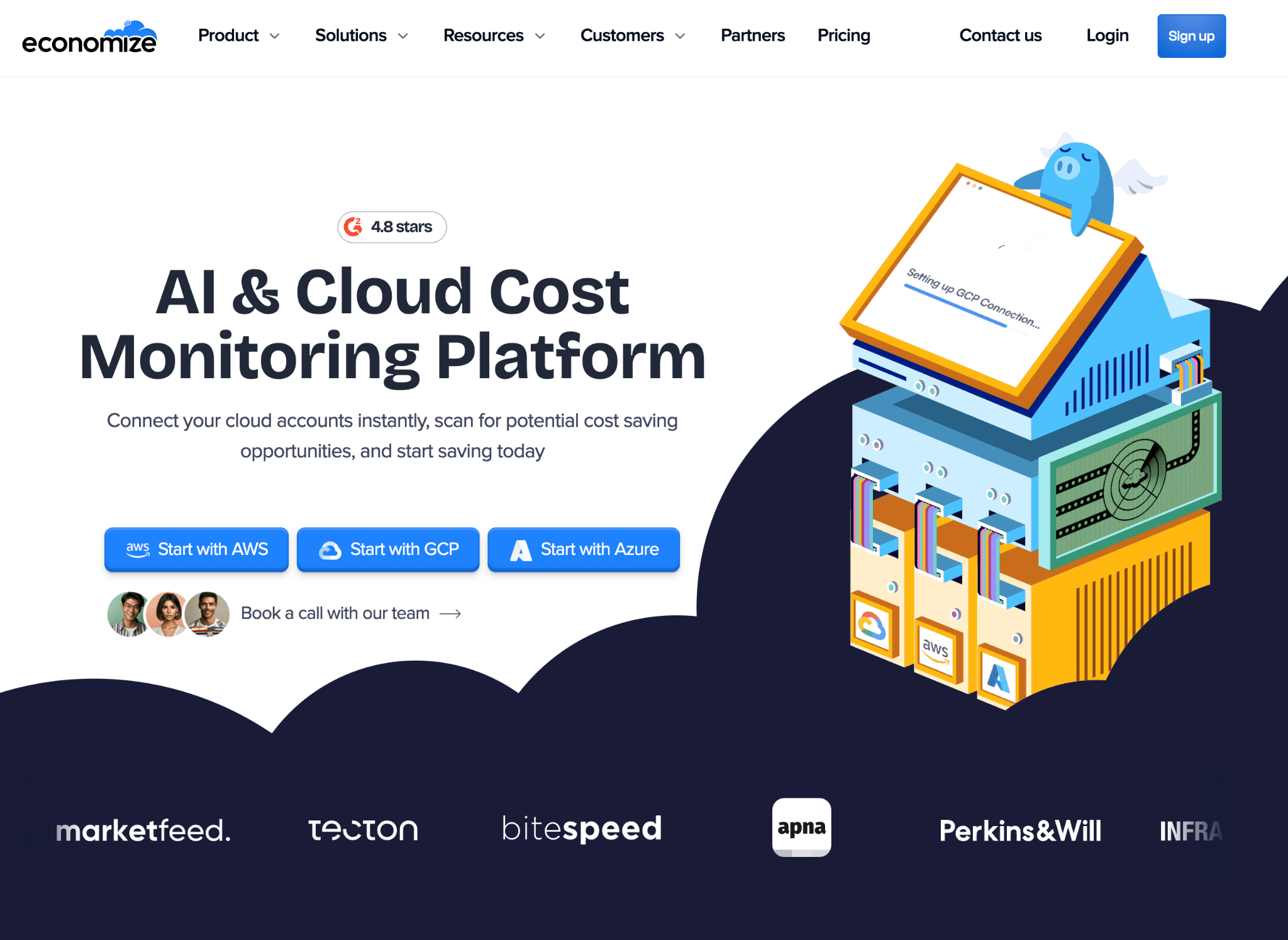
Economize is the honest budget pick. It is agentless and read-only across AWS, GCP, and Azure, gives a single multi-cloud view with a recommendations engine, basic cost allocation, and bill-shock alerts into Slack, Teams, or Discord. It will not autoscale anything. For a small team that mostly needs to see where container and cloud money goes and get warned before a surprise bill, that is often enough, and the lighter footprint is the point.
Container cost management features:
Agentless, read-only multi-cloud cost visibility including Kubernetes
Recommendations engine for savings
Basic cost allocation and spend analysis
Anomaly and bill-shock alerts into chat tools
Pricing: Not published, sign-up or contact sales.
Pros:
Low-friction, read-only, fast to start
Good fit for startups and SMBs
Cons:
Shallow next to enterprise platforms
No automated optimization
Reported result, vendor source: feature set and agentless read-only model documented on economize.cloud.
What container cost management gets wrong (and how to avoid it)
A few patterns show up again and again. The first is buying an optimization tool when the real need is allocation. If finance keeps asking "which team caused this," autoscaling pods will not answer that. You need pod and namespace allocation, which is Amnic or Kubecost territory, not ScaleOps or StormForge.
The second is ignoring the access model until the security review. Write-access tools deliver bigger automated savings, but they change production, and that conversation is much longer than a read-only one. Decide your tolerance before the demo, not after.
The third is treating Kubernetes cost as separate from the cloud bill. Container spend is usually one slice of a larger AWS, Azure, or GCP invoice. A Kubernetes-only tool will optimize the slice and leave the rest invisible, which is why a platform that covers cloud cost allocation and container cost together tends to win on the finance side. For the deeper rightsizing mechanics, the EKS cost optimization guide and Kubernetes cost utilization are good next reads.
How to choose the right container cost management tool
Work through three questions in order. Can you give write access to production? If no, your shortlist is Amnic, Kubecost, OpenCost, Densify or Kubex in recommendation mode, and Economize. If yes, CAST AI, ScaleOps, PerfectScale, Zesty, and Sedai will cut more, faster.
Do you need finance-grade allocation? If you run chargeback, showback, or unit economics, you need real pod and namespace attribution plus a way to fix missing labels. That points to Amnic and Kubecost. If you only need a smaller bill, the automation-first tools are fine.
Is Kubernetes your whole bill or one part of it? If containers are most of your spend, a Kubernetes-native tool is enough. If they sit inside a larger multi-cloud bill that finance also has to explain, a platform that does both, like Amnic, removes a silo. When you have a shortlist, line them up against your own Kubernetes cost management requirements and the FinOps tools for Kubernetes cost management breakdown before you commit.
Why teams pick Amnic
The recurring reason is that Amnic does not make container cost a separate project. It is read-only, so it never touches the cluster and the security review is short. It allocates pod and namespace spend next to the rest of the AWS, Azure, and GCP bill, so finance and engineering argue from the same number instead of two dashboards. And the outcomes are on the record: Open Financial cut overall cloud cost 30%, Metamap lowered EC2 cost 33%, Jiffy.ai cut cluster cost 50%, and Nanonets reduced compute cost 40%.
It is SOC 2 Type II, ISO 27001, and GDPR compliant, and listed in the AWS Marketplace AI Agents and Tools category. If allocation and visibility are the gap, that is the case for putting it first.
Ready to control container spend? Start the free one-month trial with no credit card, or compare plans on Amnic pricing. See the numbers in Amnic customer stories. For enterprise, talk to an Amnic cost expert. Trust: SOC 2 Type II, ISO 27001, GDPR. Customers: Uni, Open Financial, Metamap, Jiffy.ai, Nanonets, LambdaTest.
Frequently asked questions
What is container cost management?
Container cost management is measuring, allocating, and reducing the cost of containers on Kubernetes and ECS, so teams see spend by pod, namespace, and owner, and act on it instead of guessing.
What are container cost management tools?
They are platforms that read Kubernetes and cloud billing data, attribute container cost to teams and products, flag idle and over-provisioned waste, and either recommend or apply changes that lower the bill.
How much does it cost to run containers on Kubernetes?
Kubernetes is free, but production clusters pay for the control plane, compute, storage, and network. A managed control plane often starts around 73 dollars per month before any compute. Confirm current rates with your provider.
Which is the best container cost management tool?
For allocation plus multi-cloud and Kubernetes in a read-only platform, Amnic. For open-source Kubernetes allocation, Kubecost or OpenCost. For hands-off automation, CAST AI or ScaleOps.
Is there a free container cost management tool?
Yes. OpenCost is free and open source, and Kubecost has an always-free tier up to 250 cores. Amnic offers a free one-month trial with no credit card.
Do these tools need write access to my cluster?
Not all. Amnic, Kubecost, OpenCost, and Economize are read-only. CAST AI, ScaleOps, PerfectScale, Zesty, and Sedai need write access to apply changes.
What are the best Kubecost alternatives?
Amnic, CAST AI, PerfectScale, and nOps are the common alternatives. Amnic adds multi-cloud cost allocation that Kubernetes-only tools do not offer.
How do I allocate container cost by team or namespace?
Use a tool that maps spend to pods and namespaces and fills missing labels with virtual tags. Amnic and Kubecost both support namespace and team-level showback and chargeback.
Better visibility and management into AI Tokens?
Start with a 30 day trial
Connect leading LLMs
24 hour time to value
Stay ahead of AI Spend

Make AI spend visible, controllable, and accountable.
Gain insights into your AI token costs at a team, customer, business unit and individual user level to measure and manage AI utilization.
Recommended Articles
9 Best FinOps Tools for AI Cost Management in 2026
Read More
How to Learn Kubernetes: A Practical Roadmap for Beginners
Read More
EKS Cost Optimization: Best Practices to Cut Your AWS Kubernetes Bill
Read More
11 Best Cloud Cost Management Tools in 2026 (Honest Buyer Comparison)
Read More
Kubernetes vs Docker: Differences, Use Cases & Cost
Read More
Cloud Cost Management: The Complete Guide for 2026
Read More






