9 Best AWS Cost Optimization Tools in 2026 | Amnic
15 min read
The 9 best cost optimization tools for AWS in 2026, covered in this guide, are 1. Amnic, 2. AWS Cost Explorer, 3. Economize, 4. CloudZero, 5. Vantage, 6. ProsperOps, 7. Apptio Cloudability, 8. nOps and 9. Kubecost.
AWS cost optimization tools help engineering and finance teams cut AWS spend by 10 to 30% through visibility, attribution and automated recommendations across EC2, RDS, S3, EBS, EKS, Bedrock and GPU workloads.
Amnic ranks first for teams that want deep AWS coverage, AI-driven analysis, anomaly detection and read-only deployment, with documented savings of 30 to 50% at AWS customers like LambdaTest, Jiffy.ai and MetaMap.
Top 9 AWS Cost Optimization Tools in 2026
Amnic - Deep AWS visibility across EC2, S3, EBS, RDS, EKS and Bedrock with AI agents and read-only access, plus optional Azure and GCP coverage when teams expand.
AWS Cost Explorer - Native AWS tool for baseline visibility, 13 months of usage history and basic Amazon EC2 costs rightsizing at no additional cost.
Economize - Affordable AWS visibility for startups and small teams, with idle resource detection, AWS tagging governance and basic recommendations.
CloudZero - For SaaS engineering teams that need AWS spend mapped to product features, customers and deployments, not just service totals.
Vantage - Fastest path to a working AWS dashboard with a free tier, 25+ SaaS integrations and no sales process.
ProsperOps - For AWS-heavy teams that want AWS Savings Plans and Reserved Instances handled on autopilot without quarterly manual review.
Apptio Cloudability - For enterprise finance teams that need audit ready AWS chargeback and monthly cloud cost close.
nOps - For Kubernetes-heavy AWS teams that want automated commitment buying and EKS cost optimization without a FinOps specialist.
Kubecost - For platform teams running EKS who need pod, namespace and PVC level cost allocation in one focused tool.
What Are AWS Cost Optimization Tools?
AWS cost optimization tools are platforms that pull in your AWS billing data and turn it into clear actions that reduce wasted spend. They sit on top of your AWS account, surface idle resources, oversized instances and missed savings and tell you exactly where your bill is leaking.
Going one level deeper, AWS cost optimization software ingests AWS Cost and Usage Report (CUR) data, allocates spend to teams, products or features and surfaces rightsizing, idle resource and reservation actions across EC2, RDS, S3, EBS, EKS, Lambda, Bedrock and GPU services like P5 and G5 instances. The better platforms add anomaly detection, unit economics modeling and AI querying so non-specialists can use them.
For a CFO, FinOps lead or VP of Engineering, AWS cost optimization tools are the layer that ties cloud spend to business outcomes like cost per customer, cost per feature or cost per query. They give finance audit-ready AWS chargeback reports and engineering-specific actions to take, moving the conversation from "the AWS bill went up" to "this product line is now 22% more expensive to run, here is why".
These tools differ from native AWS cost management options like Cost Explorer, Trusted Advisor and Budgets because they go deeper than service level aggregates and add automation, AI querying and shared infrastructure allocation that the AWS console does not provide out of the box.
Comparison Table: Top 9 AWS Cost Optimization Software in 2026
The table below summarizes the 9 platforms by AWS coverage depth, AI capability, free trial availability and pricing model.
Tool | Best For | AWS + Multi-Cloud Coverage | AI / Automation | Free Trial | Pricing |
| Deep AWS visibility plus, cost control, cost attribution, optional Azure, GCP, Oracle, Alibaba and EKS, with AI agents | Full AWS (EC2, S3, EBS, RDS, EKS, Bedrock, GPU) + multi-cloud | Yes (Amnic AI with 4 agents) | Yes (1 month) | % of monitored spend |
| Free baseline AWS spend visibility and forecasting | AWS only | Limited (rule based) | Free | Included with AWS |
| Affordable AWS cost visibility for startups and SMBs | AWS focused, GCP secondary | Limited | Yes | Tiered |
| Cost per product, feature and customer for SaaS on AWS | AWS primary, Azure, GCP | Limited | No | Enterprise |
| Fastest self-serve AWS setup with SaaS integrations | AWS primary, Azure, GCP + 25 SaaS | Limited | Yes (free tier) | Tiered |
| Autonomous AWS Savings Plan and RI management | AWS primary | Yes (commitment automation) | Yes | % of savings |
| Enterprise AWS chargeback and showback | AWS primary, Azure, GCP | No | No | Enterprise |
| EKS cost allocation and AWS commitment automation | AWS primary + EKS | Yes (spot and commitment) | Yes | % of savings |
| Granular EKS cost allocation | AWS EKS primary, AKS, GKE | Limited | Yes (open source) | Free OSS / paid tiers |
Note: Pricing reflects public sources as of May 2026. Always confirm current pricing with the vendor.
How We Evaluated These AWS Cost Optimization Platforms
AWS cost optimization tools are scored on how reliably they cut AWS spend, not on how many dashboards they ship.
We used six criteria a real buyer cares about:
AWS depth and CUR coverage: Does it ingest the full Cost and Usage Report, including resource-level detail for EC2, RDS, S3, EBS and EKS?
Attribution depth: Can it map every AWS dollar to a team, product, feature or customer at daily granularity, including cost allocation for shared infrastructure?
Recommendation quality: What is the documented savings on EC2 rightsizing, idle EBS volumes, Amazon S3 storage costs, tiering and reservation coverage?
Anomaly detection and budget governance: Does it catch AWS spend spikes early and route the alert to the right owner?
Persona fit: Can a CFO, SRE and FinOps analyst each get value from the same platform without specialist training?
Time to first insight: How long from sign up to a usable AWS cost dashboard?
The list below is ranked by total score against these six criteria for mid-market and enterprise teams running material AWS workloads.
9 Best AWS Cost Optimization Software Tools in 2026
These 9 platforms cover the full AWS cost workflow, from raw billing ingest to anomaly alerts to rightsizing across compute, storage, network, Kubernetes and AI workloads.
1. Amnic
Best for: AWS heavy teams that want deep visibility across EC2, S3, EBS, RDS, EKS Bedrock and more, with AI-powered analysis, anomaly detection and 10 to 20% waste reduction without granting write access to their AWS accounts.
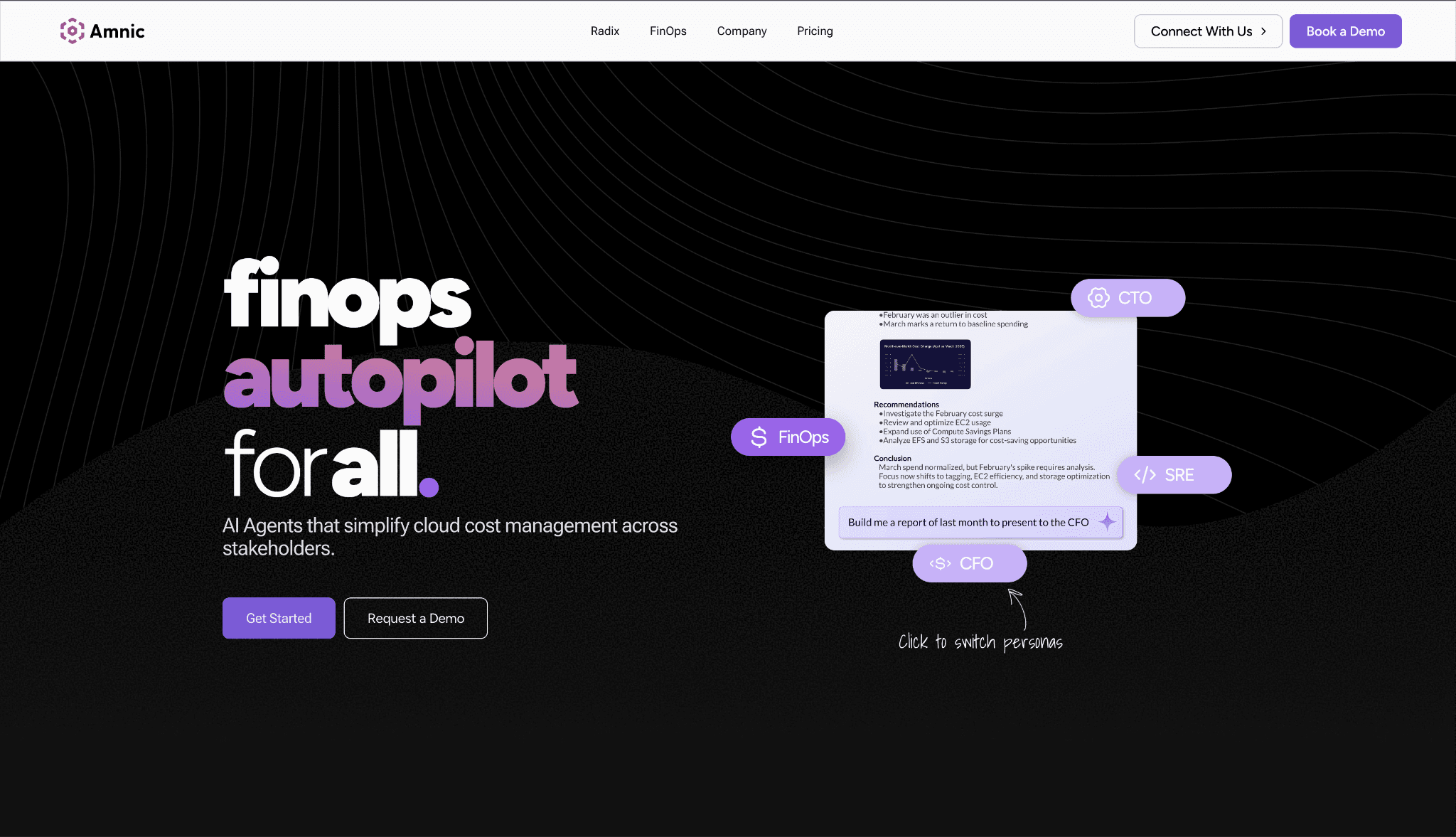
Amnic is an AWS cost analysis platform built so that engineering, finance and leadership share the same AWS cost truth. It connects to AWS in read-only mode, ingests the full Cost and Usage Report and breaks every dollar down by EC2 instance family, S3 bucket and operation, EBS volume type, RDS engine, NAT gateway, data transfer category and more.
The platform lets users drill from AWS accounts to service-specific resources. A team can analyze S3 storage costs by bucket, operation and resource ID, slice EC2 spend by instance family and Reserved Instance coverage, or build dashboards tailored to engineers, managers and CFOs. That role-based granularity is one of the clearest separations from native AWS tools.
Amnic also covers Azure, GCP, Oracle and Alibaba in the same view, useful for the small share of AWS customers that have workloads on a second provider, but the depth on AWS is what most buyers choose it for.
Key features that matter to AWS buyers:
Recommendations engine targeting 10 to 20% AWS waste reduction by spotting EC2 instances running below 2% utilization, idle EBS volumes, unattached Elastic IPs, oversized RDS instances and extended support charges
Amnic AI with four agents (X-Ray, Insights, Governance, Reporting) that let any user query AWS cost data in plain language without learning Cost Explorer filters or CUR schema
Anomaly Detection across AWS services that catches sudden spikes and saves 10 to 15% of yearly cloud spend, with custom thresholds at the tag, account, EC2 instance family or product level
Virtual Tags that unify "prod", "production" and "PROD" into one clean attribution rule, fixing the AWS tag hygiene gap that breaks chargeback in most accounts
Budgeting with alerts at 50, 70 and 85% consumption, mapped to AWS Cost Categories and product groupings
AWS storage cost optimization across S3 storage class transitions (Standard to Infrequent Access to Glacier), EBS volume rightsizing (gp2 to gp3) and EFS lifecycle policies, with documented coverage in our AWS storage costs guide
Kubernetes cost management for EKS at the container, pod, node group and persistent volume claim level, with savings of up to $20M in a single cluster, plus our EKS pricing breakdown for further detail
GPU cost optimization for P4, P5, G5 and Trainium instances, useful for AI/ML teams whose GPU spend is the fastest-growing line item on AWS
AWS Reserved Instance and Savings Plan coverage analysis with utilization tracking and recommendations on what to buy or exchange next
AWS data transfer costs analysis covering NAT gateway, cross AZ, cross region and CloudFront patterns, the line items most teams underestimate
AWS Organizations and consolidated billing support, with cost data normalized across hundreds of linked accounts in one view
Shared infrastructure cost allocation with flexible split rules, including fixed percentages, proportional splits and usage-based meters from CloudWatch logs or API call counts
Unit cost models that tie AWS spend to business metrics like cost per customer, cost per loan or cost per inference call
FinOps for AI tracking on Amazon Bedrock, with OpenAI and Anthropic coverage rolling out, see Amazon Bedrock pricing for a full breakdown
Inventory Management that maps deployed AWS resources by IP, product and team, so security and cost share one source of truth
Read-only access to AWS billing and CloudWatch with SOC 2 Type II, ISO 27001 and GDPR compliance, plus SSO and Jira integrations for enterprise governance
Available on the AWS Marketplace under the AI Agents and Tools category, so teams can procure against existing AWS commitments
Pricing:
Amnic uses a percentage of cloud spend model, with a 1-month free trial for the startup tier and no credit card required at sign up.
Enterprise plans are scoped to your AWS footprint and include access to dedicated Amnic cost experts, so the cost scales with what you actually manage rather than a fixed seat license.
Pros:
Goes deep on AWS specifically, with resource-level detail for EC2, S3, EBS, RDS, EKS and Bedrock that most multi-cloud platforms only show at the service-level aggregate
Four AI agents let any role query AWS cost data in plain language without learning Cost Explorer filters or writing CUR queries, so a CFO, SRE or FinOps analyst gets the same answer
Read-only architecture means security teams approve the deployment in days rather than months, unlike write access tools that often stall in security review for a quarter
Unit economics modeling ties AWS spend to business metrics like cost per customer or cost per query, a view that native AWS tools cannot produce
Cons:
LLM cost coverage tracks Amazon Bedrock today with OpenAI and Anthropic on the roadmap, so AI teams that need active rightsizing on non-Bedrock model usage will need to wait
The percentage of spend pricing model means cost grows as your AWS bill grows, so larger enterprises should negotiate a spend cap at the contract stage
2. AWS Cost Explorer
Best for: Teams running entirely on AWS that need basic cost visibility, 13 months of historical spend data and EC2 rightsizing recommendations at zero additional cost.
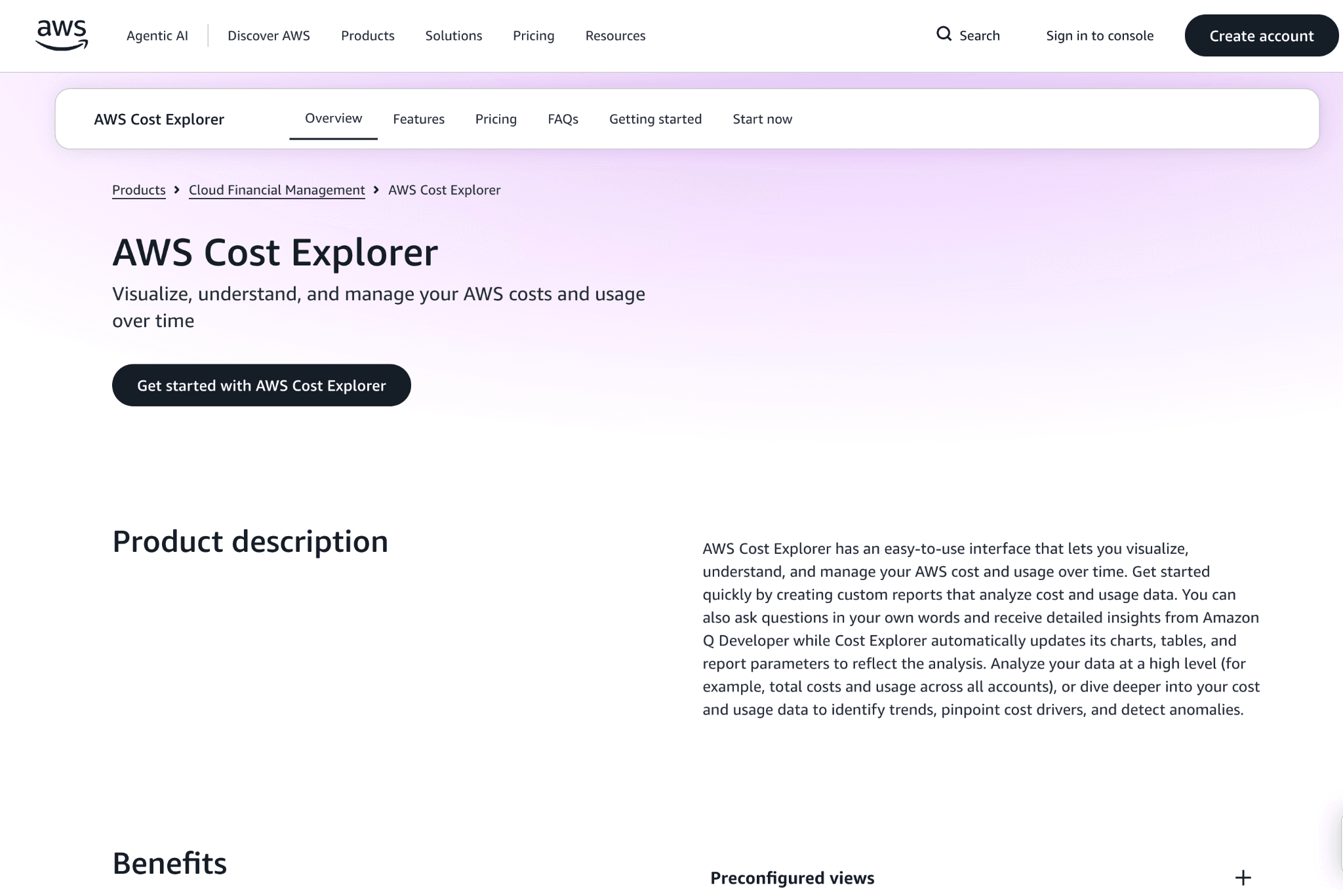
AWS Cost Explorer is the native cost visualization tool included with every AWS account. It surfaces daily and monthly spend across services, accounts and tags, with simple forecasting and a basic rightsizing recommendations engine for EC2.
For most AWS teams, Cost Explorer is the first tool they use to understand their bill. It does the job for baseline reporting, but it does not allocate shared infrastructure cleanly, run anomaly detection across multiple dimensions or surface unit economics, which is why teams move to a dedicated AWS cost optimization platform once their AWS spend crosses around $10,000 a month.
Key features:
Service, account and tag level AWS cost views: filter spend by AWS service, linked account, region or tag with daily, monthly or hourly granularity for the last 13 months
AWS cost forecasting: project spend for the next 3 to 12 months based on historical patterns, useful for high-level budget planning
EC2 rightsizing recommendations: surface oversized EC2 instances with suggested smaller instance types and projected monthly savings included
Reserved Instance and Savings Plan coverage reports: see how much of your AWS spend is covered by commitments and where coverage gaps exist
AWS Cost Categories: group spend across services and accounts into custom buckets like "production", "internal tools" or "customer A"
Hourly and resource level granularity: drill into spend at the resource ID level for the last 14 days, useful for debugging a recent EC2 or S3 cost spike
Custom reports and saved views: build and save reports for stakeholders so each team gets the slice of AWS spend they care about
Programmatic access via the Cost Explorer API: pull AWS data into your own dashboards or BI tools when the native UI is not enough
Pricing:
AWS Cost Explorer is free to use for the standard interface, including saved reports and forecasting features.
The Cost Explorer API is billed at $0.01 per request, which adds up for teams pulling cost data into custom dashboards on a schedule.
Pros:
Free with every AWS account, no sign-up or sales process required, the fastest way to get a baseline view of AWS spend
Tight integration with AWS Cost Categories, Budgets and Anomaly Detection, since they are all part of the same AWS Billing console
Resource level detail for the last 14 days lets engineers debug a recent AWS cost spike without exporting CUR data into a separate tool
Cons:
AWS only, so teams that run any workload on Azure or GCP have to use a separate tool, then reconcile the two views manually
Shared AWS infrastructure costs cannot be allocated cleanly, since Cost Explorer relies on tags and most AWS accounts have inconsistent tag coverage
Anomaly detection is rule-based and limited in scope, so it catches obvious AWS spikes but misses gradual cost drift across multiple services
No GPU instance optimization, no Bedrock cost tracking, no unit economics and no AI querying, which means CFOs and finance teams cannot use it for product or customer level reporting
EBS, S3 and data transfer recommendations are thin compared to dedicated AWS cost optimization software, so storage and network waste often go unflagged
3. Economize
Best for: Startups and small engineering teams that want a clean AWS cost dashboard with idle resource detection, EBS volume cleanup and tagging governance, without paying enterprise prices.
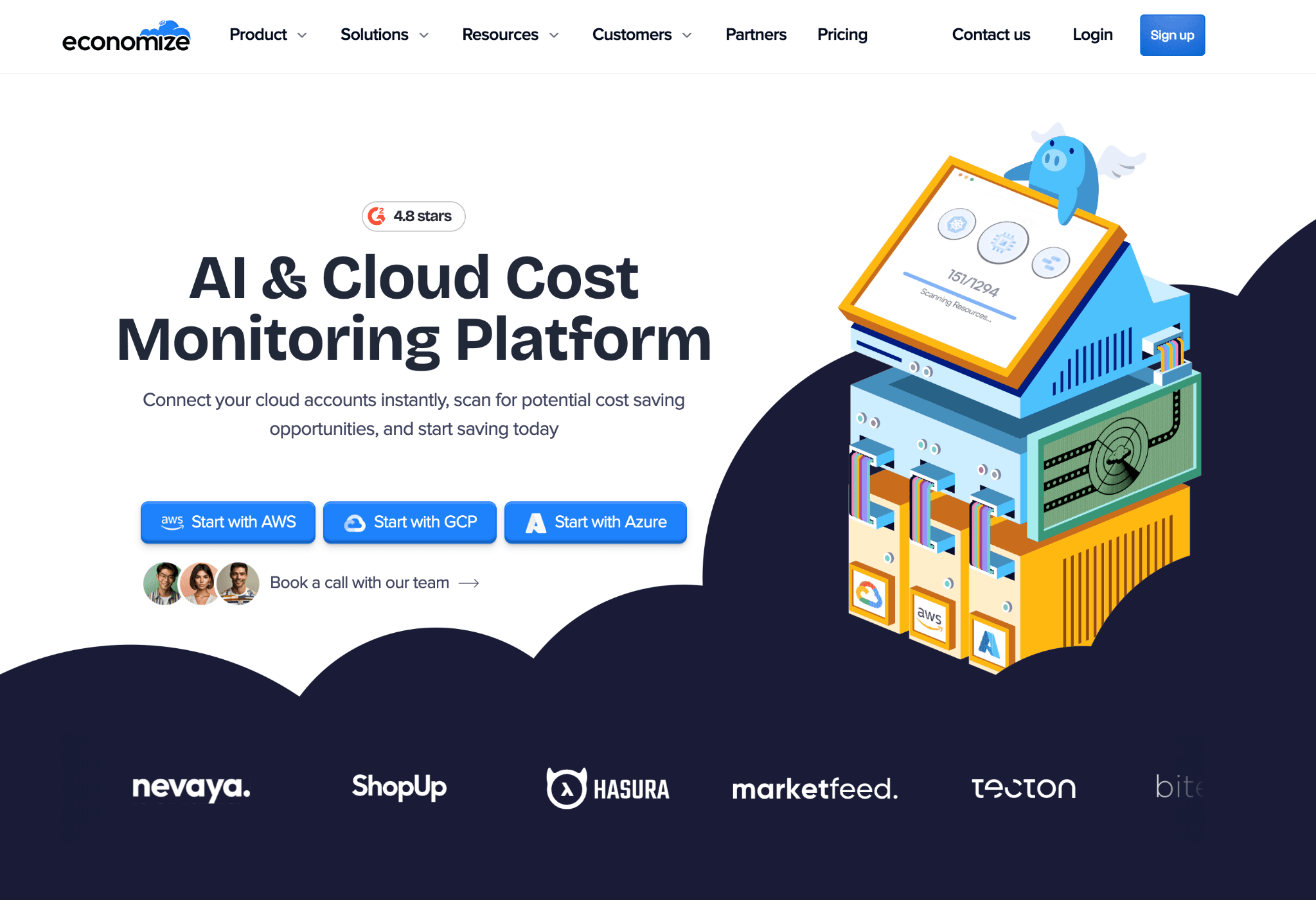
Economize is a budget-friendly AWS cost optimization platform aimed at startups and SMBs. It pulls in CUR data, surfaces idle AWS resources, flags untagged spend and provides rightsizing recommendations across EC2, RDS, S3 and EBS.
The product is positioned as the entry-level version of FinOps tooling for AWS. Onboarding takes under an hour, the dashboard is approachable for non-specialists and the price point sits well below enterprise platforms like Cloudability. Economize also covers GCP, useful for the small group of teams running both AWS and GCP without needing a full multi-cloud platform.
Key features:
AWS cost dashboards with service, account and tag breakdowns: out-of-the-box views for EC2, RDS, S3, EBS, Lambda and other services with daily granularity
Idle AWS resource detection: flags unused EBS volumes, unattached Elastic IPs, idle RDS instances and zombie load balancers, with one-click links to the AWS console for cleanup
EC2 rightsizing recommendations: surfaces oversized EC2 instances and RDS instances based on CloudWatch utilization data with projected monthly savings on each suggestion
S3 storage class optimization: identifies cold S3 objects sitting in Standard tier and recommends transitions to Infrequent Access, Glacier Instant Retrieval or Deep Archive
AWS tag governance: highlights untagged or inconsistently tagged AWS resources so teams can fix tag hygiene before it breaks chargeback
Anomaly alerts on AWS spend: catches unusual spikes in service level cost and routes notifications to Slack or email
AWS Reserved Instance and Savings Plan coverage analysis: tracks utilization and suggests when to buy more or exchange existing ones
Multi-account AWS Organizations support: covers linked accounts in one dashboard, useful for teams with separate dev, staging and prod accounts
Pricing:
Economize offers a tiered pricing model starting from a low monthly fee for small AWS teams, with paid tiers based on AWS spend under management and feature depth.
There is a free trial available and onboarding does not require a sales call, which makes it easy to evaluate without procurement involvement.
Pros:
Faster to deploy than enterprise platforms, with most AWS teams seeing a working dashboard within a few hours of sign up
Pricing is realistic for startups, well below Cloudability or CloudZero, and accessible before a dedicated FinOps function exists
Idle AWS resource detection and tag governance are practical and immediate wins, so teams typically recover the subscription cost in the first month
Cons:
AI features and natural language querying are absent, so CFOs and non-technical roles need someone to interpret the AWS dashboards
EKS coverage is shallow compared to Kubecost, nOps or Amnic, so teams running heavy AWS Kubernetes workloads will outgrow Economize within a year
No GPU or Bedrock cost tracking, a gap for AI heavy AWS accounts
Multi-cloud beyond AWS and GCP (no Azure, no Oracle) limits long term fit for teams expanding their footprint
4. CloudZero
Best for: SaaS engineering teams that need AWS spend mapped to product features, customers and deployments, not just service level totals.
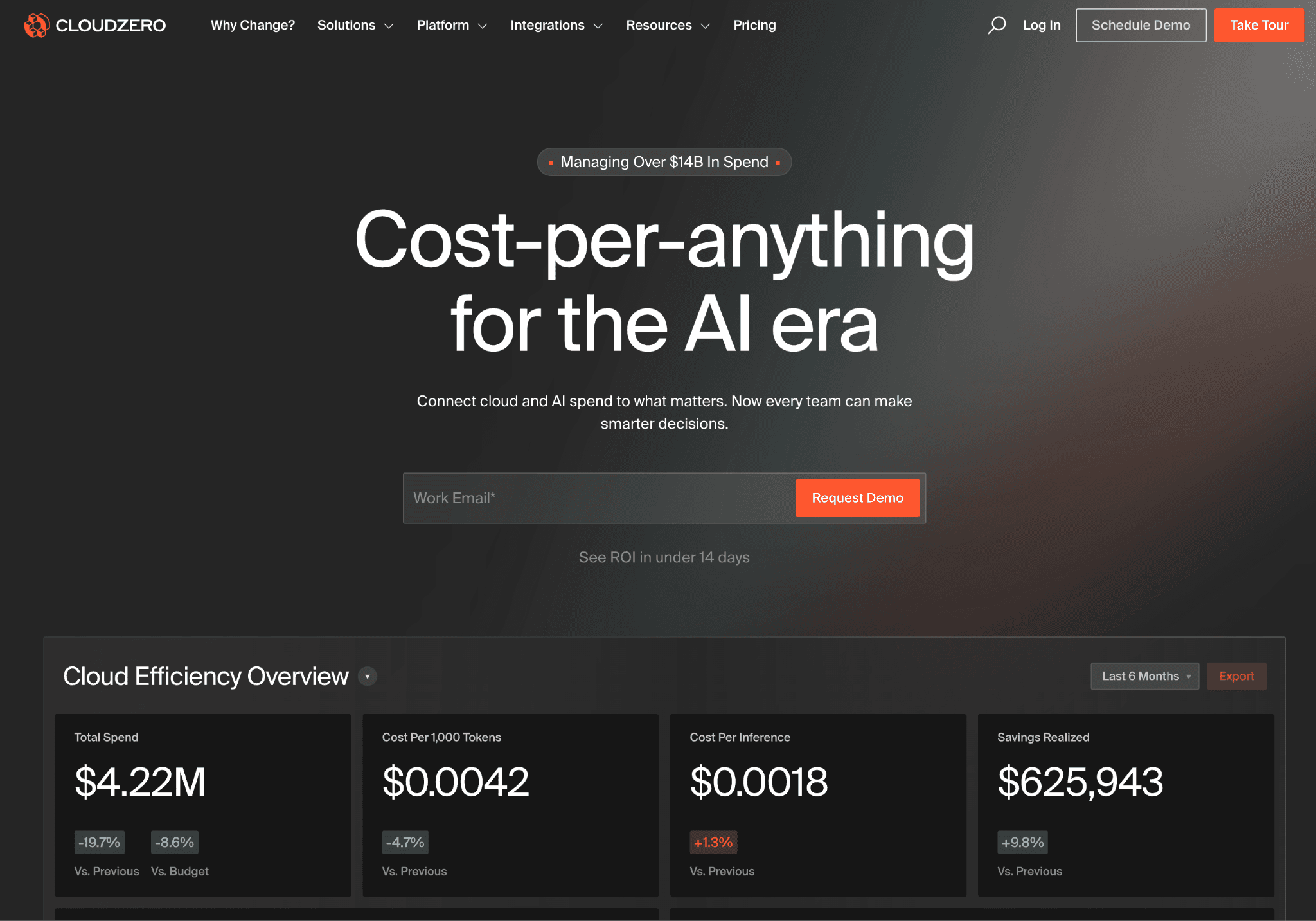
CloudZero focuses on connecting AWS spend to business outcomes like cost per customer, cost per feature and cost per deployment. The allocation engine is one of the strongest in the category for SaaS companies running on AWS that already have product analytics in place.
While CloudZero supports Azure and GCP for teams expanding beyond AWS, its core strength and most customers sit on AWS, where its CostFormation engine maps EC2, RDS, S3 and EKS to business dimensions.
Key features:
Cost per business dimension allocation that maps every AWS dollar to a product feature, customer or deployment using your own business metrics, so engineering leaders can show what each part of the product costs to run on AWS
AnyCost API for ingesting non-AWS cost data, pulling in spend from Snowflake, Databricks and other SaaS tools so the full cost of a feature includes every infrastructure layer, not just AWS line items
AWS anomaly alerts and EKS cost views that surface unexpected spend spikes at the team or product level, with context on which feature or deployment drove the change
Engineering-focused dashboards with pre-built views for VPs and engineering managers showing AWS cost per sprint, per deployment and per customer segment, formatted for quarterly business reviews
Slack and Teams native alerts so AWS cost anomalies show up where engineers already work, not in a separate FinOps console
Tag-free attribution that uses telemetry and metadata rather than relying purely on AWS tags, helpful in accounts with inconsistent tagging
AWS Cost Categories support so the existing categorization in AWS Billing carries over without re-mapping
Audit grade allocation reports finance teams can use for board reviews, with a clear paper trail for every shared AWS cost split
Pricing:
CloudZero sells exclusively through enterprise contracts with no public rate card and no self-serve onboarding. Pricing is tied to AWS and total cloud spend volume under management and teams typically go through a full sales and scoping process before getting access.
There is no free trial, which makes it harder to evaluate the platform without committing time to a formal proof of concept.
Pros:
CostFormation lets teams define custom cost dimensions tied to product features and customers without writing SQL, one of the most flexible AWS allocation layers in this list
AnyCost API pulls in non-AWS SaaS spend so the full cost of a feature includes every dependency, not just AWS line items
Engineering leadership at growth-stage SaaS companies on AWS cite it as the reference tool for product-level unit economics
Cons:
Enterprise-only pricing, with no self-serve tier rules it out for AWS teams under $500K spend who cannot justify the sales cycle or contract size
AWS EKS coverage is thinner than dedicated K8s tools, so heavy container teams often need a second platform alongside CloudZero
No native LLM cost tracking for Bedrock, OpenAI or Anthropic at the time of writing, a gap for AI-heavy AWS teams
AWS storage class recommendations and EBS rightsizing are less developed than purpose-built cost tools
5. Vantage
Best for: Startups and mid-market AWS teams that need fast self-serve cost visibility alongside SaaS spend, without an enterprise contract.
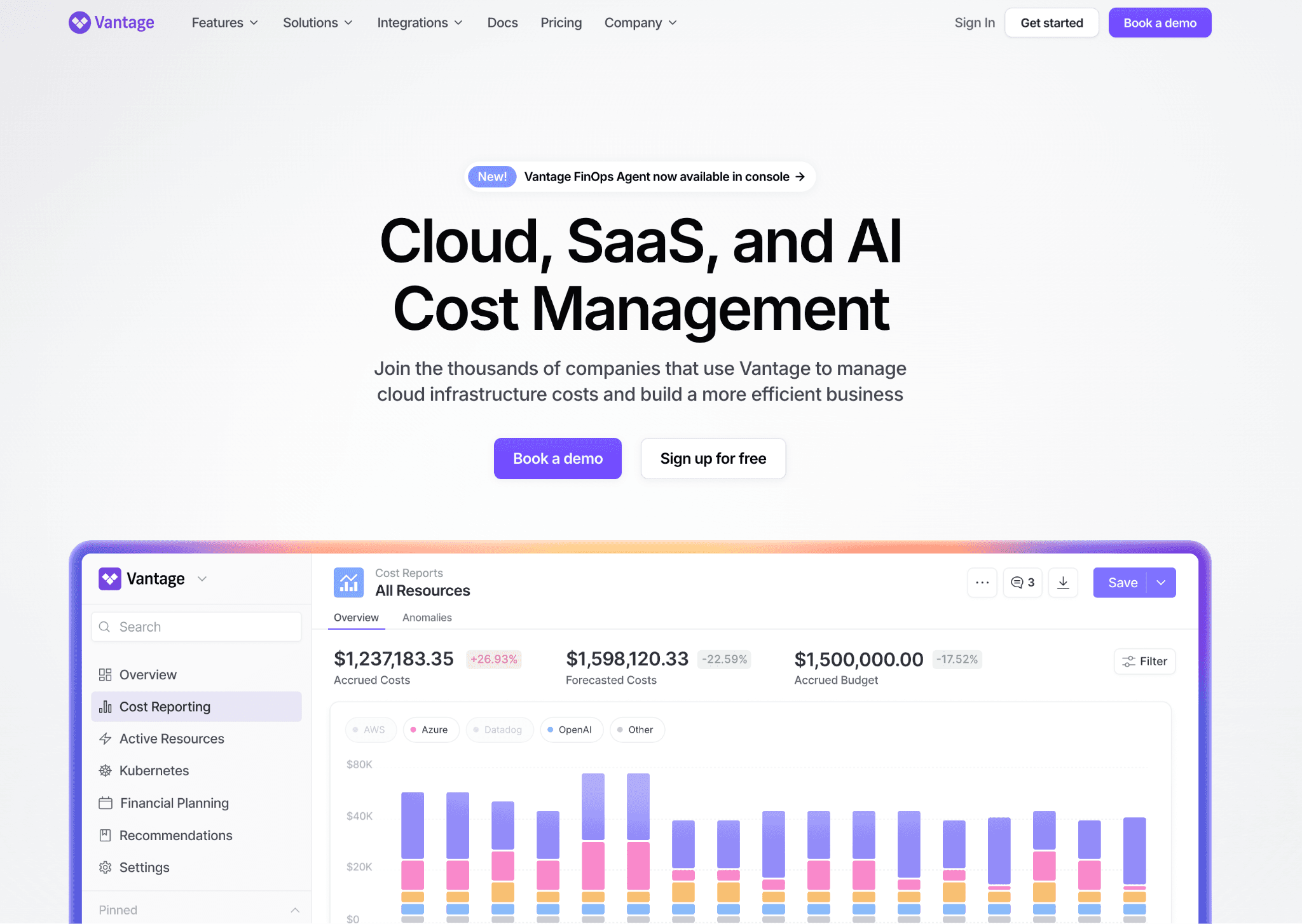
Vantage offers 25+ integrations and a clean dashboard for AWS, with optional Azure, GCP and SaaS coverage. A free tier and self-serve onboarding make it popular with AWS teams that want to start small and grow into the platform.
Key features:
25+ integrations including AWS, Snowflake, Datadog and MongoDB Atlas that aggregate AWS and SaaS spend in one view, so teams see total infrastructure cost
Reservation reporting and Savings Plan tracking that surfaces AWS commitment coverage gaps with projected savings attached to each recommendation
Active anomaly notifications that send alerts when AWS spend deviates from expected patterns, with team-level routing based on report ownership
Per team AWS cost views that any team member can build and share without admin access, reducing the bottleneck on central FinOps or platform teams
AWS cost reports based on filters across account, service, tag, region, or custom dimensions, with a clean URL shareable interface
AWS Cost Categories support and mapping to the existing AWS Billing structure, useful for teams that have already invested in Cost Categories
Public pricing pages for AWS, Azure and SaaS providers are built into the product, useful for benchmarking
Issue tracking integration with Jira and Linear so AWS anomaly investigations live in your existing workflow
Pricing:
Vantage offers a free tier with no time limit for teams managing smaller AWS footprints, one of the few platforms where you can get genuine value before committing a budget.
Paid plans scale as a percentage of spend under management and unlock longer data history, team-based access controls and priority support, with no sales conversation required for most tiers.
Pros:
Fastest onboarding in this list, with most AWS teams seeing a working cost dashboard within the first day without professional services involvement
The free tier with no time limit is rare in this category and lets startups use it as a long-term AWS cost solution rather than a trial
25+ integrations make it the strongest choice for AWS teams that want total infrastructure cost in one place
Cons:
Natural language querying and AI features are at an earlier stage than Amnic's agent layer, so a CFO querying AWS costs in plain English will find the experience more limited
AWS anomaly governance is largely alert-based, so teams that need ownership routing, tag hygiene enforcement or budget policy rules will need to build that layer themselves
AWS GPU and Bedrock cost coverage is shallow, a gap for AI-heavy teams
EKS, EBS and S3 recommendations are less developed than dedicated AWS cost optimization software
6. ProsperOps
Best for: AWS heavy teams that want Reserved Instance and Savings Plan portfolios managed automatically across EC2, RDS and Fargate without quarterly manual review.
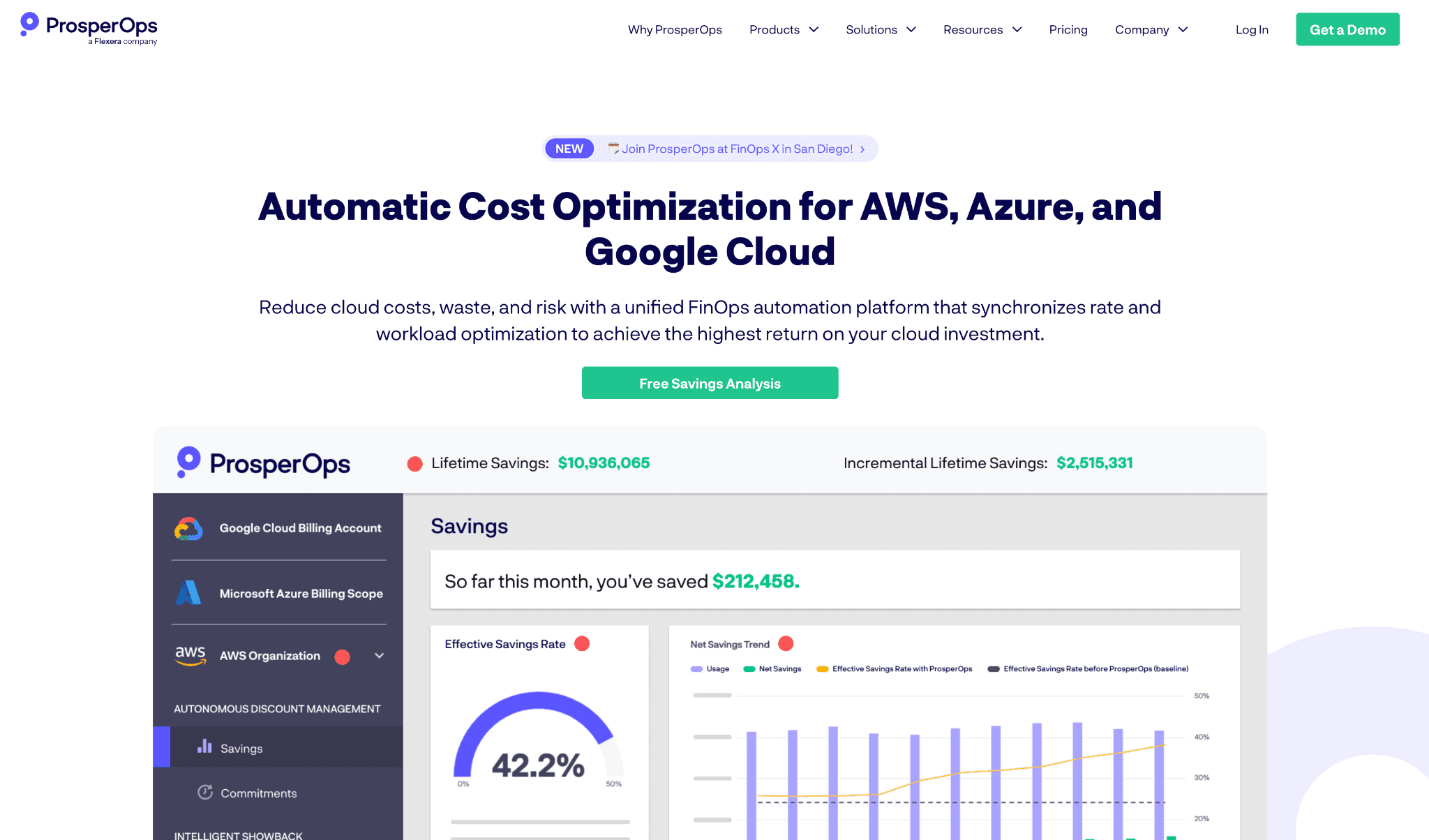
ProsperOps is a focused AWS commitment management platform. It buys, exchanges and rebalances Savings Plans and Reserved Instances on a rolling basis to maximize discount coverage on AWS without locking you into long commitments that no longer fit your usage.
Key features:
Autonomous AWS Savings Plan management that purchases, exchanges and adjusts SPs continuously based on actual EC2, RDS, Lambda and Fargate usage patterns
Reserved Instance portfolio rebalancing that swaps RIs across instance families and regions as workloads shift, keeping coverage aligned with current AWS usage
Coverage and utilization reporting that shows exactly how much of your AWS spend is covered, what the effective discount is and where gaps remain
Risk hedging across short and long-term AWS commitments so teams avoid being locked into 3-year terms that no longer match the workload mix
AWS Organizations support that handles commitment optimization across linked accounts in one consolidated view
Effective Savings Rate (ESR) metric gives a single number for how well your AWS commitments are performing
Slack and email reporting on AWS commitment changes so teams have a clear log of every action without logging into the dashboard
SOC 2 compliance and read-only AWS billing access with optional write access only for commitment purchases
Pricing:
ProsperOps uses a savings share model, charging a percentage of the additional AWS savings it generates above what your account would have achieved on its own.
There are no upfront fees and no charges until savings are realized, which makes the tool easy to justify internally. Larger AWS spenders should model the savings-share percentage over a 12-month period before signing.
Pros:
Handles the full AWS commitment lifecycle automatically, removing the quarterly manual review that most teams either skip or do badly
Effective Savings Rate gives finance and FinOps a single, comparable number to track over time, useful for board reporting
Savings-share pricing aligns the vendor's incentive directly with delivering measurable AWS cost reduction
Cons:
Scope is limited to AWS commitments, so teams need a separate platform for visibility, anomaly detection, EKS and storage cost
Write access is required for AWS commitment purchases, so security teams at regulated companies need to approve a specific permission scope before deployment
No GPU instance recommendations, no S3 storage class transitions, no EBS rightsizing, since the product focuses purely on commitment economics
Effective Savings Rate is a proprietary metric, which can make it hard to compare directly with AWS native commitment dashboards
7. Apptio Cloudability
Best for: Large enterprises that need finance-grade AWS chargeback and showback reports, monthly cloud cost close and policy-based governance.
Cloudability, now part of IBM, brings enterprise reporting depth and governance to AWS cost management. It is the choice for organizations with a dedicated FinOps function that runs monthly business reviews and reports to a CFO.
Key features:
Multi-cloud governance with policy enforcement that sets AWS spending rules and triggers alerts or approval workflows when teams breach agreed budgets
Detailed AWS chargeback reports for shared services that allocate networking, security tooling and data platforms back to business units with audit-ready documentation
AWS Reserved Instance and Savings Plan optimization that models coverage gaps against actual usage and recommends specific purchases with projected ROI
Mature data export and BI tool integrations that push AWS cost data to Tableau, Power BI and other enterprise reporting tools on a schedule
AWS Organizations supports hundreds or thousands of linked accounts, with consolidated billing data normalized into one view
True Cost reporting that adjusts AWS spend for committed use discounts, credits and refunds, useful for monthly finance close
Custom business mapping that aligns AWS cost data with internal cost centers, business units and product hierarchies
Audit trails and access controls designed for finance compliance and SOX-style reviews
Pricing:
Cloudability is sold through IBM enterprise agreements, with pricing structured around AWS and total cloud spend volume and the number of accounts under management.
There is no self-serve option and no free trial and most deployments include a professional services engagement, so the true cost of adoption is higher than the license fee alone.
Pros:
One of the most established platforms in the AWS cost category, with over a decade of enterprise FinOps deployments, giving it credibility with CFOs and procurement teams
AWS chargeback and showback reporting is among the most detailed available, with policy-based allocation rules that hold up under finance audit
AWS Reserved Instance analytics and committed use discount modeling are mature and reliable for enterprises with large reservation portfolios
Cons:
Deployment typically takes 6 to 12 weeks and requires IBM professional services in most cases, which delays time to first AWS insight and adds to the total cost
The interface is designed for trained FinOps analysts, so engineering teams find the learning curve steep compared to newer self-serve AWS platforms
AWS GPU, Bedrock and AI workload cost tracking are not first-class features, a gap for modern AI-heavy AWS environments
Product runs on IBM's release cycle, slower than independent vendors, so teams evaluating long-term roadmap should factor that cadence in
8. nOps
Best for: SaaS and AI/ML engineering teams running Kubernetes-heavy AWS workloads that want automated commitment buying and EKS cost allocation without a FinOps specialist.
nOps is an AWS-first FinOps platform built for engineering-led teams. It combines EKS cost allocation at the container, pod and node pool level with automated management of Reserved Instances, Savings Plans and spot capacity on AWS.
Unlike most platforms that surface recommendations and leave execution to the team, nOps acts on them, adjusting spot instance usage, rightsizing containers and managing AWS commitment purchases based on live workload data.
Key features:
AWS EKS cost allocation that breaks down spend by container, pod, namespace and node pool, giving platform teams the same granularity as a dedicated K8s tool
AWS commitment management that purchases, exchanges and manages Reserved Instances and Savings Plans on a rolling basis, adjusting coverage as workload patterns shift
Compute Copilot for AWS spot orchestration that selects spot instances based on interruption probability, handles interruptions and falls back to on-demand without the team writing instance management logic
Cost allocation by team and service that maps AWS and EKS spend to teams, services and environments using tag rules and namespace mappings
AWS Well-Architected Framework reviews built into the platform, useful for teams aligning with AWS best practices
AWS anomaly alerts at the account, service and tag level with Slack routing
AWS Marketplace listing, so teams can procure nOps against an existing AWS commitment
Multi-account AWS Organizations support across consolidated billing
Pricing:
nOps uses a savings share model, charging a percentage of the AWS savings it generates with no upfront fees.
There are no charges until savings are realized, which makes the tool easy to justify internally. Teams should model the savings share percentage against total AWS commitment and EKS spend over 12 months before signing.
Pros:
AWS EKS cost allocation at the container and pod level fills the gap left by tools that only show service-level spend, so platform teams can show squads what their workloads actually cost on AWS
Commitment management removes the need for a FinOps specialist to review and purchase AWS Reserved Instances each quarter, reducing coverage gaps that drive on-demand spend
Independent and venture-backed with no large enterprise acquisition on record, so the AWS roadmap is not subject to portfolio decisions at IBM or Flexera
Cons:
Strongest on AWS, with Azure and GCP coverage less mature, so teams expanding to other clouds may find allocation depth uneven
Full automation for AWS commitment and spot management requires write access to the account, which security teams may not approve without a review
AWS storage cost tracking (S3 storage class, EBS rightsizing, EFS lifecycle) is thinner than dedicated visibility tools
Finance-facing features like AWS chargeback, unit economics and executive dashboards are thinner than dedicated FinOps platforms, so nOps works best alongside a broader visibility tool
9. Kubecost
Best for: Platform and DevOps teams running EKS who need pod, namespace and persistent volume claim level cost allocation without a full FinOps platform.
Kubecost is a Kubernetes-first cost allocation tool with deep coverage of AWS EKS, plus AKS and GKE. It runs as a workload in your EKS cluster, ingests Prometheus metrics and pairs them with AWS billing data to produce per pod, per namespace and per deployment cost views.
Key features:
AWS EKS pod and namespace cost allocation with per-container CPU, memory, GPU and storage cost broken down at the pod level, useful for showback to specific squads
Persistent volume claim cost tracking that maps AWS EBS spend to specific applications, often surfacing significant unattended storage waste
Idle resource detection inside the EKS cluster that flags overprovisioned pod requests and underused nodes, with rightsizing suggestions for each workload
Network cost allocation across AWS cross-AZ and cross-region traffic inside the cluster, helping teams identify expensive data transfer patterns
External AWS cost integration that pulls EC2, EBS and Load Balancer spend into the same view, so teams see infrastructure plus EKS spend together
Open source core (OpenCost) with a paid enterprise tier for SSO, SLA support and longer data retention
Slack and Teams alerts on namespace or label-level spend changes
Custom allocation rules using Kubernetes labels, useful for teams with mature labeling practices on AWS
Pricing:
Kubecost has a free open source tier (OpenCost) that covers basic AWS EKS allocation and reporting, suitable for small teams or evaluation.
Paid tiers add multi-cluster support, longer historical data, advanced reporting and SLA-backed support, priced per cluster or per node depending on the plan.
Pros:
Deepest free AWS EKS cost allocation available, useful for platform teams that need granular data without budget approval
Open source foundation gives teams confidence in long-term availability and avoids vendor lock-in for the core feature set
Strong community and integrations with Prometheus, Grafana and existing Kubernetes monitoring stacks, so it slots into existing AWS platform tooling
Cons:
AWS EKS only scope means teams with material EC2, RDS, S3 or Bedrock spend need a second platform alongside Kubecost
Enterprise governance, executive reporting and AI querying are minimal, so it cannot serve as a CFO-facing AWS tool
Setup requires running a workload in every EKS cluster, which adds operational overhead and resource consumption inside production clusters
No support for AWS GPU instance optimization outside of Kubernetes workloads
Common Mistakes When Choosing AWS Cost Optimization Software
Most buyers do not lose money on the platform itself, they lose it on the wrong fit. Seven mistakes account for almost every regretted purchase in this category.
1. Picking by feature count, not fit. A platform with 200 features sounds safer than one with 80, but you will use 30 of them at most. Score on the two AWS cost problems you actually need solved this quarter.
2. Skipping the security review on write-access tools. Tools that automate AWS purchasing or scaling need write access to your account. Many security teams refuse to grant it. Confirm with your security lead before you sign a contract.
3. Buying for the current scale instead of the 18-month scale. A tool that fits a $200K AWS bill rarely fits a $2M one. Mid-market companies typically triple their AWS spend in 18 months. Pick a platform that handles your projected scale.
4. Ignoring AWS storage and data transfer. Many buyers focus only on EC2 and miss the growing share of S3, EBS and NAT gateway costs. Confirm the tool covers all four.
5. Ignoring time to first insight. Some platforms take 6 to 12 weeks to deploy. Others surface AWS insights in hours. If your CFO is asking for savings now, a long onboarding kills momentum.
6. Choosing on demo polish, not customer outcomes. A polished demo is not the same as a working AWS deployment. Ask every vendor for three named AWS customer outcomes with measurable results.
7. Treating GPU and AI cost coverage as an afterthought. Bedrock, P5 GPU instances, OpenAI and Anthropic spend are the fastest-growing AWS-related line items. A tool that ignores them today will be missing your biggest cost center in 12 months.
How to Choose the Right AWS Cost Optimization Platform
The right tool is the one that solves your single biggest AWS cost problem in the first 90 days, not the one with the longest feature list.
Pick the problem you are actually facing on AWS:
Visibility problem: Choose a platform with strong AWS dashboards and tag normalization, like Amnic, CloudZero or Vantage
EC2 and storage waste problem: Prioritize a recommendations engine with documented savings on EC2, EBS and S3, like Amnic or Economize
EKS and Kubernetes problem: Choose an EKS-aware platform like Amnic, Kubecost or nOps
GPU and AI cost problem: Choose a platform that tracks Bedrock and GPU instance spend, like Amnic
Governance problem: Look for budgets, anomaly thresholds and tag hygiene, like Amnic or Cloudability
Commitment automation problem: Look for write access AWS tools that act on your behalf, like ProsperOps or nOps
Reporting and chargeback problem: Choose enterprise-grade tools, like Cloudability or Amnic
Free baseline visibility: Start with AWS Cost Explorer, then upgrade once your AWS bill crosses around $10K a month
Write down your top two AWS cost problems. Compare only those two. You will pick faster and avoid paying for features you will never use.
Why Decision Makers Choose Amnic for AWS Cost Optimization
Amnic is built around a simple belief: AWS cost should be transparent for every role, not just FinOps specialists.
The platform pairs deep AWS billing granularity with an AI layer that finance leaders, engineers and product managers can each use without training. Three differentiators matter most to the decision makers we talk to every week.
AWS depth that goes to the resource level. Most competitors stop at the AWS service summary. Amnic goes from AWS account to service to specific resource ID for S3, EC2, EBS, RDS, EKS and Bedrock workloads, including GPU instance tracking for AI/ML teams.
Read-only AWS access by design. Amnic never touches your AWS account. Your DevOps team owns every change. That single architectural choice is why security teams approve Amnic in days instead of months.
AI that any role can use. Amnic AI ships four agents (X-Ray, Insights, Governance, Reporting) that turn natural language questions into filtered AWS dashboards. A CFO can ask "what did we spend on AWS Bedrock last month?" and get an answer in 30 seconds.
"Amnic's recommendation engine helped reduce our cloud bill through optimization of network and CloudWatch costs. The team is suited to address the pain points of fast-growing companies."
Mayank Bhola, Co-founder & CTO, LambdaTest
"The maturity of Amnic AI, along with how easily we integrated it across our multi-cloud setup, was phenomenal. The team is consistently open to ideas and prioritizes the roadmap based on customer needs."
Senior FinOps Lead, G2 verified review
Read the full case studies on the customer success page.
Frequently Asked Questions:
What is the best tool for AWS cost optimization?
It depends on your biggest cost problem. Amnic is the strongest pick for deep AWS visibility with AI querying and read-only deployment. AWS Cost Explorer is enough if you only need baseline reporting. CloudZero fits SaaS teams chasing cost per customer. ProsperOps and nOps are best for commitment automation.
Is AWS Cost Explorer free to use?
Yes, the Cost Explorer UI is free with every AWS account. The Cost Explorer API costs $0.01 per request. Most teams outgrow it once their AWS bill crosses around $10,000 a month or they need anomaly detection, unit economics or product-level reporting.
What is the difference between AWS Savings Plans and Reserved Instances?
Both offer up to 72% off in exchange for a 1 or 3-year commitment. Reserved Instances lock you to a specific instance family, region and OS. Savings Plans commit a $/hour spend and apply across instance families, regions, Fargate and Lambda. Most modern workloads favor Compute Savings Plans.
How do I reduce my AWS bill without changing my architecture?
Rightsize oversized EC2 and RDS instances. Delete unattached EBS volumes and idle Elastic IPs. Move cold S3 objects to Infrequent Access or Glacier. Extend Savings Plan coverage on steady workloads. Stop non-production EC2 outside work hours. Investigate NAT gateway and cross-AZ data transfer.
Do I need a third-party tool if I already use AWS Cost Explorer?
Cost Explorer is enough under $10,000 a month if you do not need anomaly detection, unit economics or chargeback. Above that, a dedicated AWS cost optimization platform usually pays for itself in the first quarter and adds EKS pod level allocation, GPU tracking and AI querying that Cost Explorer cannot provide.
How do I optimize AWS storage costs (S3, EBS, EFS)?
For S3, move cold objects from Standard to Infrequent Access or Glacier with lifecycle policies and clean up old object versions. For EBS, switch gp2 to gp3 to save up to 20% and delete unattached volumes. For EFS, enable lifecycle management to move idle files to IA.
How do I optimize AWS GPU and AI workload costs?
Track GPU utilization on P4, P5, G5, and Trainium instances and stop idle GPUs outside training windows. Use Spot capacity for fault-tolerant training, which cuts GPU cost up to 70%. Consider Trainium and Inferentia for cheaper inference. For Bedrock, track per-model spend and route simple queries to smaller models.
How much can a company realistically save with AWS cost optimization tools?
Most teams recover 10 to 20% of their AWS bill in the first 90 days. Amnic customers have hit 30 to 50% on specific lines: 30% NAT and CloudWatch at LambdaTest, 50% on a Kubernetes cluster at Jiffy.ai, 33% EC2 at MetaMap and 40% compute at Nanonets.
Cut Your AWS Bill in the Next Quarter
If you are a CFO, FinOps lead or VP of Engineering looking to recover 10 to 20% of your AWS spend before the next board review, Amnic is built for you.
Book a 30 minute demo and see your top three AWS cost leaks before the call ends.






