AWS Fargate vs EC2: Cost, Control & When to Use Each
6 min read
Comparisons
AWS
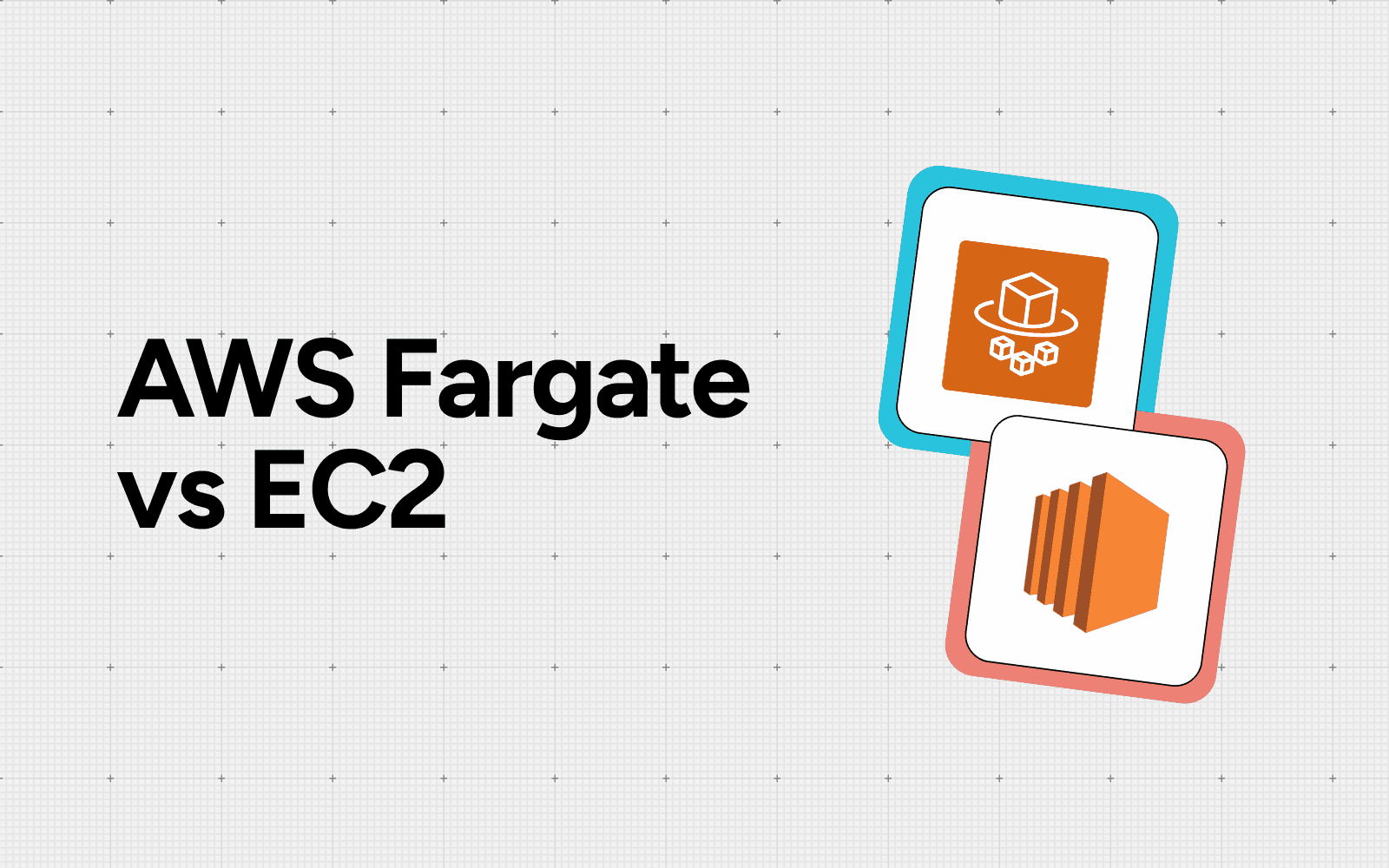
Table of Contents
If you run containers on AWS, Fargate vs EC2 is not a choice between two unrelated products. Both are launch types for Amazon ECS (and EKS): Fargate runs your containers without any servers for you to manage, while EC2 runs them on virtual machines you own and operate.
The real decision is how much infrastructure control you want and how much you are willing to pay for convenience. That trade also shapes your bill, so it is worth knowing how EC2 pricing actually works before you commit.
This guide breaks down the differences, the cost crossover point that most comparisons skip and a clear rubric for choosing.
What is AWS Fargate?
AWS Fargate is a serverless compute engine for containers. You define a task (CPU, memory, container image) and AWS provisions, scales and patches the underlying capacity for you. There are no instances to size, no operating system to maintain and no cluster to bin-pack. You pay only for the vCPU and memory your running tasks request, billed per second.
Fargate suits teams that want to ship containers and ignore the machines beneath them. The cost of that simplicity is a per-unit premium and less low-level control.
What is Amazon EC2?
Amazon EC2 provides virtual machines you launch, configure and manage yourself. With the EC2 launch type, your containers run on instances inside a cluster you own. You pick the instance family, handle scaling policies, patch the OS and pack tasks onto instances to maximize utilization.
EC2 gives you the deepest control: GPU and specialized instances, custom kernels, persistent local storage and the full range of purchasing options. It also hands you the operational work. Understanding what drives Amazon EC2 costs is essential here, because the EC2 launch type only saves money when you actually use the capacity you pay for.
Fargate vs EC2: the core difference
Both run the same containers and the same ECS task definitions. The split is who owns the infrastructure. This is the same launch-type decision you face when you weigh how ECS and EKS compare: Fargate abstracts the servers, EC2 exposes them.
Dimension | AWS Fargate | Amazon EC2 |
|---|---|---|
Management | Fully managed, serverless | You provision, patch, scale |
Billing unit | Per vCPU + GB, per second | Per instance, per second |
Scaling | Per-task, automatic | Auto Scaling Group policies |
Startup time | Seconds | Minutes |
Control | Limited, standardized | Full (instance type, OS, GPU) |
Best fit | Variable, bursty workloads | Steady, high-utilization workloads |
How pricing actually works
Fargate is priced on the resources each task requests. In US East (N. Virginia), the on-demand Linux/x86 rate is $0.04048 per vCPU per hour and $0.004445 per GB per hour. You pay for what your task asks for, with no idle instance underneath.
EC2 bills you for the whole instance from launch to termination, regardless of how much of it your containers use. That sounds worse until you fill the instance: a well-packed EC2 host spreads its fixed cost across many tasks, driving the effective per-task price below Fargate. EC2 also opens up the full range of commitment discounts: Reserved Instances, EC2 Instance Savings Plans, Compute Savings Plans and Spot. Fargate is narrower.
It is covered by Compute Savings Plans and Fargate Spot, but not by Reserved Instances. Either way, you only keep spend honest if you keep container costs under control continuously, not as a one-time pricing choice.
The cost crossover most comparisons miss
The honest answer to whether Fargate is cheaper than EC2 is that it depends on utilization. Cost modeling of ECS launch types shows that at low utilization (around 6.25% CPU and 12.5% memory), Fargate runs about 87% cheaper than an equivalent EC2 instance, while a fully utilized EC2 instance flips the math to more than 20% savings. Spot capacity cuts the bill further for fault-tolerant tasks: EC2 Spot runs up to 90% off On-Demand, while Fargate Spot runs up to 70% off the Fargate price.
In practice, Fargate's convenience comes at a premium over well-managed EC2 infrastructure. For compute-heavy, tightly packed workloads, EC2 can be cheaper still. The fastest way to find your own crossover is to model it with the right AWS cost optimization tools.
Do not forget the labor cost
Compute is only part of the bill. EC2 also carries ongoing operational labor: patching, scaling policies, cluster bin-packing and capacity planning, all of which Fargate removes. If that engineering time costs you more than your EC2 savings, Fargate can be cheaper all-in even at a higher per-unit rate.
Fargate removes most of that toil. If your EC2 savings are smaller than your operations overhead, Fargate can be cheaper all-in even at a higher per-unit rate.
When to choose EC2
Pick EC2 when you can keep utilization high and the workload is predictable:
Steady, 24/7 services where Reserved Instances or Savings Plans apply
Compute- or memory-intensive workloads that fill an instance
Specialized hardware (GPU, high I/O, custom kernels)
Large tasks beyond Fargate's per-task ceiling of 16 vCPU and 120 GB
Teams with the capacity to bin-pack and operate clusters
The same packing discipline decides whether you can cut your EKS bill: EC2 only wins on cost when the instances are full.
When to choose Fargate
Pick Fargate when operational simplicity and elasticity matter more than squeezing the last dollar:
Variable or bursty traffic that is hard to right-size on EC2
Small teams without a dedicated platform function
Event-driven or batch tasks that should not pay for idle instances
Fast scaling needs where minutes of instance startup hurt
Microservices where per-task isolation simplifies operations
Why the choice matters for cost governance
Launch type is one of the highest-leverage decisions in your container bill. It is rarely permanent. Many teams run both: Fargate for spiky and low-utilization services, EC2 for the steady core that justifies a Savings Plan. Treating this as an ongoing FinOps discipline rather than a one-time pick keeps the two launch types matched to how each workload actually behaves.
Conclusion
Fargate vs EC2 comes down to control versus convenience. The cost answer hinges on utilization. Fargate wins on simplicity and on low-utilization or bursty workloads; EC2 wins on steady, well-packed, compute-heavy workloads where Savings Plans apply. Map each service to its traffic pattern, watch the utilization crossover and revisit the split as workloads change. Let automated cost recommendations turn that one-time decision into a repeatable optimization.
FAQ
Is Fargate cheaper than EC2?
It depends on utilization. At low utilization Fargate can be about 87% cheaper than an equivalent EC2 instance; when EC2 is fully packed EC2 saves over 20%. Fargate carries a 20-30% premium over well-managed EC2.
Are Fargate and EC2 the same thing?
No. Both are launch types for Amazon ECS and EKS. Fargate runs containers serverlessly with no instances to manage; EC2 runs them on virtual machines you provision, patch and scale yourself.
When should I use Fargate instead of EC2?
Choose Fargate for variable or bursty traffic, small teams, event-driven or batch tasks and fast scaling, when avoiding idle instance cost and server management outweighs a higher per-unit price.
When is EC2 the better choice?
Choose EC2 for steady, predictable, high-utilization or compute-intensive workloads, specialized hardware, large tasks and cases where Reserved Instances or Savings Plans drive the effective cost below Fargate.
Can I run Fargate and EC2 together?
Yes. Many teams mix launch types in one architecture: Fargate for spiky or low-utilization services and EC2 for the steady core that justifies a Savings Plan or Reserved Instance.
What are Fargate's task size limits?
A single Fargate task supports up to 16 vCPU and 120 GB of memory. Larger workloads must be split across tasks or run on EC2 instances.
Better visibility and management into AI Tokens?
Start with a 30 day trial
Connect leading LLMs
24 hour time to value
Stay ahead of AI Spend

Make AI spend visible, controllable, and accountable.
Gain insights into your AI token costs at a team, customer, business unit and individual user level to measure and manage AI utilization.
Recommended Articles

Amazon SageMaker Pricing: What It Costs and How to Cut It
Read More

Compare Input vs Output Token Pricing: Why Output Costs More and How to Budget for It
Read More

Vertex AI vs Bedrock: The Enterprise Platform Decision That Outlives the Token Price
Read More

Gemini vs GPT: Which AI Model Fits Your Workflow and Budget
Read More
AWS RDS Pricing: A Complete Cost Breakdown (With a Worked Example and Every Region)
Read More
DynamoDB Pricing: What You Actually Pay For and How to Control It
Read More






