Improved Query Result Handling in Cost Analyzer
Download full datasets when queries exceed the display limit.
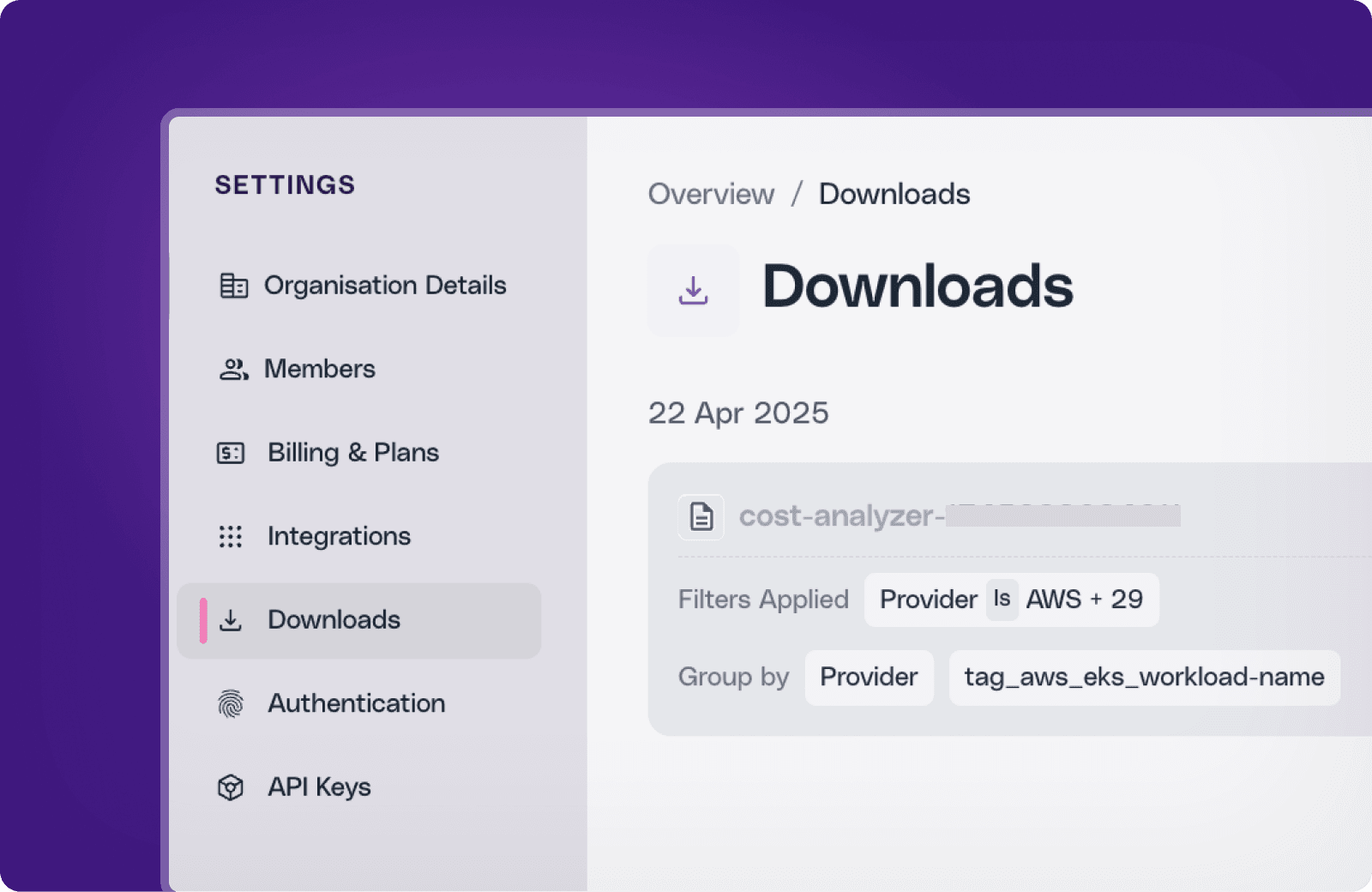
We’ve added a new way to handle large query results in Cost Analyzer, which makes it easier to view and download complete datasets without performance issues.
If your query generates more rows than the display limit, only a portion will be visible on the screen. You’ll now see a prompt with the option to click ‘Download All’, enter a file name, and trigger a download job for the full dataset.
What’s New?
View All Downloads in One Place
To download the full datasets, go to Cost Analyzer, click on 'Download All', enter a file name, and click on Download.

To view your downloads, navigate to Settings → Downloads to track the status of your download jobs. You’ll find sections for:
All
In Progress
Completed
Failed Jobs
Expired

Use Quick Filters to Narrow Your Search
You can also filter downloads by date or status to quickly locate the file you need.
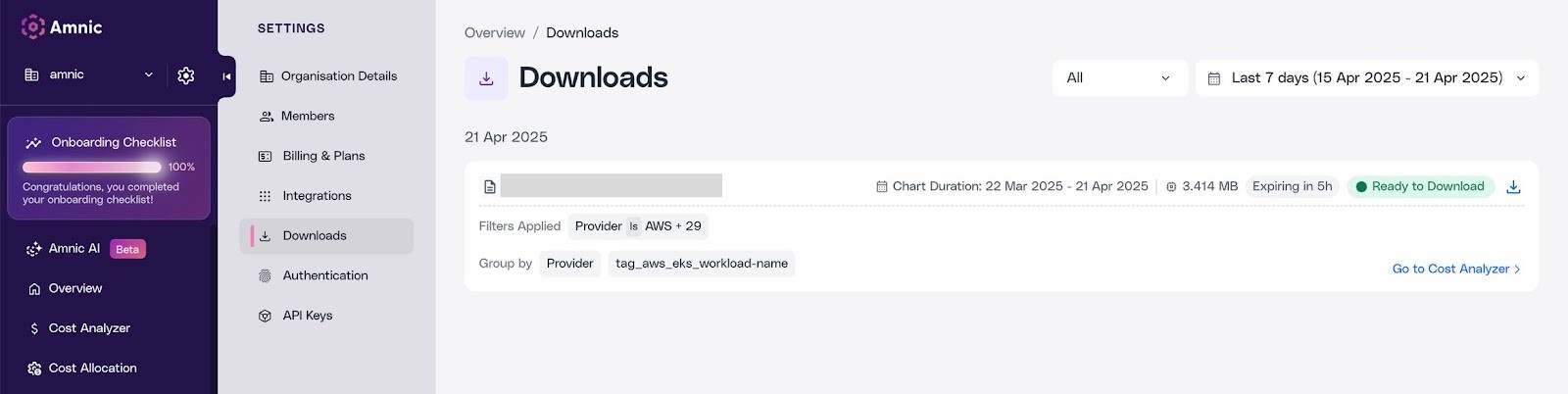
Note: Downloads expire 5 hours after completion. Be sure to download them in time.






