Get a complete view of your cloud infrastructure with Inventory Management
Search, query, and investigate every cloud resource instantly.
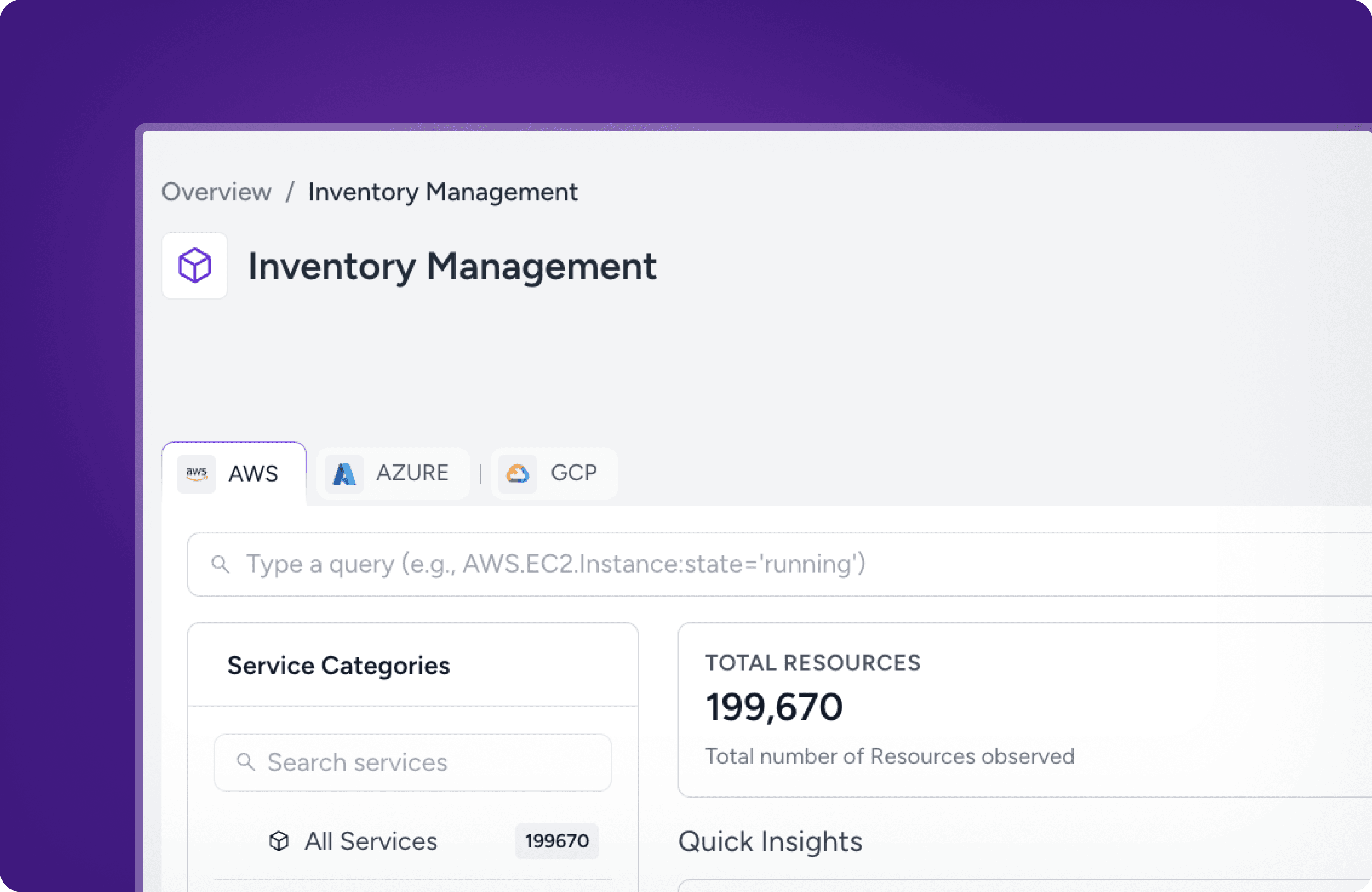
We're thrilled to announce that Inventory Management is now live on Amnic.
Your cloud spans multiple accounts, regions, and providers, and keeping track of everything across all of it has never been easy. Inventory Management gives you one place to see, search, and investigate every resource across your entire infrastructure, with DSL-based querying, dependency exploration, and reusable saved queries built right in.
Spot everything across your cloud from a unified dashboard
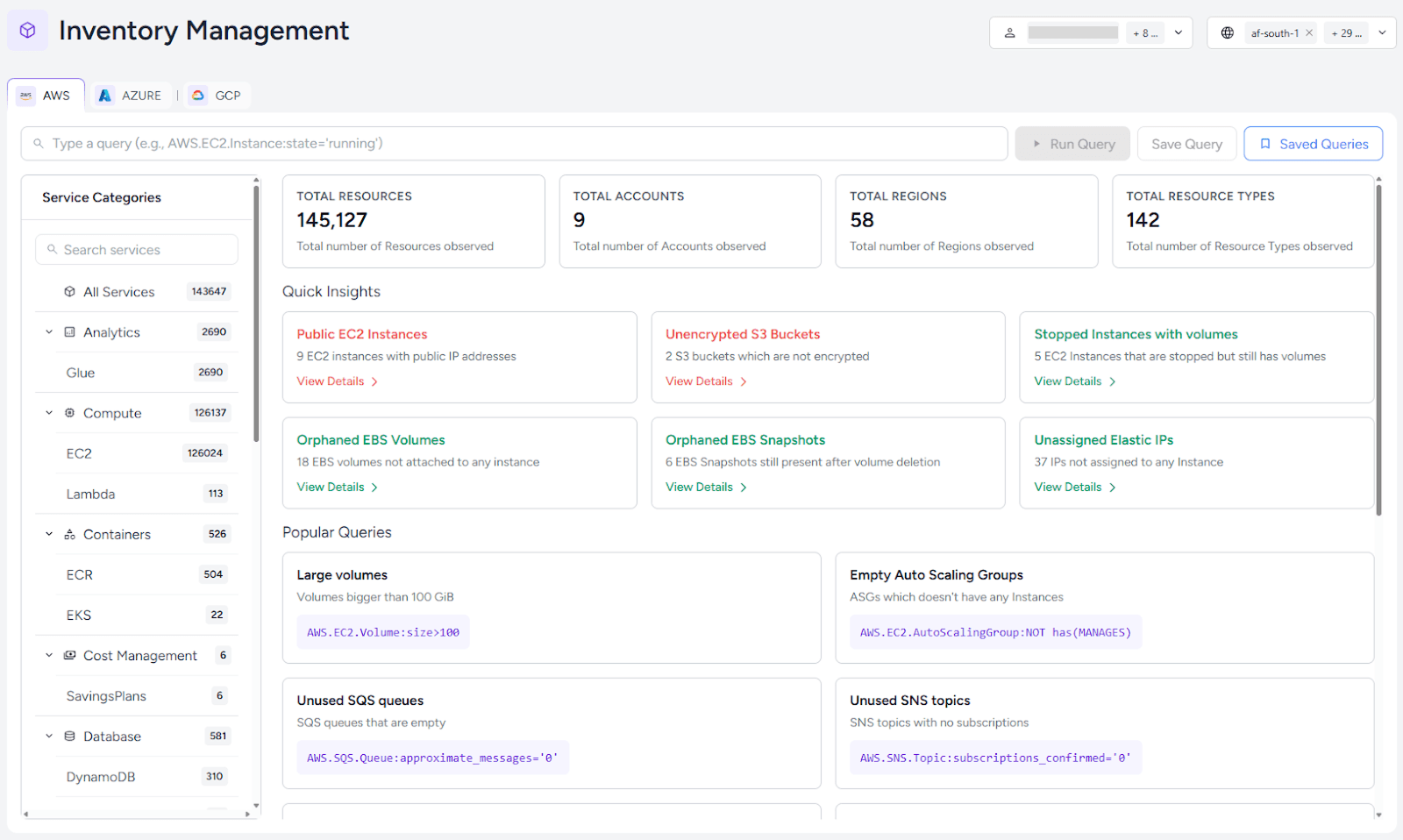
See every cloud resource across all your AWS accounts and regions the moment you log in. Total resource counts, active resources, and Quick Insights surface high-value views instantly.
Navigate and customize
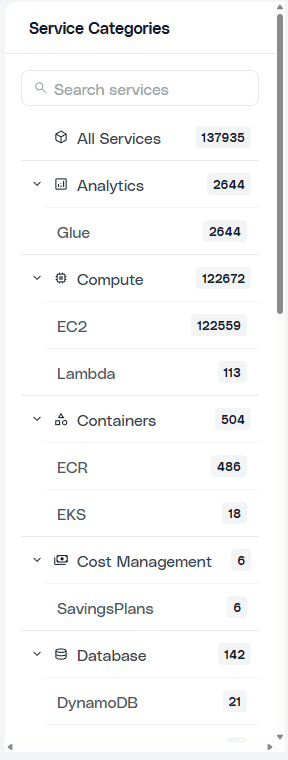
Resources are organized into Compute, Storage, Networking, and Database categories. You can drill into EC2, S3, RDS, EKS, or any of 70+ resource types, then configure each service view exactly how you want it. Show the columns that matter, hide the ones that don't, and save your preferences per service.
Build, save, and share queries across your entire inventory
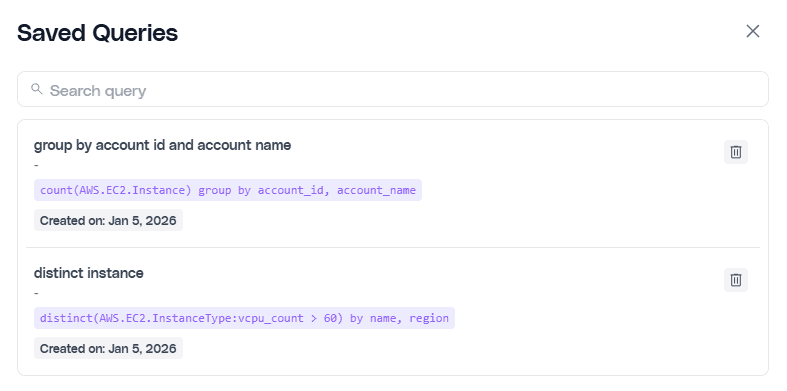
Ask precise questions across your infrastructure in seconds using Amnic's query language. Not a query expert? The guided query builder suggests valid providers, services, and properties as you type. Save and share queries across FinOps, Security, and SRE teams to make every audit faster than the last.
Full resource context and dependency tracing
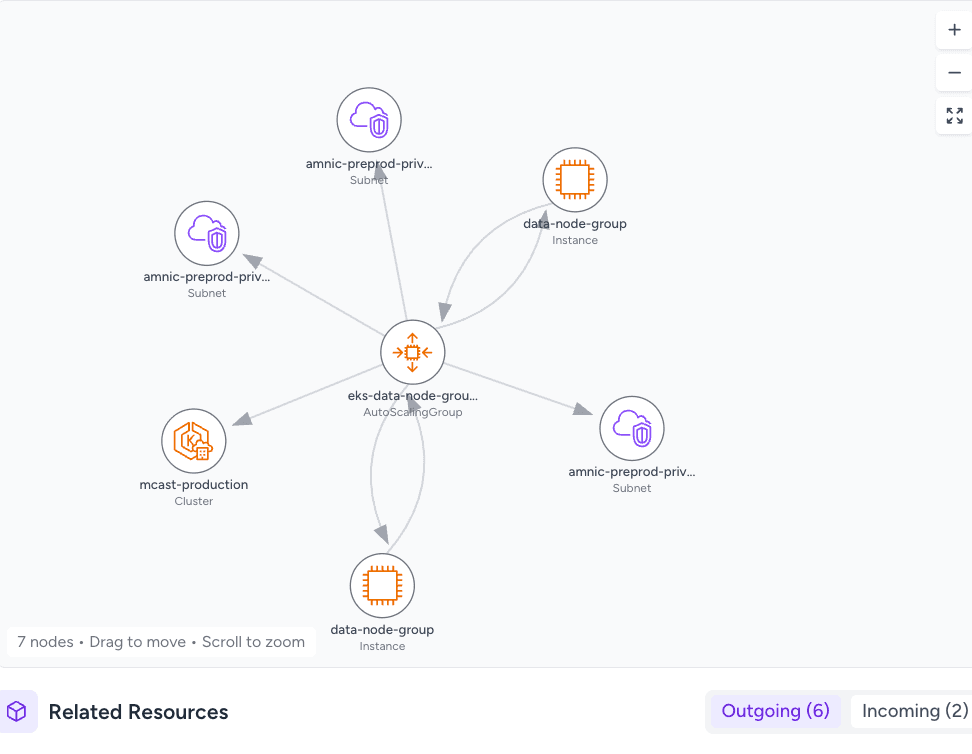
You can click any resource to see its complete configuration, current state, account, and region, and a full relationship map showing every connected component, VPCs, IAM roles, security groups, attached volumes, and more. The built-in graph view visualizes outgoing and incoming relationships across your infrastructure, so you can trace dependencies at a glance without ever leaving the inventory. No console switching required.
Every resource, every relationship, every answer, all in one place. Start exploring your inventory today. For a full feature walkthrough, visit our documentation.






